图表信息图YouMindgpt-image-2charts-infographics
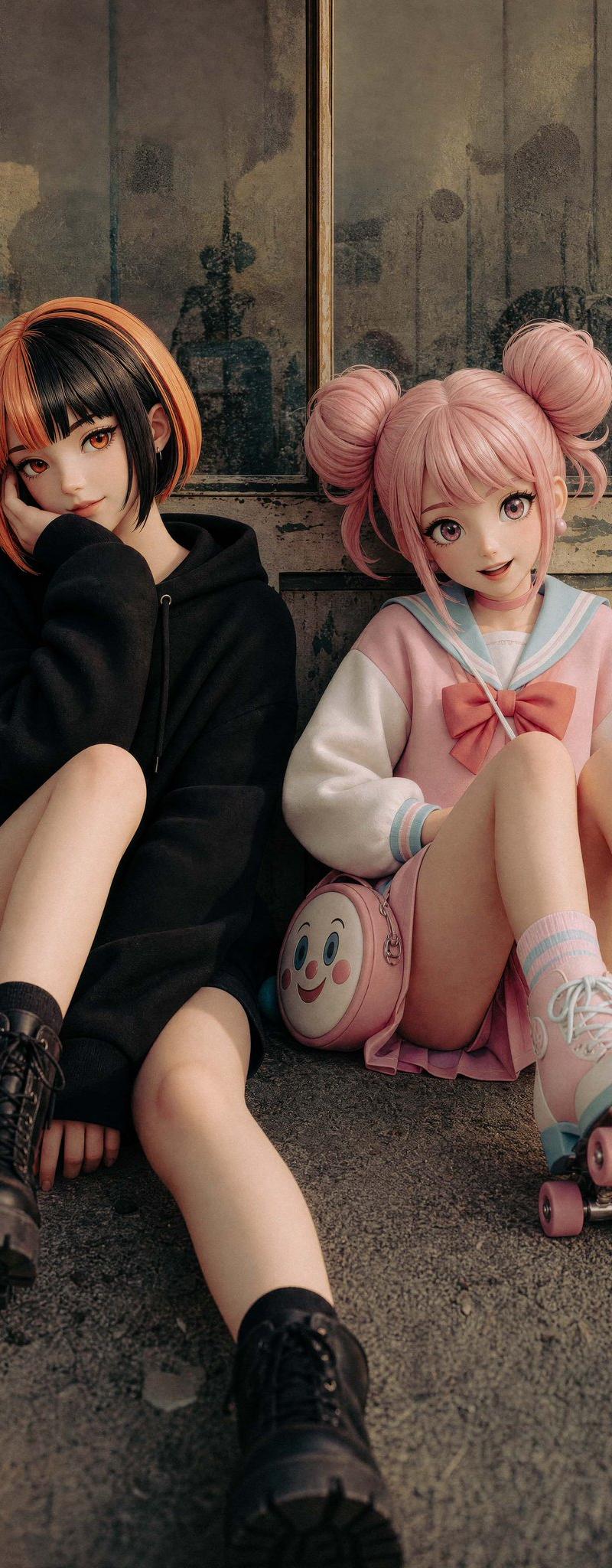
等身手办化转换
提示词
Using the provided reference image, extend the canvas slightly and transform the two seated characters into polished life-size collectible figures or realistic dolls while preserving their original sitting poses, outfits, hairstyles, accessories, and the worn industrial doorway setting. Clean up and sharpen the composition, make the figures look smoother and more sculptural with flawless doll-like skin, neater clothing, more refined hair, and subtly artificial figure proportions, but keep the same two-character arrangement: left character in black hoodie and boots, right character in pink sailor outfit with roller skates and round pink face bag. Apply warm cinematic color grading with richer contrast, softer highlights, deeper shadows, and a high-quality editorial toy-photography finish. Keep the faces anonymized with simple blurred square masks as in the reference. Do not add extra characters, text, logos, or props.
- 分类
- 图表信息图
- 模型
- GPT Image 2
- 来源作者
- こっちに〜る
- 原始语言
- en
- 来源 ID
- 24520
- 发布时间
- 2026年6月6日
浏览量338