图表信息图YouMindgpt-image-2charts-infographics
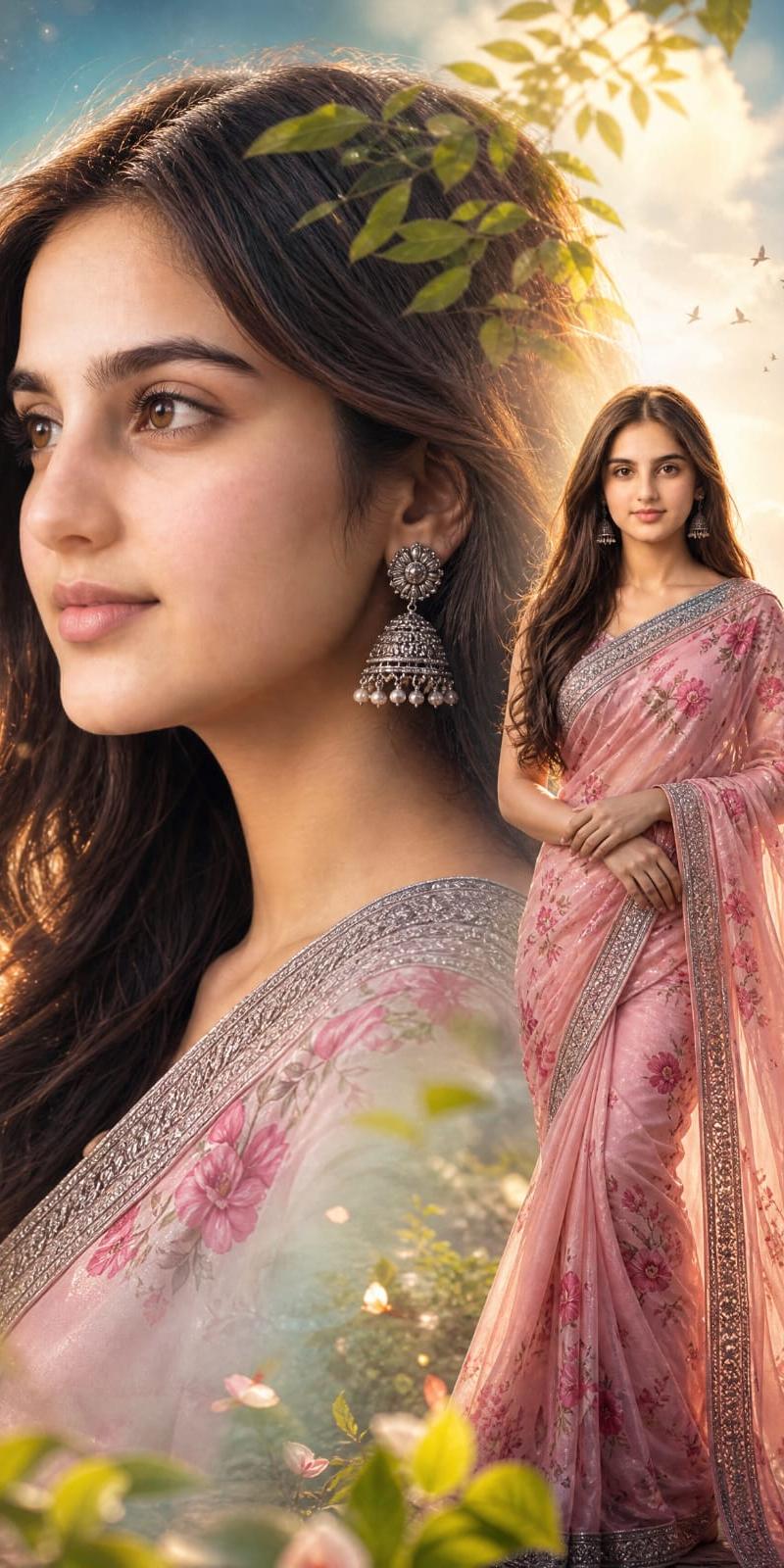
电影感纱丽双重曝光人像
提示词
Create a vertical cinematic double-exposure fantasy portrait of {argument name="character description" default="a beautiful Indian woman"}, preserving the exact same face if a reference photo is provided. The composition has two versions of the same woman: on the left, an enormous close-up side-profile portrait filling most of the frame, with long wavy dark brown hair flowing down and backlit by golden sunlight; on the right, a full-length standing figure in a graceful pose with hands folded at the waist, wearing {argument name="outfit" default="a soft pink floral saree with a silver embroidered border"}. Add ornate silver jhumka earrings, delicate makeup, and elegant feminine styling. The background is a dreamy sky with glowing clouds, warm sun rays, soft blue and gold tones, magical bokeh particles, and exactly 10 small flying birds in the upper-right sky. Add leafy branches overlaying the top of the close-up hair, foreground greenery and blurred leaves at the bottom, small flowers, and a romantic ethereal garden atmosphere. Use soft focus, luminous rim lighting, gentle haze, pastel colors, high-detail fabric embroidery, and a cinematic fantasy-photography look. No text, no watermark, no extra people.- 分类
- 图表信息图
- 模型
- GPT Image 2
- 来源作者
- Arina Ai
- 原始语言
- en
- 来源 ID
- 24535
- 发布时间
- 2026年6月6日
浏览量2640