20

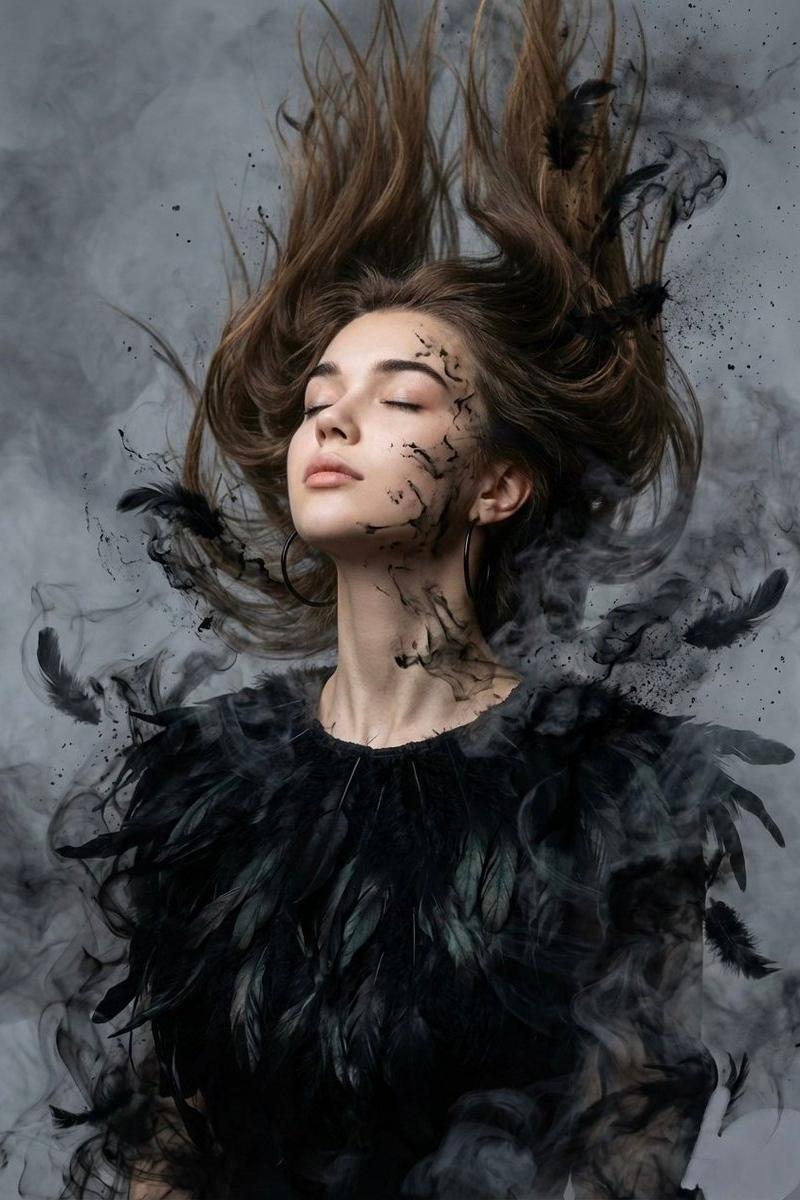
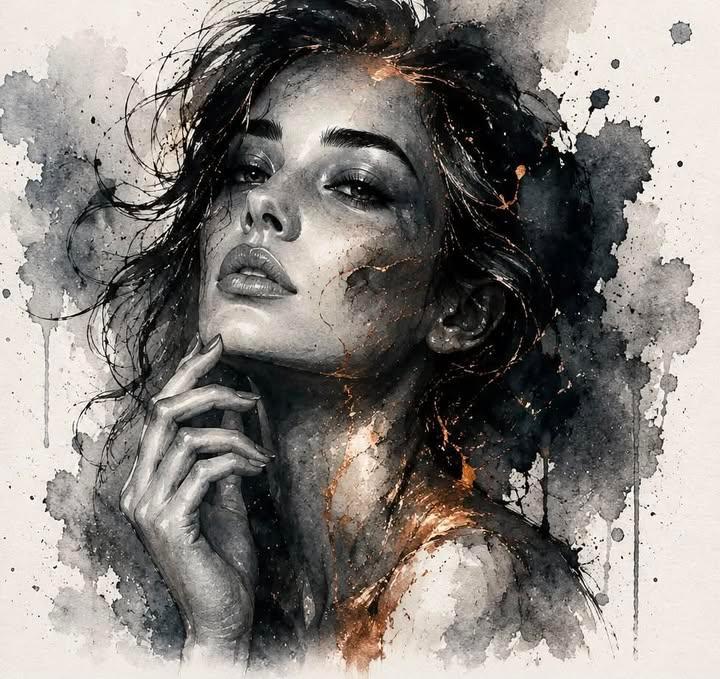
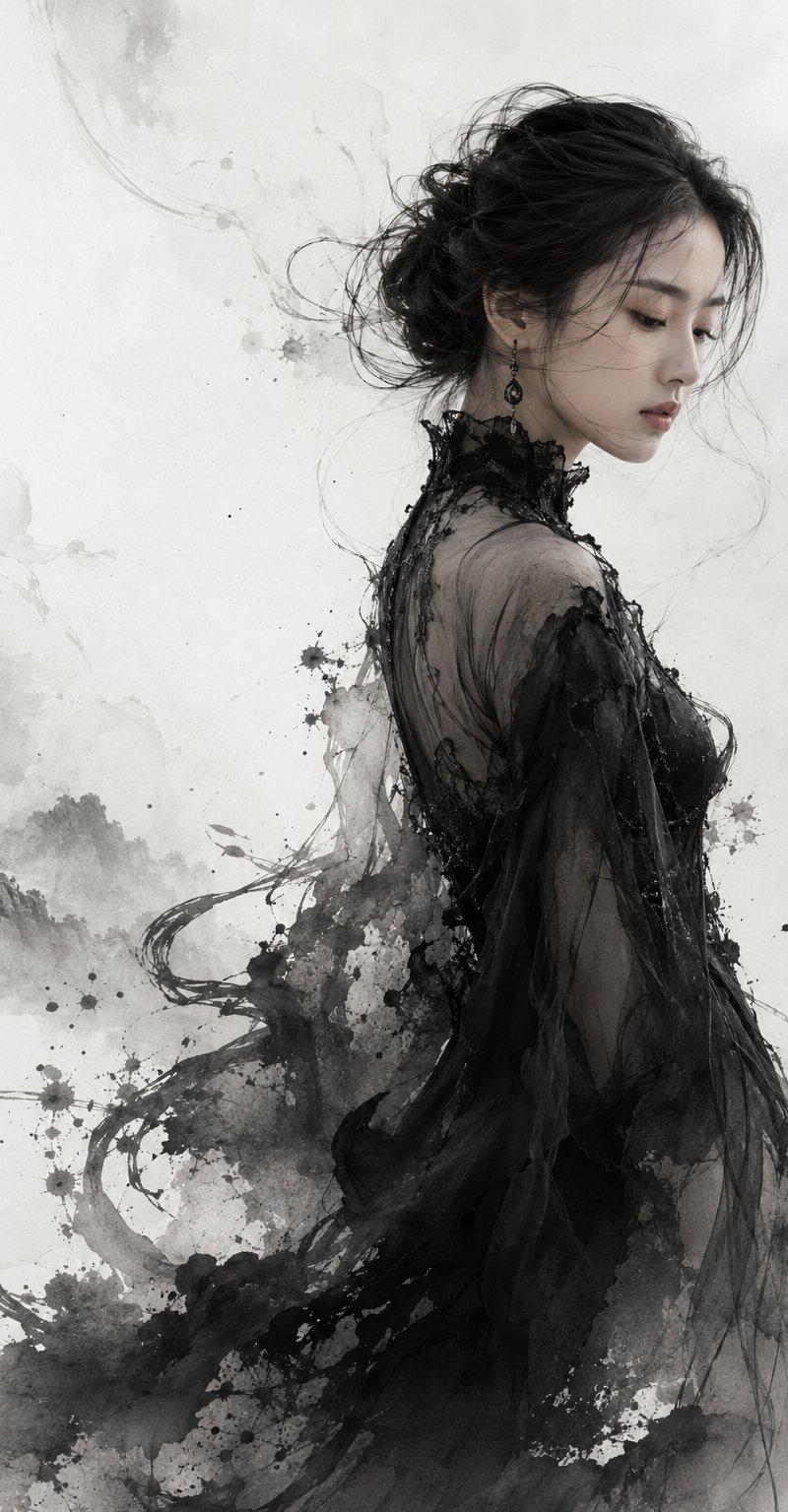
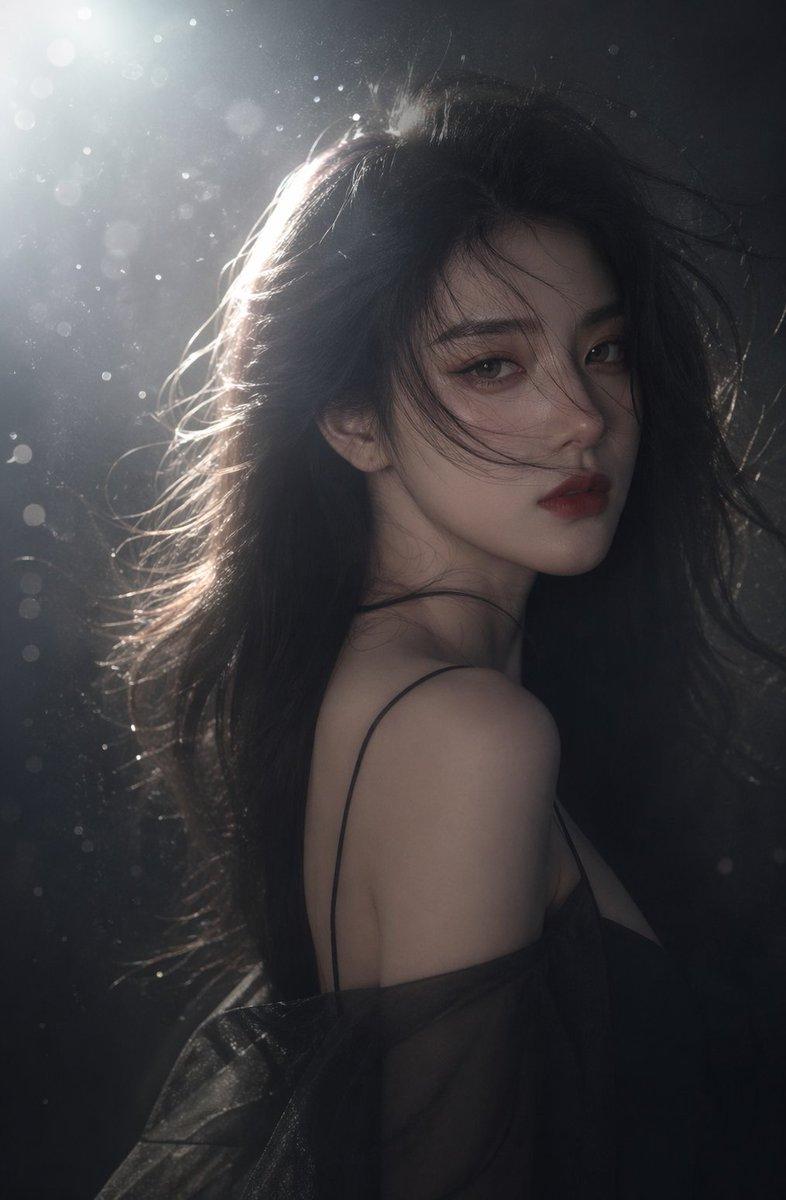
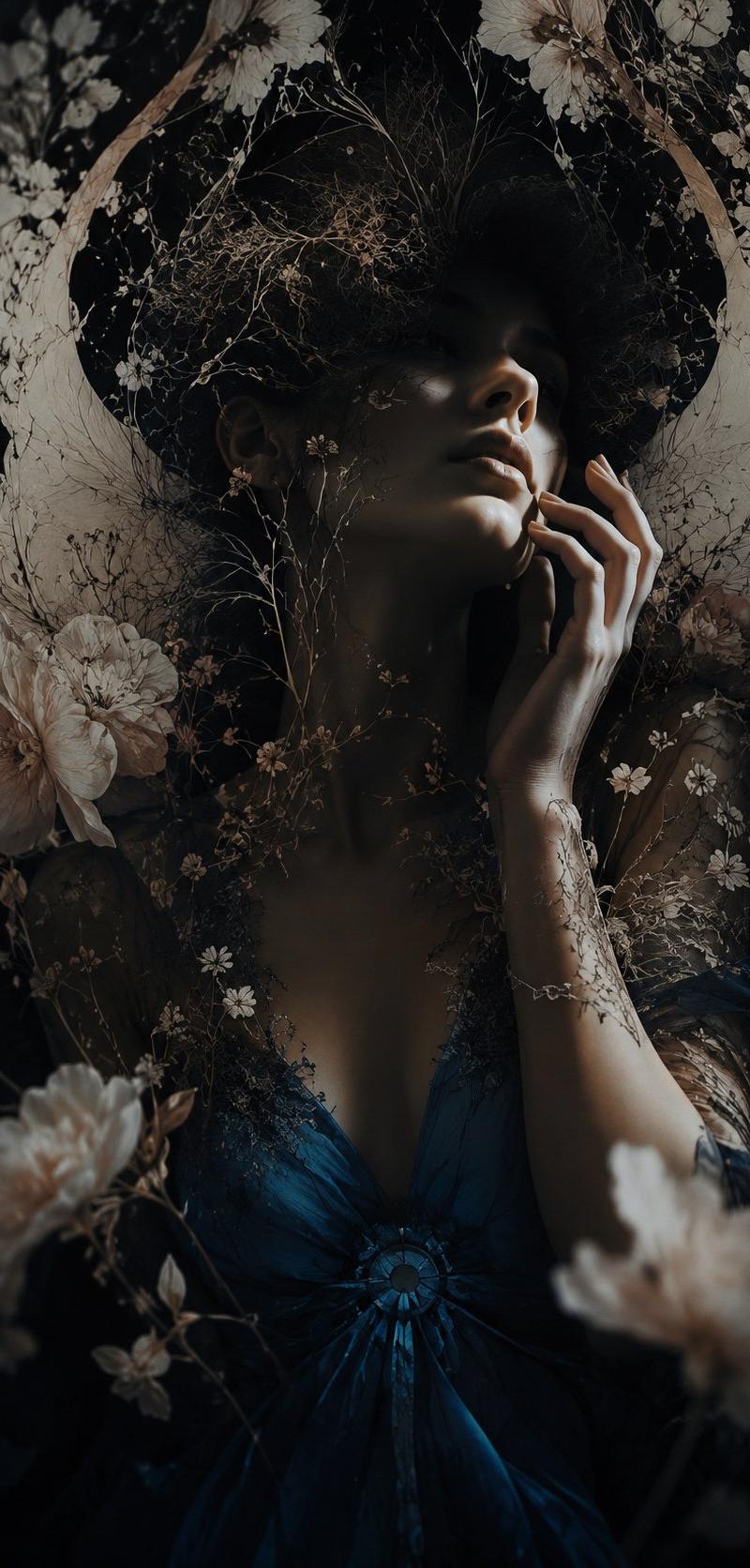
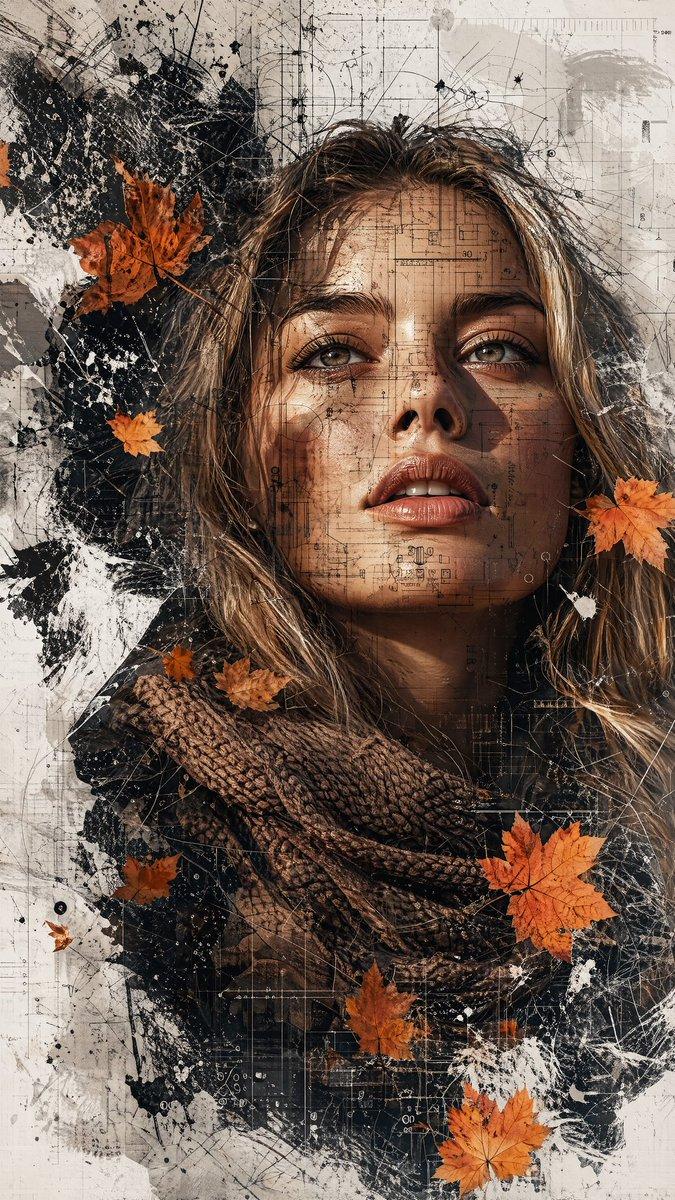
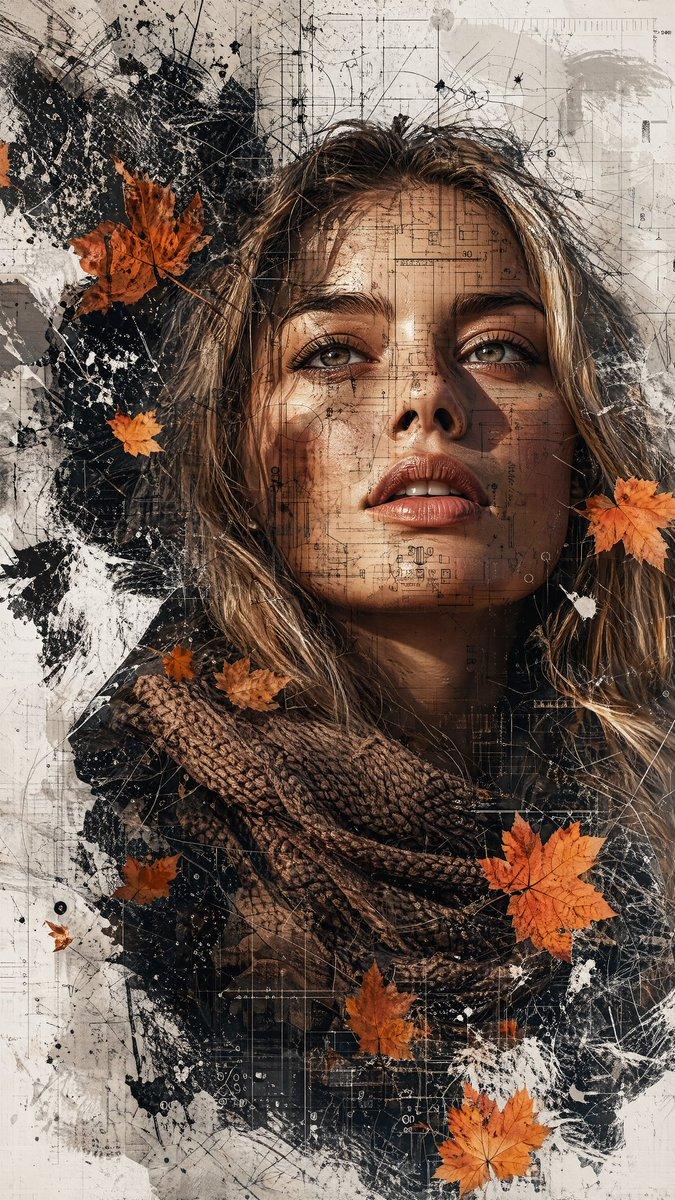
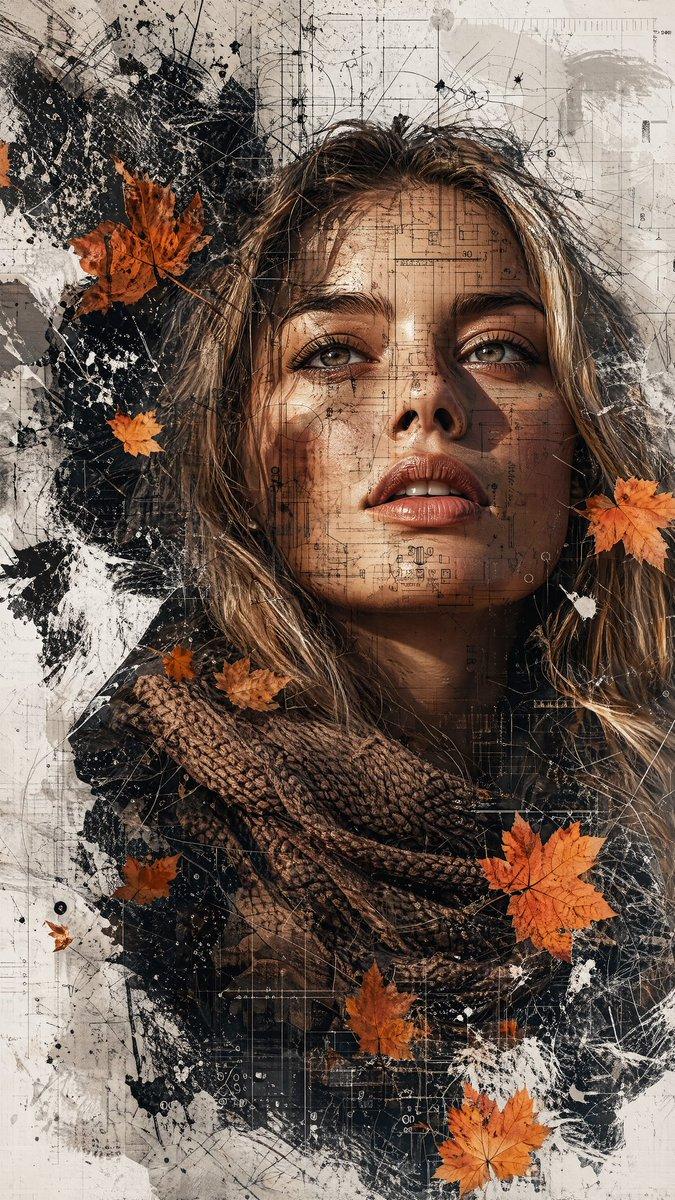
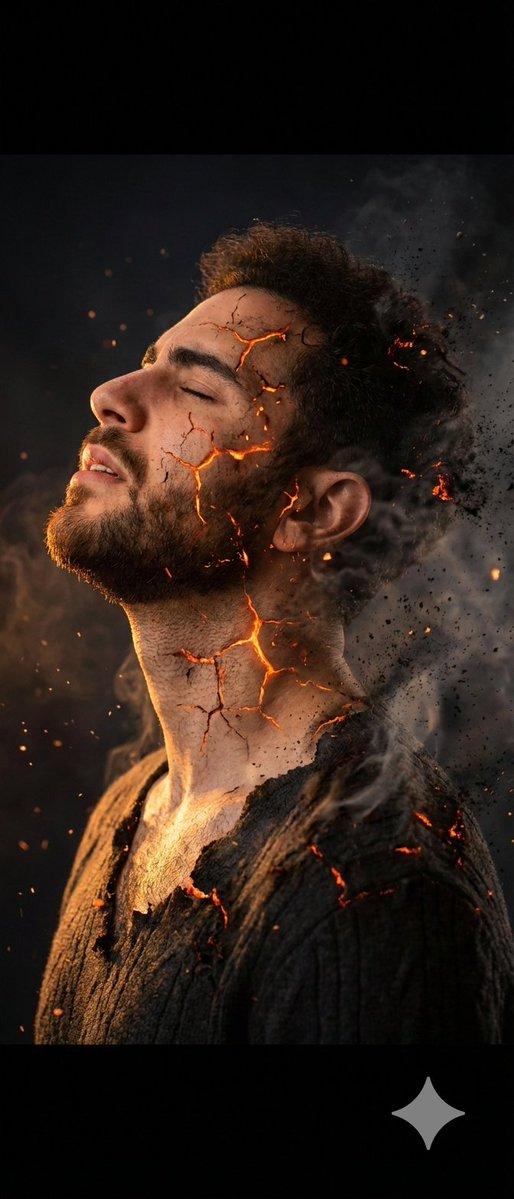
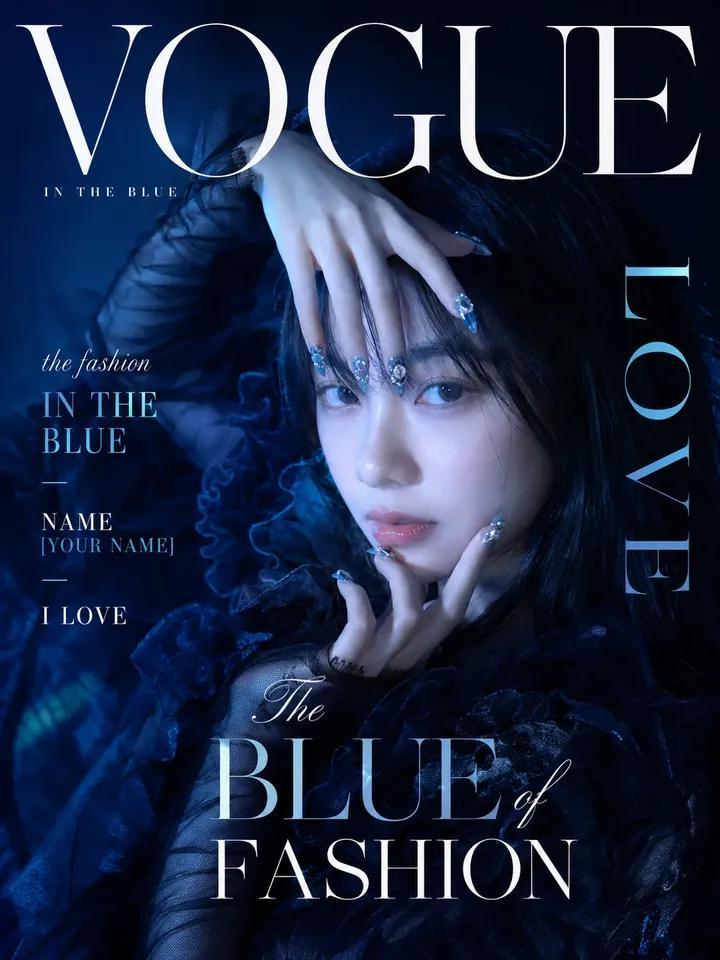
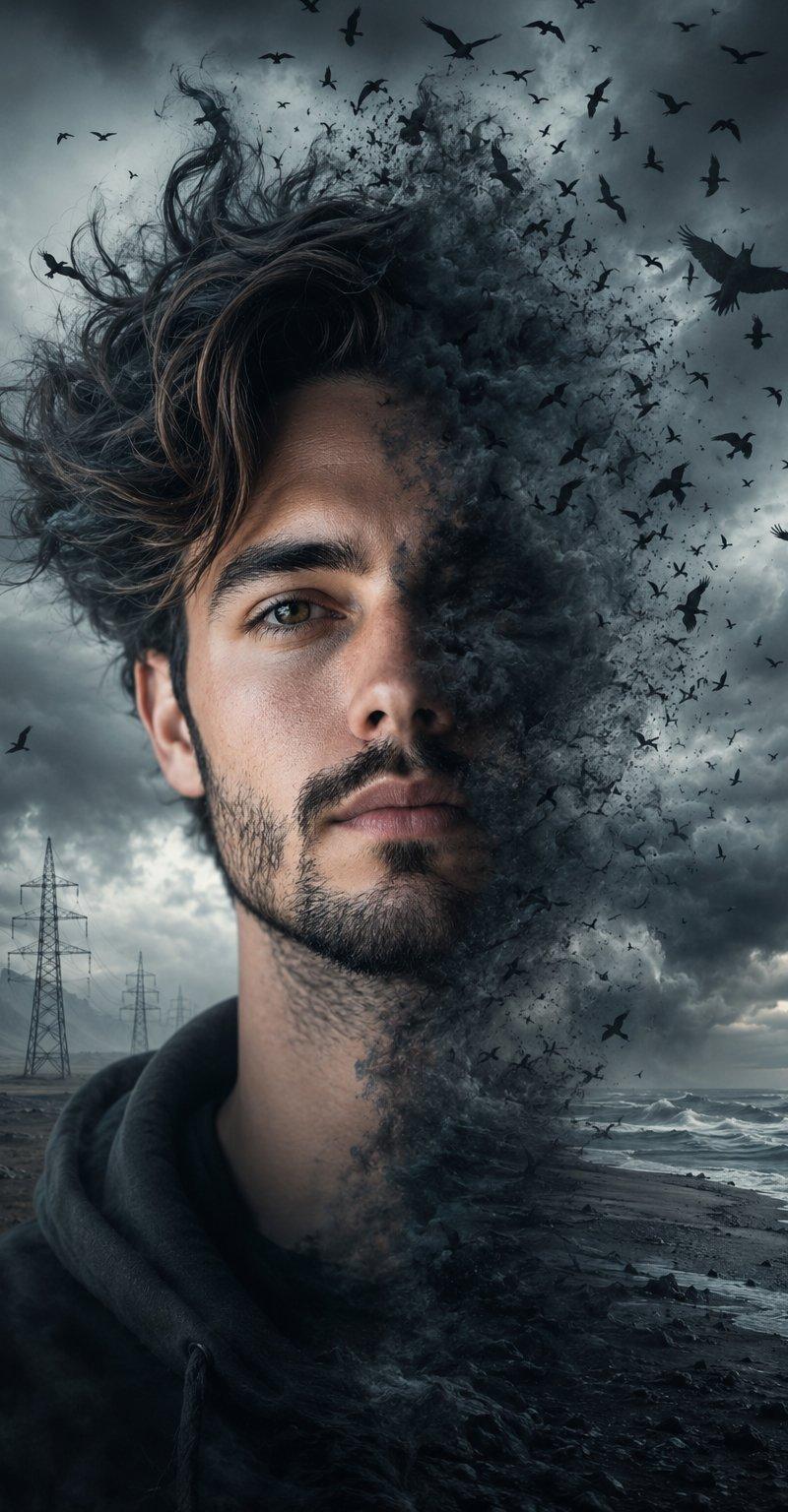
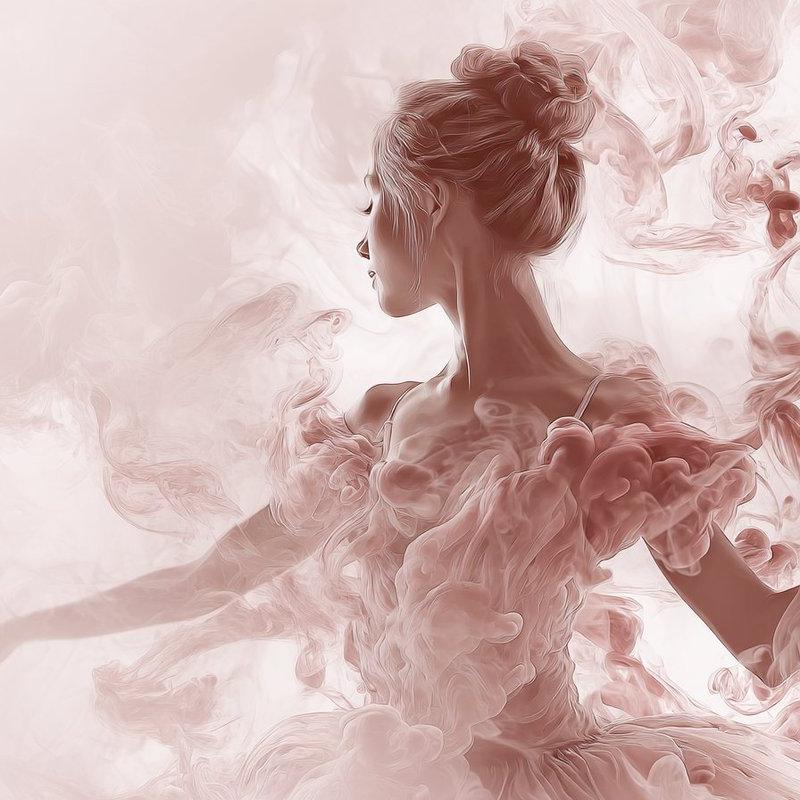
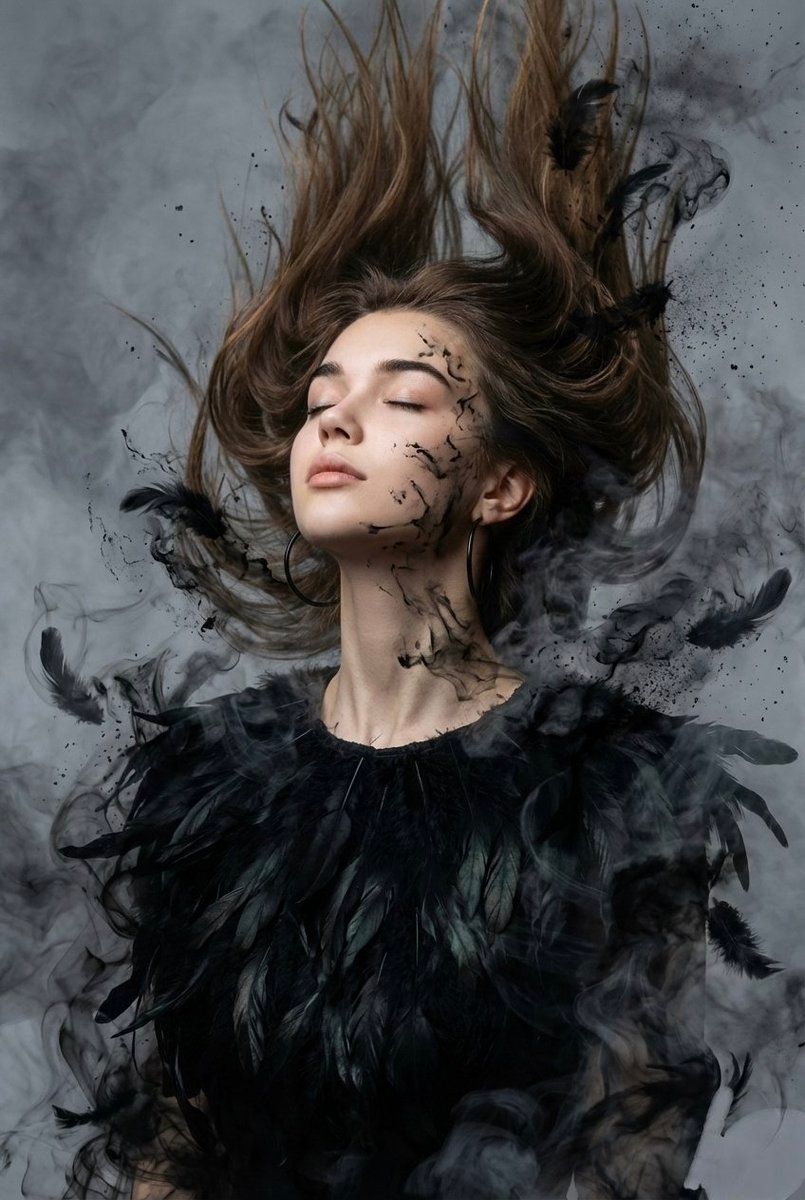
Raven feather couture portrait: GPT Image 2 prompt
Enlarge

Raven feather couture portrait: GPT Image 2 prompt

Prompt
{
 "image_style": "surreal, dark cinematic, ethereal",
 "subject": {
 "person": "woman with features of reference image",
 "pose": "head tilted back, eyes closed, expression of freedom and release",
 "framing": "close-up portrait from chest upward",
 "clothing": "long-sleeve blouse made of organic, layered deep matte black raven feathers",
 "accessories": "large black hoop earrings"
 },
 "visual_effects": {
 "hair": "loose, dynamically suspended, blowing upward and forward by wind",
 "dissolving_elements": [
 "feathers and hair merging with black ink splatters",
 "charcoal dust",
 "wisps of dark smoke"
 ],
 "face_details": "fine black ink splatters and wisps spreading across face and neck"
 },
 "environment": {
 "background": "smoky gray, moody atmosphere",
 "elements": "thick, dense, layered smoke swirling throughout the frame"
 },
 "technical_aspects": {
 "resolution": "high-resolution",
 "lighting": "cinematic, moody, diffused through smoke"
 }
}
Category
Photography & Realism
Model
GPT Image 2
Creator
𝗦𝗮𝗻𝗶𝗮
Source language
en
Views0
Source ID
2007661583246471621
Published
Jan 4, 2026
Studio

Guide

About "Raven feather couture portrait: GPT Image 2 prompt"

What is this prompt for?

"Raven feather couture portrait: GPT Image 2 prompt" AI image prompt for GPT Image 2 (Photography & Realism). { "image_style": "surreal, dark cinematic, ethere…

The full copyable prompt and example visuals above are ready for AI image generation or one-click recreate in Picva.

How to use this prompt

  1. Step 1

    Open the prompt detail

    Review the example visuals, category, and full prompt text for "Raven feather couture portrait: GPT Image 2 prompt".

  2. Step 2

    Copy the prompt

    Copy the prompt body from this page, or load it directly in Studio.

  3. Step 3

    Pick a model (GPT Image 2)

    Prefer GPT Image 2. If you switch models, keep subject and composition and tweak style terms.

  4. Step 4

    Generate and export

    Recreate the look in Picva, or export into your workflow for editing and publishing.

FAQ

What is the "Raven feather couture portrait: GPT Image 2 prompt" prompt?
It is an AI image-generation prompt for GPT Image 2 in the Photography & Realism category. This page includes the full prompt text, example visuals, and a one-click recreate path in Picva.
How do I use this prompt to generate an image?
Copy the prompt from this page, or use Generate / Studio. Paste it into a compatible image model, or recreate the look in Picva with optional reference images.
Which model is this prompt for?
This page lists GPT Image 2. Most descriptive prompts also transfer to nearby image models such as GPT Image, Flux, or Midjourney with light style tweaks.
Can I use the result commercially?
You can usually copy the prompt for creation, but commercial use of the final image depends on the model terms, reference-image rights, and the generated content. Follow the source author and platform rules.