19

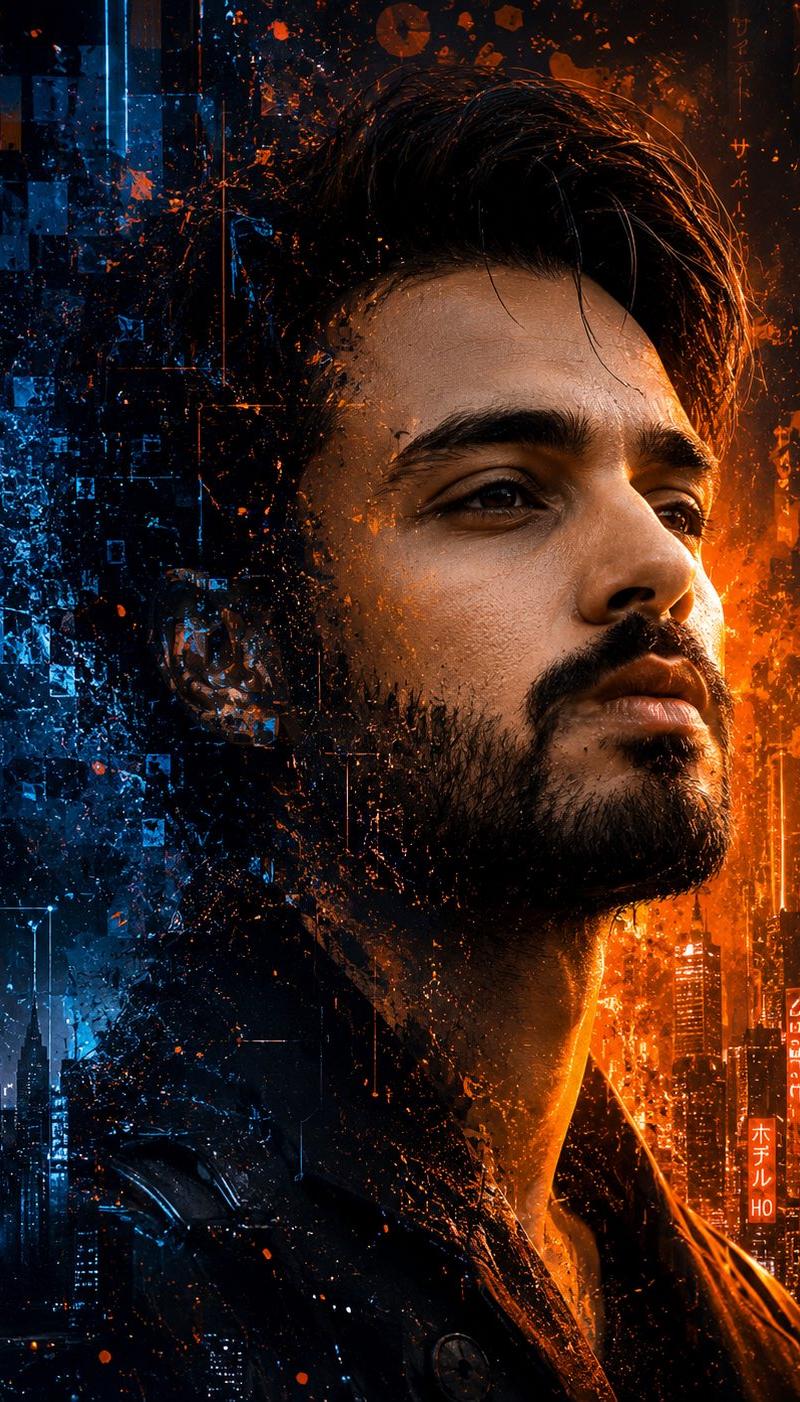
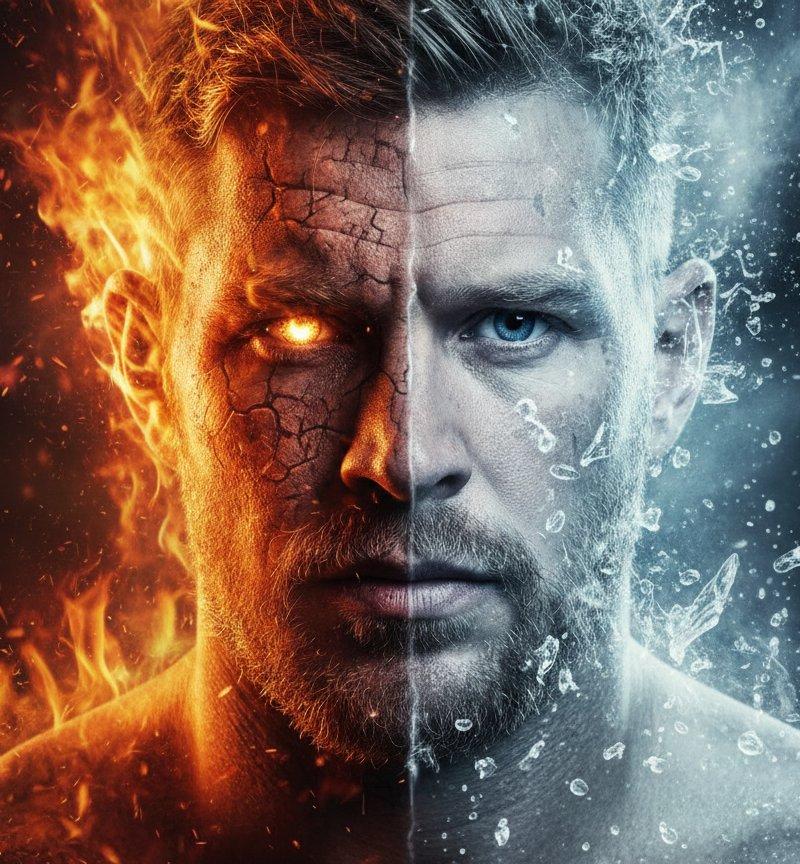
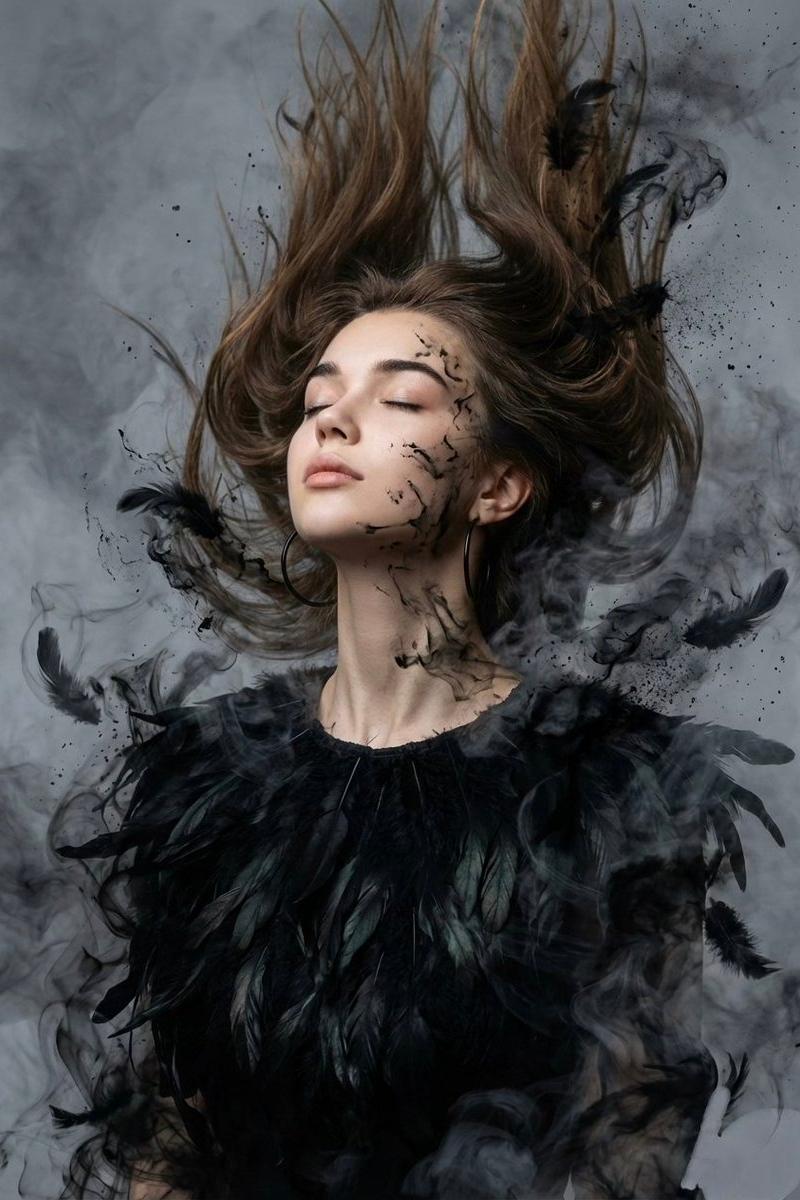
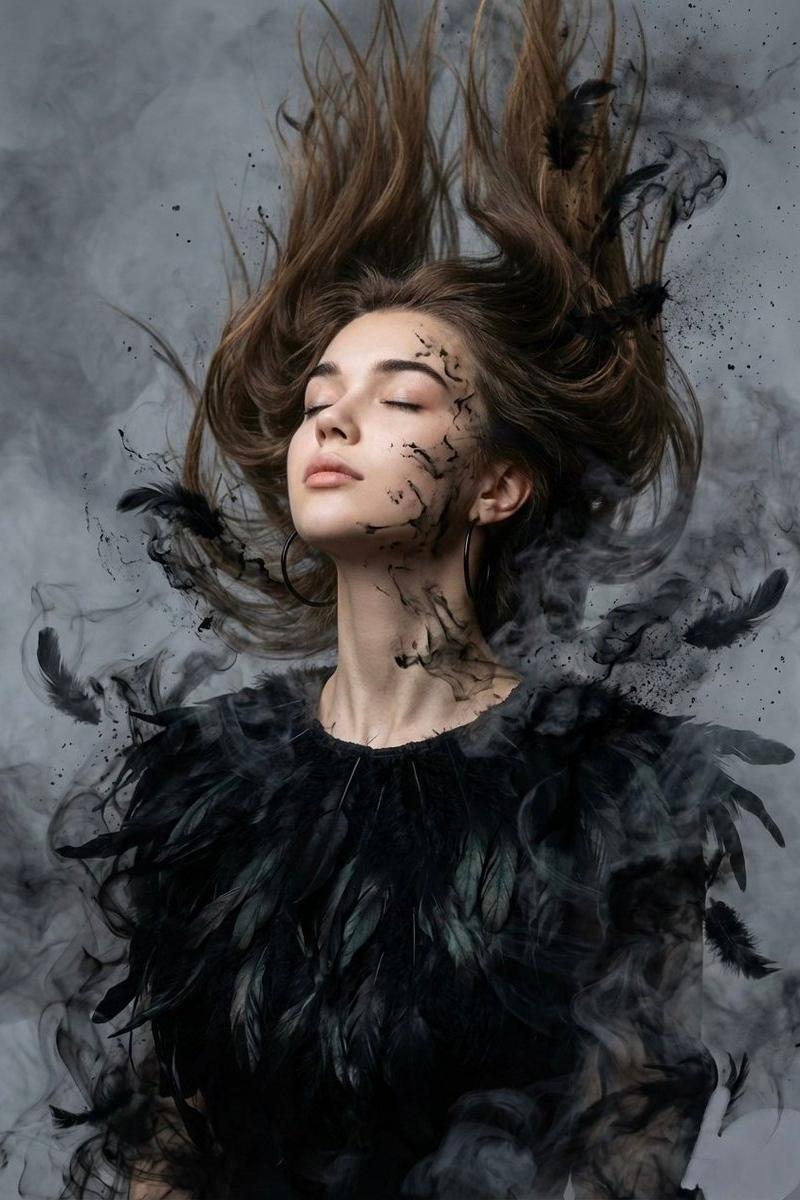
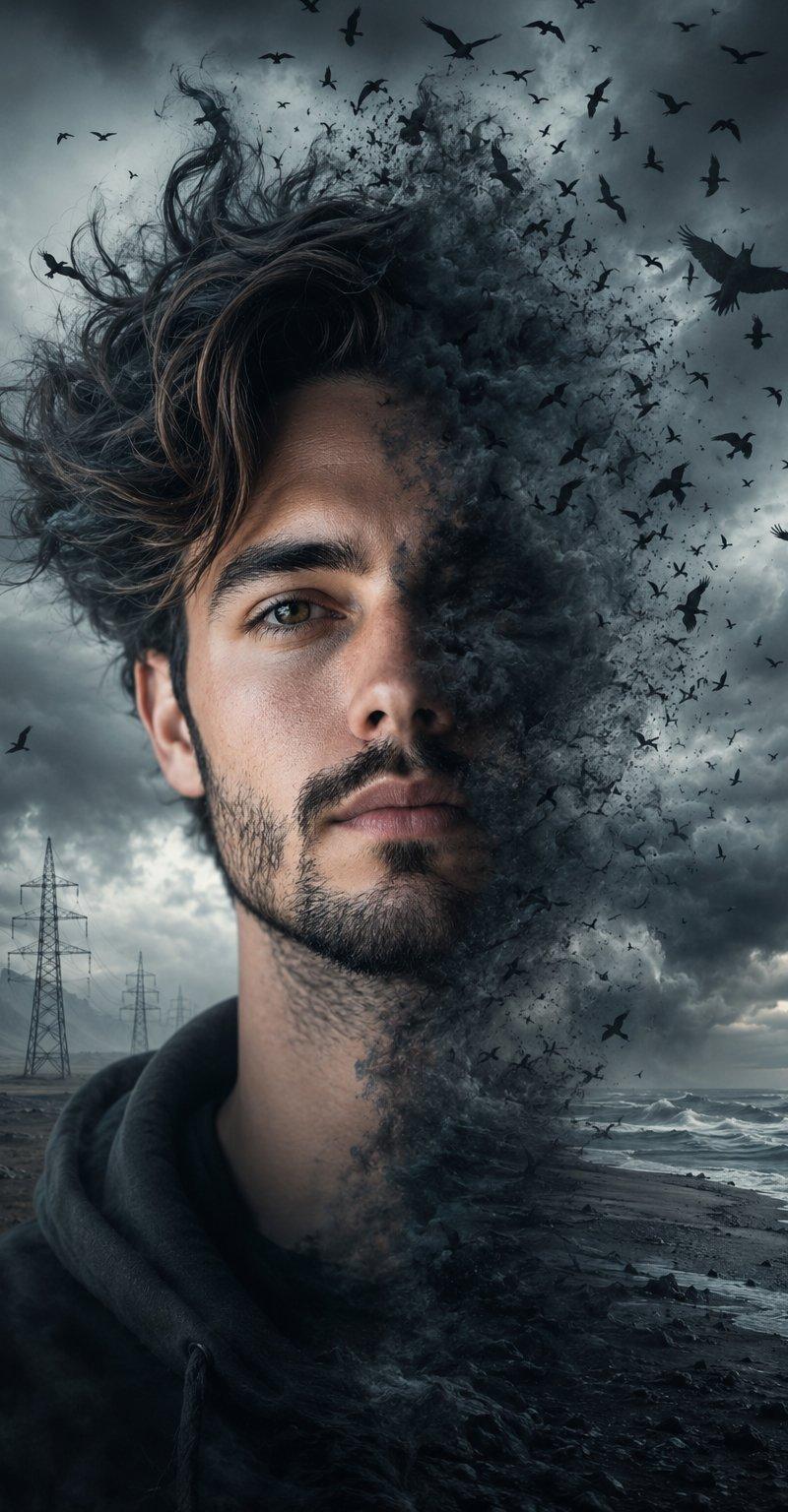
电影级双重曝光风暴肖像
Enlarge

Example images

电影级双重曝光风暴肖像

Prompt
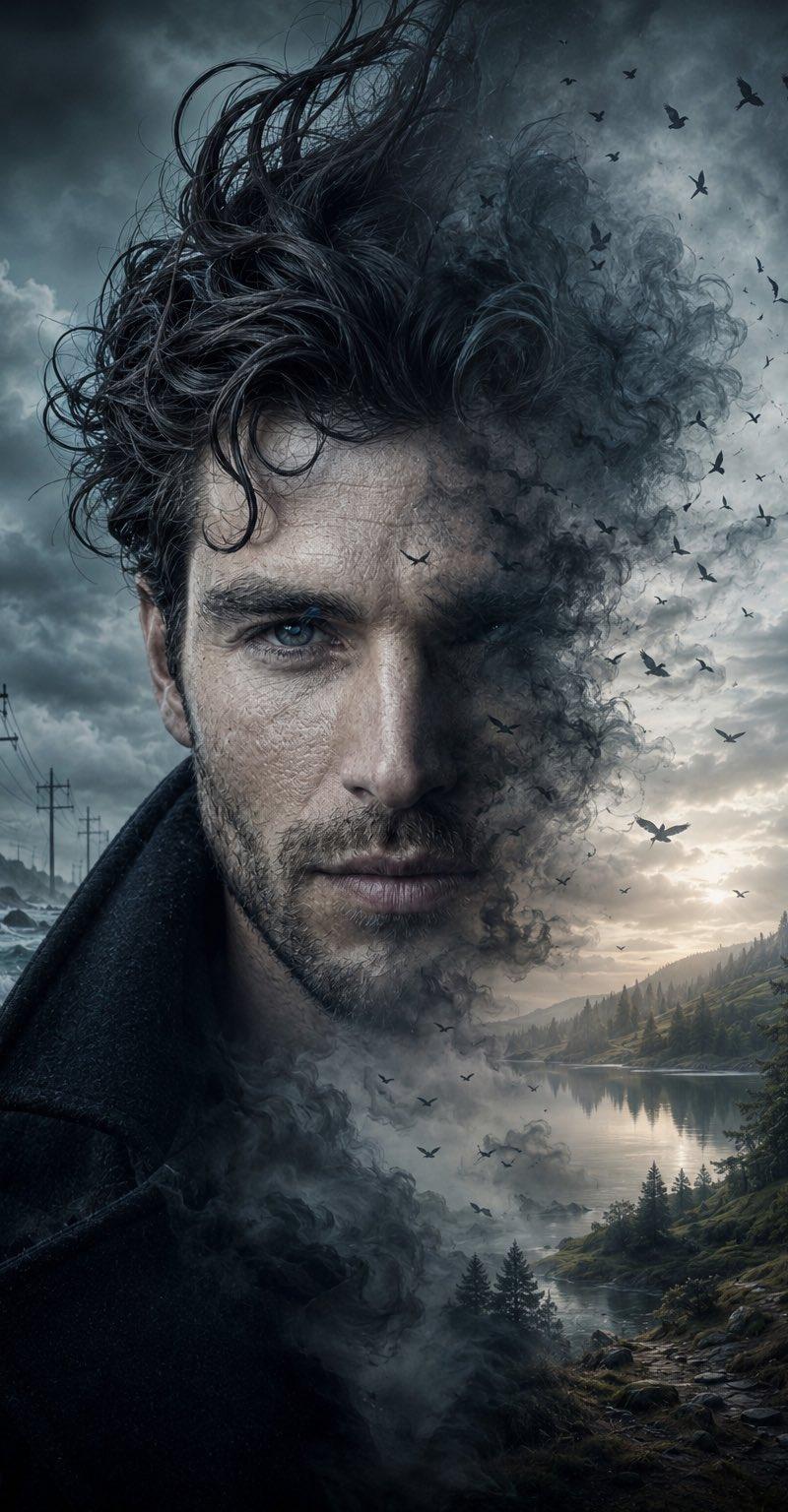
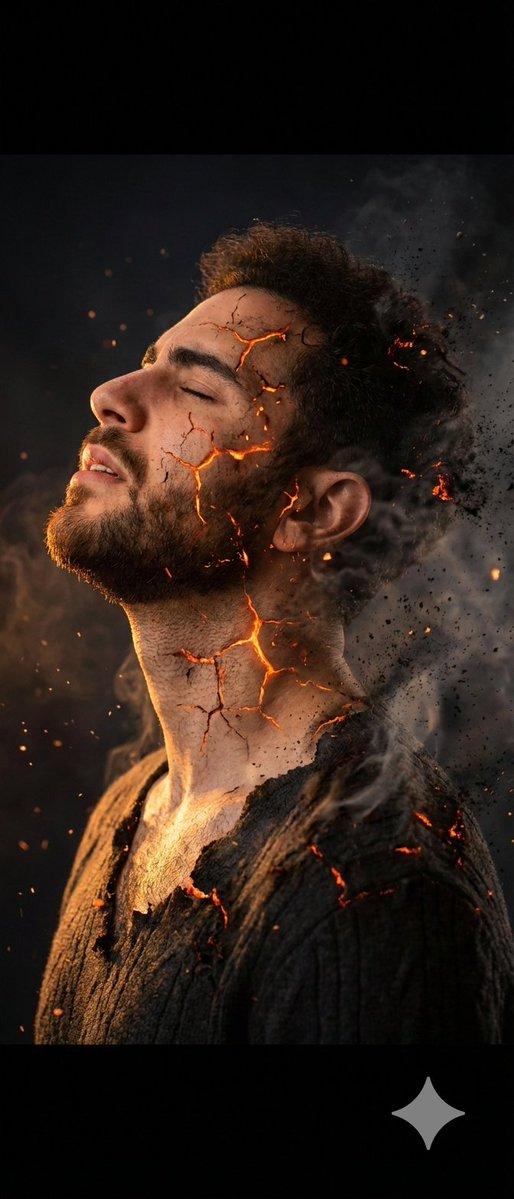
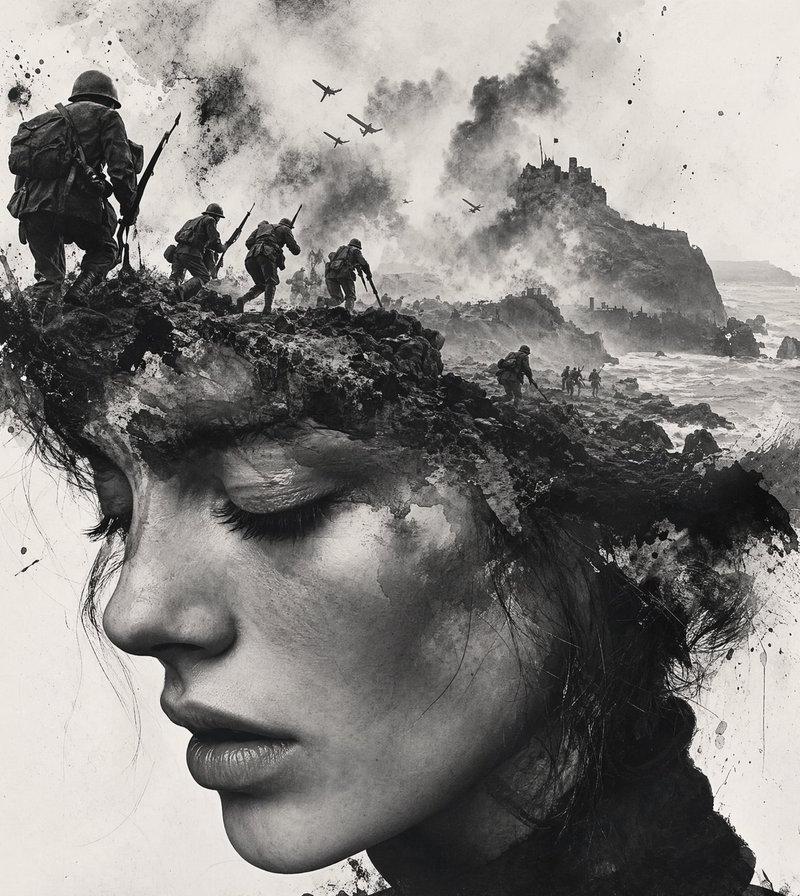
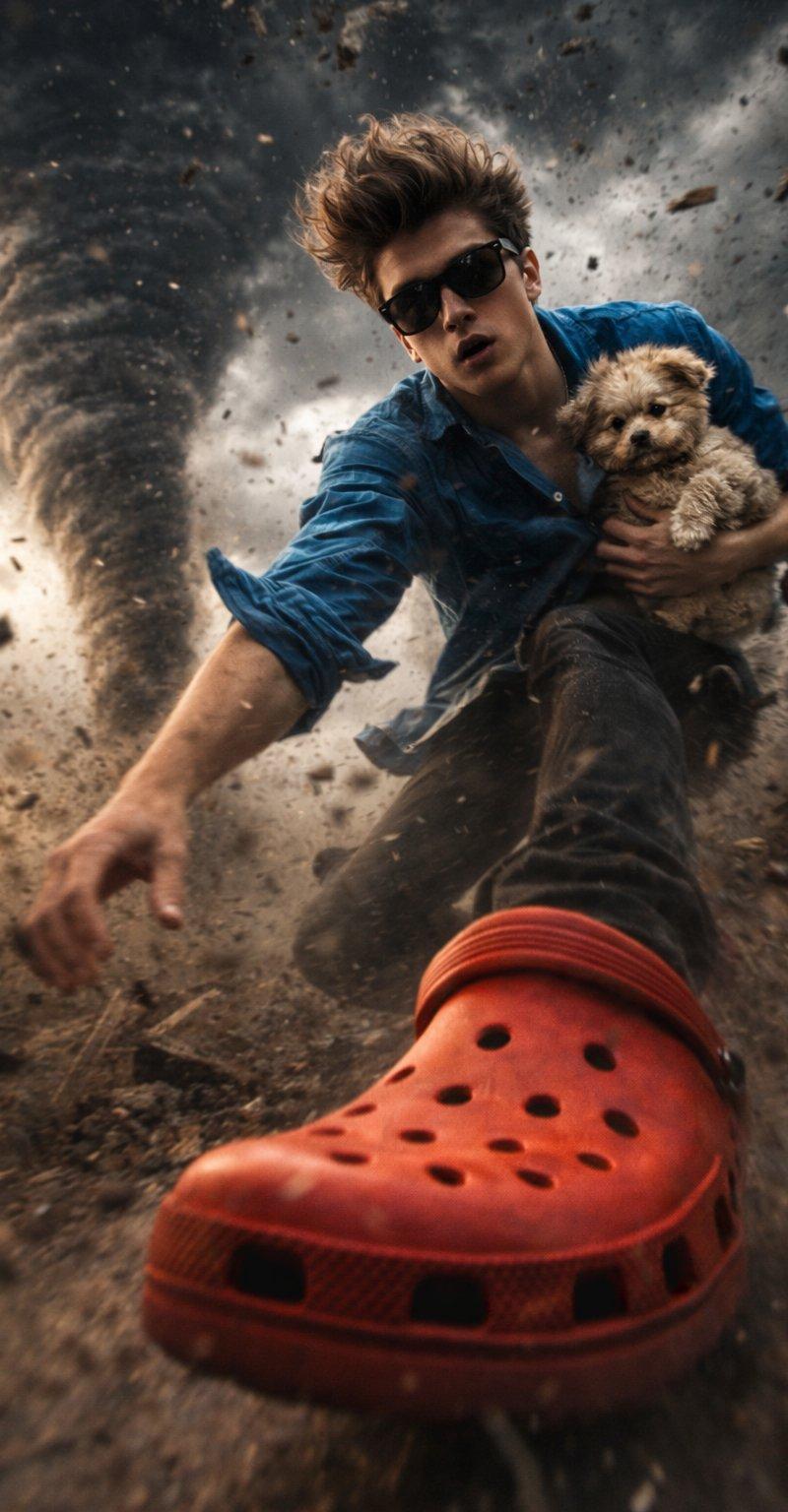
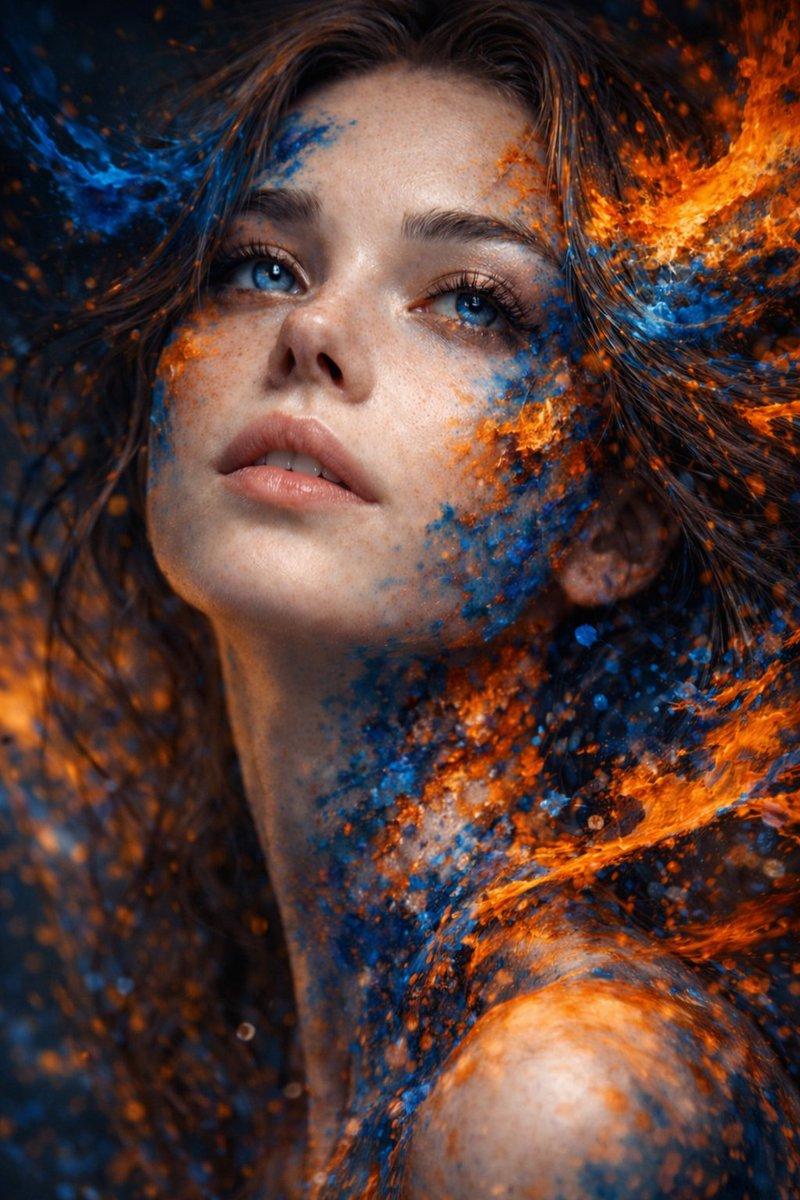
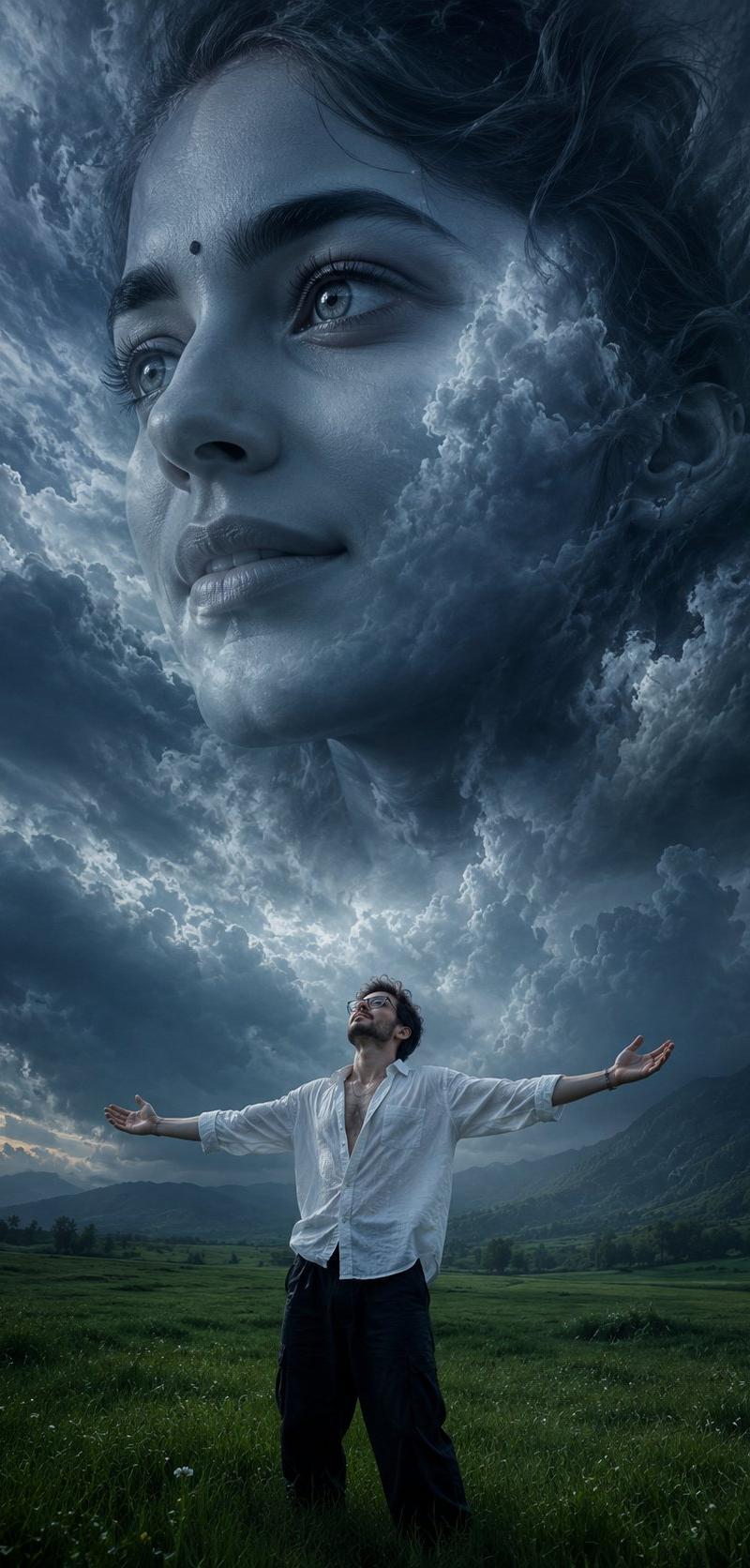
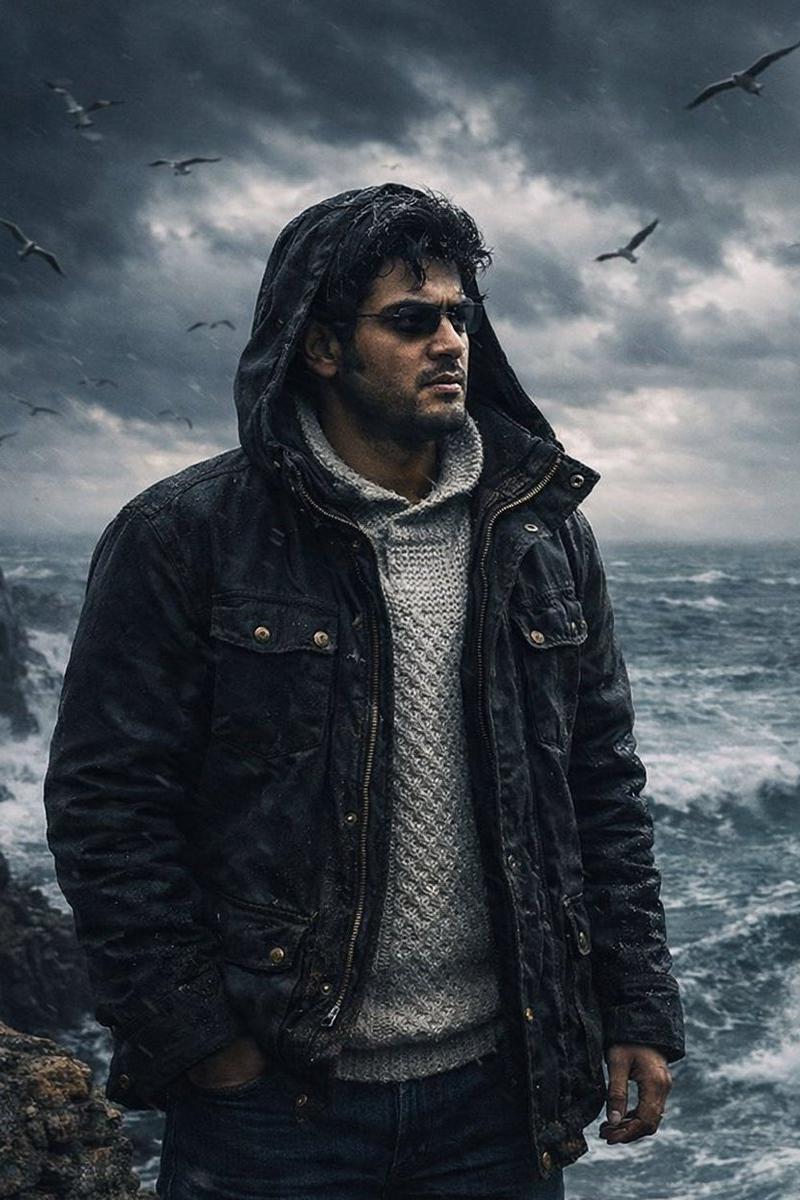
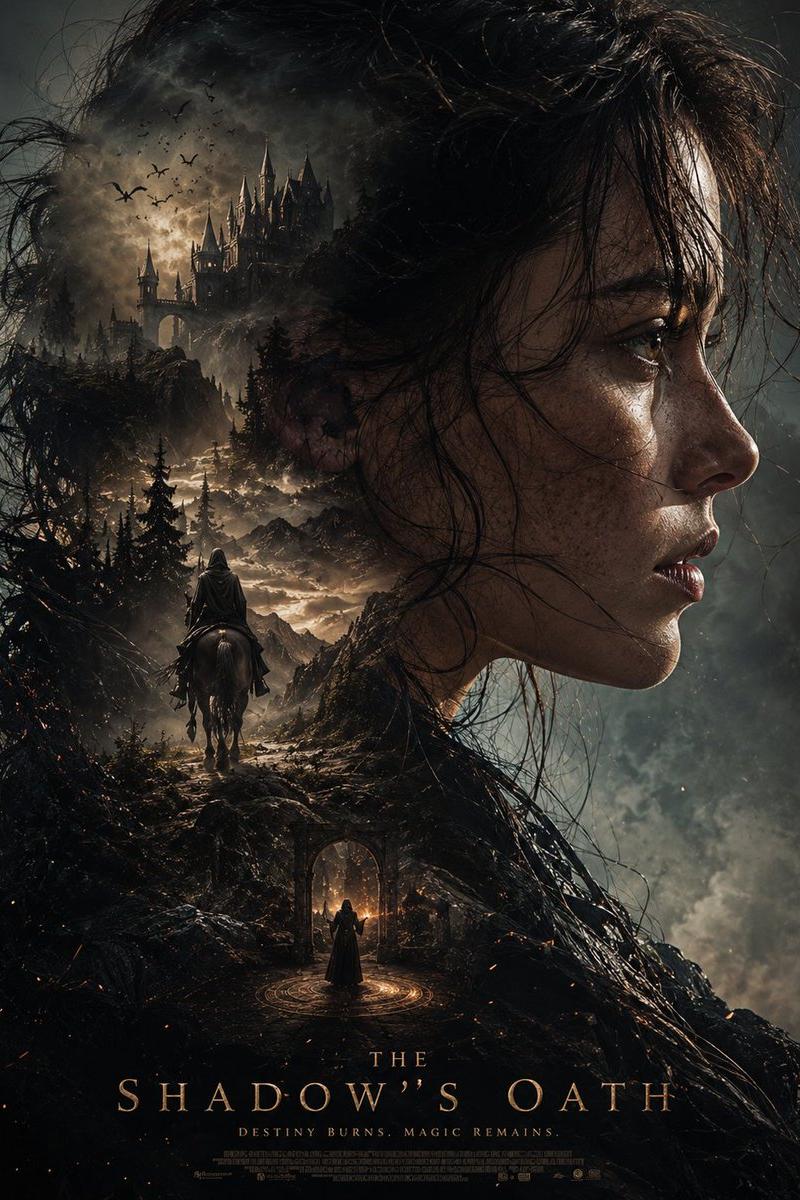
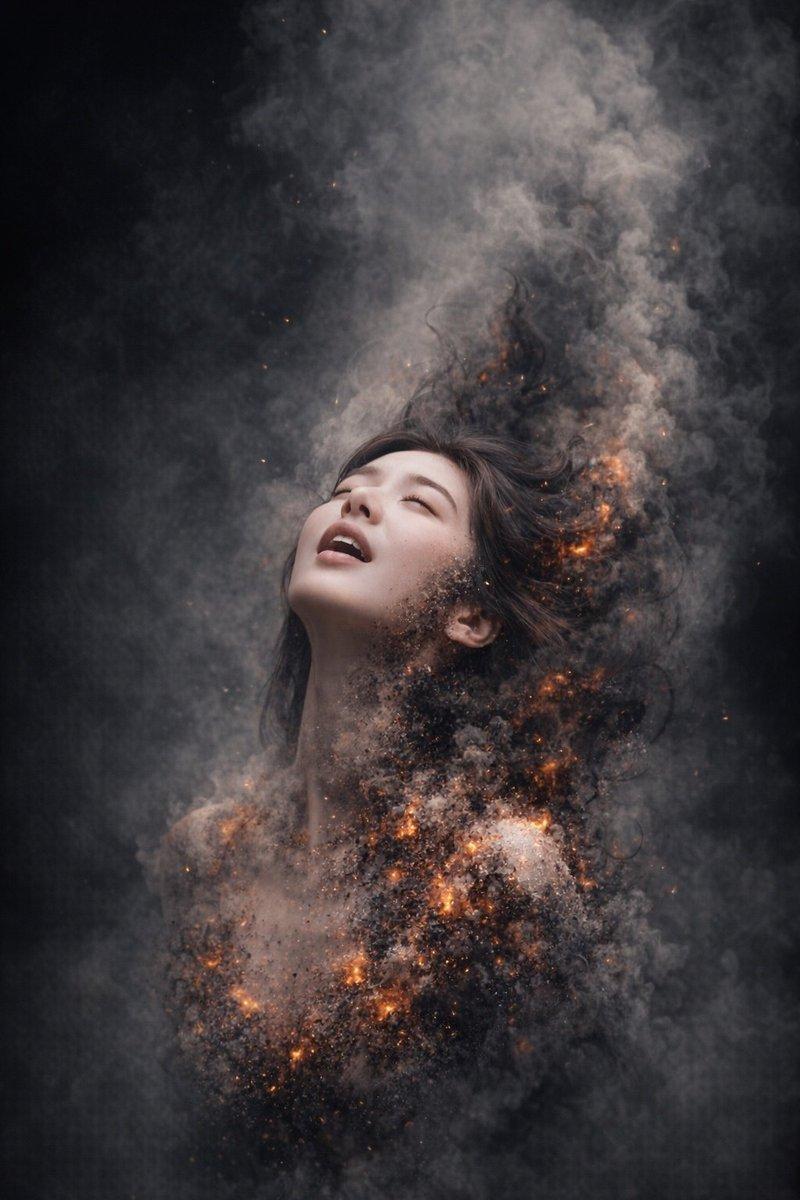
A haunting cinematic double exposure portrait using {argument name="subject face" default="my face"} as the subject. My face emerges from a {argument name="element" default="violent storm"}, with one side remaining sharply detailed while the other dissolves into swirling dark mist, smoke, and hundreds of black birds scattering into the sky. Windswept hair twists dramatically upward like living shadows, blending seamlessly into storm clouds and atmospheric fog. In the background, a {argument name="background" default="desolate coastline"} stretches toward the horizon with distant power lines fading into the mist, creating a sense of isolation and melancholy. My intense gaze remains the focal point, conveying resilience, mystery, and emotional depth amid chaos. Moody gray blue color grading, ethereal fog, cinematic lighting, hyper realistic skin texture, dramatic contrast, ultra detailed facial features, emotional storytelling, dark fantasy atmosphere, volumetric lighting, masterpiece composition, award winning photography, photorealistic, 16K, ultra sharp focus, surreal yet believable, fine art portrait, cinematic depth of field.
Category
Photography & Realism
Model
GPT Image 2
Creator
Orion
Source language
en
Views0
Source ID
25896
Published
Jun 16, 2026
Studio

Guide

About "电影级双重曝光风暴肖像"

What is this prompt for?

"电影级双重曝光风暴肖像" AI image prompt for GPT Image 2 (Photography & Realism). 一种充满艺术感与情绪张力的双重曝光提示词,将人物面部与狂暴风暴、四散的鸟群及大气迷雾融为一体。 Copy it on Picva and recreate the look i…

The full copyable prompt and example visuals above are ready for AI image generation or one-click recreate in Picva.

How to use this prompt

  1. Step 1

    Open the prompt detail

    Review the example visuals, category, and full prompt text for "电影级双重曝光风暴肖像".

  2. Step 2

    Copy the prompt

    Copy the prompt body from this page, or load it directly in Studio.

  3. Step 3

    Pick a model (GPT Image 2)

    Prefer GPT Image 2. If you switch models, keep subject and composition and tweak style terms.

  4. Step 4

    Generate and export

    Recreate the look in Picva, or export into your workflow for editing and publishing.

FAQ

What is the "电影级双重曝光风暴肖像" prompt?
It is an AI image-generation prompt for GPT Image 2 in the Photography & Realism category. This page includes the full prompt text, example visuals, and a one-click recreate path in Picva.
How do I use this prompt to generate an image?
Copy the prompt from this page, or use Generate / Studio. Paste it into a compatible image model, or recreate the look in Picva with optional reference images.
Which model is this prompt for?
This page lists GPT Image 2. Most descriptive prompts also transfer to nearby image models such as GPT Image, Flux, or Midjourney with light style tweaks.
Can I use the result commercially?
You can usually copy the prompt for creation, but commercial use of the final image depends on the model terms, reference-image rights, and the generated content. Follow the source author and platform rules.