Metro platform train portrait: GPT Image 2 prompt
Prompt
{
 "model": "Nano Banana Pro",
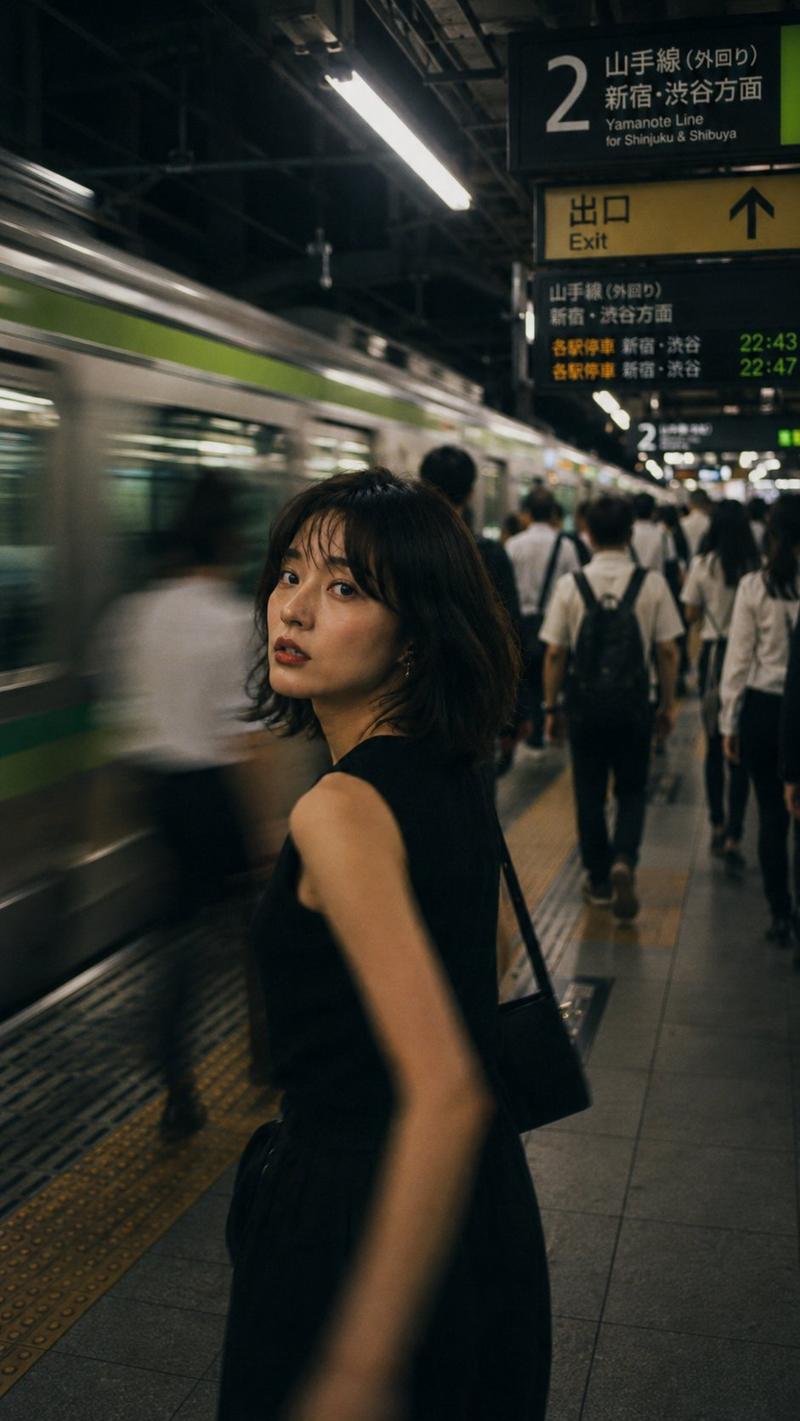
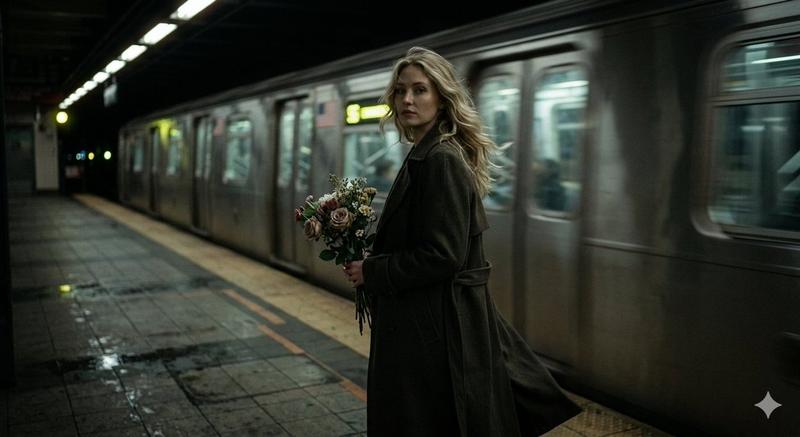
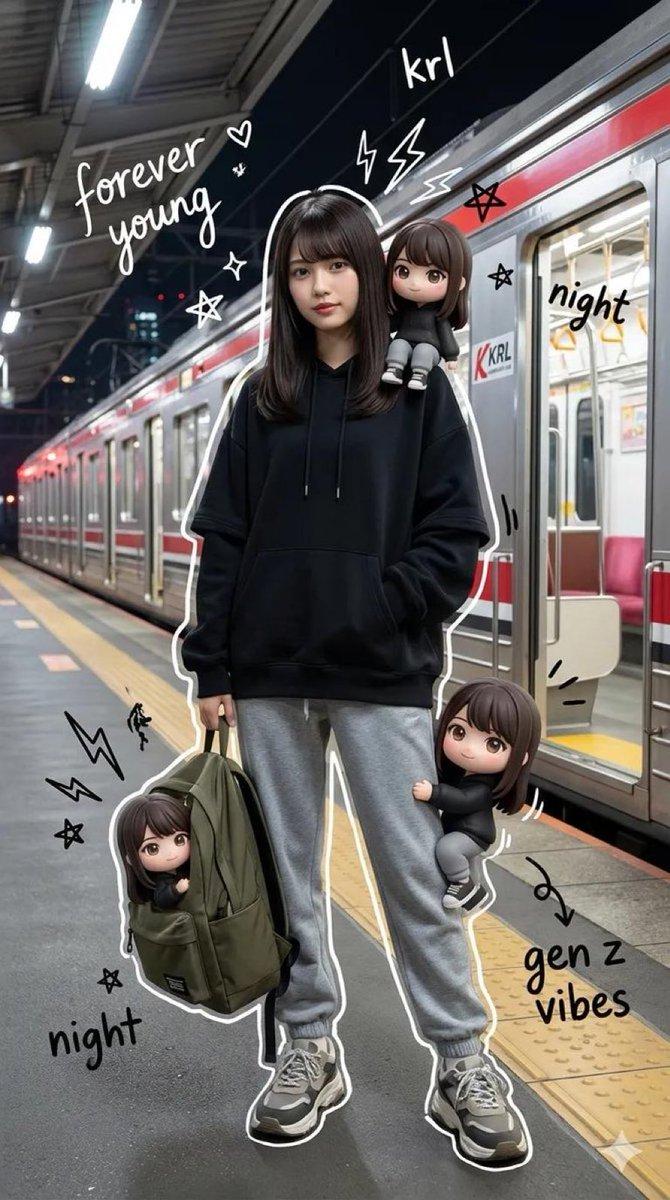
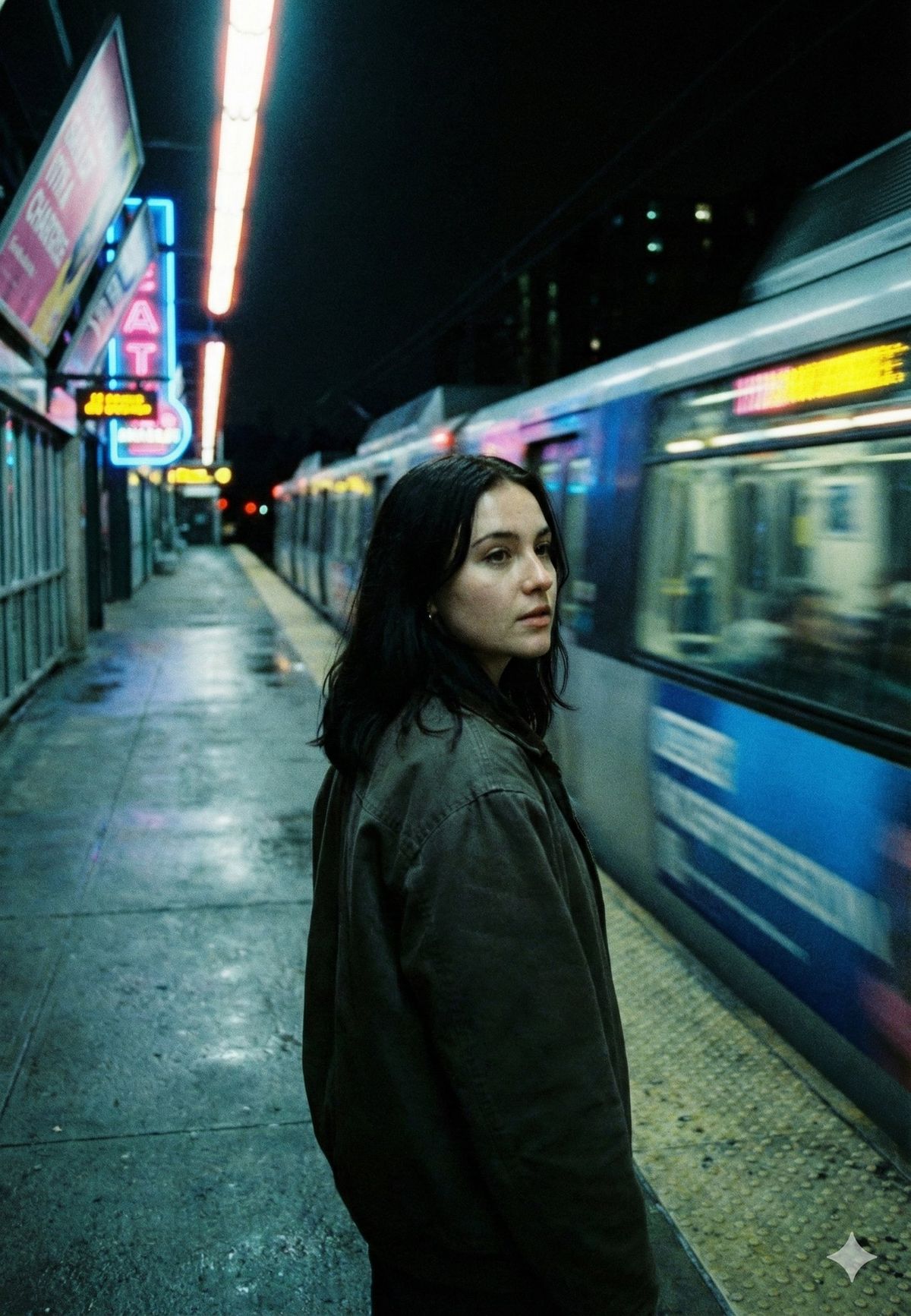
 "scene": "Underground metro platform at night with a train rushing past",
 "subject": {
 "type": "Young woman",
 "pose": "Standing near the platform edge, body facing forward, head turned slightly toward the camera",
 "expression": "Thoughtful, distant, quietly alert",
 "gaze": "Looking sideways toward the camera, unfixed, introspective",
 "emotion": "Isolation, reflection, restrained tension"
 },
 "appearance": {
 "hair": {
 "color": "Dark brown to black",
 "style": "Loose, straight, natural fall"
 },
 "skin": "Natural complexion with soft shadows",
 "makeup": "Minimal, realistic, understated"
 },
 "attire": {
 "outerwear": "Oversized dark jacket",
 "style_note": "Functional, muted, urban anonymity"
 },
 "environment": {
 "location": "City subway platform",
 "background_elements": [
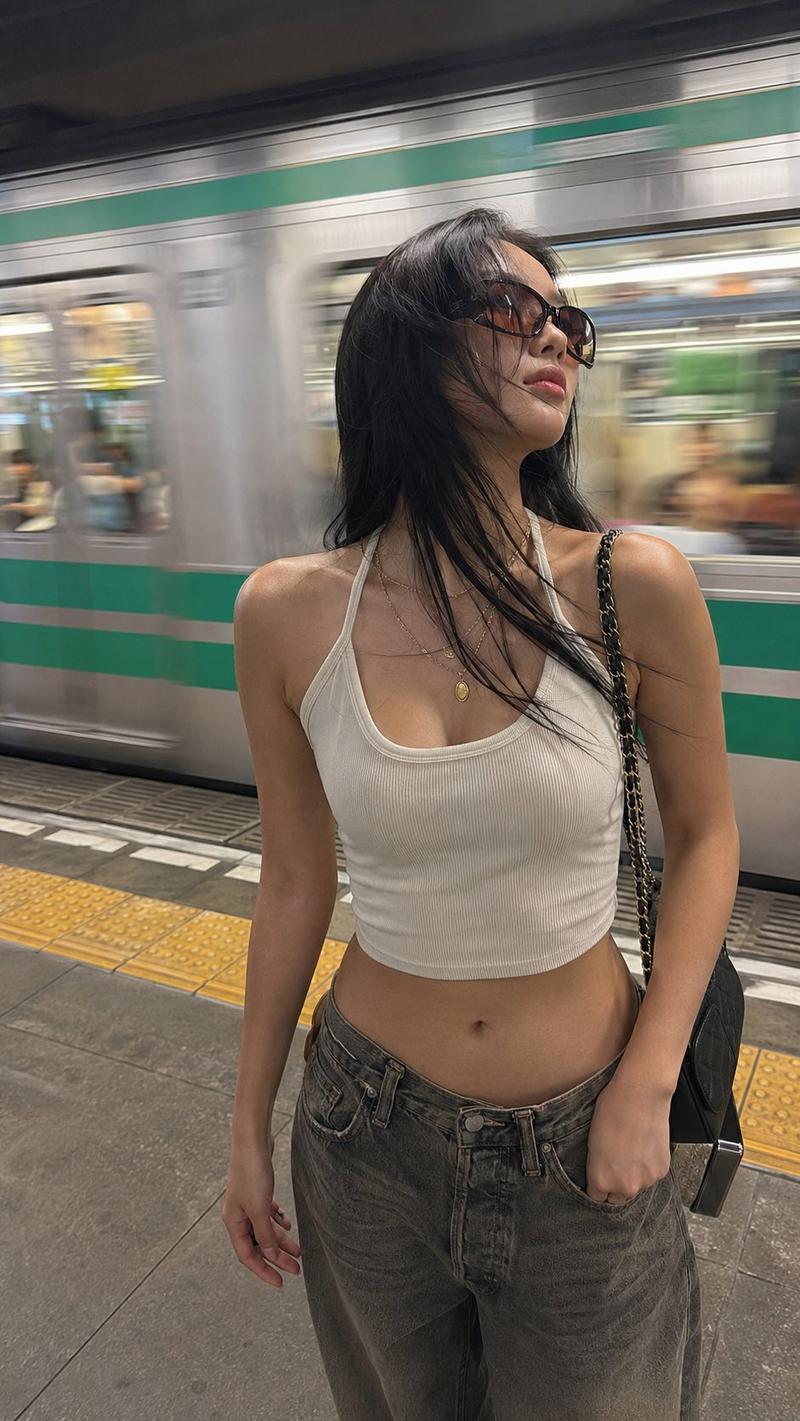
 "Blurred metro train in motion",
 "Neon signage",
 "Platform lights",
 "Wet reflective floor surface",
 "Metal railings and tiled platform edge"
 ],
 "atmosphere": "Cold, nocturnal, transient"
 },
 "lighting": {
 "primary": "Artificial fluorescent platform lighting",
 "secondary": "Neon signage glow",
 "effect": "Cool-toned highlights with soft facial shadows"
 },
 "camera": {
 "angle": "Eye-level, slightly behind the subject",
 "lens": "35mm cinematic street lens",
 "shutter_effect": "Motion blur on passing train",
 "depth_of_field": "Moderate, subject sharp with moving background blur",
 "framing": "Vertical, cinematic street composition"
 },
 "color_palette": {
 "dominant": ["teal", "cool blue", "deep black"],
 "accents": ["neon pink", "electric yellow"]
 },
 "mood": "Lonely, cinematic, suspended in time",
 "style": {
 "aesthetic": "Neo-noir street photography",
 "realism": "Photorealistic",
 "inspiration": "Urban cinema, night transit, modern solitude",
 "post_processing": "Cool cinematic grading, slight grain, high contrast shadows"
 },
 "details": {
 "motion_contrast": "Still subject against fast-moving train",
 "floor_reflections": "Wet surface reflecting neon lights",
 "sound_implied": "Rushing train, distant city hum"
 },
 "themes": [
 "Urban loneliness",
 "Waiting",
 "Movement vs stillness",
 "Anonymous city life"
 ],
 "quality": "Ultra-detailed, cinematic night street photograph with motion depth"
}- Category
- Photography & Realism
- Model
- GPT Image 2
- Creator
- Maercih
- Source ID
- 2009944367377653780
- Published
- Jan 10, 2026
Views0