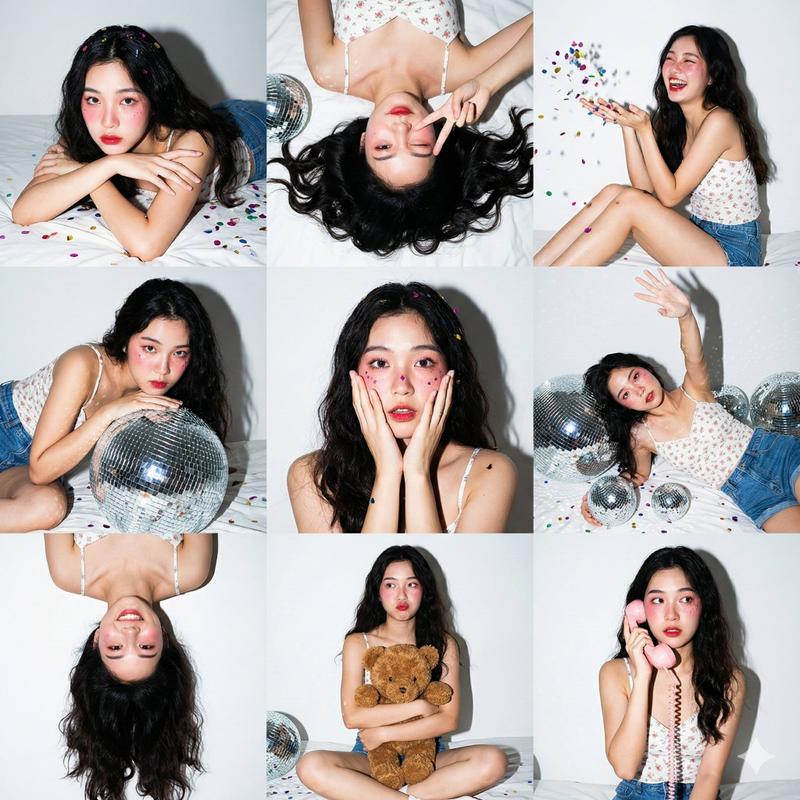
Gen Z 3x3 flash collage: GPT Image 2 prompt
Prompt
3x3 Photo Collage / 9-Panel Grid.",
 "layout": "Nine vertical portrait images arranged in a square grid.",
 "consistency": "Same subject, same outfit, and same lighting across all 9 panels."
 },
 "aesthetic_style": {
 "theme": "Gen Z Home Party / 'Maiden Pavilion' Photoshoot.",
 "lighting_technique": "Direct On-Camera Flash (Hard Light).",
 "visuals": "High contrast, sharp shadows, chaotic fun, vibrant colors against a white background."
 },
 "subject_details": {
 "appearance": "Young Asian woman, fair skin, long dark wavy hair with volume.",
 "outfit": "White floral camisole top, blue denim shorts.",
 "makeup": "Heavy pink blush (Igari style), red lips, glitter on cheeks."
 },
 "environment_and_props": {
 "background": "White wall with taped photos, white bed sheets.",
 "decor": "Silver disco balls (various sizes), colorful metallic confetti scattered everywhere, brown teddy bear, pink retro corded phone."
 },
 "panel_pose_breakdown": {
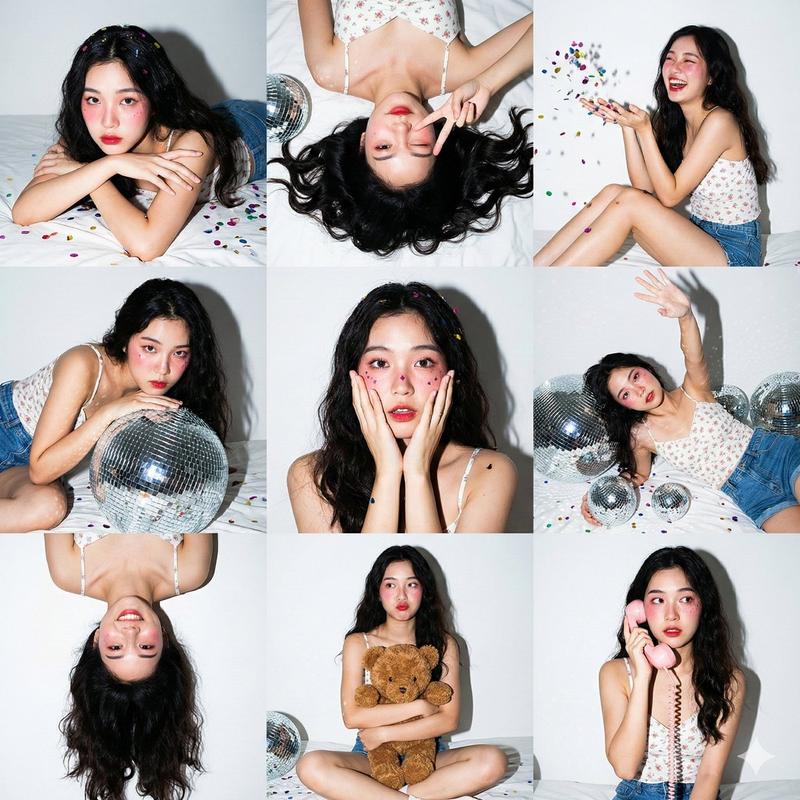
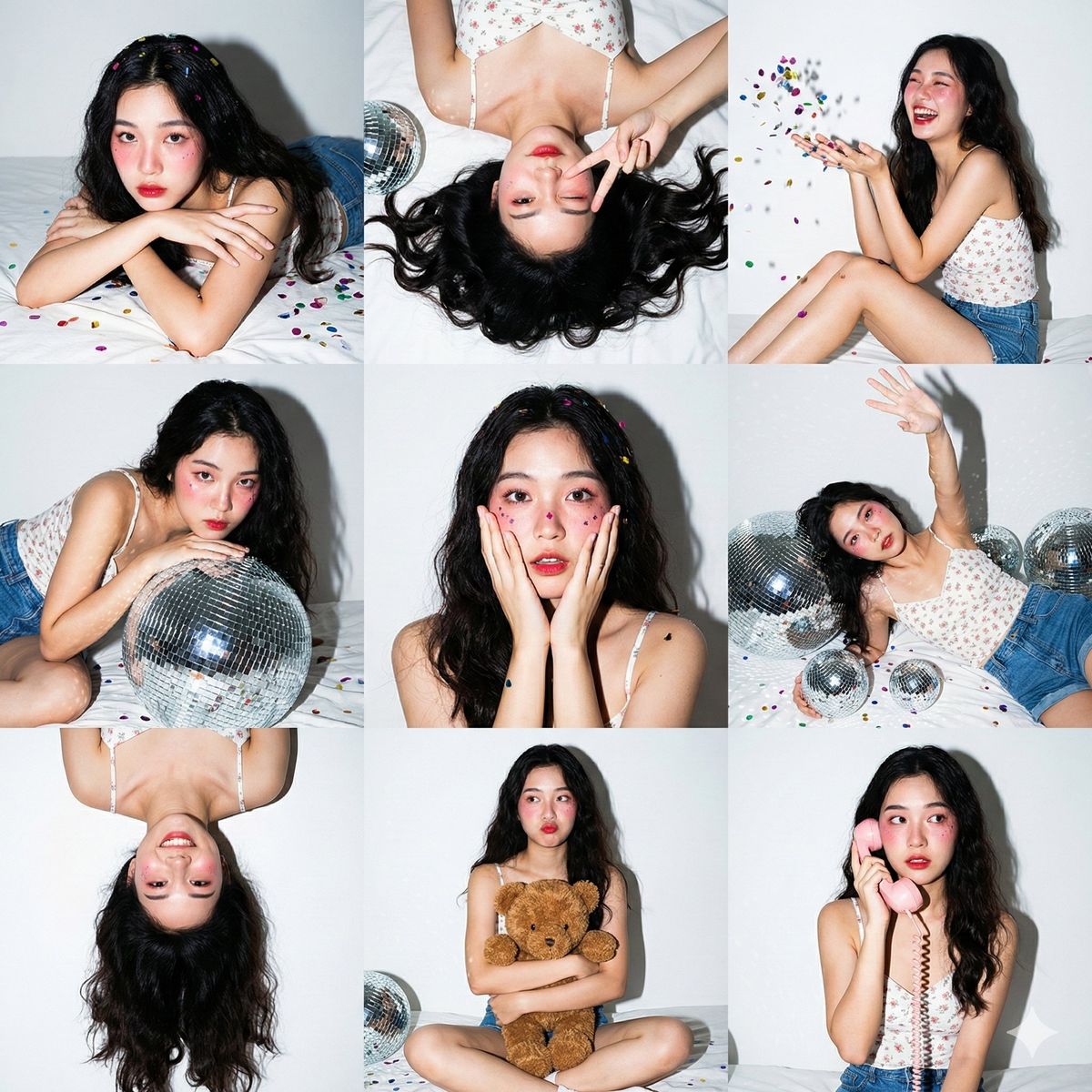
 "1_top_left": "Lying on stomach (prone), resting chin on crossed arms, looking at camera. Confetti in hair.",
 "2_top_center": "Top-down view lying on back, winking one eye, making a peace sign near face. Hair fanned out.",
 "3_top_right": "Sitting sideways, knees bent, laughing candidly while throwing a handful of confetti in the air.",
 "4_middle_left": "Leaning upper body over a large silver disco ball, looking intensely at the camera.",
 "5_middle_center": "Close-up portrait. Hands touching cheeks in a 'surprised' or 'shy' gesture. Confetti stuck to cheeks.",
 "6_middle_right": "Lying on back amongst the disco balls, one arm reaching up towards the ceiling/camera.",
 "7_bottom_left": "Upside-down perspective (head at bottom of frame), playful expression, hair cascading down.",
 "8_bottom_center": "Sitting cross-legged (Lotus position), hugging the brown teddy bear tight, pouting slightly.",
 "9_bottom_right": "Sitting up, holding the pink retro telephone receiver to ear, looking sideways as if listening to gossip."
 },
 "camera_technical_values": {
 "focal_length": "35mm (Versatile environmental portrait lens).",
 "aperture": "f/5.6 (Ensures subject and props are in focus).",
 "shutter_speed": "1/200s (Flash sync to freeze confetti motion).",
 "iso": "ISO 200.",
 "lighting": "Hard flash creates a distinct drop shadow behind the subject on the white wall and specular highlights on the disco balls."
 }
 },
"midjourney_string": "3x3 photo grid collage of a cute Asian girl at a home party, wearing white floral top and- Category
- Charts & Infographics
- Model
- GPT Image 2
- Creator
- Iqra Saifi
- Source ID
- 2010083845761314964
- Published
- Jan 10, 2026
Views0