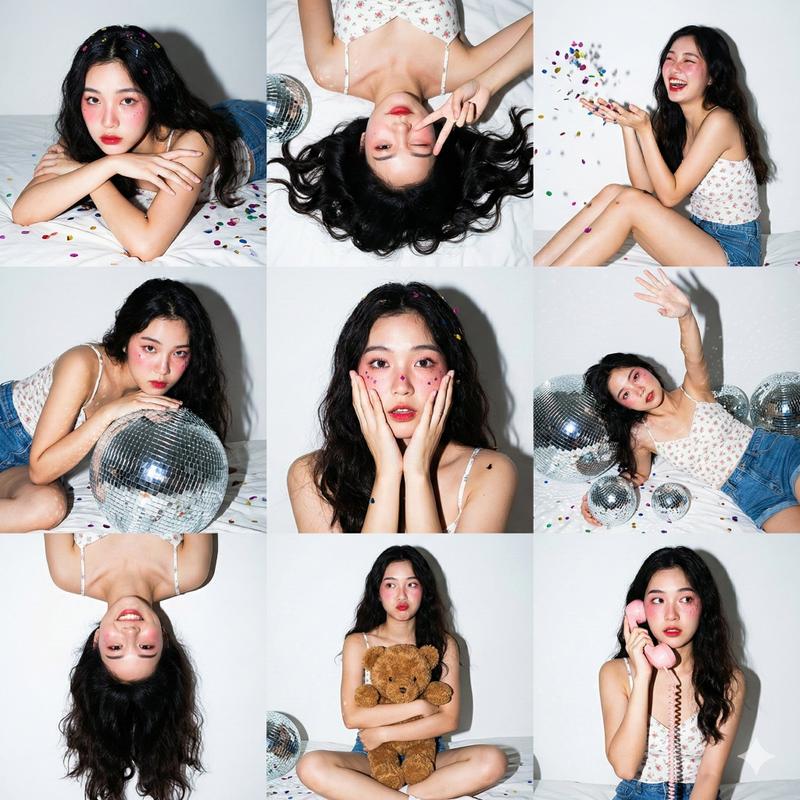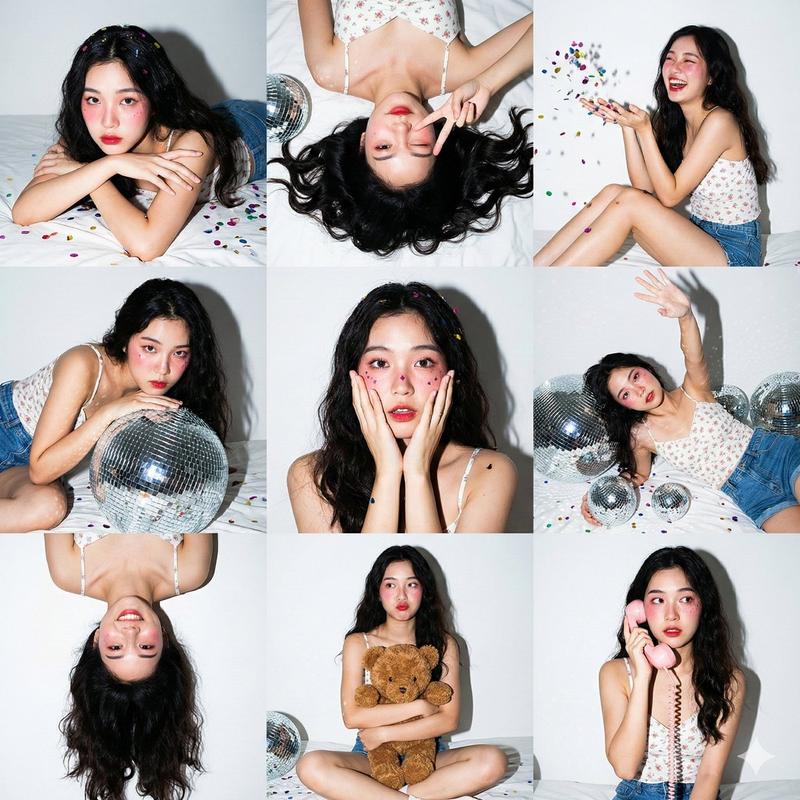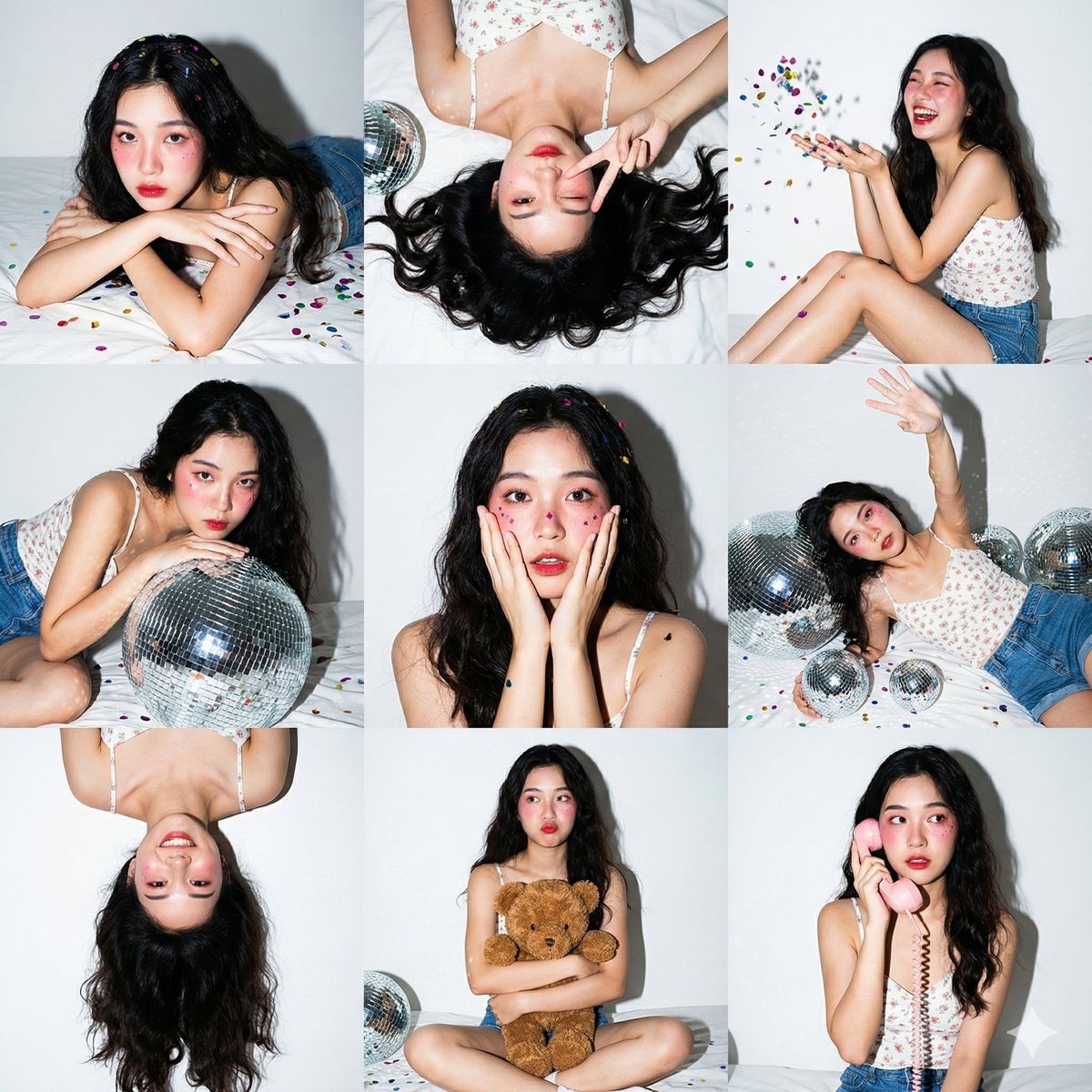
Gen Z Party Photo Collage
Prompt
3x3 photo collage, 9 vertical portrait panels in a square grid. Same subject, same outfit, same lighting across all 9 panels.

Style: Gen Z home party photoshoot. Direct on-camera hard flash lighting. High contrast, sharp shadows, vibrant colors on white background.

Subject: {argument name="subject" default="Young Asian woman, fair skin, long dark wavy hair"}. {argument name="outfit" default="White floral camisole top, blue denim shorts"}. Heavy pink Igari-style blush, red lips, glitter on cheeks.

Setting: {argument name="background" default="White wall with taped photos, white bed sheets"}. Silver disco balls in various sizes, colorful metallic confetti everywhere, brown teddy bear, pink retro corded phone.

Panel poses:
1 top-left: Lying on stomach, chin on crossed arms, looking at camera. Confetti in hair.
2 top-center: Top-down, lying on back, winking, peace sign near face. Hair fanned out.
3 top-right: Sitting sideways, knees bent, laughing, throwing confetti in the air.
4 middle-left: Leaning over a large silver disco ball, looking intensely at camera.
5 middle-center: Close-up, hands on cheeks in surprised/shy gesture. Confetti on cheeks.
6 middle-right: Lying on back among disco balls, one arm reaching up.
7 bottom-left: Upside-down perspective, playful expression, hair cascading down.
8 bottom-center: Sitting cross-legged, hugging brown teddy bear, slight pout.
9 bottom-right: Sitting up, holding retro phone receiver to ear, looking sideways.

Camera: 35mm, f/5.6, 1/200s, ISO 200. Hard flash creates drop shadows on the white wall and specular highlights on disco balls.- Category
- Photography & Realism
- Model
- GPT Image 2
- Creator
- PromptLab
- Source ID
- 24433
- Published
- Jun 6, 2026
Views686