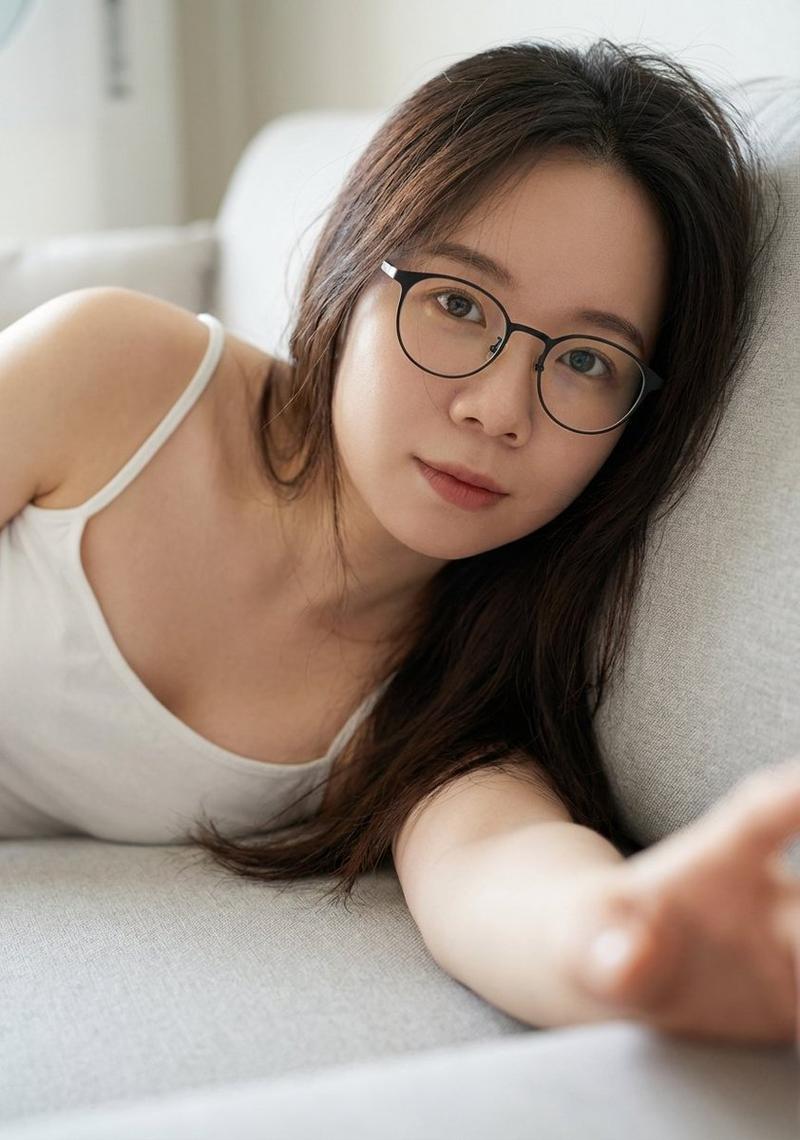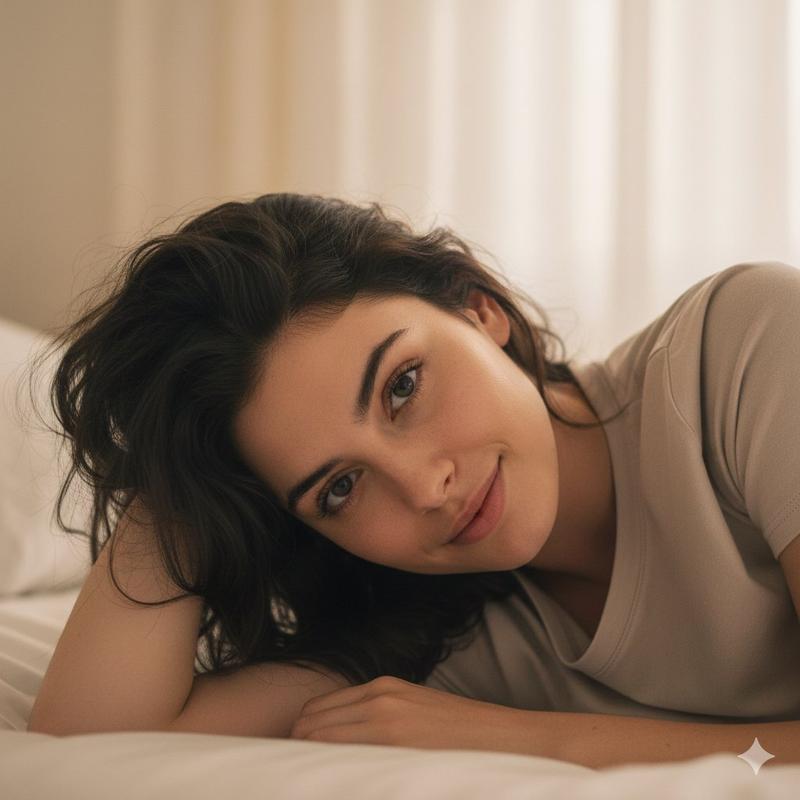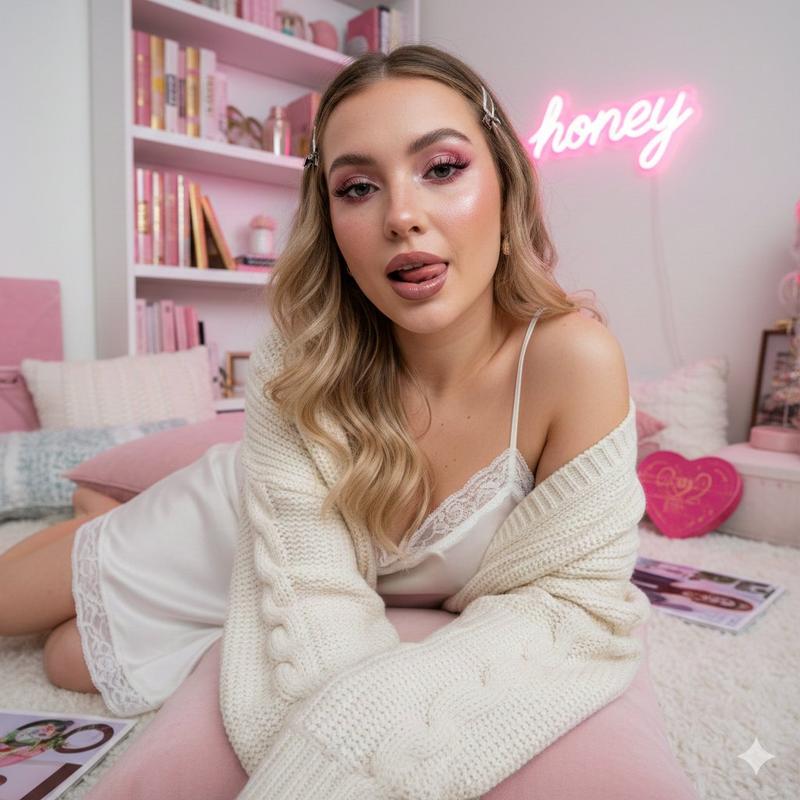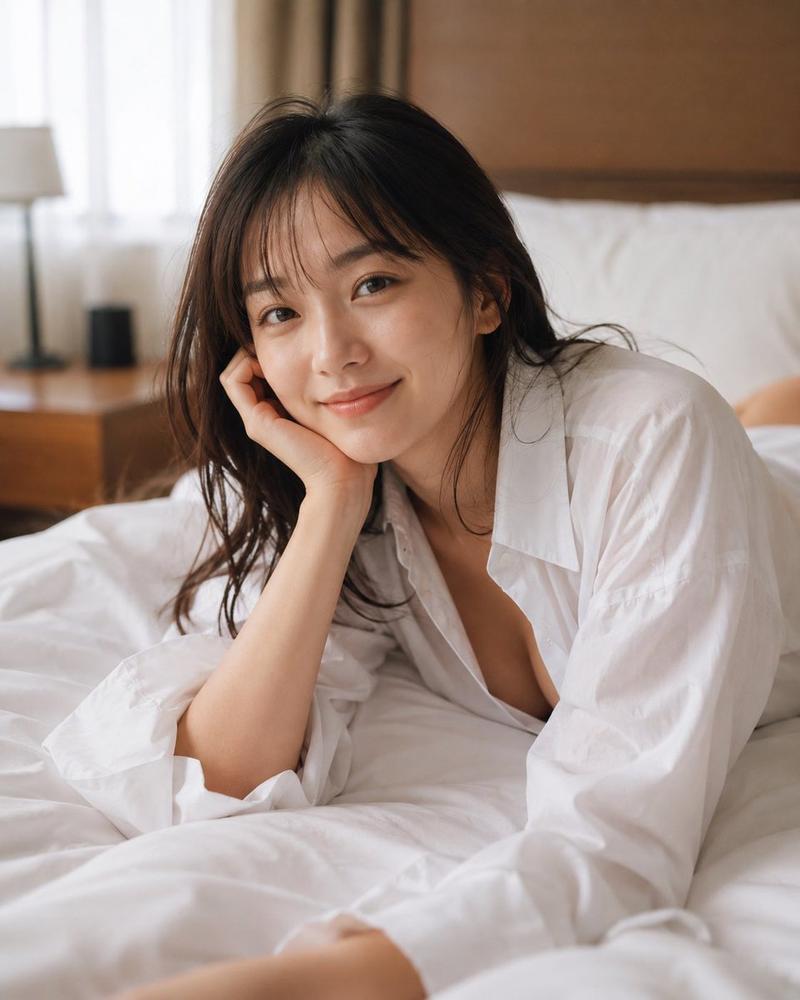
Lingerie messy bun alluring portrait: GPT Image 2 prompt
Prompt
{
 "prompt_structure": {
 "subject": {
 "appearance": "Young woman with a natural, alluring look. Lightly tanned skin with visible natural skin texture. Dark brown hair styled in a messy, casual high bun with wispy bangs framing the face.",
 "face": "Soft facial features, almond-shaped light eyes, full lips with a subtle pink tint, neutral but engaging expression.",
 "body": "Fit and slender physique, visible collarbones."
 },
 "clothing": {
 "outfit": "White, lingerie-style camisole or summer top with delicate ruffled straps. Fabric appears semi-sheer and lightweight, possibly silk or fine cotton.",
 "accessories": "Thin gold bangle bracelet on the left wrist, small delicate ring on the finger. White manicured nails."
 },
 "pose": {
 "body_position": "Reclining or leaning sideways against a wall or cushion. Relaxed posture.",
 "arms": "Left arm resting on a white surface, with the hand gently supporting the head/hair near the temple. Right arm relaxed at the side.",
 "gaze": "Direct eye contact with the camera, soft and dreamy intensity."
 },
 "environment": {
 "background": "Rustic stone wall featuring large, unevenly shaped rocks in shades of grey, beige, and brown. Rough, natural masonry texture.",
 "foreground": "Soft white surface, likely a cushion, sofa, or tablecloth where the subject is leaning."
 },
 "lighting": {
 "type": "Soft natural daylight.",
 "quality": "Diffused and flattering, creating soft shadows under the jawline and hair. No harsh highlights, suggesting an overcast day or shaded area.",
 "tone": "Warm, organic tones."
 },
 "styling": {
 "vibe": "Casual luxury, vacation aesthetic, intimate portrait.",
 "hair_makeup": " 'Effortless' bedhead hair style, natural 'no-makeup' makeup look with mascara and lip balm."
 },
 "camera_details": {
 "angle": "Eye-level, medium shot.",
 "lens": "85mm portrait lens.",
 "aperture": "f/2.8 for slight background separation while keeping the stone wall texture visible.",
 "film_stock": "Kodak Portra 400 emulation for warm, skin-tone friendly colors.",
 "focus": "Sharp focus on the eyes and face."
 },
 "technical_modifiers": [
 "Ultra Photorealistic",
 "8k resolution",
 "highly detailed texture",
 "raw photo",
 "cinematic lighting",
 "masterpiece",
 "subsurface scattering"
 ]
 }
}- Category
- Photography & Realism
- Model
- GPT Image 2
- Creator
- Iris
- Source ID
- 2012085863476498803
- Published
- Jan 16, 2026
Views0