18

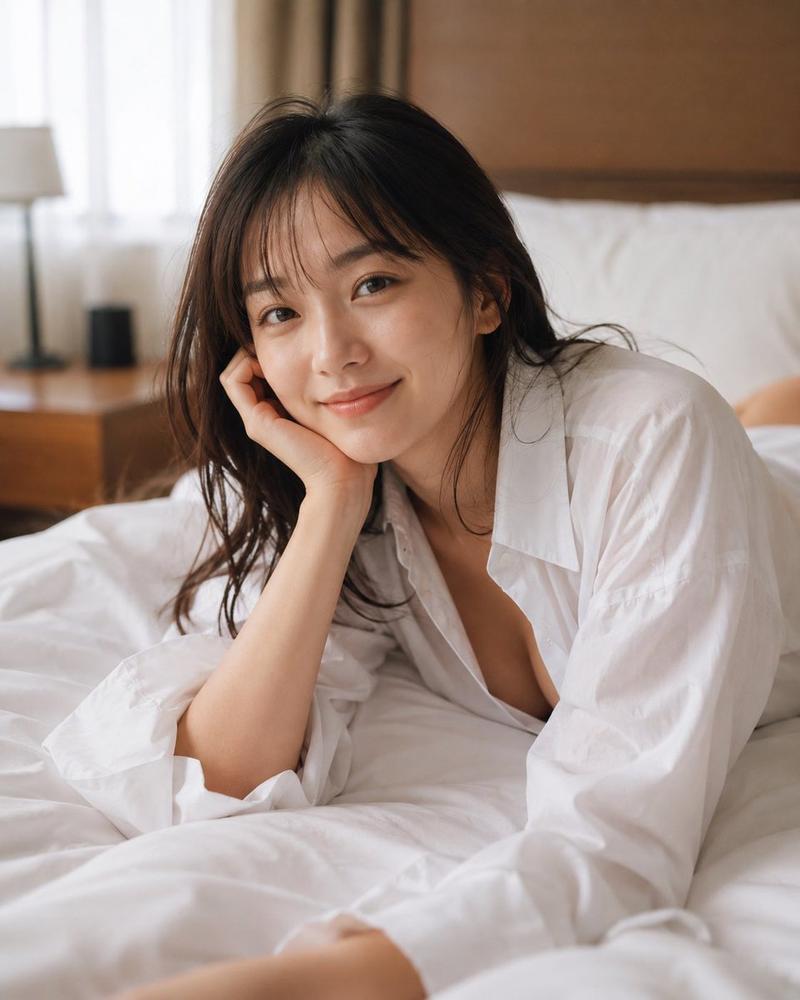
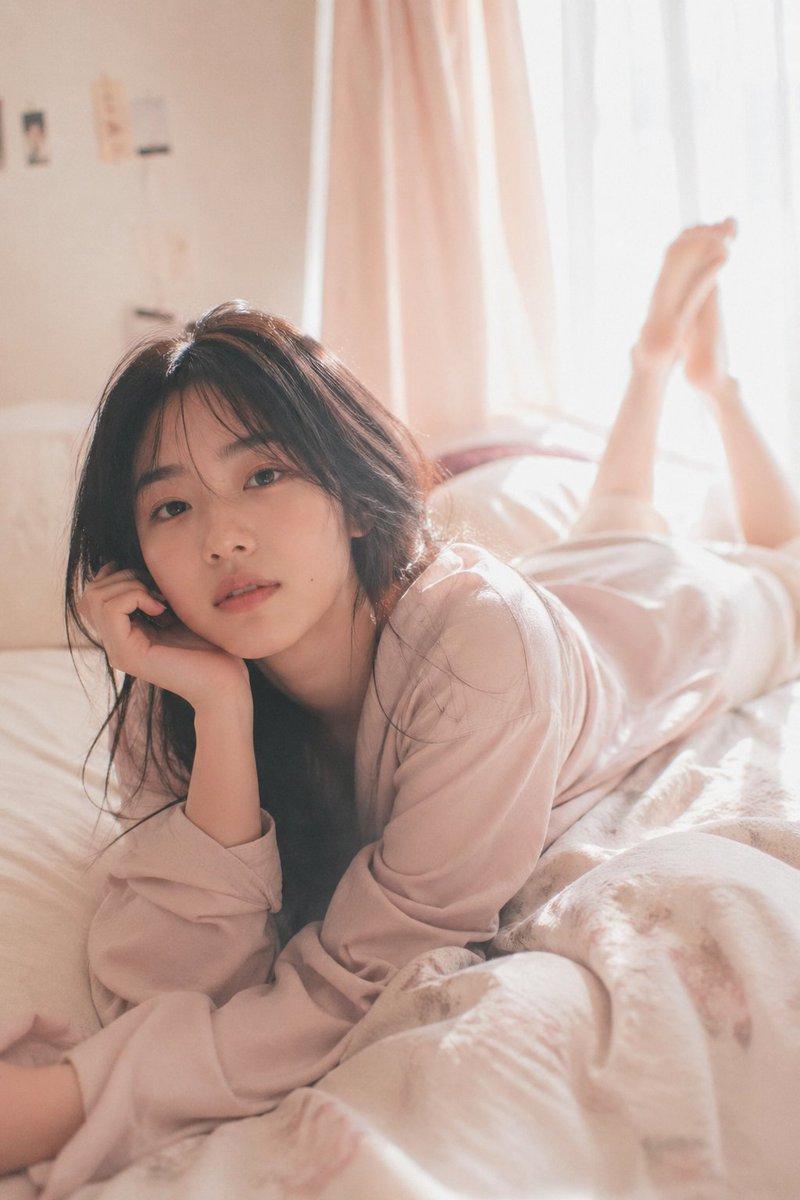
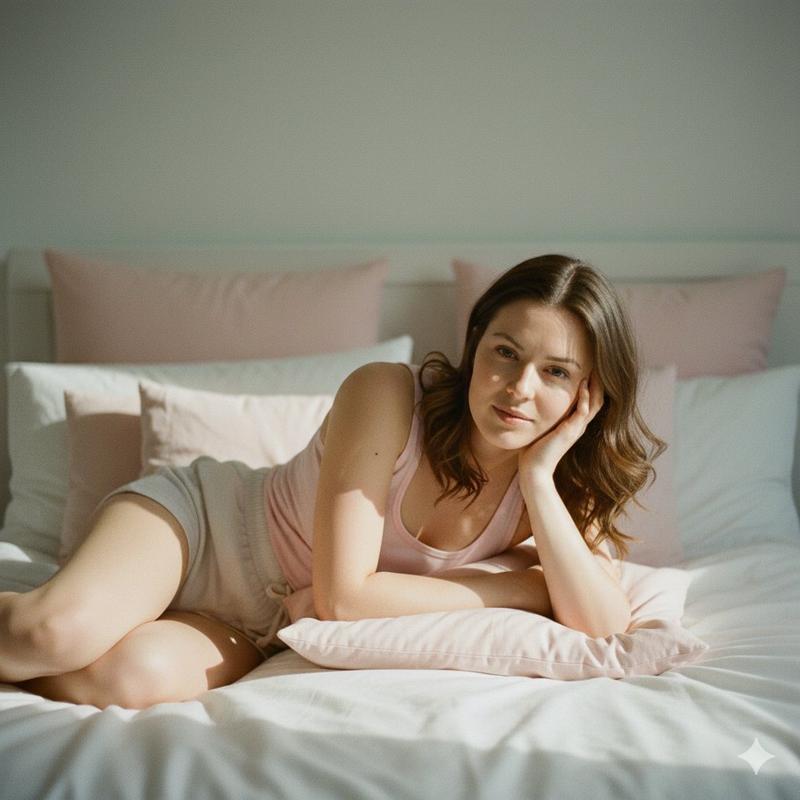
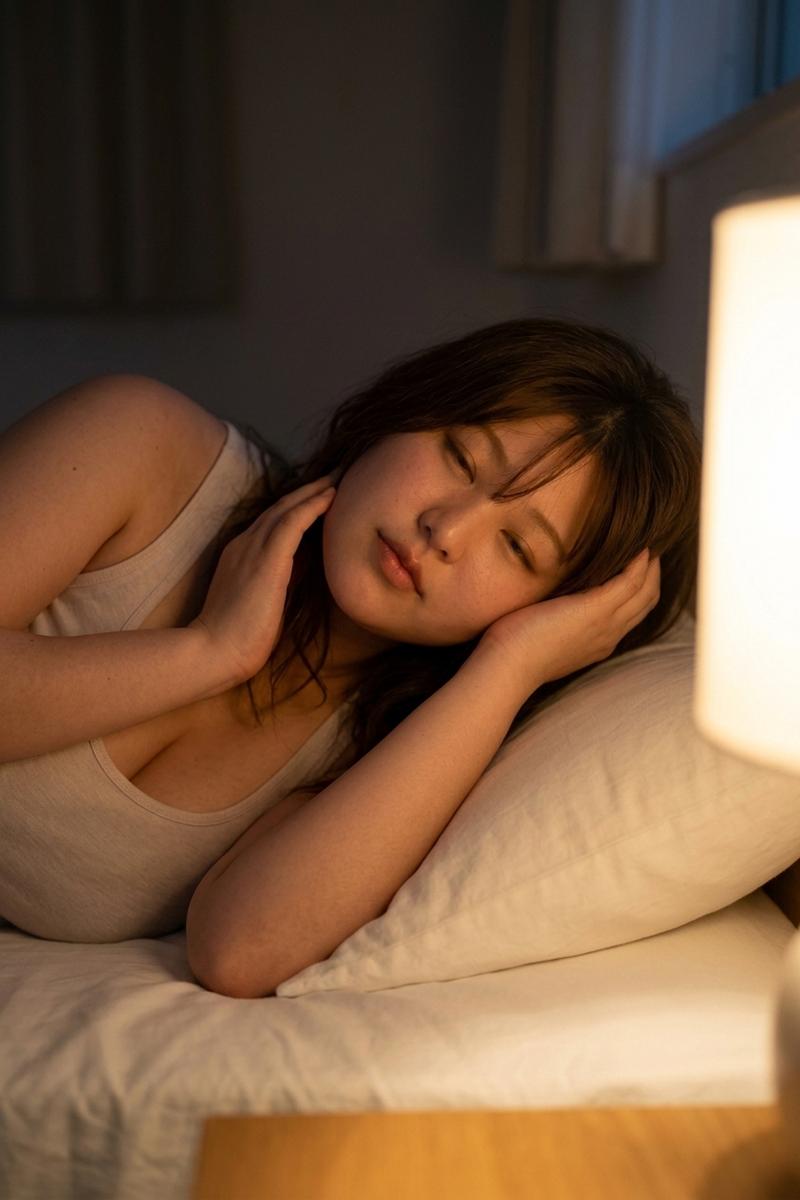
卧室中自然柔和肖像的结构化提示
Enlarge

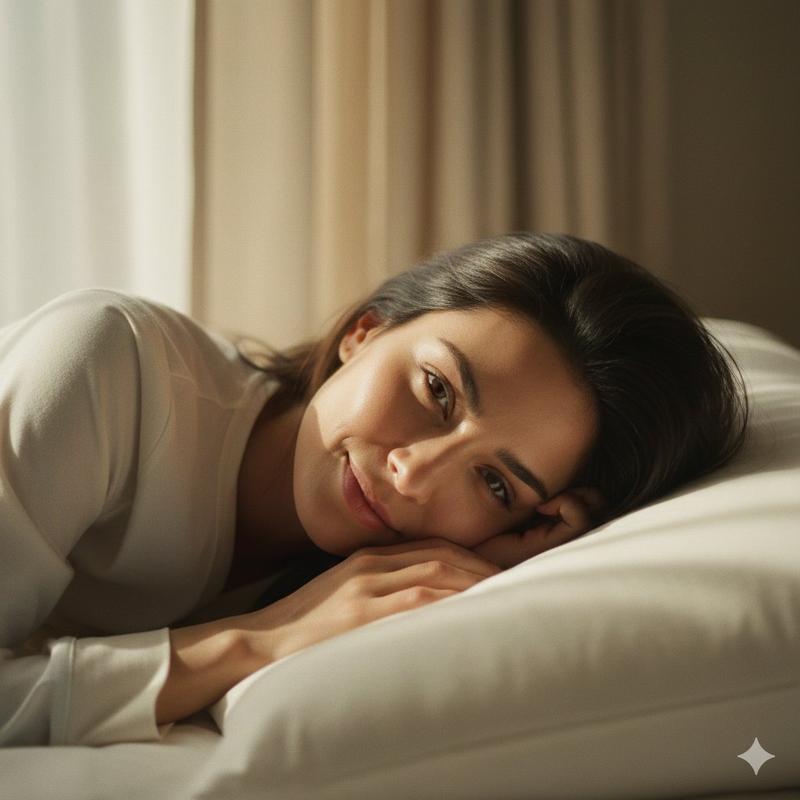
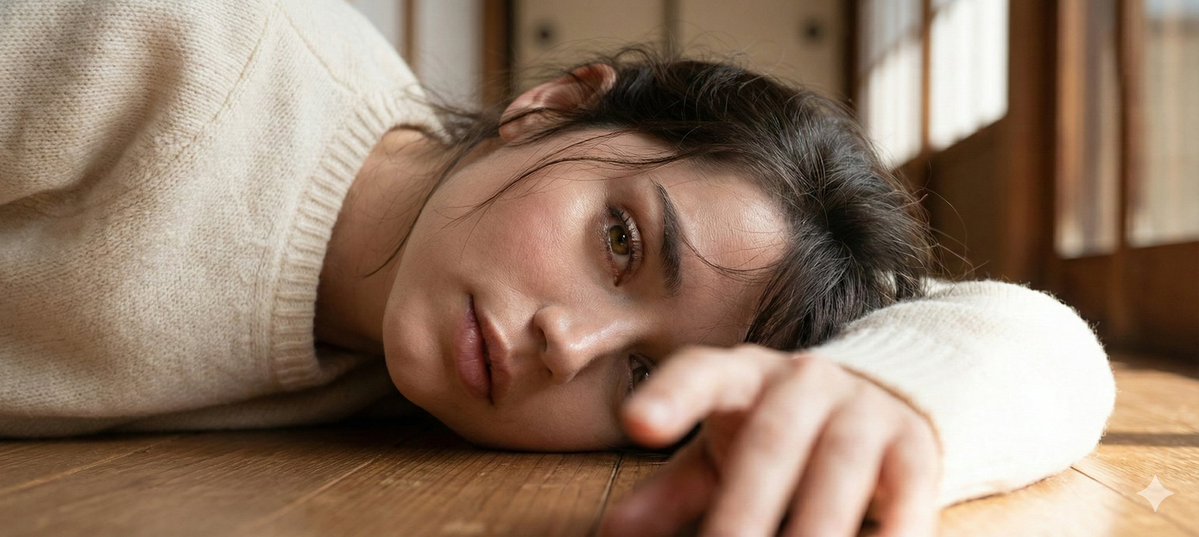
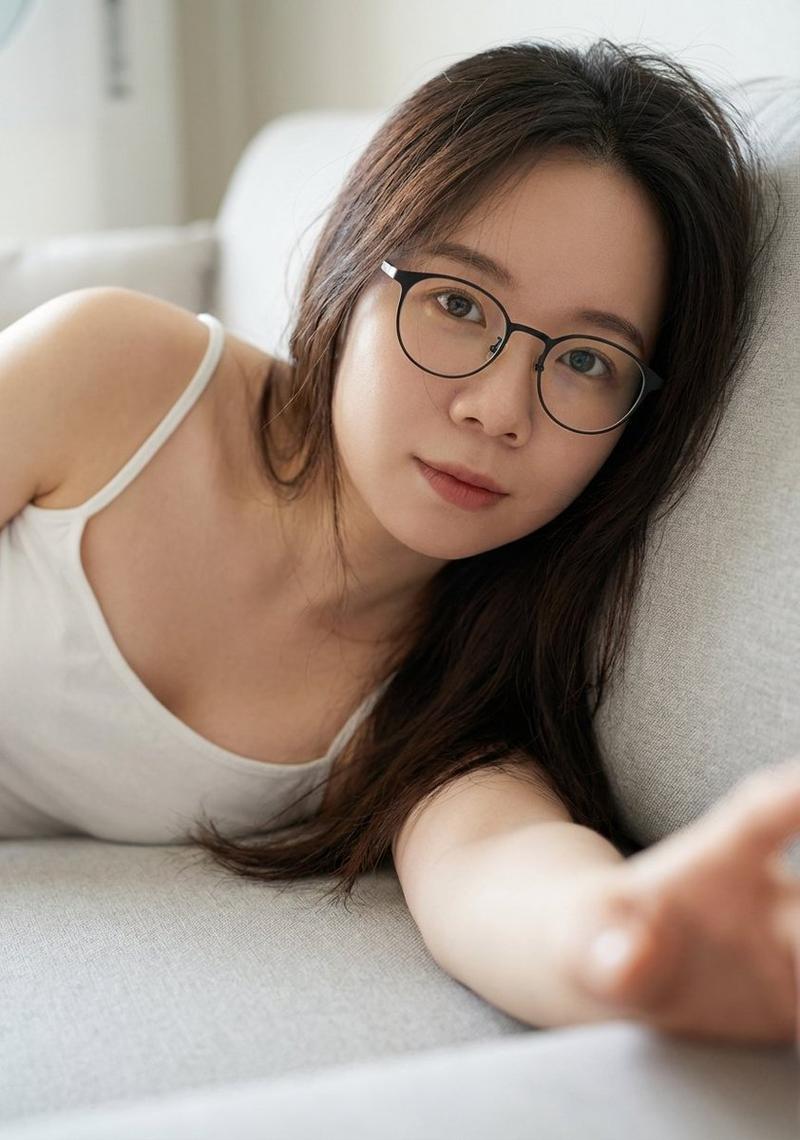
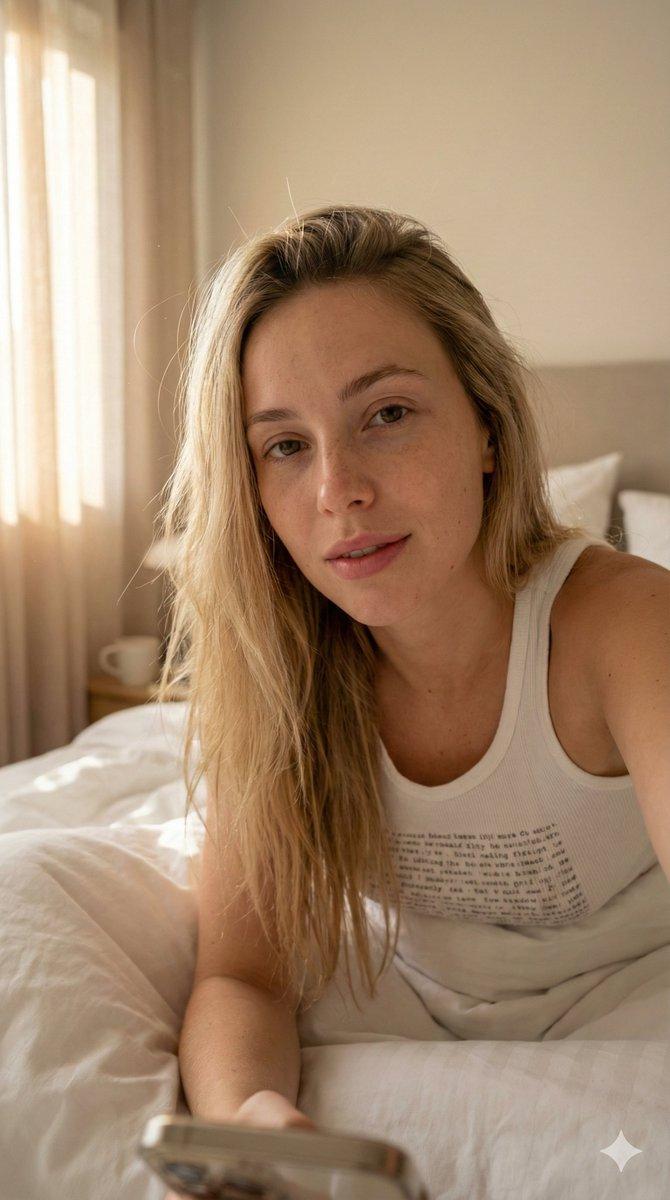
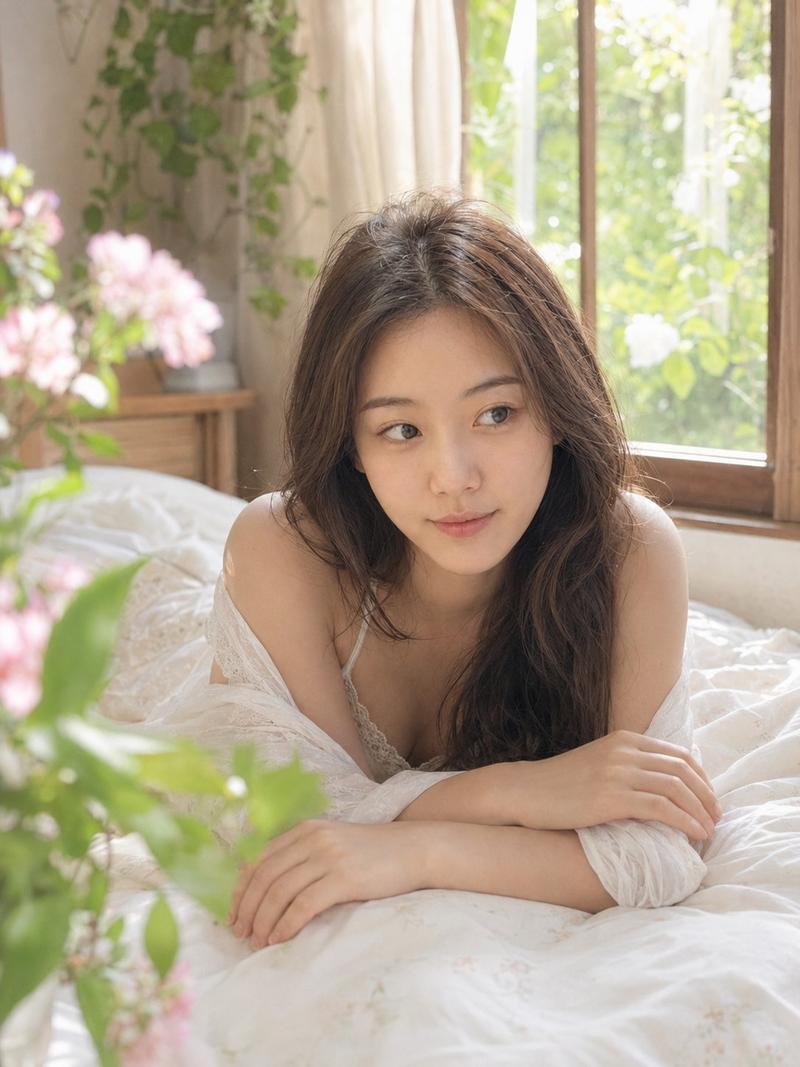
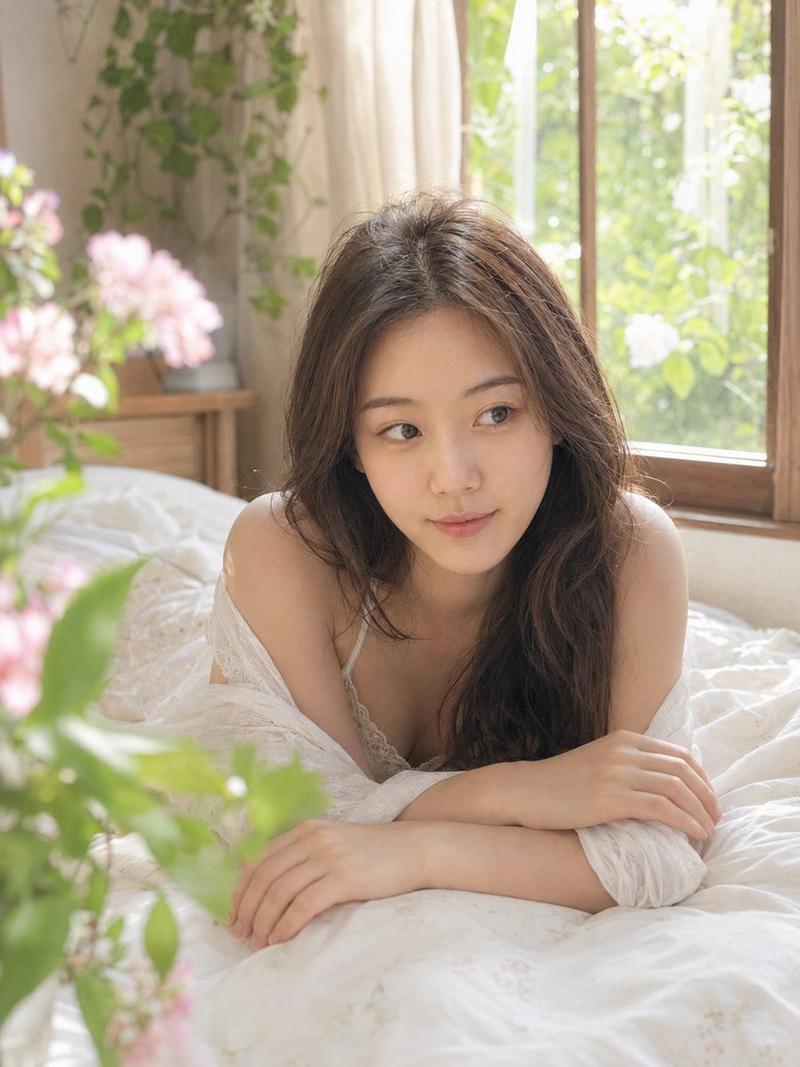
卧室中自然柔和肖像的结构化提示

Prompt
{
  "image_generation": {
    "face": {
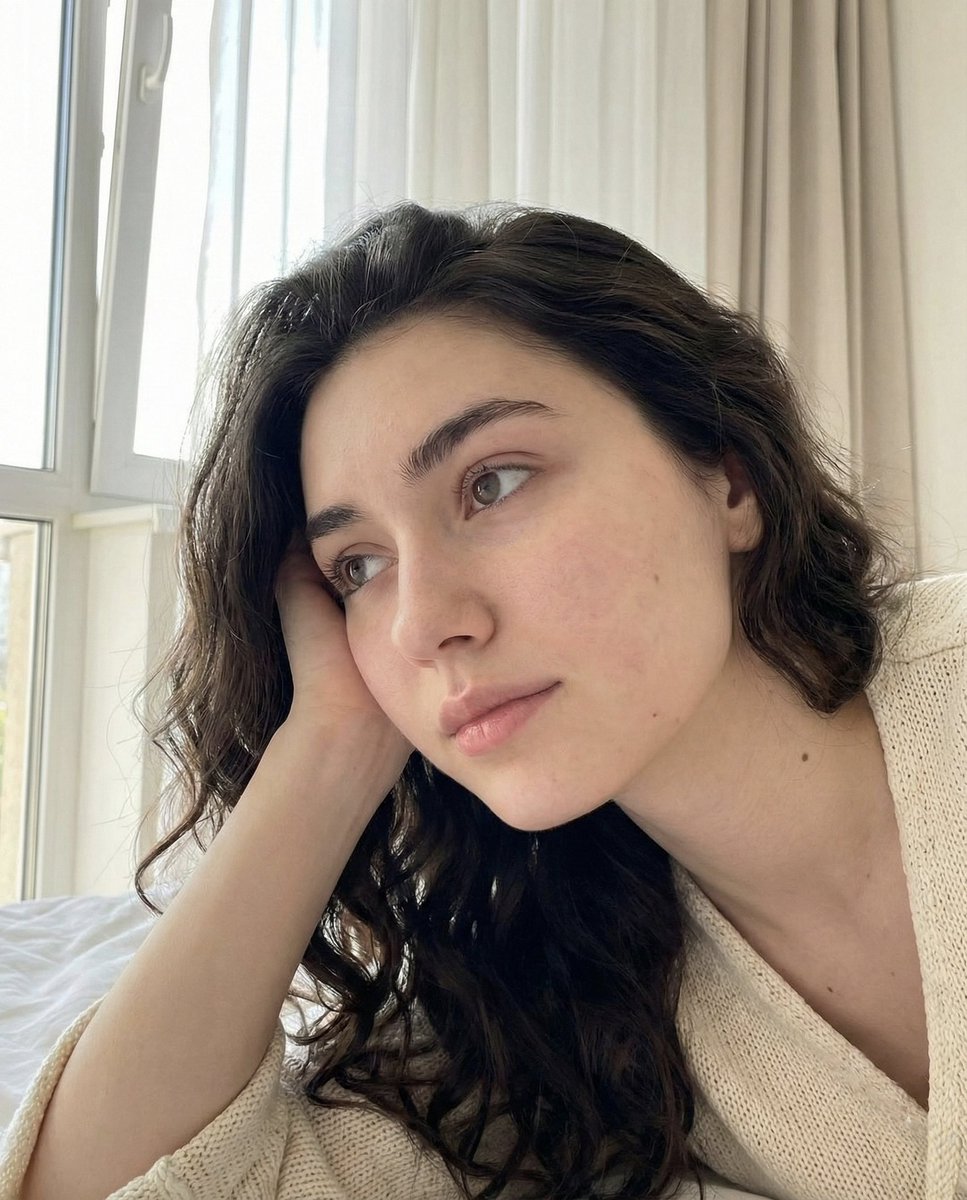
      "preserve_original": true,
      "reference_match": true,
      "description": "Keep all facial characteristics 100% identical to the reference image."
    },

    "photo_style": {
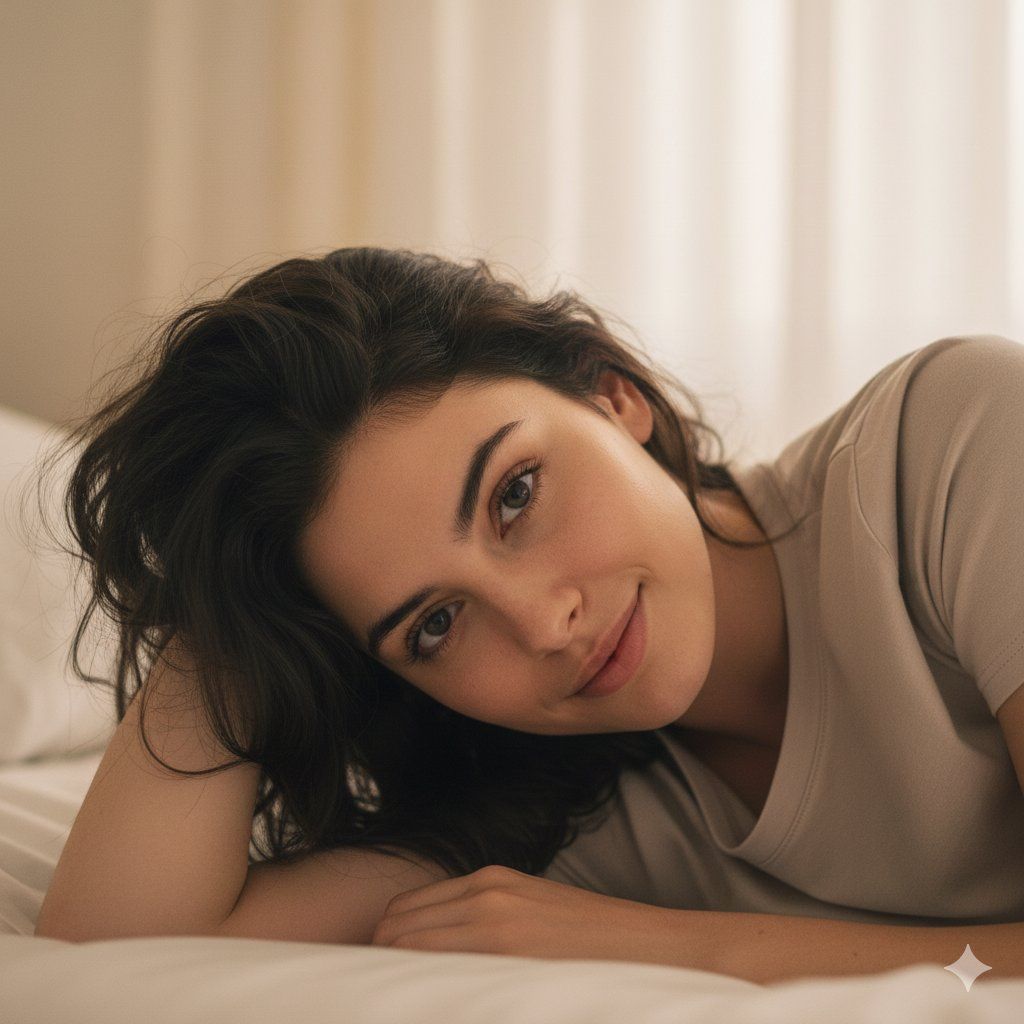
      "type": "natural soft portrait",
      "camera_angle": "close, front-angled with gentle tilt",
      "lighting": "diffused daylight through curtains",
      "mood": "calm, serene, intimate",
      "texture": "natural pores visible, soft pastel tone",
      "focus": "eyes and face in sharp focus with creamy background blur"
    },

    "subject": {
      "pose": "lying on bed on her side, head supported by hand",
      "expression": "relaxed half smile, soft gentle gaze",
      "hair": {
        "style": "messy natural waves around shoulders",
        "texture": "soft strands falling towards face"
      },
      "clothing": {
        "type": "neutral comfy top",
        "details": "smooth texture, minimal"
      },
      "hand": {
        "position": "resting under chin"
      }
    },

    "environment": {
      "setting": "simple cozy bedroom space",
      "background": "pale curtains & soft light glow",
      "atmosphere": "peaceful morning warmth"
    },

    "aesthetic": {
      "style": "warm natural portrait",
      "features": ["soft bokeh","gentle highlights","minimal backdrop","clean daylight aesthetic"]
    }
  }
}
Category
创意图片
Model
Nano Banana Pro
Creator
Marry Evan
Views0
Source ID
1554621f-dc73-499c-a512-cd173f9dc5ce
Published
Mar 8, 2026

Guide

About "卧室中自然柔和肖像的结构化提示"

What is this prompt for?

"卧室中自然柔和肖像的结构化提示" AI image prompt for Nano Banana Pro (创意图片). 一个结构化的 JSON 提示词,用于生成一张人物躺在床上的自然柔和肖像,要求面部与参考图像 100% 一致。它侧重于漫射日光、平静的心情、自然的皮肤纹理,以及带有柔和焦外虚化的舒适卧室环境。 -…

The full copyable prompt and example visuals above are ready for AI image generation or one-click recreate in Picva.

How to use this prompt

  1. Step 1

    Open the prompt detail

    Review the example visuals, category, and full prompt text for "卧室中自然柔和肖像的结构化提示".

  2. Step 2

    Copy the prompt

    Copy the prompt body from this page, or load it directly in Studio.

  3. Step 3

    Pick a model (Nano Banana Pro)

    Prefer Nano Banana Pro. If you switch models, keep subject and composition and tweak style terms.

  4. Step 4

    Generate and export

    Recreate the look in Picva, or export into your workflow for editing and publishing.

FAQ

What is the "卧室中自然柔和肖像的结构化提示" prompt?
It is an AI image-generation prompt for Nano Banana Pro in the 创意图片 category. This page includes the full prompt text, example visuals, and a one-click recreate path in Picva.
How do I use this prompt to generate an image?
Copy the prompt from this page, or use Generate / Studio. Paste it into a compatible image model, or recreate the look in Picva with optional reference images.
Which model is this prompt for?
This page lists Nano Banana Pro. Most descriptive prompts also transfer to nearby image models such as GPT Image, Flux, or Midjourney with light style tweaks.
Can I use the result commercially?
You can usually copy the prompt for creation, but commercial use of the final image depends on the model terms, reference-image rights, and the generated content. Follow the source author and platform rules.