17

Frosted Apple organ render: GPT Image 2 prompt
Enlarge

Frosted Apple organ render: GPT Image 2 prompt

Prompt
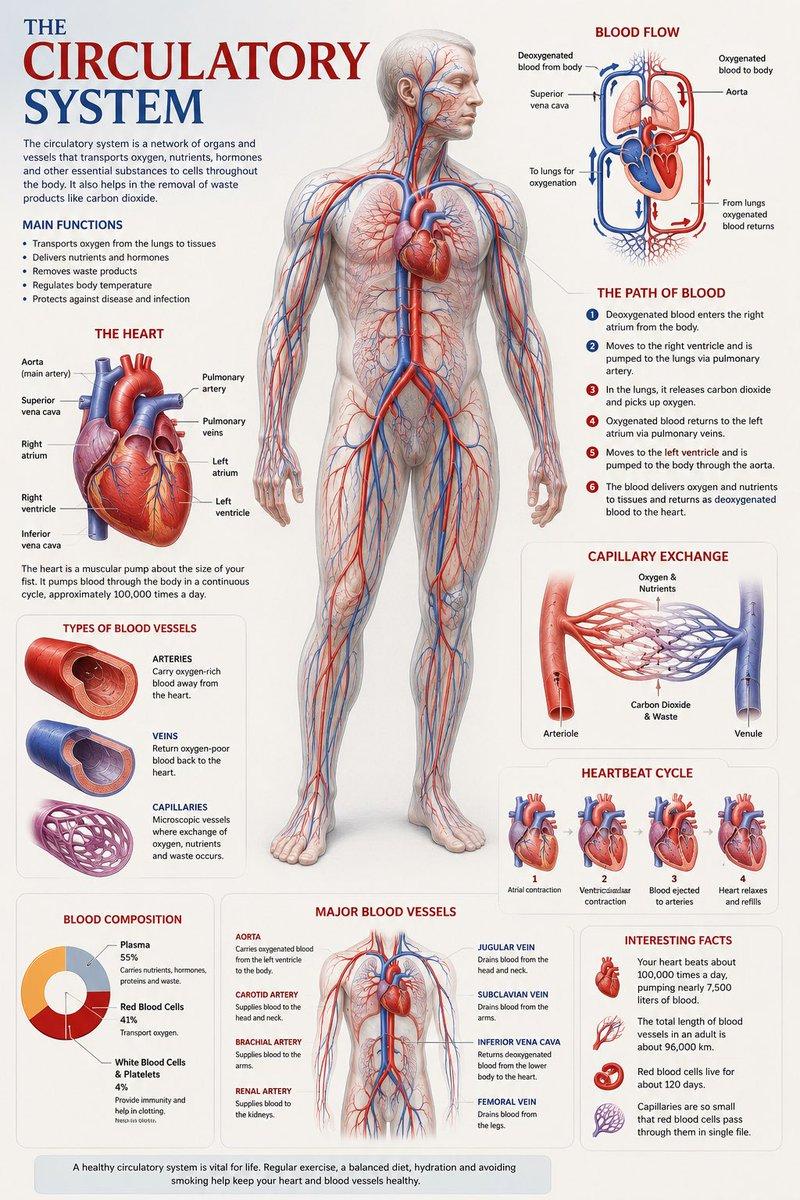
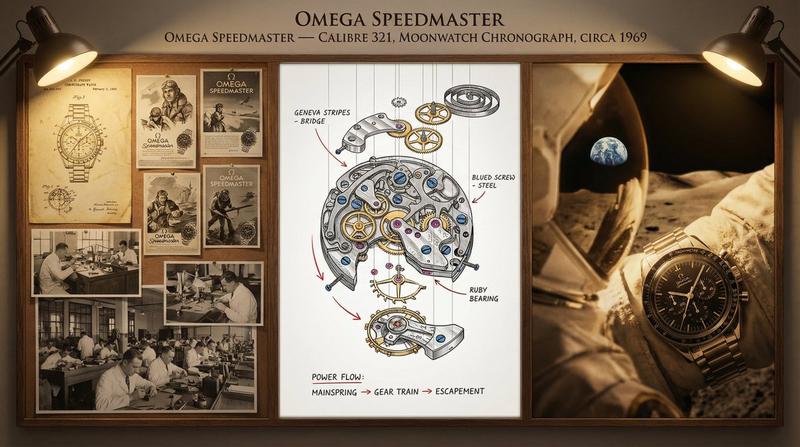
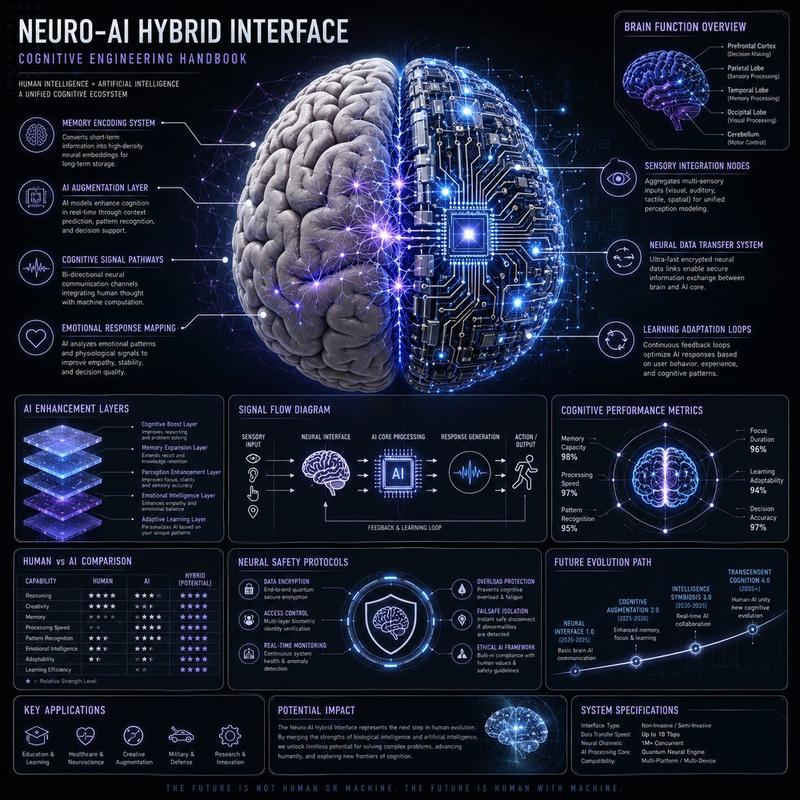
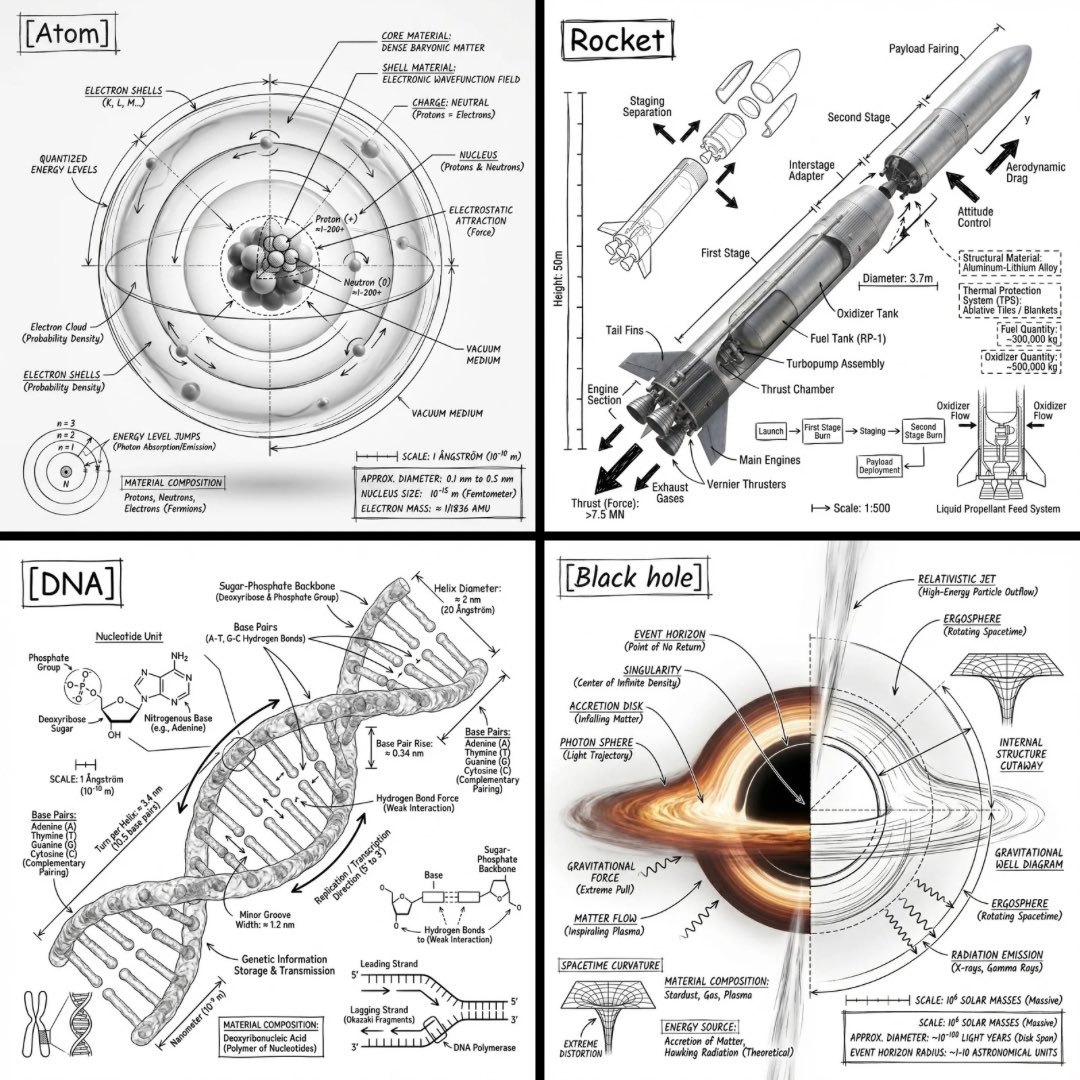
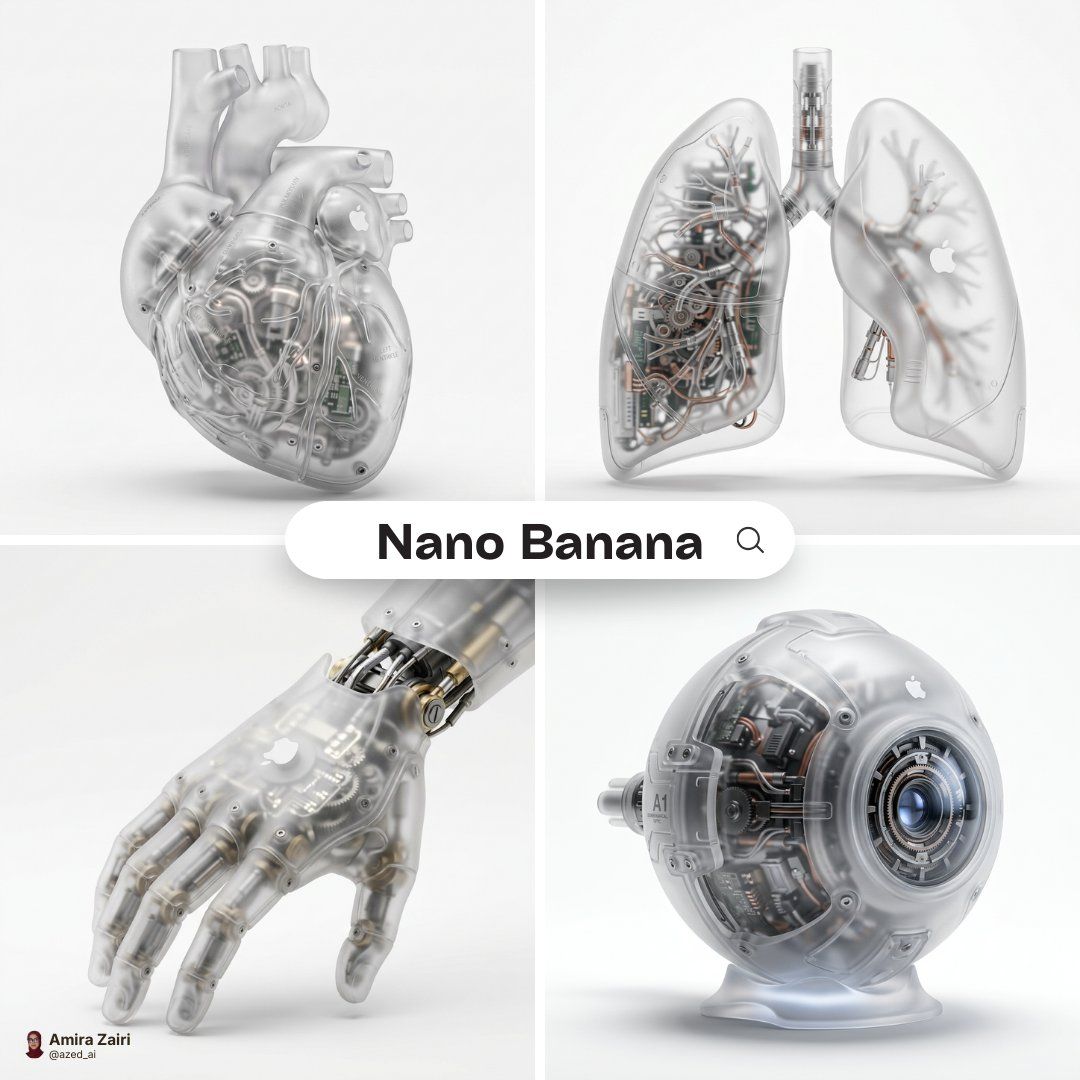
A hyper-realistic 3D anatomical human [organ] made from semi-translucent frosted polycarbonate with a milky matte finish, softly diffusing light. Industrial injection-molded detailing, subtle micro-texture, and rounded edges with precision seams. Inside, intricate mechanical components replace organic tissue, micro gears, pistons, circuitry, and engineered chambers visible but softly blurred through the shell. A subtle white Apple logo is naturally embedded on the surface, minimal and not overly obvious. Soft diffused studio lighting, realistic plastic refraction, subtle shadow beneath, centered composition, pure white background, ultra-detailed futuristic biomechanical render, 1:1 aspect ratio.
Category
Products & E-commerce
Model
GPT Image 2
Views0
Source ID
2033543326444720272
Published
Mar 16, 2026

Guide

About "Frosted Apple organ render: GPT Image 2 prompt"

What is this prompt for?

"Frosted Apple organ render: GPT Image 2 prompt" AI image prompt for GPT Image 2 (Products & E-commerce). A hyper-realistic 3D anatomical human [organ] made fr…

The full copyable prompt and example visuals above are ready for AI image generation or one-click recreate in Picva.

How to use this prompt

  1. Step 1

    Open the prompt detail

    Review the example visuals, category, and full prompt text for "Frosted Apple organ render: GPT Image 2 prompt".

  2. Step 2

    Copy the prompt

    Copy the prompt body from this page, or load it directly in Studio.

  3. Step 3

    Pick a model (GPT Image 2)

    Prefer GPT Image 2. If you switch models, keep subject and composition and tweak style terms.

  4. Step 4

    Generate and export

    Recreate the look in Picva, or export into your workflow for editing and publishing.

FAQ

What is the "Frosted Apple organ render: GPT Image 2 prompt" prompt?
It is an AI image-generation prompt for GPT Image 2 in the Products & E-commerce category. This page includes the full prompt text, example visuals, and a one-click recreate path in Picva.
How do I use this prompt to generate an image?
Copy the prompt from this page, or use Generate / Studio. Paste it into a compatible image model, or recreate the look in Picva with optional reference images.
Which model is this prompt for?
This page lists GPT Image 2. Most descriptive prompts also transfer to nearby image models such as GPT Image, Flux, or Midjourney with light style tweaks.
Can I use the result commercially?
You can usually copy the prompt for creation, but commercial use of the final image depends on the model terms, reference-image rights, and the generated content. Follow the source author and platform rules.