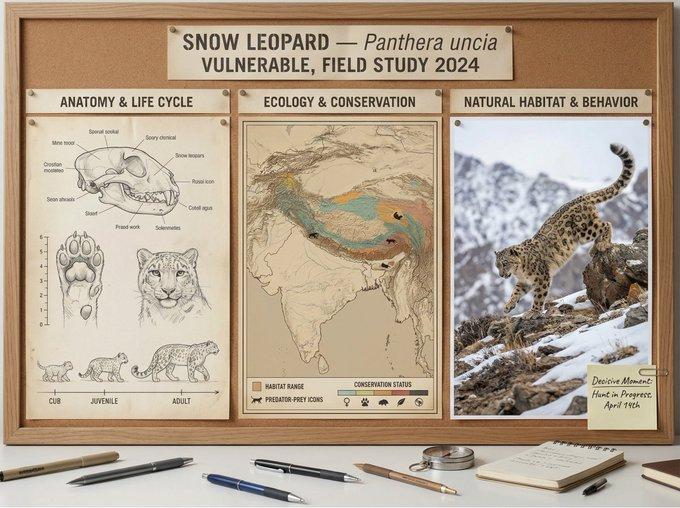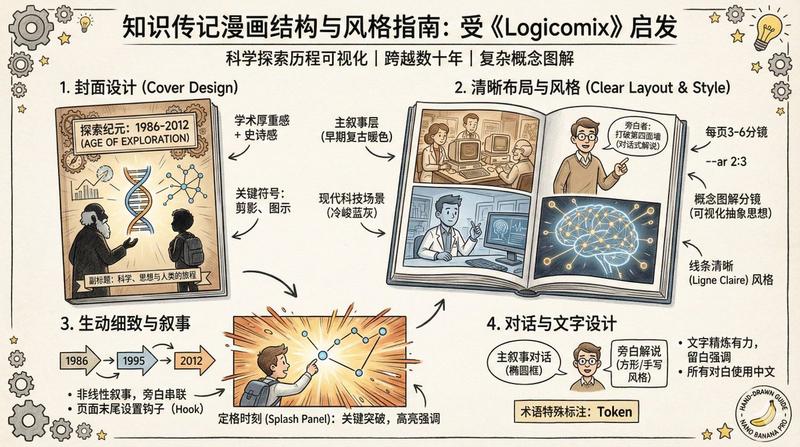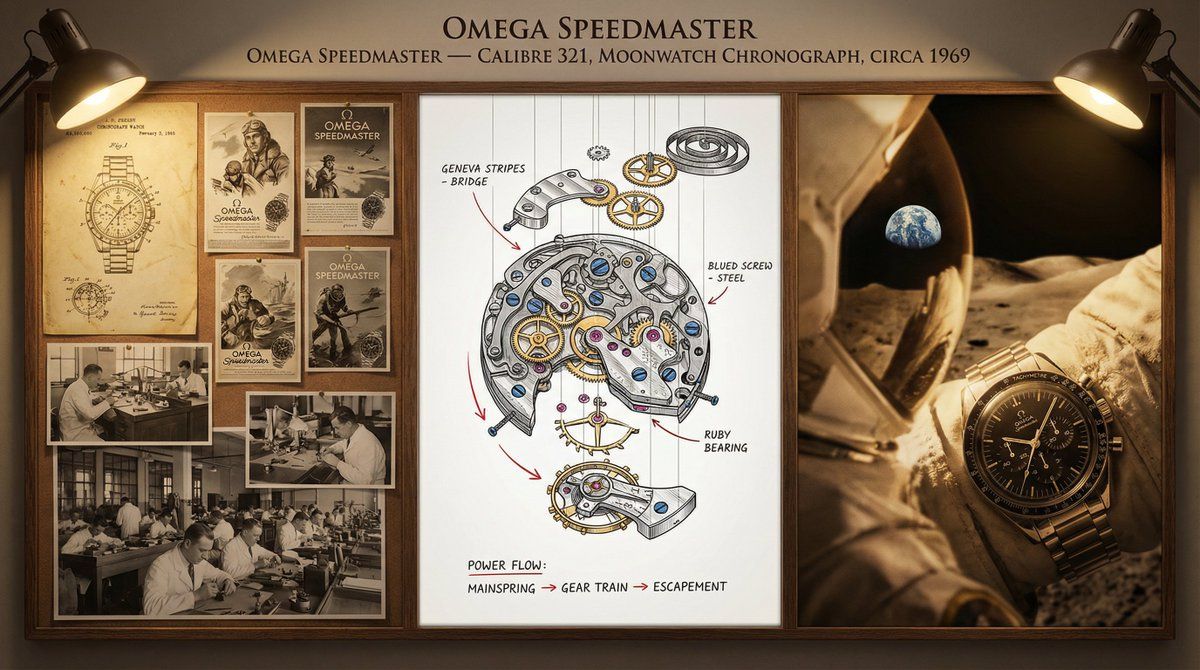
钟表匠文档板(分解图)
Prompt
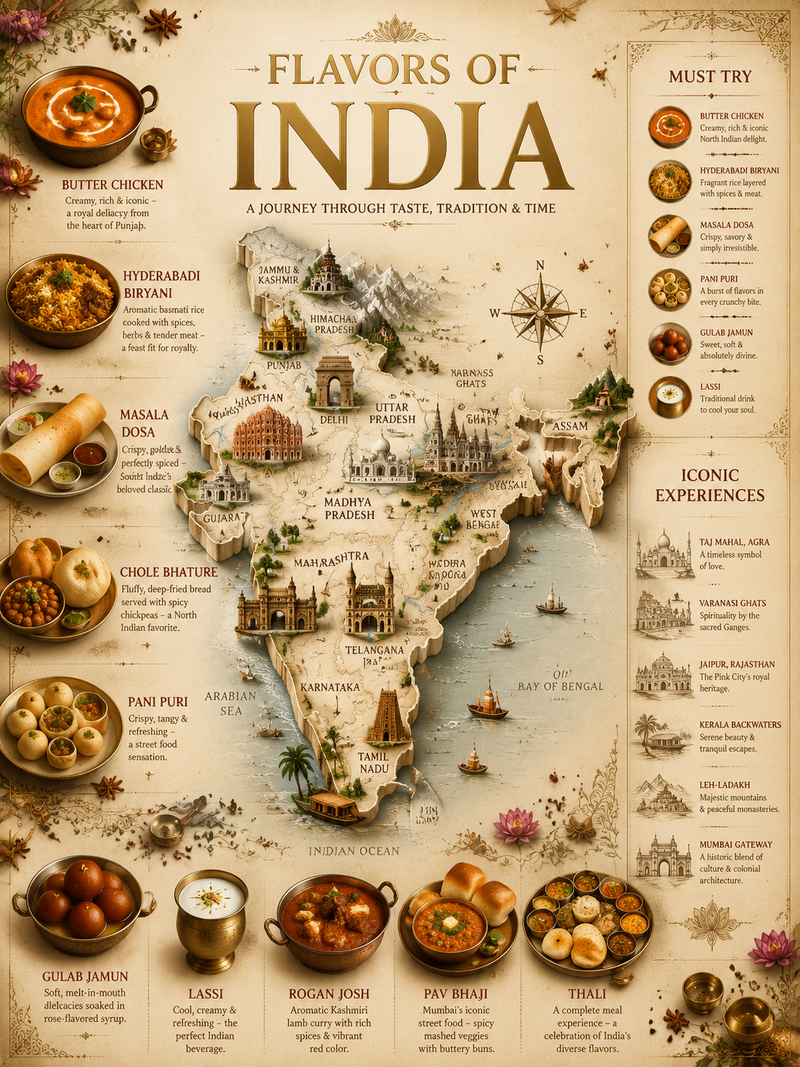
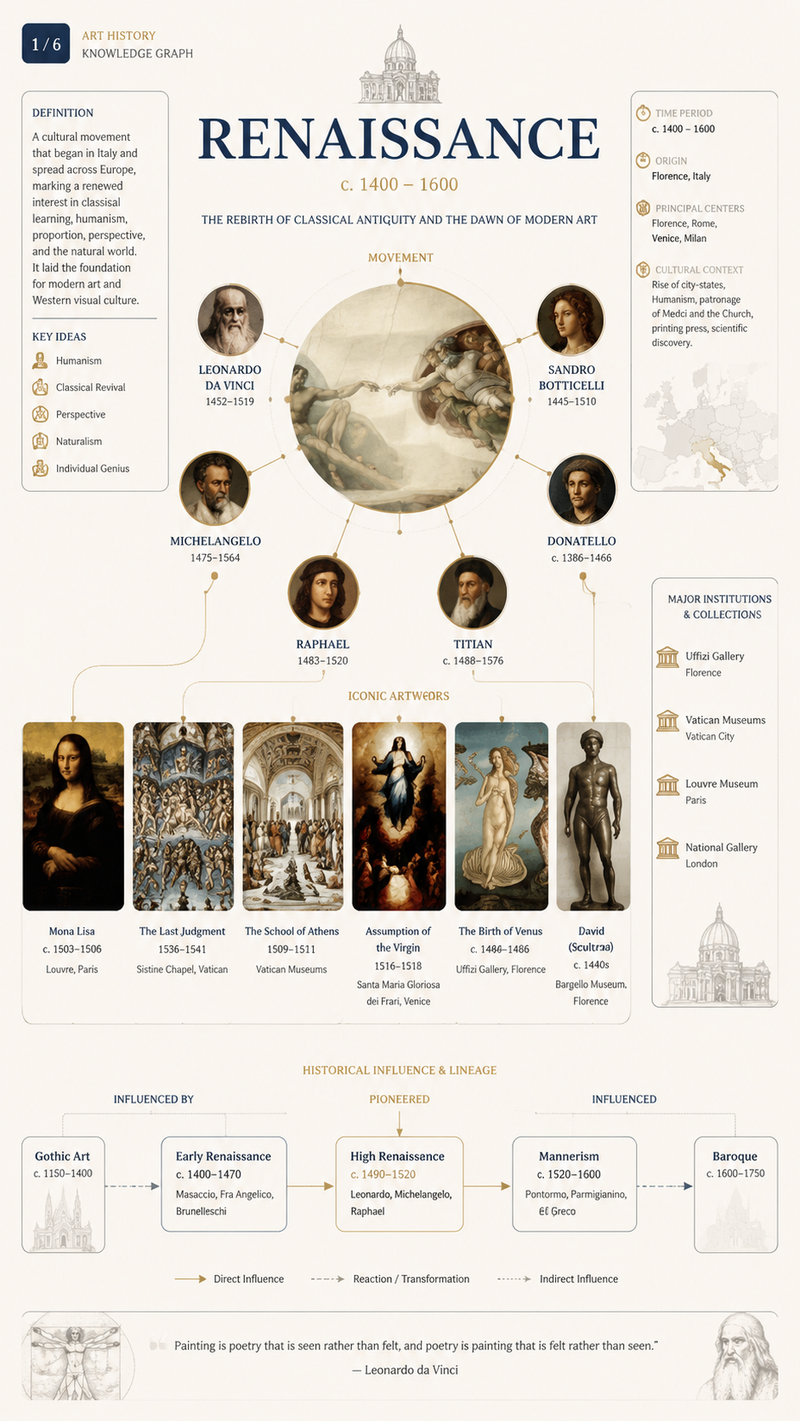
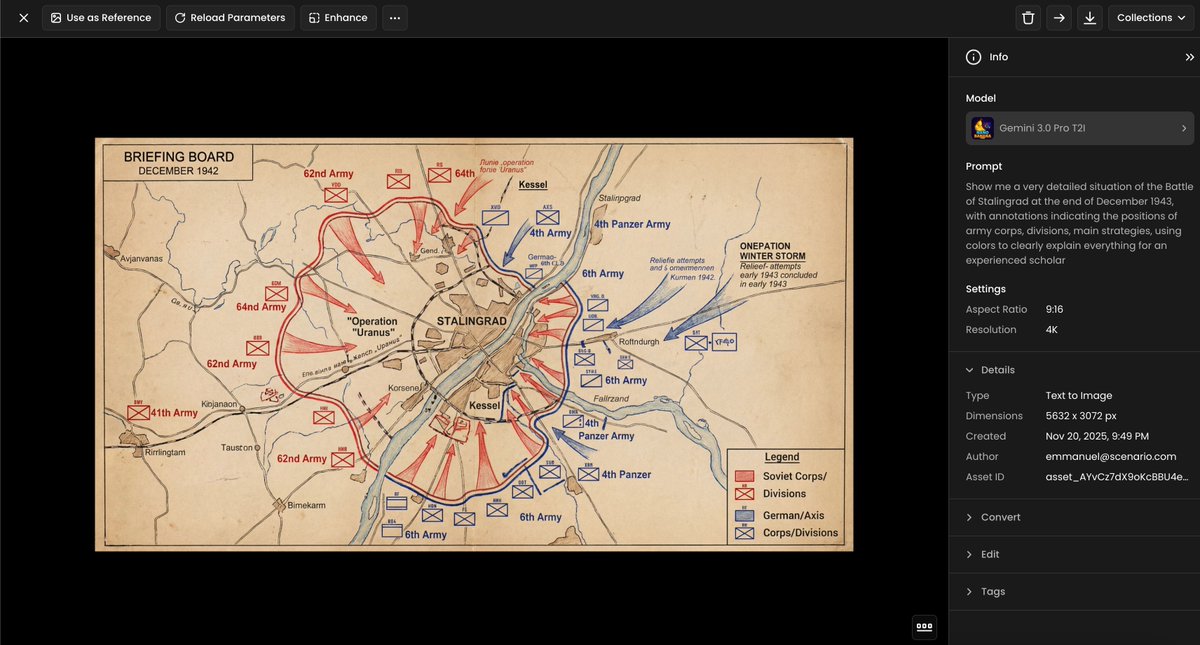
A master watchmaker's documentation board for {argument name="timepiece" default="a Tourbillon Chronograph"} — {argument name="manufacture" default="Patek Philippe"} / {argument name="complication" default="Perpetual Calendar"} / {argument name="year" default="1950"}. Left section: historical context showing the original patent drawings, period advertisements in gilded frames, and archival photographs of the atelier with craftsmen at work. Center section: the movement in exploded view, every wheel, spring, and jewel suspended in precise spatial relationship, with material callouts (Geneva stripes, blued screws, ruby bearings) and functional annotations tracing the flow of power from mainspring to escapement. Right section: the completed watch in its defining context—wrist of an explorer, pocket of a diplomat, or display case of a collector—captured with shallow depth and warm side lighting. Visual style transitions from sepia patent office to mechanical precision chrome to intimate portraiture. Title block reading "{argument name="watch name" default="[WATCH NAME]"} — CALIBRE {argument name="calibre number" default="[NUMBER]"}, {argument name="complication" default="[COMPLICATION]"}, CIRCA {argument name="year" default="[YEAR]"}".- Category
- 创意图片
- Model
- Nano Banana Pro
- Creator
- Alexandra Aisling
- Source ID
- a22fdfe7-49ed-4925-9735-d99442feb38b
- Published
- Mar 8, 2026
Views0






![A hand-painted isometric bird’s-eye view illustration of [COUNTRY] in a vintage](https://whqgdndlpxjbwosvipip.supabase.co/storage/v1/render/image/public/prompt-source-media/promptsref/work-1328/image-1-f22d173440d1df18.png?width=800&quality=75&resize=contain)