14

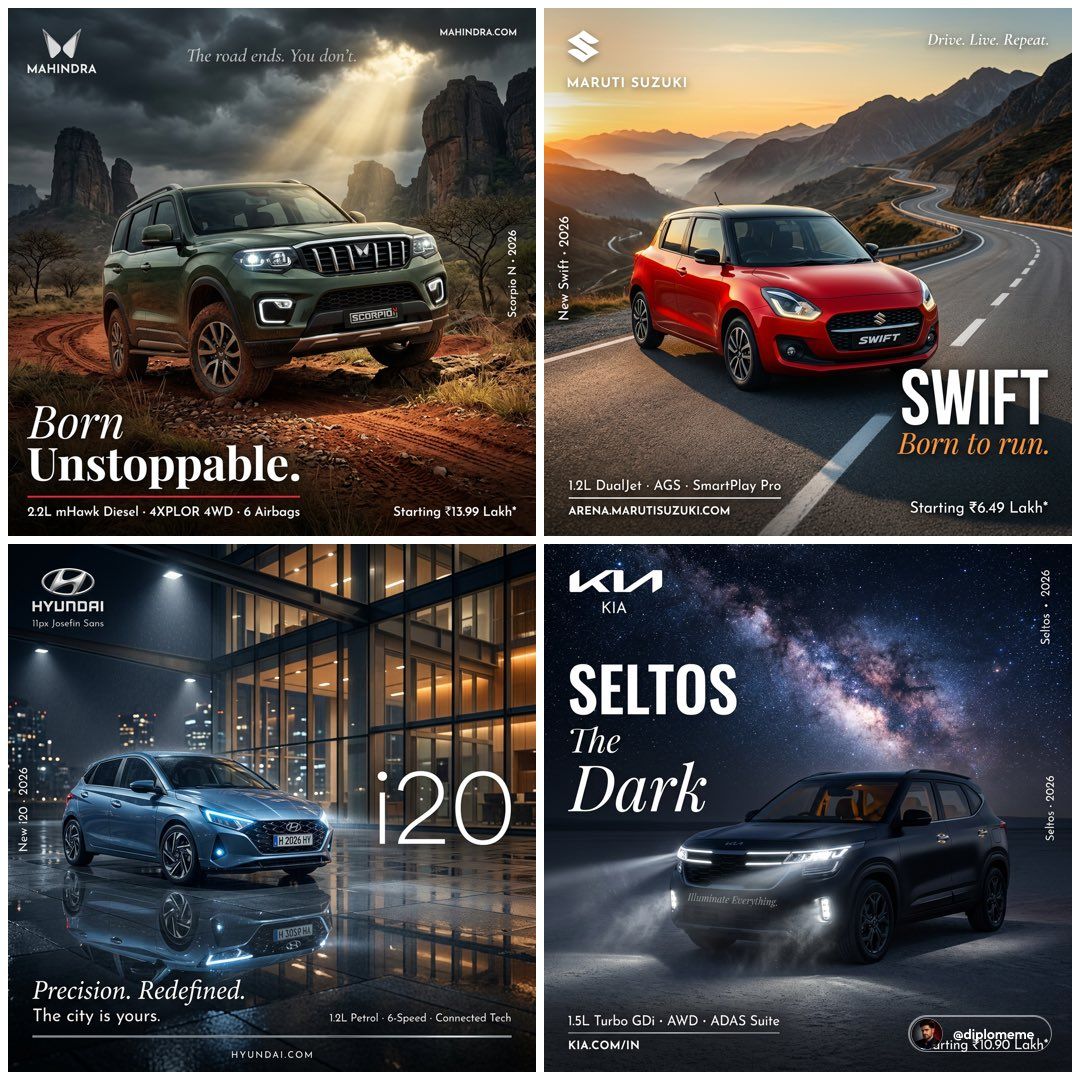
Hyper-real automotive poster: GPT Image 2 prompt
Enlarge

Hyper-real automotive poster: GPT Image 2 prompt

Prompt
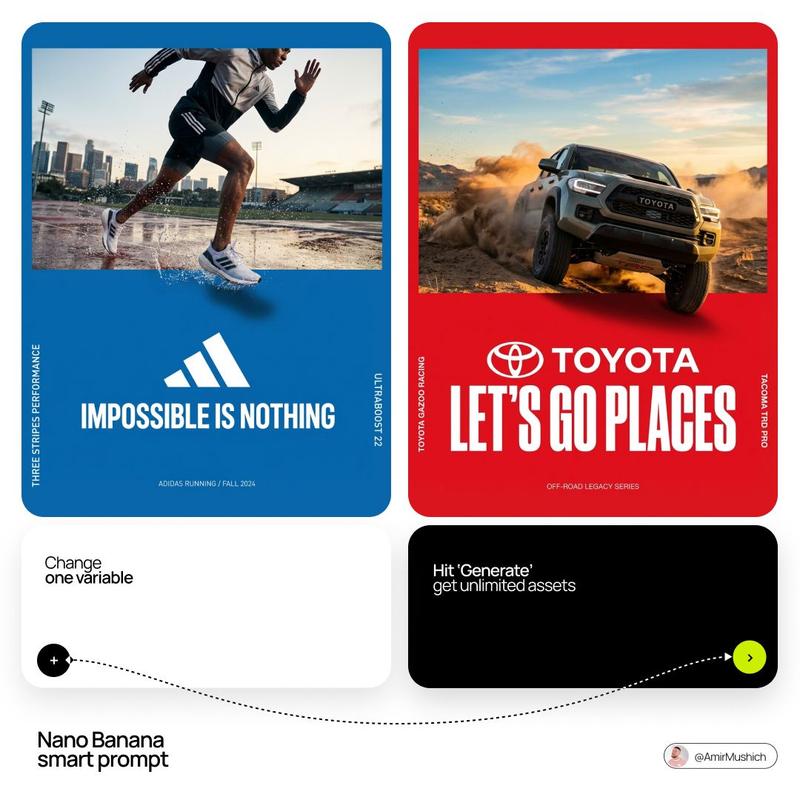
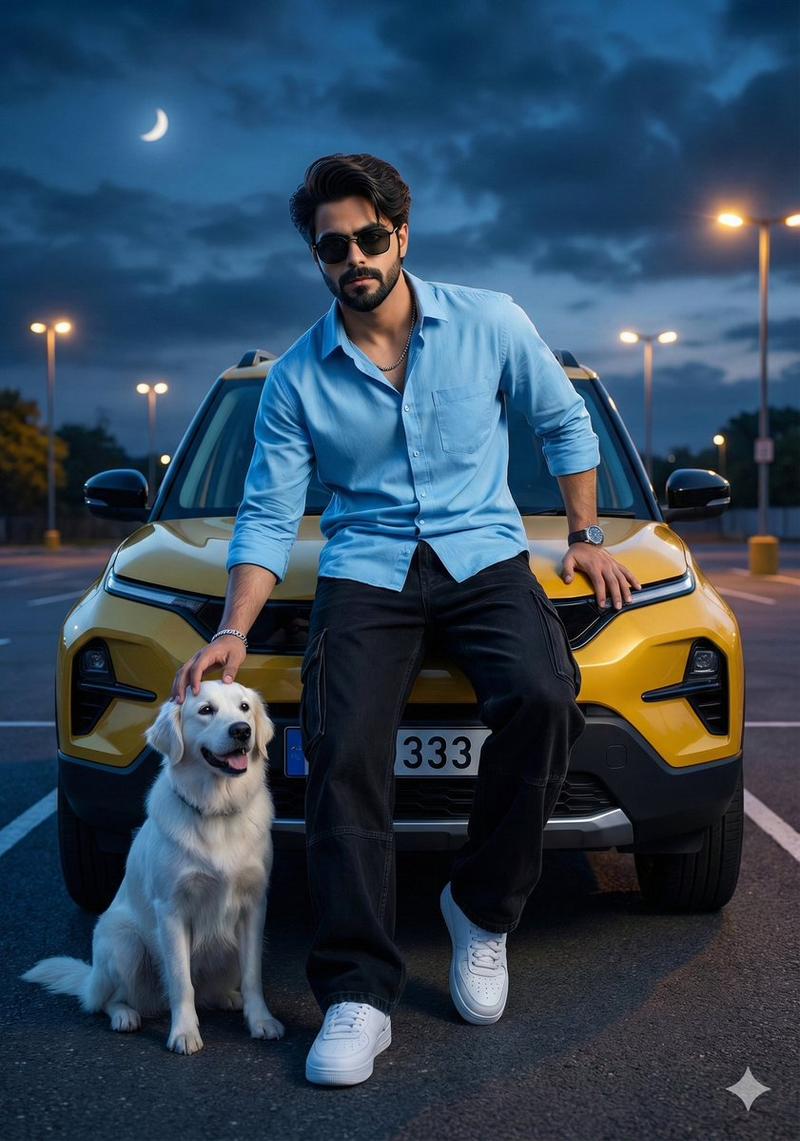
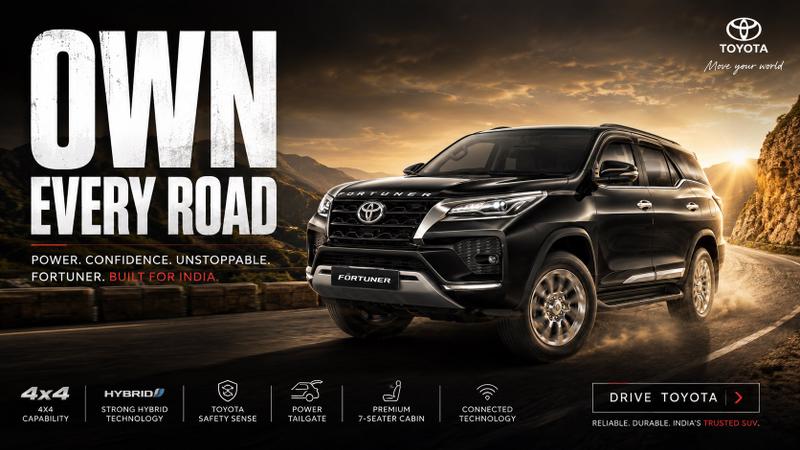
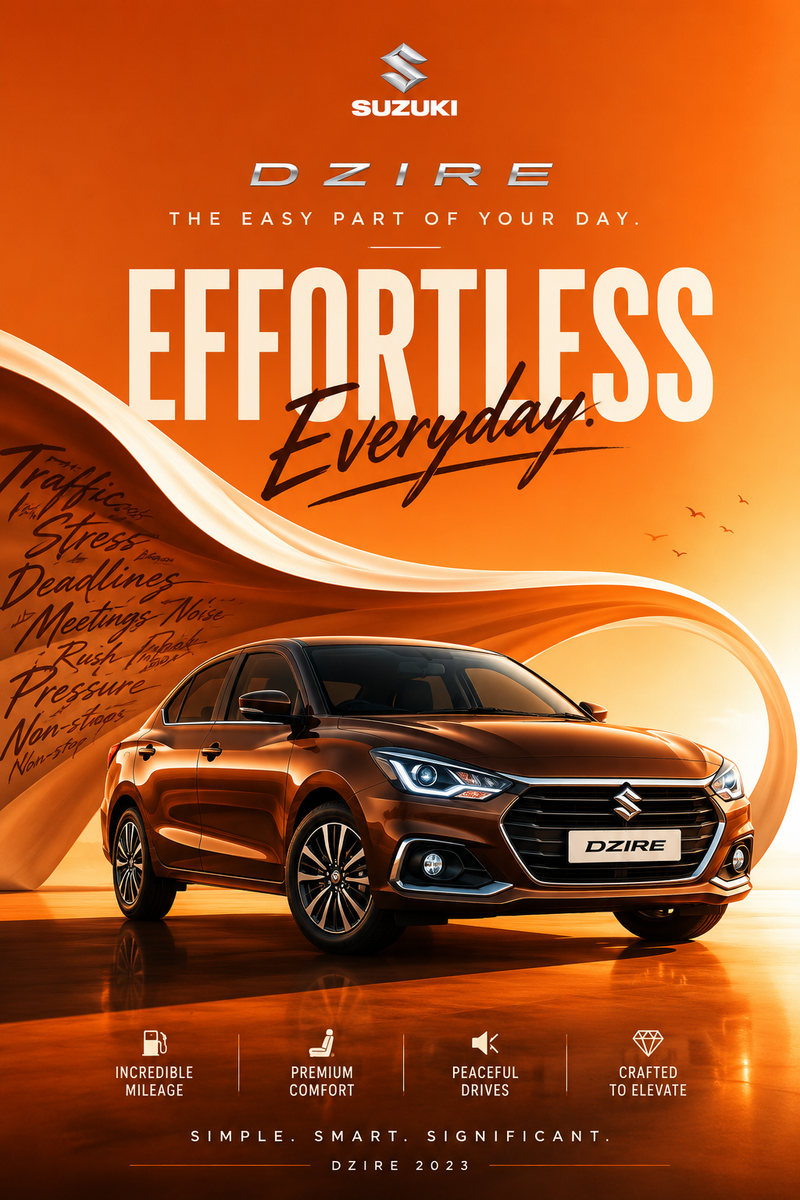
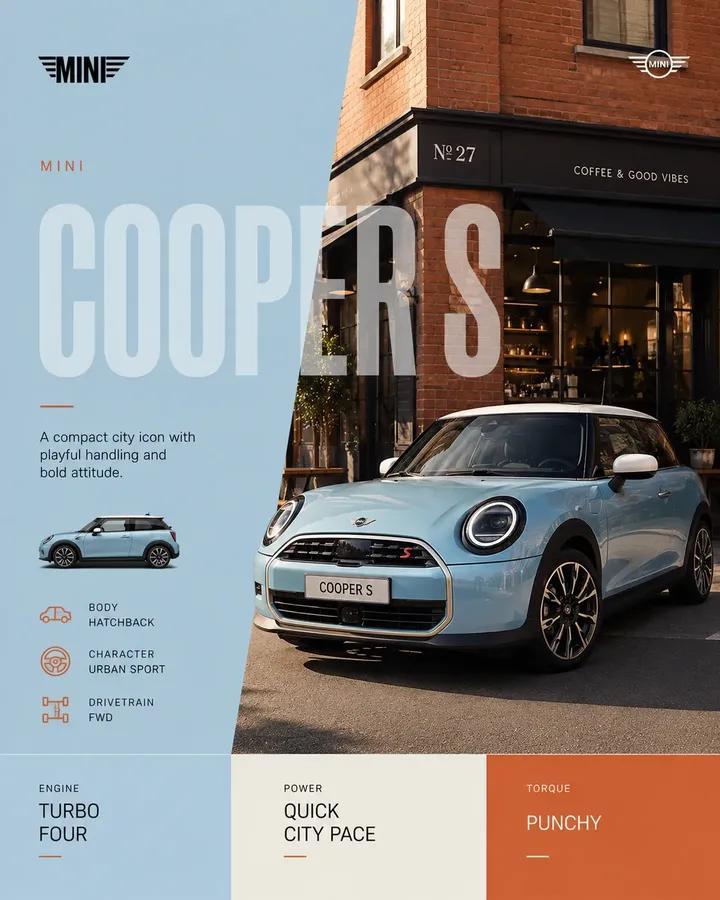
Hyper-realistic professional automotive commercial ad poster. [BRAND] [MODEL] in [COLOR] parked at a perfect 3/4 front angle on [SURFACE]. Background: [ENVIRONMENT]. [WEATHER/ATMOSPHERE]. The car hyper-detailed — every panel line sharp, all lights on and glowing, [SIGNATURE DESIGN DETAIL] catching [LIGHT SOURCE], alloy wheels clean and sharp, car reflection visible on [SURFACE] below. [ATMOSPHERE DETAIL — mist / dust / rain / stars].
Typography: top left — [BRAND] logo white. Center — “[MODEL NAME]” in large bold white. Bottom left — “[HEADLINE TAGLINE]” in italic serif white. Below — “[ENGINE · FEATURE · FEATURE]” in 8px tracked caps white. Bottom right — “Starting [PRICE]*” white. Thin horizontal rule separating tagline from specs. Bottom center — “[BRAND WEBSITE]” 7px tracked caps. Left edge vertical — “[MODEL · YEAR]” 7px white rotated 90 degrees.
Lighting: [MAIN LIGHT SOURCE], strong specular on car panels, all brand lights illuminated, [MOOD LIGHT — warm amber / cold blue / golden sunrise / storm dramatic]. Mood: [MOOD]. Shot on ARRI Alexa Mini LF, 50mm anamorphic, shallow DOF, HDR, professional automotive ad campaign poster, 4:5 portrait.
Category
Products & E-commerce
Model
GPT Image 2
Views0
Source ID
2041366564516368436
Published
Apr 7, 2026

Guide

About "Hyper-real automotive poster: GPT Image 2 prompt"

What is this prompt for?

"Hyper-real automotive poster: GPT Image 2 prompt" AI image prompt for GPT Image 2 (Products & E-commerce). Hyper-realistic professional automotive commercial…

The full copyable prompt and example visuals above are ready for AI image generation or one-click recreate in Picva.

How to use this prompt

  1. Step 1

    Open the prompt detail

    Review the example visuals, category, and full prompt text for "Hyper-real automotive poster: GPT Image 2 prompt".

  2. Step 2

    Copy the prompt

    Copy the prompt body from this page, or load it directly in Studio.

  3. Step 3

    Pick a model (GPT Image 2)

    Prefer GPT Image 2. If you switch models, keep subject and composition and tweak style terms.

  4. Step 4

    Generate and export

    Recreate the look in Picva, or export into your workflow for editing and publishing.

FAQ

What is the "Hyper-real automotive poster: GPT Image 2 prompt" prompt?
It is an AI image-generation prompt for GPT Image 2 in the Products & E-commerce category. This page includes the full prompt text, example visuals, and a one-click recreate path in Picva.
How do I use this prompt to generate an image?
Copy the prompt from this page, or use Generate / Studio. Paste it into a compatible image model, or recreate the look in Picva with optional reference images.
Which model is this prompt for?
This page lists GPT Image 2. Most descriptive prompts also transfer to nearby image models such as GPT Image, Flux, or Midjourney with light style tweaks.
Can I use the result commercially?
You can usually copy the prompt for creation, but commercial use of the final image depends on the model terms, reference-image rights, and the generated content. Follow the source author and platform rules.