18

Cinematic lighting king: GPT Image 2 prompt
Enlarge

Example images

Cinematic lighting king: GPT Image 2 prompt

Prompt
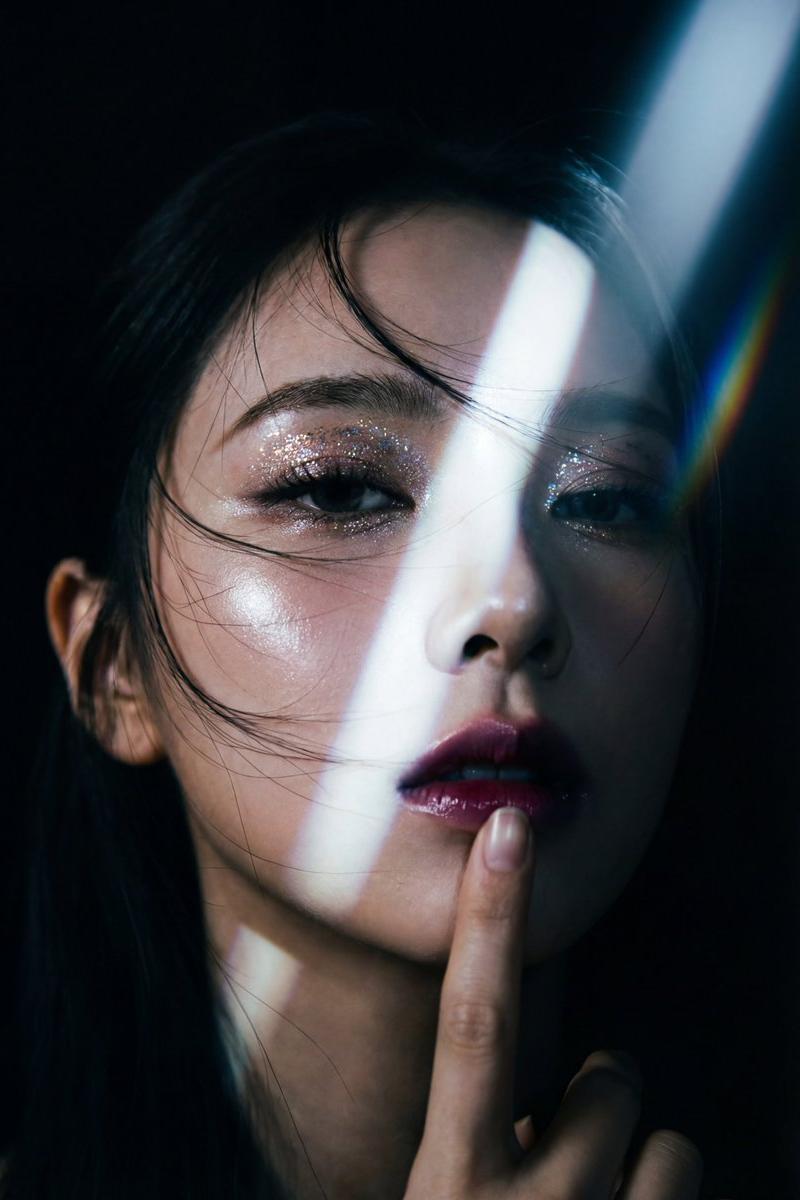
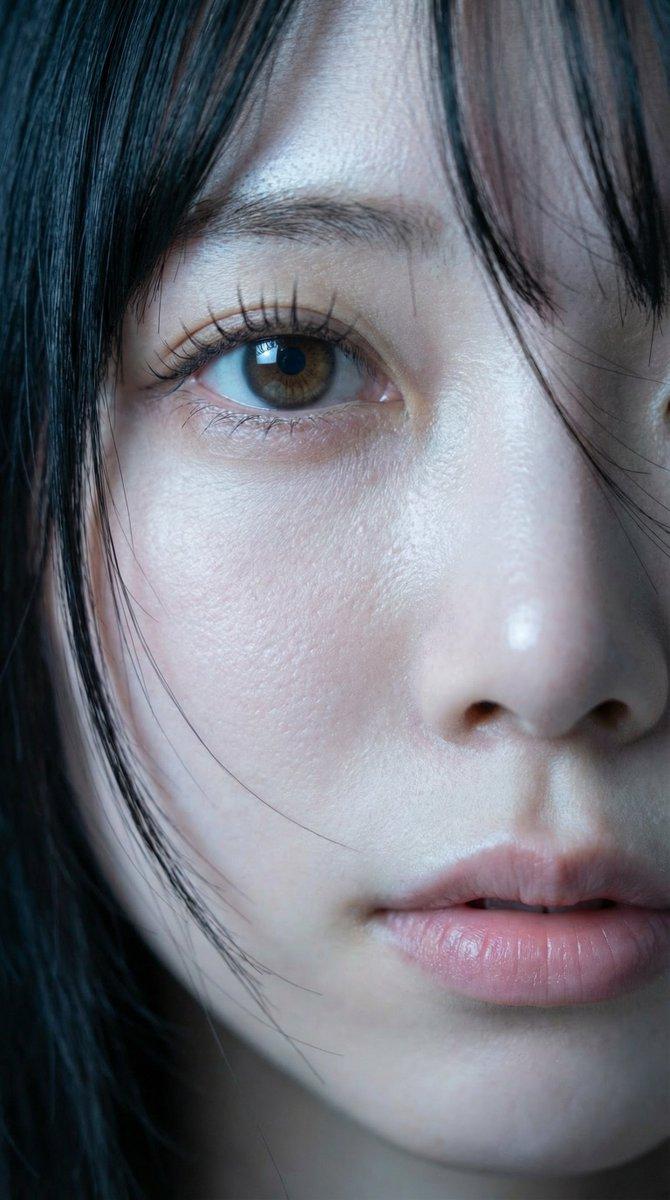
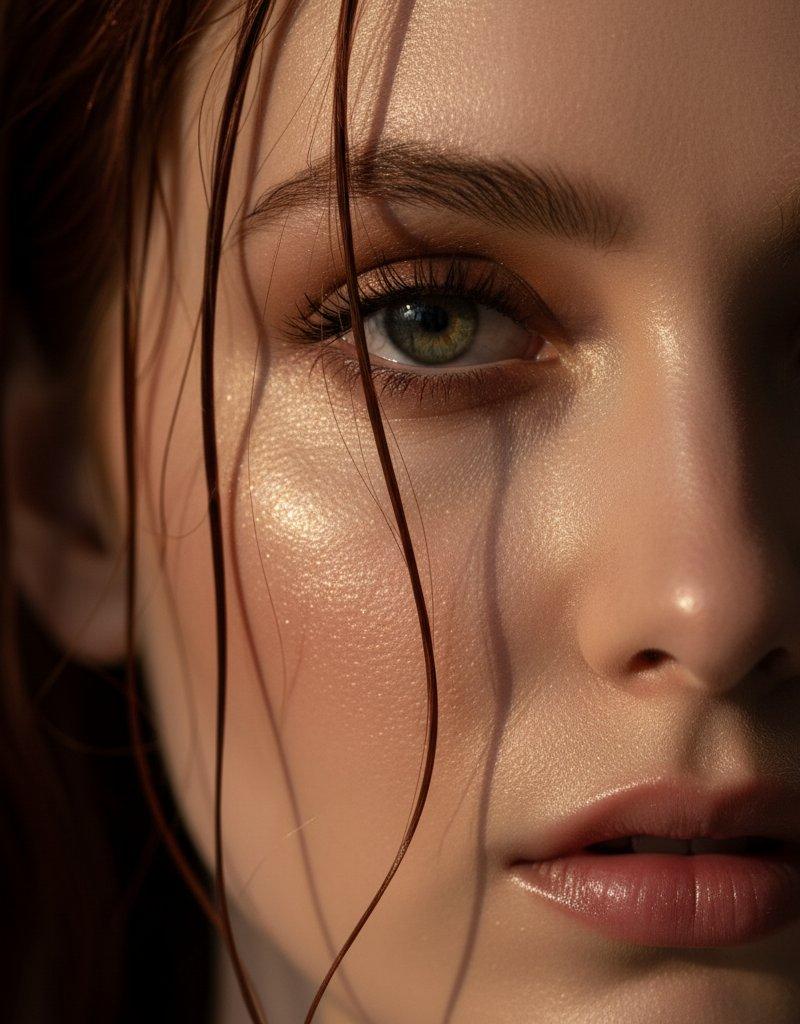
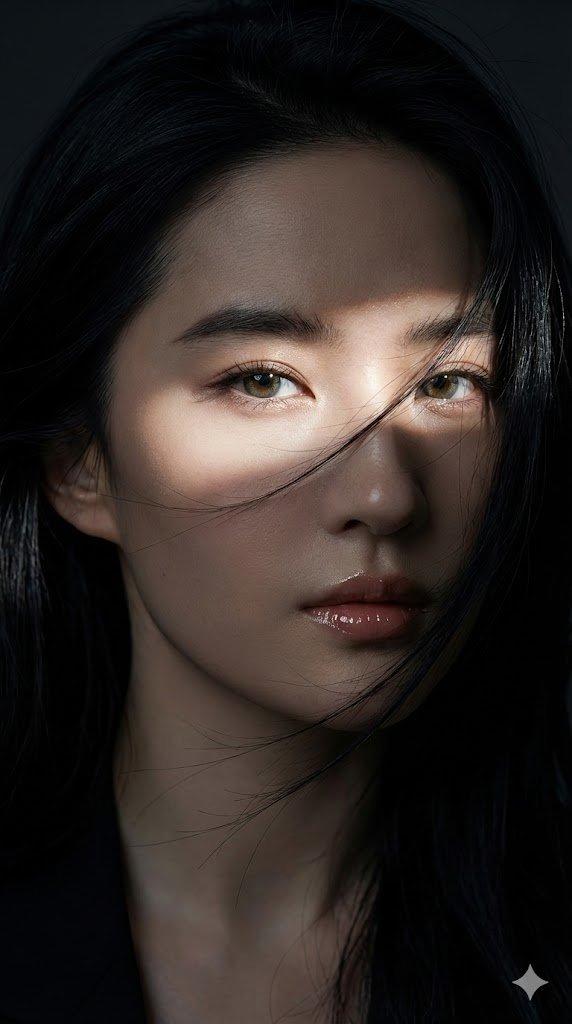
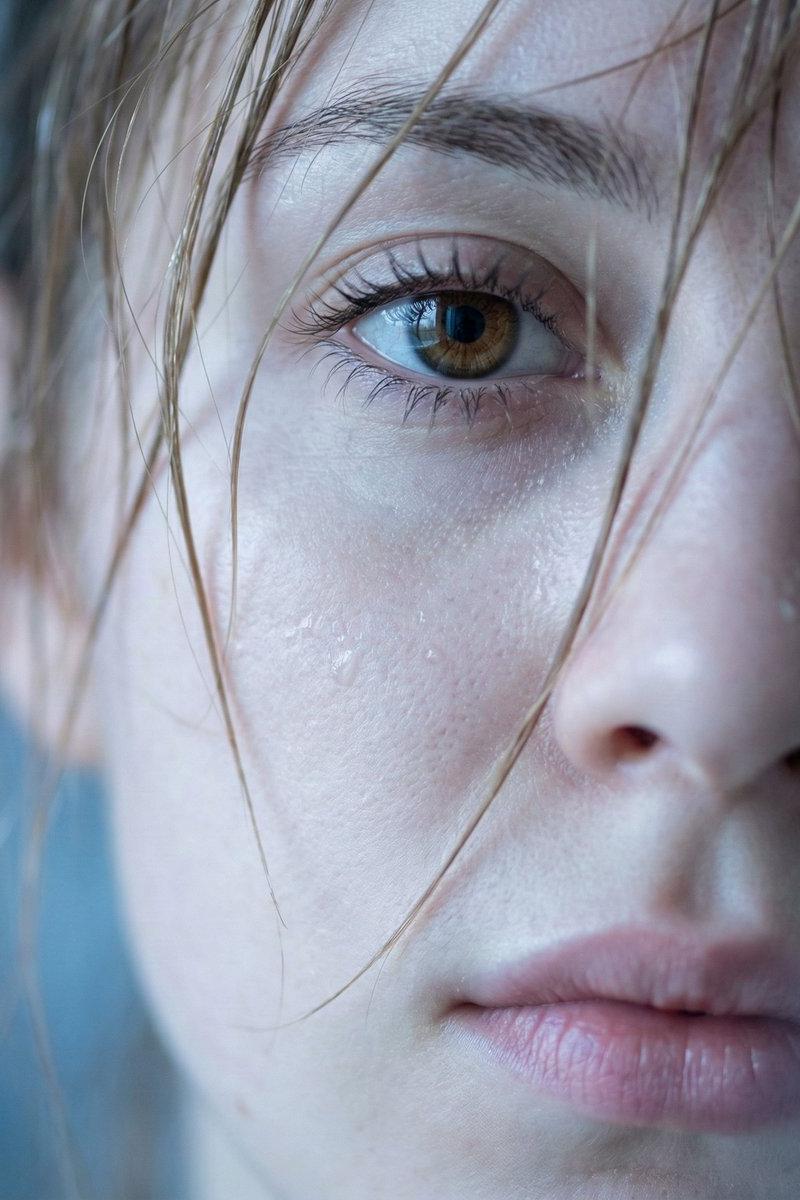
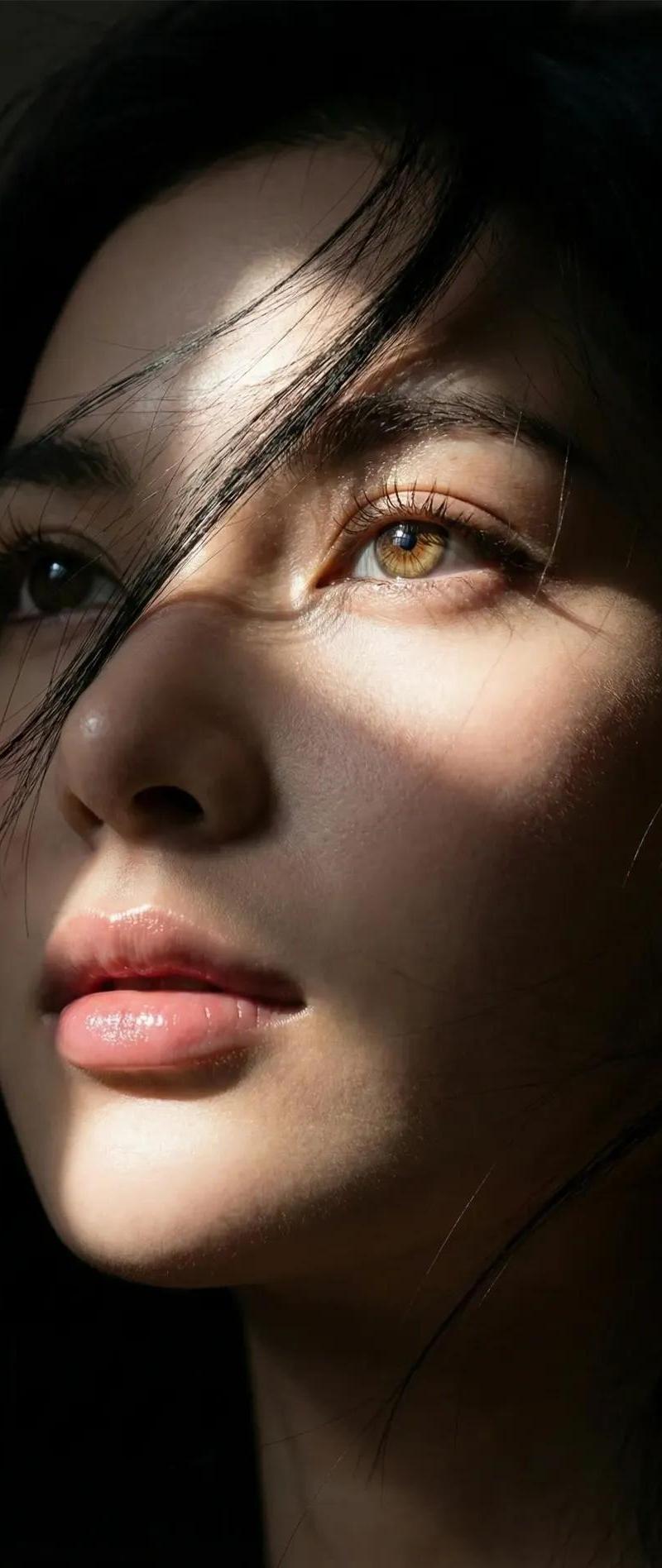
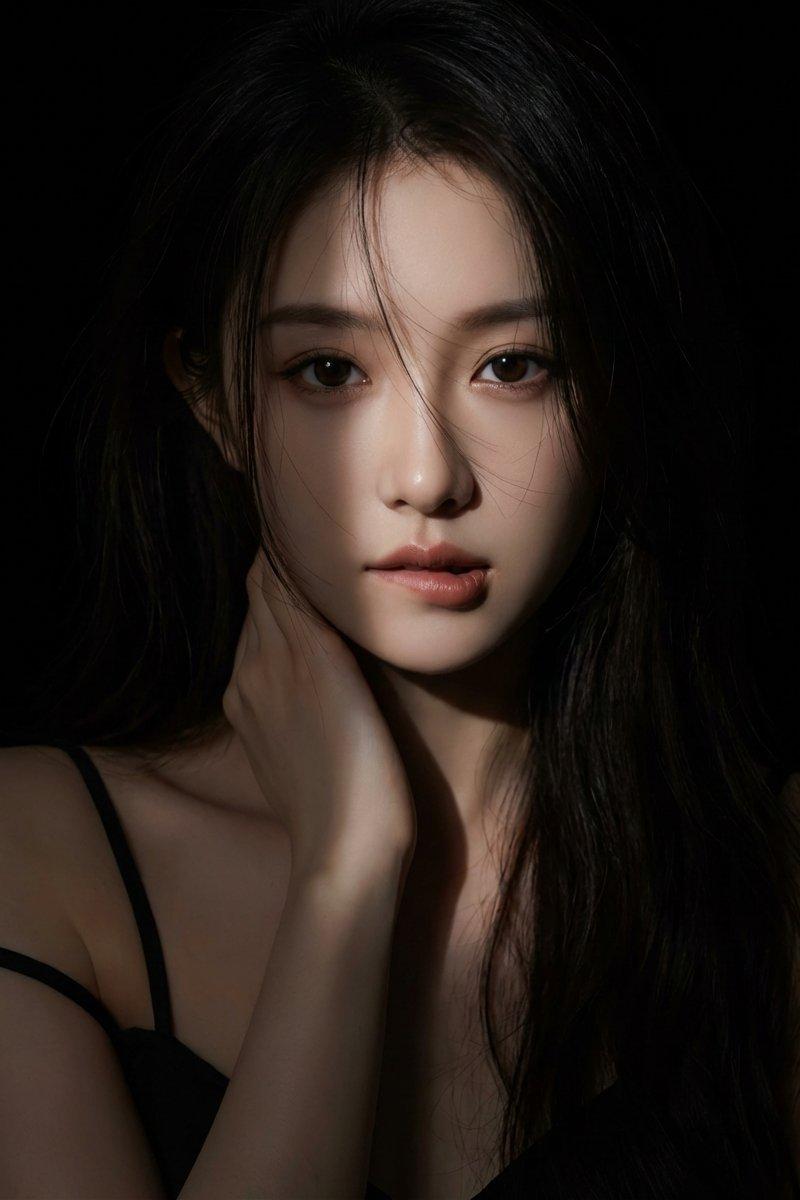
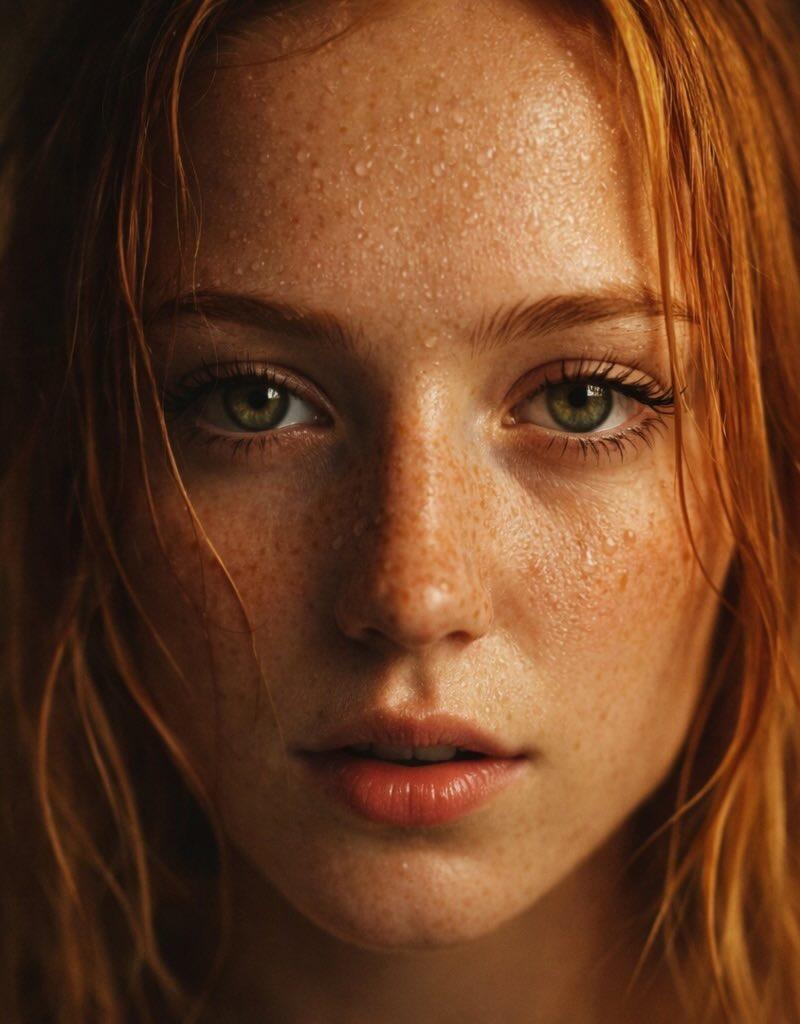
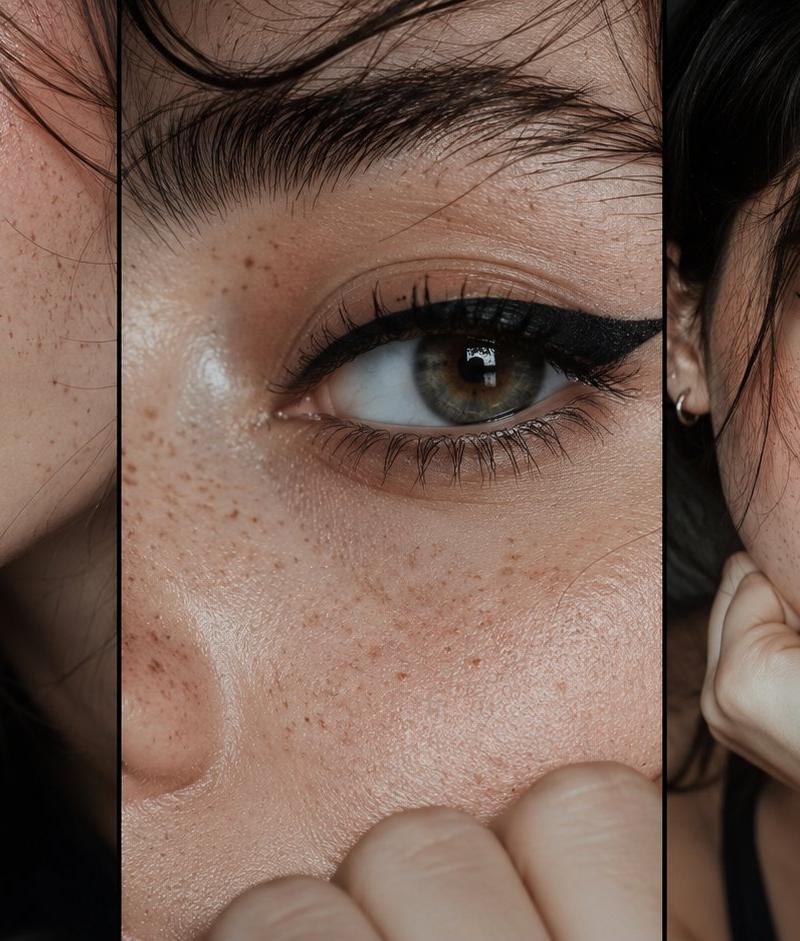
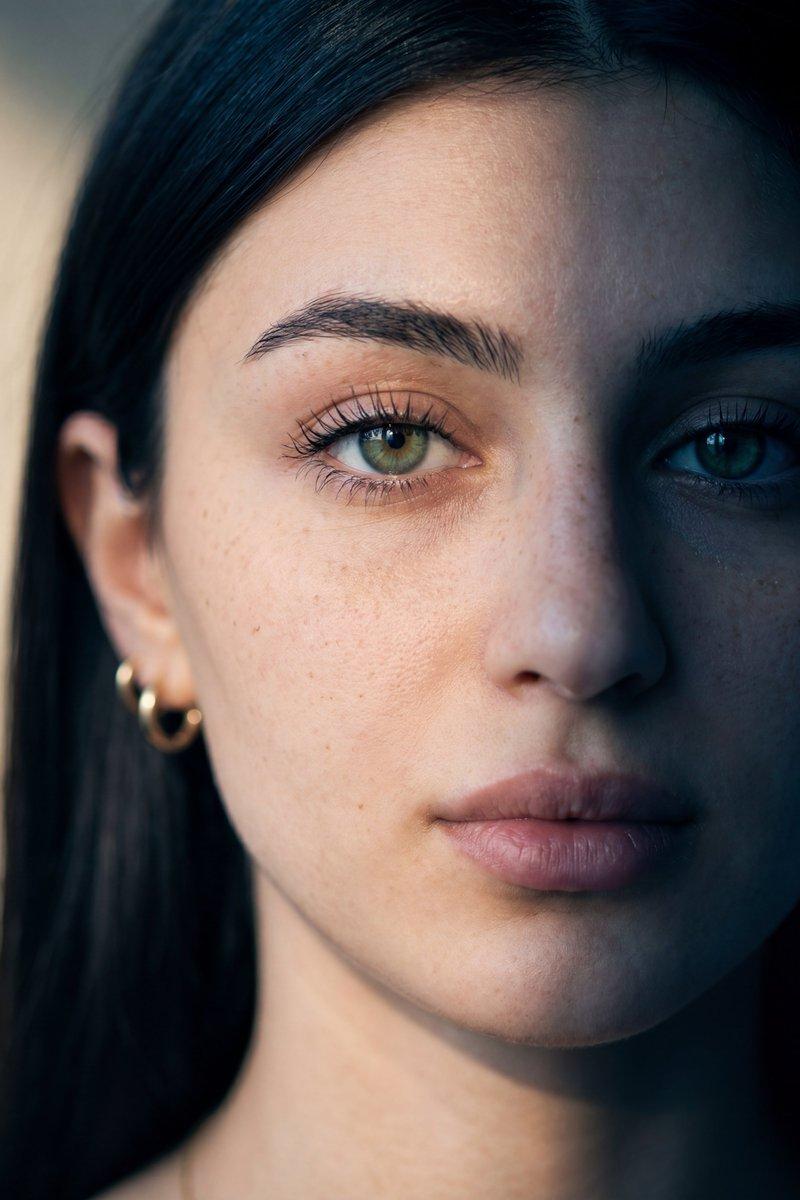
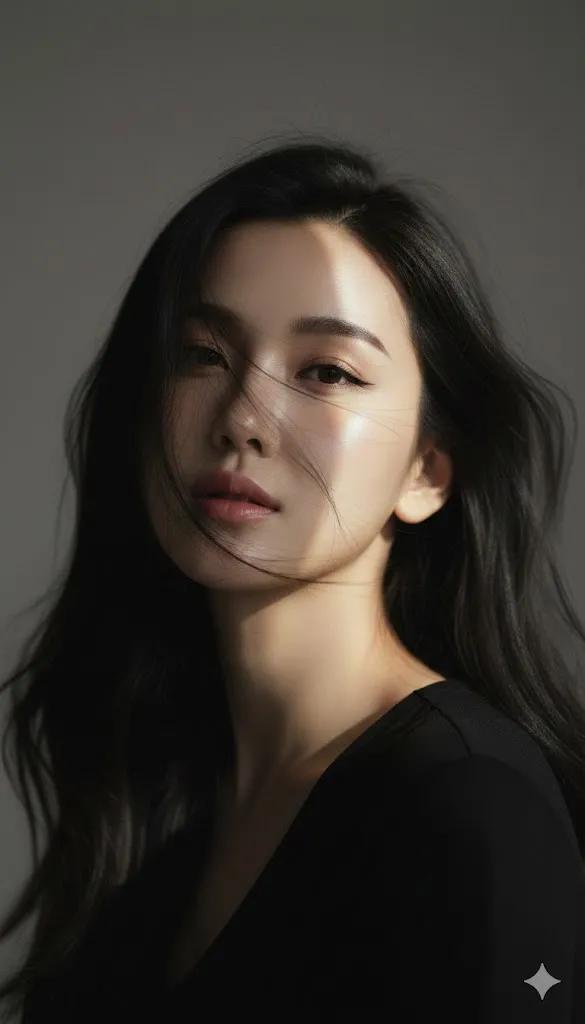
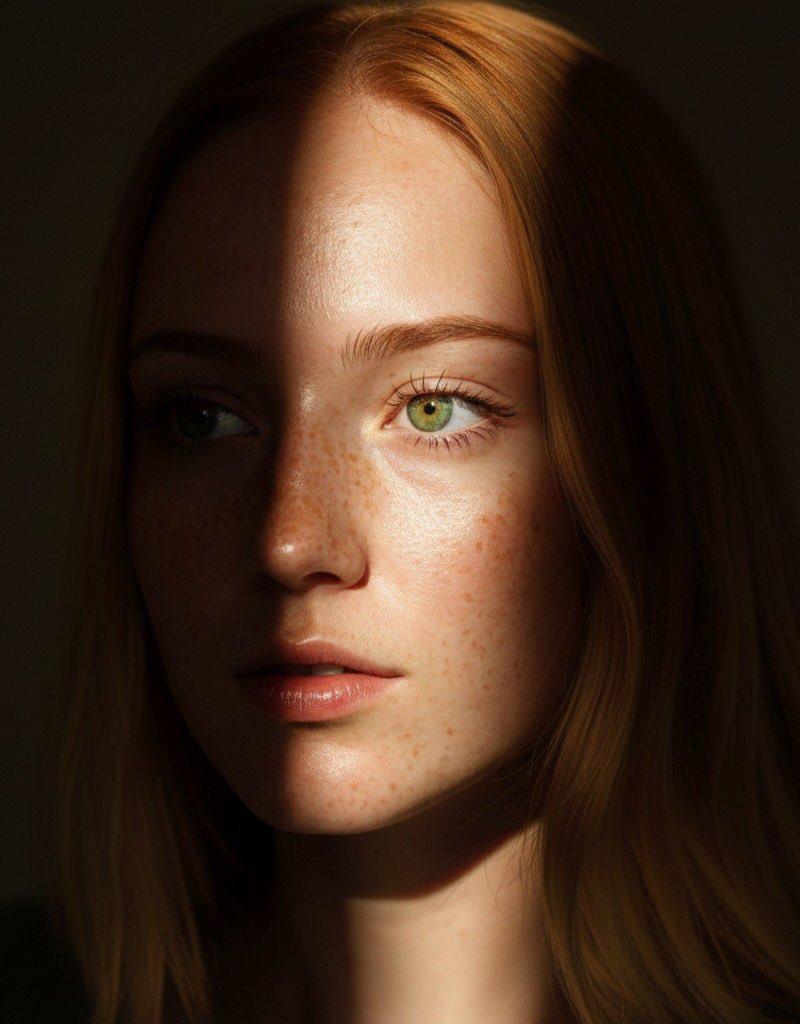
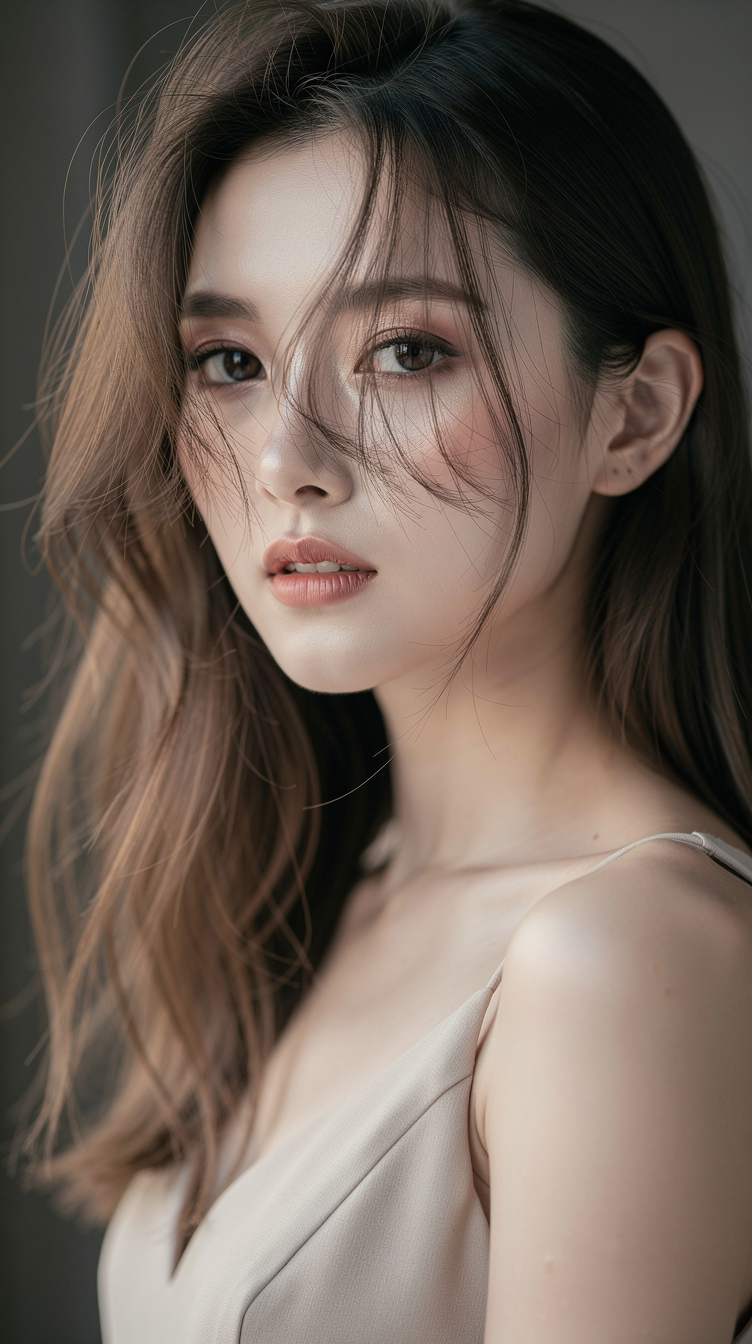
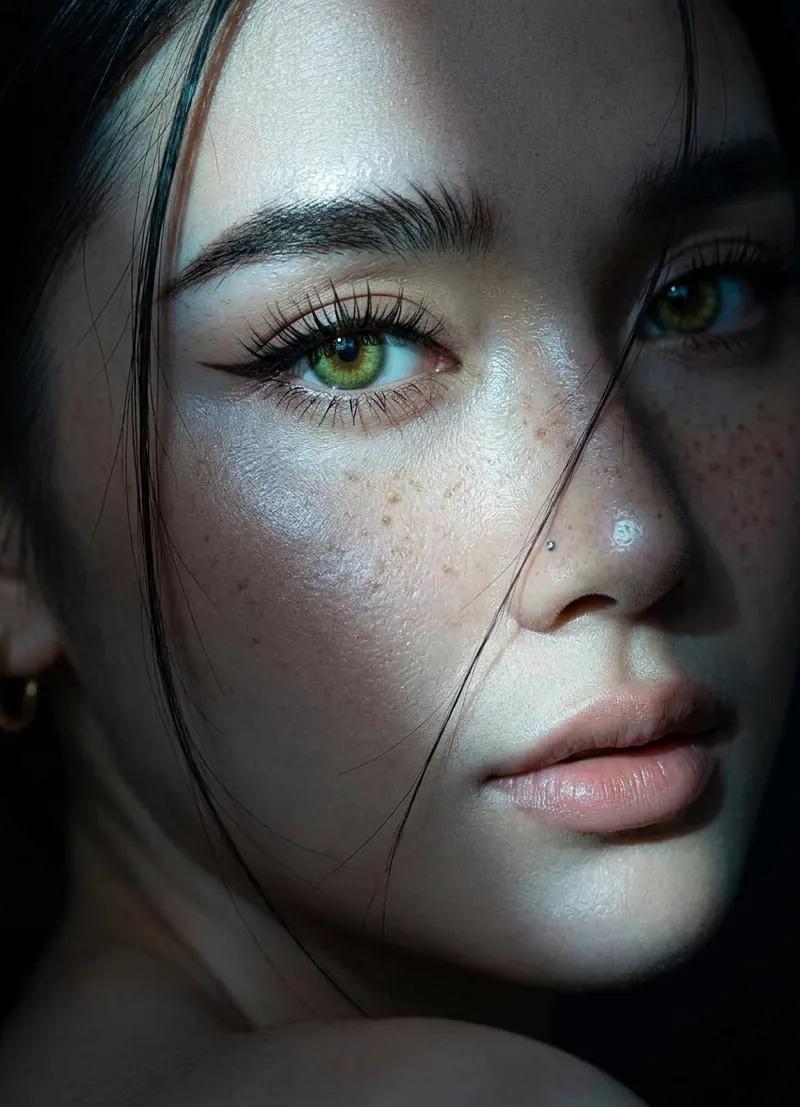
Create an extreme close-up portrait of a beautiful young woman who is turning her head toward the camera, as if looking back over her shoulder. She has bright green or hazel eyes that are sharp and captivating, with long, curled eyelashes. Her eyebrows are thick, dark, and naturally textured, and she wears very sharp winged eyeliner. She has a small silver nose piercing on one side only.

Her skin is fair with natural freckles clearly visible across her nose and cheeks, and the skin texture should look realistic and smooth. Her lips are full and have a natural nude pink color. Her hair is dark, either black or dark brown, with a few loose strands intentionally falling across her face. She is wearing small gold hoop earrings.

The lighting is the most important element, using a dramatic slit lighting or chiaroscuro style. A sharp beam of cool-toned, slightly bluish light highlights her left eye, part of her nose, and her lips, while the right side of her face and the background are immersed in deep shadow.

The overall mood should feel cinematic, mysterious, moody, aesthetic, and intimate. Ensure that the face is 100% identical to the provided reference.
Category
Photography & Realism
Model
GPT Image 2
Creator
Oogie
Source language
en
Views0
Source ID
2043677756467319089
Published
Apr 13, 2026
Studio

Guide

About "Cinematic lighting king: GPT Image 2 prompt"

What is this prompt for?

"Cinematic lighting king: GPT Image 2 prompt" AI image prompt for GPT Image 2 (Photography & Realism). Create an extreme close-up portrait of a beautiful young…

The full copyable prompt and example visuals above are ready for AI image generation or one-click recreate in Picva.

How to use this prompt

  1. Step 1

    Open the prompt detail

    Review the example visuals, category, and full prompt text for "Cinematic lighting king: GPT Image 2 prompt".

  2. Step 2

    Copy the prompt

    Copy the prompt body from this page, or load it directly in Studio.

  3. Step 3

    Pick a model (GPT Image 2)

    Prefer GPT Image 2. If you switch models, keep subject and composition and tweak style terms.

  4. Step 4

    Generate and export

    Recreate the look in Picva, or export into your workflow for editing and publishing.

FAQ

What is the "Cinematic lighting king: GPT Image 2 prompt" prompt?
It is an AI image-generation prompt for GPT Image 2 in the Photography & Realism category. This page includes the full prompt text, example visuals, and a one-click recreate path in Picva.
How do I use this prompt to generate an image?
Copy the prompt from this page, or use Generate / Studio. Paste it into a compatible image model, or recreate the look in Picva with optional reference images.
Which model is this prompt for?
This page lists GPT Image 2. Most descriptive prompts also transfer to nearby image models such as GPT Image, Flux, or Midjourney with light style tweaks.
Can I use the result commercially?
You can usually copy the prompt for creation, but commercial use of the final image depends on the model terms, reference-image rights, and the generated content. Follow the source author and platform rules.