17

Minimalist cat: GPT Image 2 prompt
Enlarge

Example images

Minimalist cat: GPT Image 2 prompt

Prompt
A high-end café-style product photograph of a transparent glass filled with iced coffee, centered against a soft beige and cream seamless studio background. The drink shows a rich dark coffee base blending with creamy milk swirls, creating a smooth gradient effect. Several clear ice cubes are visible with realistic transparency and light refraction. The glass has subtle condensation droplets, adding freshness. Soft natural studio lighting creates delicate highlights and a clean shadow beneath the glass. Ultra-sharp focus, premium beverage advertisement style, DSLR macro photography, hyper realistic, 8K.

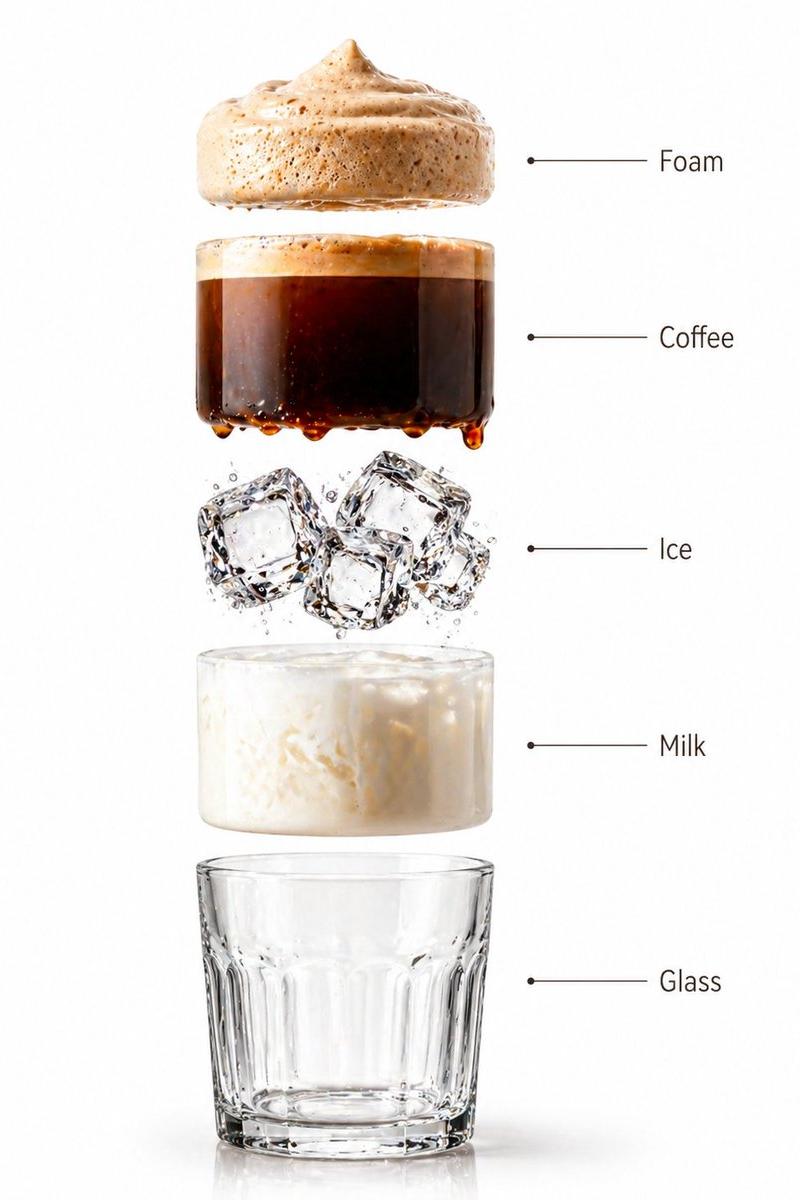
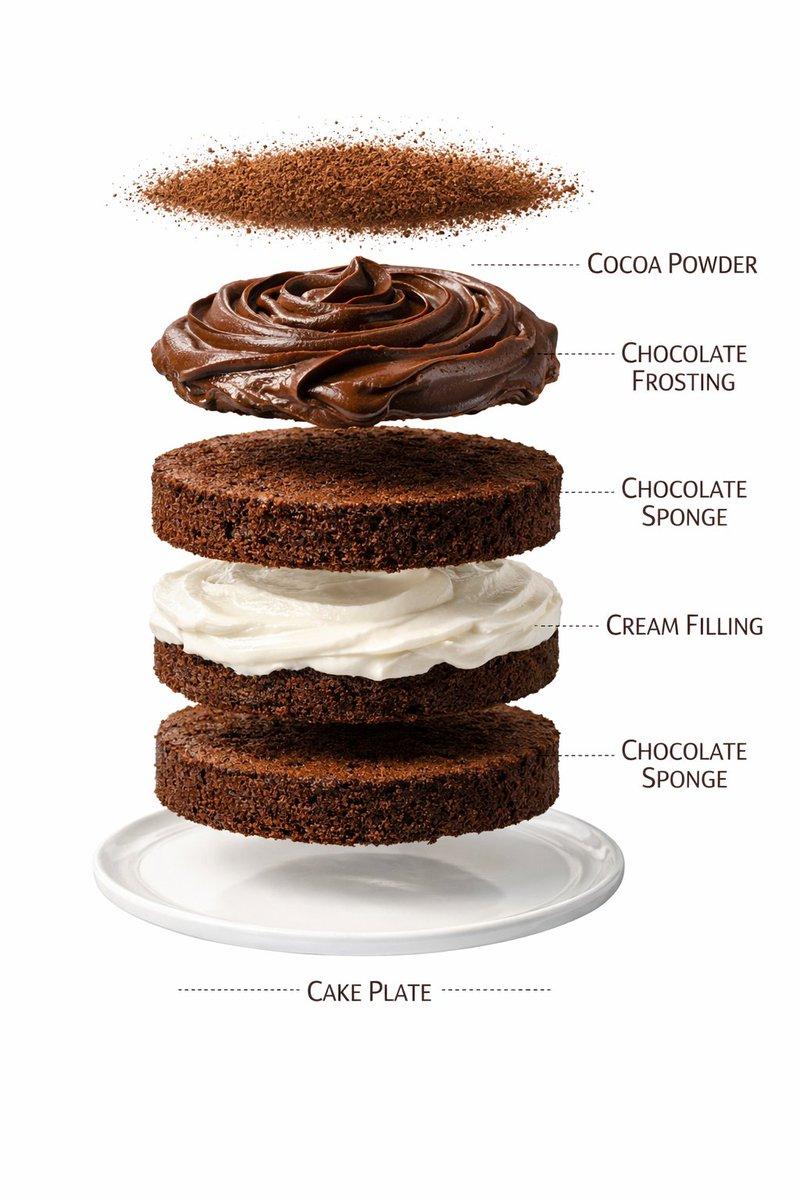
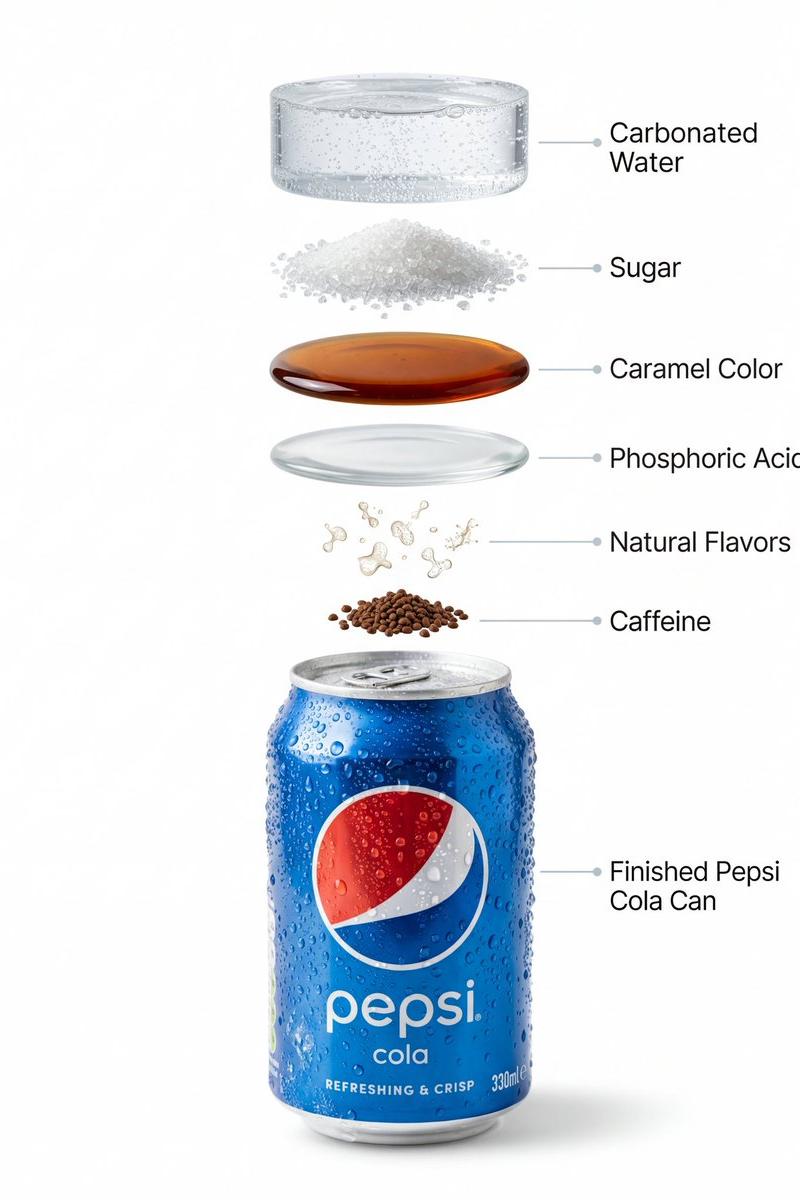
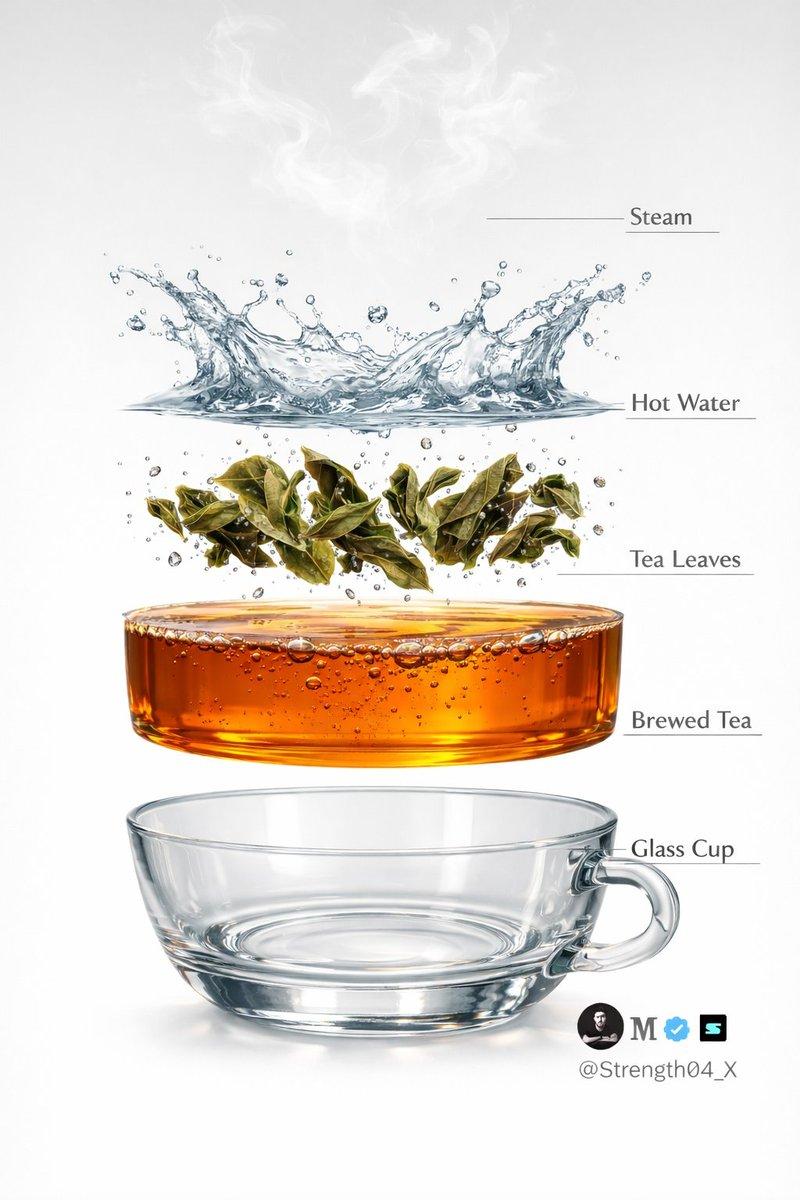
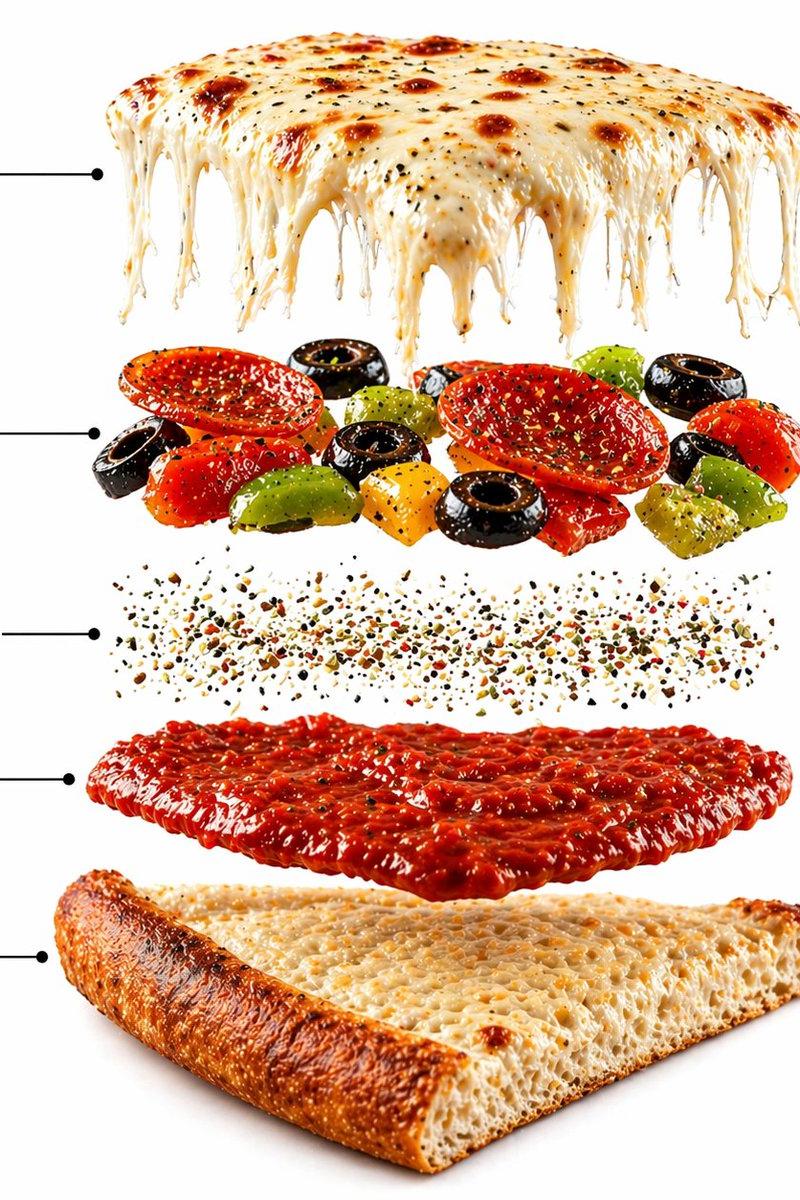
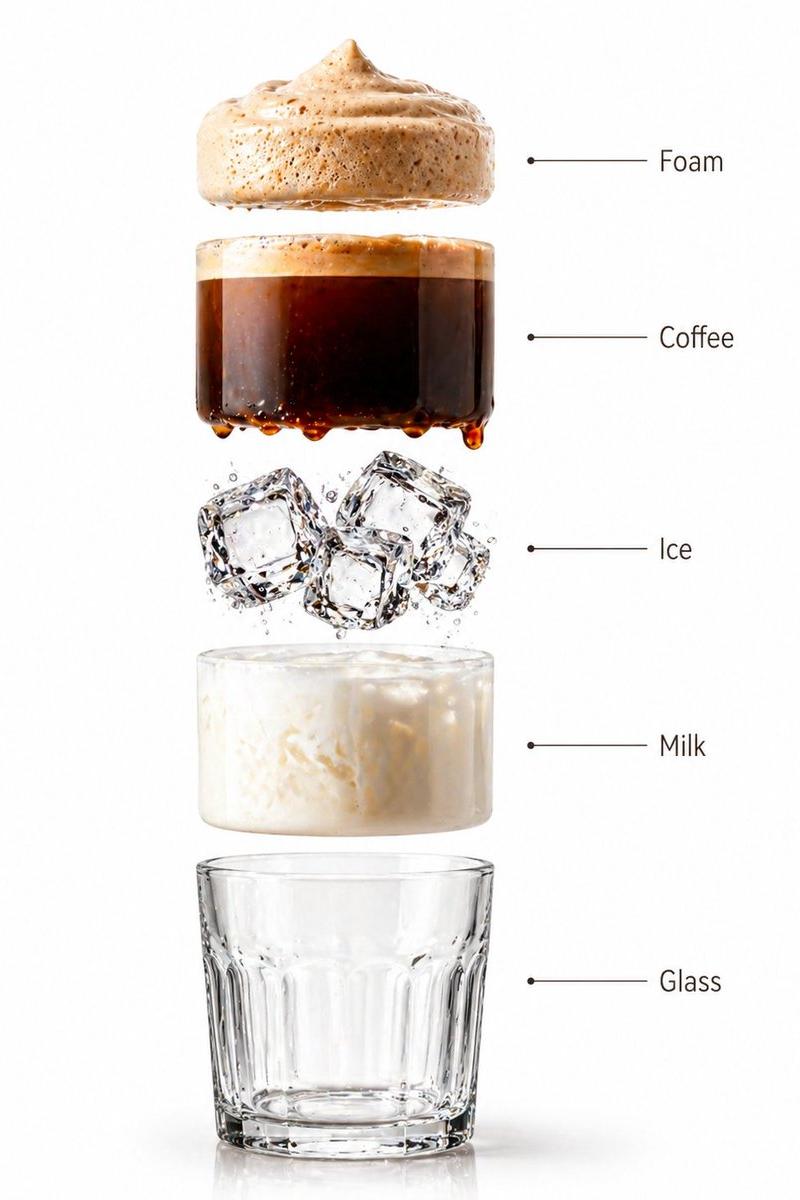
PROMPT 2 - Create a hyper-realistic exploded vertical infographic composition of an iced coffee.

Top → Bottom structure:
Foam Layer (light creamy foam with soft airy texture)
→ Coffee Liquid (rich dark espresso layer with smooth gradient)
→ Ice Cubes (transparent cubes with sharp edges and reflections)
→ Milk Layer (soft creamy white layer with smooth blend effect)
→ Glass Base (clear minimal glass structure)

All elements must be perfectly centered, evenly spaced, and aligned vertically. Use a soft beige seamless background with clean café-style lighting and subtle realistic shadows beneath each floating element. The composition should feel like a premium beverage ad combined with a clean infographic layout.

Add clean minimalist text labels with thin pointer lines using these exact labels:
“Foam”
“Coffee”
“Ice”
“Milk”
“Glass”
Ultra-realistic liquid detail, sharp reflections, premium commercial photography, 8K.
Category
Products & E-commerce
Model
GPT Image 2
Creator
Strength04_X
Source language
en
Views1
Source ID
awesome-poster-170
Published
Apr 29, 2026
Studio

Guide

About "Minimalist cat: GPT Image 2 prompt"

What is this prompt for?

"Minimalist cat: GPT Image 2 prompt" AI image prompt for GPT Image 2 (Products & E-commerce). A high-end café-style product photograph of a transparent glass f…

The full copyable prompt and example visuals above are ready for AI image generation or one-click recreate in Picva.

How to use this prompt

  1. Step 1

    Open the prompt detail

    Review the example visuals, category, and full prompt text for "Minimalist cat: GPT Image 2 prompt".

  2. Step 2

    Copy the prompt

    Copy the prompt body from this page, or load it directly in Studio.

  3. Step 3

    Pick a model (GPT Image 2)

    Prefer GPT Image 2. If you switch models, keep subject and composition and tweak style terms.

  4. Step 4

    Generate and export

    Recreate the look in Picva, or export into your workflow for editing and publishing.

FAQ

What is the "Minimalist cat: GPT Image 2 prompt" prompt?
It is an AI image-generation prompt for GPT Image 2 in the Products & E-commerce category. This page includes the full prompt text, example visuals, and a one-click recreate path in Picva.
How do I use this prompt to generate an image?
Copy the prompt from this page, or use Generate / Studio. Paste it into a compatible image model, or recreate the look in Picva with optional reference images.
Which model is this prompt for?
This page lists GPT Image 2. Most descriptive prompts also transfer to nearby image models such as GPT Image, Flux, or Midjourney with light style tweaks.
Can I use the result commercially?
You can usually copy the prompt for creation, but commercial use of the final image depends on the model terms, reference-image rights, and the generated content. Follow the source author and platform rules.