17

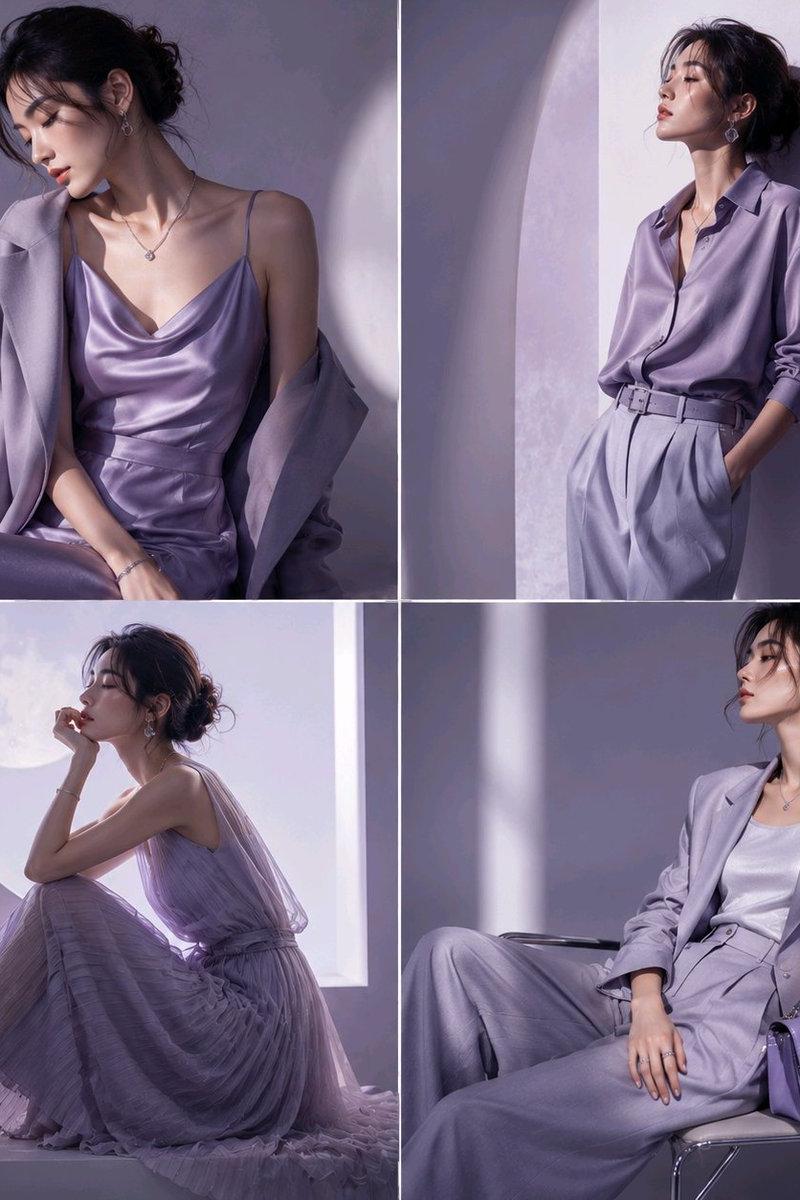
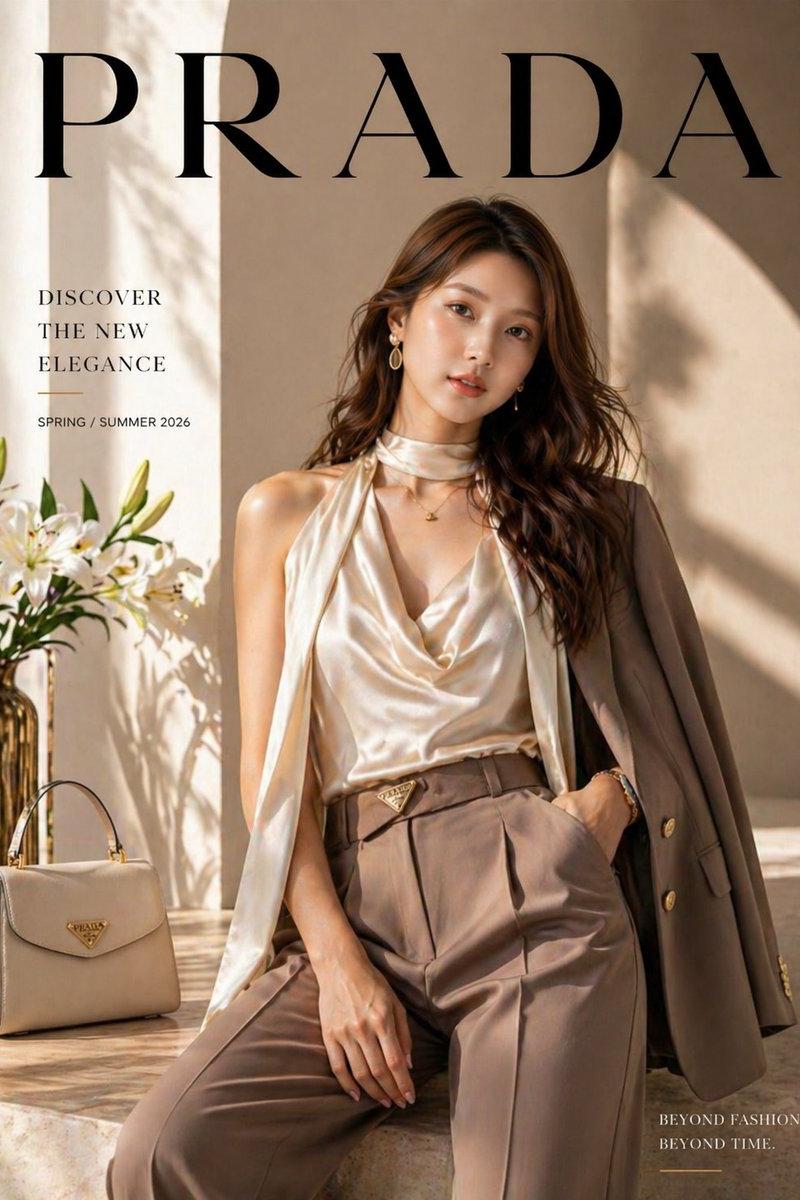
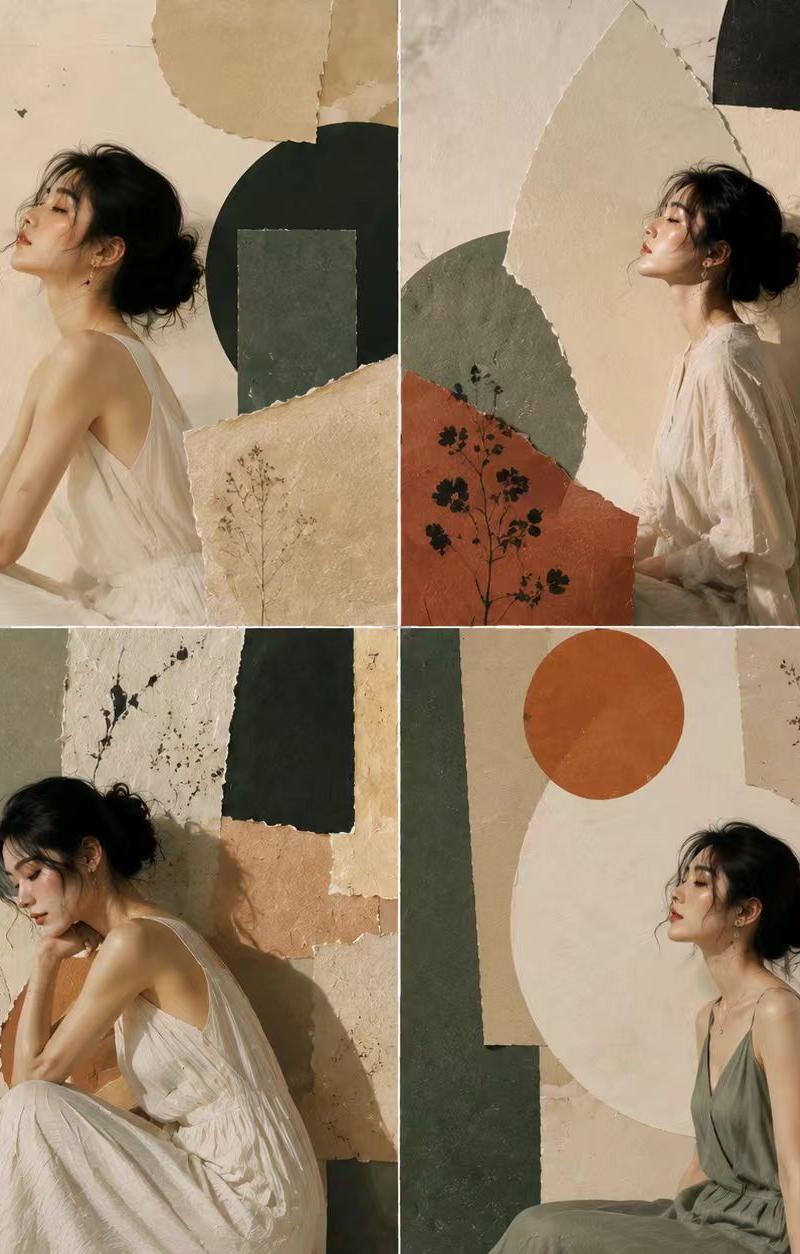
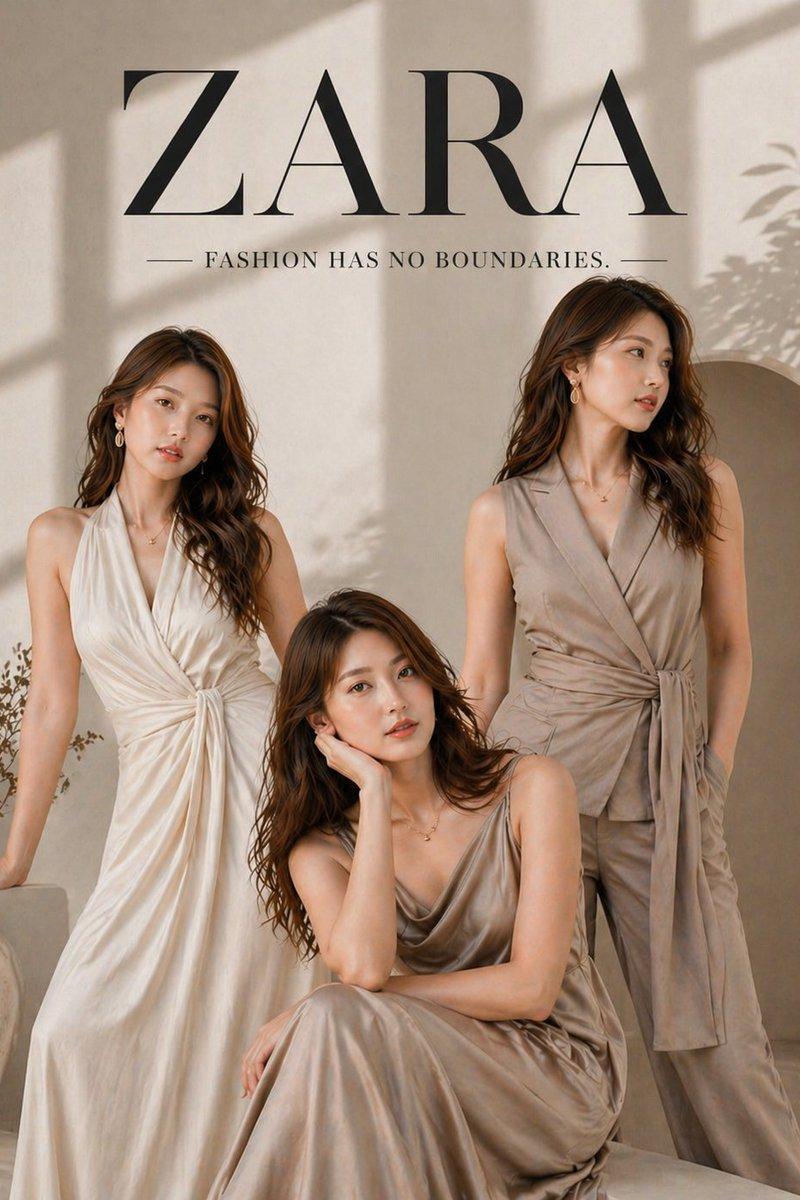
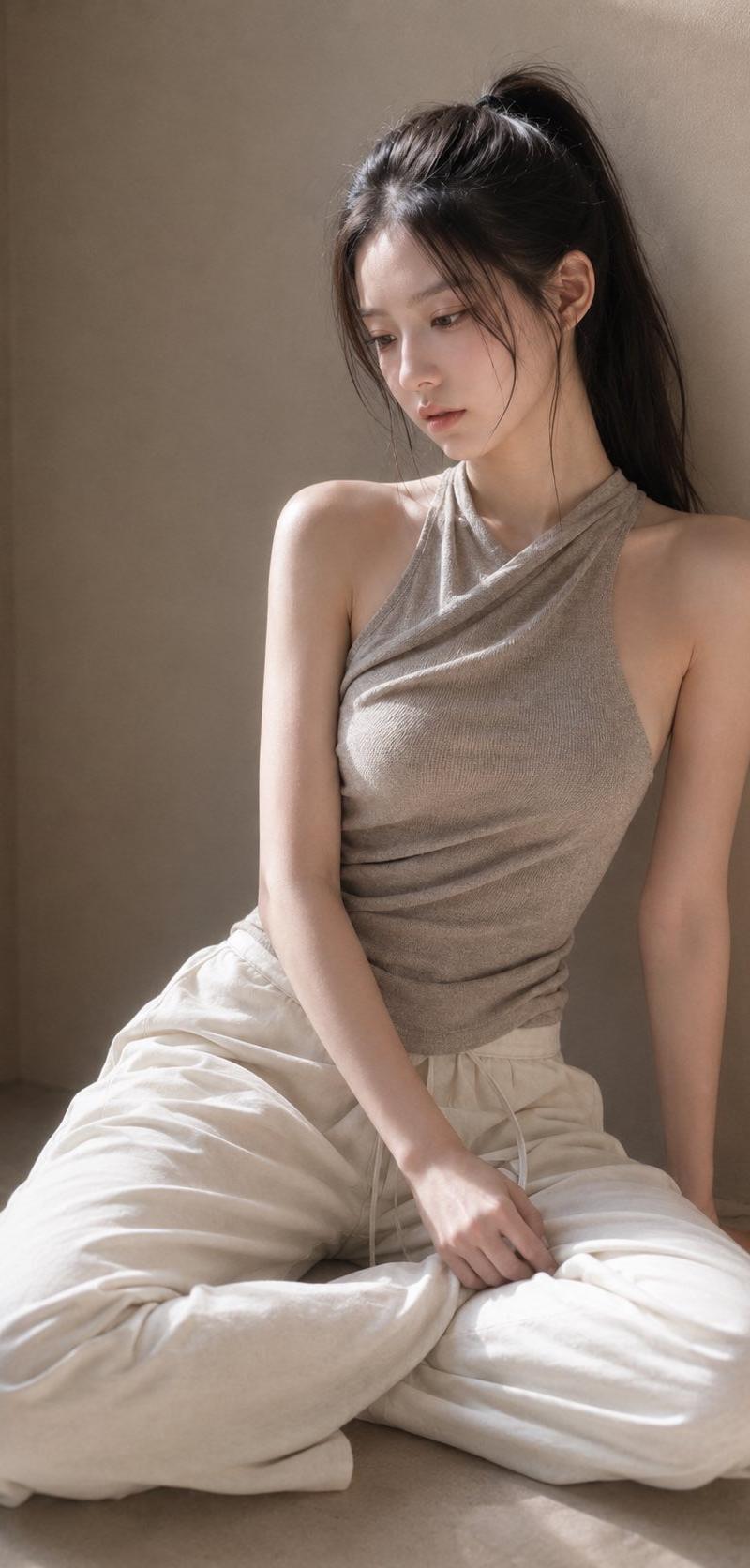
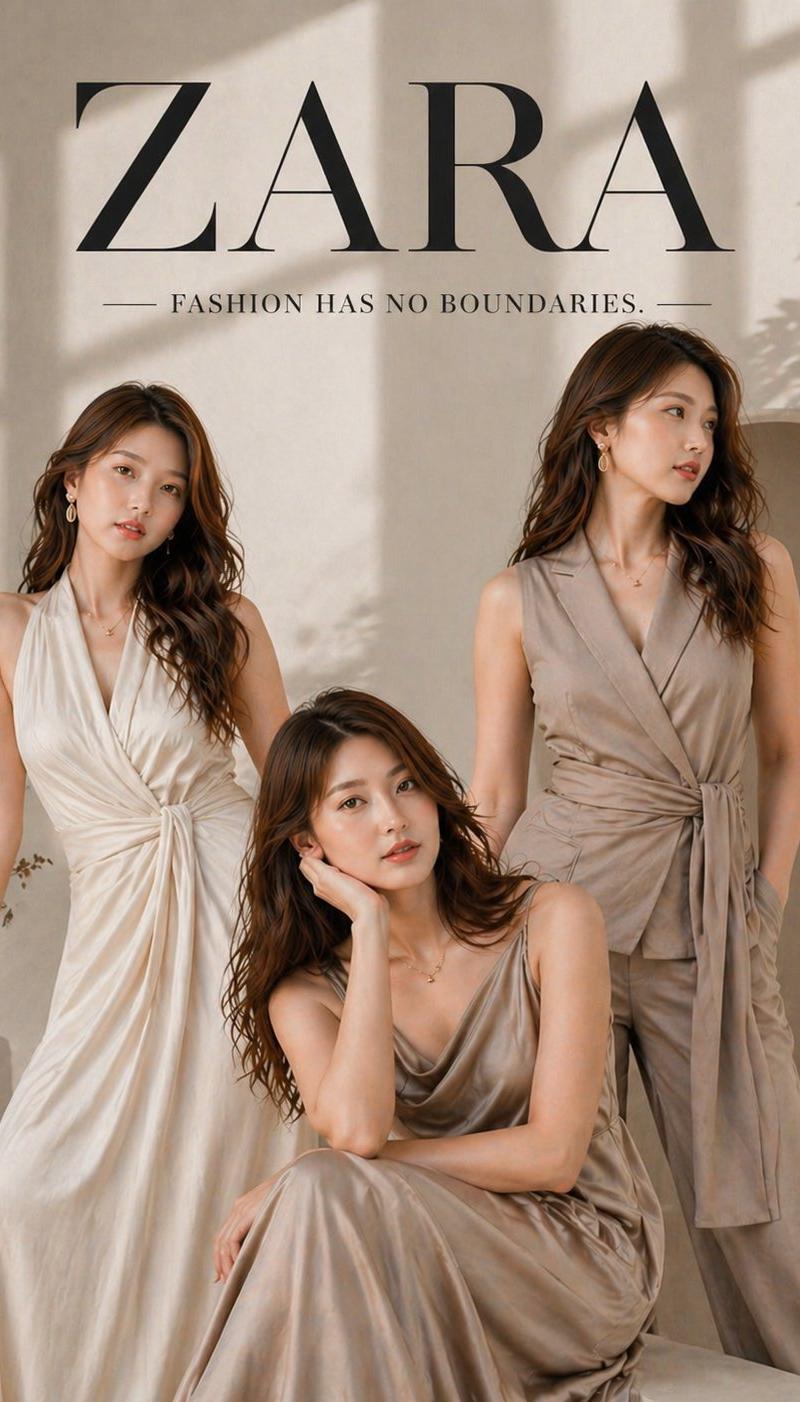
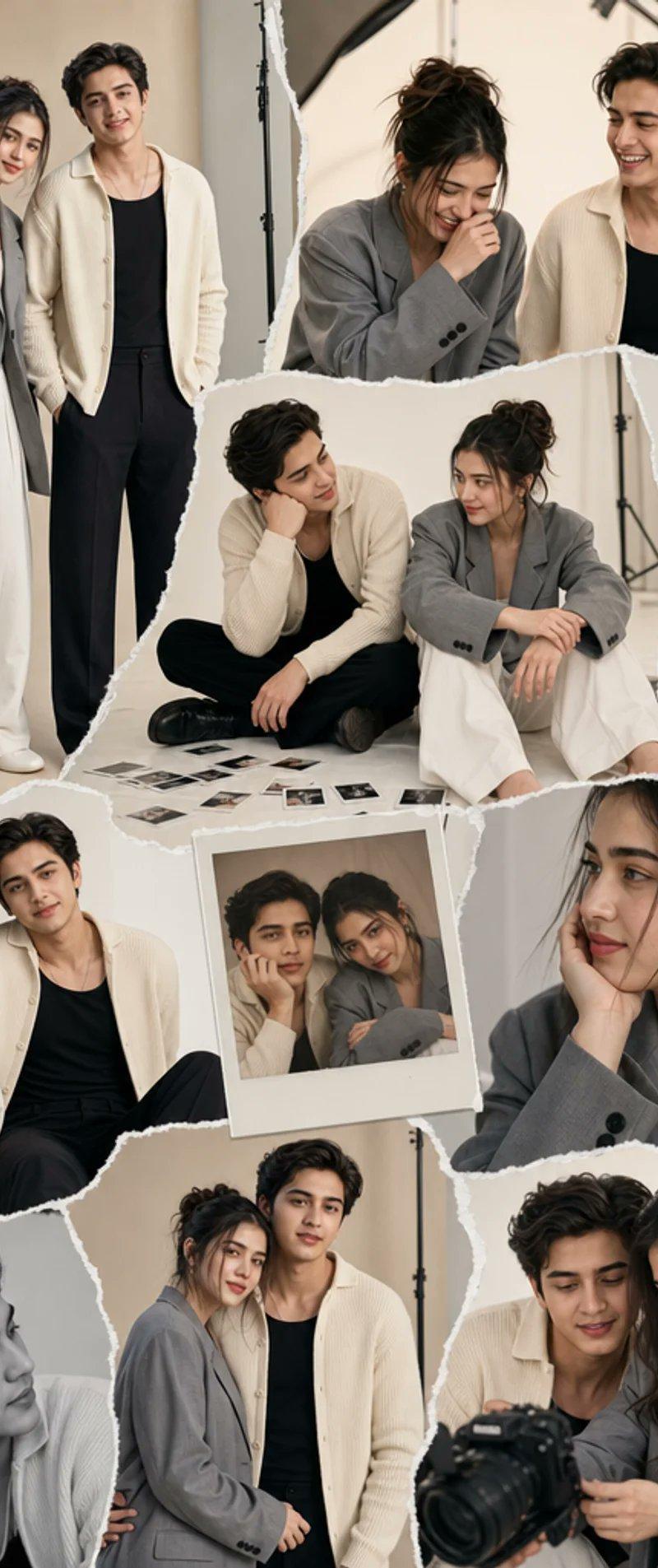
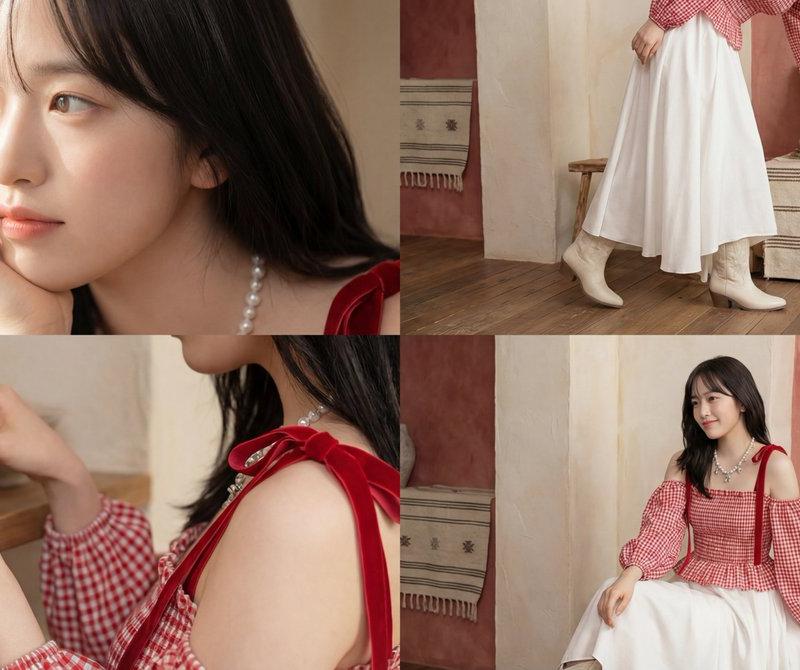
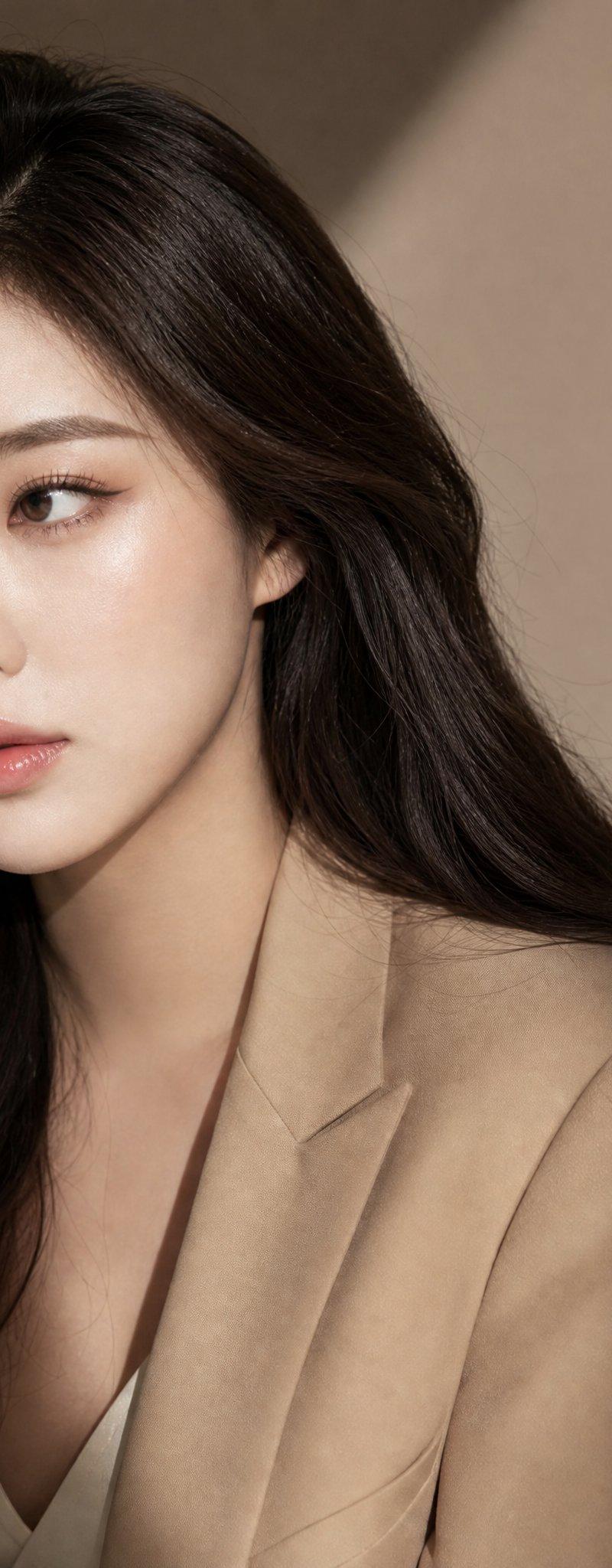
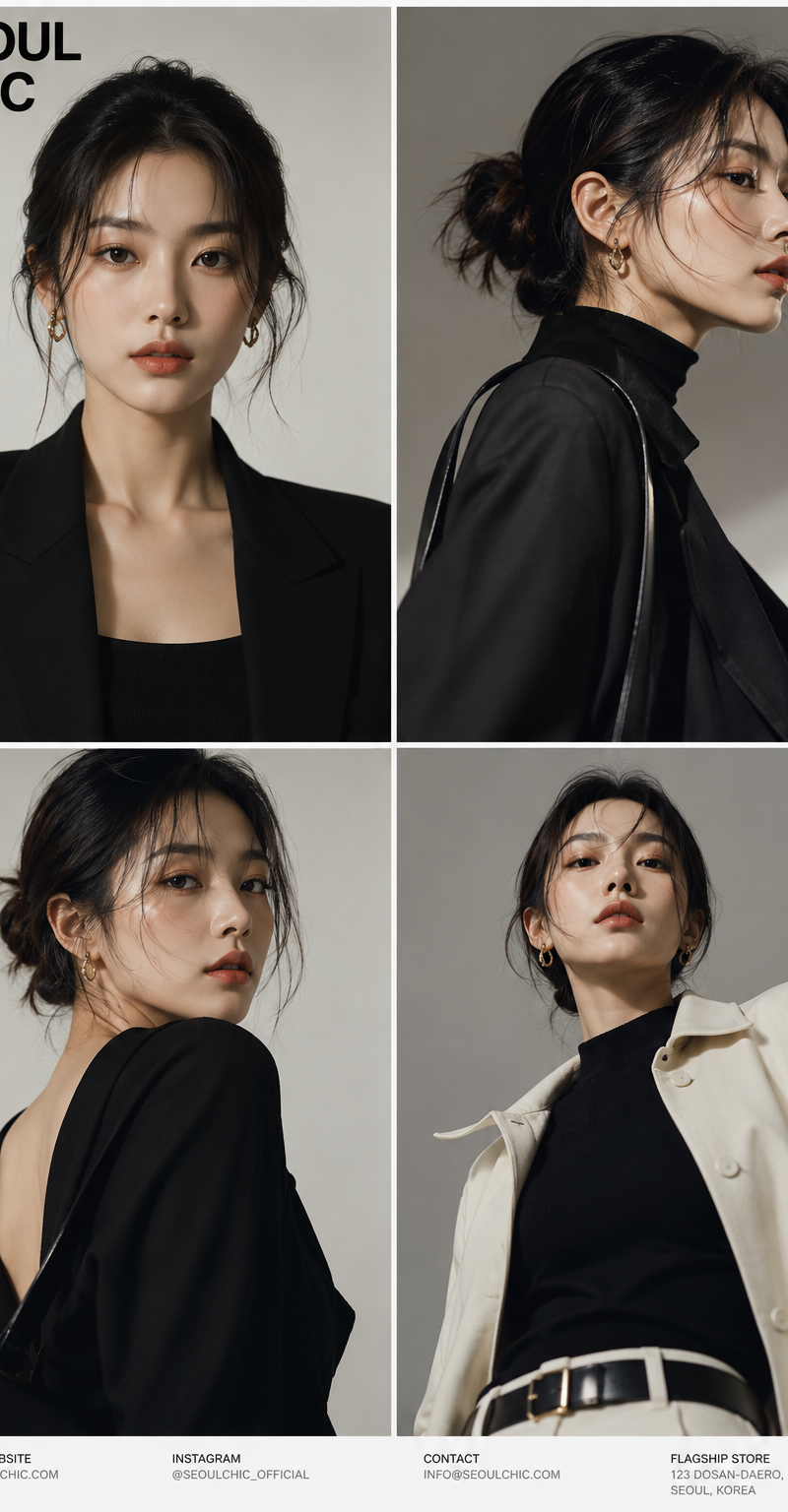
国际时尚杂志风格亚洲女模大片
Enlarge

Example images

国际时尚杂志风格亚洲女模大片

Prompt
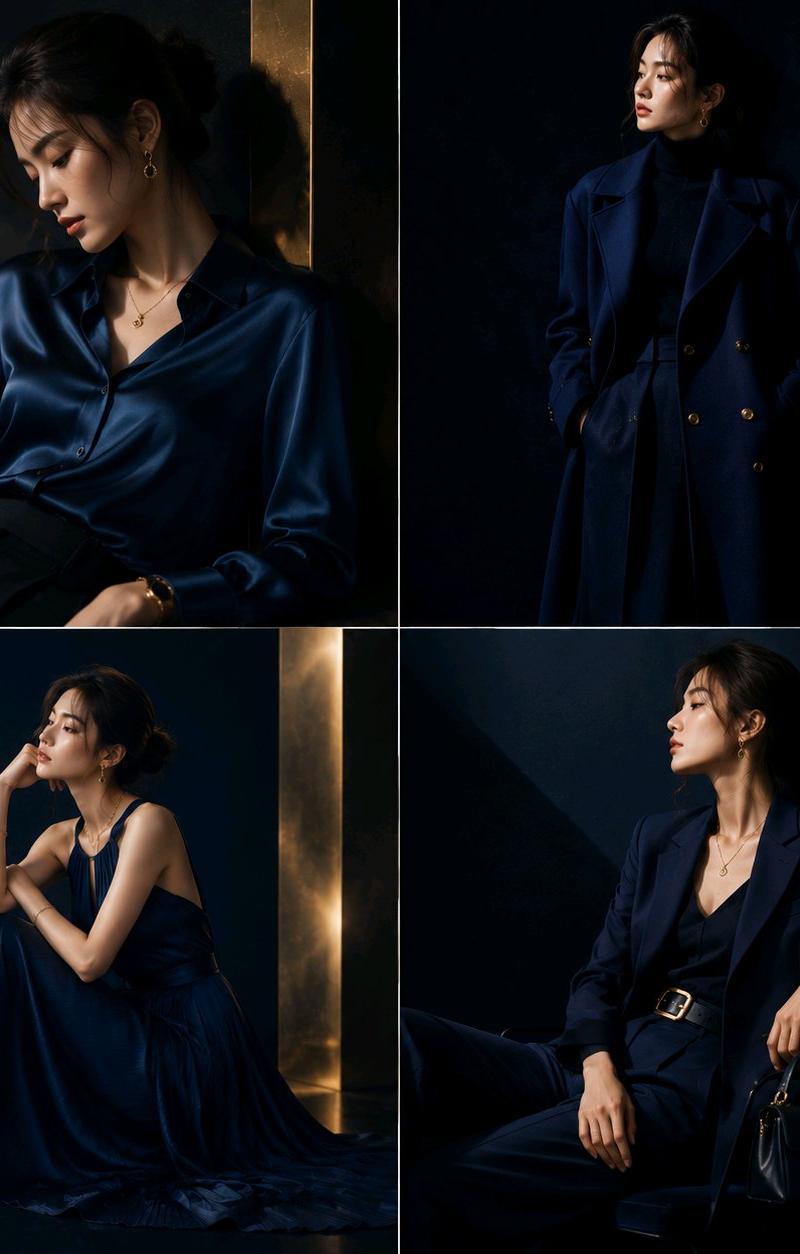
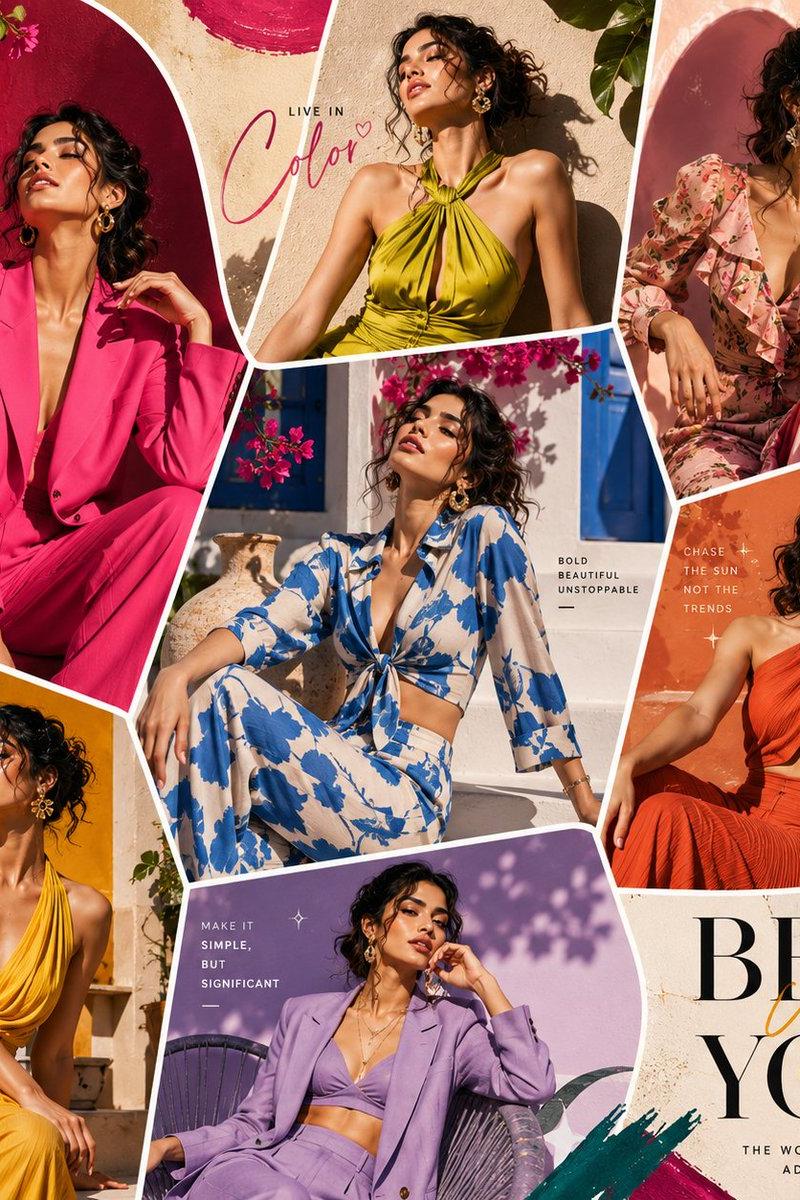
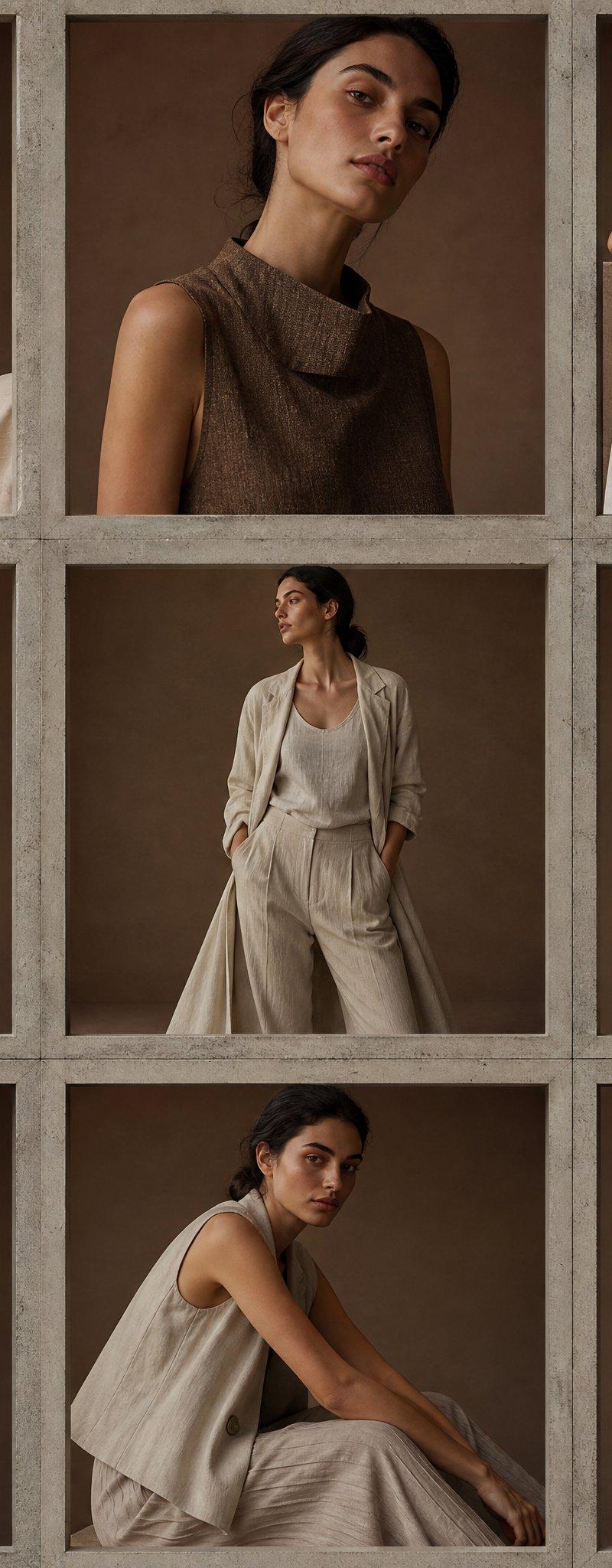
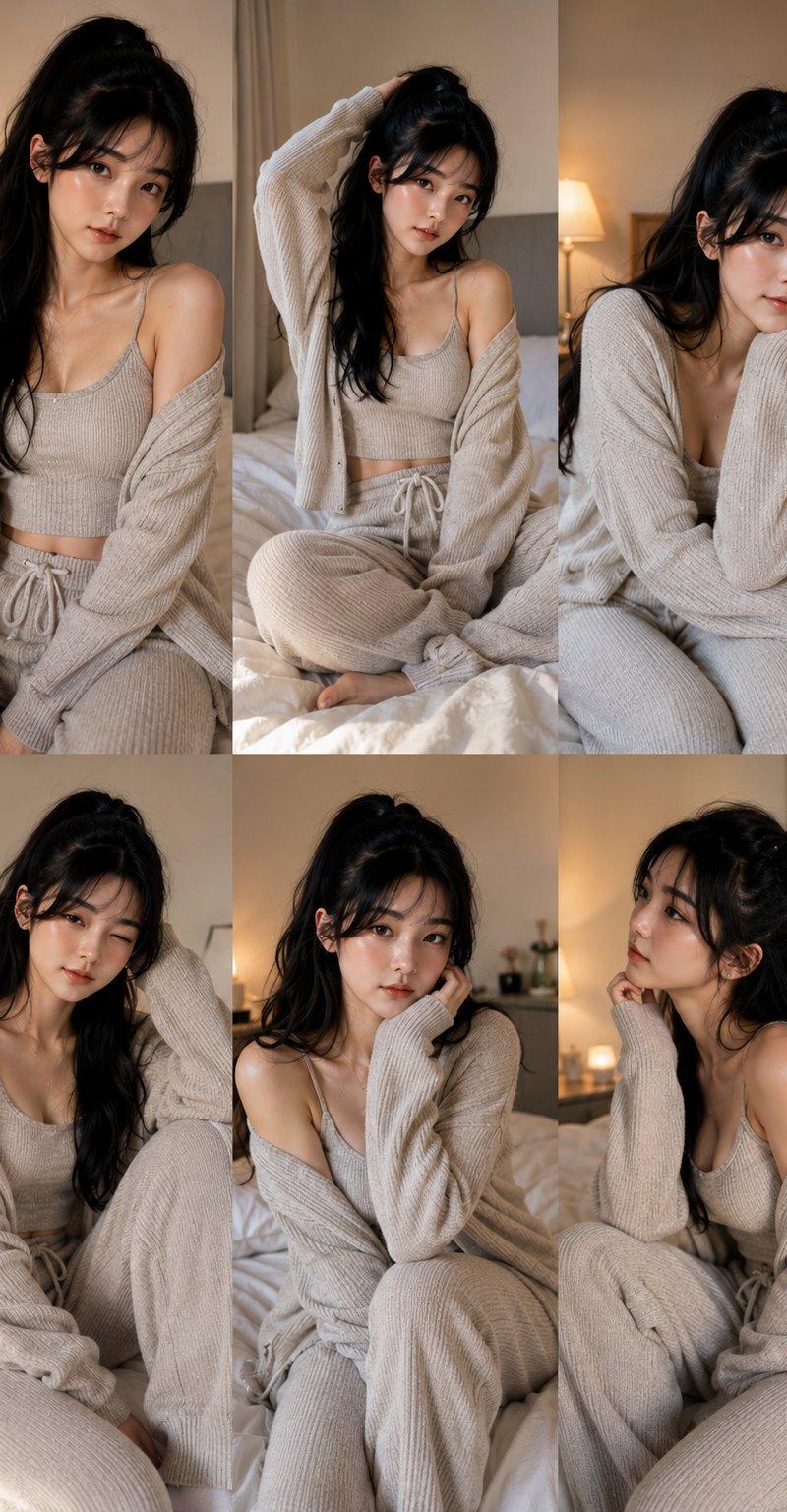
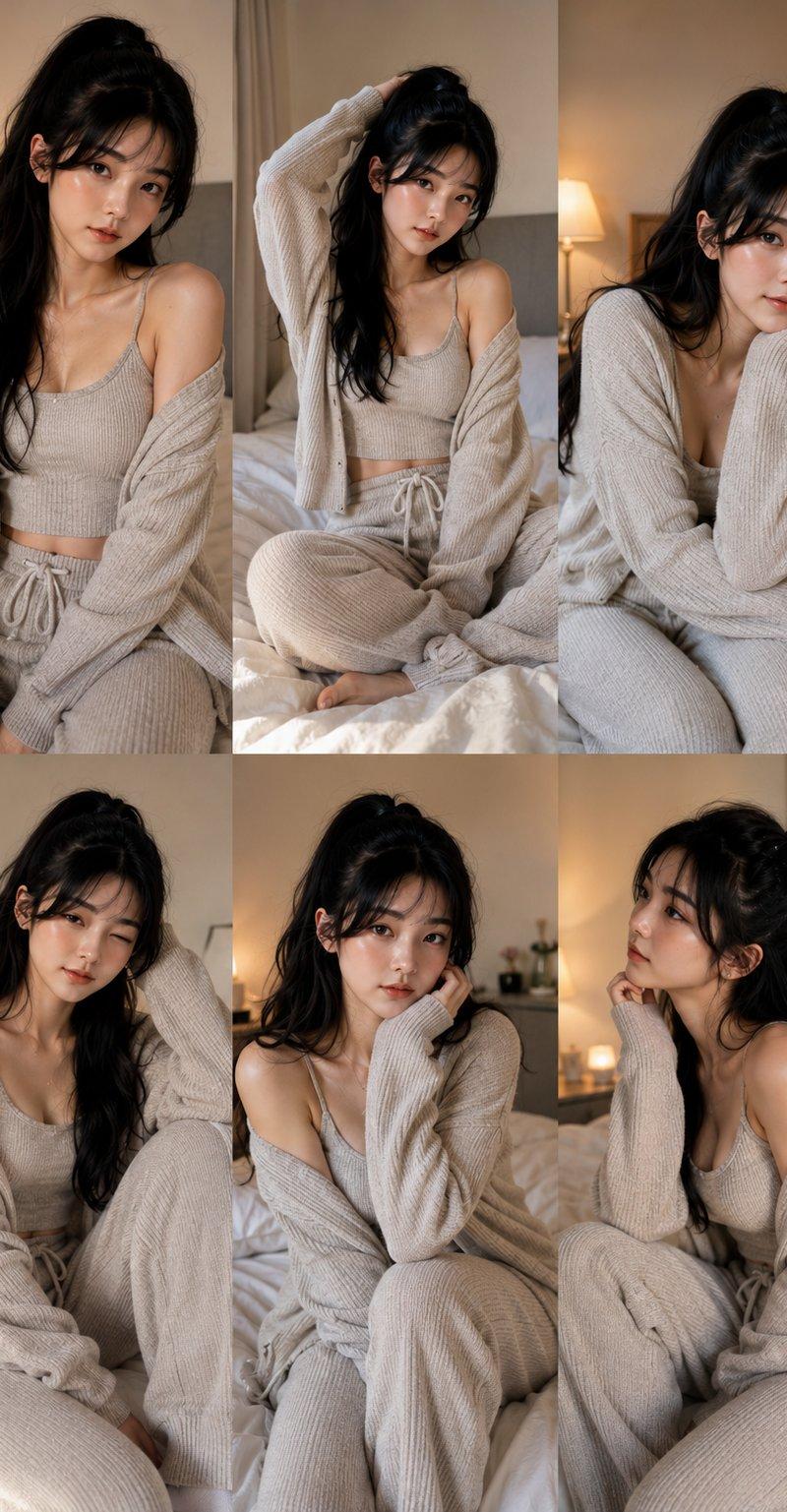
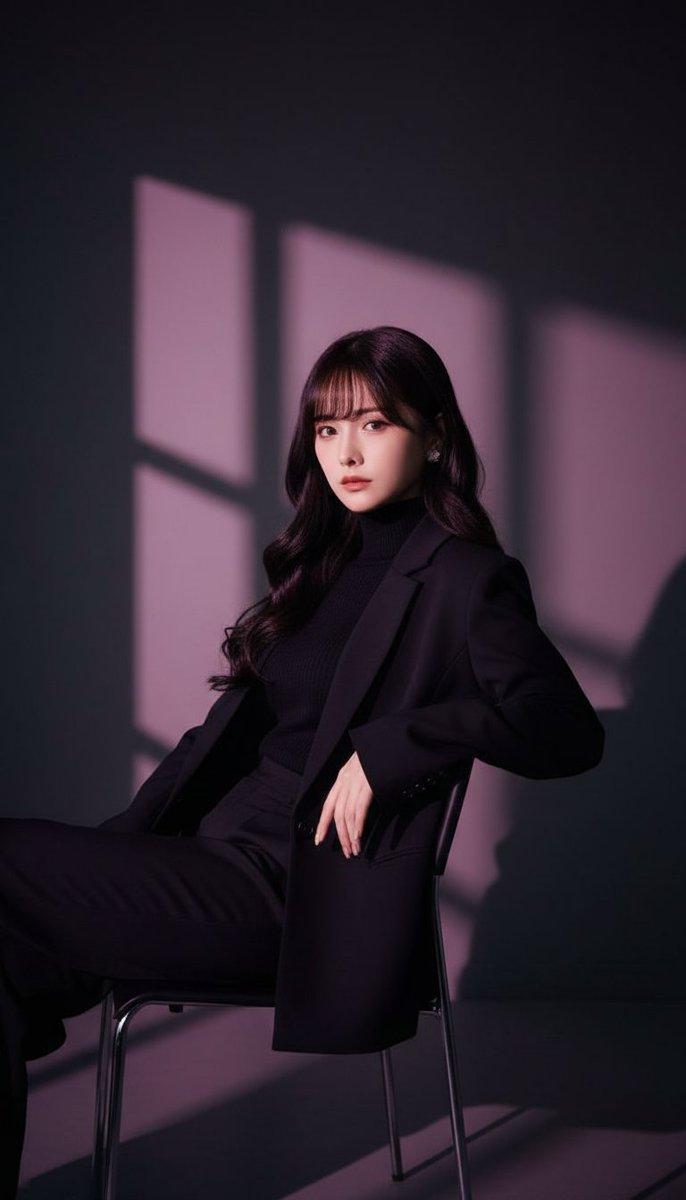
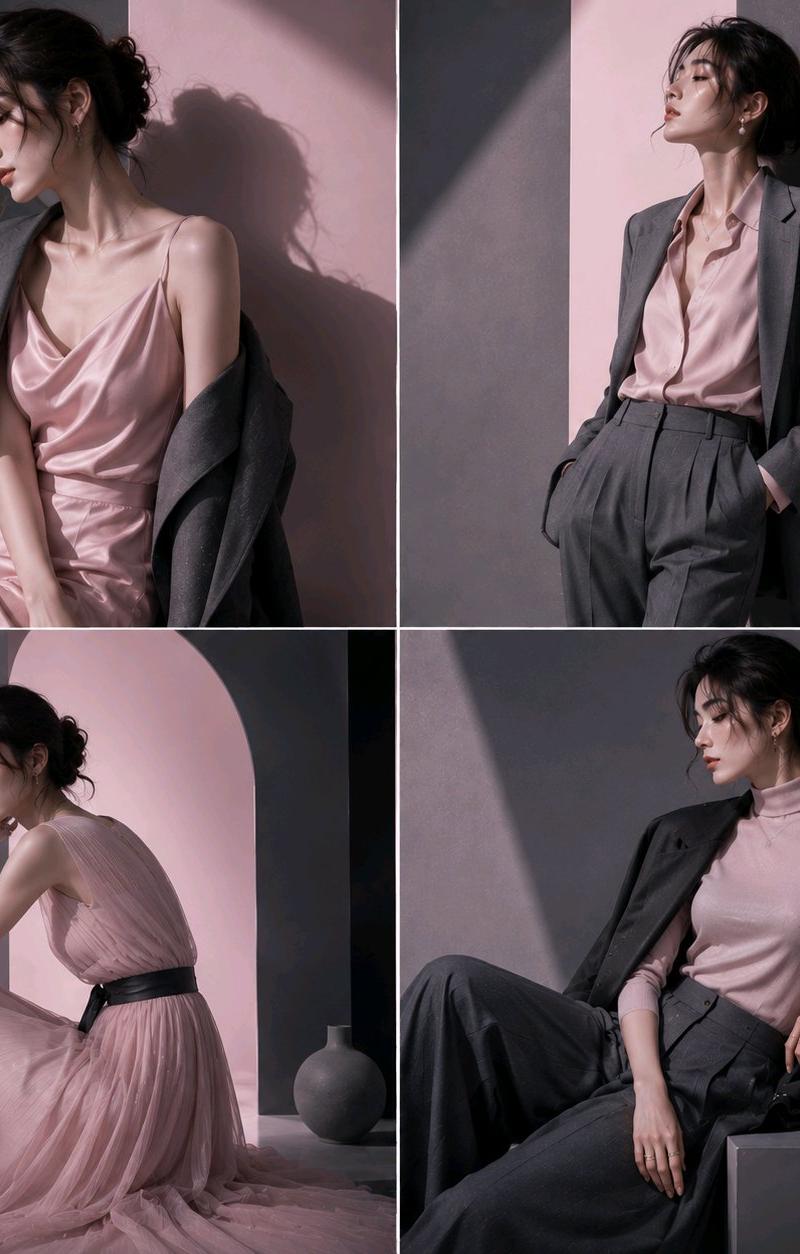
Visuals with the feel of a top international fashion magazine cover. The subject is a [25-year-old Asian female model]. Using cherry blossom pink, misty pink, graphite gray, and smoky gray to build the overall color system. Minimalist modern art style. Large areas of white space and negative space design. Soft natural light and dramatic shadows create high-end layers. Emphasizing the relationship between clothing silhouette, texture, and color. The model's posture is natural and relaxed, full of emotional tension. The overall vibe is a fusion of Dior, Chanel, COS, and international art magazines. Elegant, restrained, fashionable, high-end. The image is unified and full of a sense of breath. No text, no logo, no watermark. Four-grid fashion blockbuster. Ultra-high aesthetics.
Category
Charts & Infographics
Model
ChatGPT
Creator
@Adam38363368936
Source language
zh-CN
Views56
Source ID
15832
Published
Jun 11, 2026
Studio

Guide

About "国际时尚杂志风格亚洲女模大片"

What is this prompt for?

"国际时尚杂志风格亚洲女模大片" AI image prompt for ChatGPT (Charts & Infographics). 国际顶级时尚杂志封面感视觉。 主体为【25岁亚洲女性模特】。 采用樱花粉、雾粉色、石墨灰、烟灰色构建整体色彩体系。 极简现代艺术风格。 大面积留白与负空间设计。 柔和自然光与戏剧…

The full copyable prompt and example visuals above are ready for AI image generation or one-click recreate in Picva.

How to use this prompt

  1. Step 1

    Open the prompt detail

    Review the example visuals, category, and full prompt text for "国际时尚杂志风格亚洲女模大片".

  2. Step 2

    Copy the prompt

    Copy the prompt body from this page, or load it directly in Studio.

  3. Step 3

    Pick a model (ChatGPT)

    Prefer ChatGPT. If you switch models, keep subject and composition and tweak style terms.

  4. Step 4

    Generate and export

    Recreate the look in Picva, or export into your workflow for editing and publishing.

FAQ

What is the "国际时尚杂志风格亚洲女模大片" prompt?
It is an AI image-generation prompt for ChatGPT in the Charts & Infographics category. This page includes the full prompt text, example visuals, and a one-click recreate path in Picva.
How do I use this prompt to generate an image?
Copy the prompt from this page, or use Generate / Studio. Paste it into a compatible image model, or recreate the look in Picva with optional reference images.
Which model is this prompt for?
This page lists ChatGPT. Most descriptive prompts also transfer to nearby image models such as GPT Image, Flux, or Midjourney with light style tweaks.
Can I use the result commercially?
You can usually copy the prompt for creation, but commercial use of the final image depends on the model terms, reference-image rights, and the generated content. Follow the source author and platform rules.