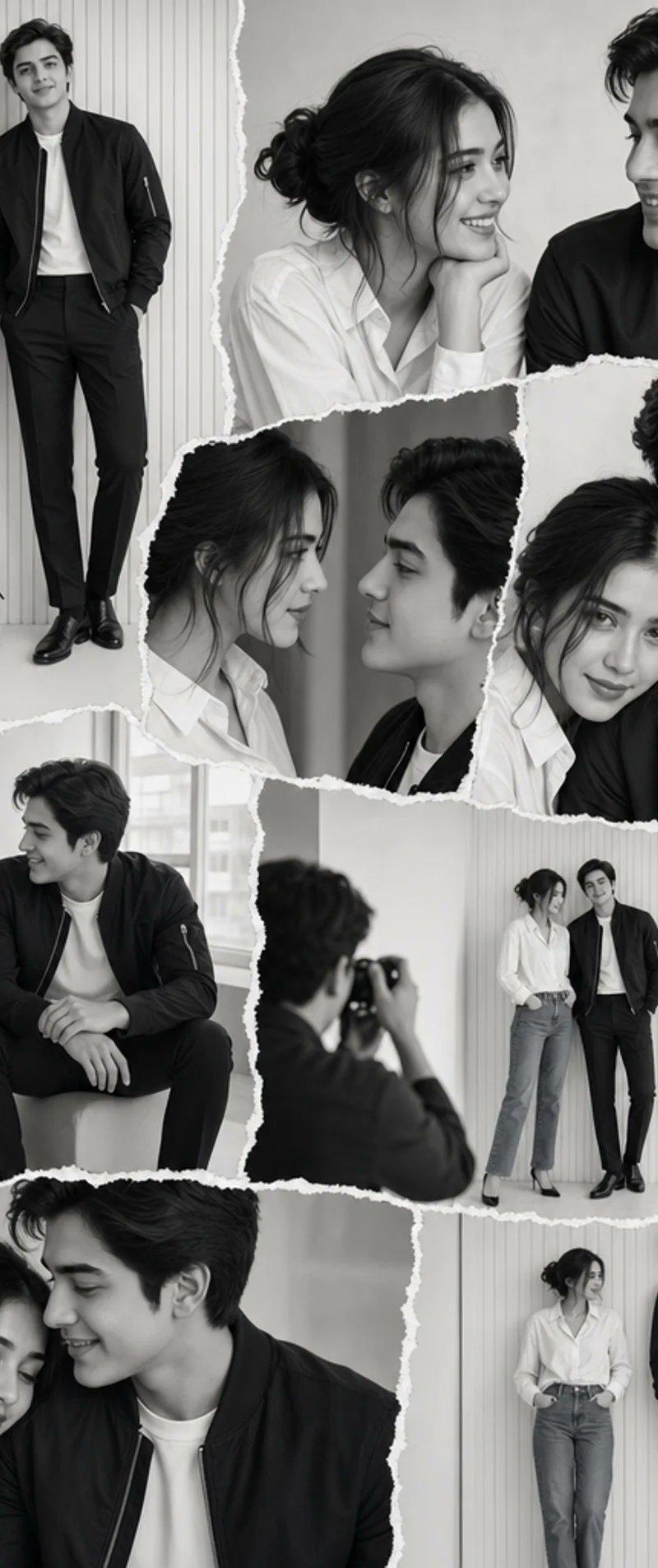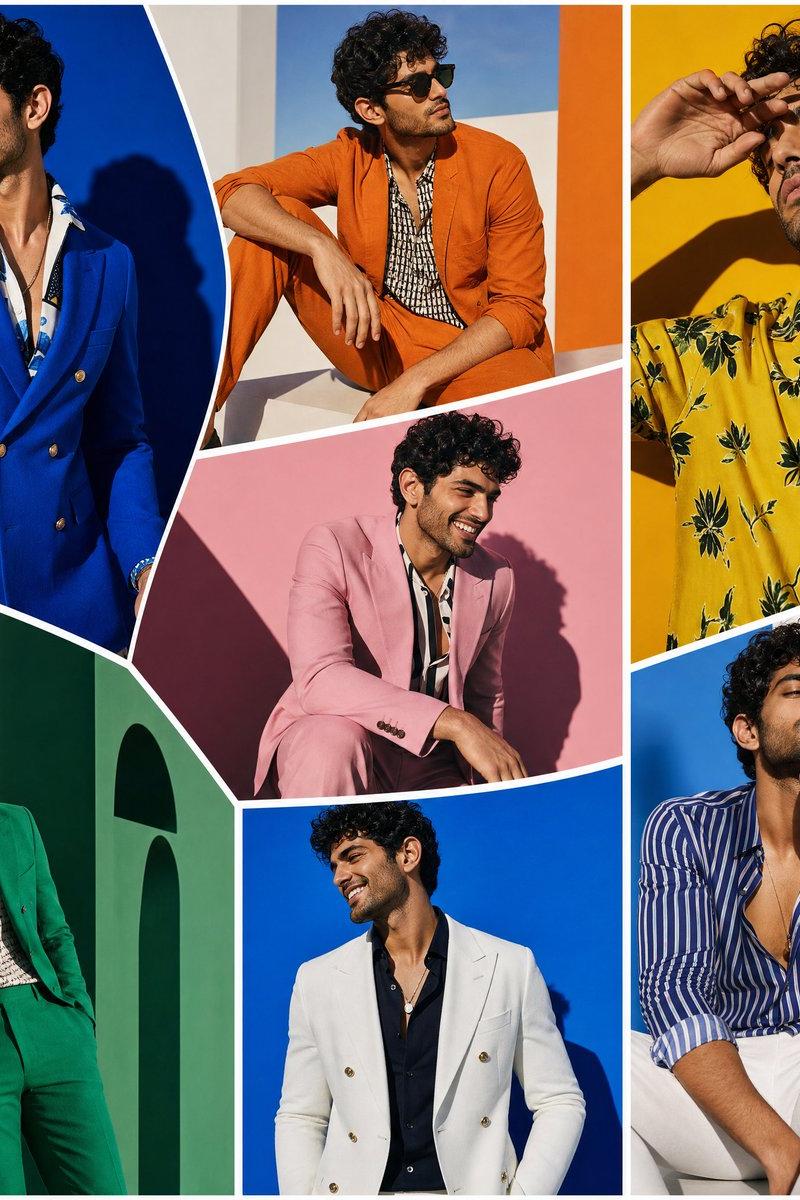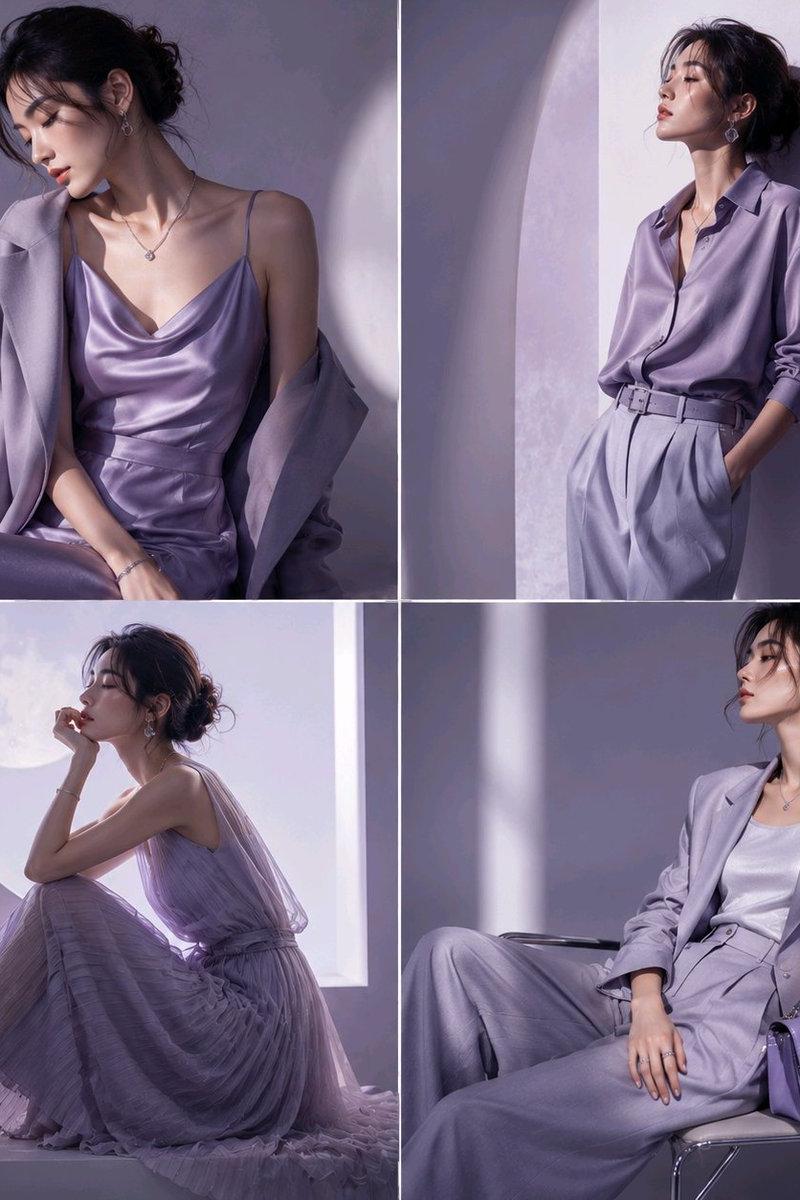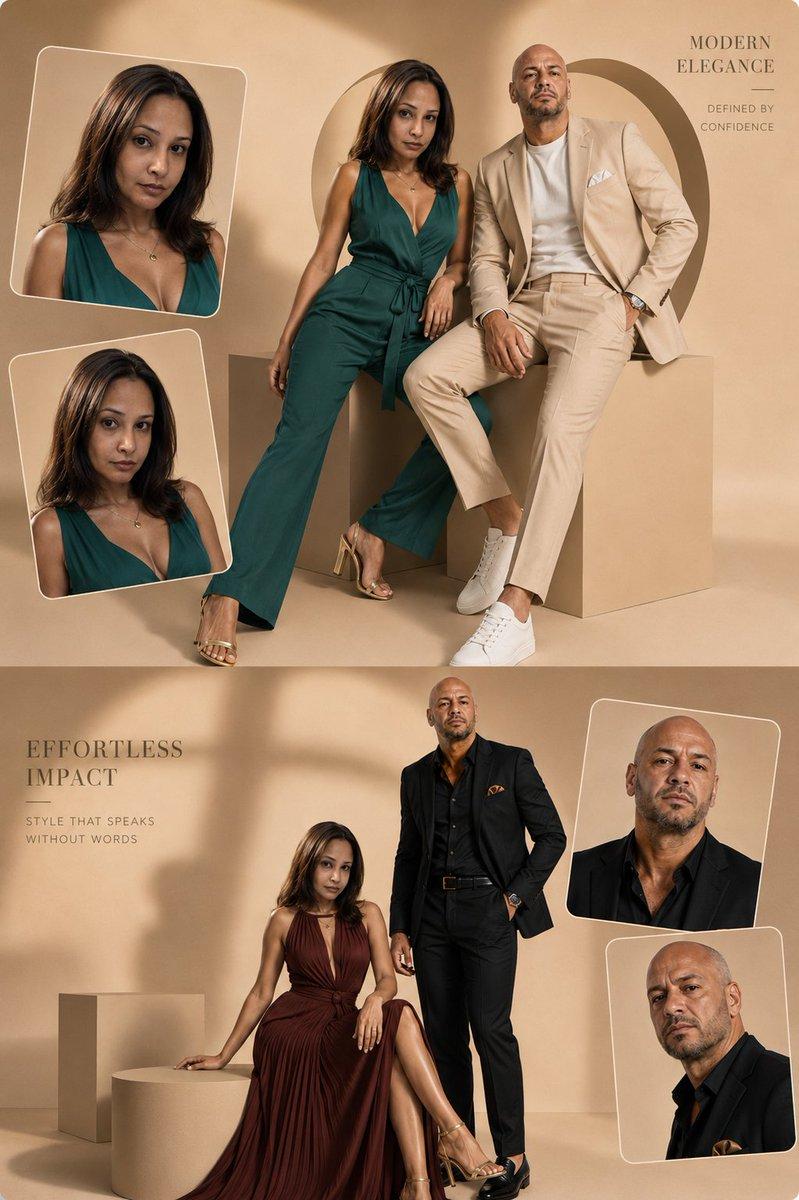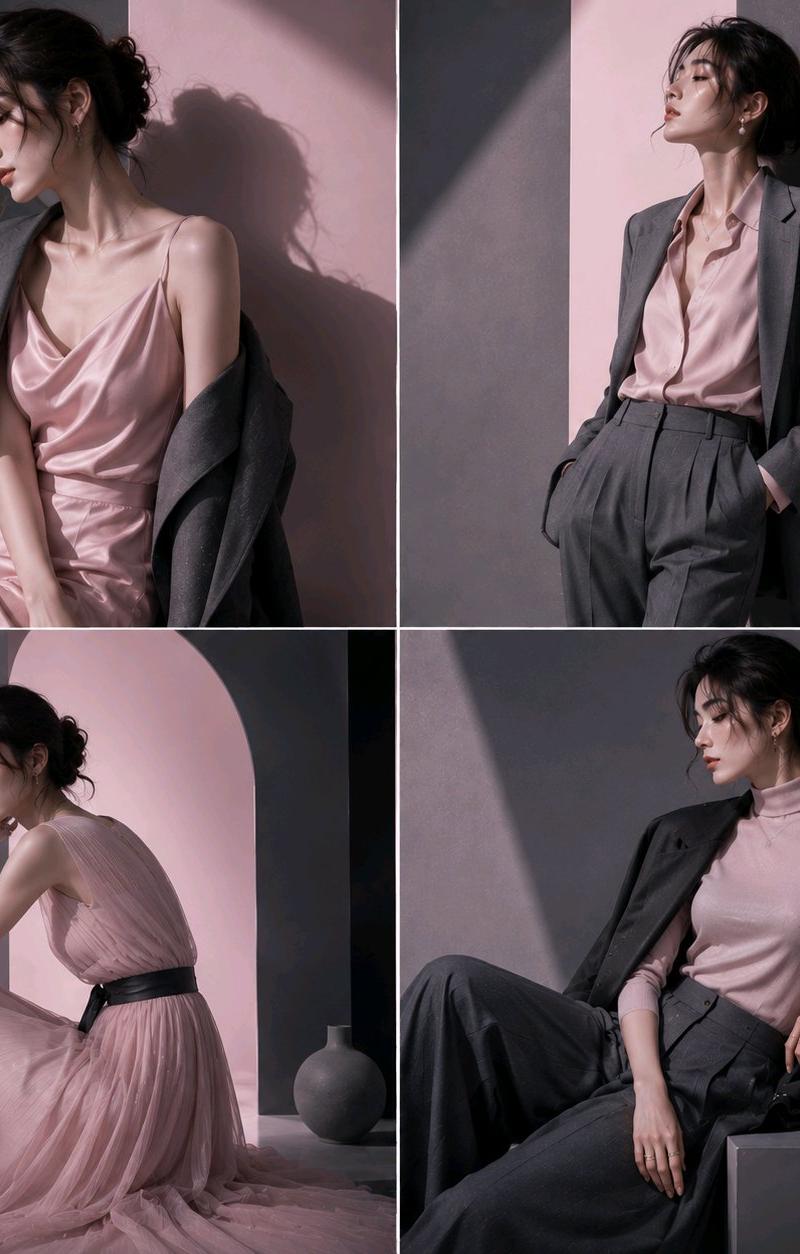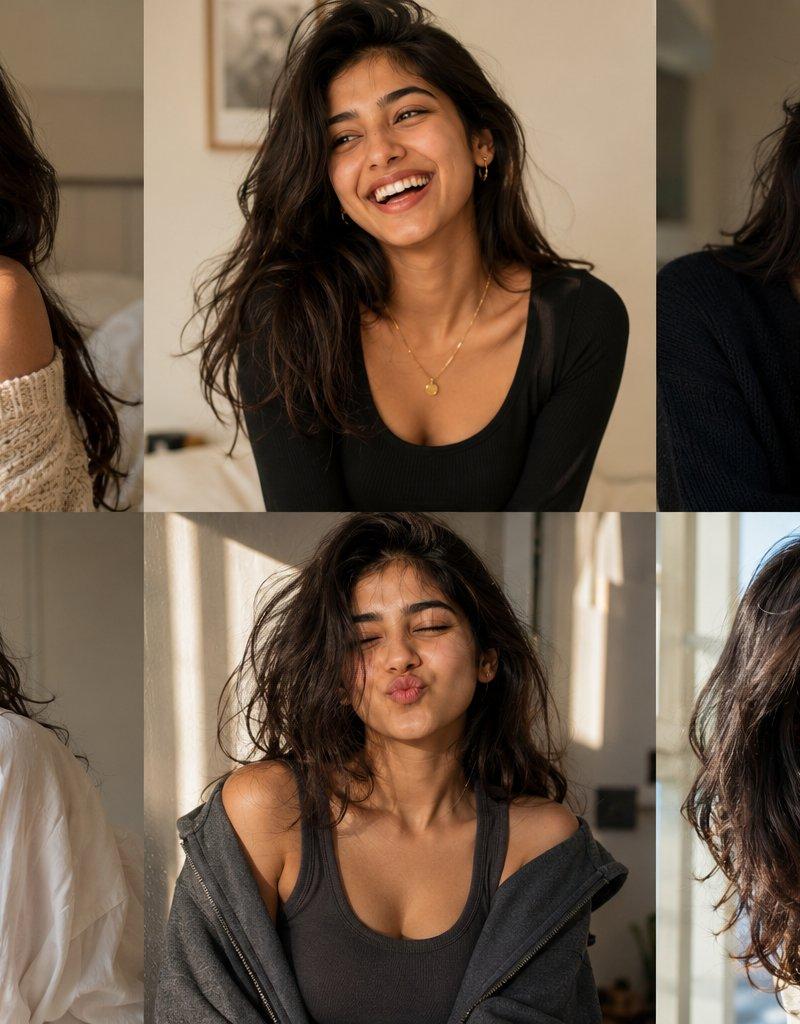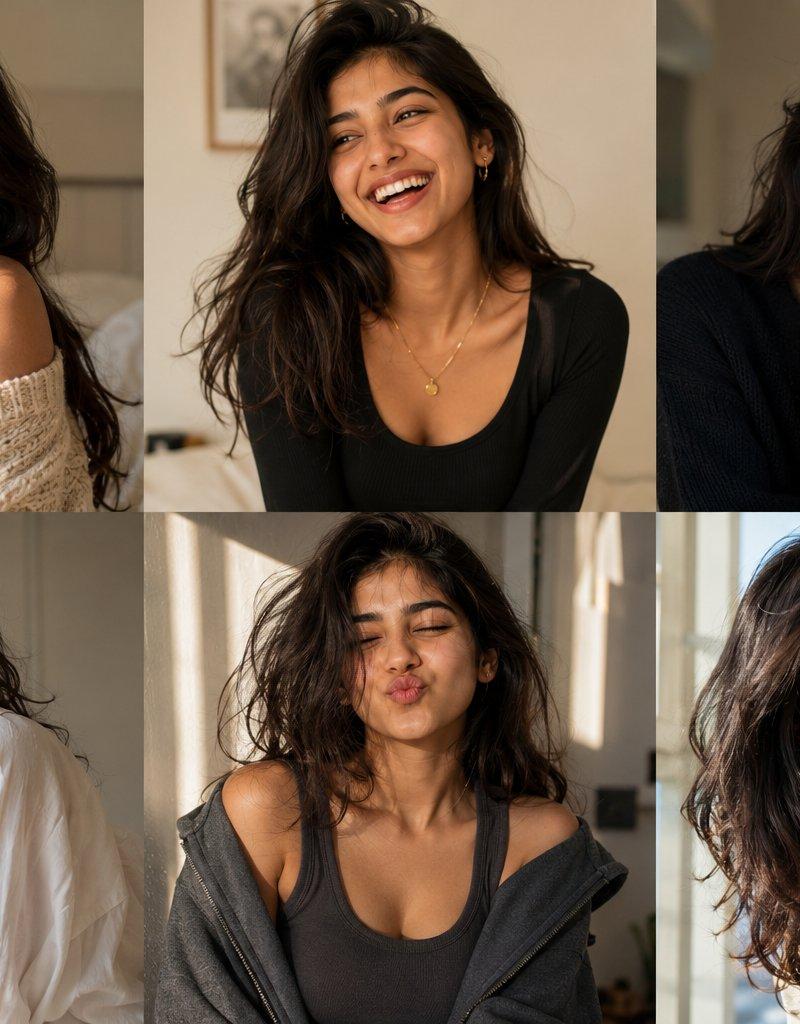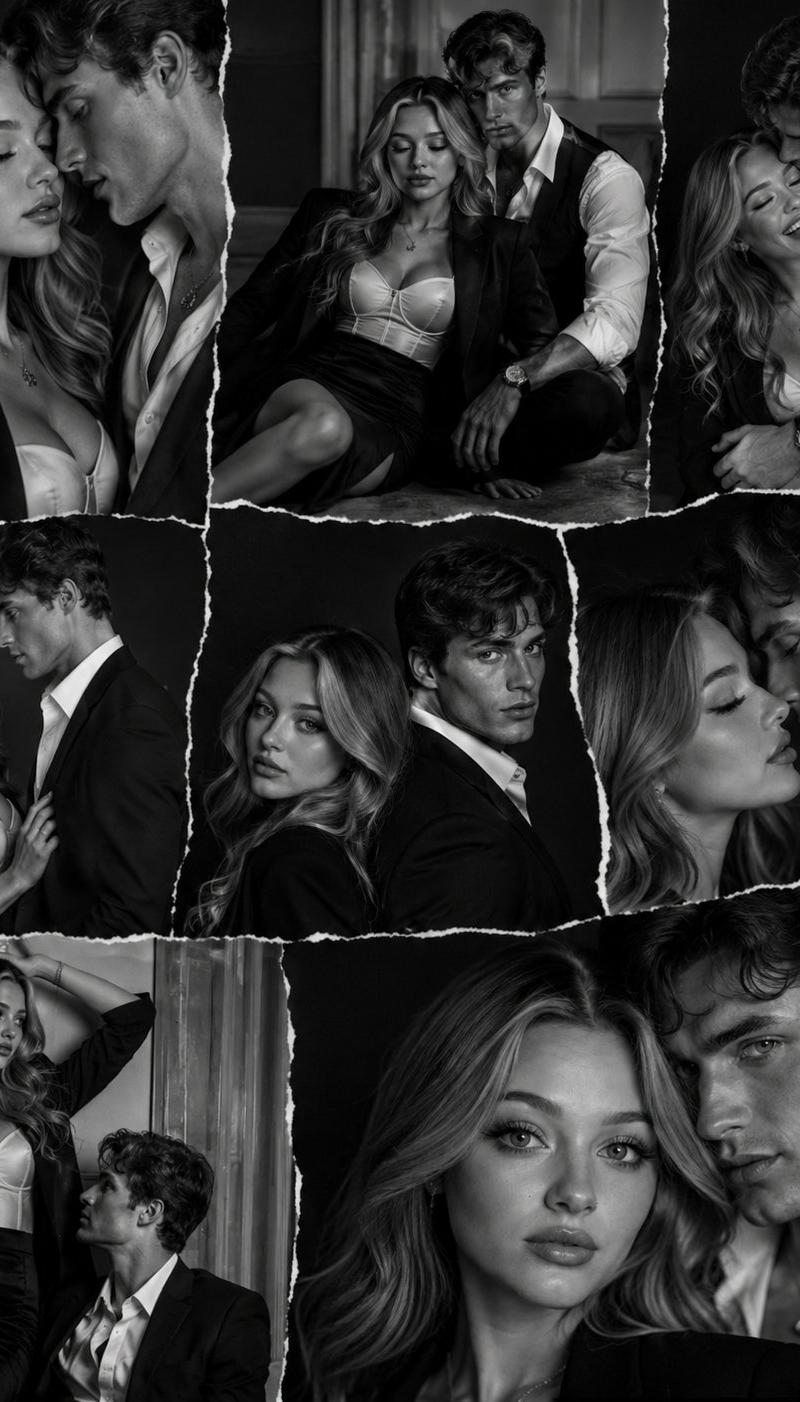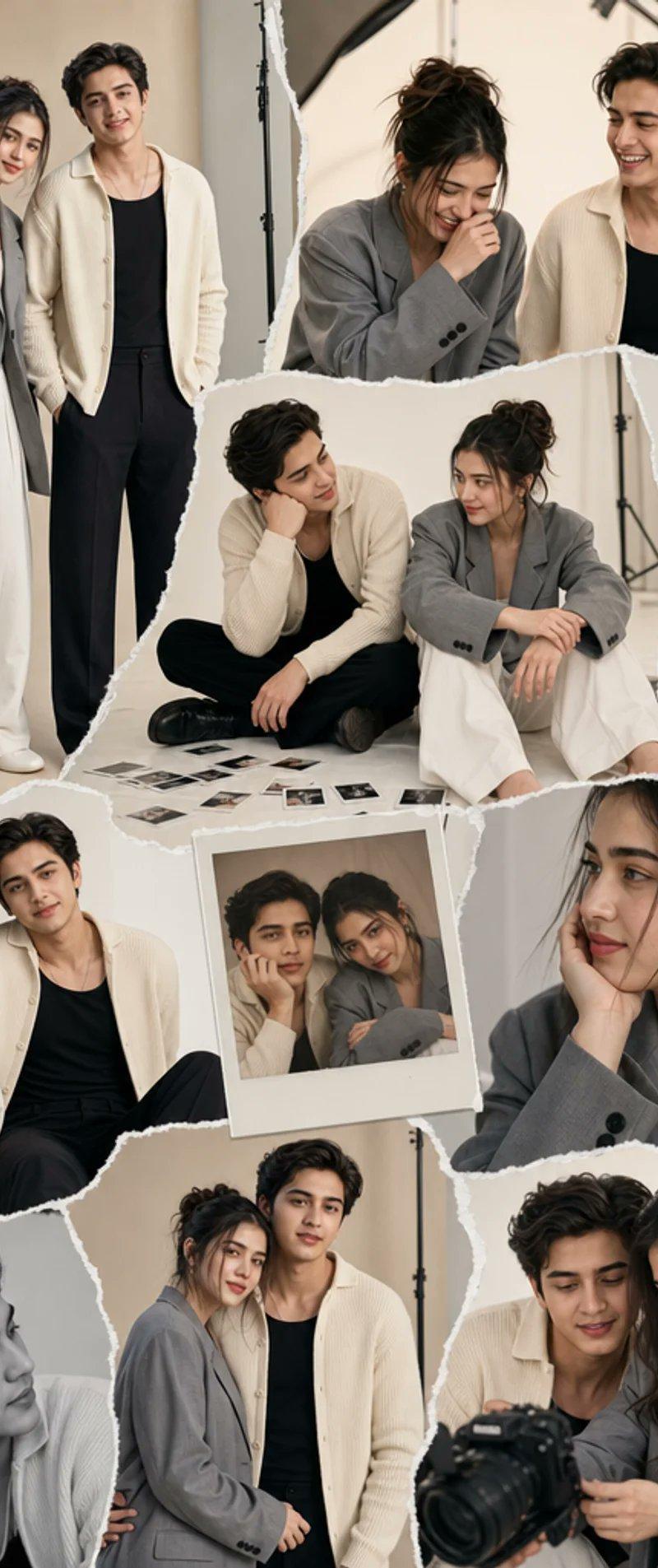
Torn-Paper Couple Studio Collage
Prompt
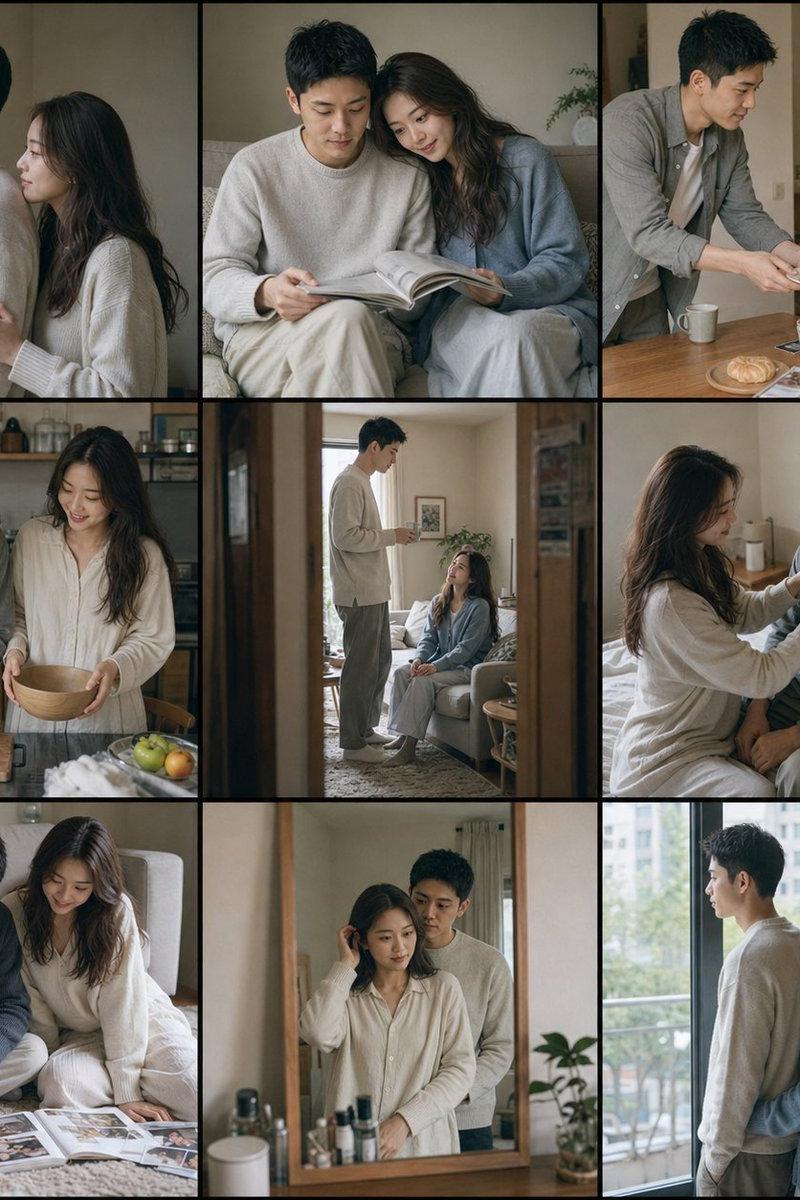
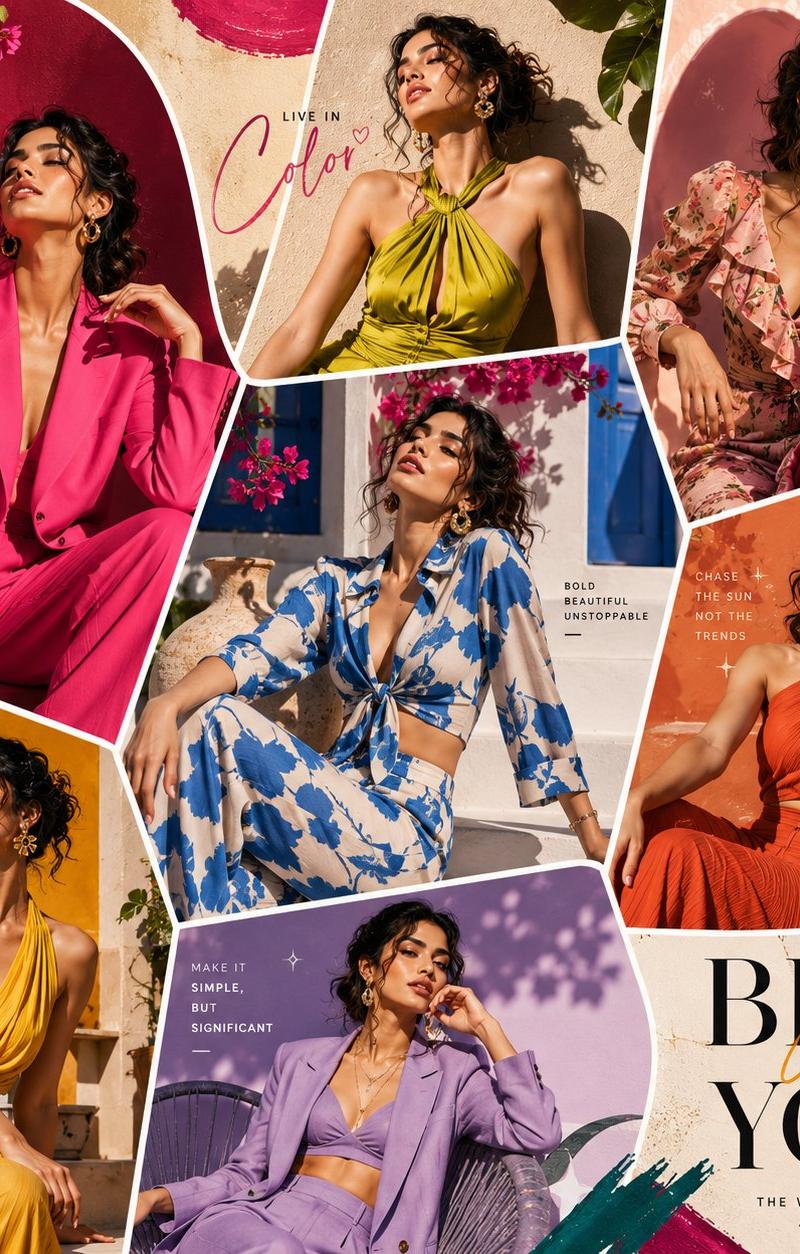
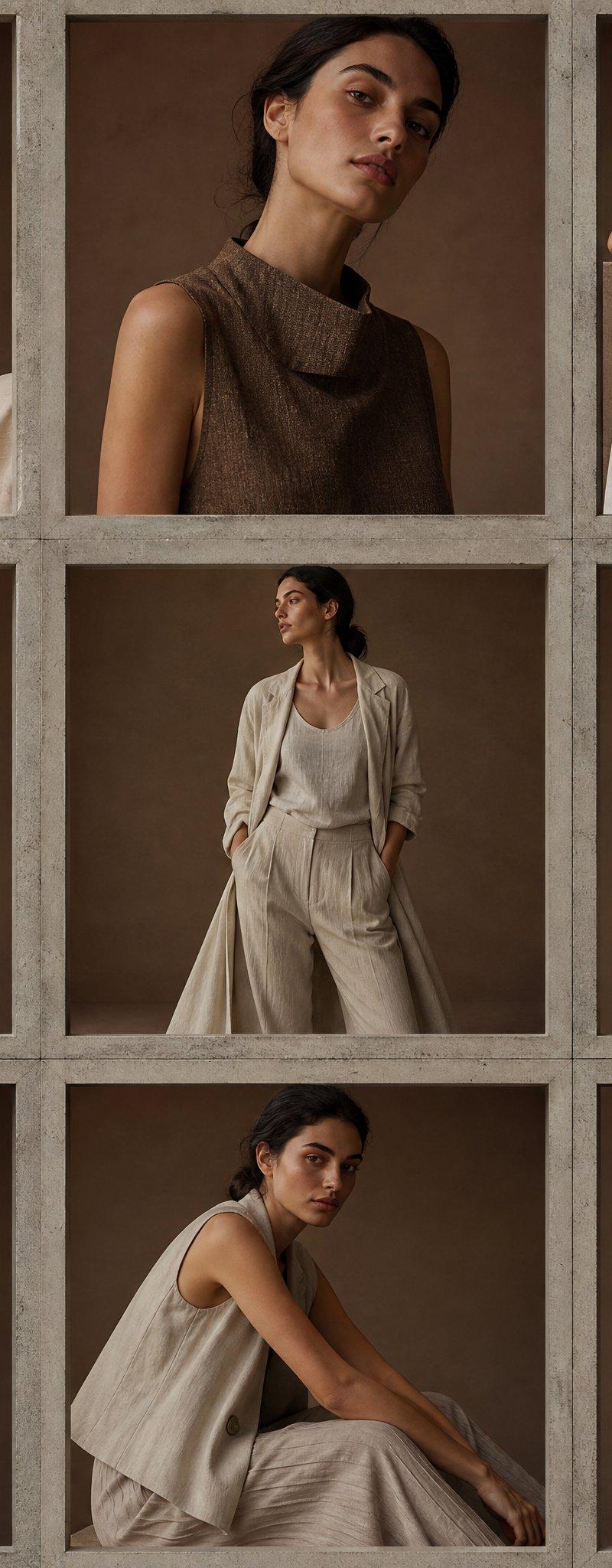
Goal: Create a stylish editorial couple photoshoot collage in a modern photography studio, made from torn-paper photo fragments arranged like a fashion mood board.

Canvas: Vertical portrait canvas, 2:3 aspect ratio, warm beige and gray palette, high-resolution realistic photography with soft studio lighting.

Subjects: A young fashionable couple. The man has {argument name="man's hair color" default="black"}, wavy medium-length hair, a slim build, and wears a cream knit cardigan over a black tank top with black trousers and black shoes. The woman has {argument name="woman's hairstyle" default="a messy high bun"}, a slim build, small earrings, and wears an oversized gray blazer over a light top with white wide-leg trousers and white shoes. Their faces should be intentionally obscured with smooth rectangular beige blur blocks, like an anonymized fashion editorial.

Layout: Build a collage from exactly 10 distinct photo pieces with rough torn white paper edges and slight overlaps. Include these 10 visible fragments: 1) a large full-body standing portrait of the couple on the upper left, leaning close; 2) an upper-right candid studio shot of both seated or leaning forward with the woman covering part of her face and the man beside her, with studio softbox equipment visible; 3) a central seated floor shot of both subjects with printed photo proofs scattered around them; 4) a narrow right-side close-up crop of the man in the cream cardigan and black tank top; 5) a lower-left seated couple shot with the woman leaning against the man; 6) a small centered Polaroid-style print showing the couple close together; 7) a right-middle close-up portrait crop of the woman resting her face on her hand in the gray blazer; 8) a bottom-left black-and-white close-up crop of the man leaning downward; 9) a bottom-center standing couple crop with the woman holding the man’s arm; 10) a bottom-right behind-the-scenes shot where the couple looks toward a photographer holding a camera in the foreground.

Setting and details: Use a minimalist modern photo studio with cream walls, seamless backdrop paper, light stands, softbox edges, a visible photographer silhouette or camera in the foreground in one fragment, and scattered small photo prints on the floor in the central fragment. Keep the clothing consistent across all fragments.

Visual style: Realistic fashion photography, candid couple poses, warm natural skin tones, neutral studio colors, soft shadows, subtle film editorial feel, torn scrapbook collage aesthetic with layered paper texture.

Constraints: No readable text, no logos, no watermark. Keep exactly 2 people recurring in every couple fragment. Maintain the anonymized rectangular face blurs throughout the collage.- Category
- Charts & Infographics
- Model
- GPT Image 2
- Creator
- Hania Ai
- Source language
- en
- Source ID
- 24538
- Published
- Jun 6, 2026
Views7.6K