20

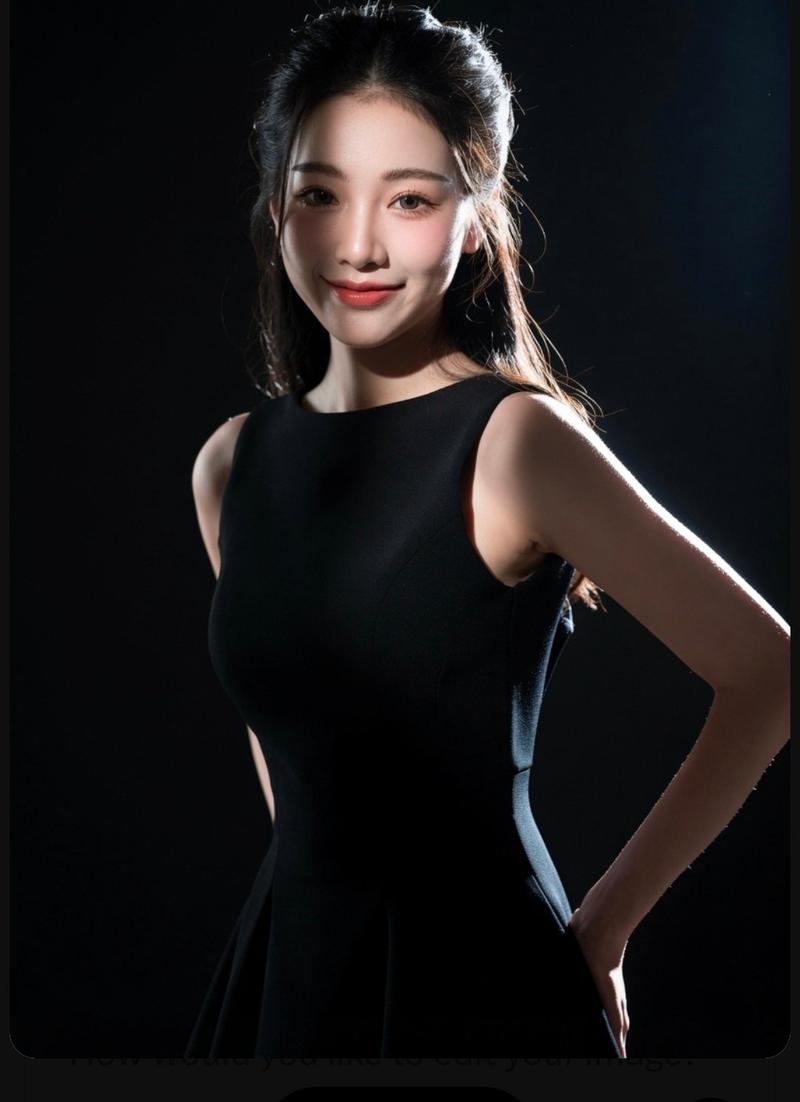
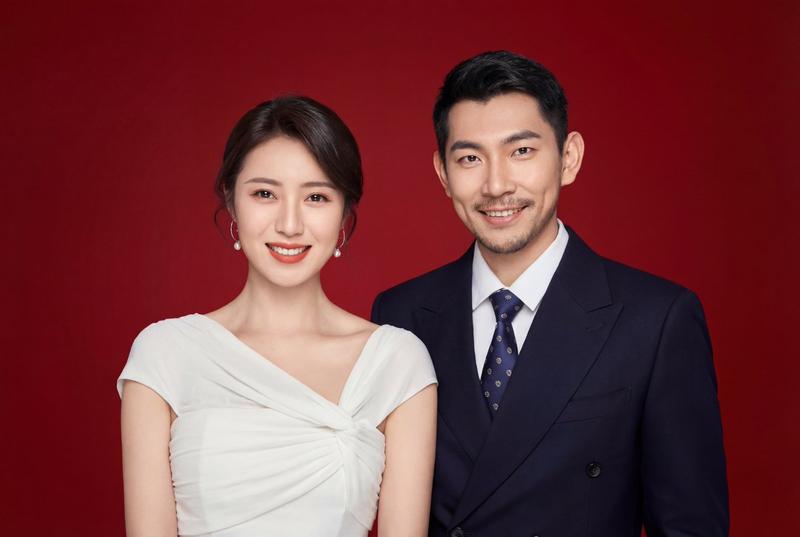
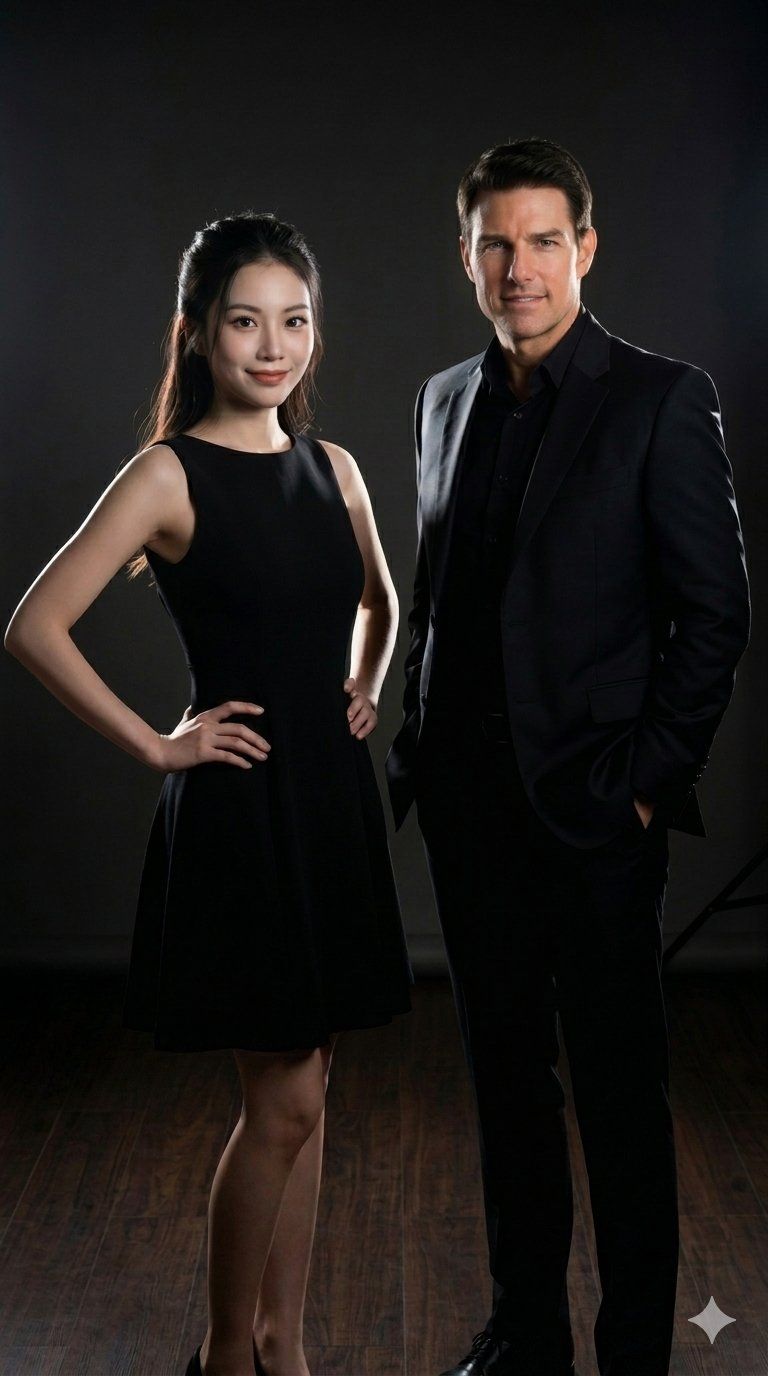
极简深色背景下的一男一女专业影棚肖像
Enlarge

极简深色背景下的一男一女专业影棚肖像

Prompt
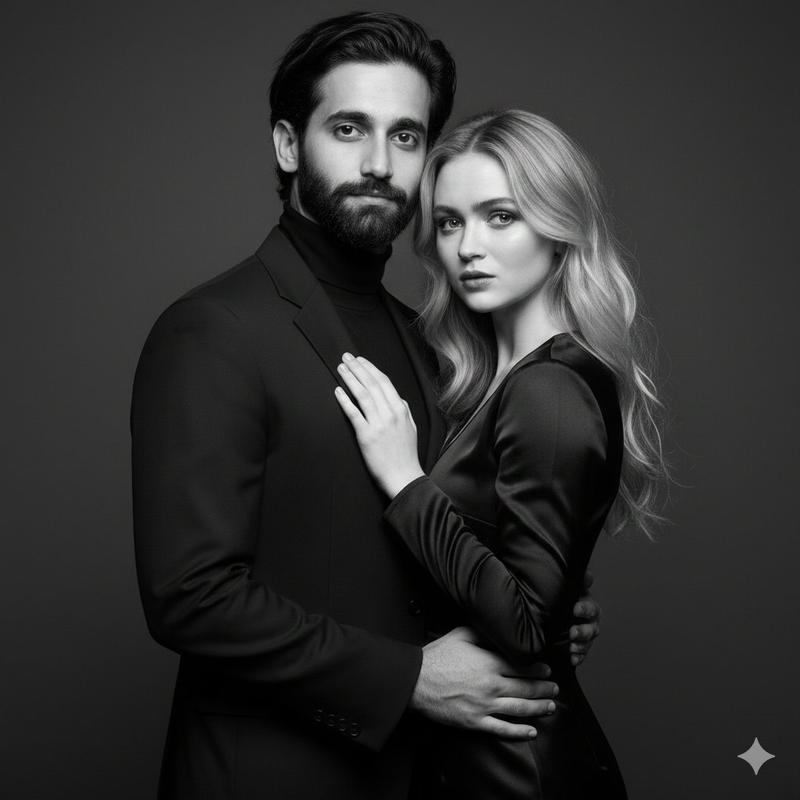
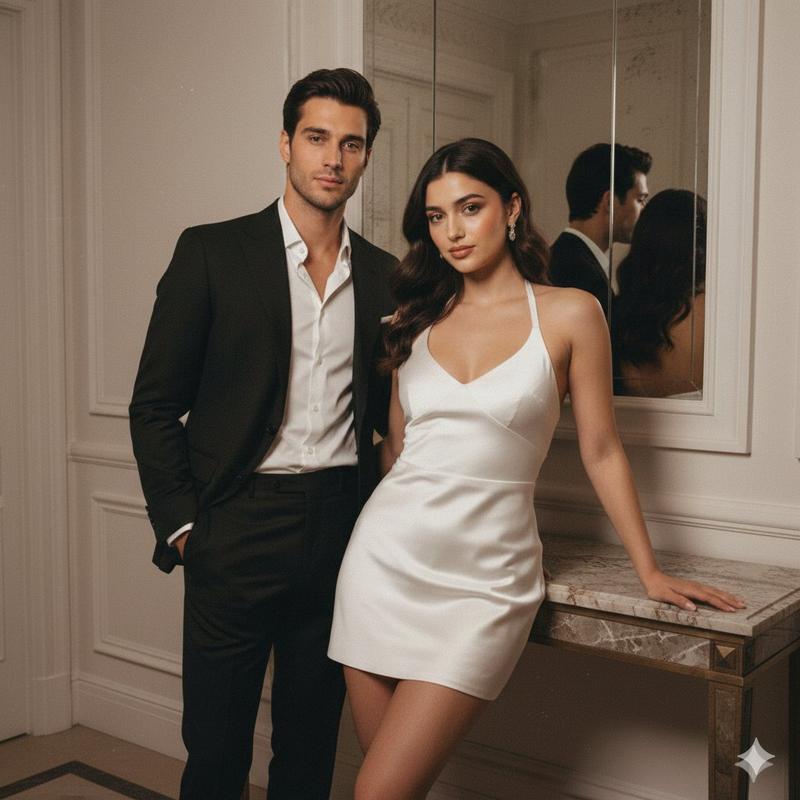
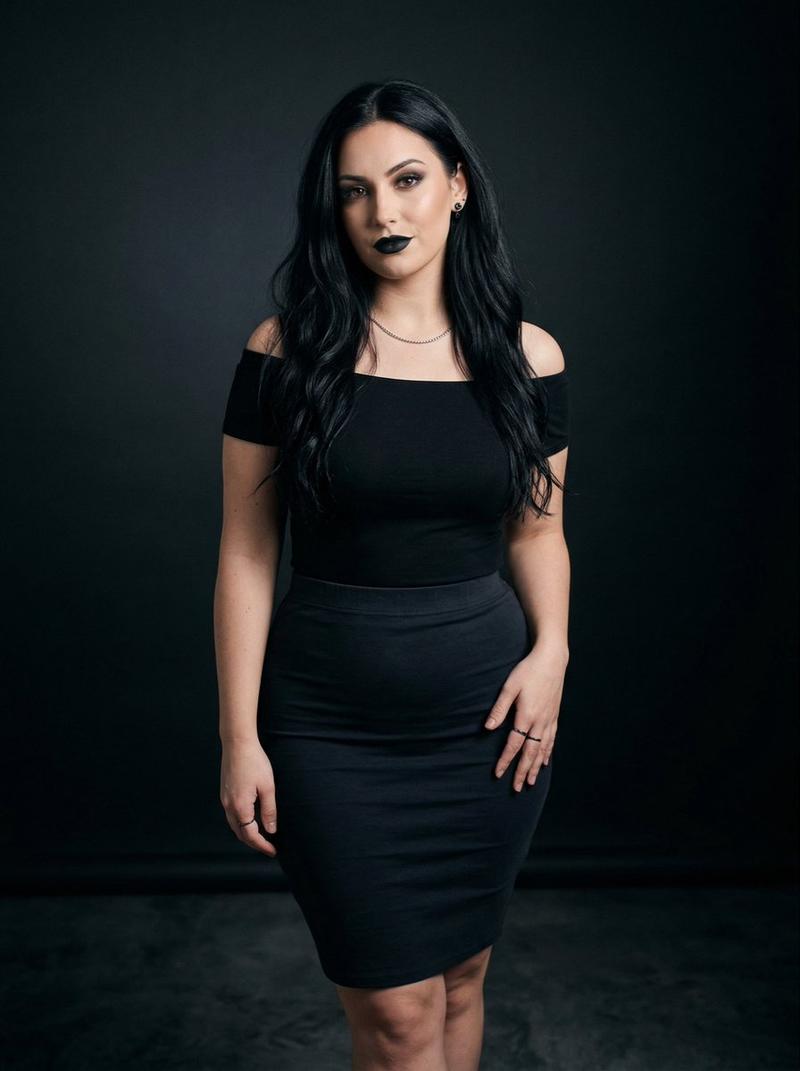
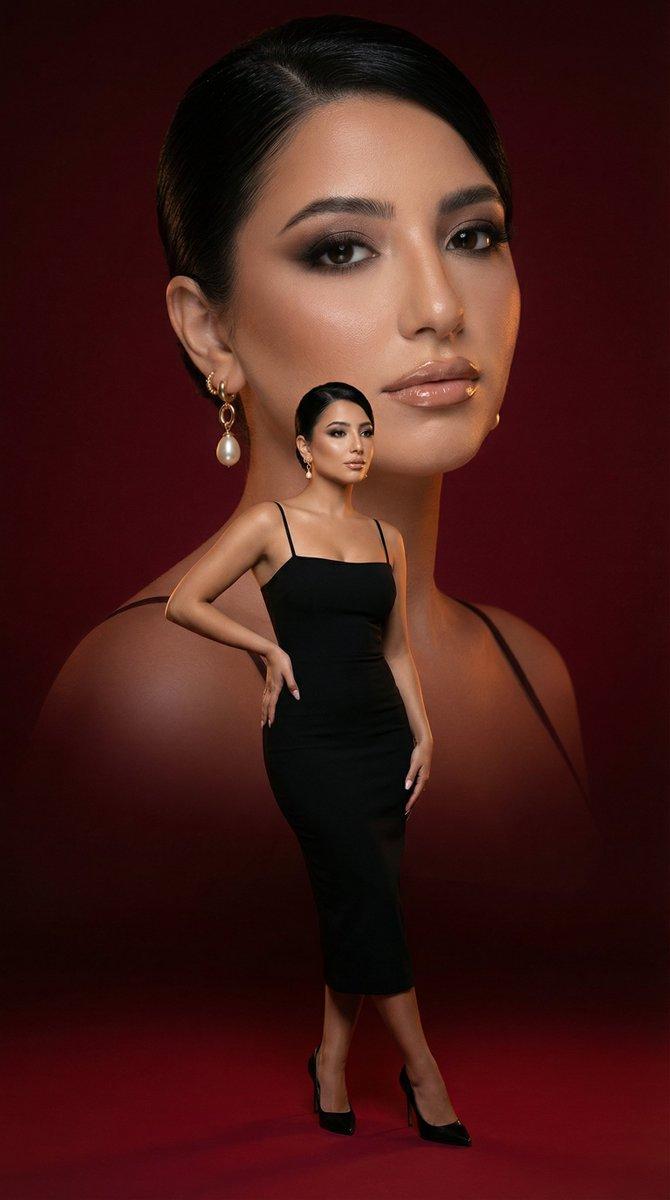
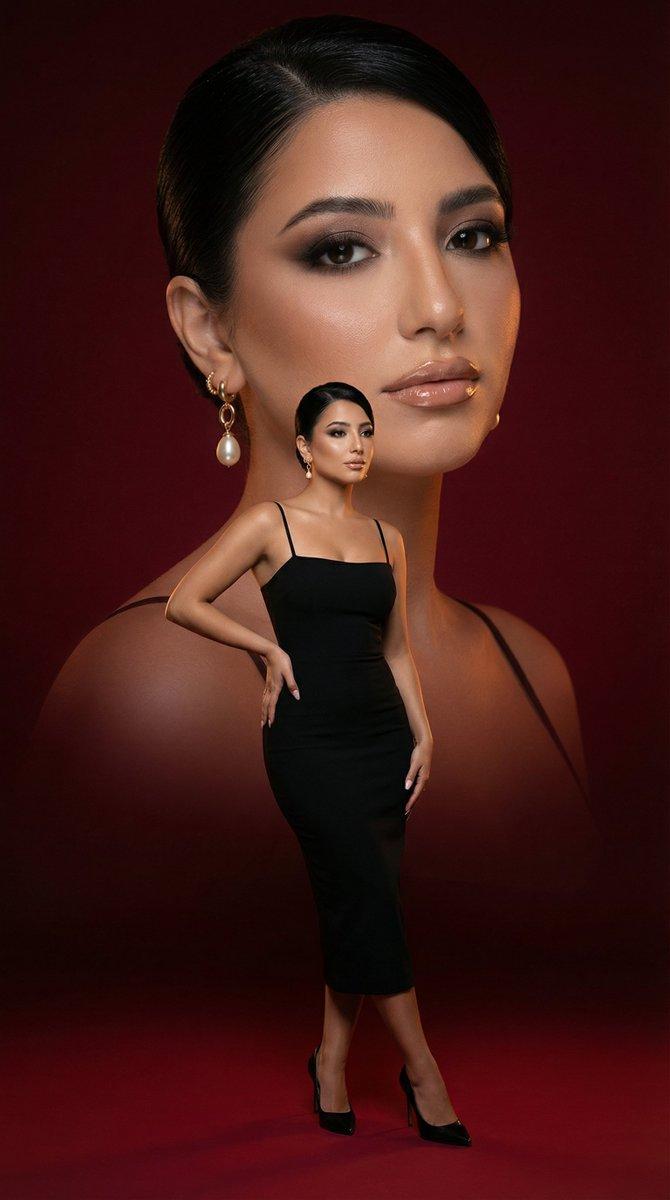
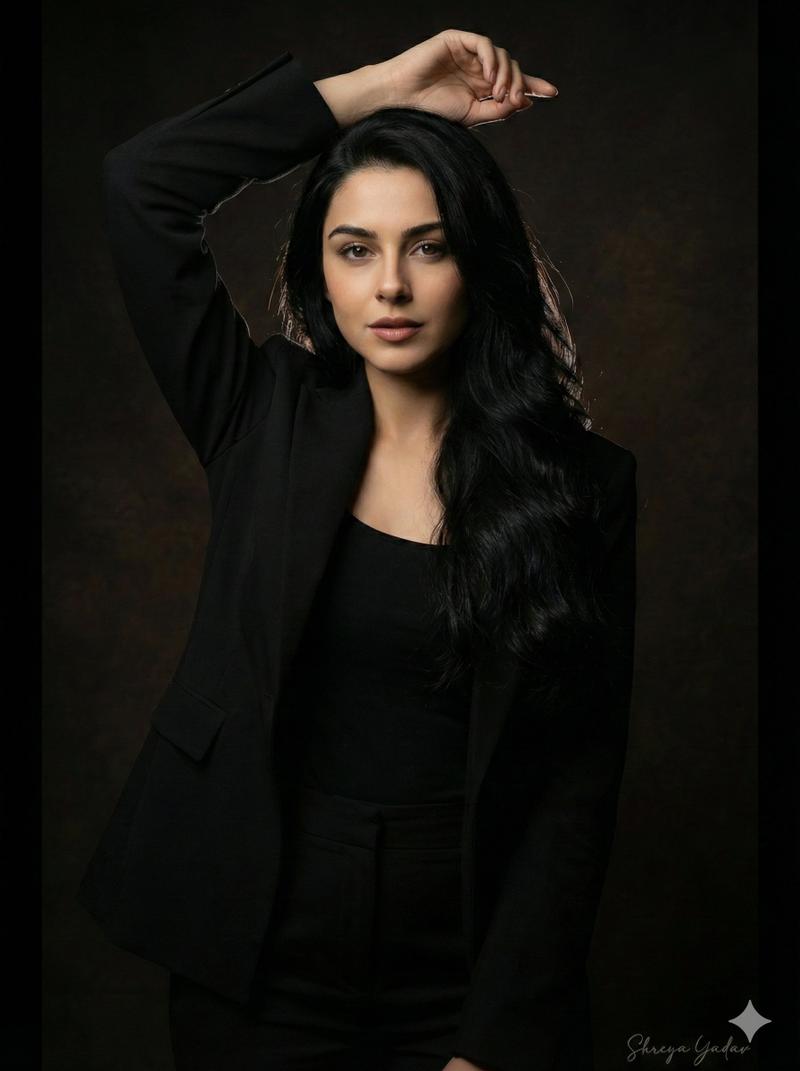
A professional studio portrait oriented vertically with a dark, minimalist background. On the left stands an East Asian woman with long, dark hair styled in a half-updo, wearing a simple, sleeveless black A-line dress. She is posed with her hands on her hips, looking directly forward with a gentle, confident smile. On the right stands a Caucasian man with short, neat dark hair, dressed in a sleek, all-black tailored suit with a black button-down shirt underneath. He has one hand casually placed in his pocket and faces the camera with a calm, assured expression. Both individuals are captured in a medium-full shot with dramatic, cinematic studio lighting that highlights their silhouettes and profiles against the dark setting, emphasizing a sophisticated and formal mood.
Category
Photography & Realism
Model
Nano Banana 2
Views41
Source ID
15591
Published
Jun 7, 2026

Guide

About "极简深色背景下的一男一女专业影棚肖像"

What is this prompt for?

"极简深色背景下的一男一女专业影棚肖像" AI image prompt for Nano Banana 2 (Photography & Realism). 一张垂直方向的专业影棚肖像,背景为深色且极简。左边站着一位东亚女性,留着黑色长发并梳成半扎发型,穿着一件简约的黑色无袖A字裙。她双手叉腰,带着温柔而自信的微笑…

The full copyable prompt and example visuals above are ready for AI image generation or one-click recreate in Picva.

How to use this prompt

  1. Step 1

    Open the prompt detail

    Review the example visuals, category, and full prompt text for "极简深色背景下的一男一女专业影棚肖像".

  2. Step 2

    Copy the prompt

    Copy the prompt body from this page, or load it directly in Studio.

  3. Step 3

    Pick a model (Nano Banana 2)

    Prefer Nano Banana 2. If you switch models, keep subject and composition and tweak style terms.

  4. Step 4

    Generate and export

    Recreate the look in Picva, or export into your workflow for editing and publishing.

FAQ

What is the "极简深色背景下的一男一女专业影棚肖像" prompt?
It is an AI image-generation prompt for Nano Banana 2 in the Photography & Realism category. This page includes the full prompt text, example visuals, and a one-click recreate path in Picva.
How do I use this prompt to generate an image?
Copy the prompt from this page, or use Generate / Studio. Paste it into a compatible image model, or recreate the look in Picva with optional reference images.
Which model is this prompt for?
This page lists Nano Banana 2. Most descriptive prompts also transfer to nearby image models such as GPT Image, Flux, or Midjourney with light style tweaks.
Can I use the result commercially?
You can usually copy the prompt for creation, but commercial use of the final image depends on the model terms, reference-image rights, and the generated content. Follow the source author and platform rules.