12

搞怪几何风格扁平卡通肖像海报
Enlarge

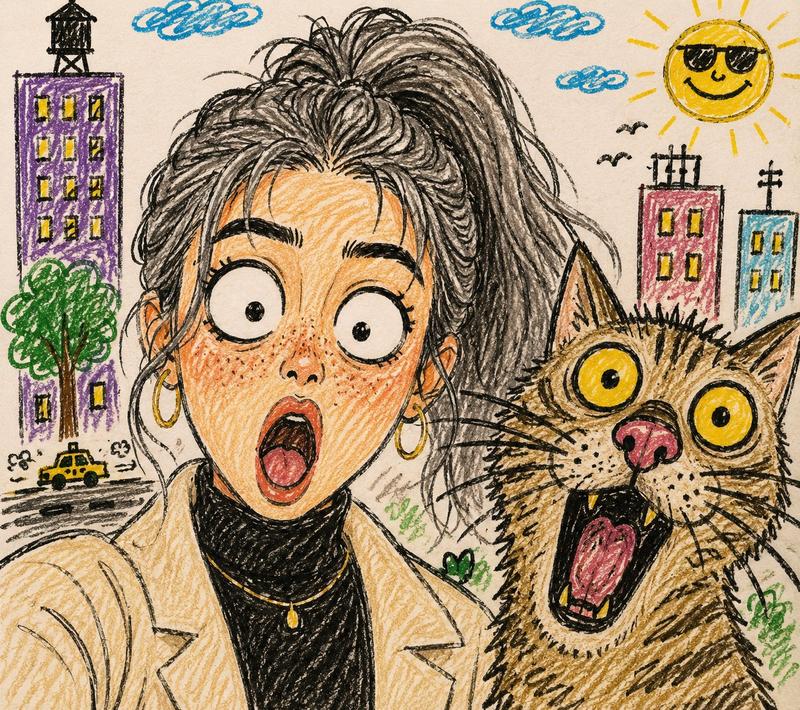
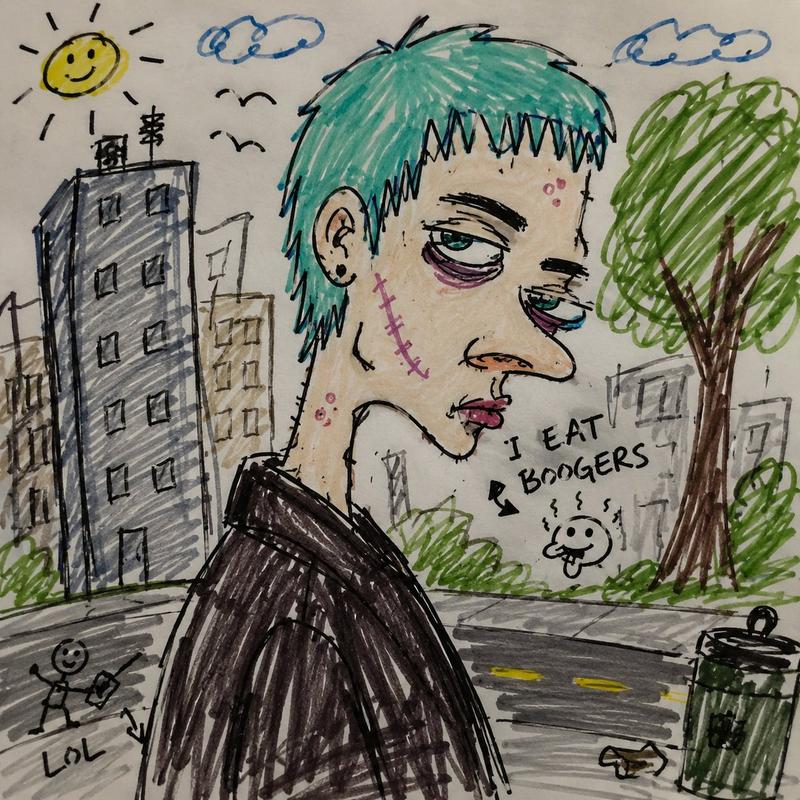
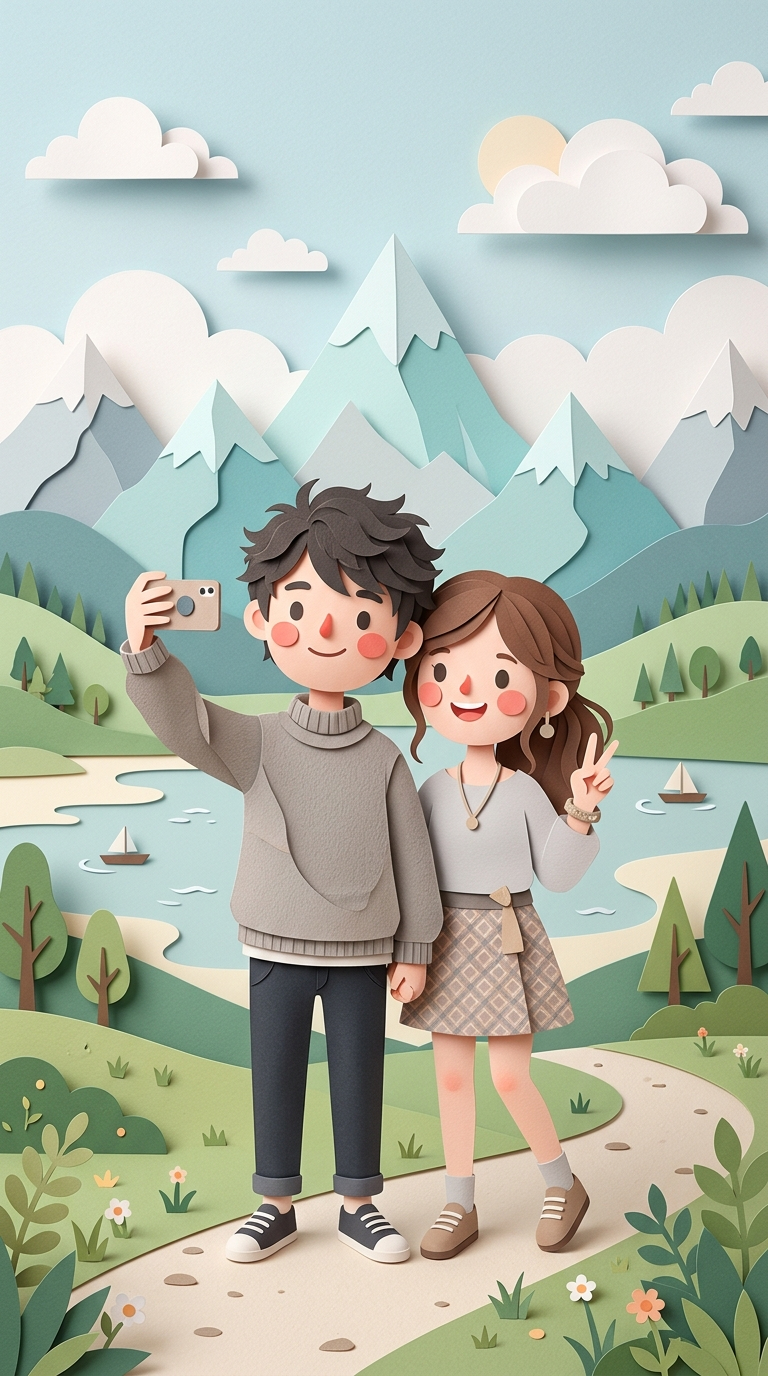
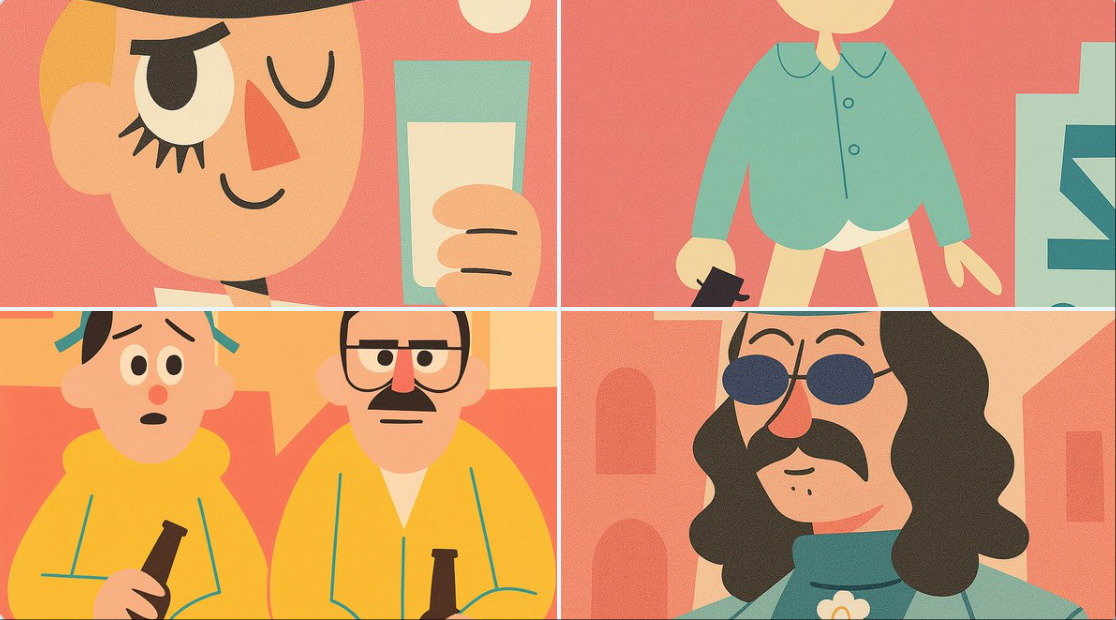
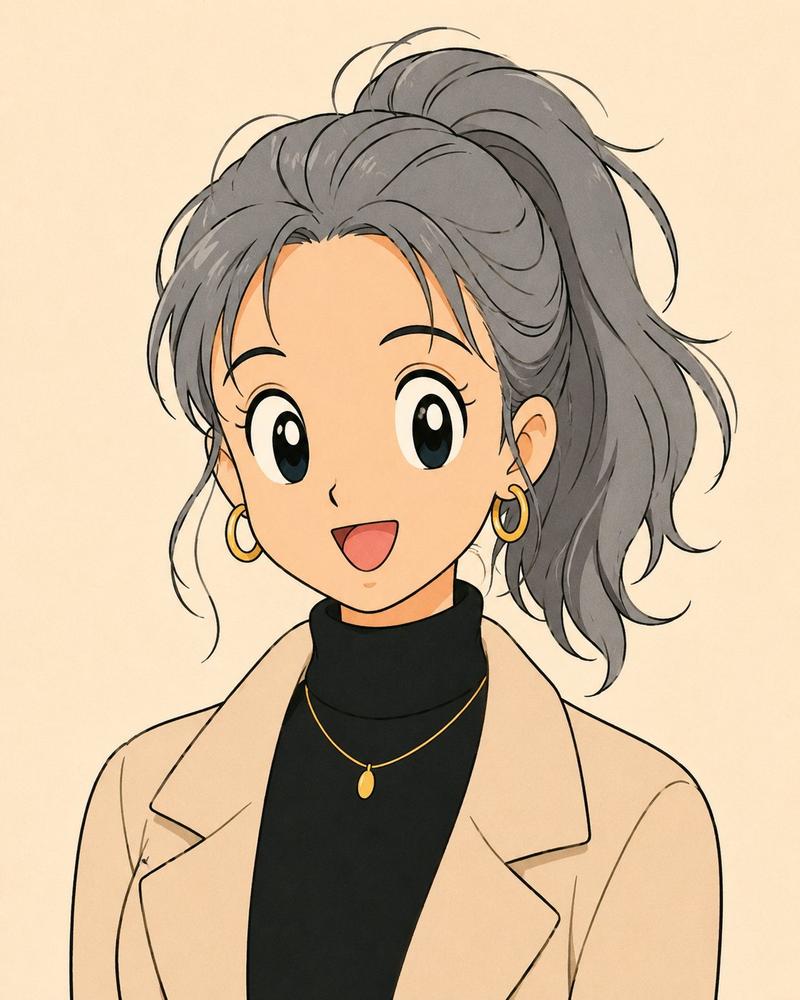
Example images

搞怪几何风格扁平卡通肖像海报

Prompt
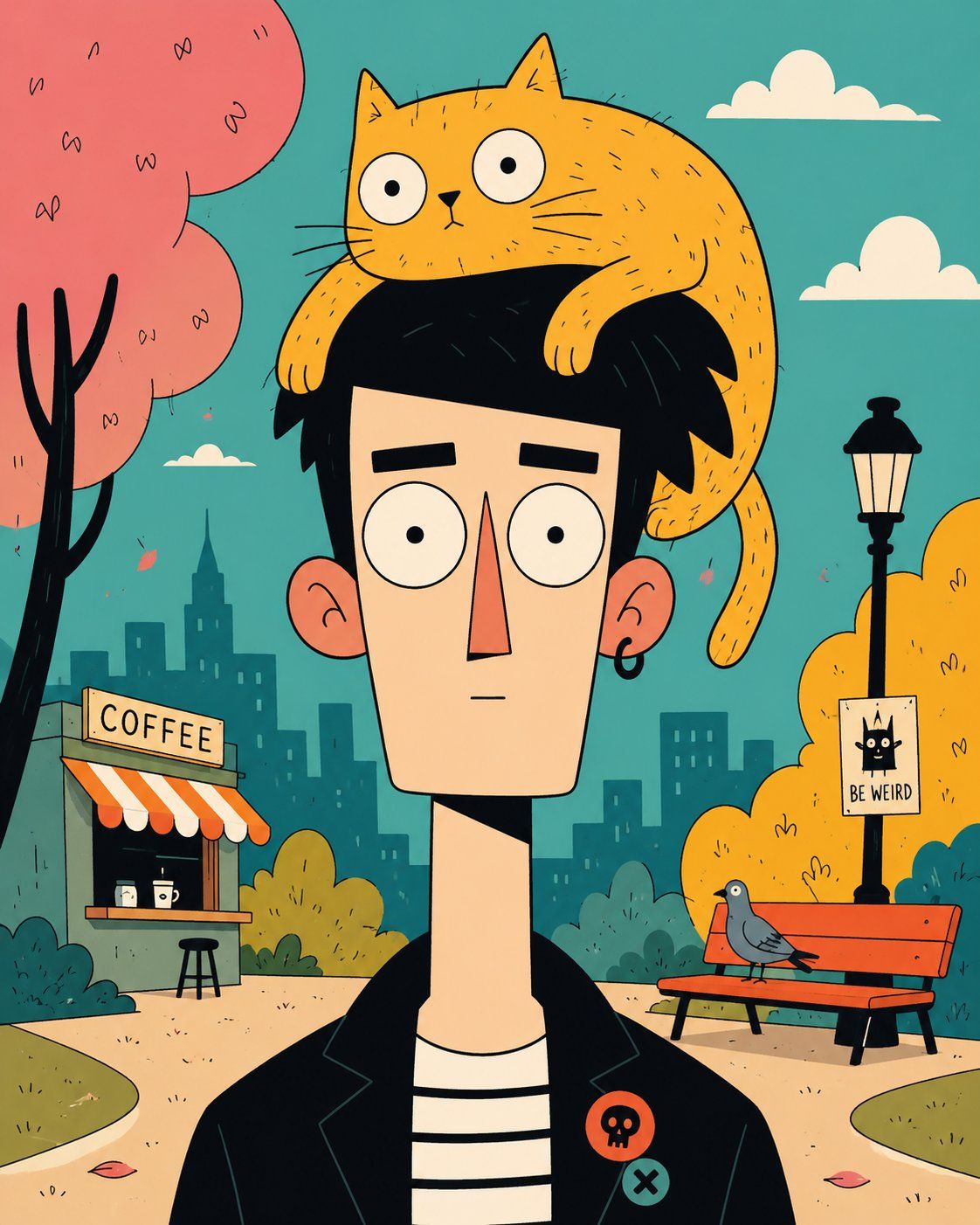
Vertical quirky flat cartoon portrait of [HUMAN] with a tall geometric head, long narrow neck, oversized circular eyes, tiny mouth and deadpan [EXPRESSION], wearing [CLOTHING], with [ANIMAL] perched on top of the hair like a living hat. Clean black outline drawing, flat color fills, simple facial shapes, sparse sketch marks on the animal fur or skin, playful surreal character design, bold graphic [PALETTE] palette. Background scenery: [SCENERY], drawn with simplified shapes, clear depth, small environmental props and clean cartoon perspective. Crisp digital illustration, poster-like vertical framing, no realism, no 3D render, no painterly shading, aspect ratio 4:5.
Category
Charts & Infographics
Model
ChatGPT
Views100
Source ID
15801
Published
Jun 11, 2026

Guide

About "搞怪几何风格扁平卡通肖像海报"

What is this prompt for?

"搞怪几何风格扁平卡通肖像海报" AI image prompt for ChatGPT (Charts & Infographics). [人物]的竖版搞怪扁平卡通肖像,具有高耸的几何形头部、细长的脖子、超大的圆形眼睛、微小的嘴巴和呆滞的[表情],穿着[服装],[动物]栖息在头发顶部,像一顶活的帽子。干净的黑色轮廓…

The full copyable prompt and example visuals above are ready for AI image generation or one-click recreate in Picva.

How to use this prompt

  1. Step 1

    Open the prompt detail

    Review the example visuals, category, and full prompt text for "搞怪几何风格扁平卡通肖像海报".

  2. Step 2

    Copy the prompt

    Copy the prompt body from this page, or load it directly in Studio.

  3. Step 3

    Pick a model (ChatGPT)

    Prefer ChatGPT. If you switch models, keep subject and composition and tweak style terms.

  4. Step 4

    Generate and export

    Recreate the look in Picva, or export into your workflow for editing and publishing.

FAQ

What is the "搞怪几何风格扁平卡通肖像海报" prompt?
It is an AI image-generation prompt for ChatGPT in the Charts & Infographics category. This page includes the full prompt text, example visuals, and a one-click recreate path in Picva.
How do I use this prompt to generate an image?
Copy the prompt from this page, or use Generate / Studio. Paste it into a compatible image model, or recreate the look in Picva with optional reference images.
Which model is this prompt for?
This page lists ChatGPT. Most descriptive prompts also transfer to nearby image models such as GPT Image, Flux, or Midjourney with light style tweaks.
Can I use the result commercially?
You can usually copy the prompt for creation, but commercial use of the final image depends on the model terms, reference-image rights, and the generated content. Follow the source author and platform rules.