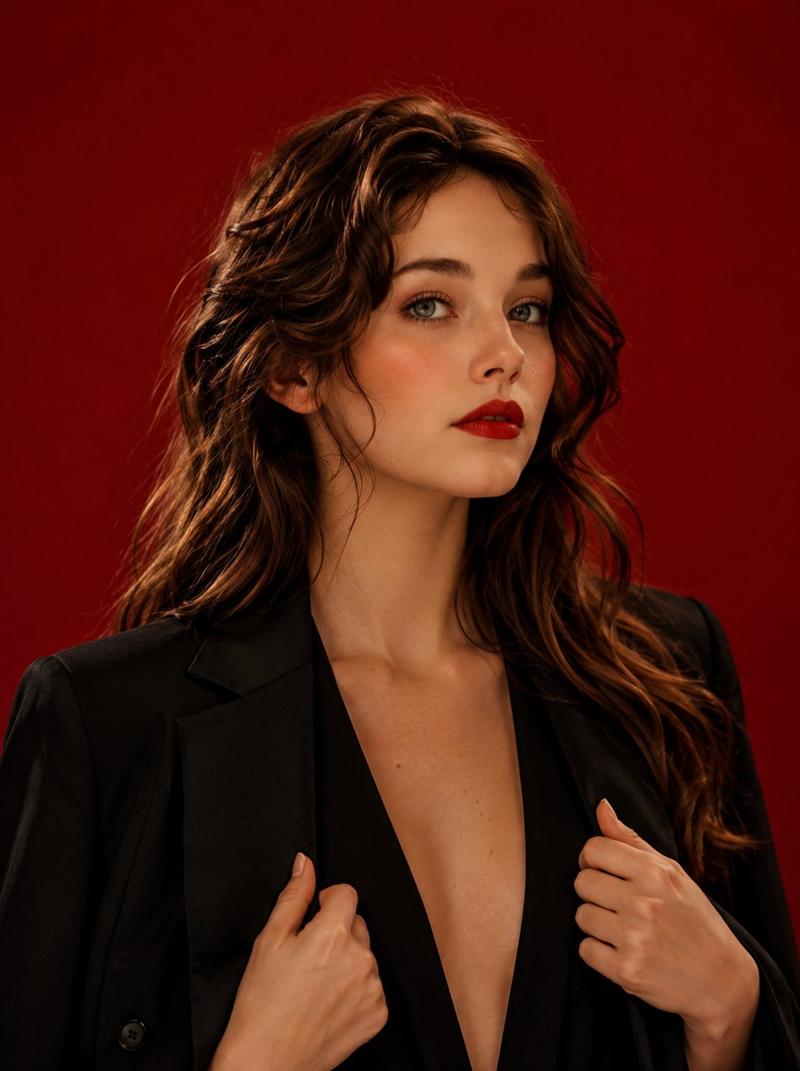
20

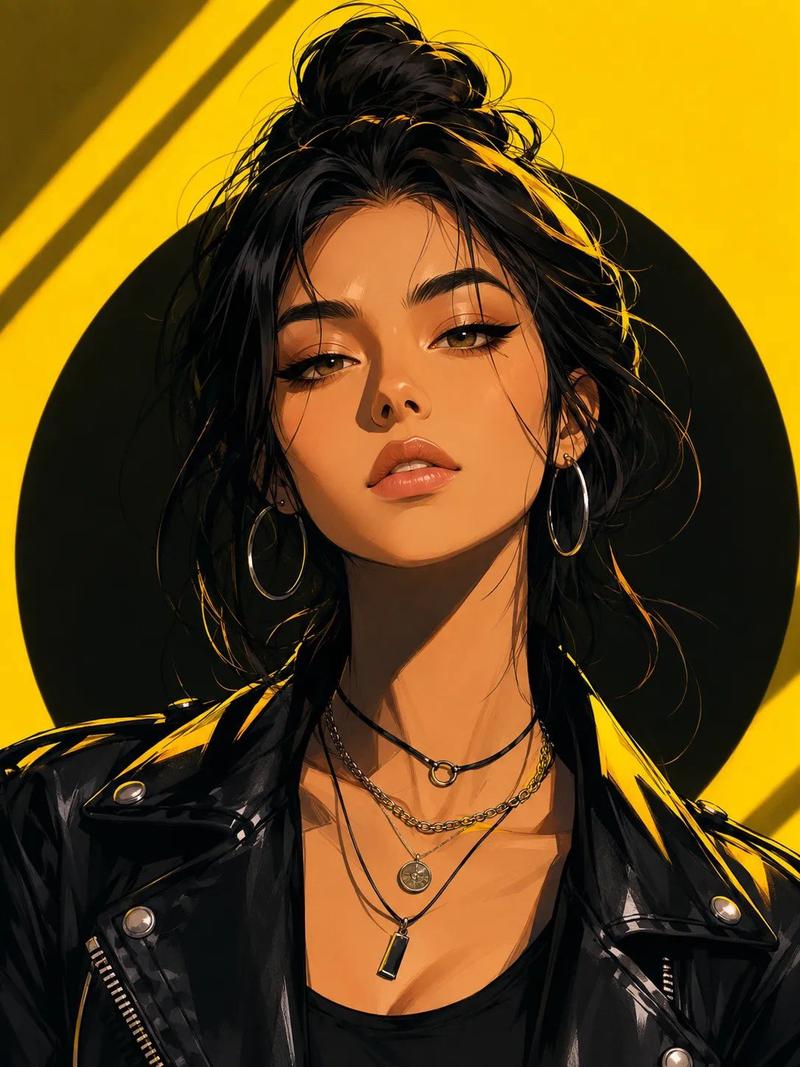
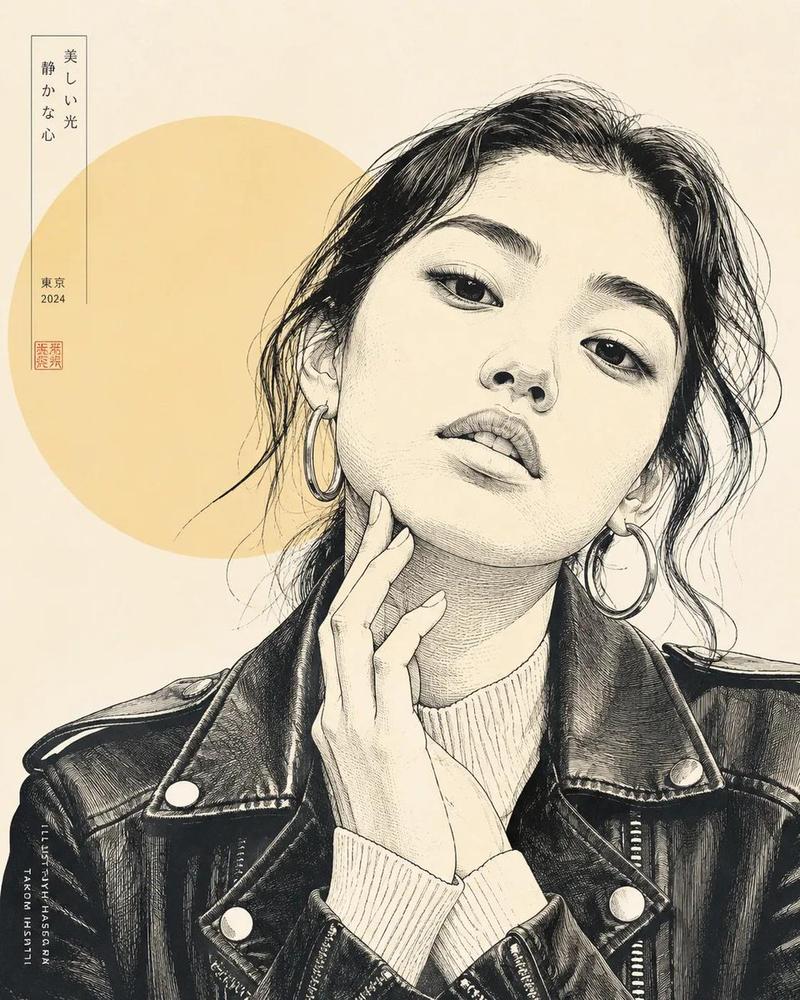
霓虹黄高对比半写实日式人像插画
Enlarge

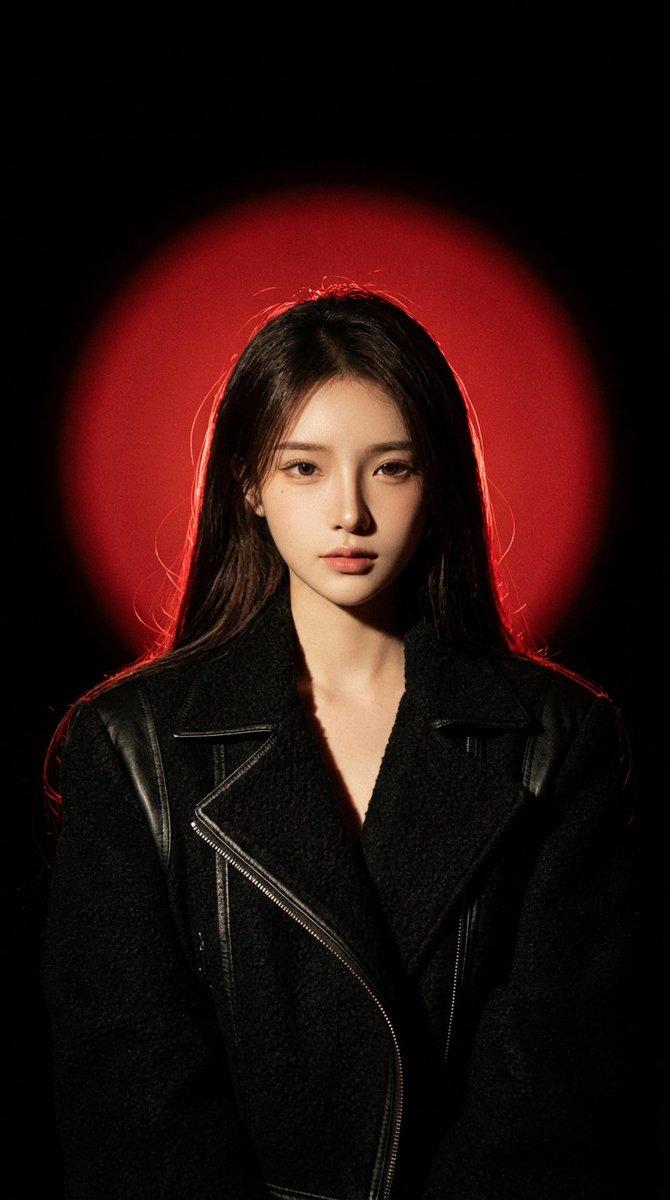
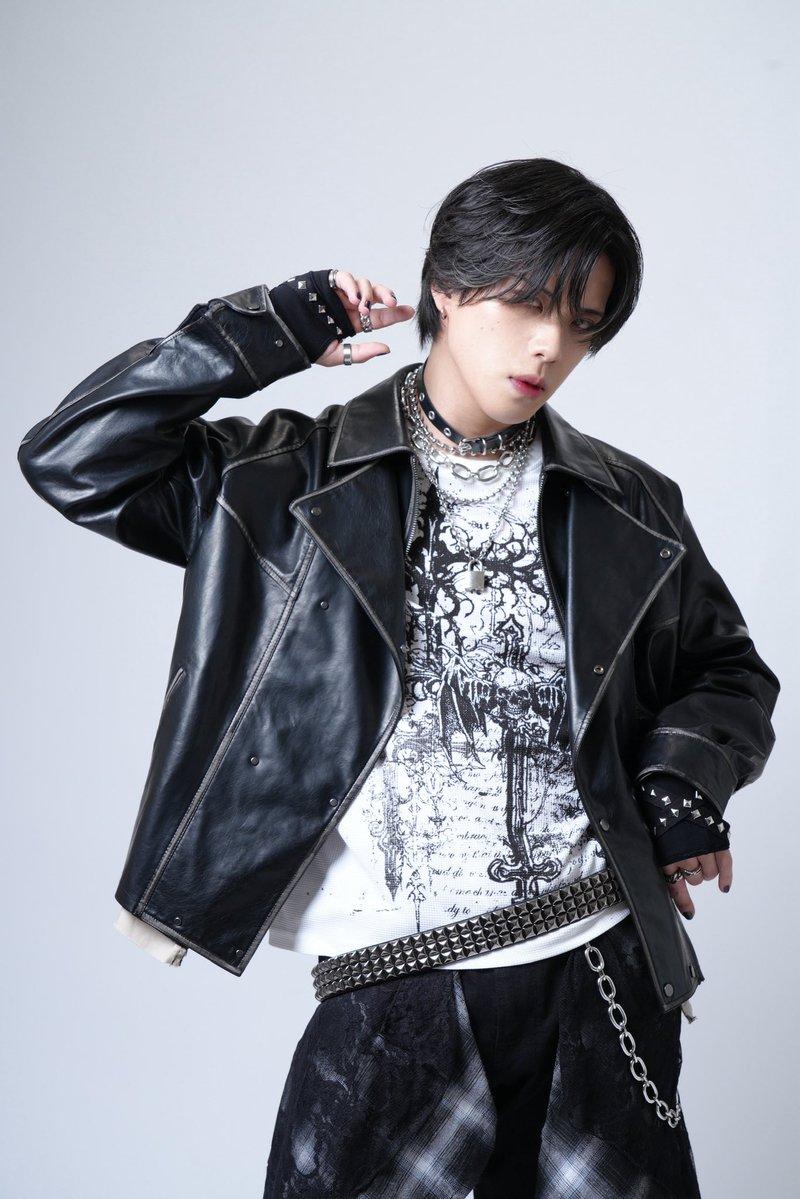
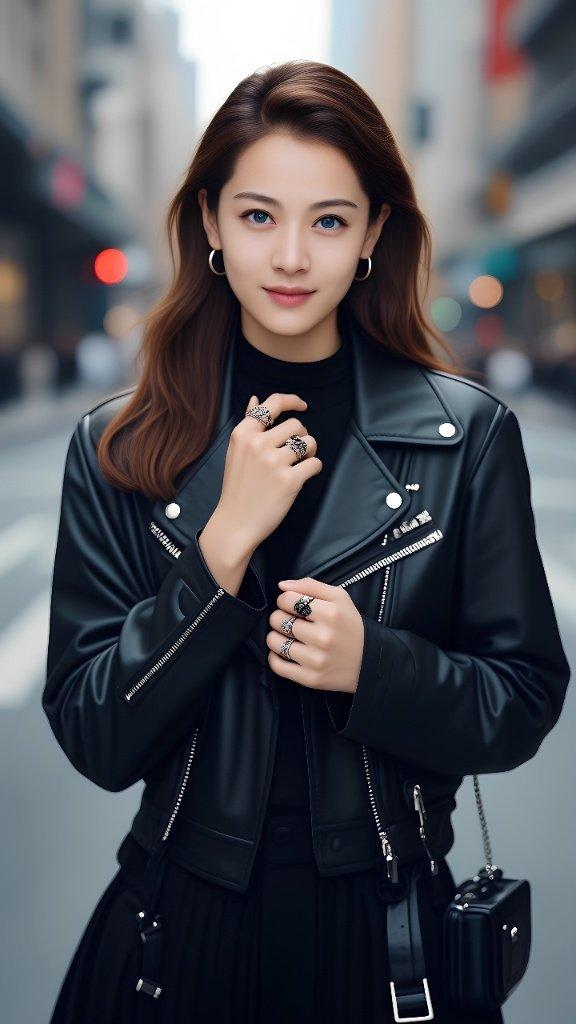
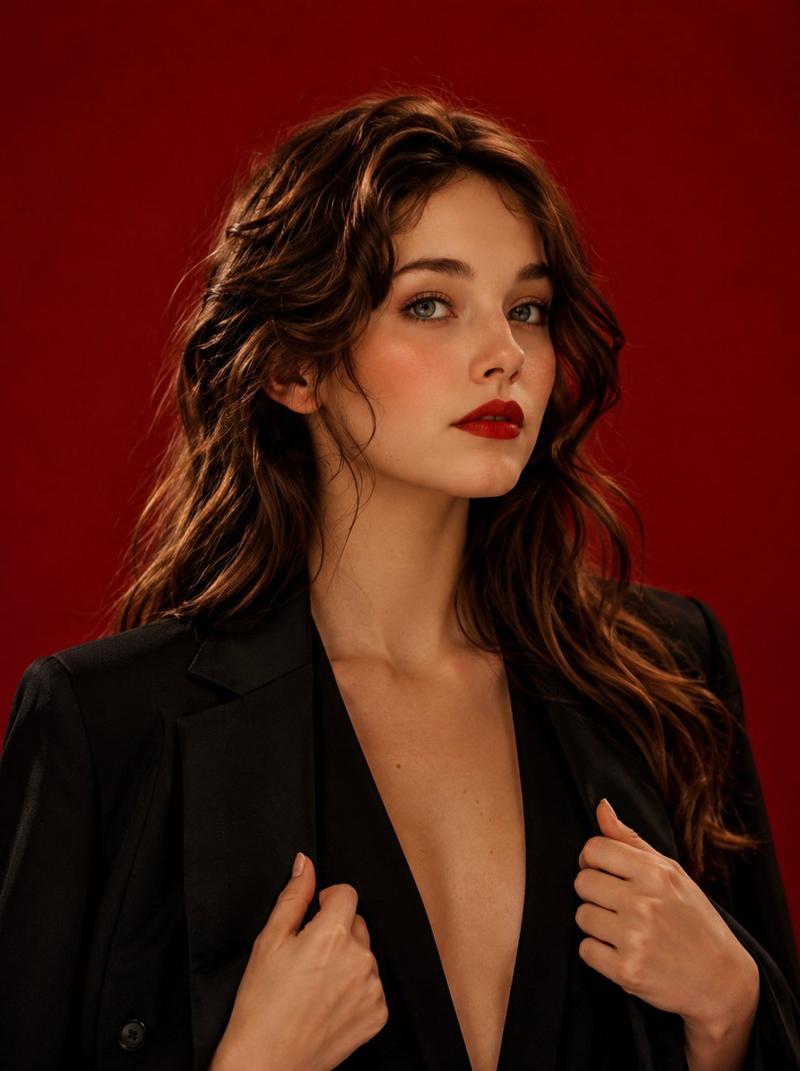
Example images

霓虹黄高对比半写实日式人像插画

Prompt
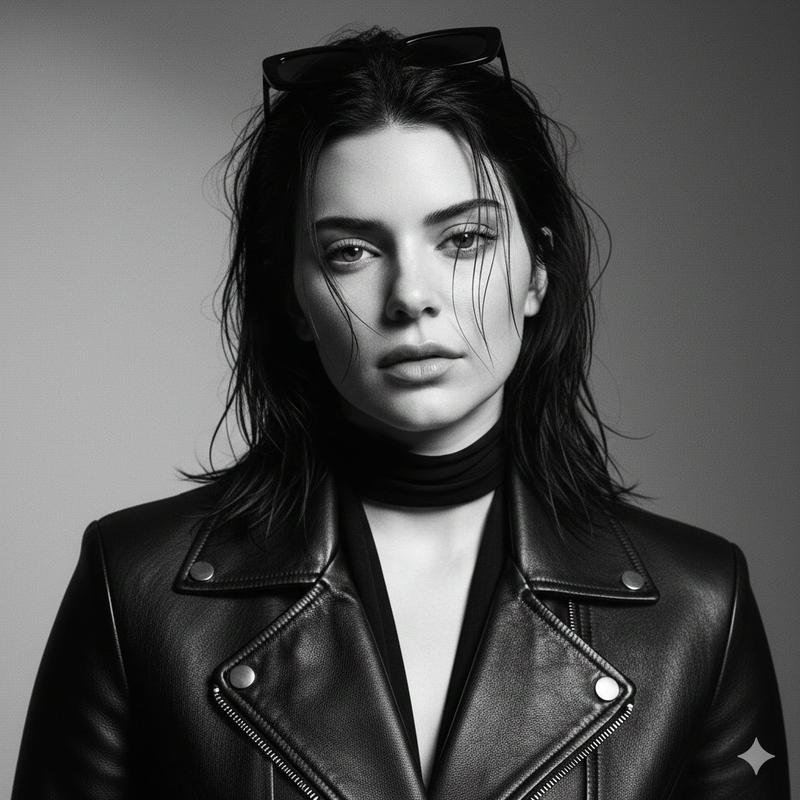
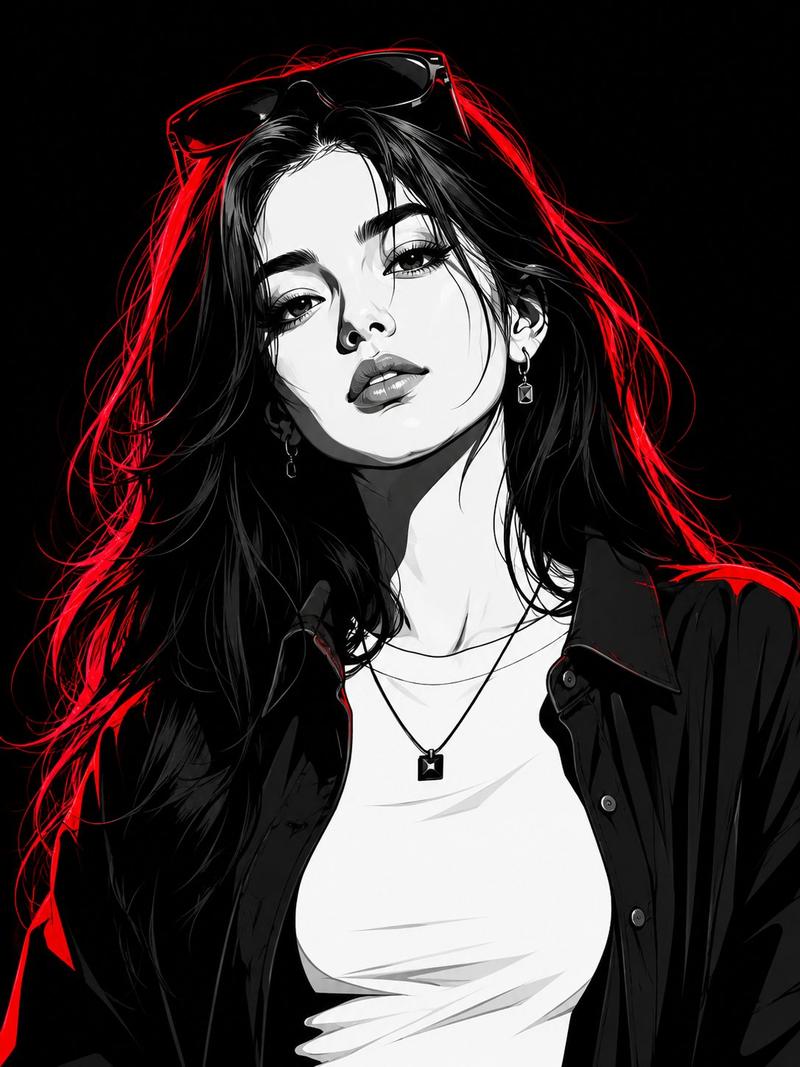
Use the attached image only as a strong visual inspiration for general facial proportions and vibe, while ensuring the generated subject remains fully original, non-identifiable, and not a face copy. 
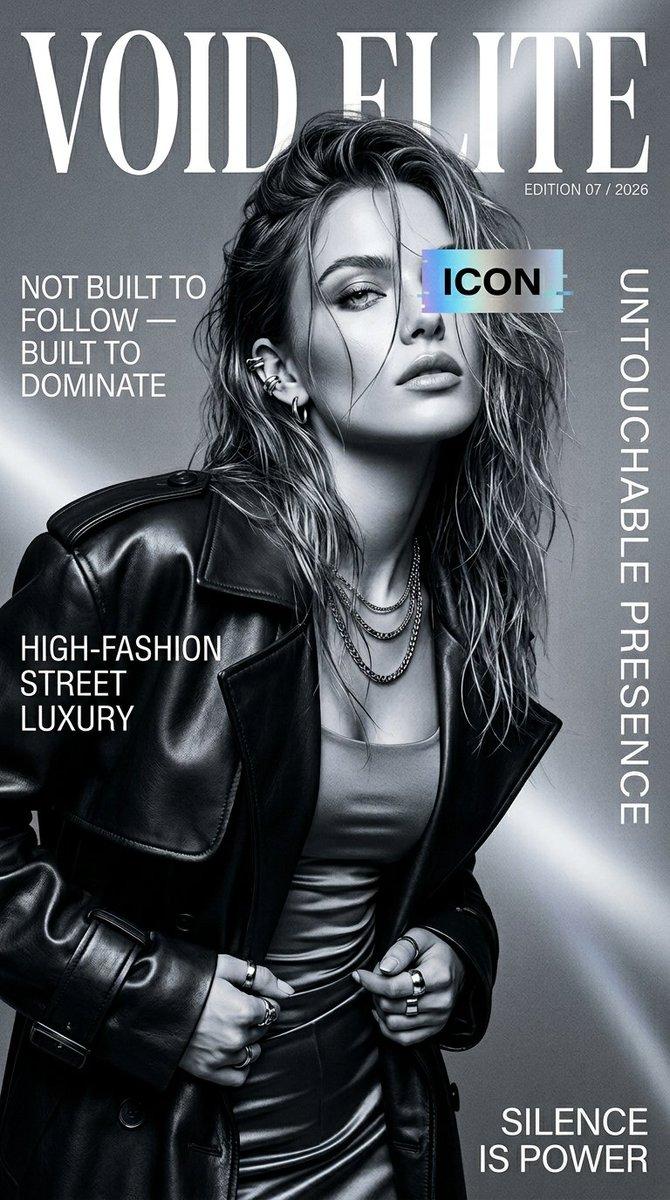
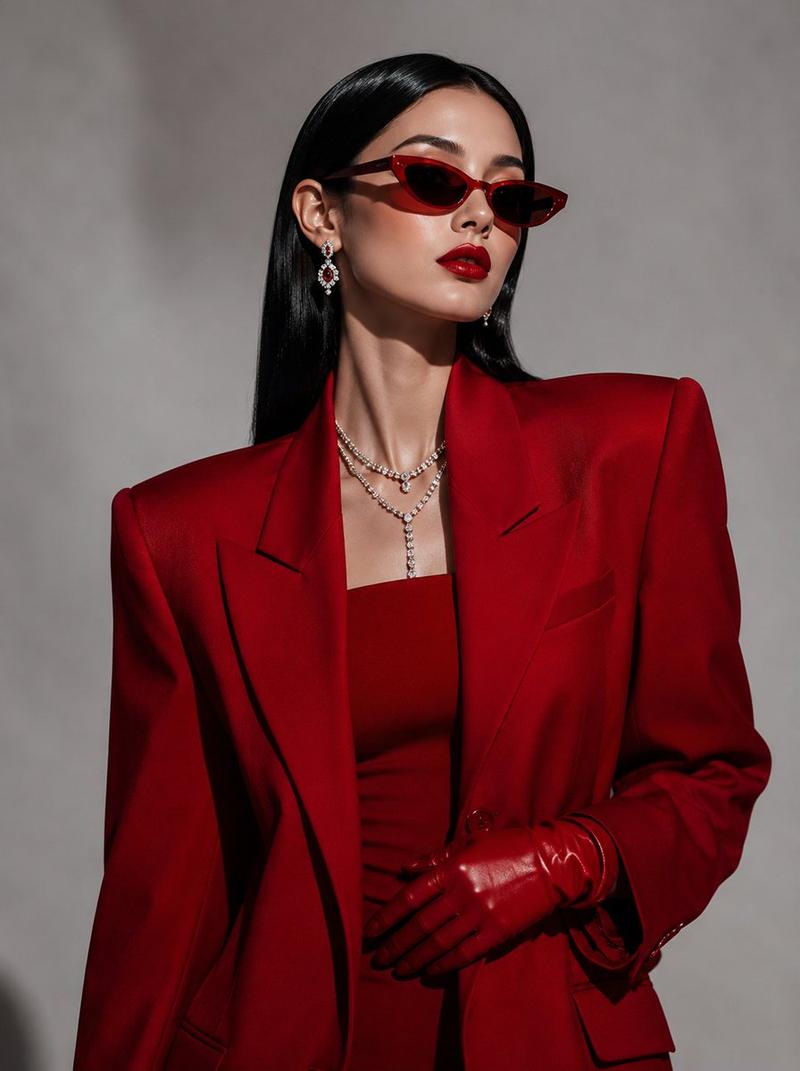
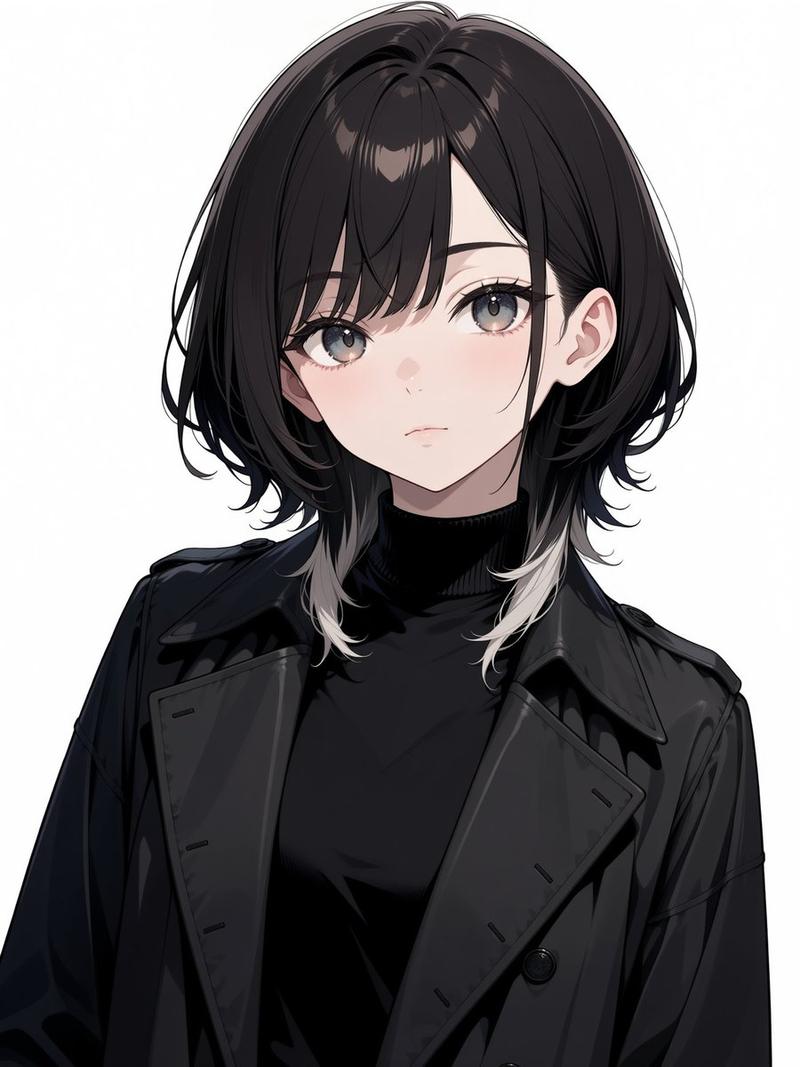
Semi-realistic, clean sharp linework, smooth gradient shading, neon yellow background, dark circular shadow halo behind subject, dramatic front lighting, high contrast black and yellow color scheme, bold eyeliner detail, soft skin gradient, diagonal shadow streaks, modern Japanese digital art, editorial illustration, vibrant pop aesthetic, --ar 3:4 --stylize 750 --v 6
Category
Photography & Realism
Model
ChatGPT
Views39
Source ID
16723
Published
Jun 24, 2026

Guide

About "霓虹黄高对比半写实日式人像插画"

What is this prompt for?

"霓虹黄高对比半写实日式人像插画" AI image prompt for ChatGPT (Photography & Realism). 仅将所附图片作为面部比例和氛围的强烈视觉灵感,同时确保生成的对象保持完全原创、不可辨认,且不是面部拷贝。半写实,干净锐利的线条,平滑的渐变阴影,霓虹黄背景,主体后方有深色圆形阴…

The full copyable prompt and example visuals above are ready for AI image generation or one-click recreate in Picva.

How to use this prompt

  1. Step 1

    Open the prompt detail

    Review the example visuals, category, and full prompt text for "霓虹黄高对比半写实日式人像插画".

  2. Step 2

    Copy the prompt

    Copy the prompt body from this page, or load it directly in Studio.

  3. Step 3

    Pick a model (ChatGPT)

    Prefer ChatGPT. If you switch models, keep subject and composition and tweak style terms.

  4. Step 4

    Generate and export

    Recreate the look in Picva, or export into your workflow for editing and publishing.

FAQ

What is the "霓虹黄高对比半写实日式人像插画" prompt?
It is an AI image-generation prompt for ChatGPT in the Photography & Realism category. This page includes the full prompt text, example visuals, and a one-click recreate path in Picva.
How do I use this prompt to generate an image?
Copy the prompt from this page, or use Generate / Studio. Paste it into a compatible image model, or recreate the look in Picva with optional reference images.
Which model is this prompt for?
This page lists ChatGPT. Most descriptive prompts also transfer to nearby image models such as GPT Image, Flux, or Midjourney with light style tweaks.
Can I use the result commercially?
You can usually copy the prompt for creation, but commercial use of the final image depends on the model terms, reference-image rights, and the generated content. Follow the source author and platform rules.