16

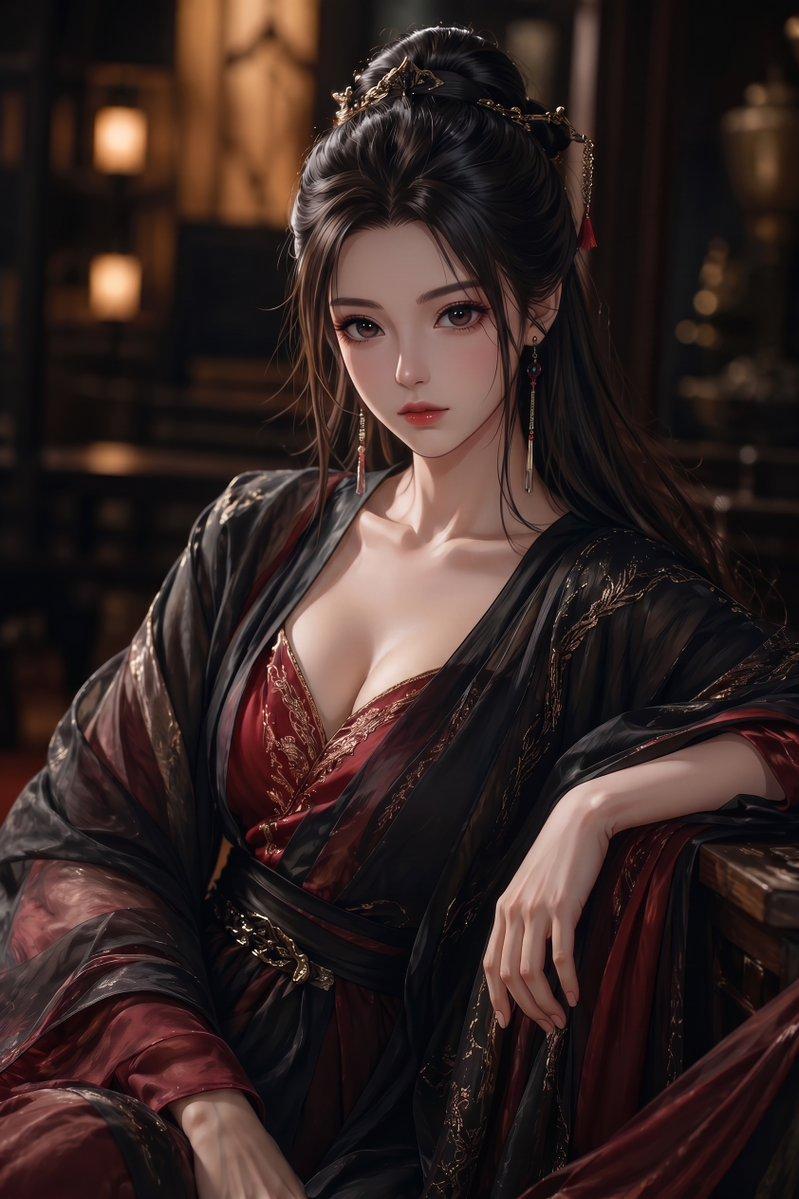
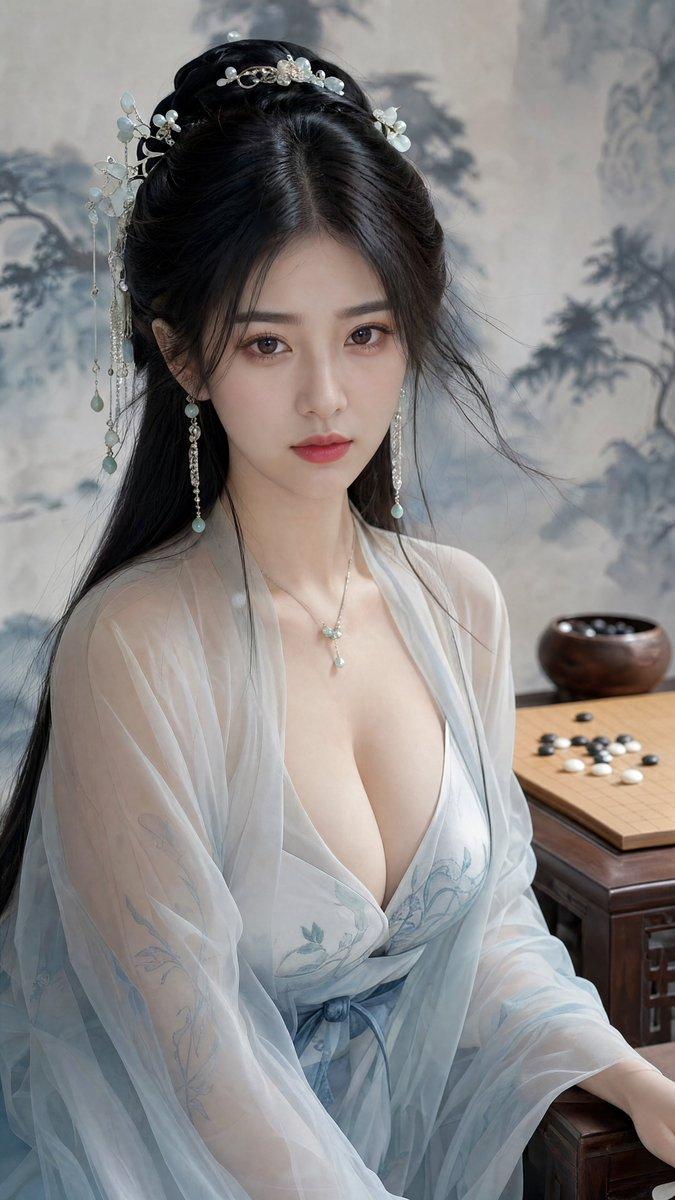
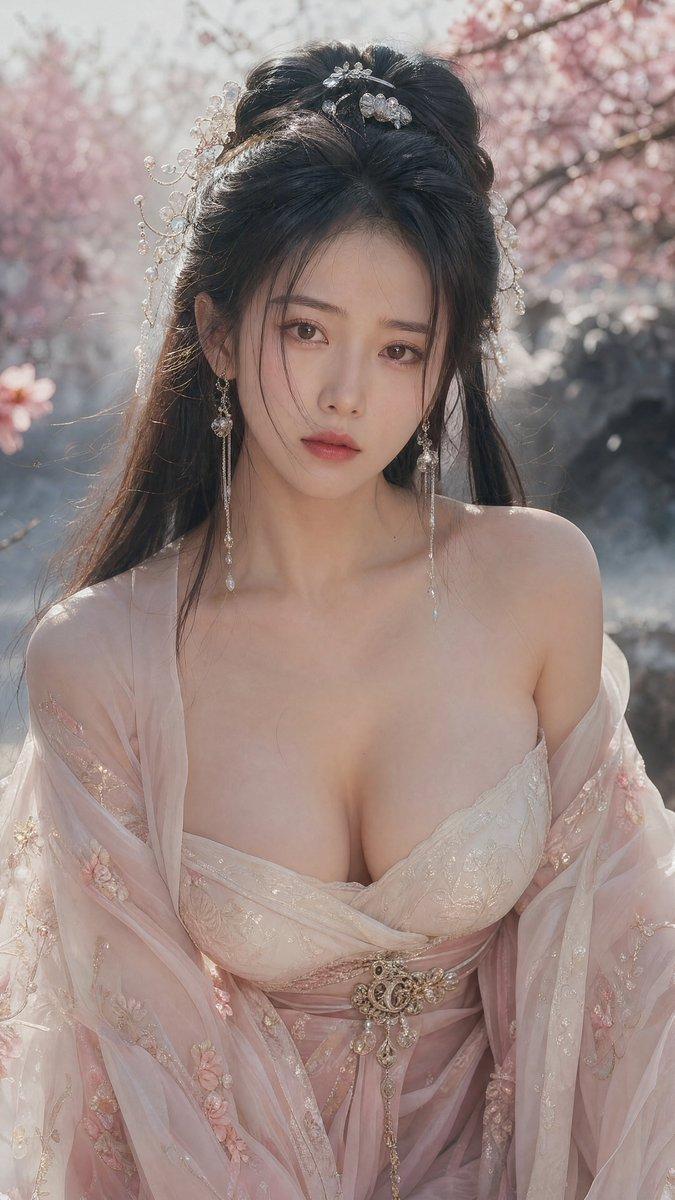
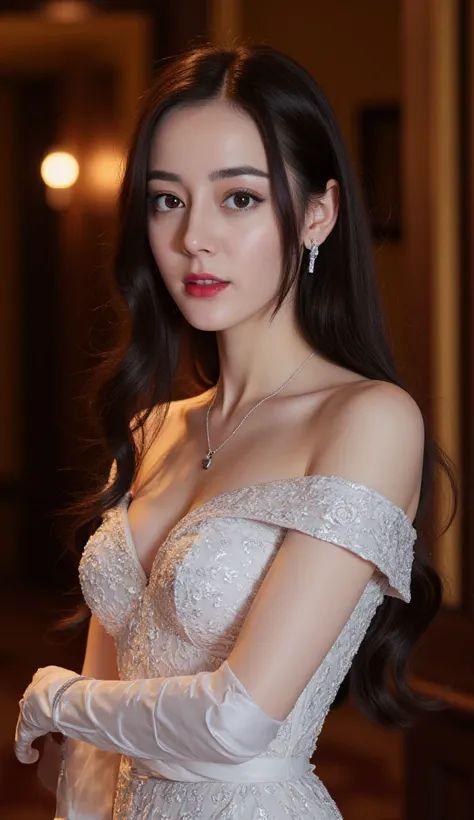
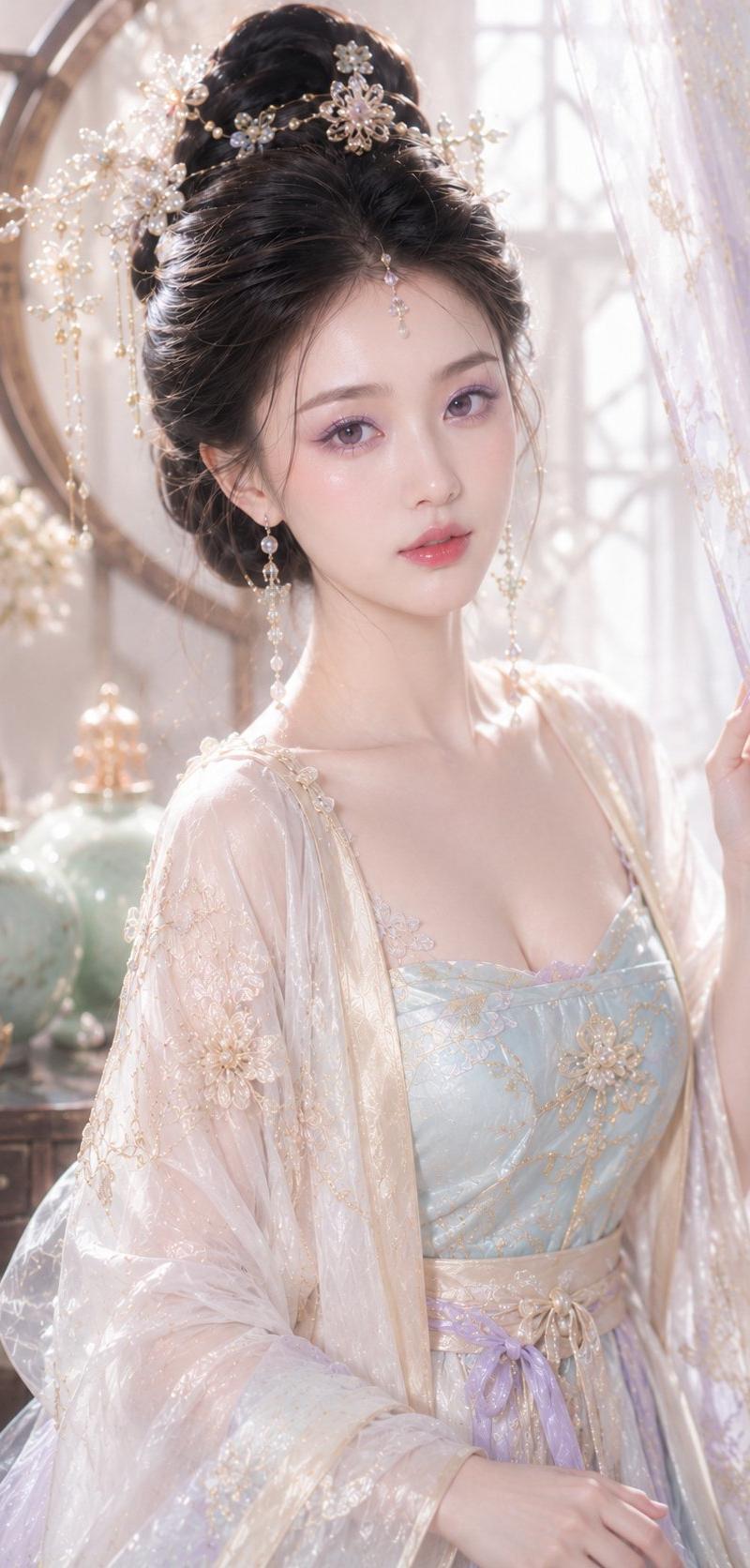
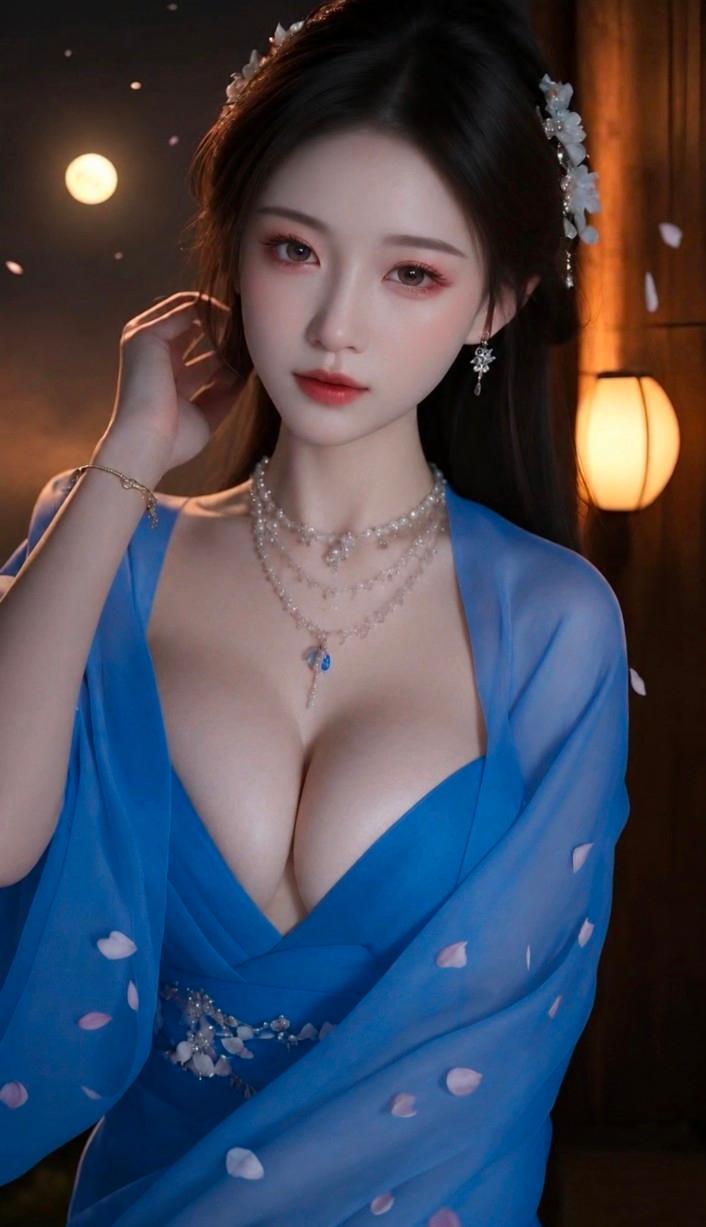
绝美东亚少女皇室蓝汉服梦幻写真
Enlarge

Example images

绝美东亚少女皇室蓝汉服梦幻写真

Prompt
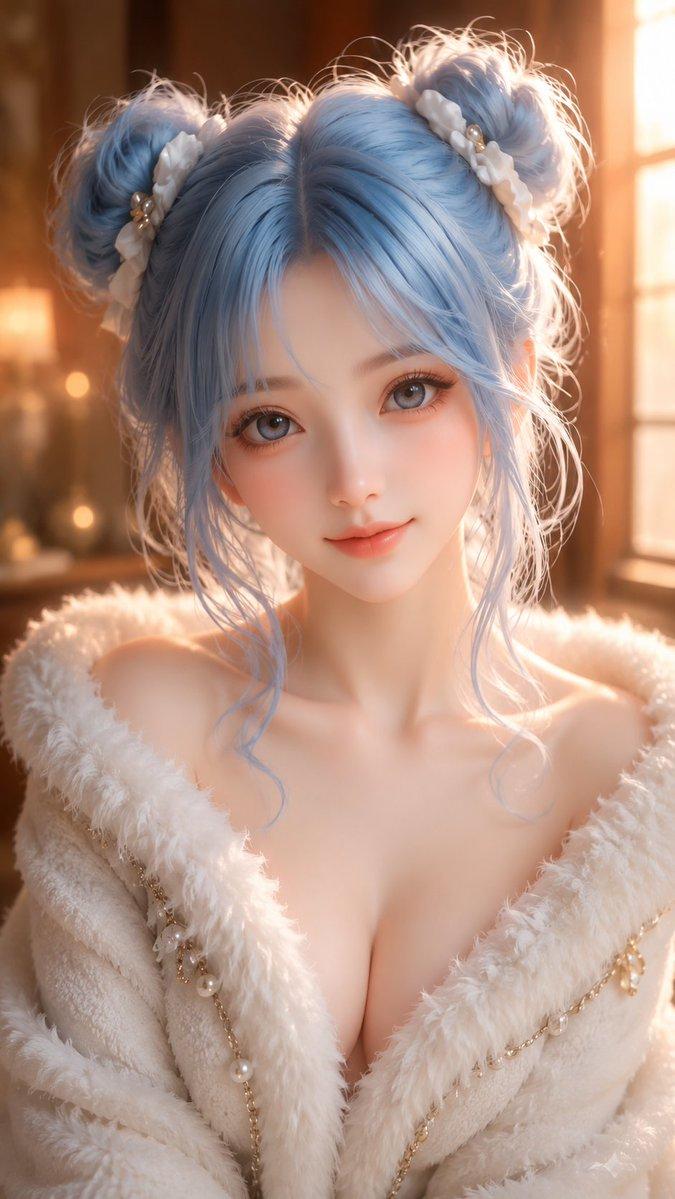
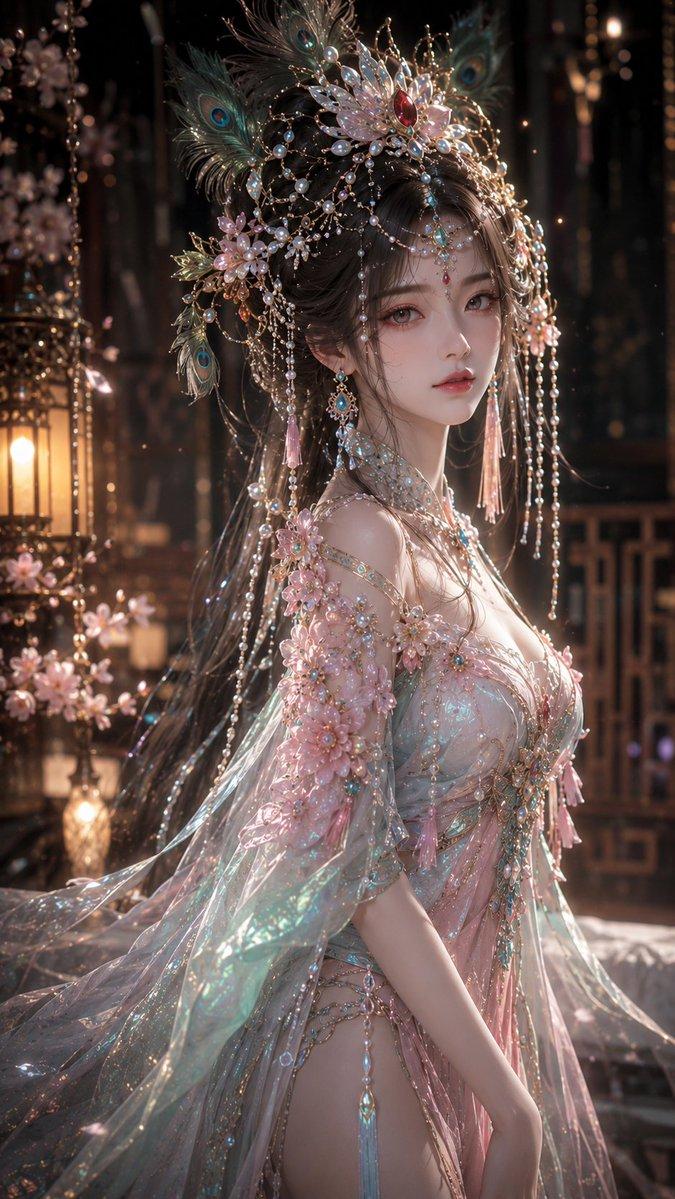
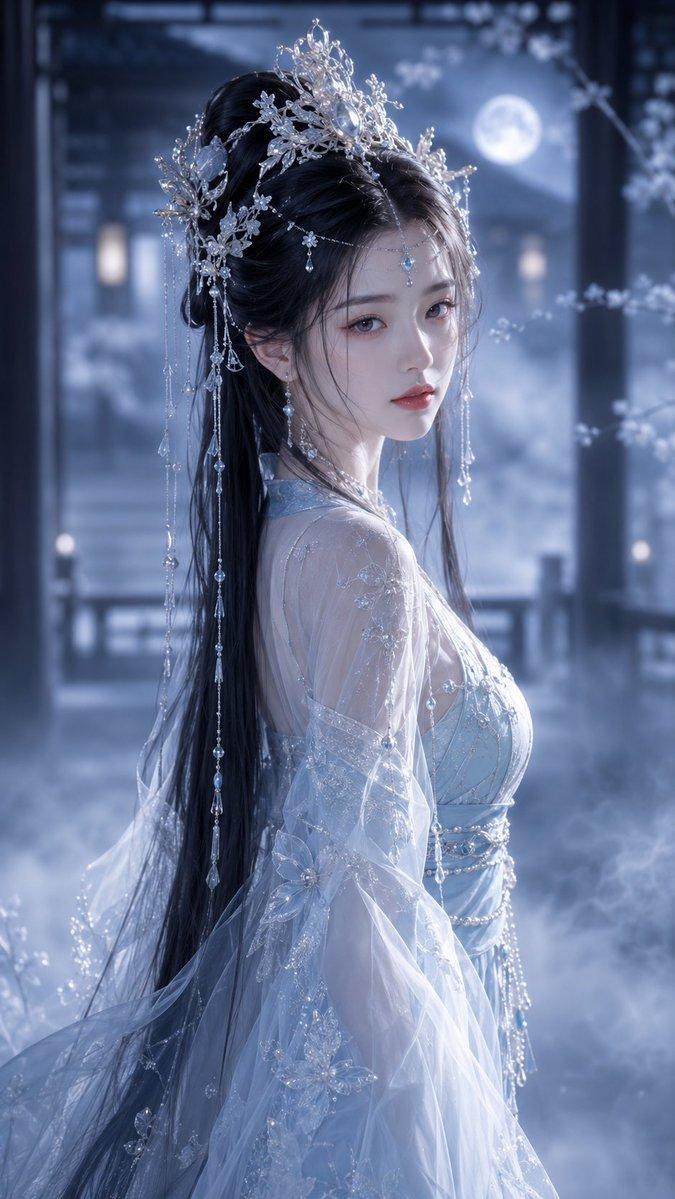
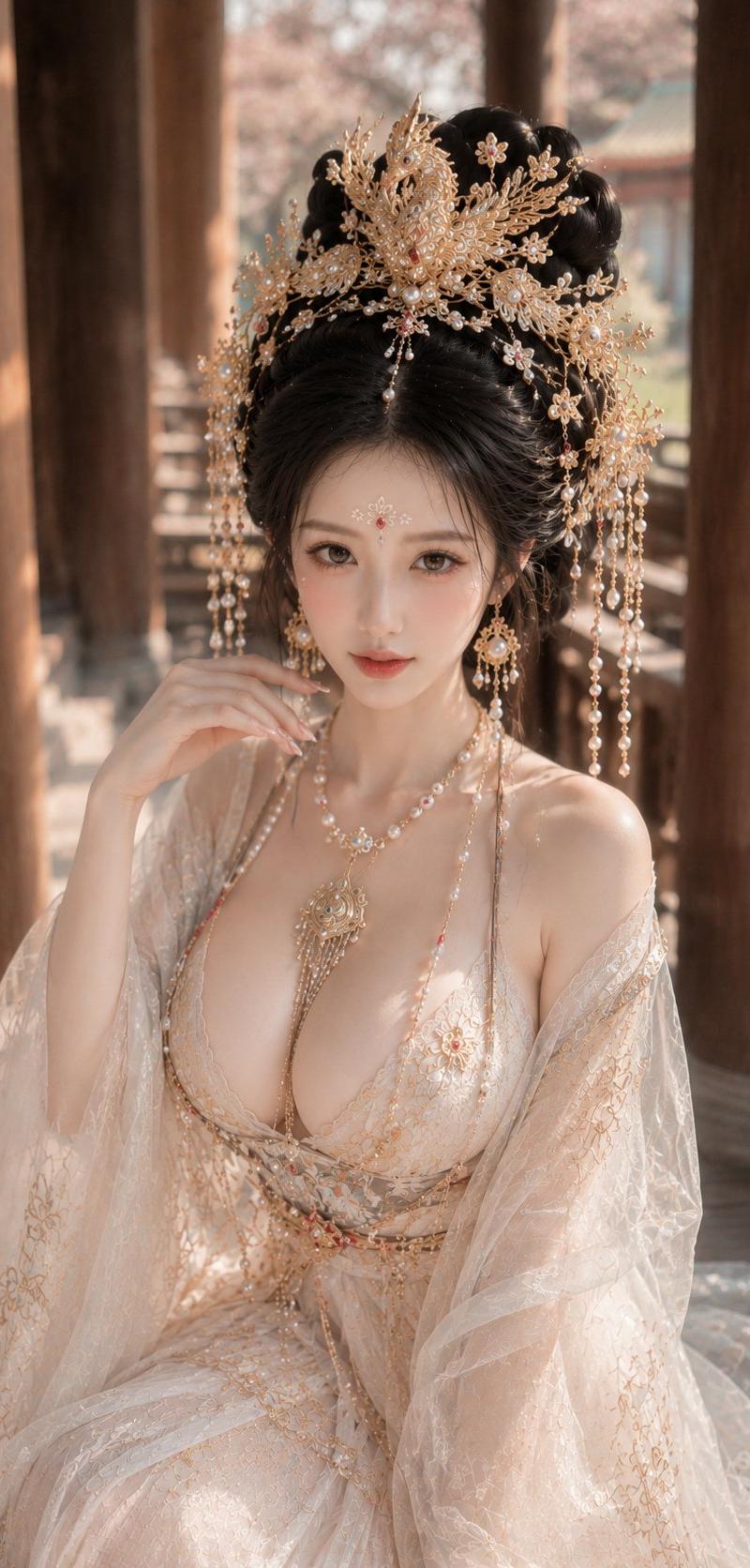
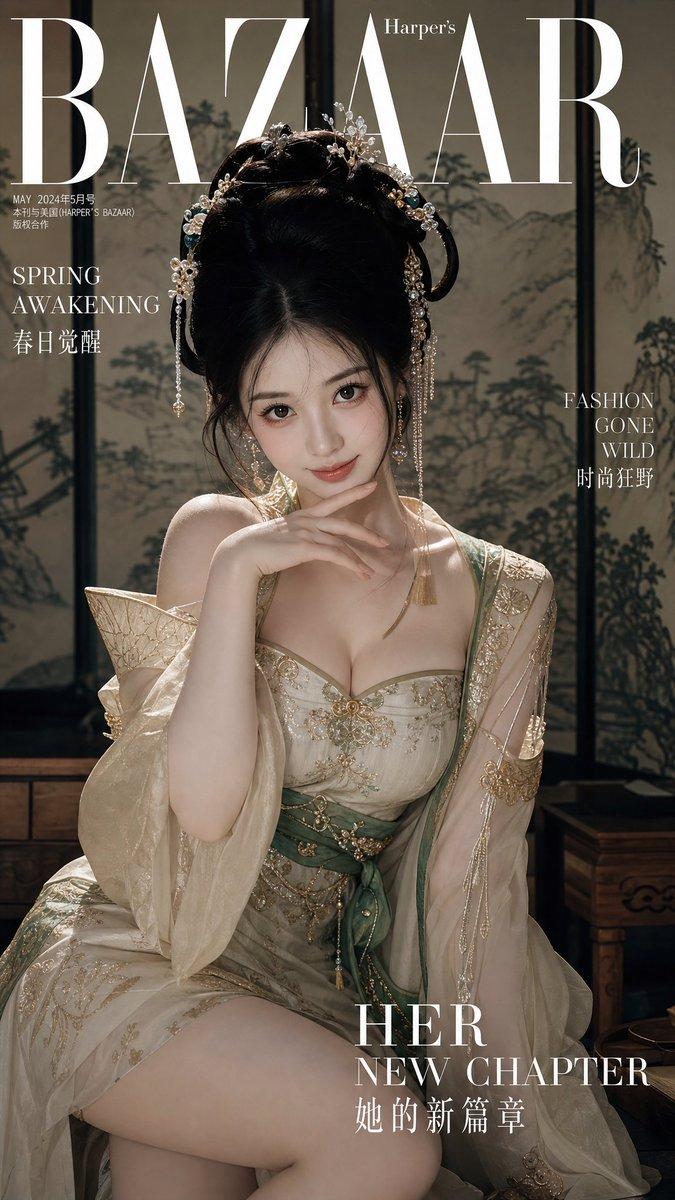
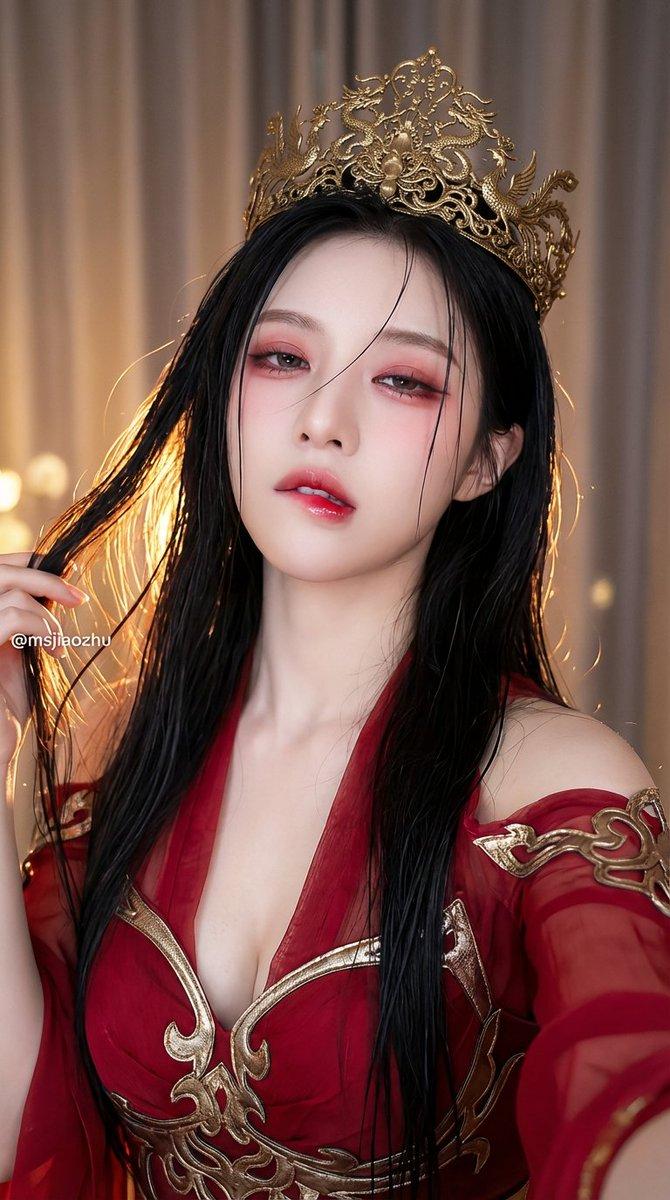
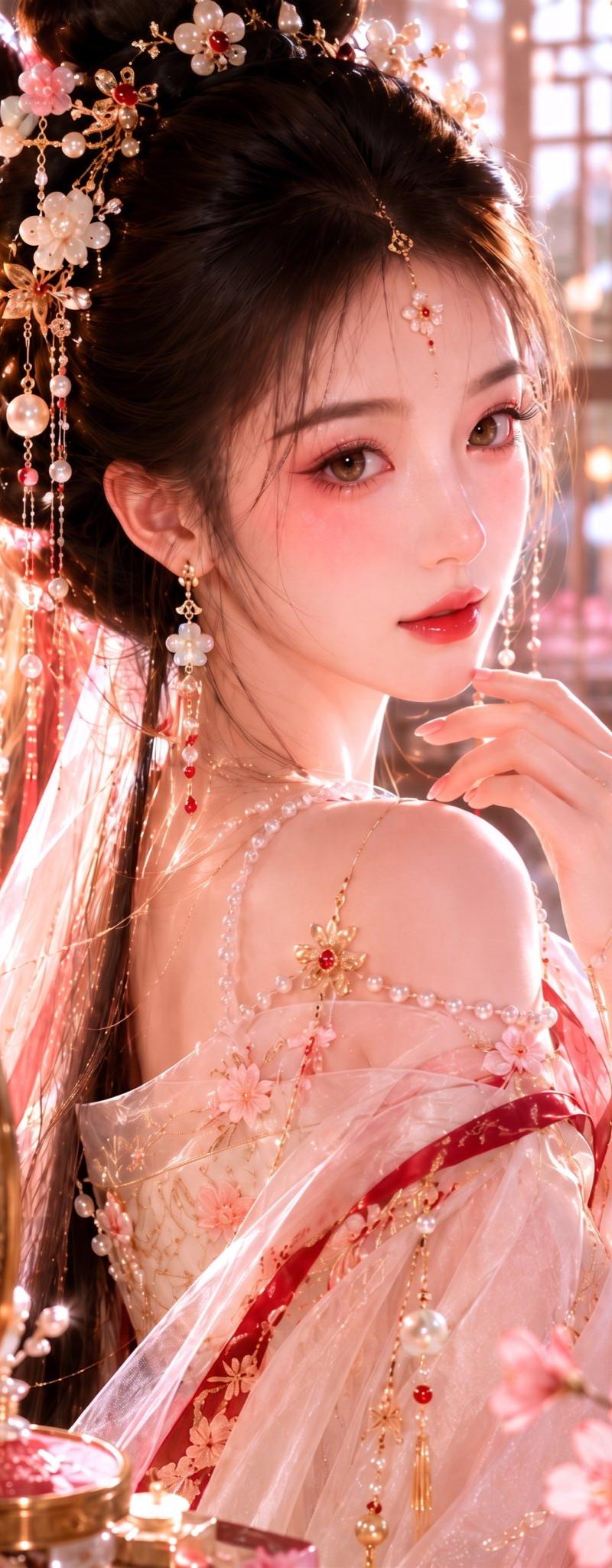
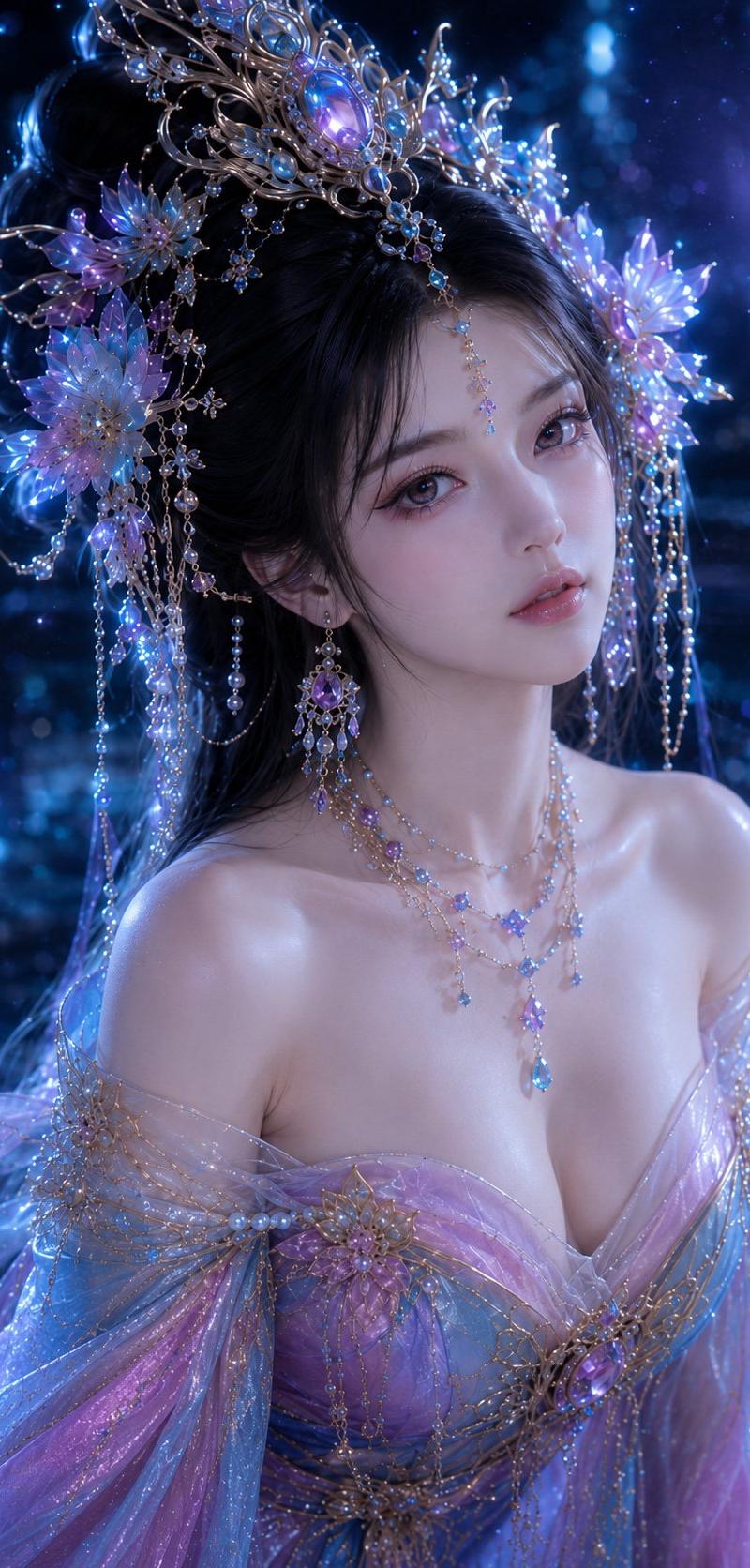
Ultra-realistic fantasy portrait of an extremely beautiful young East Asian woman, long silky black hair with delicate white floral hair accessories, flawless porcelain skin, soft pink makeup, large expressive eyes, elegant silver earrings, layered pearl crystal necklace with sapphire pendant, wearing a flowing royal blue chiffon Hanfu-inspired dress with deep neckline and translucent sleeves, intricate gemstone waist details, standing indoors beside a warm glowing lantern, full moon visible through the window, floating cherry blossom petals in the air, cinematic moonlight mixed with warm ambient lighting, dreamy romantic atmosphere, shallow depth of field, ultra-detailed face, realistic skin texture, luxury fashion photography, masterpiece, 8K, high detail, soft bokeh, volumetric lighting, symmetrical composition, photorealistic, elegant, ethereal beauty, professional portrait, Unreal Engine quality, HDR, sharp focus
Category
Charts & Infographics
Model
ChatGPT
Creator
@xRahultripathi
Source language
zh-CN
Views262
Source ID
15649
Published
Jun 9, 2026
Studio

Guide

About "绝美东亚少女皇室蓝汉服梦幻写真"

What is this prompt for?

"绝美东亚少女皇室蓝汉服梦幻写真" AI image prompt for ChatGPT (Charts & Infographics). 极度写实的幻想肖像,一位极其美丽的年轻东亚女性,丝滑的黑色长发,点缀着精致的白色花朵发饰,无瑕的瓷白肌肤,柔和的粉色妆容,大而富有表现力的眼睛,优雅的银耳环,层叠的珍珠水晶项链…

The full copyable prompt and example visuals above are ready for AI image generation or one-click recreate in Picva.

How to use this prompt

  1. Step 1

    Open the prompt detail

    Review the example visuals, category, and full prompt text for "绝美东亚少女皇室蓝汉服梦幻写真".

  2. Step 2

    Copy the prompt

    Copy the prompt body from this page, or load it directly in Studio.

  3. Step 3

    Pick a model (ChatGPT)

    Prefer ChatGPT. If you switch models, keep subject and composition and tweak style terms.

  4. Step 4

    Generate and export

    Recreate the look in Picva, or export into your workflow for editing and publishing.

FAQ

What is the "绝美东亚少女皇室蓝汉服梦幻写真" prompt?
It is an AI image-generation prompt for ChatGPT in the Charts & Infographics category. This page includes the full prompt text, example visuals, and a one-click recreate path in Picva.
How do I use this prompt to generate an image?
Copy the prompt from this page, or use Generate / Studio. Paste it into a compatible image model, or recreate the look in Picva with optional reference images.
Which model is this prompt for?
This page lists ChatGPT. Most descriptive prompts also transfer to nearby image models such as GPT Image, Flux, or Midjourney with light style tweaks.
Can I use the result commercially?
You can usually copy the prompt for creation, but commercial use of the final image depends on the model terms, reference-image rights, and the generated content. Follow the source author and platform rules.