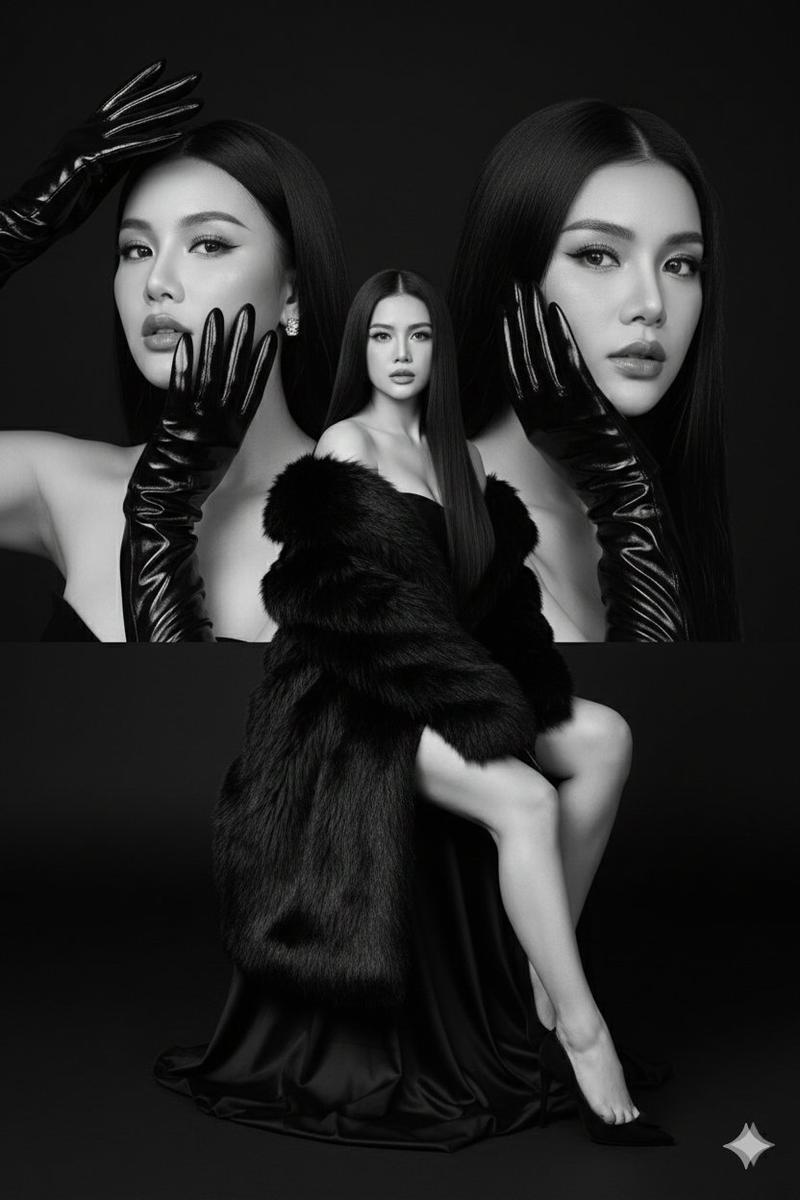
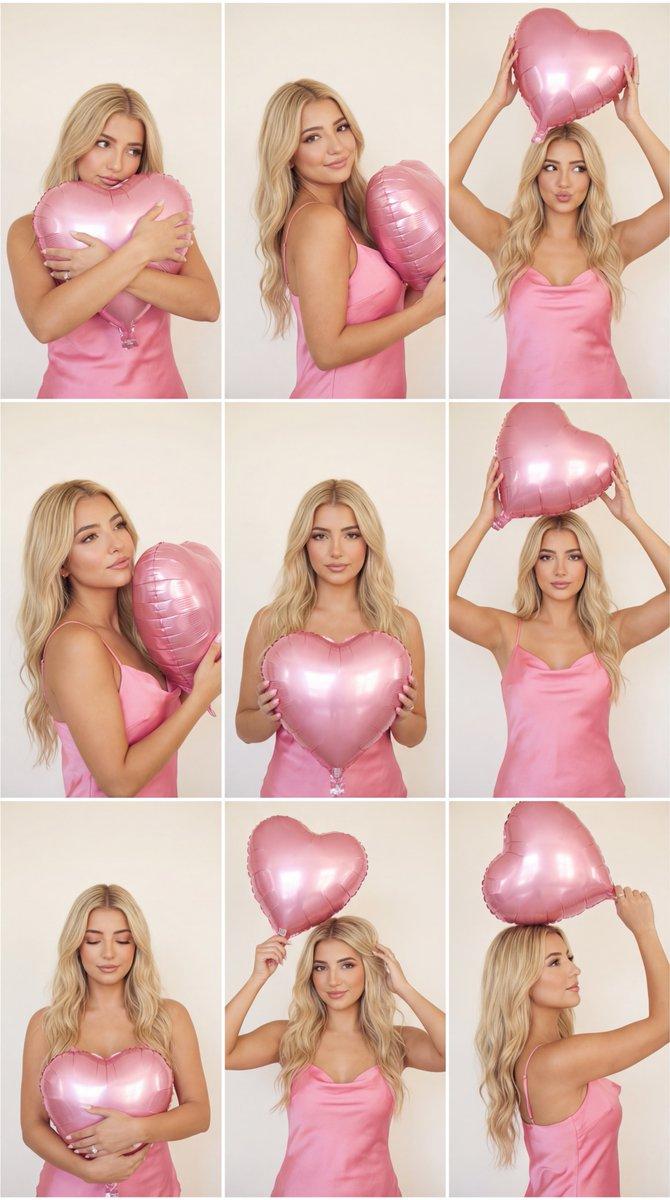
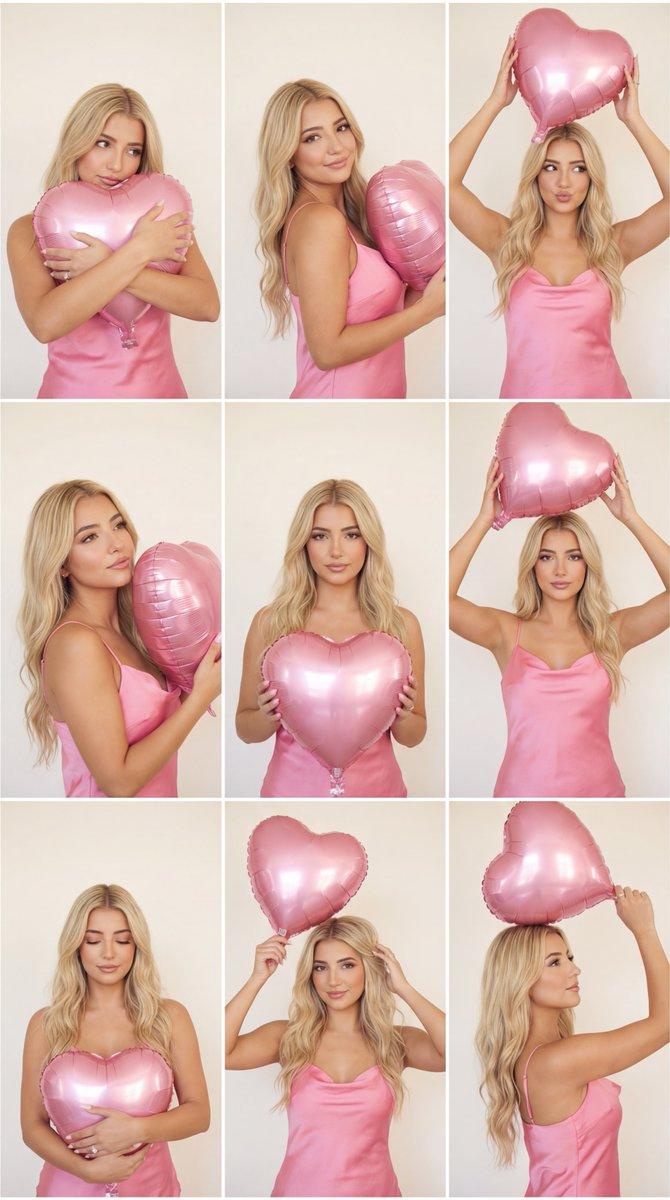
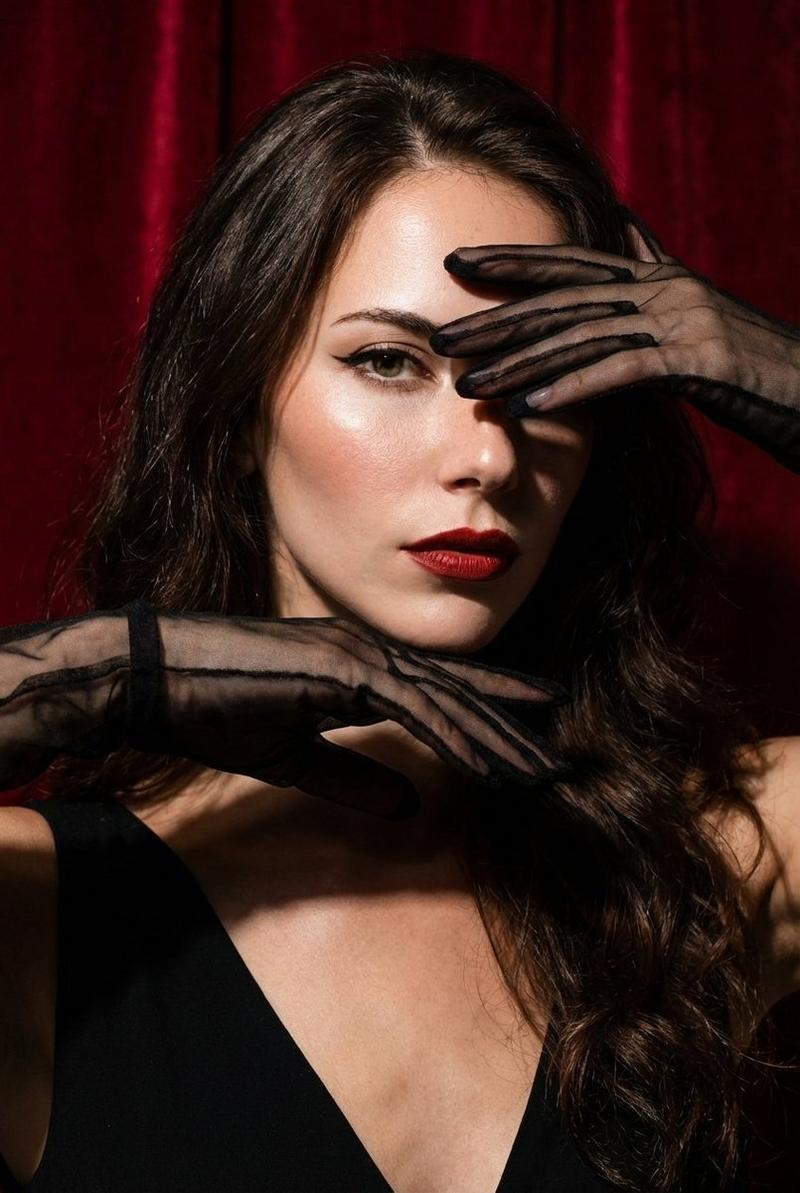
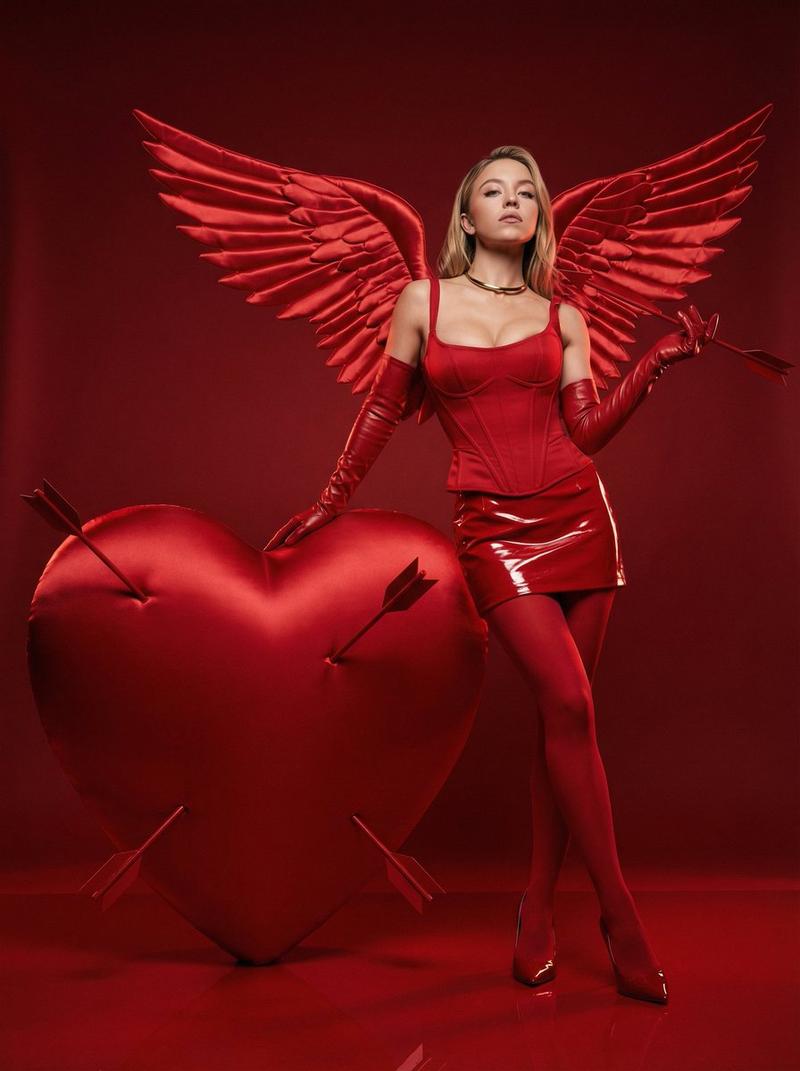
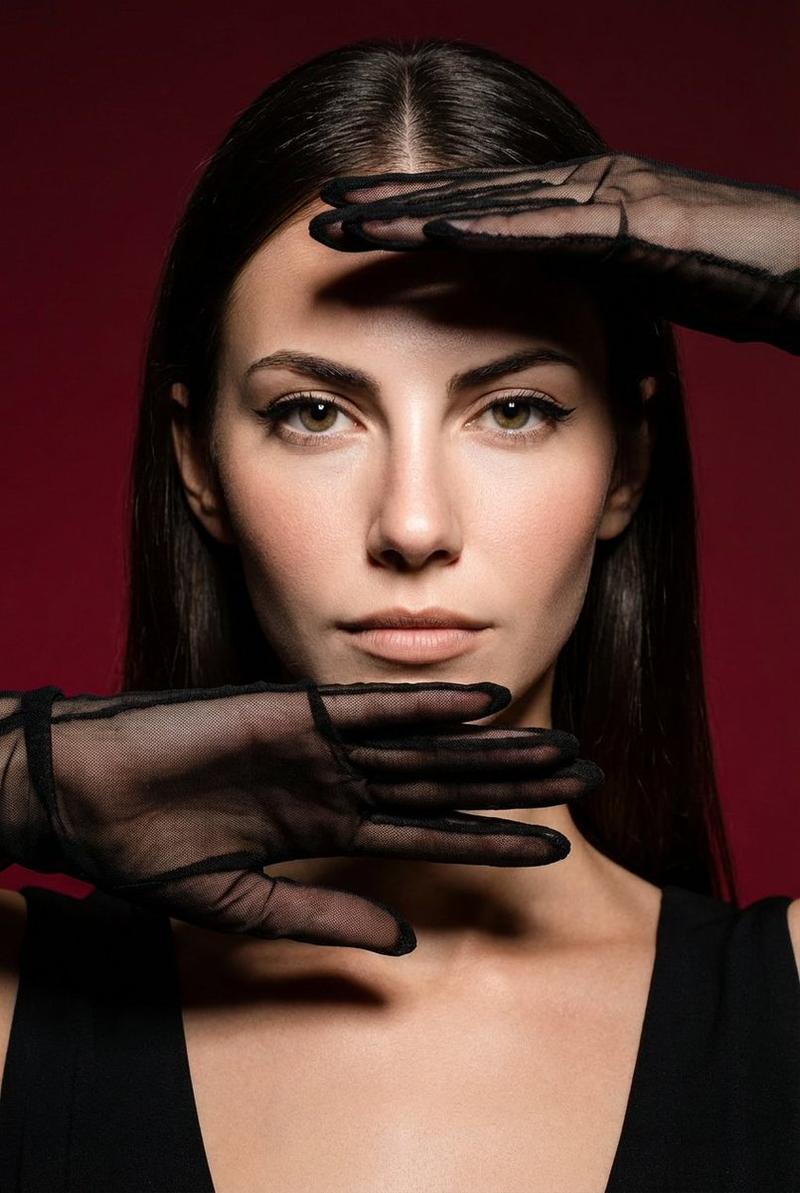
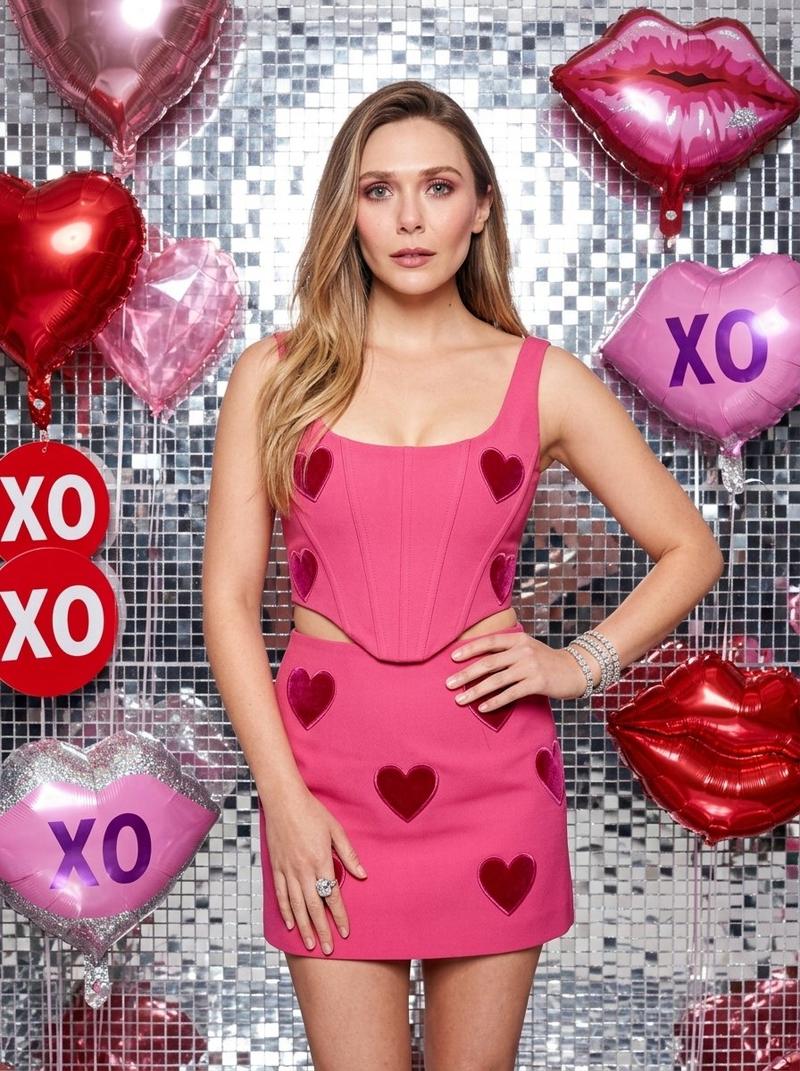
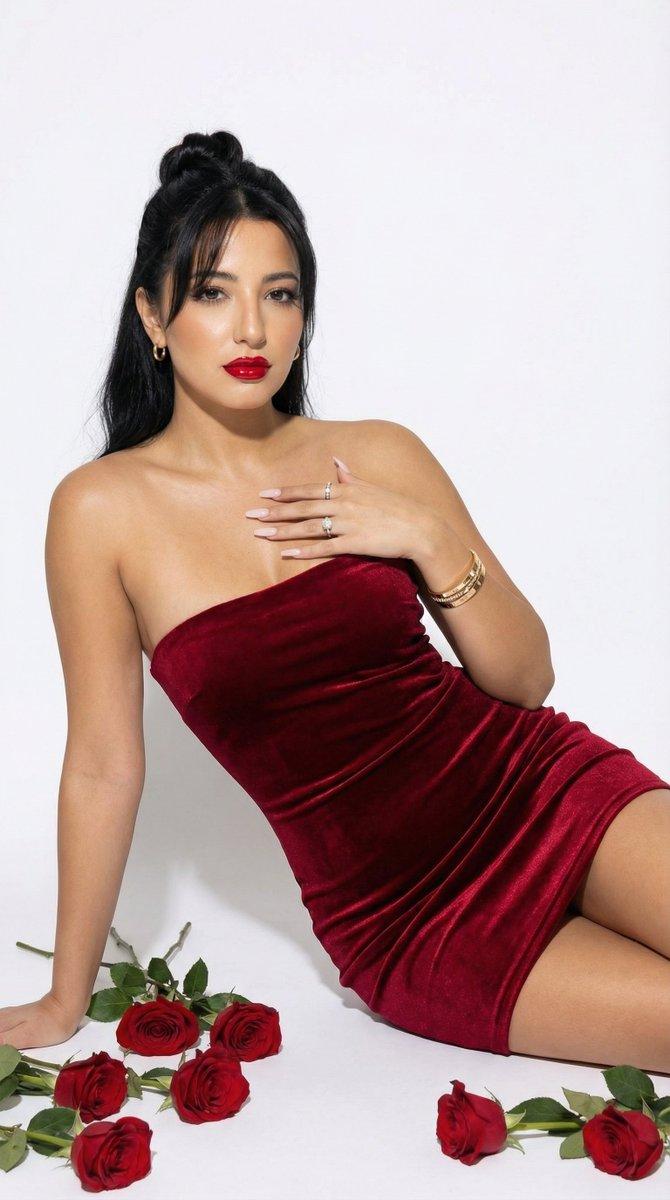
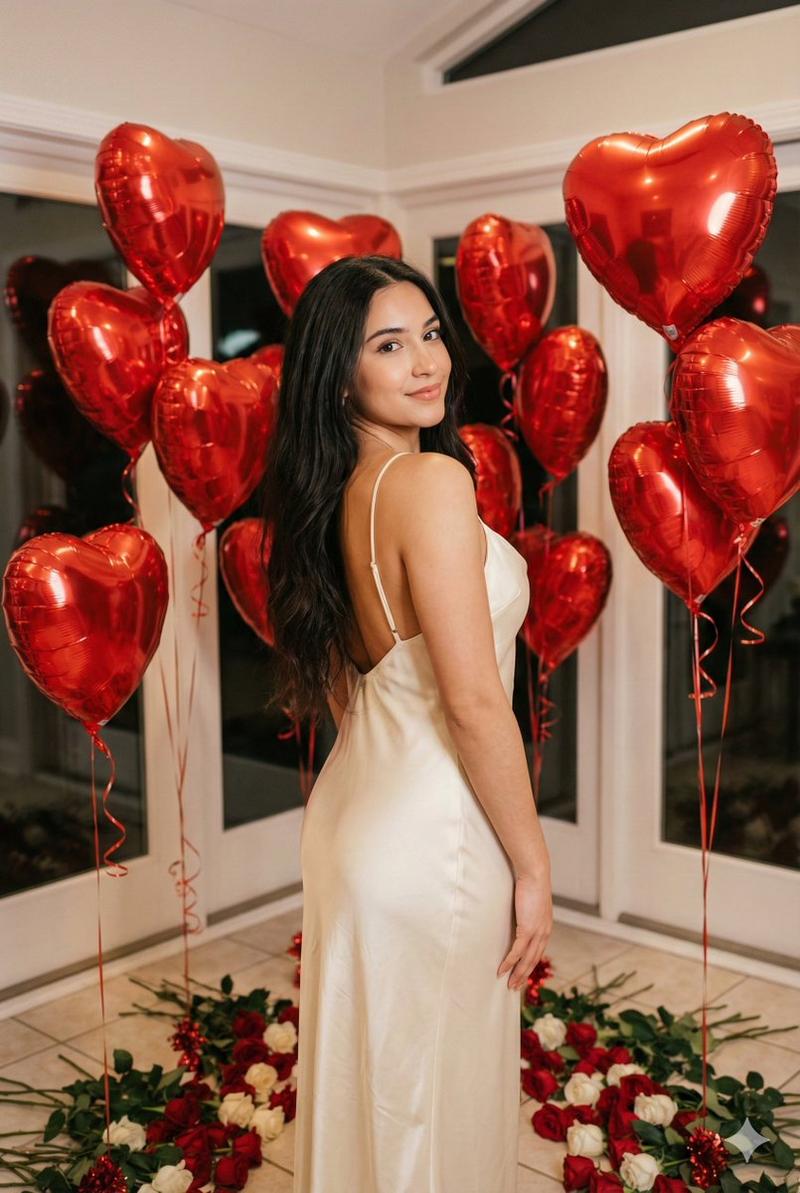
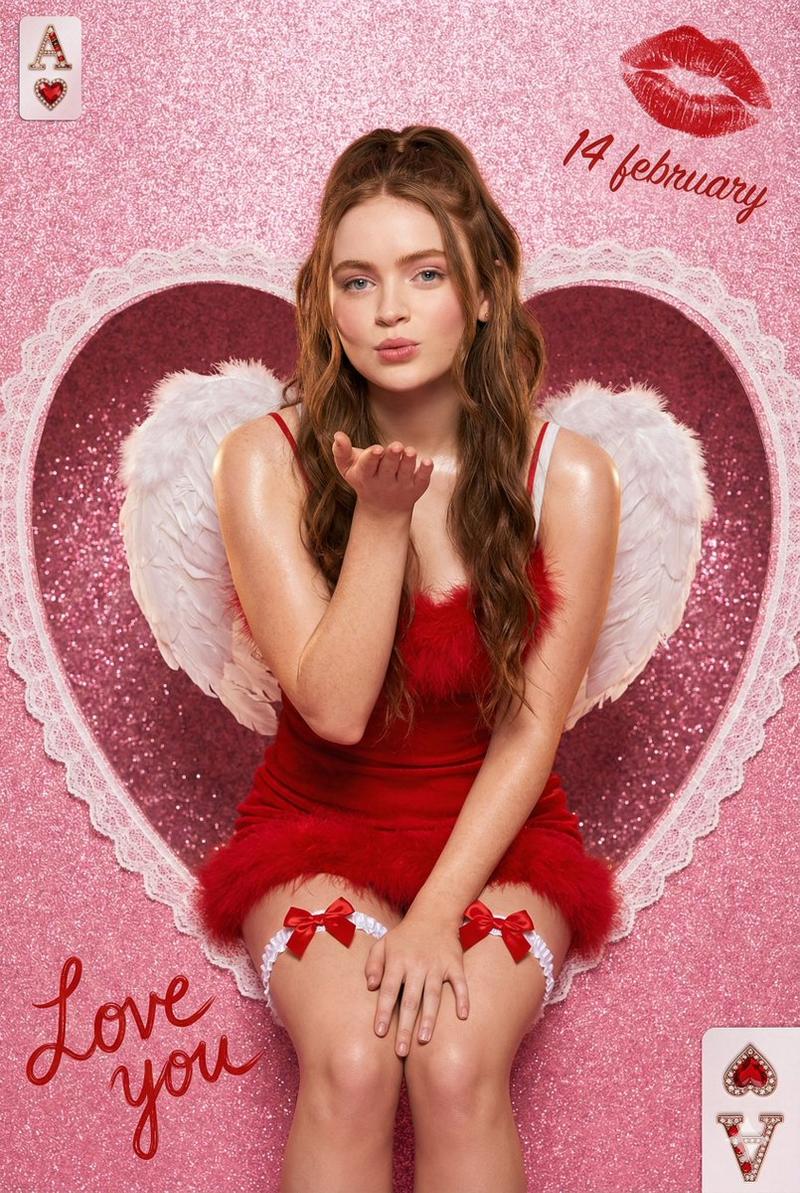
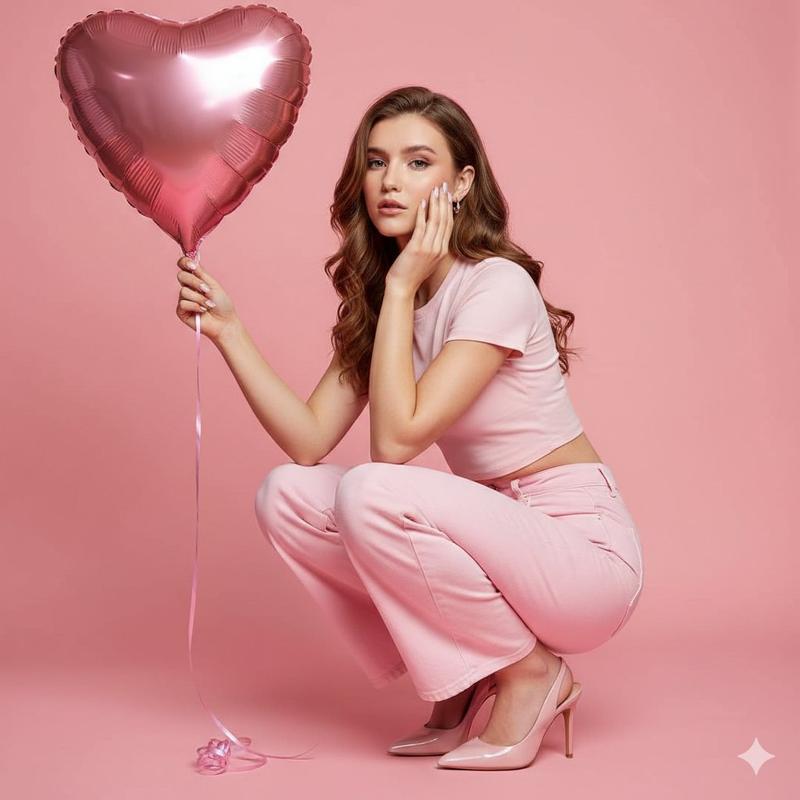
迷人红心气球影棚肖像提示词
Prompt
{
  "prompt_metadata": {
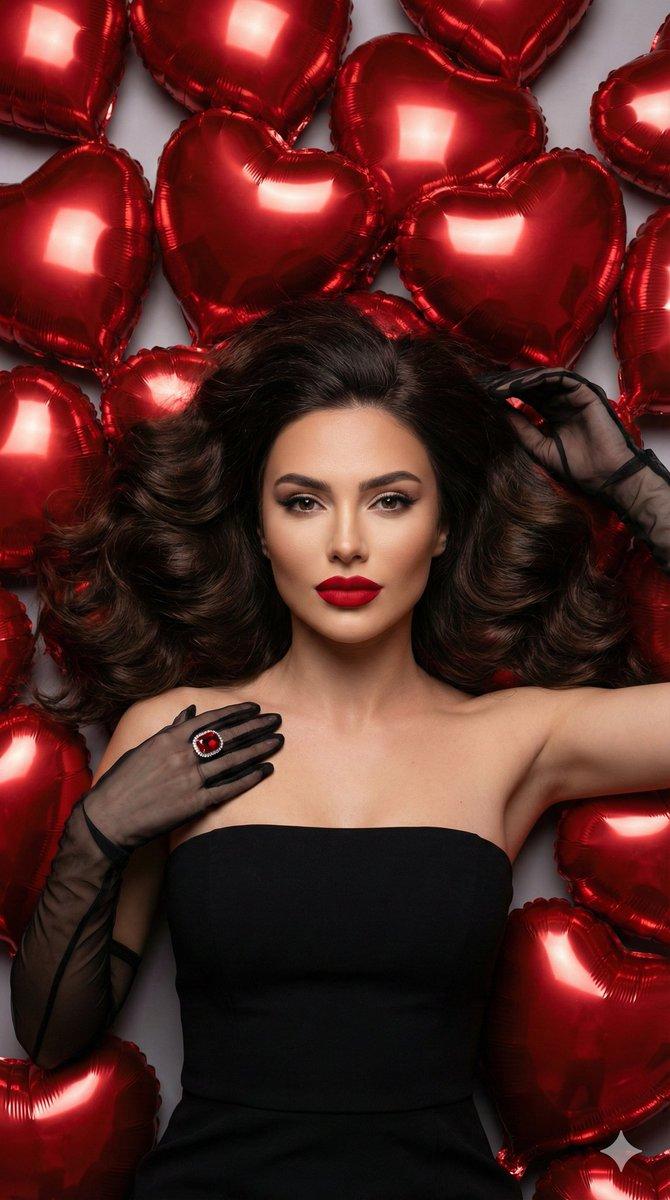
    "title": "Ultra Realistic Glamorous Woman Surrounded by Red Heart Balloons",
    "description": "A high-fashion studio portrait of a glamorous woman lying among glossy red heart-shaped balloons, dramatic lighting, ultra-detailed skin texture, luxury editorial style.",
    "version": "1.0",
    "aspect_ratio": "9:16",
    "orientation": "vertical",
    "resolution": "7680x13440",
    "quality": "UHD 8K",
    "rendering_style": "photorealistic",
    "hdr": true
  },
  "subject": {
    "type": "female_model",
    "pose": "lying on back, centered composition, direct eye contact with camera",
    "expression": "confident, elegant, slightly seductive, relaxed facial muscles",
    "hair": {
      "color": "deep brunette",
      "style": "long, voluminous, soft waves spread symmetrically around head",
      "texture_detail": "individual strands visible, glossy shine, ultra-detailed"
    },
    "makeup": {
      "foundation": "flawless matte finish",
      "eyes": "defined brows, winged eyeliner, long lashes",
      "lips": "bold matte red lipstick",
      "contour": "soft sculpted cheekbones with subtle highlight"
    },
    "wardrobe": {
      "dress": "strapless black elegant gown",
      "gloves": "sheer black opera gloves, semi-transparent mesh texture",
      "accessories": "large red gemstone ring with silver detailing"
    }
  },
  "environment": {
    "location": "professional photography studio",
    "background": "neutral soft grey backdrop fully covered with metallic red heart balloons",
    "props": {
      "balloons": {
        "type": "heart-shaped foil balloons",
        "color": "metallic glossy red",
        "finish": "reflective surface with realistic light reflections",
        "arrangement": "surrounding subject symmetrically, overlapping foreground and background"
      }
    }
  },
  "lighting": {
    "setup": "three-point studio lighting",
    "key_light": "soft diffused frontal light for even skin tone",
    "fill_light": "subtle side fill for depth",
    "rim_light": "soft hair light for separation",
    "quality": "cinematic, high dynamic range",
    "shadows": "soft natural shadows",
    "reflections": "realistic specular highlights on balloons"
  },
  "camera": {
    "type": "full-frame DSLR",
    "lens": "85mm prime lens",
    "aperture": "f/1.8",
    "depth_of_field": "shallow, sharp focus on face",
    "iso": "100",
    "shutter_speed": "1/200",
    "focus": "eyes tack sharp",
    "color_profile": "cinematic high contrast"
  },
  "image_quality": {
    "detail_level": "extreme micro details",
    "skin_texture": "natural pores visible",
    "fabric_texture": "realistic mesh transparency",
    "balloon_surface": "mirror-like reflections with subtle wrinkles",
    "dynamic_range": "high",
    "sharpness": "ultra sharp",
    "noise": "none",
    "color_depth": "rich saturated reds with balanced skin tones"
  },
  "post_pr"
}- Category
- 创意图片
- Model
- Nano Banana Pro
- Creator
- TJ
- Source ID
- b7e9e25a-4672-42cf-b14a-57dc2c96d4aa
- Published
- Mar 8, 2026
Views0