19

9 格电影分镜脚本生成提示
Enlarge

9 格电影分镜脚本生成提示

Prompt
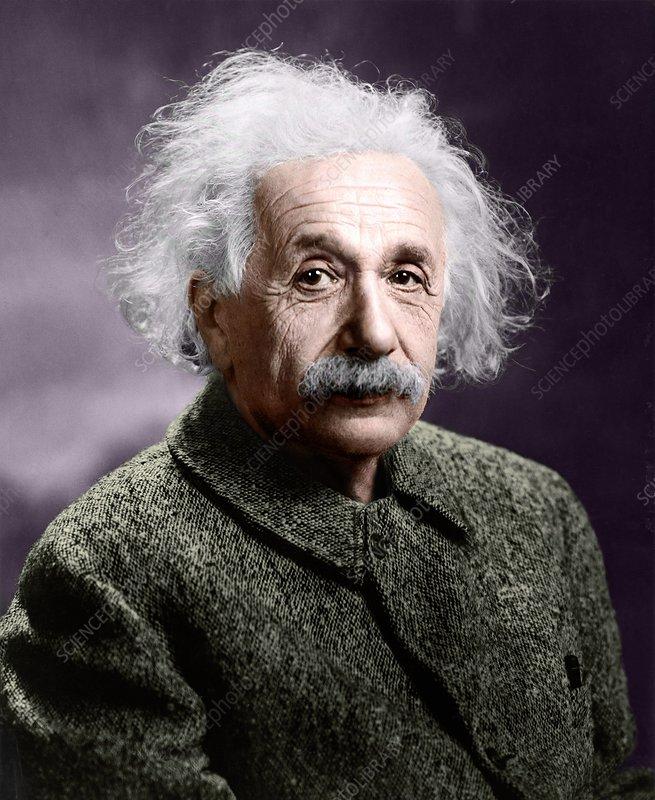
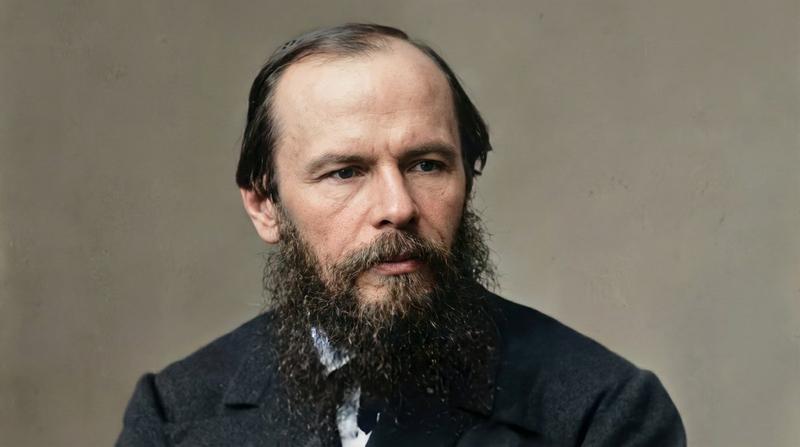
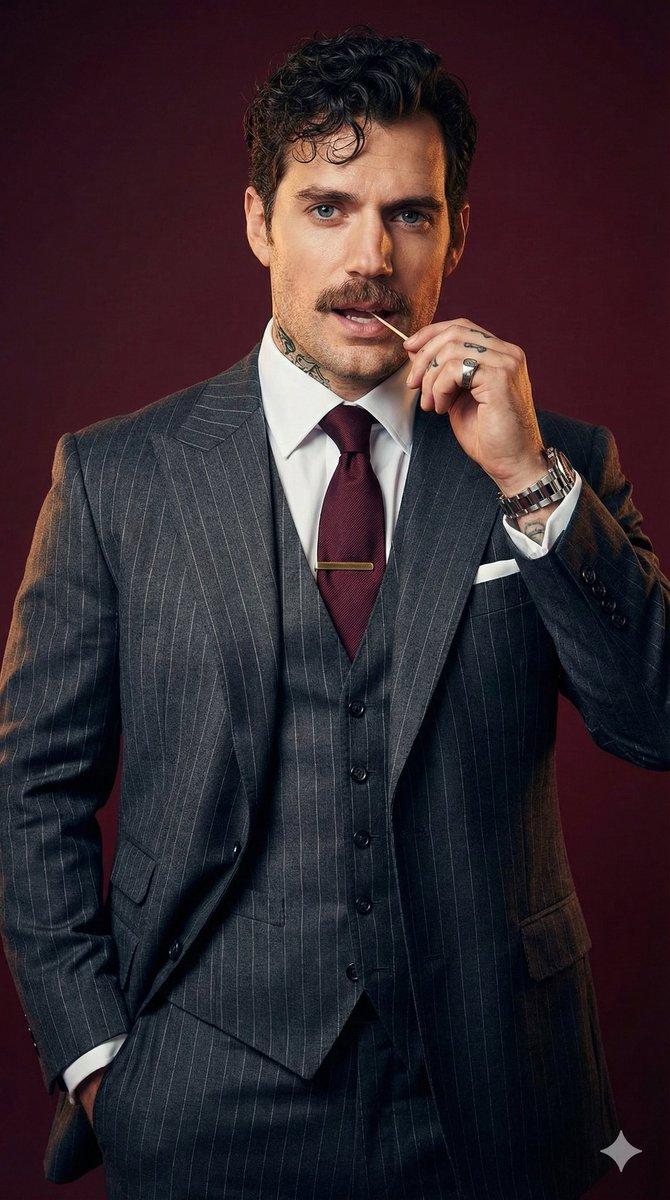
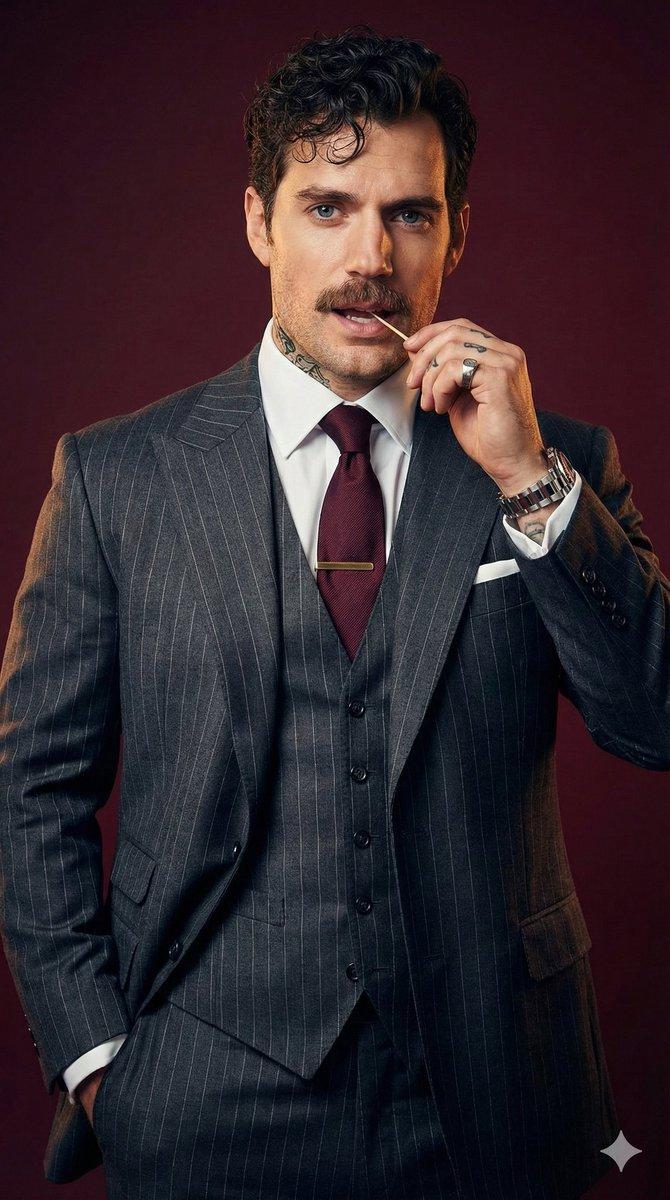
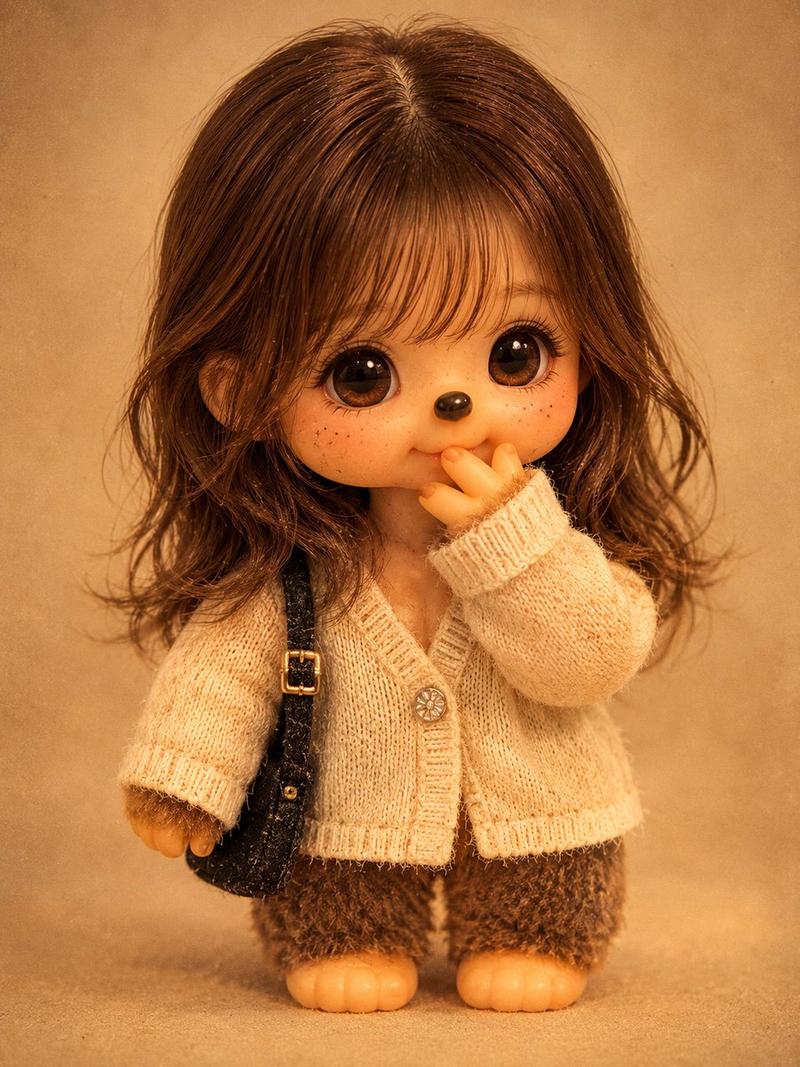
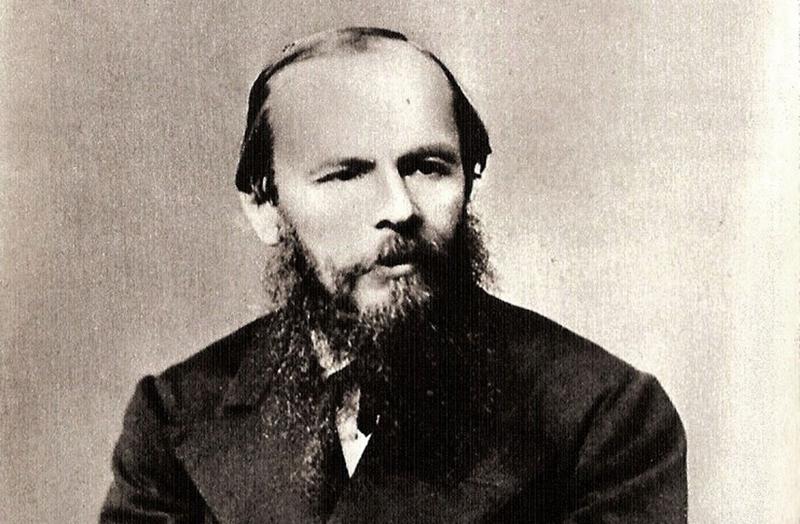
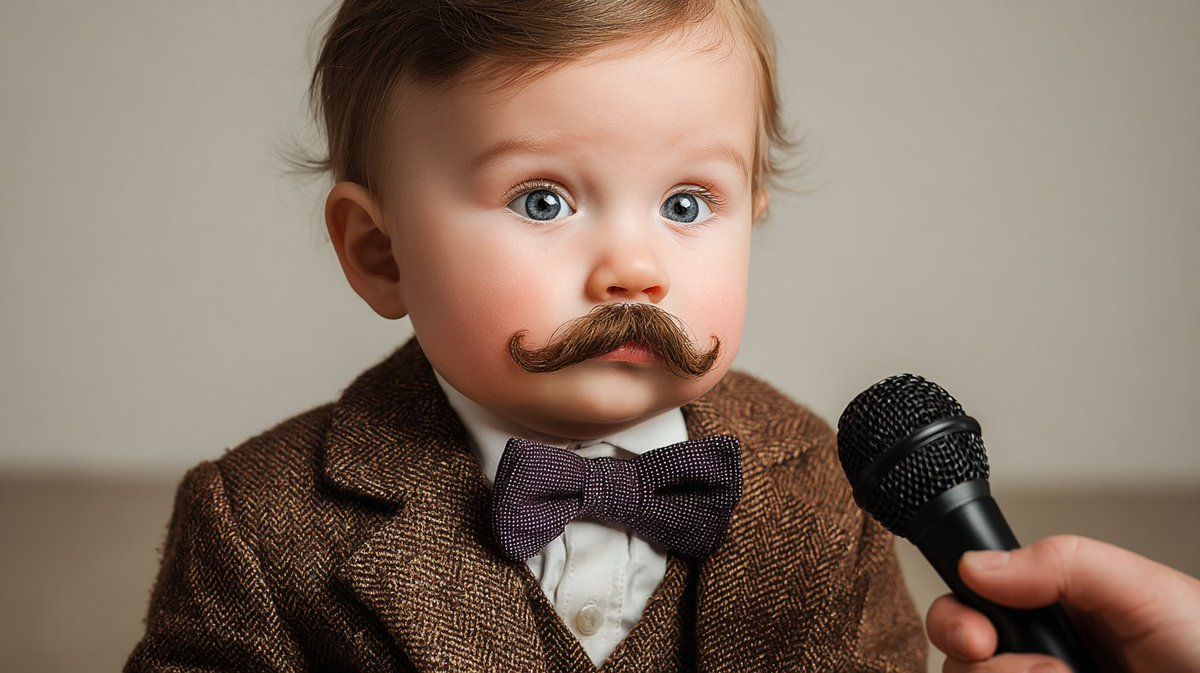
A cinematic 9-panel storyboard sheet arranged in a 3x3 grid. A sequential visual narrative expanding on the context of the input image. Dynamic variety of perspectives, diverse camera angles, changing focal points, and atmospheric storytelling. Consistent character, lighting, and film grain. High-resolution stills. No borders. plot: {argument name="plot description" default="[optional]"}
Category
创意图片
Model
Nano Banana Pro
Creator
proper
Views0
Source ID
bb31a0a3-d08b-4f5b-9981-69b0effcdf04
Published
Mar 8, 2026

Guide

About "9 格电影分镜脚本生成提示"

What is this prompt for?

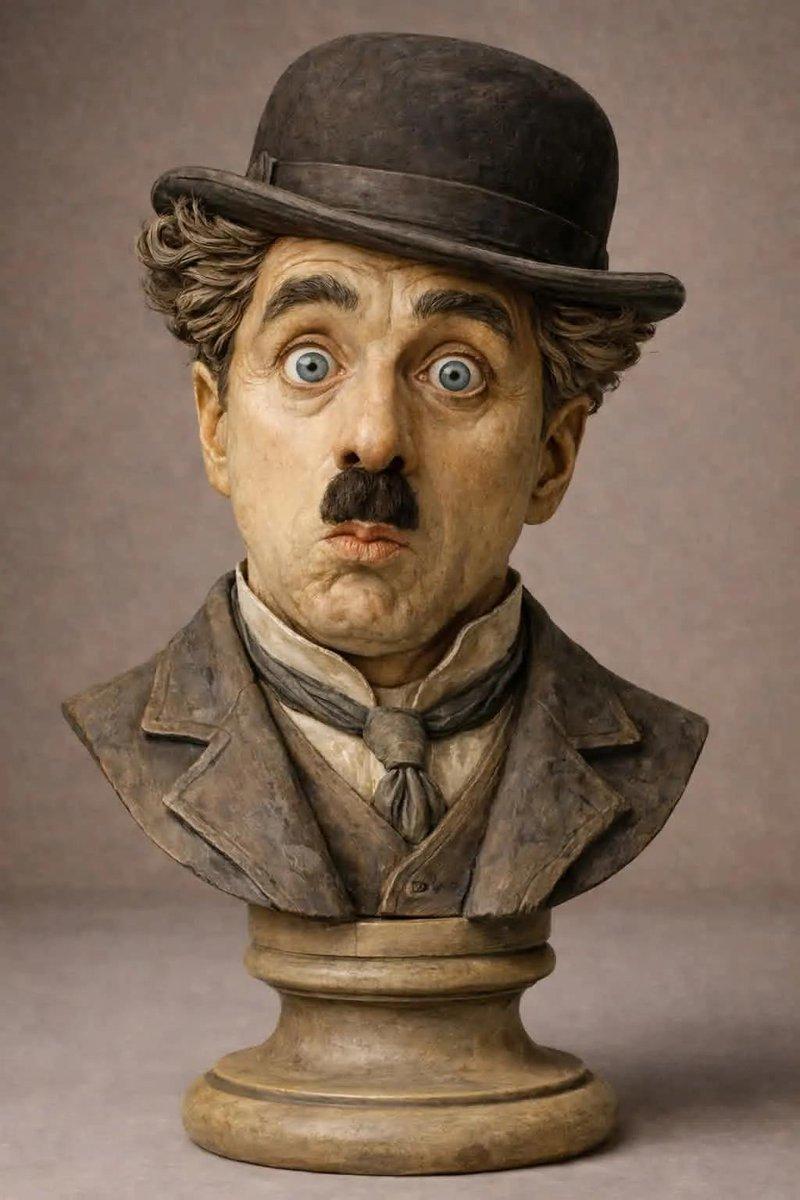
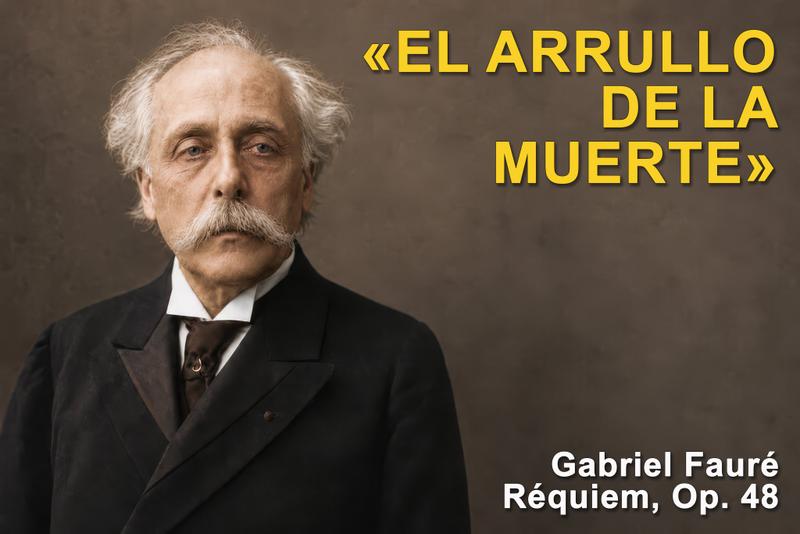
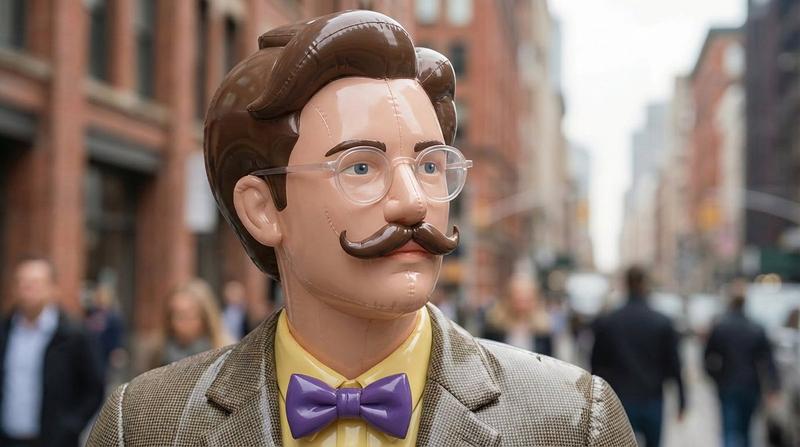
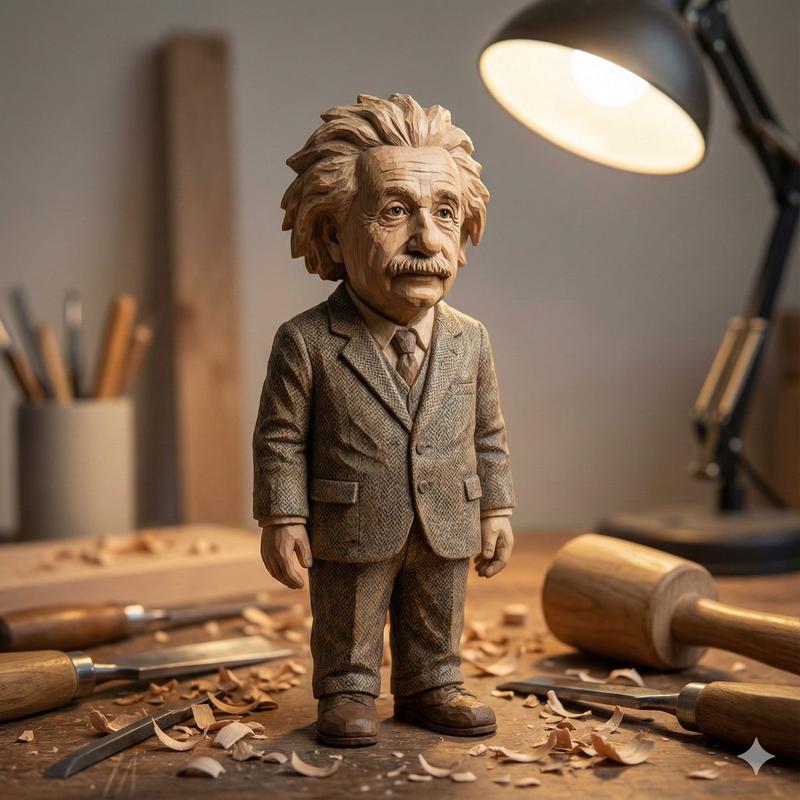
"9 格电影分镜脚本生成提示" AI image prompt for Nano Banana Pro (创意图片). 一个用于 Nano Banana Pro 的提示,它使用输入图像作为参考,生成一个连续的、9 格电影分镜表(3x3 网格)。它强调动态视角、多样化的摄像机角度、一致的角色/光照以及无边框的高分辨率剧…

The full copyable prompt and example visuals above are ready for AI image generation or one-click recreate in Picva.

How to use this prompt

  1. Step 1

    Open the prompt detail

    Review the example visuals, category, and full prompt text for "9 格电影分镜脚本生成提示".

  2. Step 2

    Copy the prompt

    Copy the prompt body from this page, or load it directly in Studio.

  3. Step 3

    Pick a model (Nano Banana Pro)

    Prefer Nano Banana Pro. If you switch models, keep subject and composition and tweak style terms.

  4. Step 4

    Generate and export

    Recreate the look in Picva, or export into your workflow for editing and publishing.

FAQ

What is the "9 格电影分镜脚本生成提示" prompt?
It is an AI image-generation prompt for Nano Banana Pro in the 创意图片 category. This page includes the full prompt text, example visuals, and a one-click recreate path in Picva.
How do I use this prompt to generate an image?
Copy the prompt from this page, or use Generate / Studio. Paste it into a compatible image model, or recreate the look in Picva with optional reference images.
Which model is this prompt for?
This page lists Nano Banana Pro. Most descriptive prompts also transfer to nearby image models such as GPT Image, Flux, or Midjourney with light style tweaks.
Can I use the result commercially?
You can usually copy the prompt for creation, but commercial use of the final image depends on the model terms, reference-image rights, and the generated content. Follow the source author and platform rules.