12

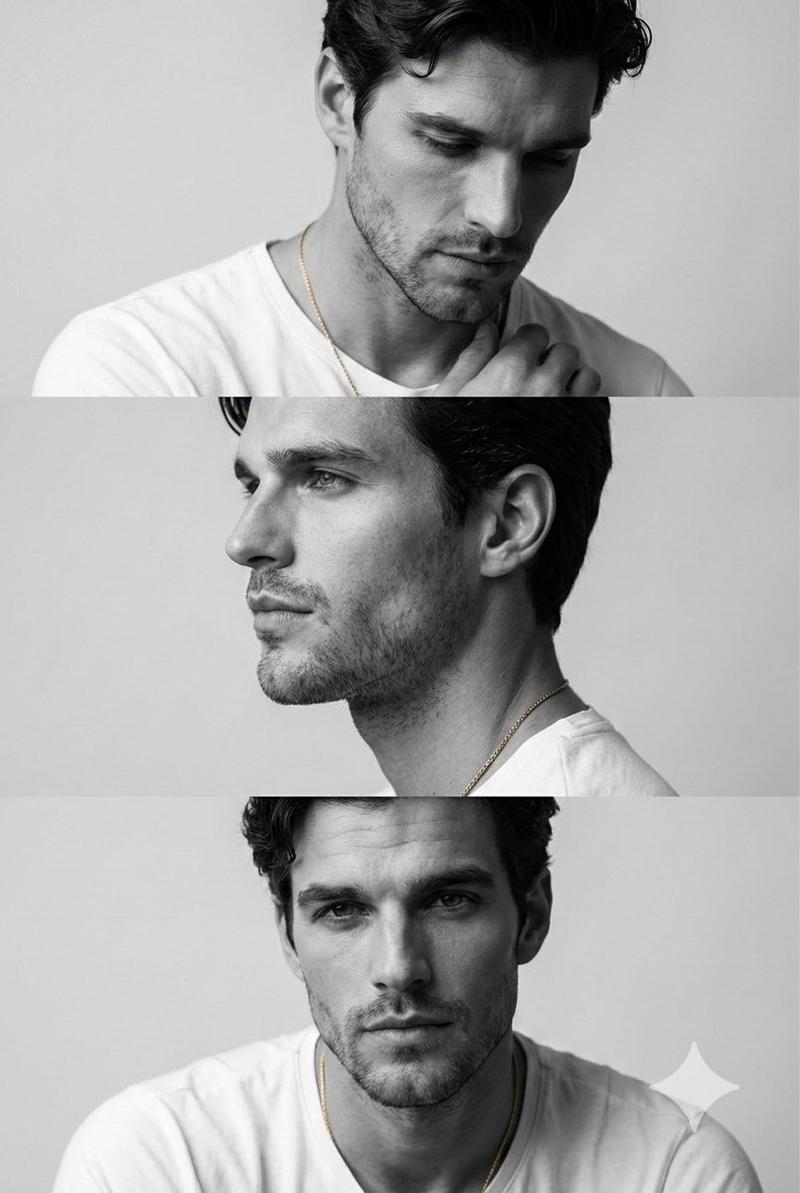
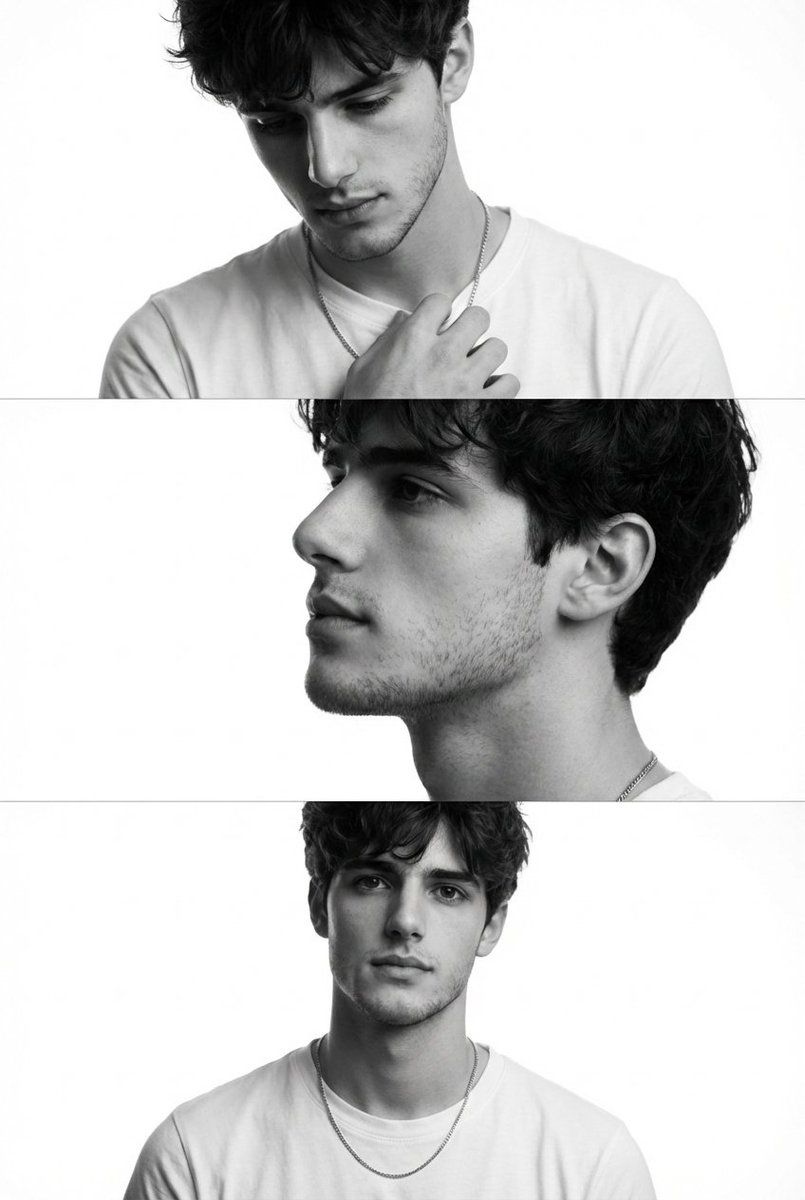
黑白时尚专题三联画(男士)
Enlarge

黑白时尚专题三联画(男士)

Prompt
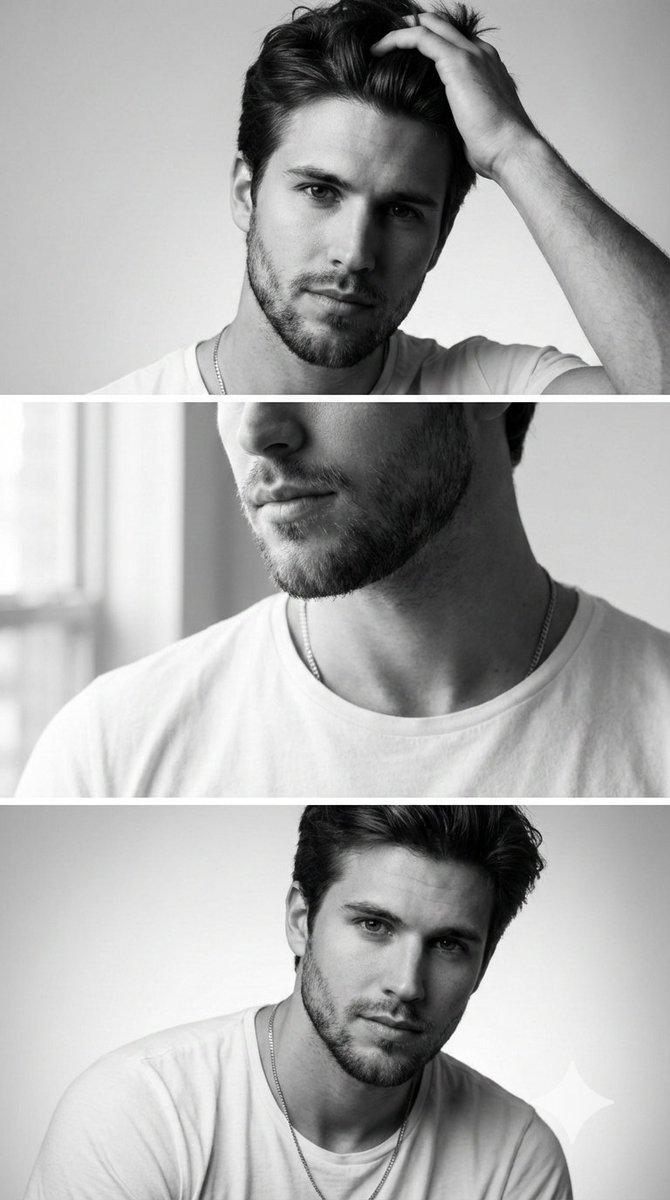
Preserve the face, proportions, and external features of the model as in the reference. A minimalist monochrome fashion editorial triptych featuring three stacked cinematic frames. The subject is a young man with short dark hair and a groomed beard. Frame 1: Emotional and introspective, looking downward with a hand near the collarbone, highlighting bone structure with Rembrandt lighting. Frame 2: A crisp profile shot with a focus on the nose, lips, and masculine jawline, gaze directed slightly upward. Frame 3: A frontal, thoughtful portrait with shoulders relaxed and direct eye contact. The composition is clean and modern, using a white T-shirt and gold necklace for visual continuity. Commercial magazine quality, high-end mirrorless camera, authentic skin pores, soft bokeh, and elegant masculinity.
Category
创意图片
Model
Nano Banana Pro
Creator
Harboriis
Views0
Source ID
52d1b8b3-92b5-45f8-b44d-0cbb1f25f1a6
Published
Mar 8, 2026

Guide

About "黑白时尚专题三联画(男士)"

What is this prompt for?

"黑白时尚专题三联画(男士)" AI image prompt for Nano Banana Pro (创意图片). 生成一张极简主义单色时尚专题三联画(三幅堆叠的电影式画面)的提示词,描绘一位年轻男士,重点是保留参考图像中模特的特征,并利用伦勃朗布光来突出骨骼结构和阳刚优雅。 --- 保留模型面部、比例和外部特征…

The full copyable prompt and example visuals above are ready for AI image generation or one-click recreate in Picva.

How to use this prompt

  1. Step 1

    Open the prompt detail

    Review the example visuals, category, and full prompt text for "黑白时尚专题三联画(男士)".

  2. Step 2

    Copy the prompt

    Copy the prompt body from this page, or load it directly in Studio.

  3. Step 3

    Pick a model (Nano Banana Pro)

    Prefer Nano Banana Pro. If you switch models, keep subject and composition and tweak style terms.

  4. Step 4

    Generate and export

    Recreate the look in Picva, or export into your workflow for editing and publishing.

FAQ

What is the "黑白时尚专题三联画(男士)" prompt?
It is an AI image-generation prompt for Nano Banana Pro in the 创意图片 category. This page includes the full prompt text, example visuals, and a one-click recreate path in Picva.
How do I use this prompt to generate an image?
Copy the prompt from this page, or use Generate / Studio. Paste it into a compatible image model, or recreate the look in Picva with optional reference images.
Which model is this prompt for?
This page lists Nano Banana Pro. Most descriptive prompts also transfer to nearby image models such as GPT Image, Flux, or Midjourney with light style tweaks.
Can I use the result commercially?
You can usually copy the prompt for creation, but commercial use of the final image depends on the model terms, reference-image rights, and the generated content. Follow the source author and platform rules.