15

超逼真肖像,硬光提示词
Enlarge

超逼真肖像,硬光提示词

Prompt
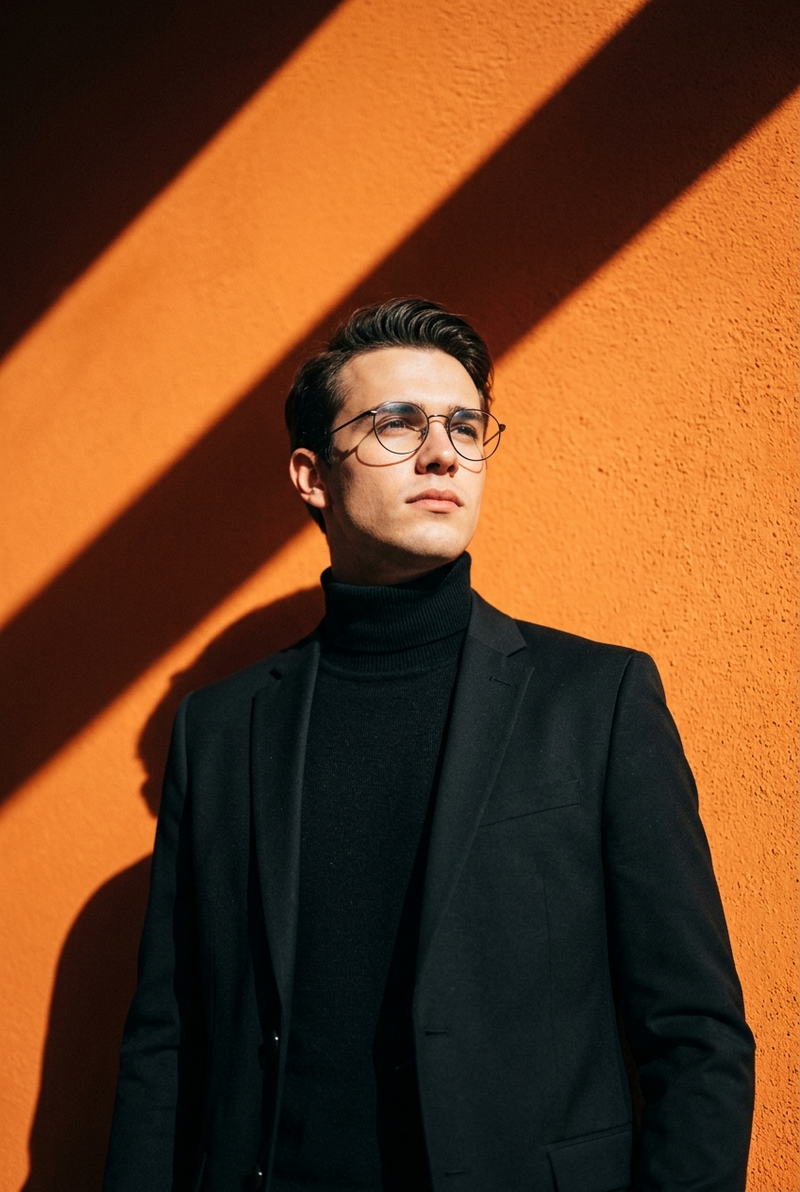
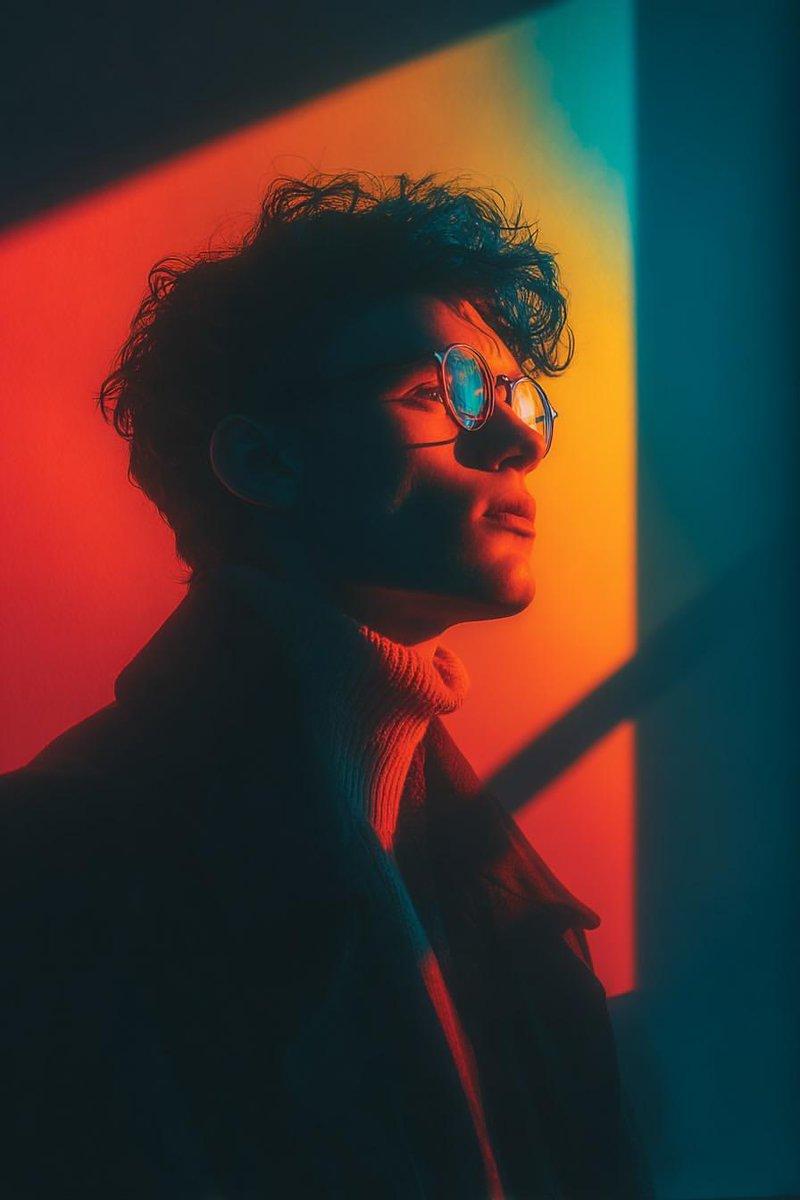
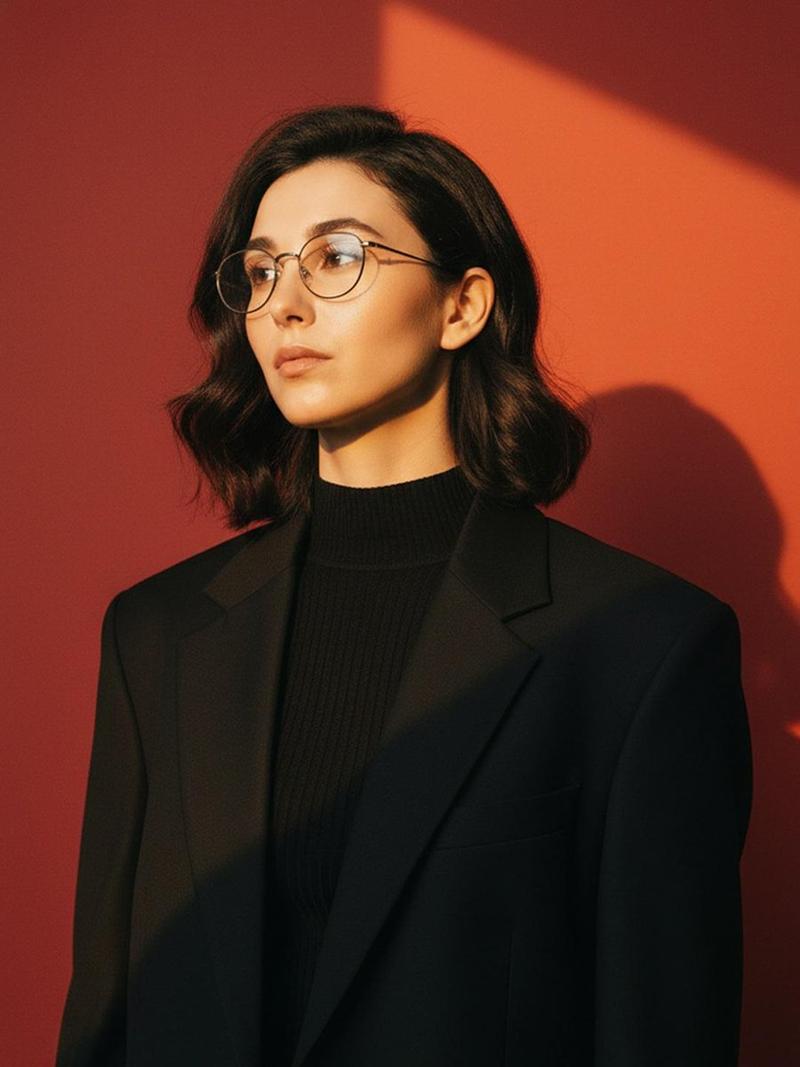
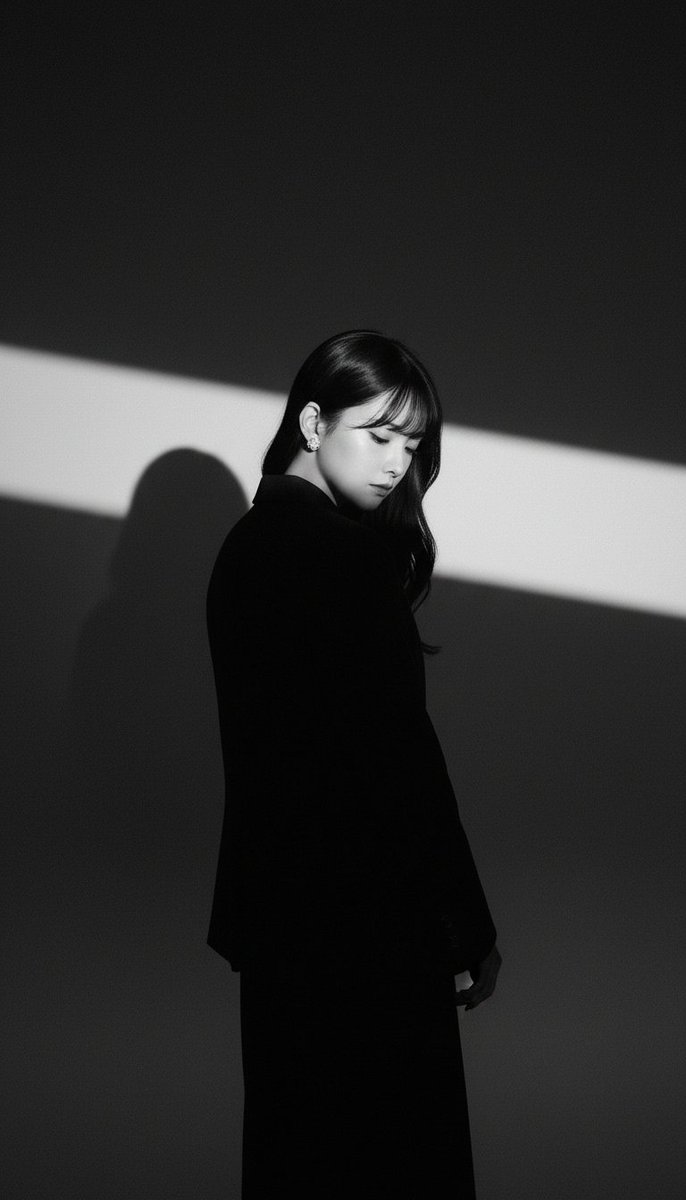
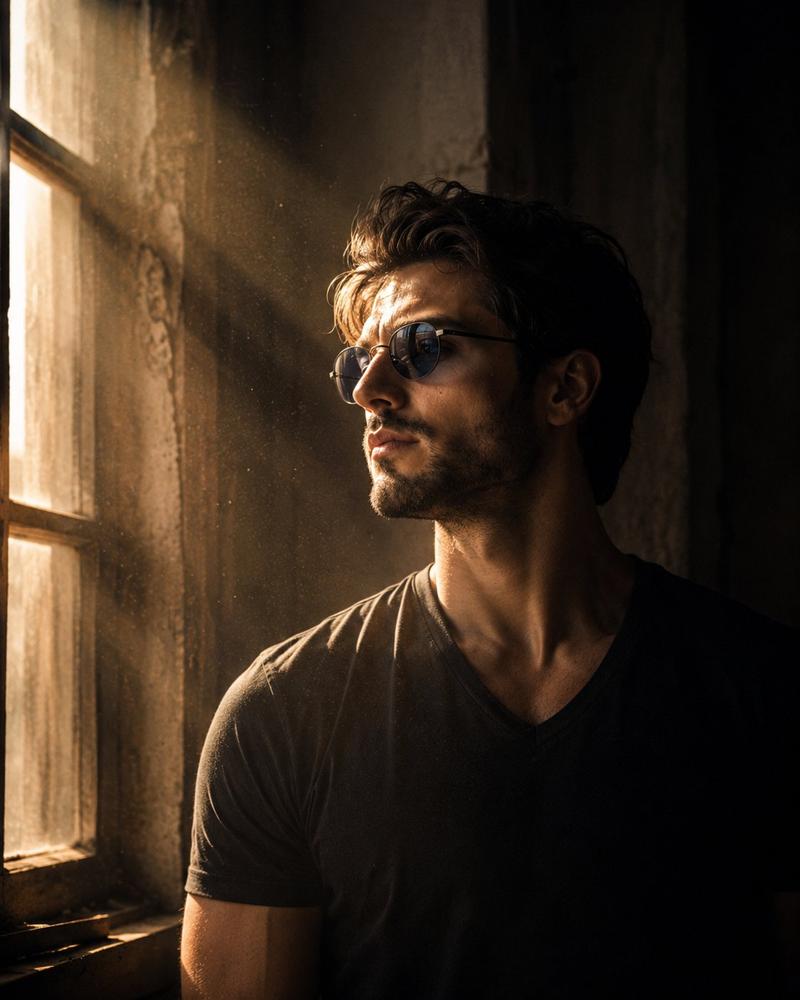
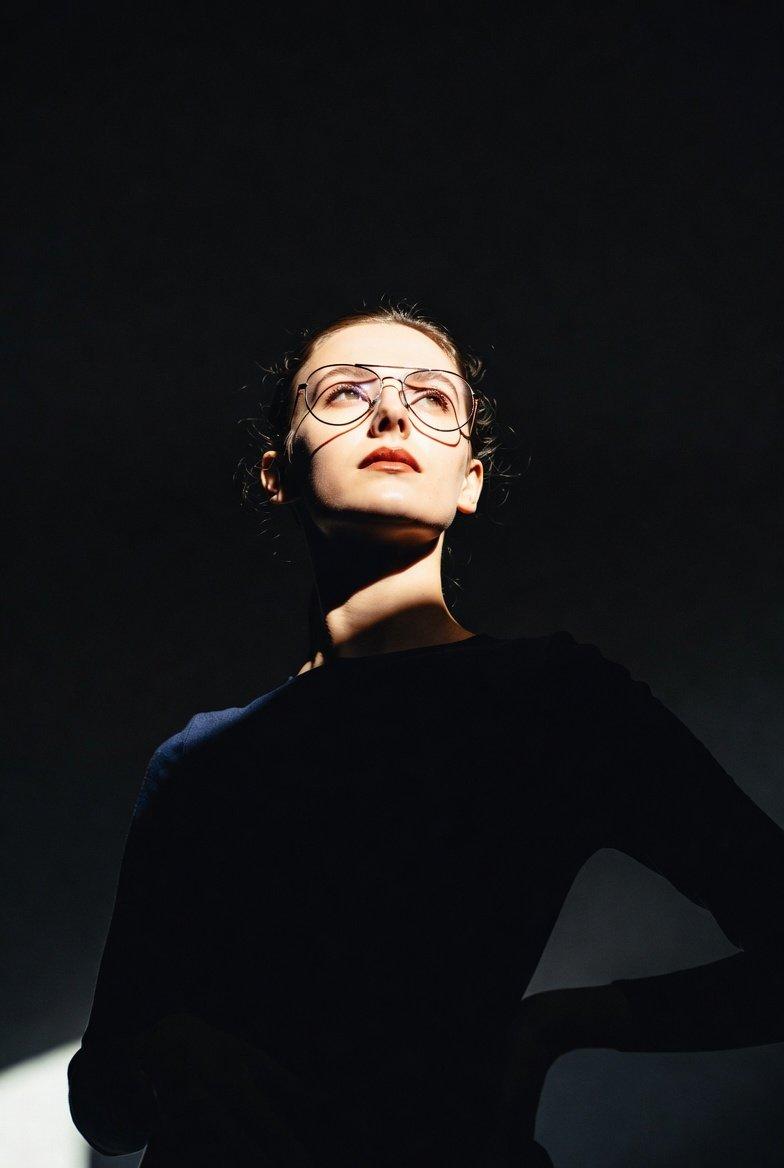
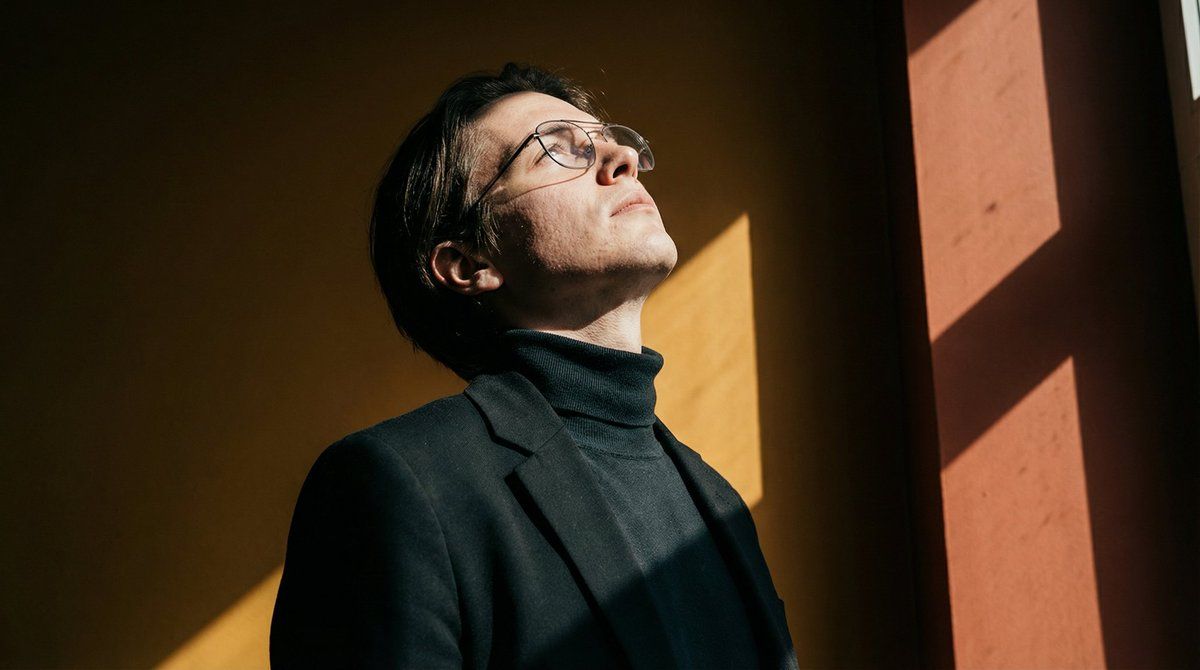
Bold ultra-realistic portrait with diagonal sunlight casting sharp triangular shadows across a deep {argument name="background color" default="red-orange"} background. Subject in a {argument name="outfit color" default="black"} blazer and turtleneck, wearing thin metal-framed glasses. Head tilted upward, off-camera gaze. Hard directional lighting from right, high micro-detail on skin and fabric, 4:5 vertical ratio, cinematic contrast, no oversaturation.
Category
创意图片
Model
Nano Banana Pro
Creator
Shah
Views0
Source ID
26cb830d-d1ca-4d25-8c72-77a9c741e9a3
Published
Mar 8, 2026

Guide

About "超逼真肖像,硬光提示词"

What is this prompt for?

"超逼真肖像,硬光提示词" AI image prompt for Nano Banana Pro (创意图片). 一个用于创建大胆、超现实肖像的提示,其特点是斜射阳光在深红橙色背景上投射出锐利的三角形阴影。主体身穿黑色西装外套和高领毛衣,强调硬朗的定向照明和高微细节。 --- 大胆的超现实主义肖像,对角线阳光在深邃…

The full copyable prompt and example visuals above are ready for AI image generation or one-click recreate in Picva.

How to use this prompt

  1. Step 1

    Open the prompt detail

    Review the example visuals, category, and full prompt text for "超逼真肖像,硬光提示词".

  2. Step 2

    Copy the prompt

    Copy the prompt body from this page, or load it directly in Studio.

  3. Step 3

    Pick a model (Nano Banana Pro)

    Prefer Nano Banana Pro. If you switch models, keep subject and composition and tweak style terms.

  4. Step 4

    Generate and export

    Recreate the look in Picva, or export into your workflow for editing and publishing.

FAQ

What is the "超逼真肖像,硬光提示词" prompt?
It is an AI image-generation prompt for Nano Banana Pro in the 创意图片 category. This page includes the full prompt text, example visuals, and a one-click recreate path in Picva.
How do I use this prompt to generate an image?
Copy the prompt from this page, or use Generate / Studio. Paste it into a compatible image model, or recreate the look in Picva with optional reference images.
Which model is this prompt for?
This page lists Nano Banana Pro. Most descriptive prompts also transfer to nearby image models such as GPT Image, Flux, or Midjourney with light style tweaks.
Can I use the result commercially?
You can usually copy the prompt for creation, but commercial use of the final image depends on the model terms, reference-image rights, and the generated content. Follow the source author and platform rules.