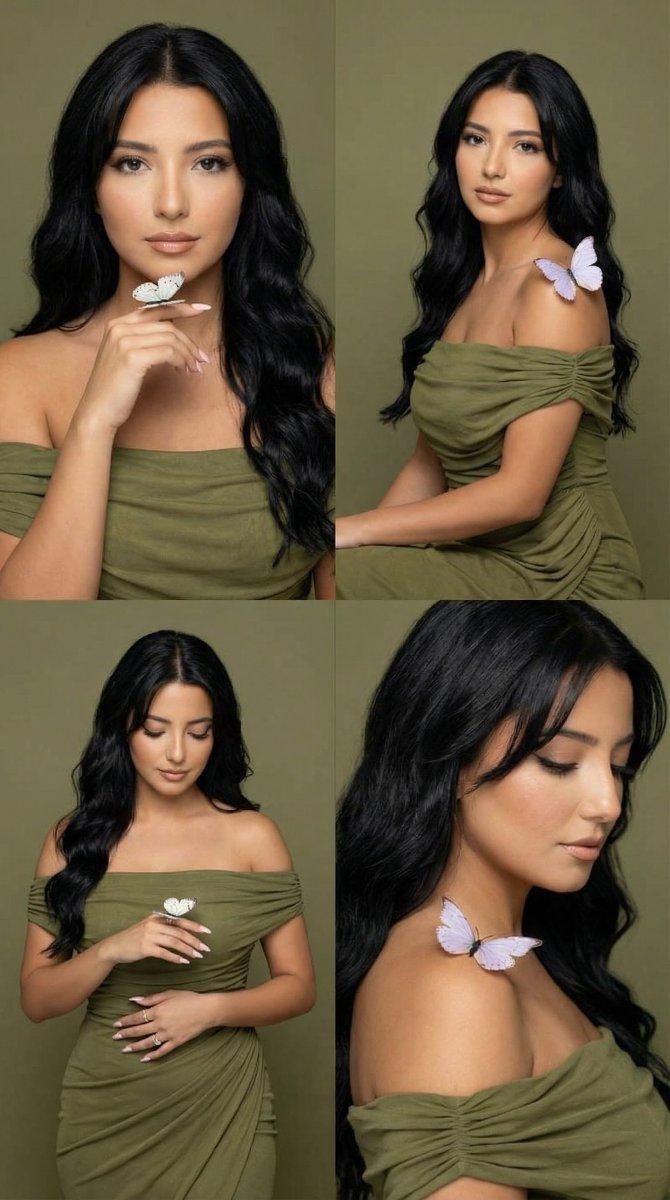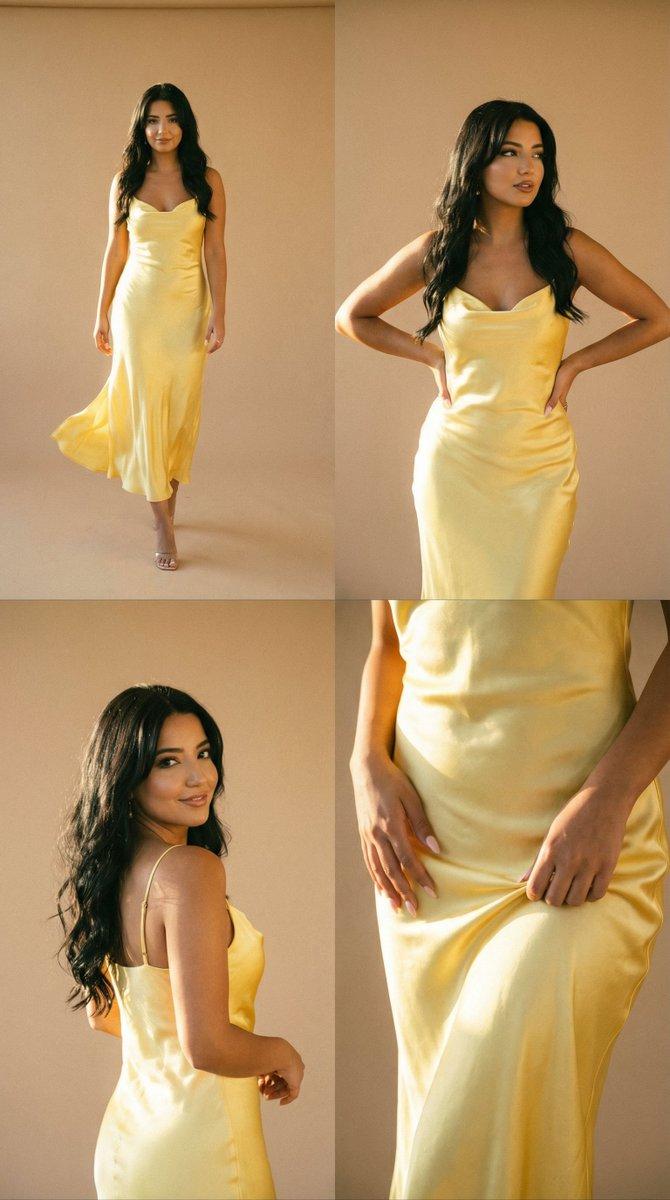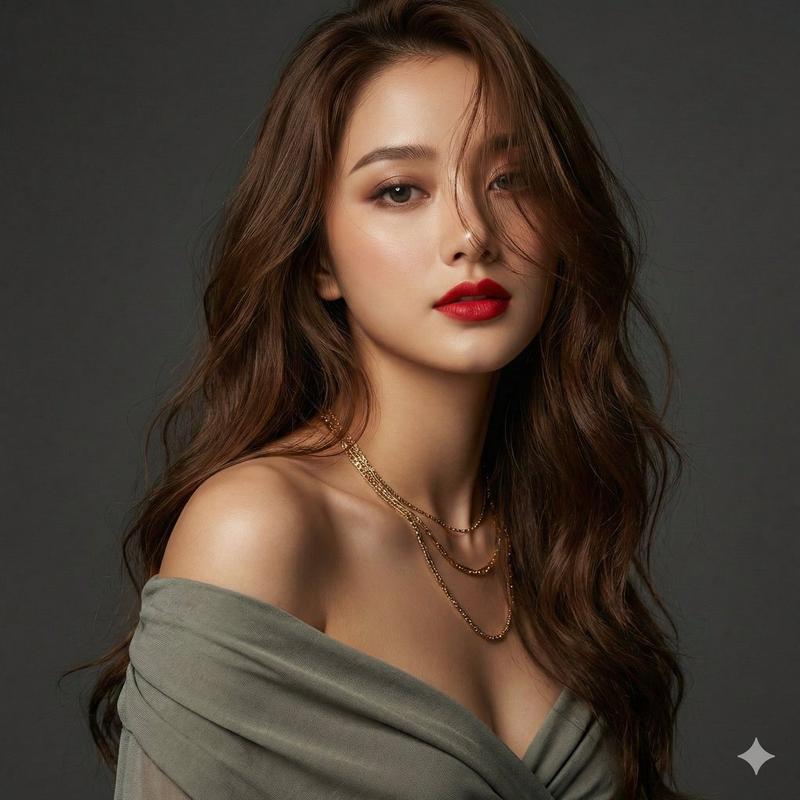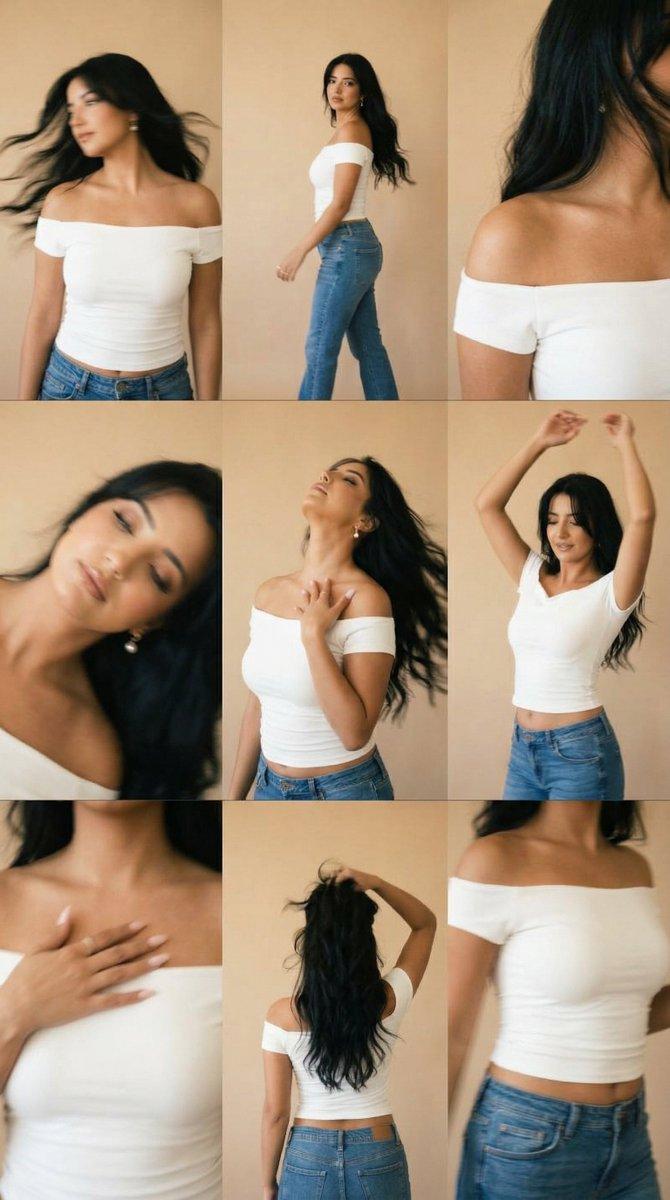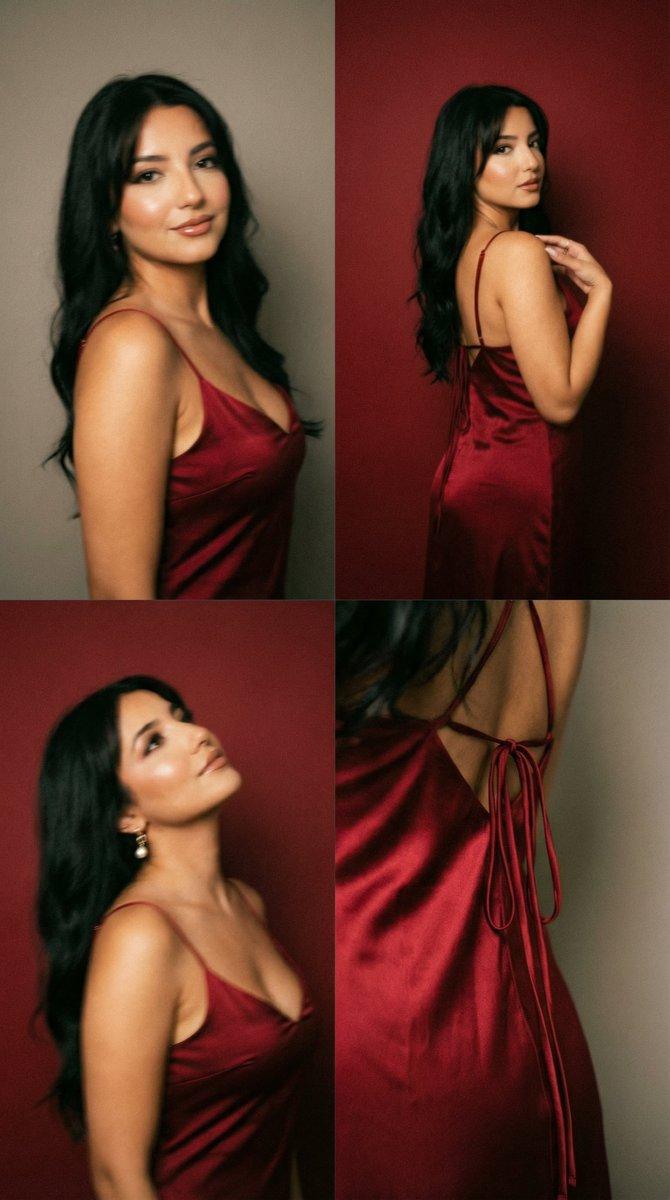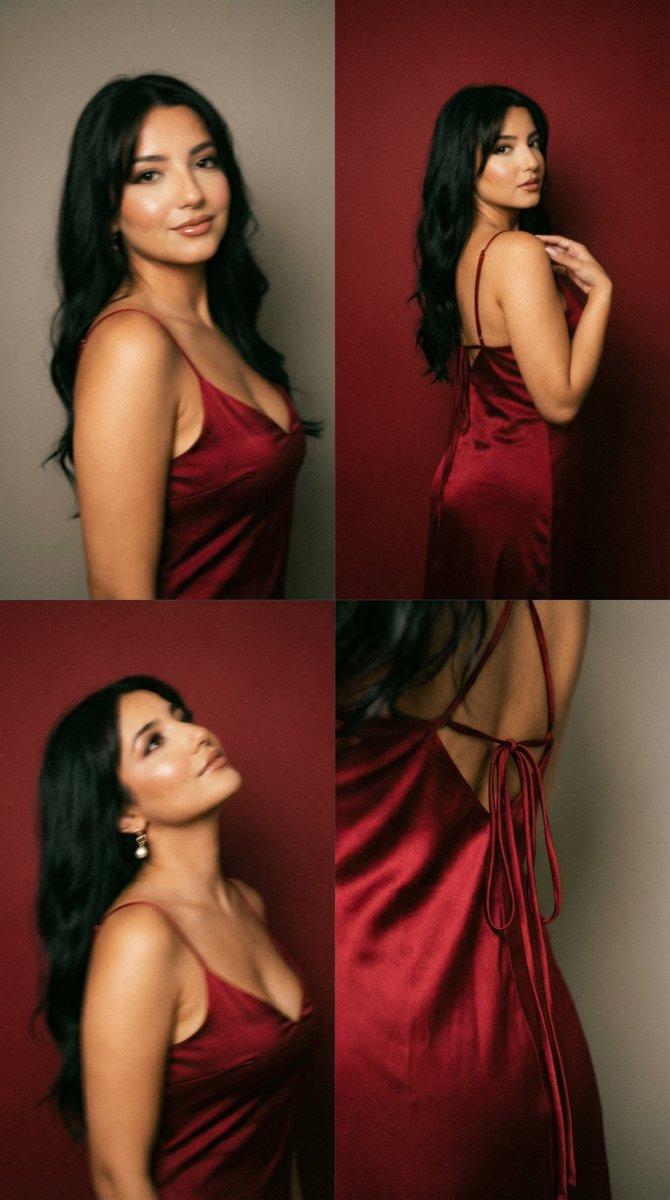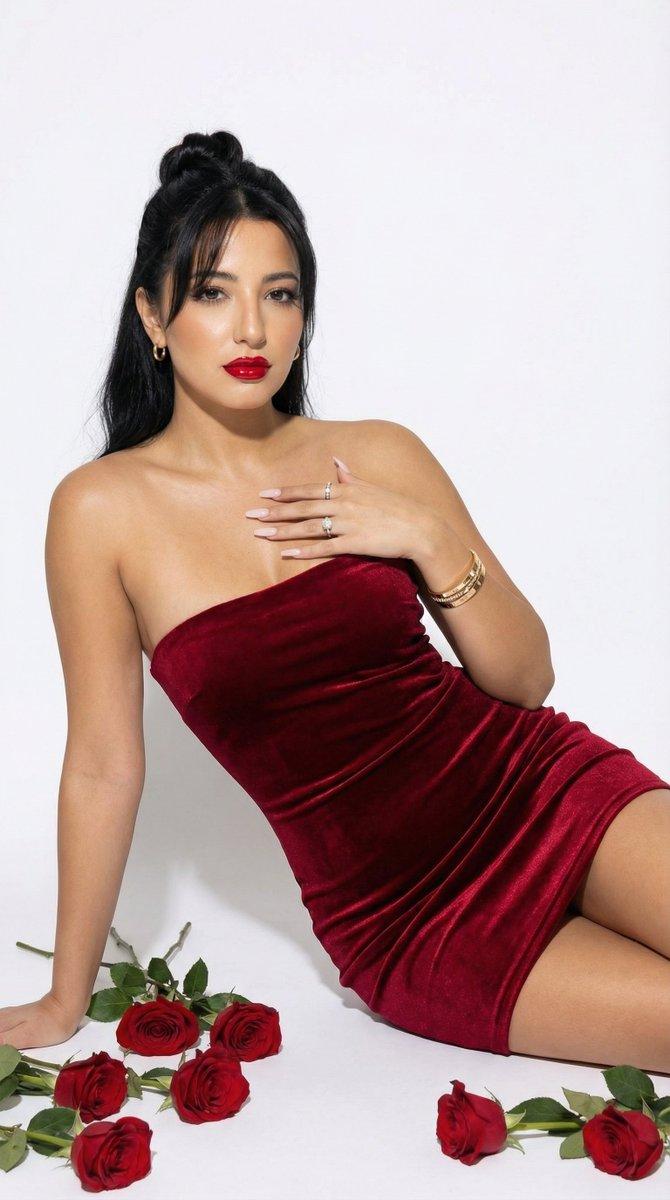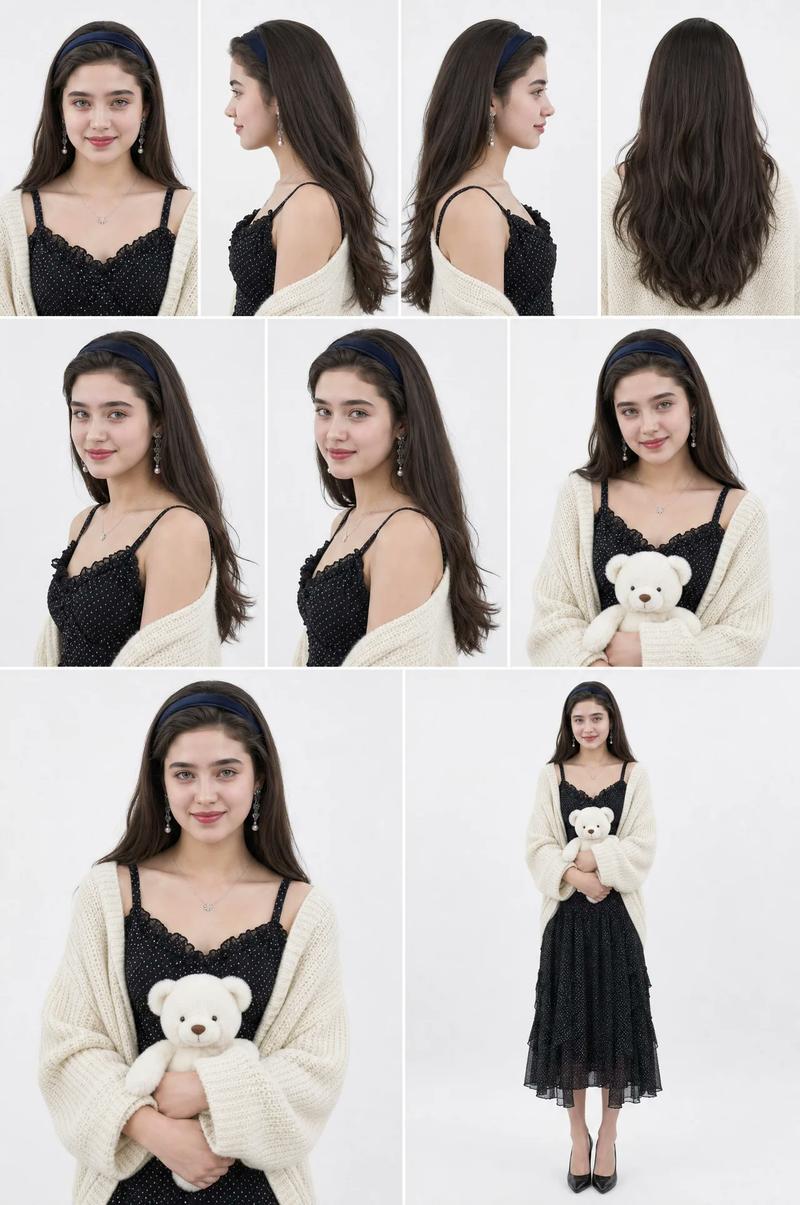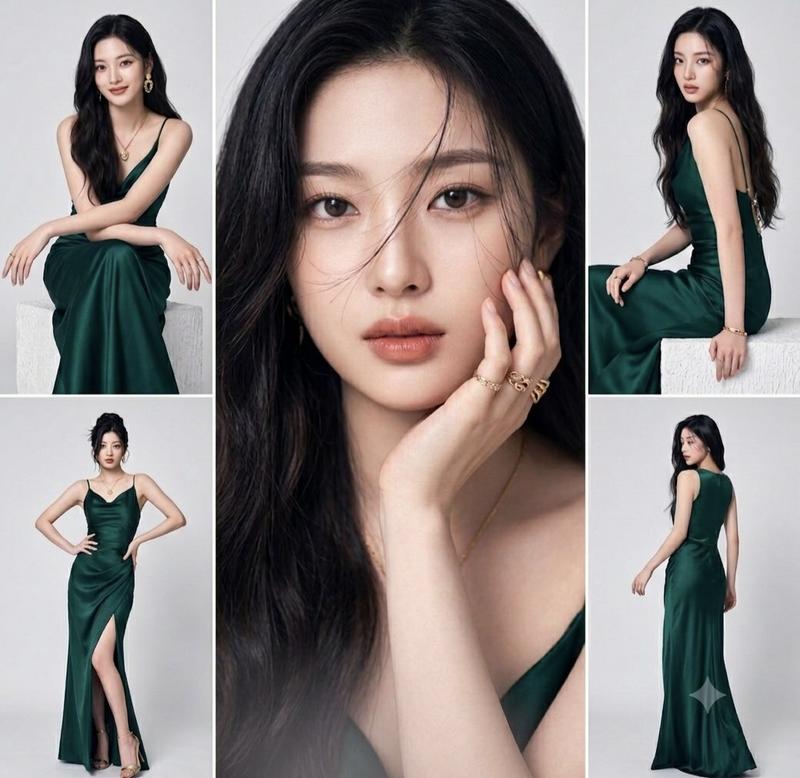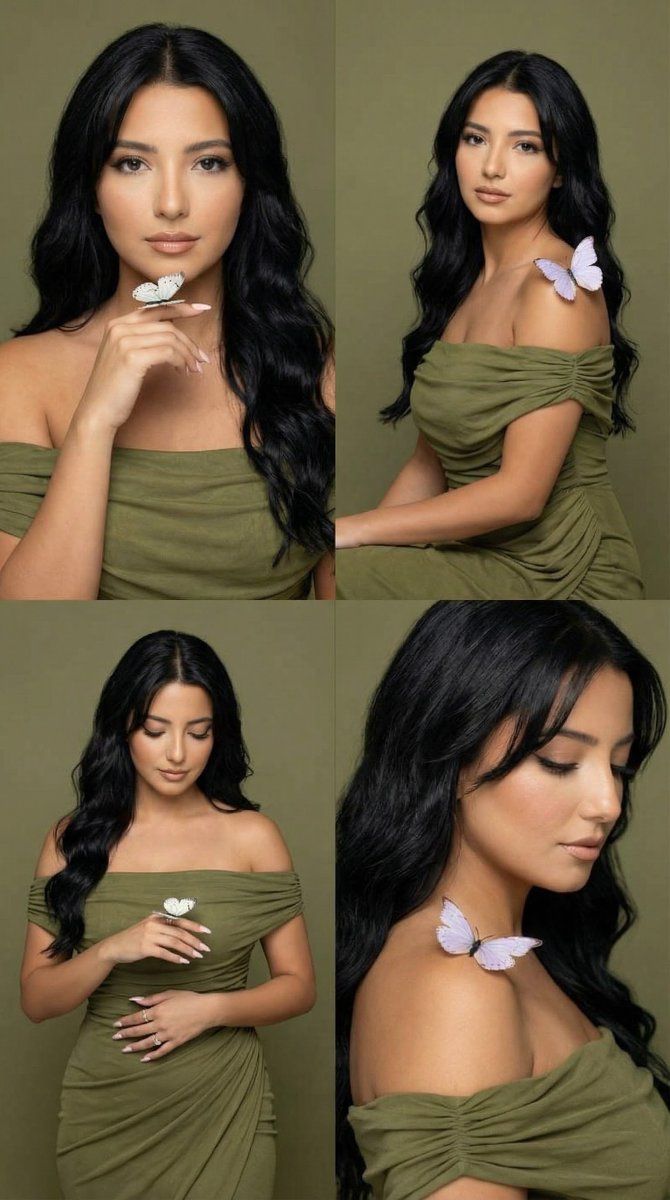
Olive Studio Butterfly 编辑网格提示
Prompt
{
 "generation_request": {
 "meta_data": {
 "tool": "NanoBanana Pro",
 "task_type": "fashion_editorial_butterfly_series_grid_identity_lock",
 "version": "v1.2_OLIVE_STUDIO_BUTTERFLY_FACELOCK_EN",
 "priority": "highest",
 "language": "en"
 },

 "input": {
 "mode": "image_to_image",
 "reference_image_usage": "very_high",
 "preserve_identity": true,
 "preserve_facial_features": true,
 "preserve_face_structure": true,
 "preserve_eye_shape": true,
 "preserve_nose_shape": true,
 "preserve_lip_shape": true,
 "preserve_skin_tone": true,
 "notes": "Use the uploaded reference image as the identity anchor. The woman's face must match the reference exactly in all panels. Do NOT change facial proportions, eye spacing, nose shape, lip shape, or bone structure. Only change wardrobe, background and pose."
 },

 "output_settings": {
 "aspect_ratio": "4:5",
 "orientation": "portrait",
 "resolution_target": "ultra_high_res",
 "num_images": 1,
 "layout": {
 "type": "grid",
 "rows": 2,
 "cols": 2,
 "gutter": "thin",
 "outer_border": "none"
 },
 "render_style": "luxury_fashion_editorial",
 "sharpness": "editorial_crisp",
 "film_grain": "subtle_analog",
 "color_grade": "muted_olive_studio_tones",
 "dynamic_range": "natural_not_hdr",
 "skin_rendering": "real_skin_texture"
 },

 "creative_prompt": {
 "scene_summary": "Luxury studio fashion editorial series with butterflies. Muted olive-green seamless background. Same woman in all panels wearing an olive off-shoulder draped dress. Identity must match reference exactly.",

 "environment": {
 "background": "muted olive-green seamless studio backdrop, clean and minimal",
 "lighting": "soft diffused studio key light, gentle shadow falloff, subtle rim for hair separation"
 },

 "subject": {
 "identity_consistency": "EXACT same face as reference in all panels",
 "expression_rule": "lips closed at all times, calm editorial expression, no teeth",
 "hair": "long straight black hair, center part, a few delicate strands falling across the face",
 "makeup": "match reference makeup style but adapted to olive tones clean eyeliner",
 "wardrobe": "olive-green off-shoulder draped dress with soft ruching, elegant fabric folds",
 "props": "two to three soft pastel butterflies (white and pale lavender/blue), resting gently on finger/shoulder/hand"
 },

 "panel_plan": {
 "panel_1": "tight beauty portrait, hand near chin with a butterfly on fingertip",
 "panel_2": "seated 3/4 body portrait, butterfly near shoulder",
 "panel_3": "standing mid-shot, one arm across torso, butterfly on shoulder",
 "panel_4": "3/4 profile close-up looking downward, butterfly near collarbone"
 },

 "style": {
 "aesthetic": "high-end fashion editorial",
 "texture": "realistic skin, natural pores, clean fabric detail",
 "vibe": "soft, poetic, minimal, couture"
 }
 },

 "negative_prompt": [
 "identity change",
 "different face",
 "different bone structure",
 "different eye shape",
 "open mouth",
 "teeth showing",
"magazine- Category
- 创意图片
- Model
- Nano Banana Pro
- Creator
- Özge Döner
- Source ID
- 91eccd8d-d0e5-4df4-b52e-6c4b829561e9
- Published
- Mar 8, 2026
Views0