瓷器共生前卫肖像提示词
Prompt
{
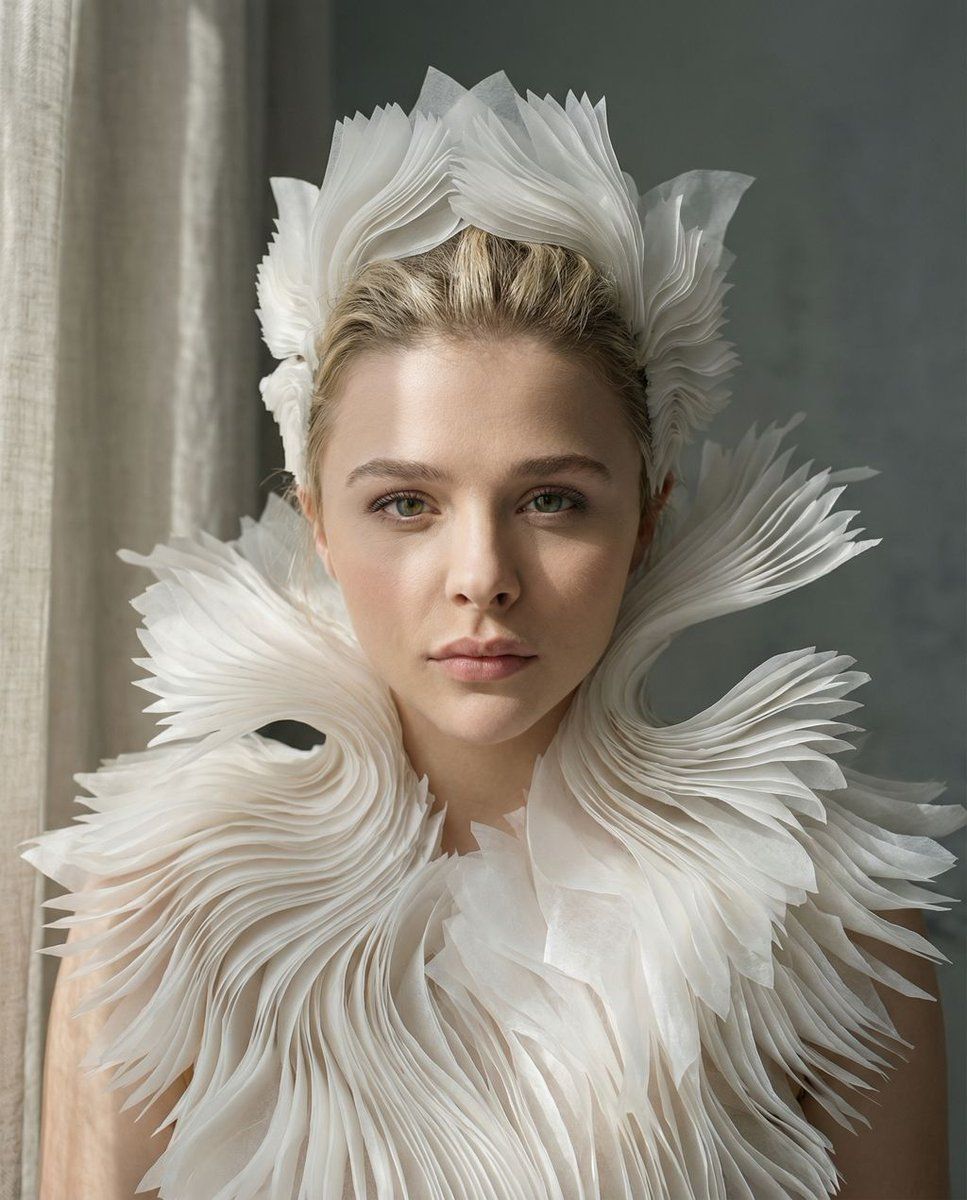
  "vibe_title_en": "Porcelain Symbiosis",
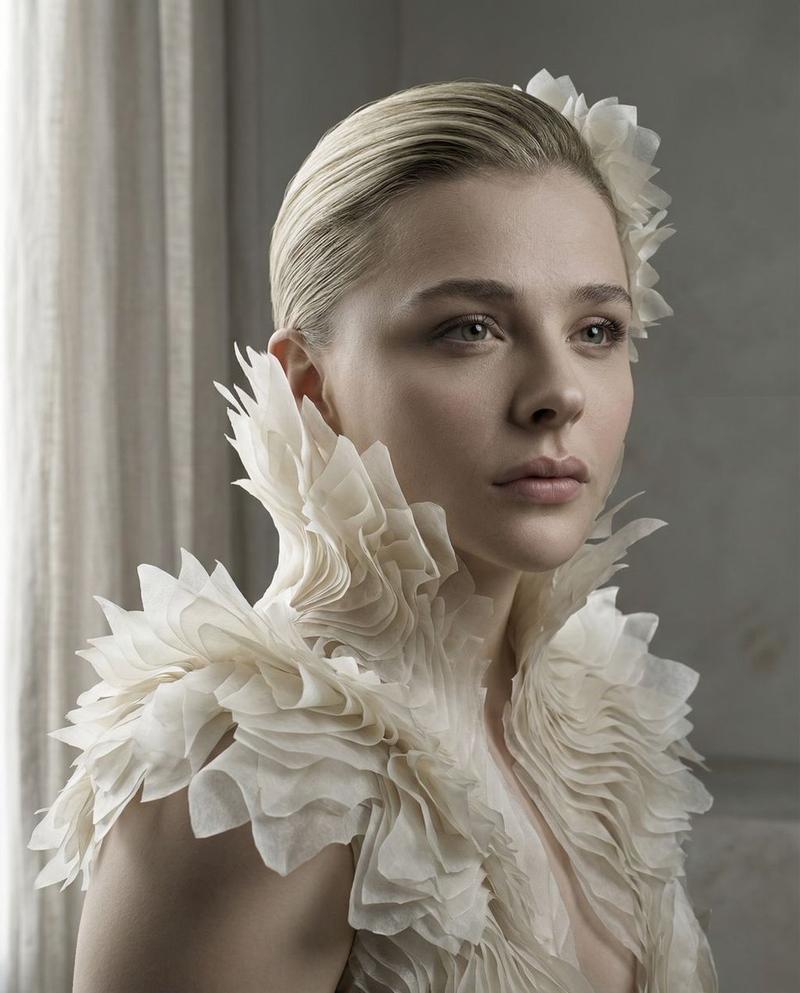
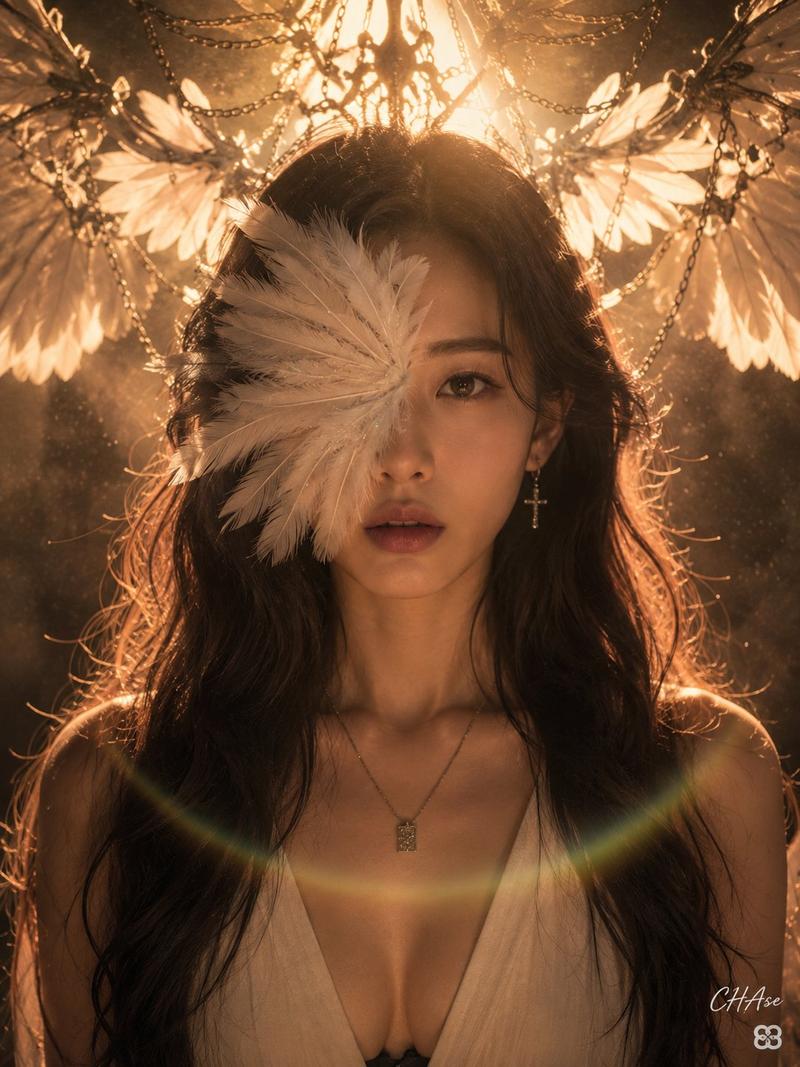
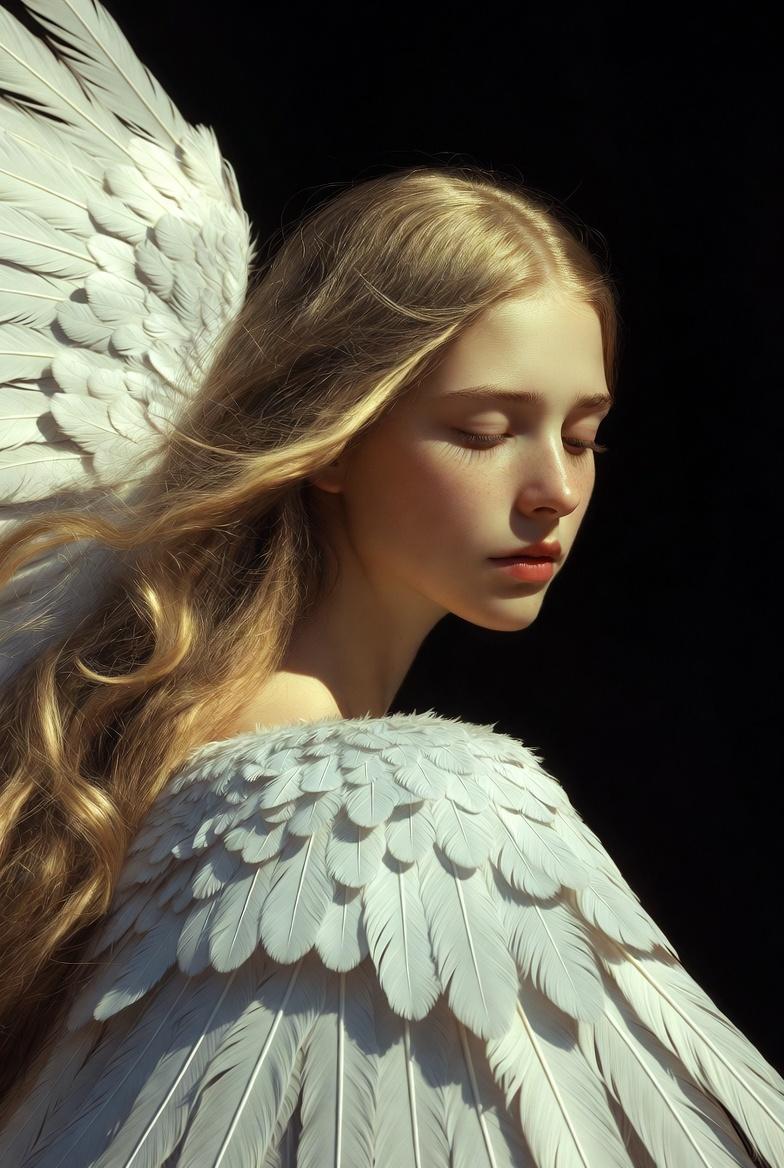
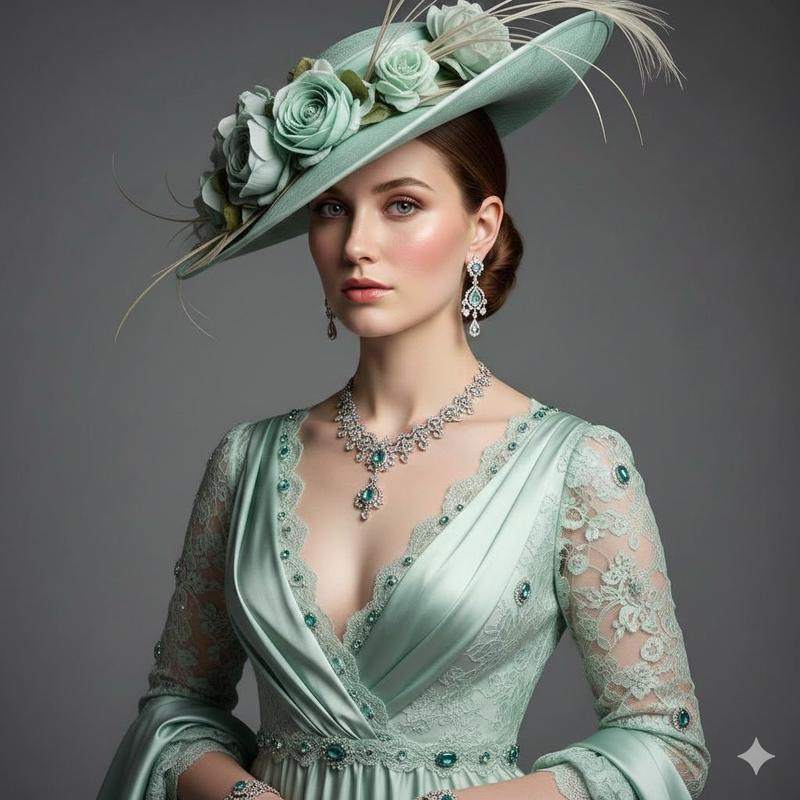
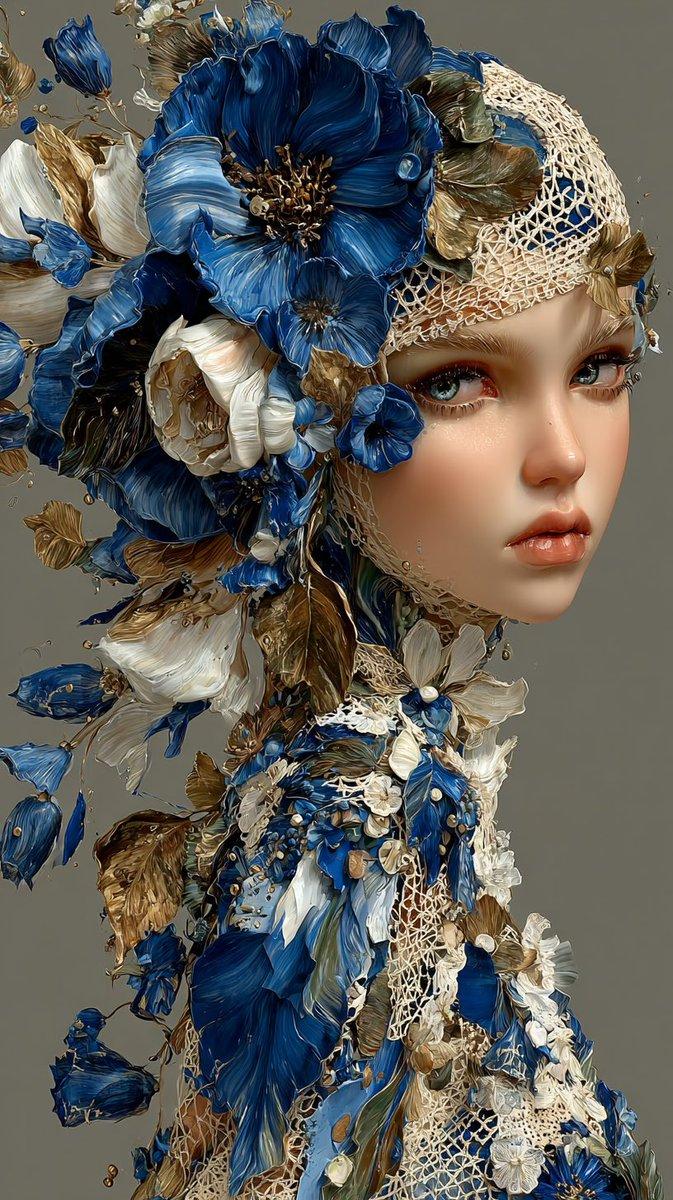
  "master_prompt": "A hyper-realistic, cinematic close-up portrait of The Protagonist in a minimalist, sun-drenched plaster sculpting atelier. The subject is wearing a breathtaking, surreal avant-garde collar and headpiece composed of thousands of thin, translucent white vellum layers arranged in a parametric, coral-like fractal pattern. These structures appear to be 'blooming' organically from the shoulders, blurring the line between fashion and biology. The lighting is soft, directional side-light (Rembrandt style) diffused through heavy linen curtains, casting gentle, sophisticated shadows that reveal the paper-like grain of the costume. Shot on a Hasselblad H6D-100c with an 80mm f/1.9 lens, focusing sharply on the eyes and the immediate texture of the vellum edges against real skin pores and peach fuzz, while the background falls into a creamy, slate-grey bokeh. The aesthetic is high-key, monochromatic, and undeniably tactile, evoking the smell of dry clay and clean paper.",
  "meta": {
    "intent": "Editorial High-Fashion",
    "priorities": "Texture Fidelity, Surreal Realism",
    "device_profile": "Cinema Display"
  },
  "frame": {
    "aspect": "4:5",
    "composition": "Rule of Thirds / Golden Spiral",
    "layout": "Portrait Close-Up",
    "camera_angle": "Eye-Level",
    "tilt_roll_degrees": "0"
  },
  "subject": {
    "gender": "Female",
    "identity": "The Protagonist",
    "demographics": "Universal High-Fashion Model",
    "face": "Neutral, poised, ethereal gaze",
    "hair": "Pulled back, sleek, unobtrusive",
    "body": "Shoulders and neck visible",
    "expression": "Serene, distant, dreamlike",
    "pose": "Slight turn to side, chin lifted"
  },
  "wardrobe_accessories": {
    "garments": [
      {
        "item": "Parametric Fractal Collar",
        "material": "Translucent Vellum/Ceramic",
        "color": "Bone White",
        "fit": "Structural/Floating"
      }
    ],
    "accessories": [
      {
        "item": "Matching Headpiece",
        "color": "Bone White",
        "material": "Vellum/Ceramic",
        "brand_style": "Iris van Herpen aesthetic"
      }
    ]
  },
  "environment": {
    "setting": "Minimalist Plaster Atelier",
    "surfaces": "Matte clay, airborne dust",
    "depth": "Shallow depth of field",
    "atmosphere": "Quiet, sterile, artistic",
    "lens_interaction": "Sharp focus fall-off"
  },
  "lighting": {
    "key": "Diffused Window Light",
    "fill": "White Reflector",
    "rim": "None",
    "shadows": "Soft, contact shadows only",
    "color_temperature": "5600K (Daylight Balanced)",
    "sensor_flare": "None"
  },
  "camera": {
    "lens_type": "Prime Portrait Lens",
    "focal_length": "80mm",
    "aperture": "f/1.9",
    "focus": "Critical focus on eyes/texture",
    "sensor_format": "Medium Format Digital",
    "perspective_distortion": "Minimal"
  },
  "post_processing": {
"color": "Desatura- Category
- 创意图片
- Model
- Nano Banana Pro
- Creator
- timedoctor.eth
- Source ID
- 319920ee-a3eb-4b1f-976b-21c3e306f157
- Published
- Mar 8, 2026
Views0