16

史诗奇幻战士:冰与火电影海报
Enlarge

史诗奇幻战士:冰与火电影海报

Prompt
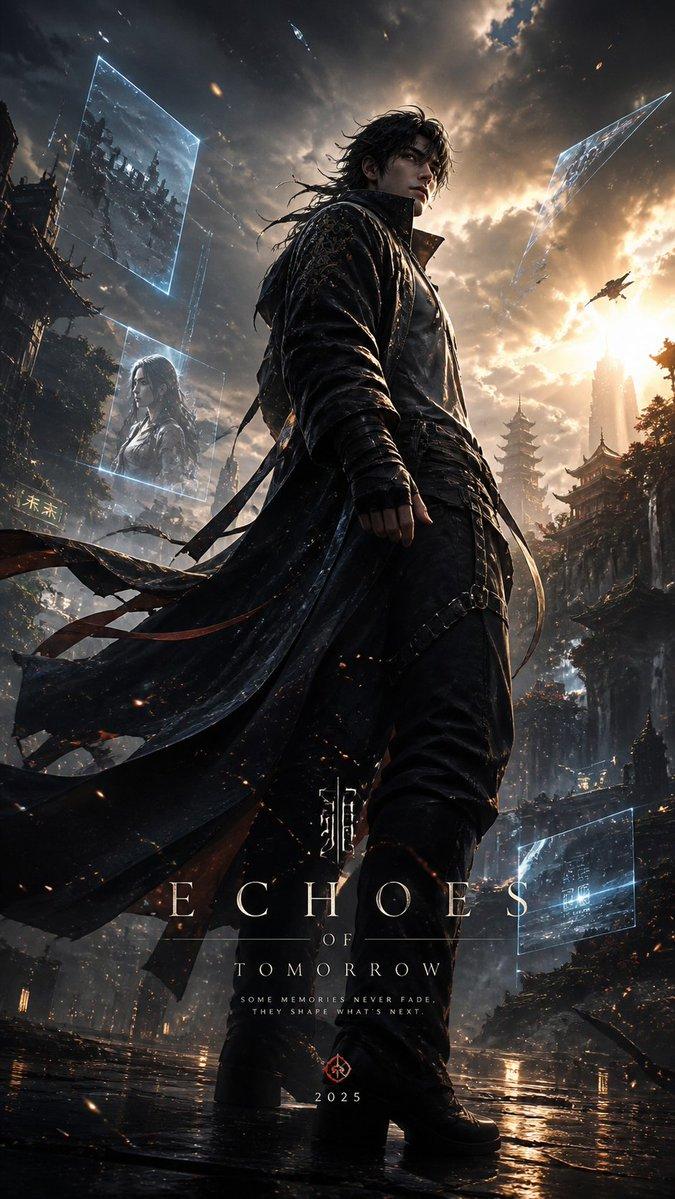
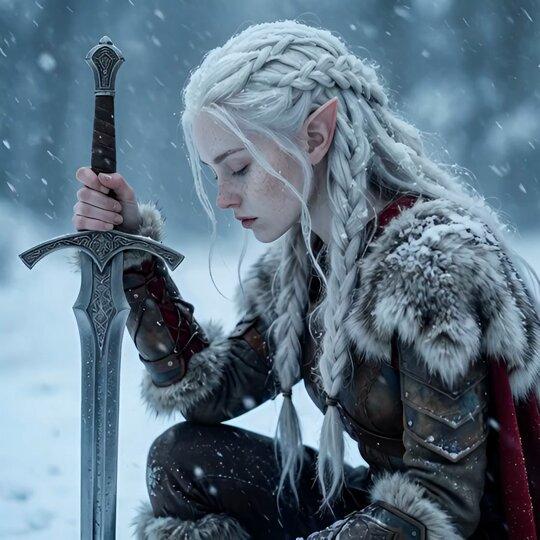
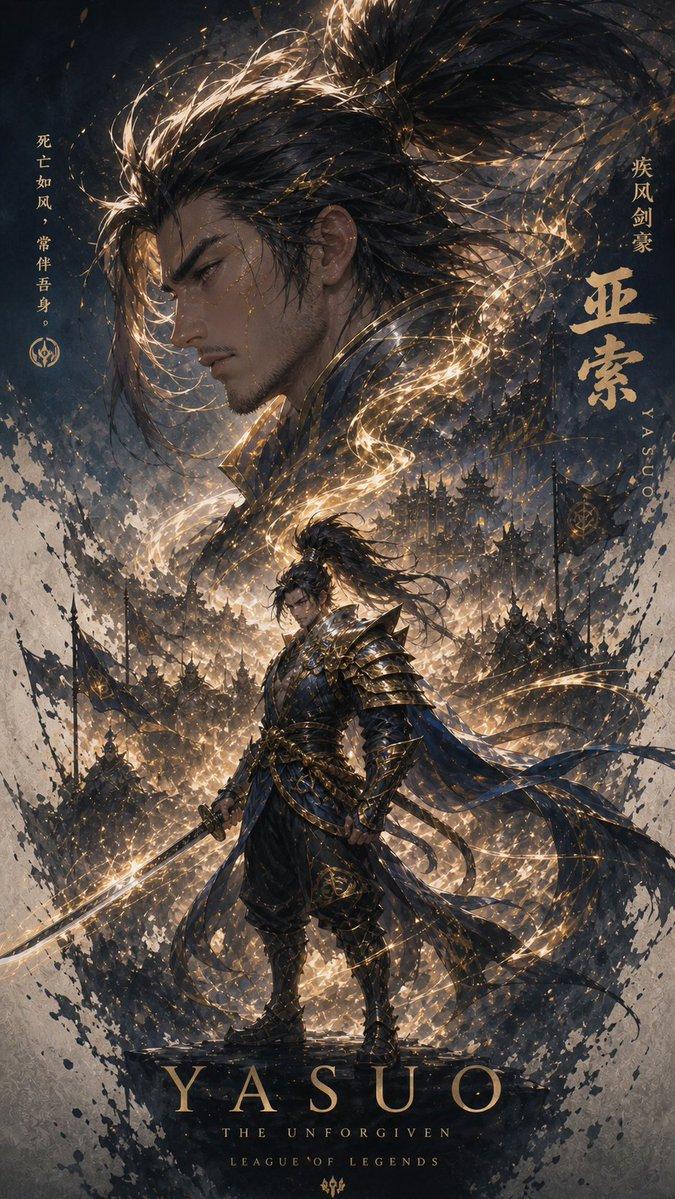
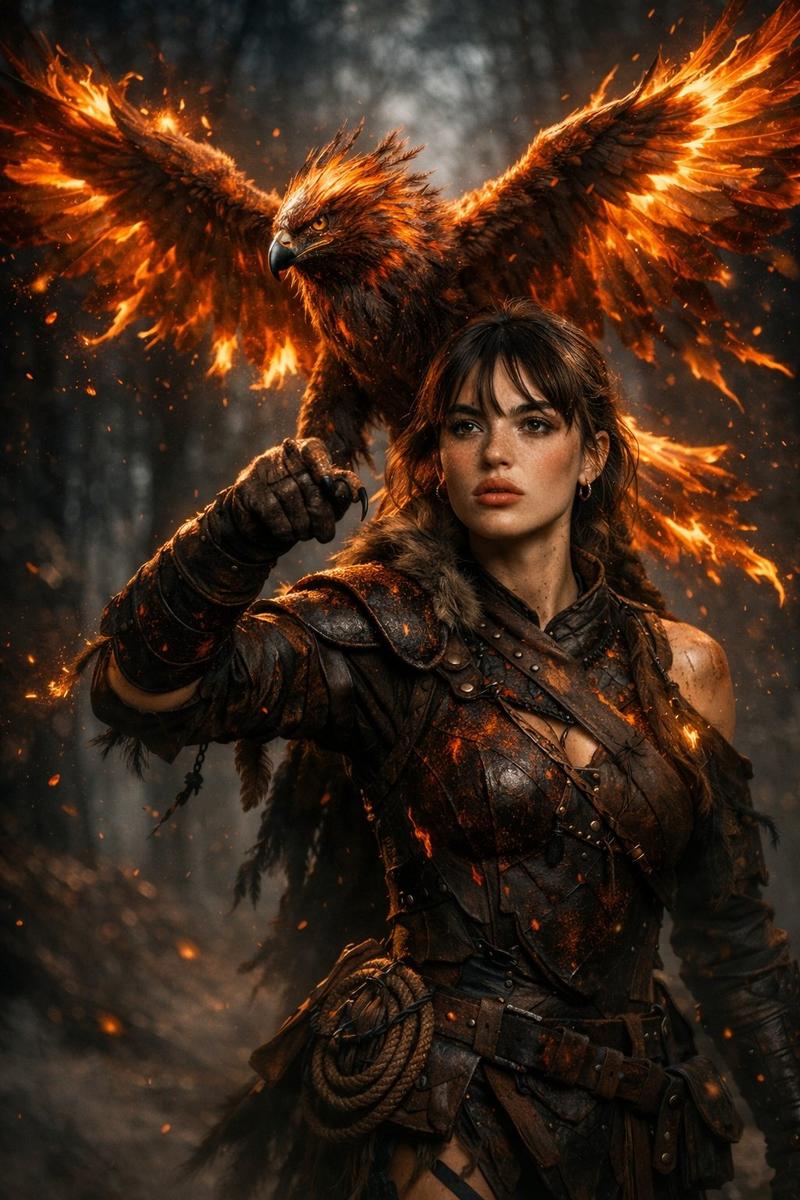
A dramatic cinematic poster-style portrait of two epic fantasy warriors standing back-to-back in a frozen storm. On the left, a battle-worn male warrior with wet, curly dark hair, head bowed in quiet resolve, gripping a medieval sword planted into the ice. Frost and snow cling to his fur-lined cloak and shoulders. On the right, a powerful female warrior in profile, pale skin glowing with fiery orange light, her body partially engulfed in flames thatcontrast against the icy blue atmosphere. Snow particles swirl through the air, blending fire and ice in a symbolic clash. Ultra-detailed faces, emotional intensity, volumetric fog, cinematic lighting, cold blue tones mixed with warm fire highlights, shallow depth of field, epic fantasy movie poster, hyper-realistic, 8K resolution, dramatic composition, sharp focus, high contrast, photorealistic textures.
Category
创意图片
Model
Nano Banana Pro
Creator
auqib
Views0
Source ID
1777d657-2c56-4a91-a8bd-e7e0917b5c71
Published
Mar 8, 2026

Guide

About "史诗奇幻战士:冰与火电影海报"

What is this prompt for?

"史诗奇幻战士:冰与火电影海报" AI image prompt for Nano Banana Pro (创意图片). 一个提示,用于生成一张戏剧性、电影海报风格的肖像,描绘两位史诗般的奇幻战士在冰冻风暴中背靠背站立,象征着冰与火的冲突,并详细说明他们的外貌、服饰以及对比鲜明的灯光和氛围。 --- 一张电影海报风格…

The full copyable prompt and example visuals above are ready for AI image generation or one-click recreate in Picva.

How to use this prompt

  1. Step 1

    Open the prompt detail

    Review the example visuals, category, and full prompt text for "史诗奇幻战士:冰与火电影海报".

  2. Step 2

    Copy the prompt

    Copy the prompt body from this page, or load it directly in Studio.

  3. Step 3

    Pick a model (Nano Banana Pro)

    Prefer Nano Banana Pro. If you switch models, keep subject and composition and tweak style terms.

  4. Step 4

    Generate and export

    Recreate the look in Picva, or export into your workflow for editing and publishing.

FAQ

What is the "史诗奇幻战士:冰与火电影海报" prompt?
It is an AI image-generation prompt for Nano Banana Pro in the 创意图片 category. This page includes the full prompt text, example visuals, and a one-click recreate path in Picva.
How do I use this prompt to generate an image?
Copy the prompt from this page, or use Generate / Studio. Paste it into a compatible image model, or recreate the look in Picva with optional reference images.
Which model is this prompt for?
This page lists Nano Banana Pro. Most descriptive prompts also transfer to nearby image models such as GPT Image, Flux, or Midjourney with light style tweaks.
Can I use the result commercially?
You can usually copy the prompt for creation, but commercial use of the final image depends on the model terms, reference-image rights, and the generated content. Follow the source author and platform rules.