18

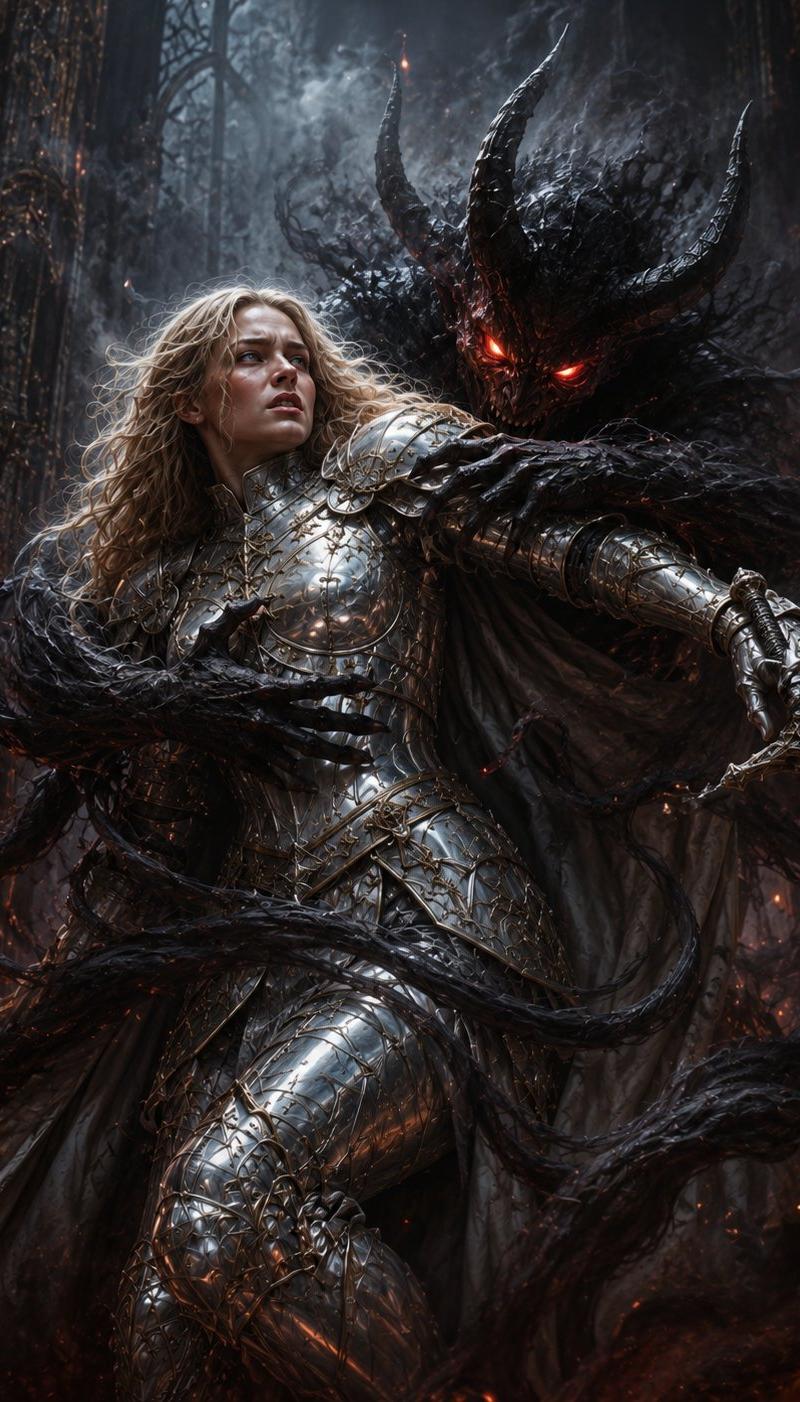
梦魇骑士与恶魔
Enlarge

Example images

梦魇骑士与恶魔

Prompt
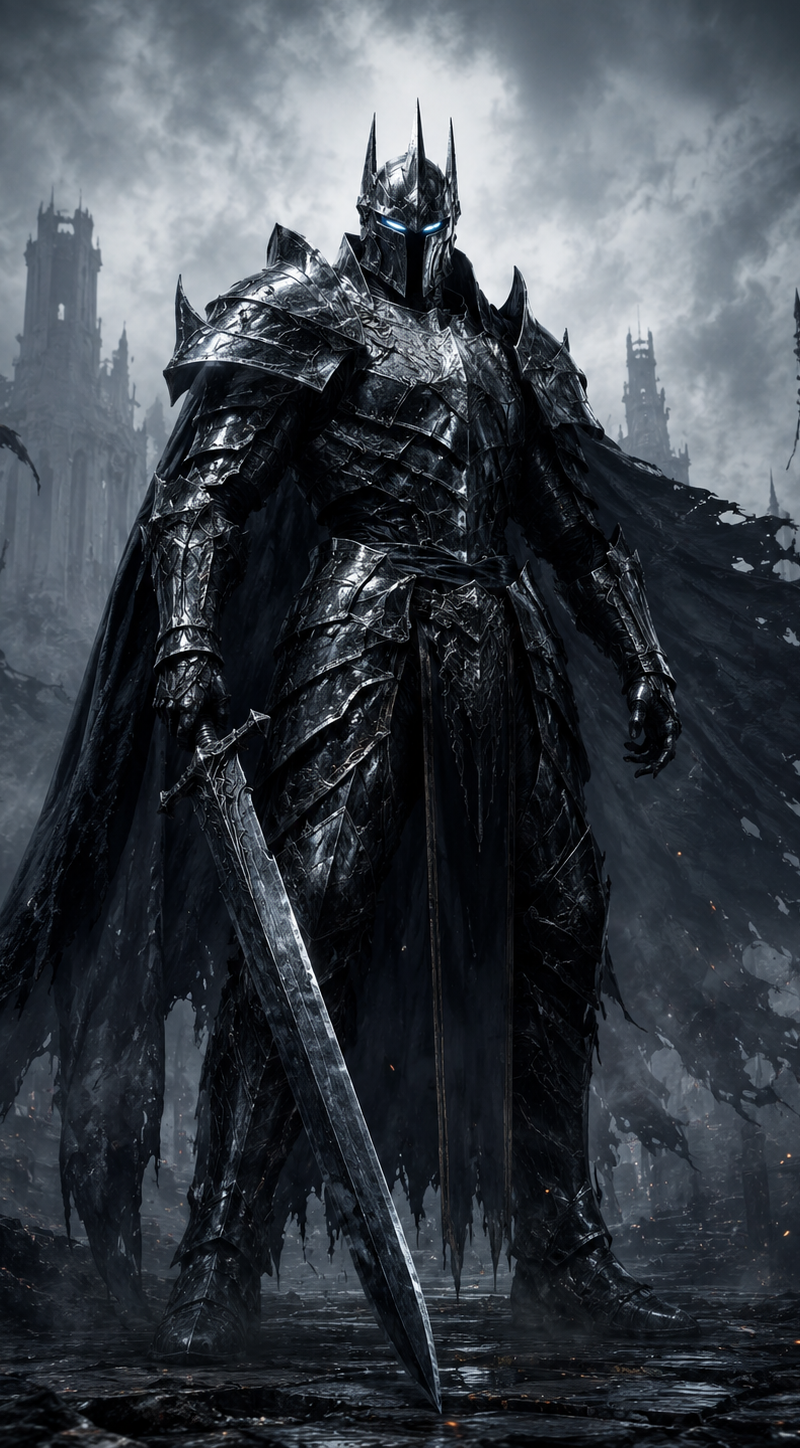
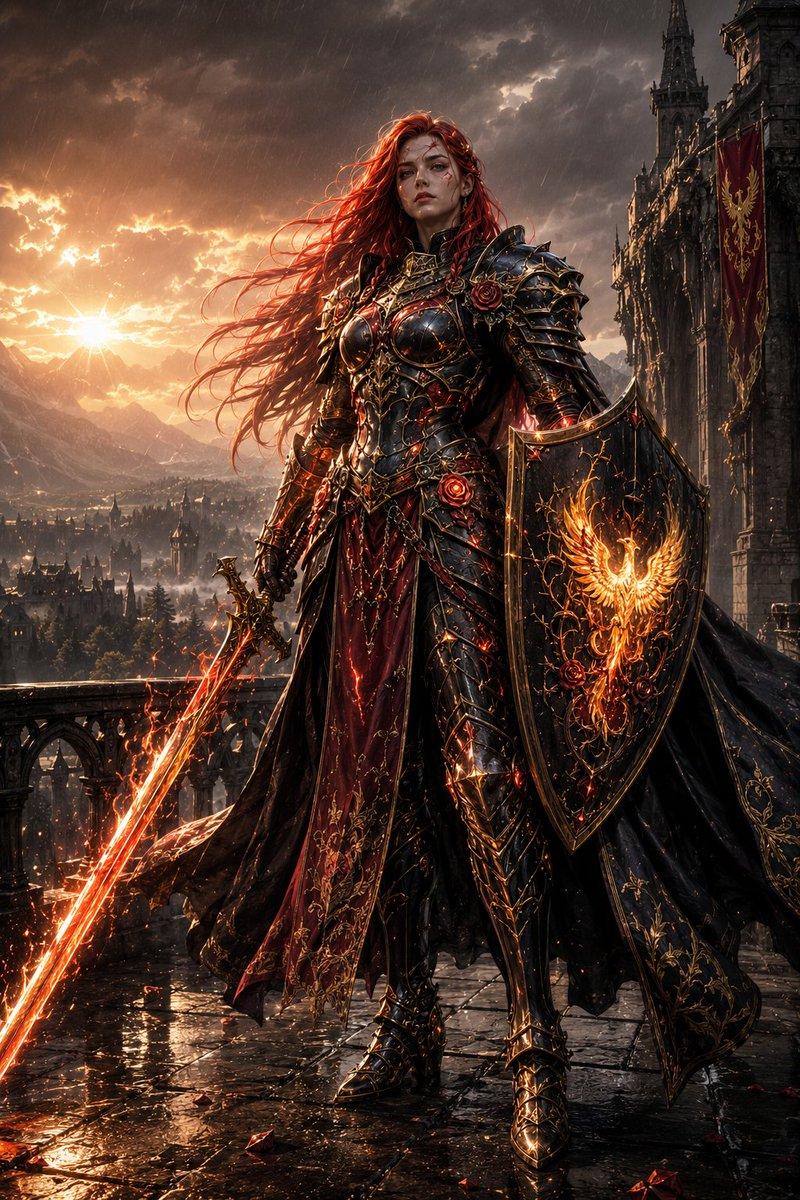
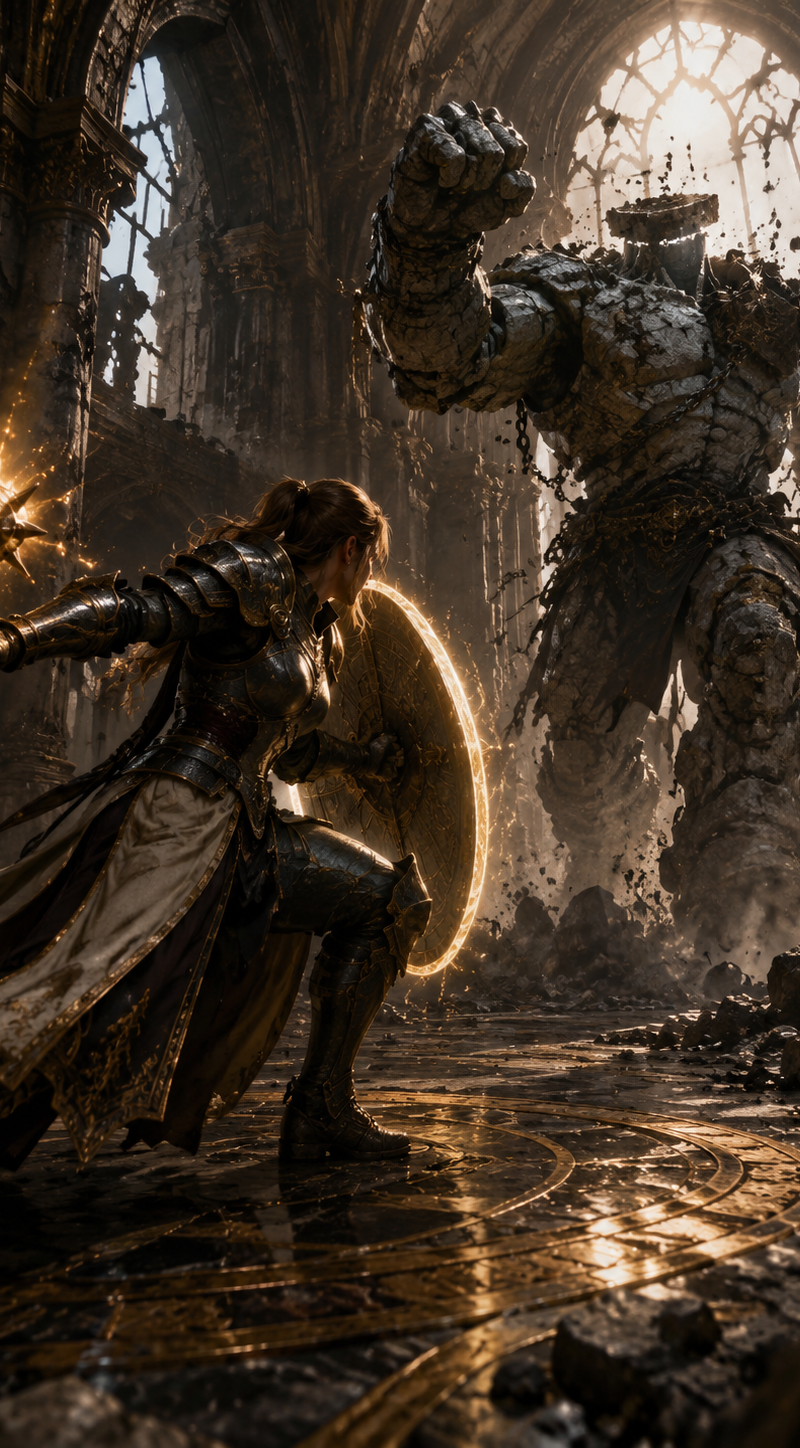
Create a vertical dark fantasy nightmare scene in a ruined gothic cathedral: a {argument name="warrior gender" default="female"} holy knight with long tangled {argument name="hair color" default="blonde"} hair is caught mid-struggle in ornate mirror-polished silver plate armor engraved with gold filigree, her face deliberately obscured by a soft square blur with no facial features. She lunges forward while gripping one ornate longsword in her right hand, the blade angled down toward the lower right. Behind her looms one enormous shadow demon fused to her back like a living cloak, with two huge curved black horns, two glowing red eyes, a charred bark-like skull, and smoke spilling from its head and shoulders. Five prominent black tendrils wrap around the knight: one across her chest, one across her waist, one around her sword arm, one sweeping across the lower foreground, and one curling from the left side like a clawed arm. The background is one cavernous, decaying gothic cathedral interior with towering ribbed arches, thorny black roots, red drapery, ember sparks, ash, fog, and faint orange firelight in the shadows. Use a cinematic low-angle composition, ultra-detailed realistic fantasy concept art, high contrast cold blue-gray moonlight against hot red demonic glow, wet metallic reflections on armor, smoky volumetric lighting, dynamic motion, oppressive horror atmosphere, no text, no watermark.
Category
Photography & Realism
Model
GPT Image 2
Creator
カーブミラー
Source language
en
Views0
Source ID
24809
Published
Jun 8, 2026
Studio

Guide

About "梦魇骑士与恶魔"

What is this prompt for?

"梦魇骑士与恶魔" AI image prompt for GPT Image 2 (Photography & Realism). 一个电影级的暗黑奇幻提示词,用于生成身着银甲的骑士被长角的阴影恶魔吞噬的场景,背景为废弃的哥特式大教堂。 Copy it on Picva and recreate the look…

The full copyable prompt and example visuals above are ready for AI image generation or one-click recreate in Picva.

How to use this prompt

  1. Step 1

    Open the prompt detail

    Review the example visuals, category, and full prompt text for "梦魇骑士与恶魔".

  2. Step 2

    Copy the prompt

    Copy the prompt body from this page, or load it directly in Studio.

  3. Step 3

    Pick a model (GPT Image 2)

    Prefer GPT Image 2. If you switch models, keep subject and composition and tweak style terms.

  4. Step 4

    Generate and export

    Recreate the look in Picva, or export into your workflow for editing and publishing.

FAQ

What is the "梦魇骑士与恶魔" prompt?
It is an AI image-generation prompt for GPT Image 2 in the Photography & Realism category. This page includes the full prompt text, example visuals, and a one-click recreate path in Picva.
How do I use this prompt to generate an image?
Copy the prompt from this page, or use Generate / Studio. Paste it into a compatible image model, or recreate the look in Picva with optional reference images.
Which model is this prompt for?
This page lists GPT Image 2. Most descriptive prompts also transfer to nearby image models such as GPT Image, Flux, or Midjourney with light style tweaks.
Can I use the result commercially?
You can usually copy the prompt for creation, but commercial use of the final image depends on the model terms, reference-image rights, and the generated content. Follow the source author and platform rules.