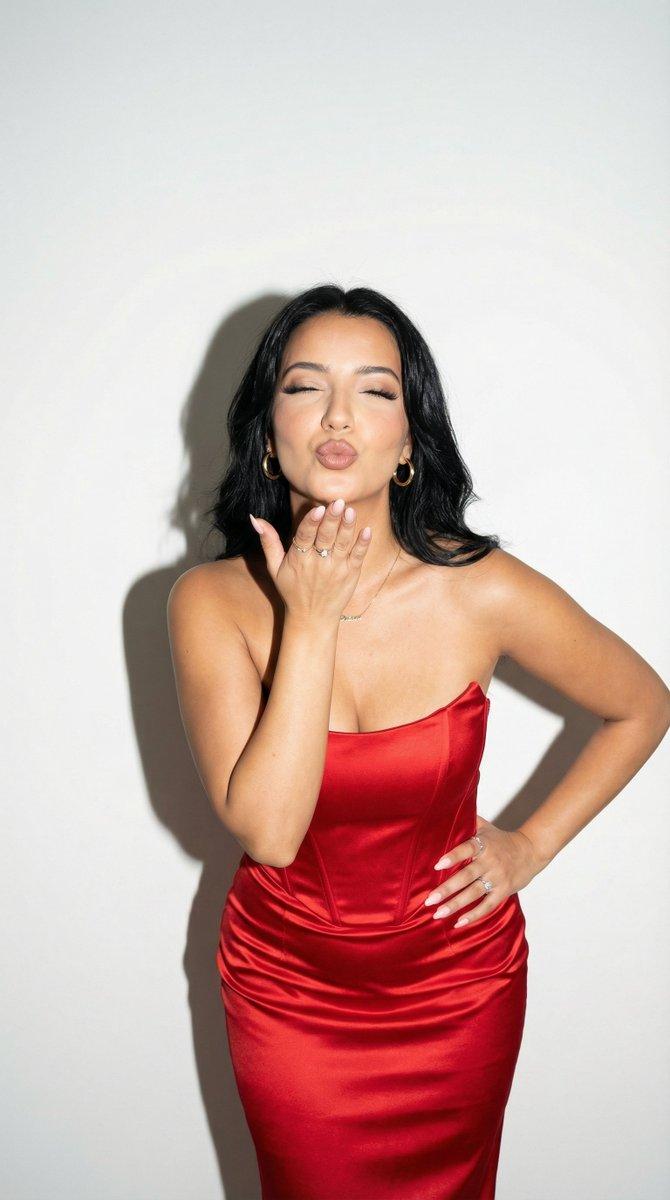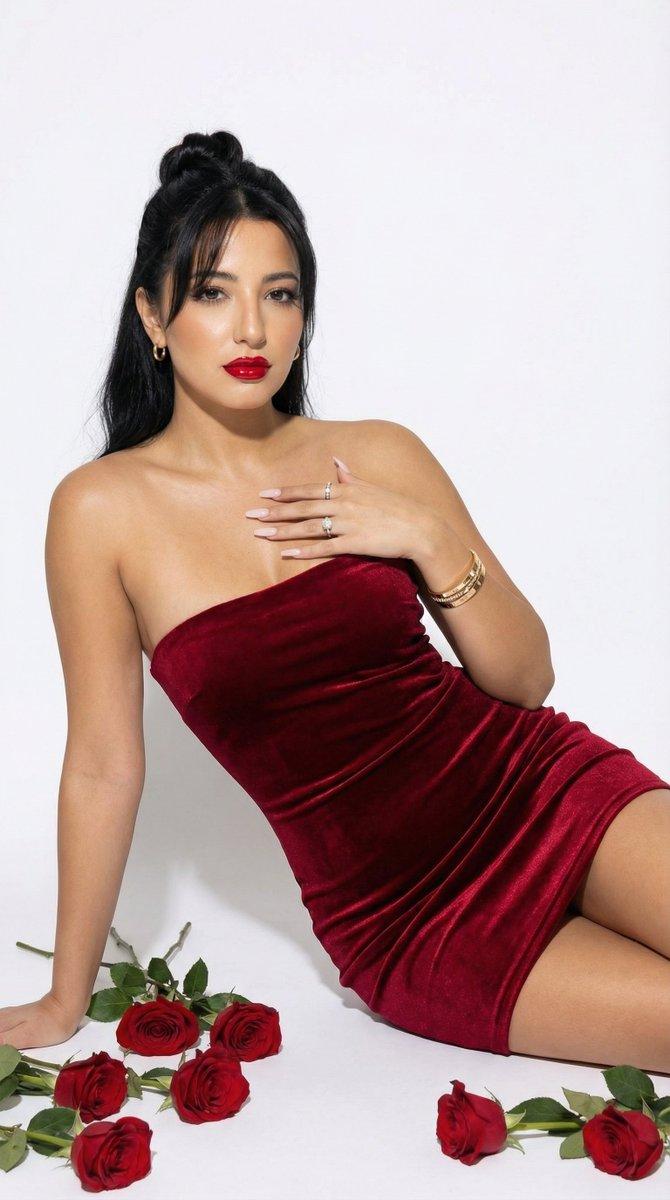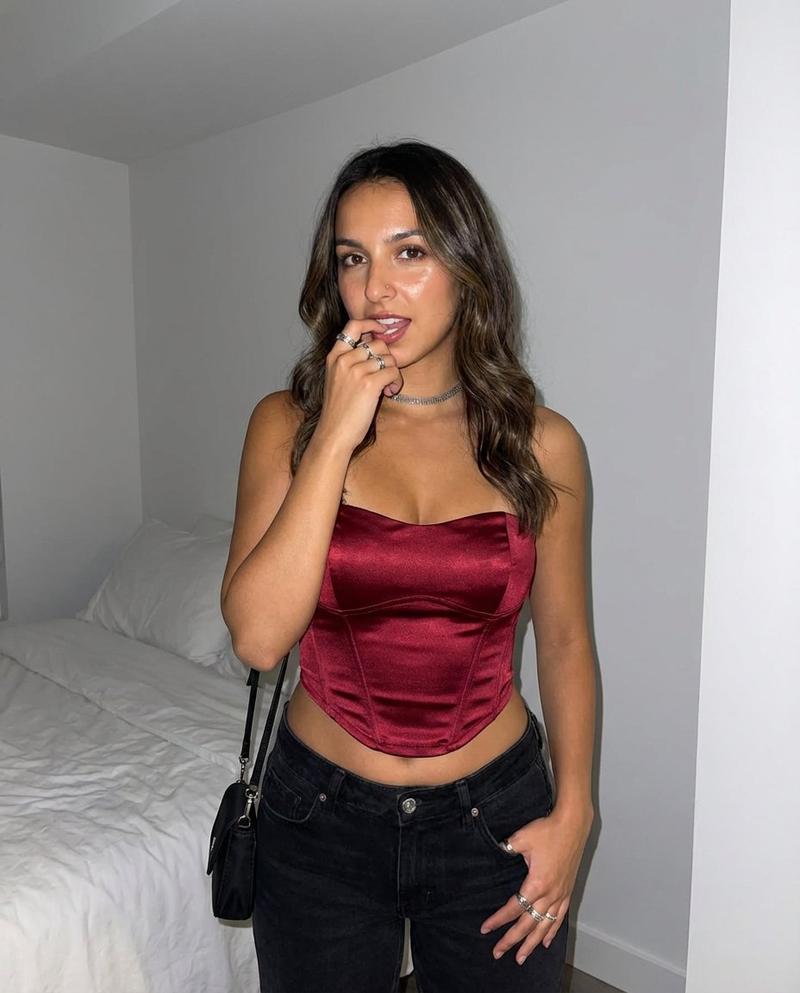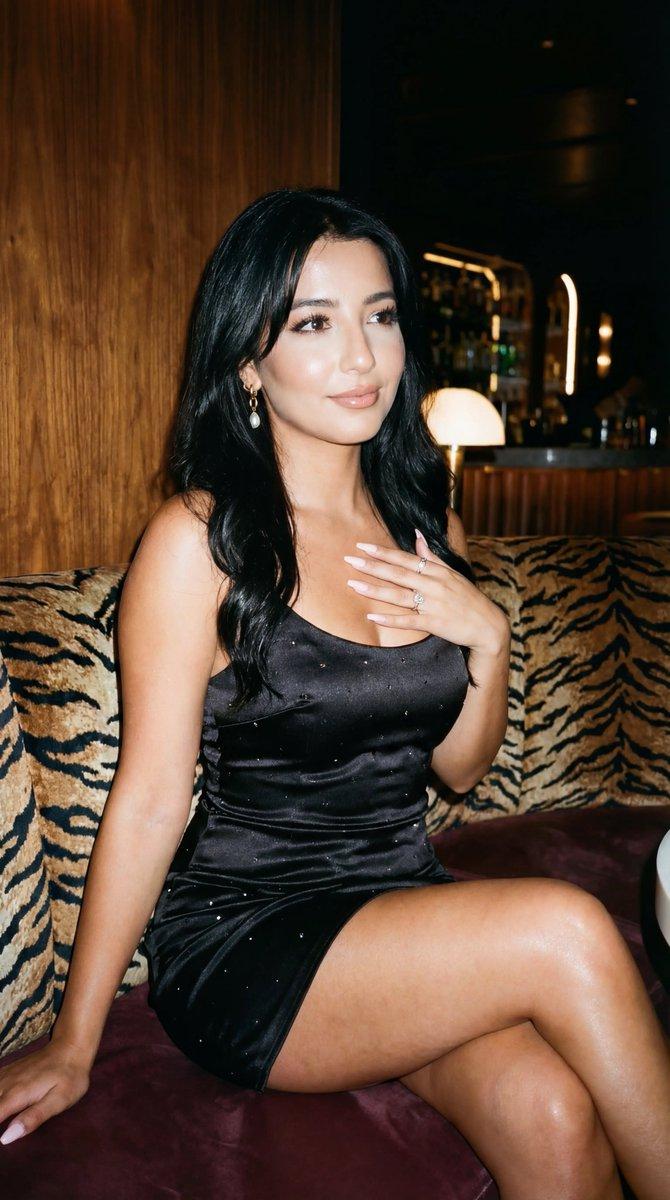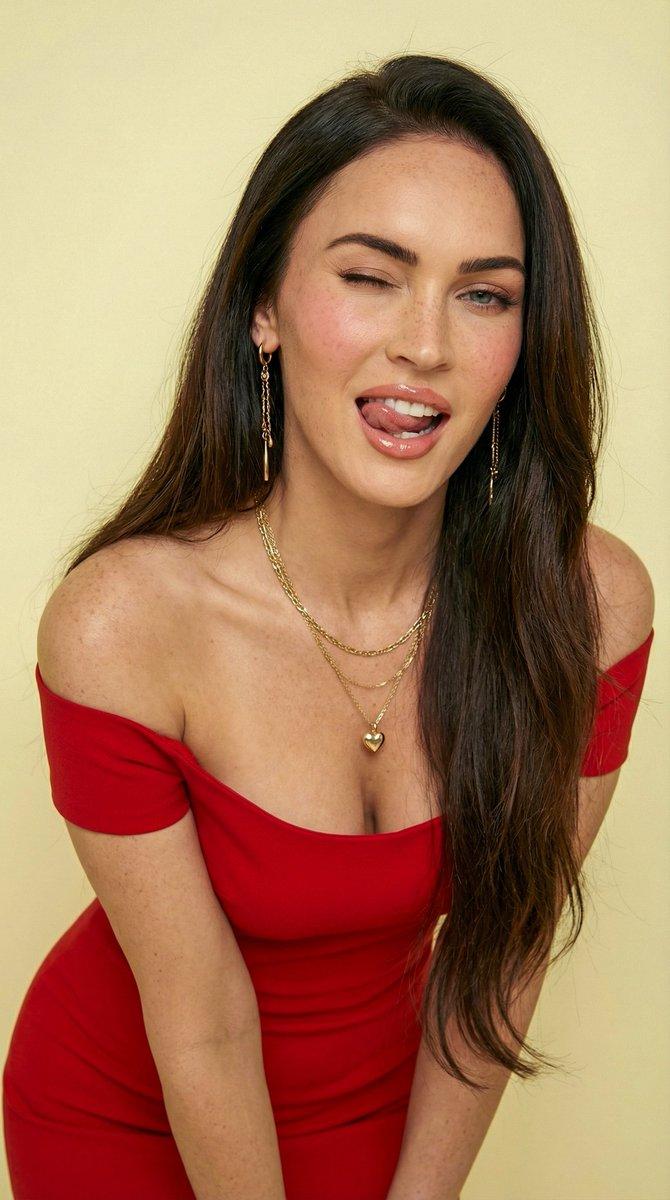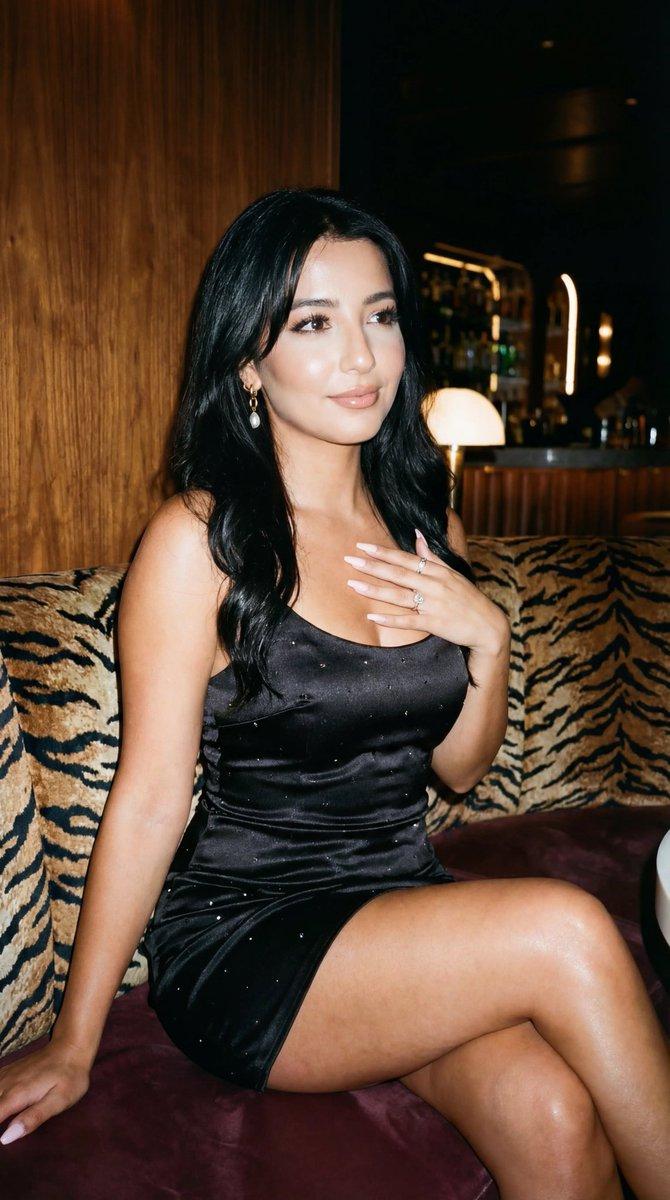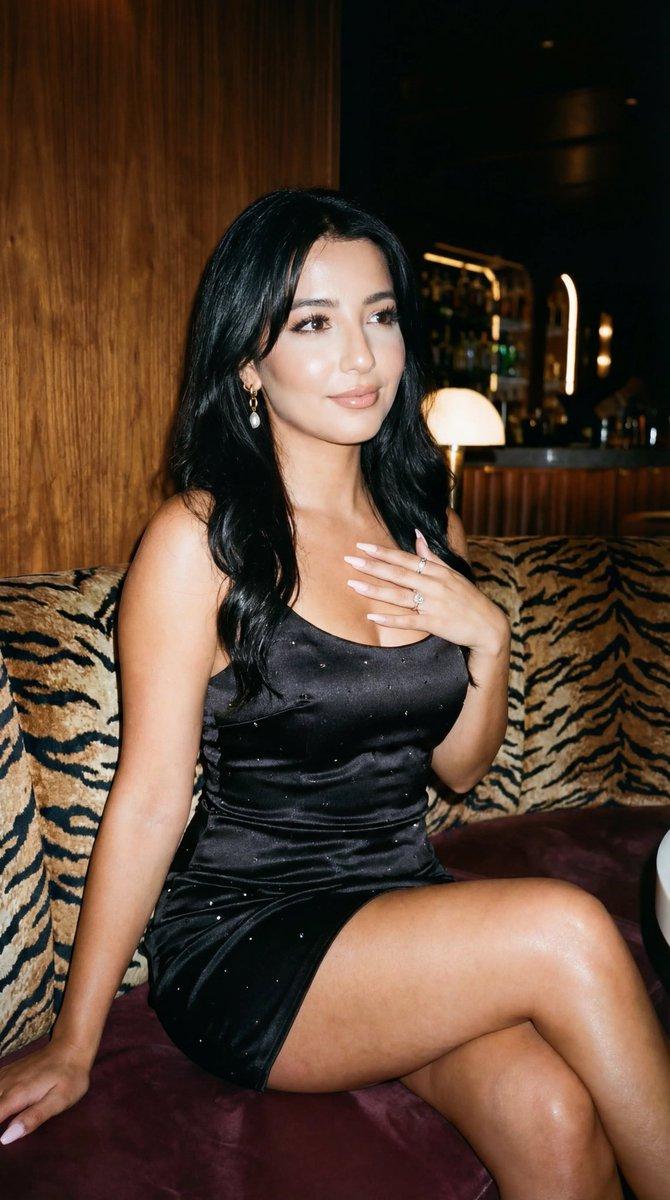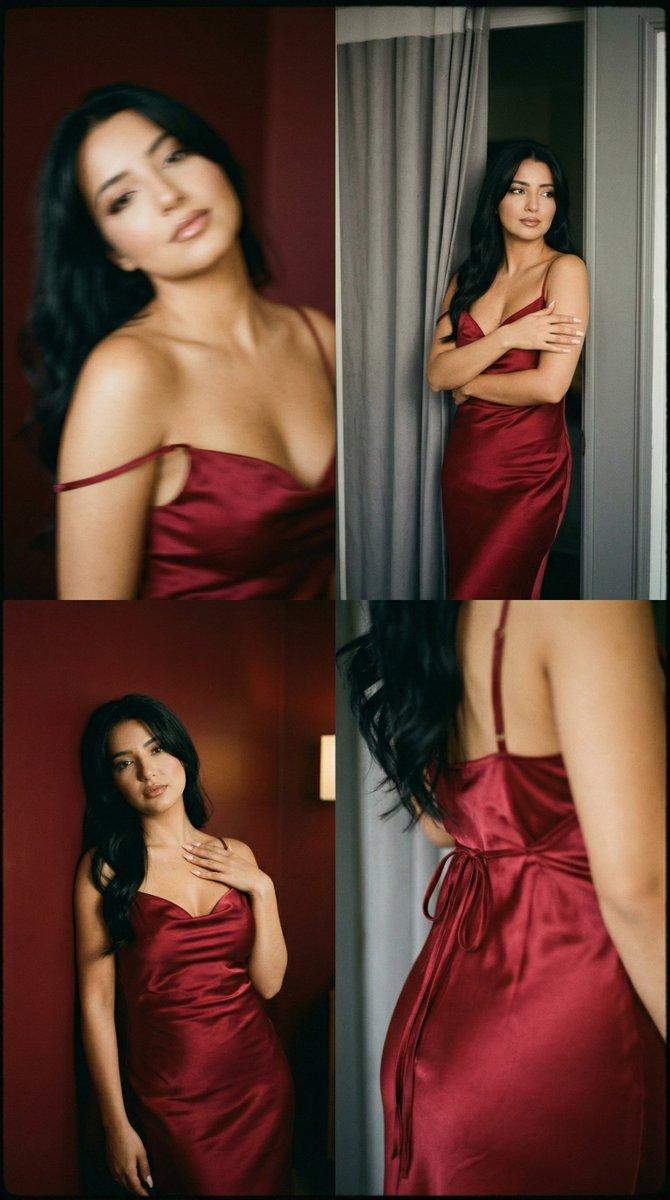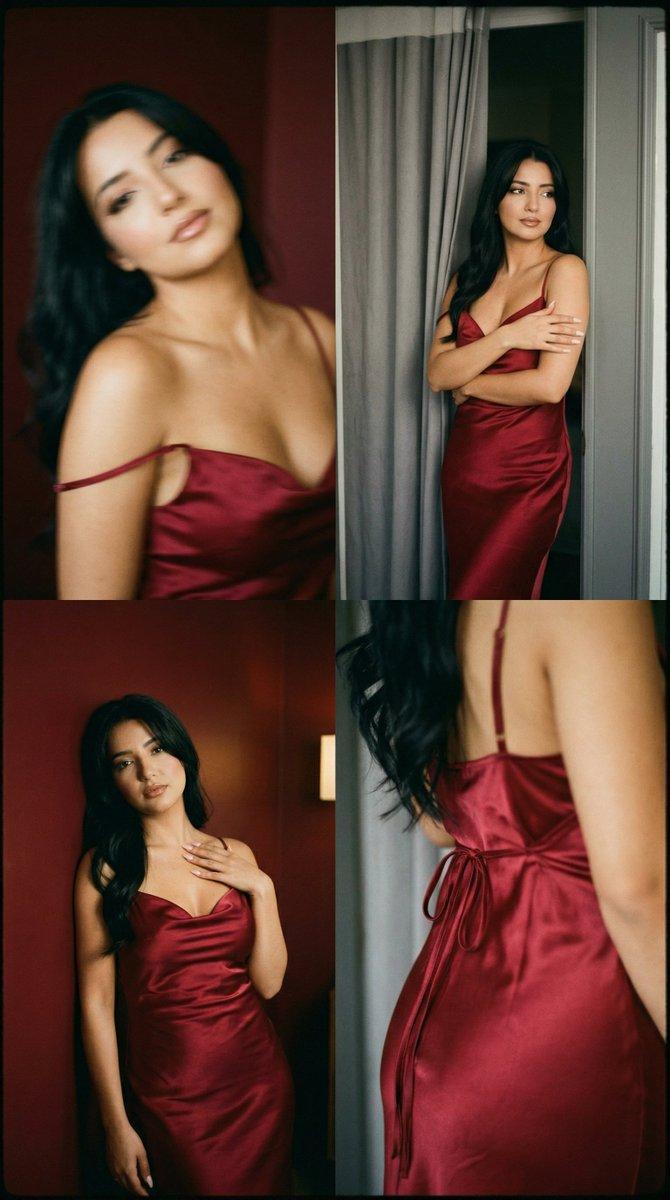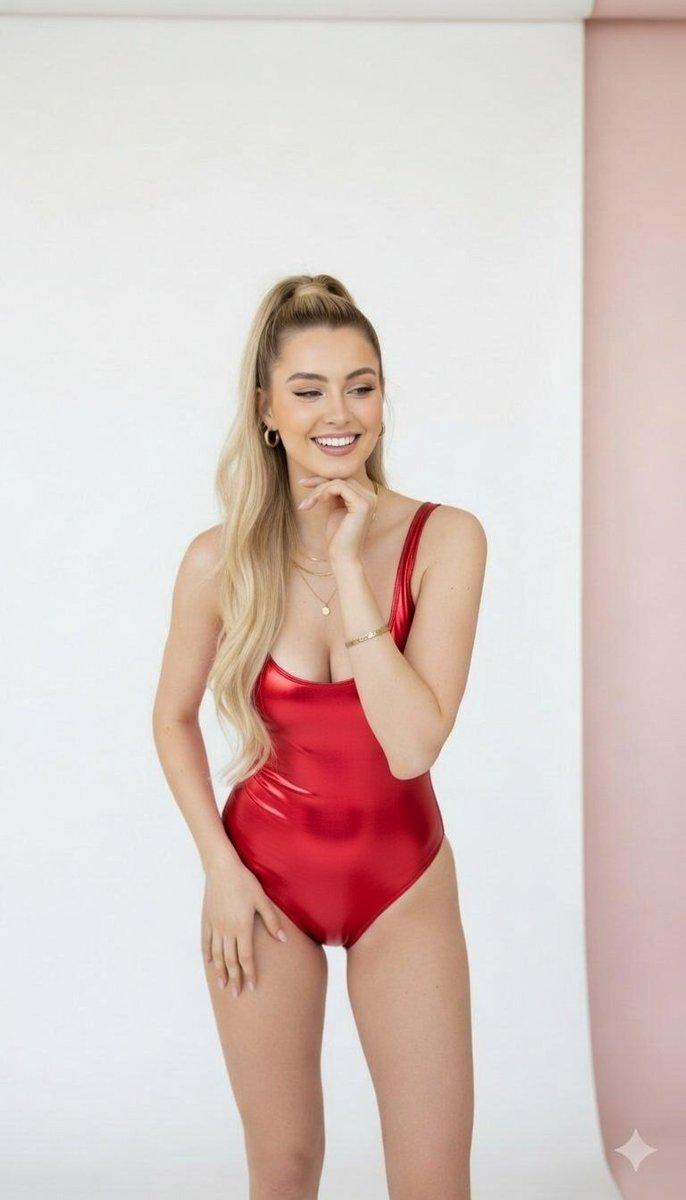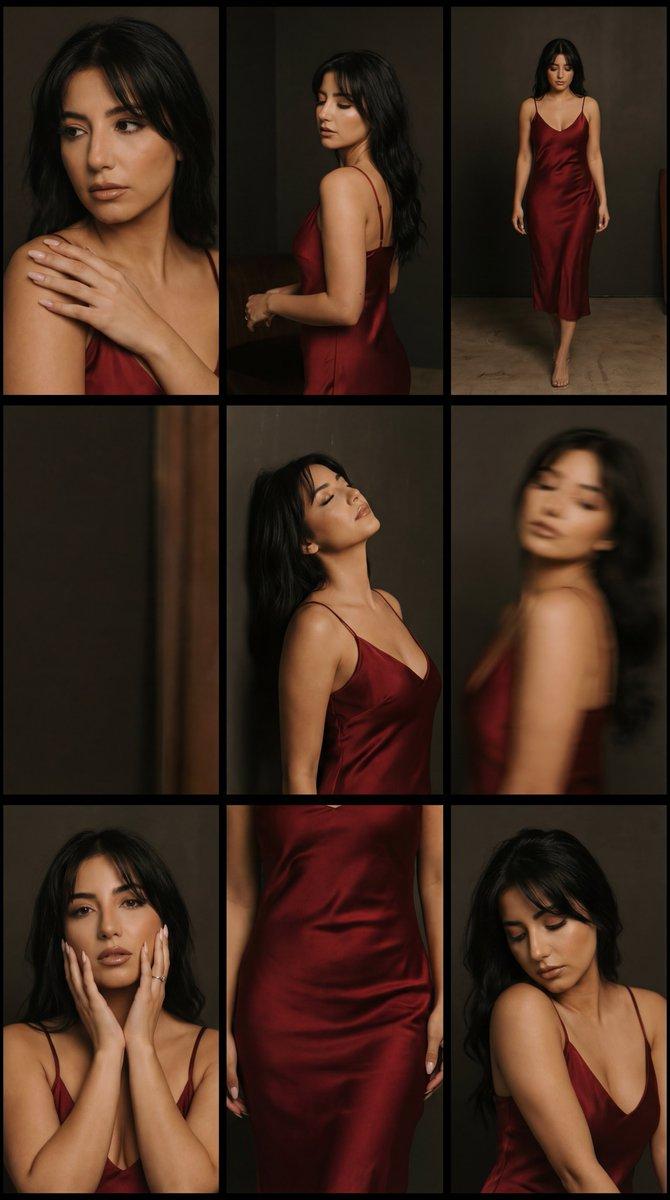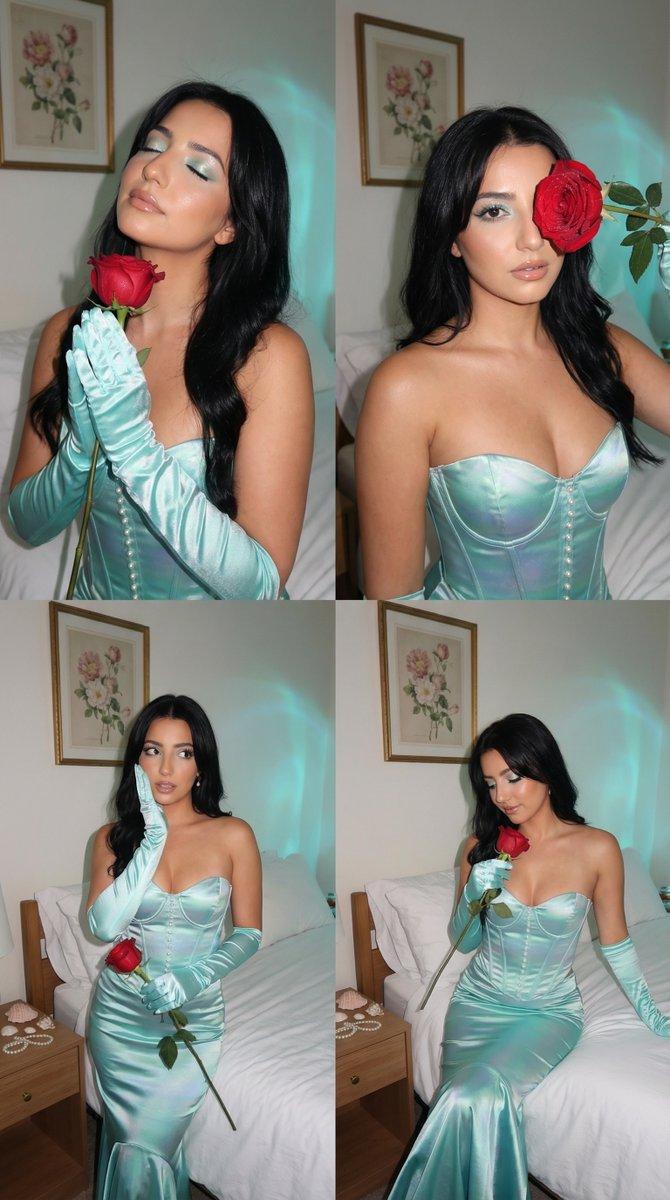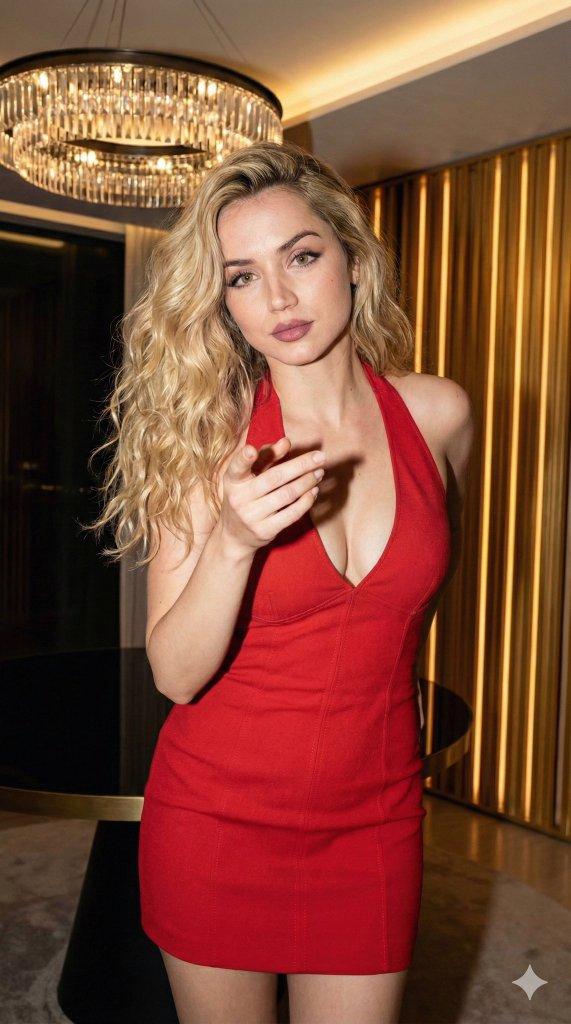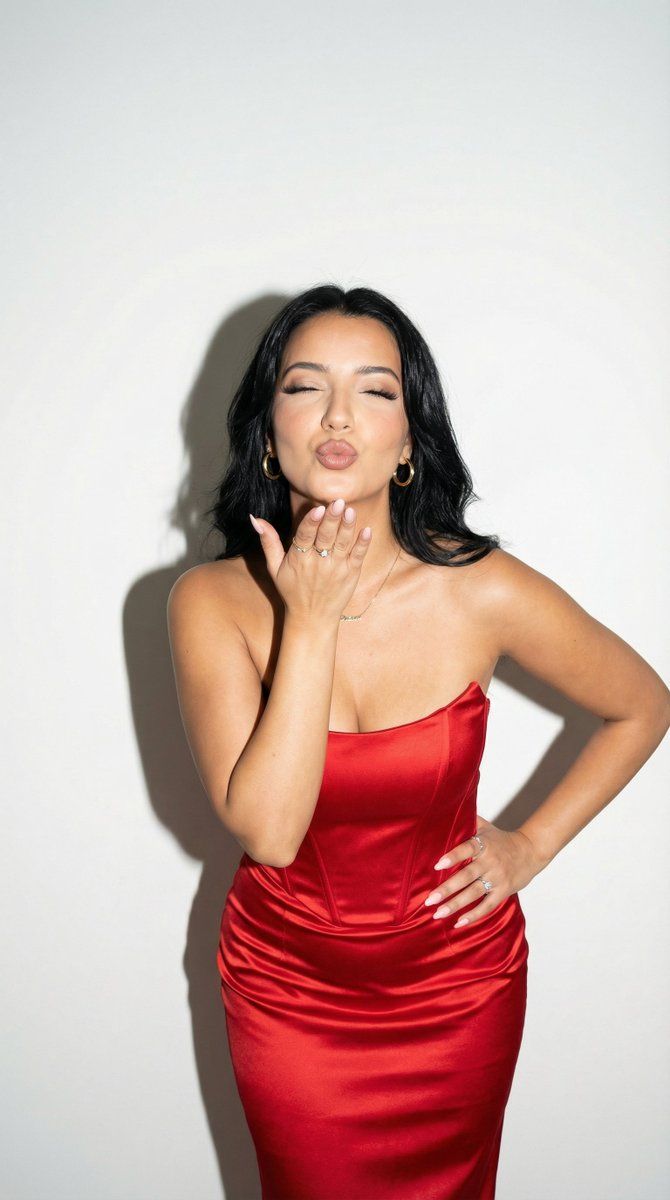
闪光灯社论吻像 (图像到图像)
Prompt
{
  "generation_request": {
    "meta_data": {
      "tool": "NanoBanana Pro",
      "task_type": "flash_editorial_kiss_portrait",
      "language": "en",
      "priority": "highest",
      "version": "v1.1_RED_SATIN_DIRECT_FLASH_CLEAN_STUDIO"
    },
    "input": {
      "mode": "image_to_image",
      "reference_image_usage": "very_high",
      "preserve_identity": true,
      "preserve_facial_features": true,
      "preserve_pose": true,
      "preserve_hand_structure": true,
      "notes": "Use the uploaded image as structural anchor. Maintain facial proportions, hairstyle (long dark hair with volume), and the blowing-kiss gesture toward camera (hand lifted near lips, eyes closed, lips puckered). Keep the strapless red satin dress silhouette and gold jewelry. Maintain the clean white wall background and strong direct-flash aesthetic with a crisp shadow behind her. Improve realism only: natural skin texture, accurate satin highlights, correct anatomy. No text, no logos, no watermark."
    },
    "output_settings": {
      "aspect_ratio": "4:5",
      "orientation": "portrait",
      "resolution_target": "ultra_high_res",
      "num_images": 1,
      "sharpness": "editorial_crisp",
      "grain": "subtle",
      "color_grade": "clean_flash_contrast"
    },
    "scene": {
      "concept": "playful high-fashion party portrait with direct flash",
      "environment": "minimal matte white wall studio",
      "composition": "tight 3/4 portrait; subject filling frame; maintain original crop",
      "lighting": {
        "style": "on-camera direct flash",
        "quality": "hard light",
        "shadow": "distinct hard shadow on wall",
        "notes": "avoid soft studio diffusion; keep authentic flash falloff"
      }
    },
    "camera": {
      "shot_type": "tight portrait",
      "camera_angle": "eye_level",
      "lens": "50mm prime",
      "aperture": "f/4",
      "shutter": "1/160",
      "iso": "200",
      "white_balance": "flash_daylight",
      "focus": "face and hand"
    },
    "subject": {
      "person": "adult woman",
      "expression": "playful, eyes closed, lips puckered mid-kiss",
      "makeup": "clean glam, defined lashes, soft blush, satin nude-rose lips",
      "hair": "dark, full volume, natural shine",
      "wardrobe": {
        "dress": "strapless vivid red satin dress with structured bodice",
        "jewelry": "gold hoops, delicate necklace, minimal bracelets and rings"
      }
    },
    "style_rules": {
      "aesthetic": "luxury editorial flash snapshot",
      "texture_policy": "preserve pores, realistic fabric sheen, natural hair strands",
      "avoid": [
        "beauty filter smoothing",
        "plastic skin",
        "AI symmetry artifacts",
        "extra fingers",
        "background gradients",
        "text overlays",
        "watermarks"
      ]
    },
    "negative_prompt": "bad anatomy, extra fingers, fused fingers, deformed hands, warped face, asymmetrical eye"
  }
}- Category
- 创意图片
- Model
- Nano Banana Pro
- Creator
- Özge Döner
- Source ID
- c30d751f-5fd6-4b13-962f-313233e4d9a4
- Published
- Mar 8, 2026
Views0