18

健身房训练后拉伸课程
Enlarge

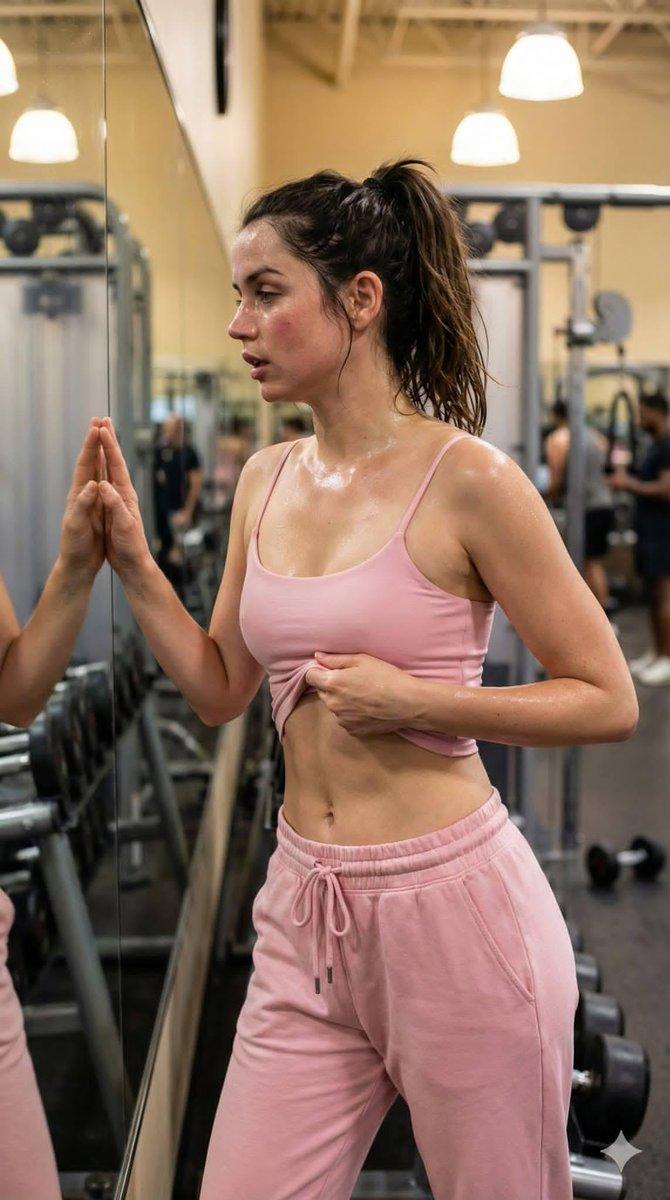
健身房训练后拉伸课程

Prompt
{
  "title": "Post-Workout Stretching Session at the Gym",
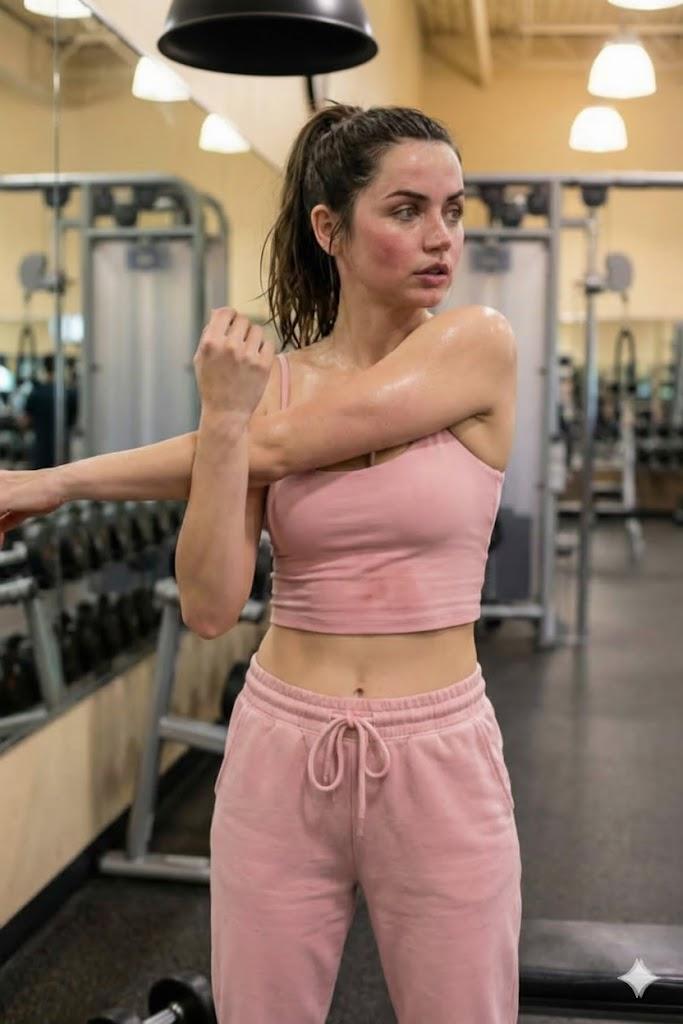
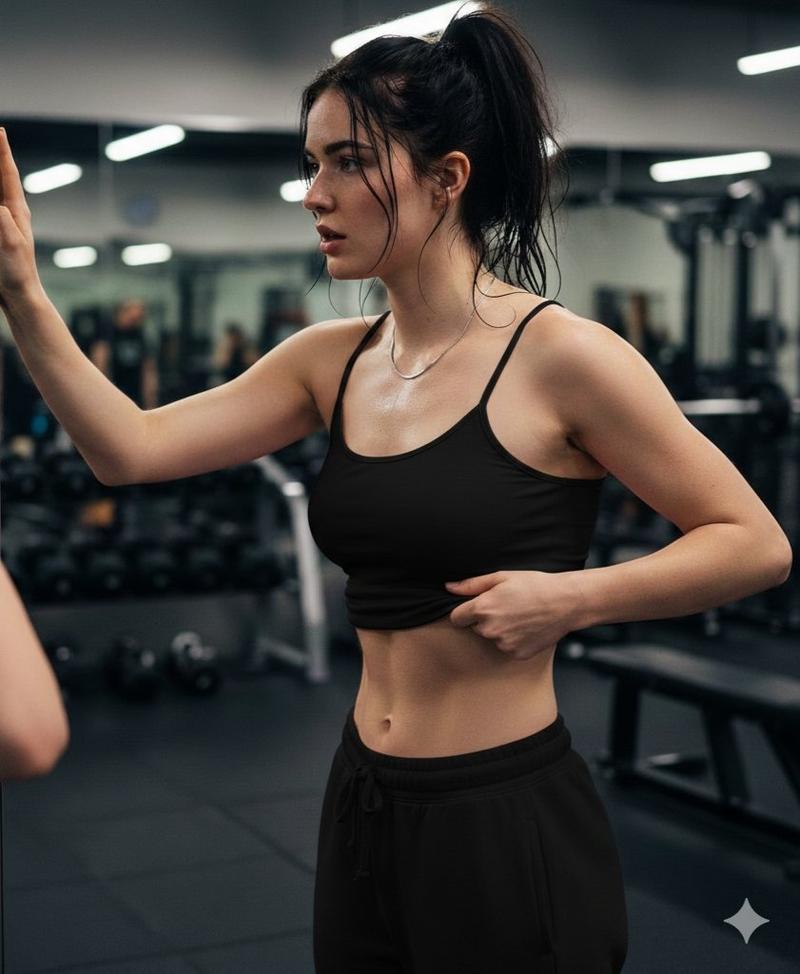
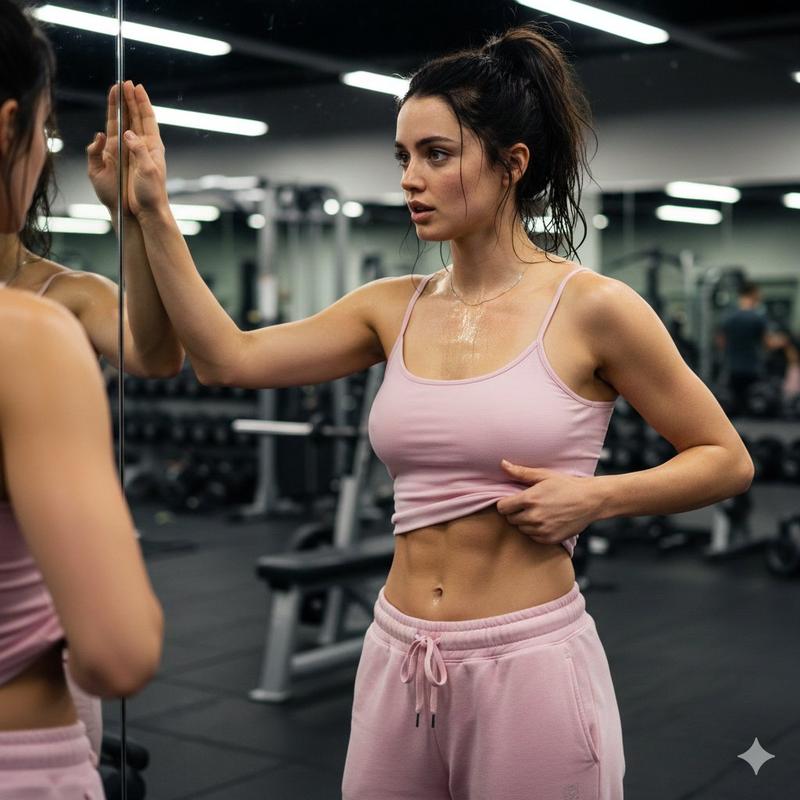
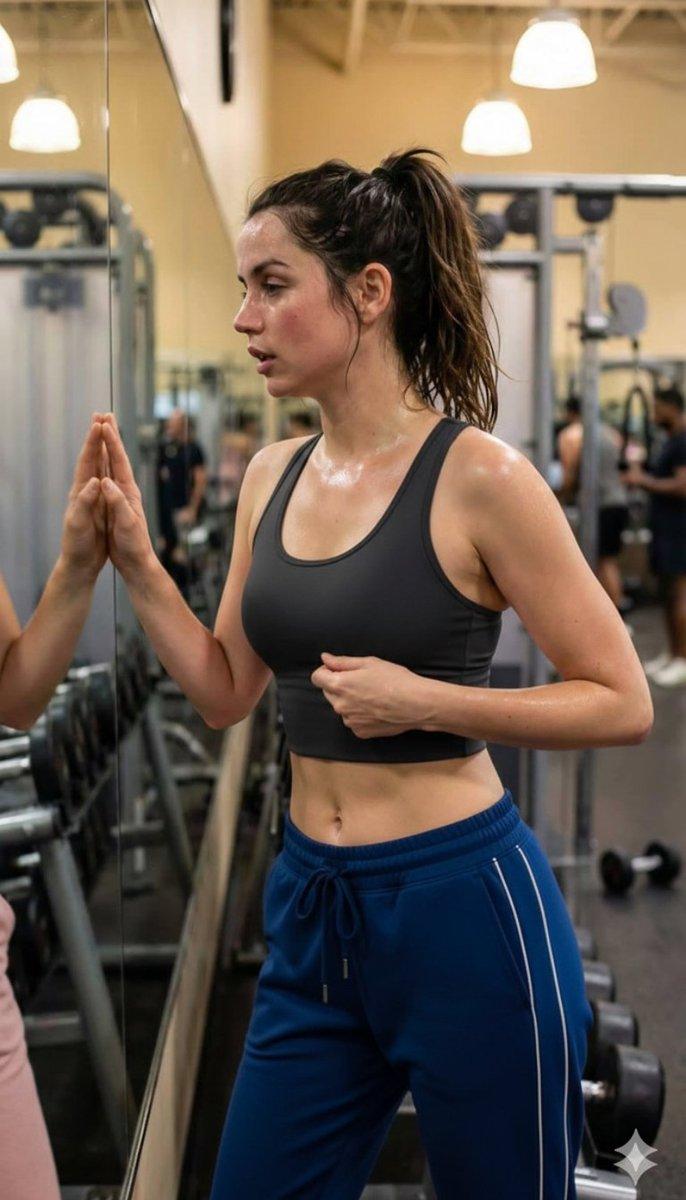
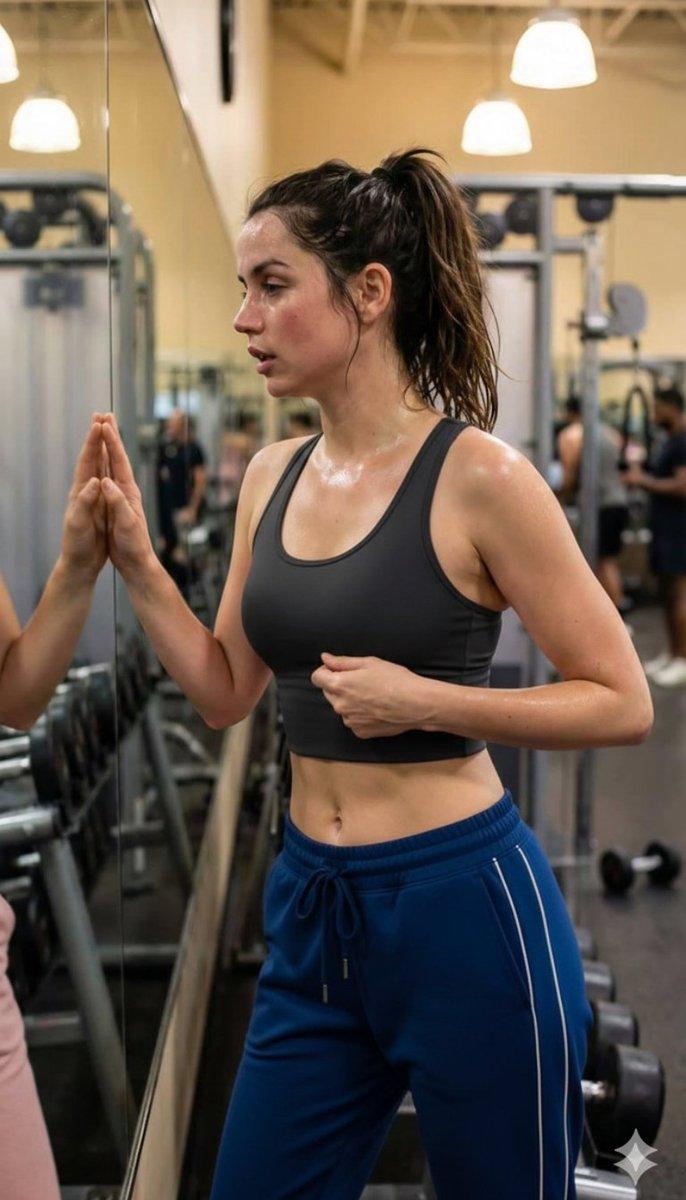
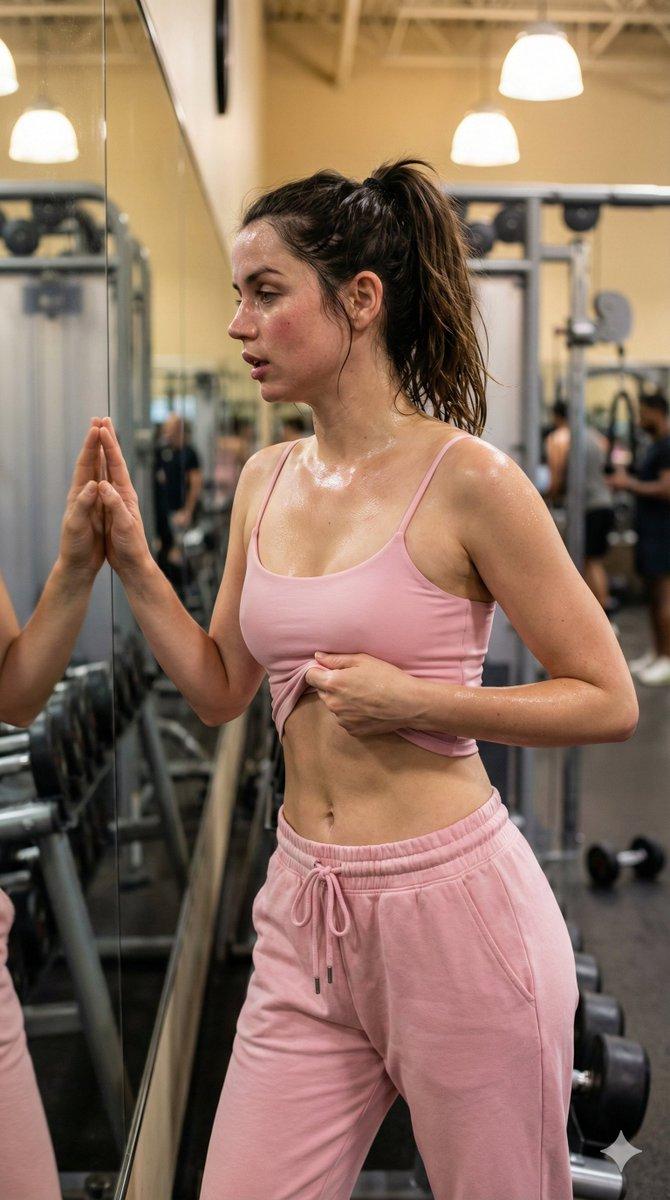
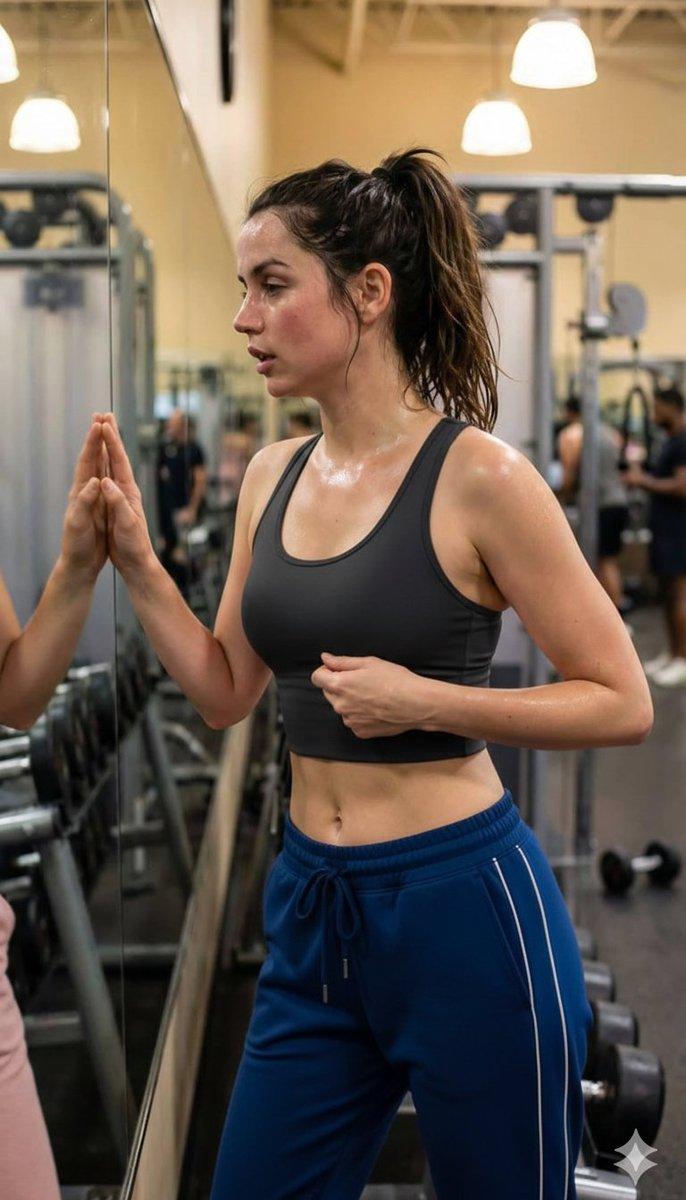
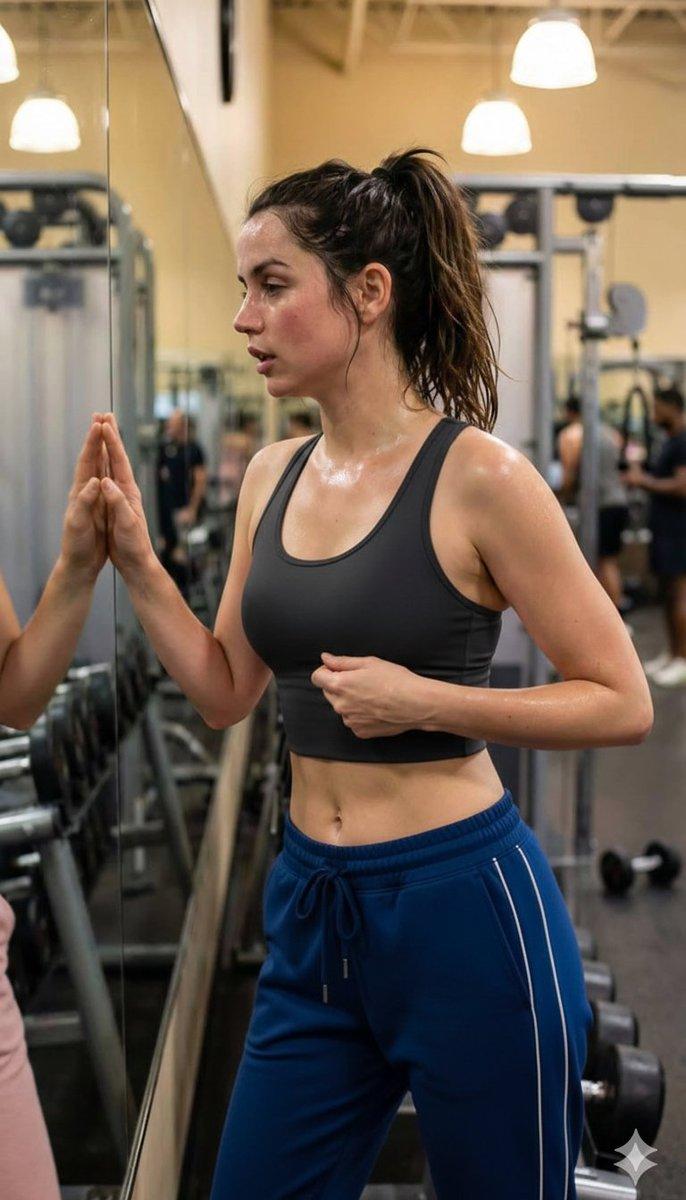
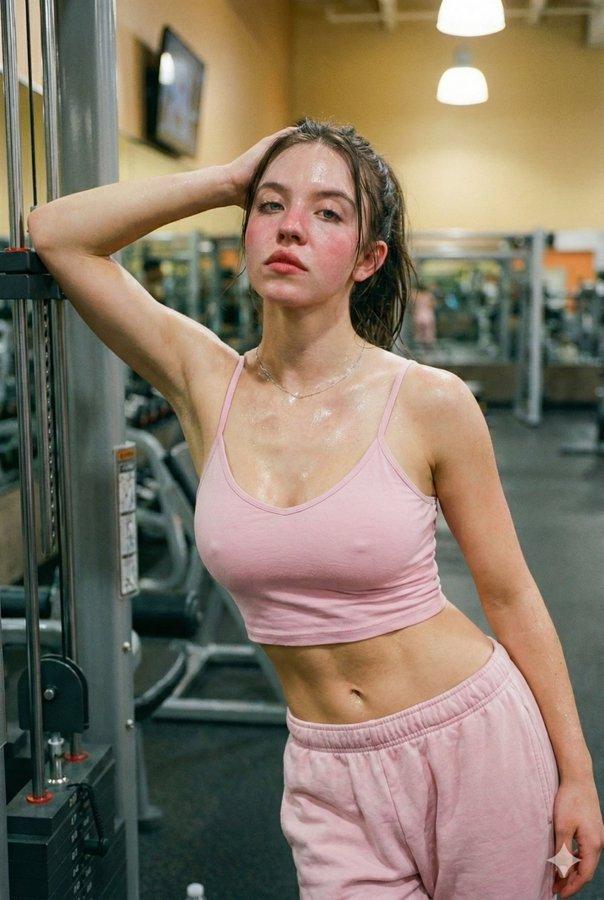
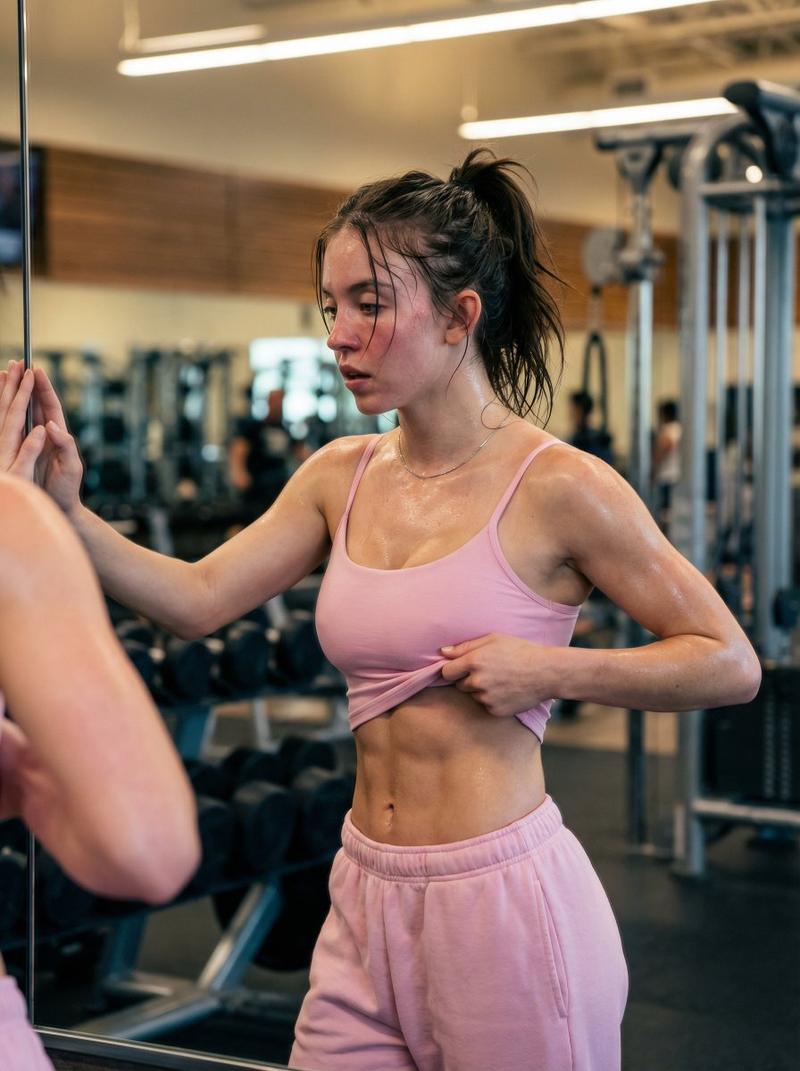
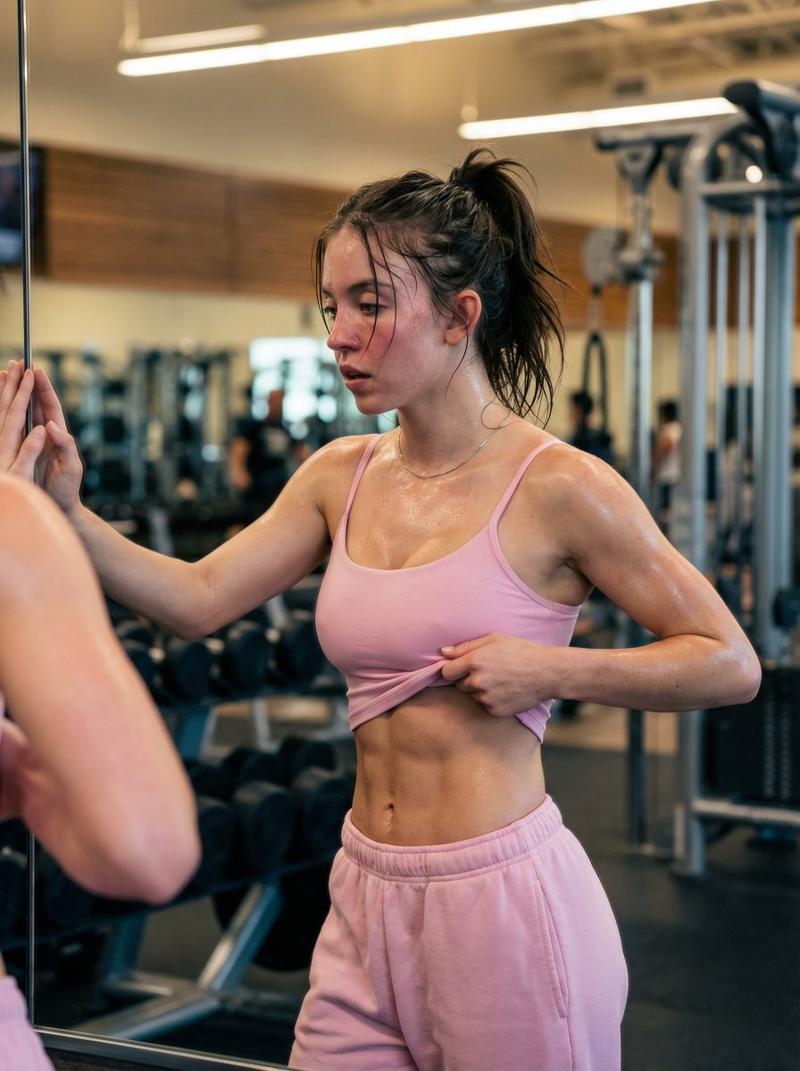
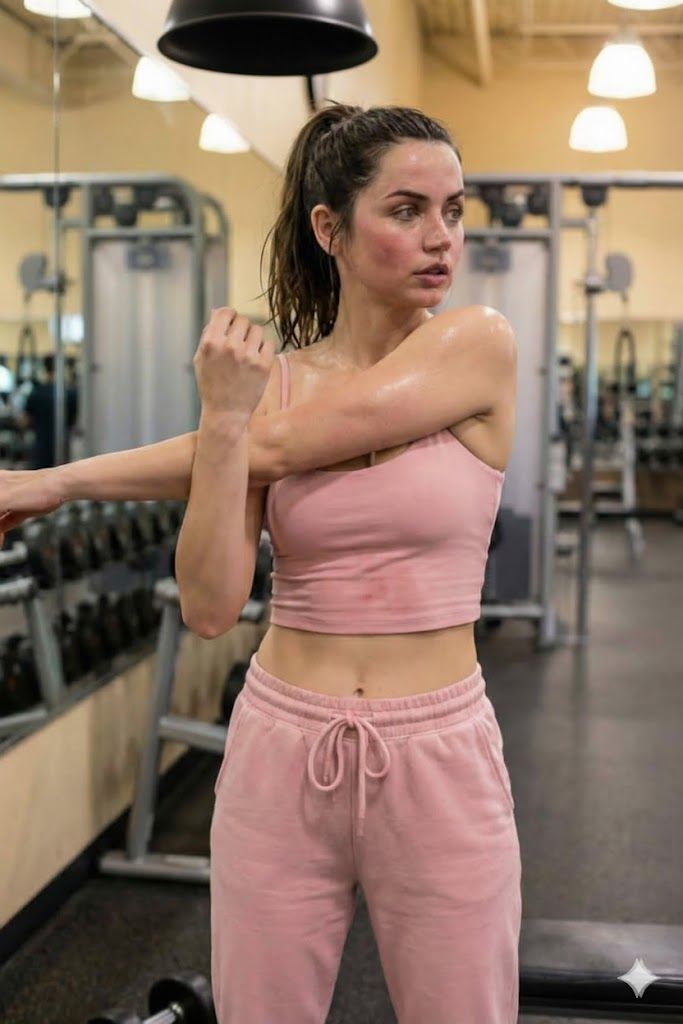
  "description": "A young woman wearing a pink sports crop top and matching pink sweatpants is stretching her arm after an intense workout session. She appears slightly sweaty, showing the effort of her training. The gym environment behind her includes weight machines, dumbbells, and hanging lights, creating a realistic fitness center atmosphere.",
  "location": "Modern indoor gym",
  "outfit": {
    "top": "Pink fitted sports crop top",
    "bottom": "Pink comfortable sweatpants",
    "style": "Casual athletic wear"
  },
  "activity": "Arm stretching after strength training",
  "physical_state": "Sweaty and tired from exercise",
  "expression": "Focused and serious",
  "environment_details": {
    "equipment": "Weight machines and dumbbells",
    "lighting": "Warm indoor lighting",
    "setting": "Clean and organized fitness center"
  },
  "theme": "Health, fitness, and active lifestyle"
Category
创意图片
Model
Nano Banana Pro
Views0
Source ID
4c970328-adce-471c-ac64-7e60e97b57a9
Published
Mar 8, 2026

Guide

About "健身房训练后拉伸课程"

What is this prompt for?

"健身房训练后拉伸课程" AI image prompt for Nano Banana Pro (创意图片). 一个结构化的 JSON 提示词,用于生成一张年轻女性在现代健身房锻炼后拉伸的逼真图像。它强调了身体状态(略微出汗)、服装(粉色运动露脐上衣和运动裤)以及环境细节(举重器械、温暖的室内照明),以传达健康和健…

The full copyable prompt and example visuals above are ready for AI image generation or one-click recreate in Picva.

How to use this prompt

  1. Step 1

    Open the prompt detail

    Review the example visuals, category, and full prompt text for "健身房训练后拉伸课程".

  2. Step 2

    Copy the prompt

    Copy the prompt body from this page, or load it directly in Studio.

  3. Step 3

    Pick a model (Nano Banana Pro)

    Prefer Nano Banana Pro. If you switch models, keep subject and composition and tweak style terms.

  4. Step 4

    Generate and export

    Recreate the look in Picva, or export into your workflow for editing and publishing.

FAQ

What is the "健身房训练后拉伸课程" prompt?
It is an AI image-generation prompt for Nano Banana Pro in the 创意图片 category. This page includes the full prompt text, example visuals, and a one-click recreate path in Picva.
How do I use this prompt to generate an image?
Copy the prompt from this page, or use Generate / Studio. Paste it into a compatible image model, or recreate the look in Picva with optional reference images.
Which model is this prompt for?
This page lists Nano Banana Pro. Most descriptive prompts also transfer to nearby image models such as GPT Image, Flux, or Midjourney with light style tweaks.
Can I use the result commercially?
You can usually copy the prompt for creation, but commercial use of the final image depends on the model terms, reference-image rights, and the generated content. Follow the source author and platform rules.