15

运动后健身房时刻 (JSON 格式)
Enlarge

运动后健身房时刻 (JSON 格式)

Prompt
{
  "title": "Gym Workout Moment",
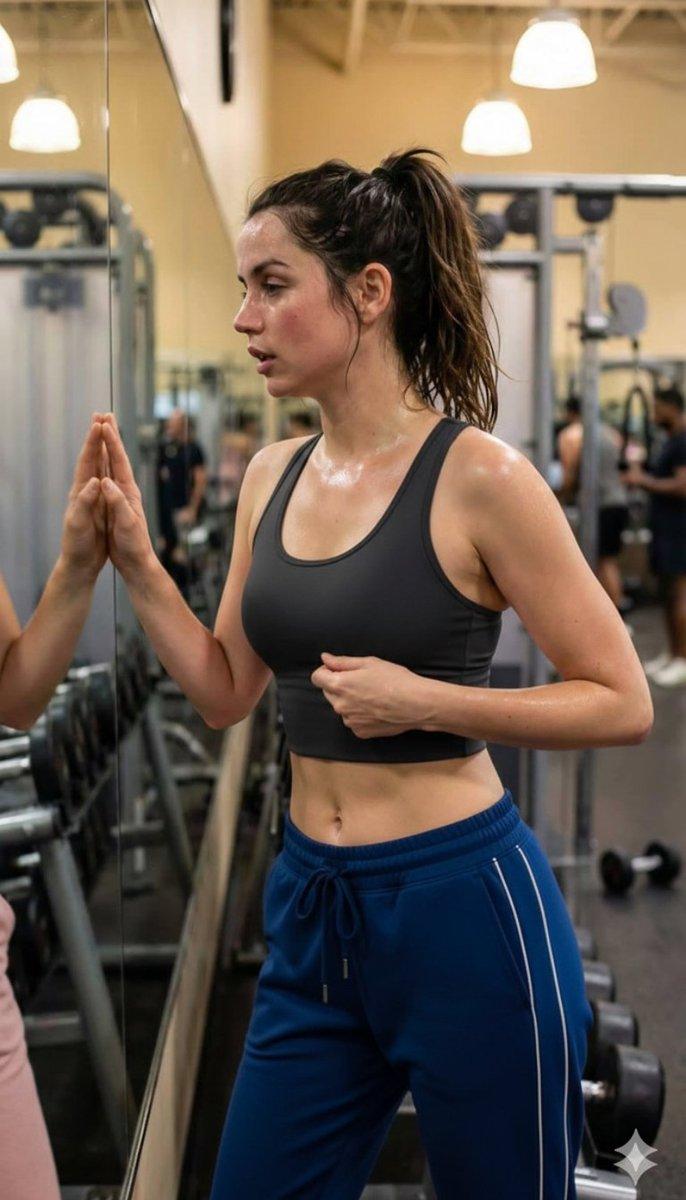
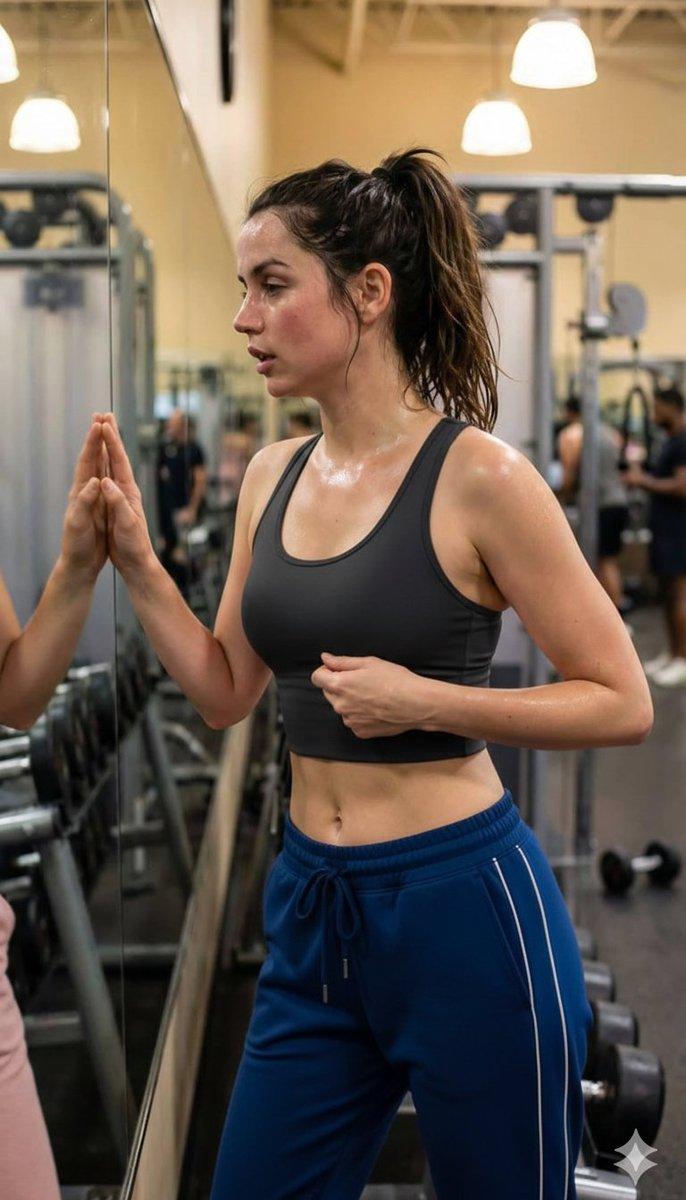
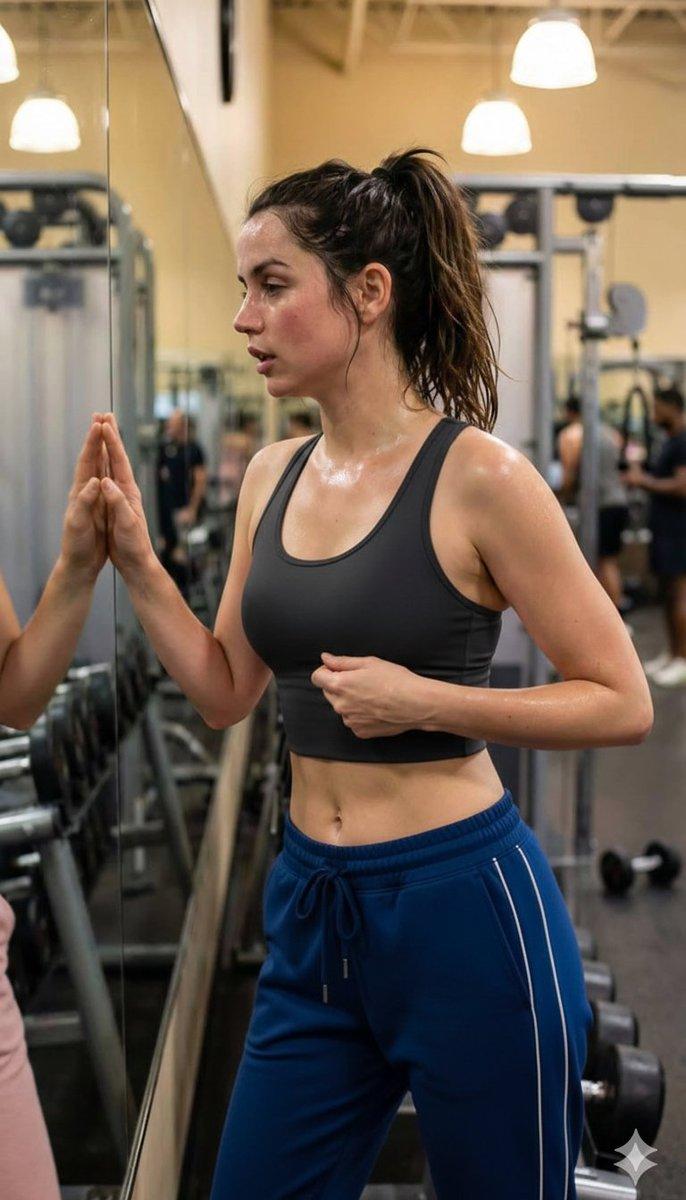
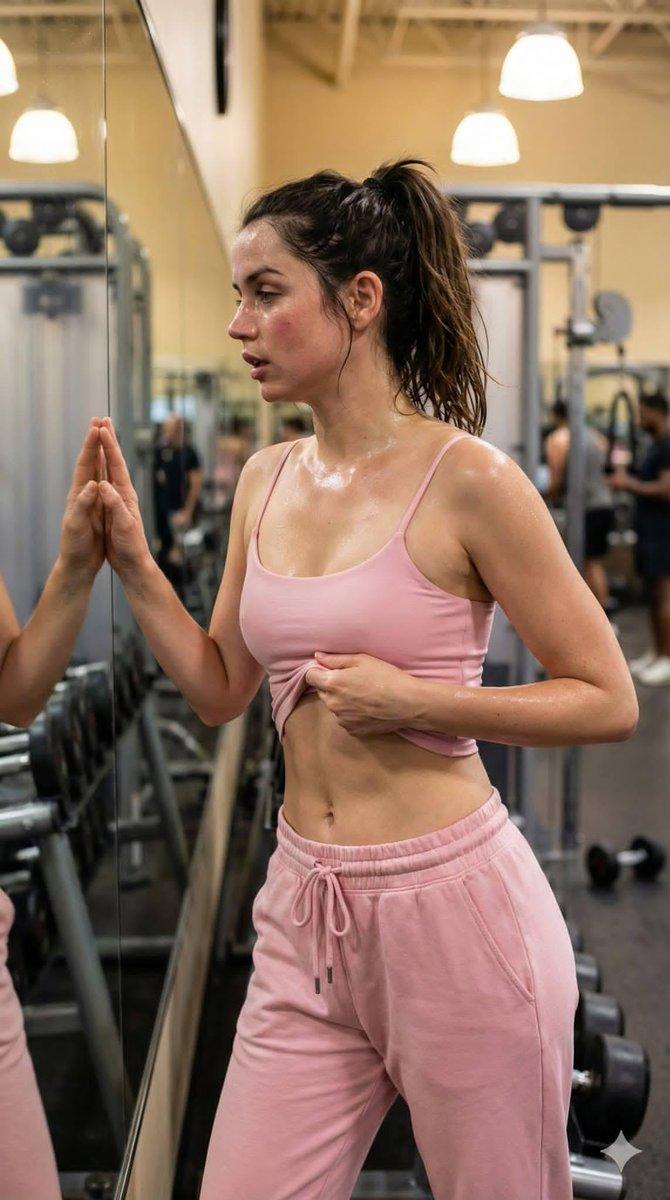
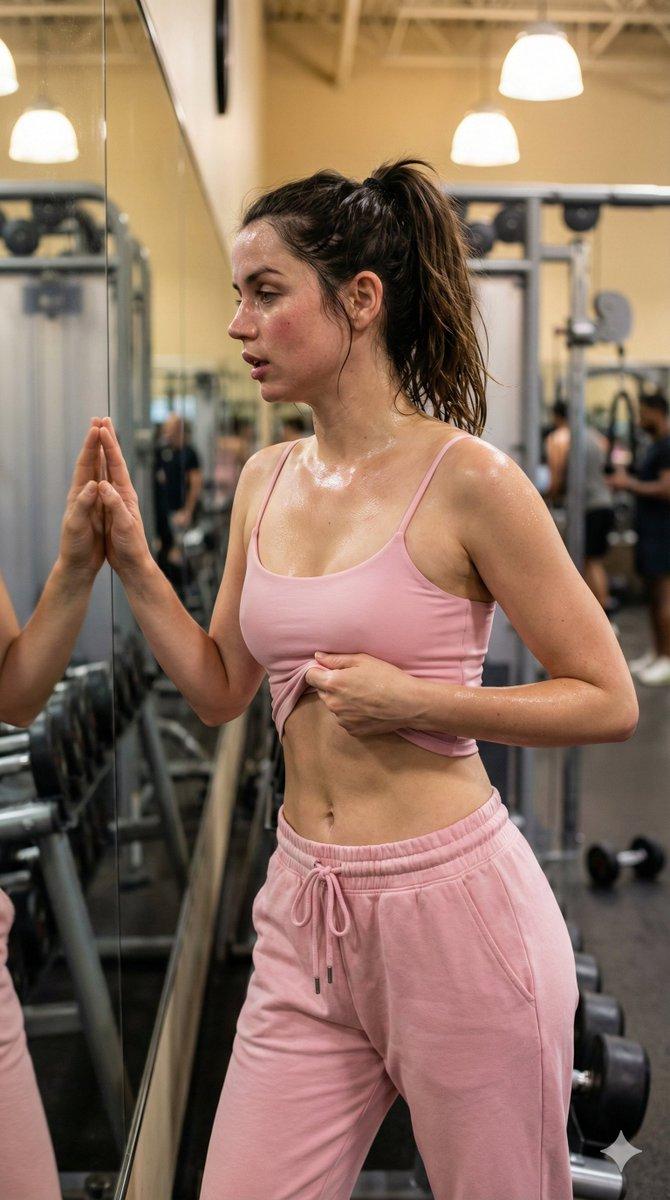
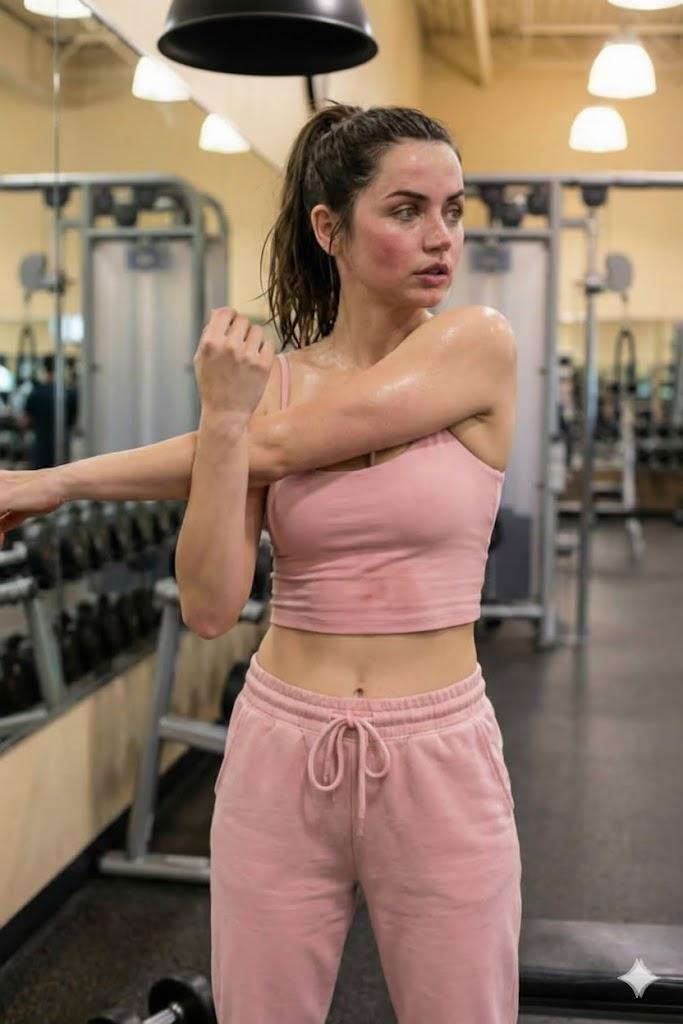
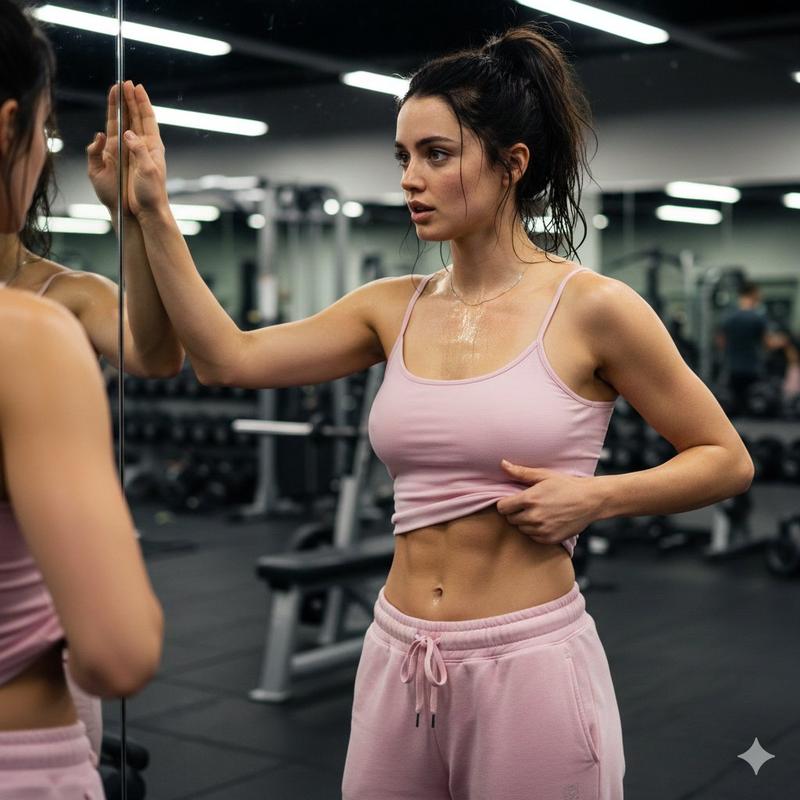
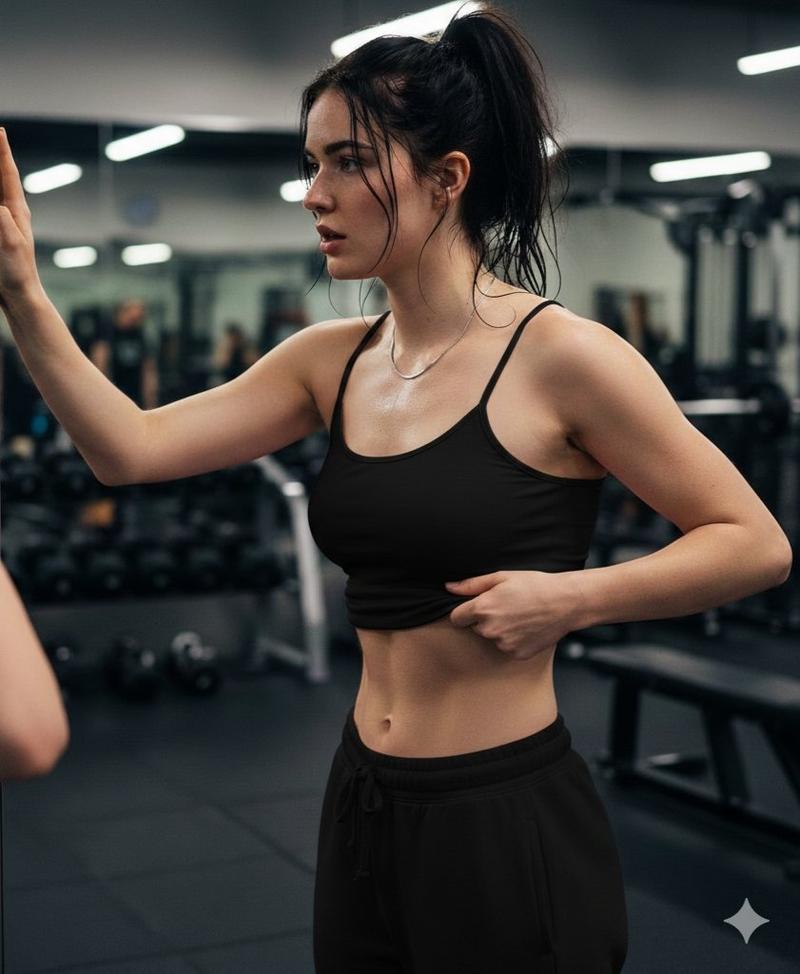
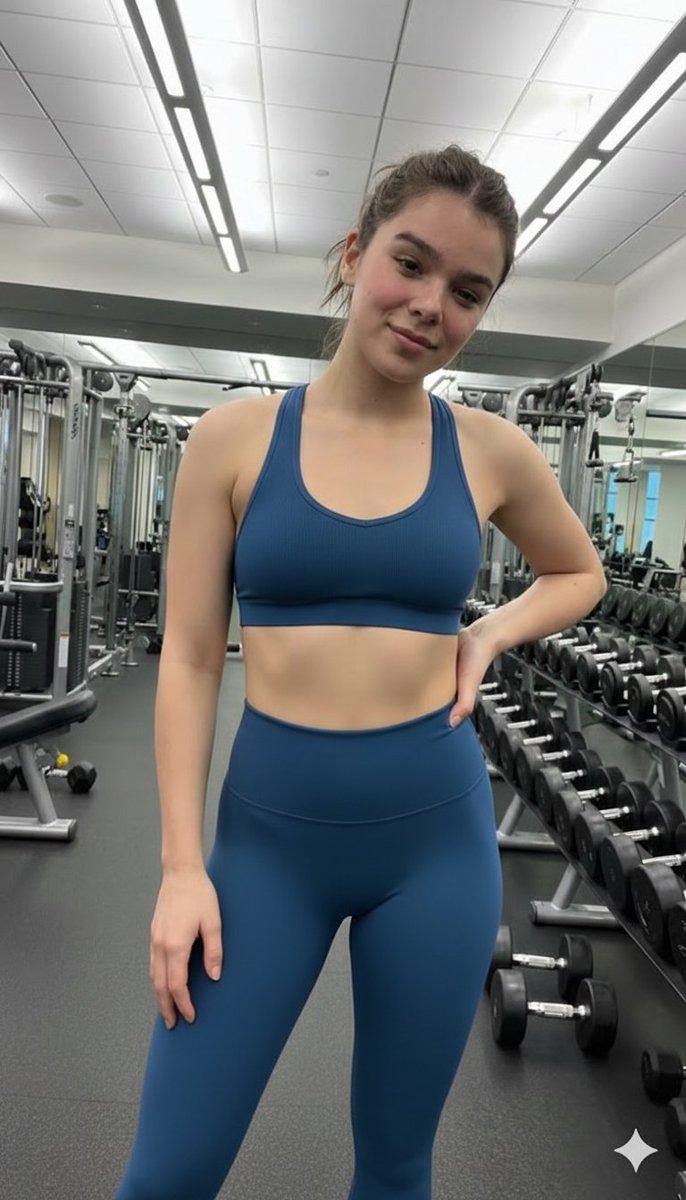
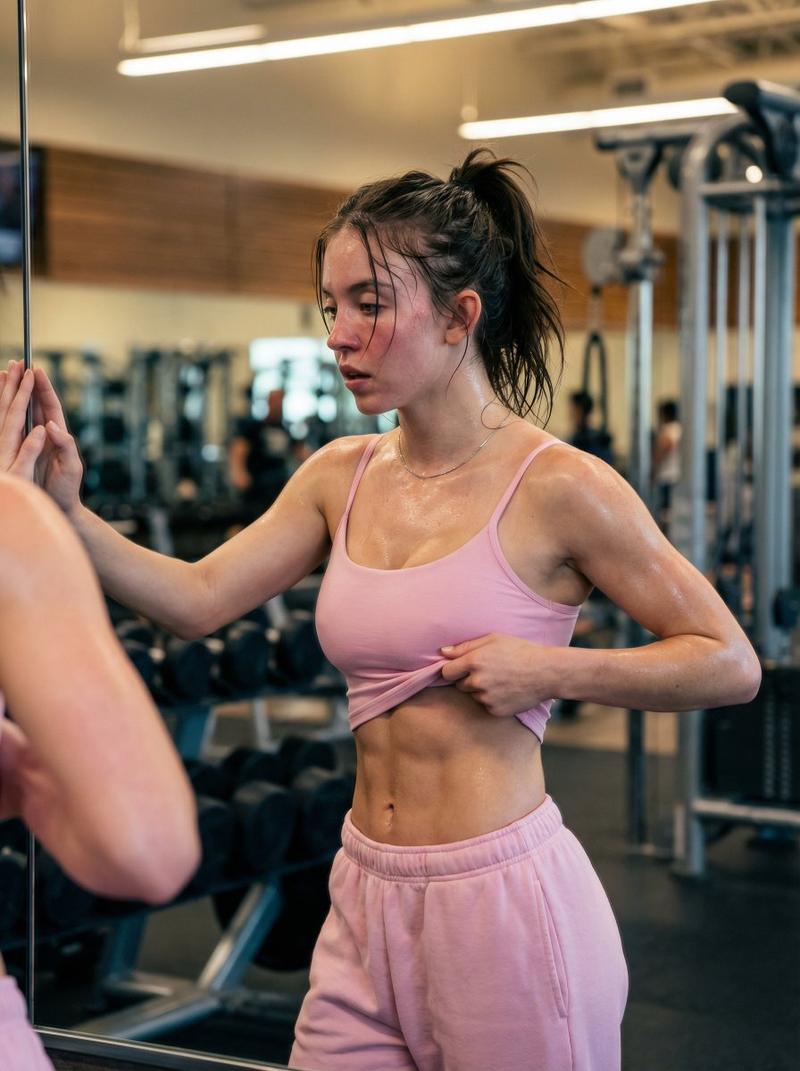
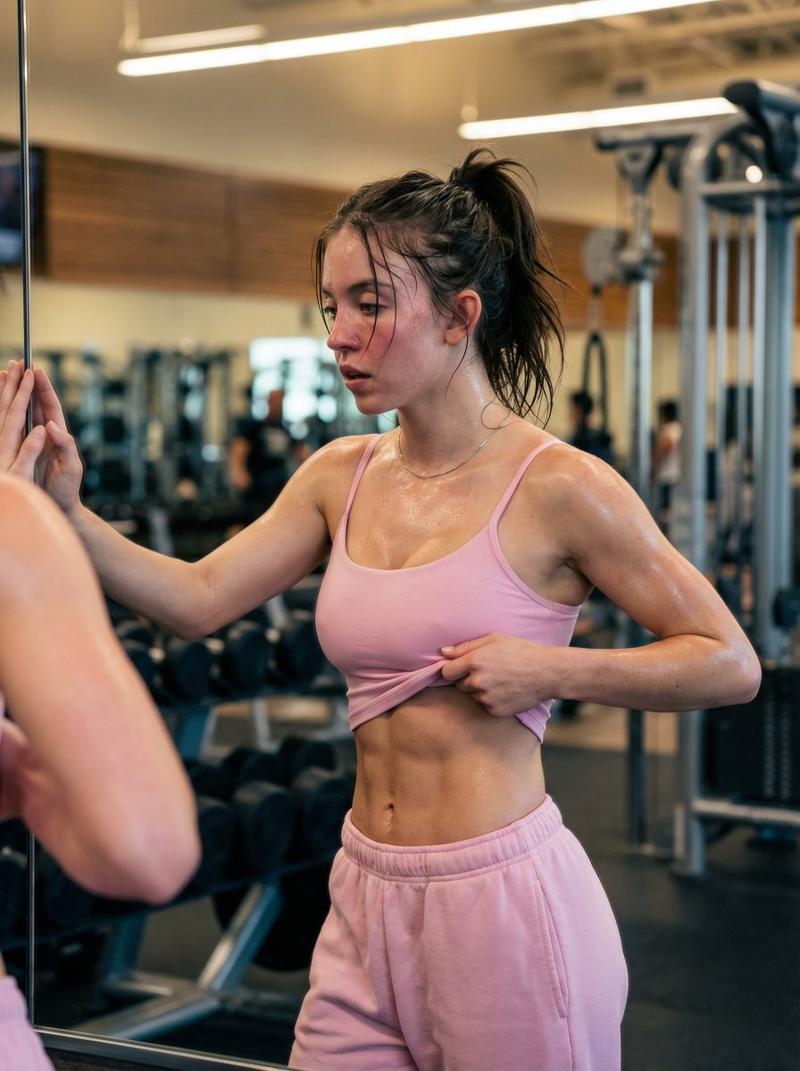
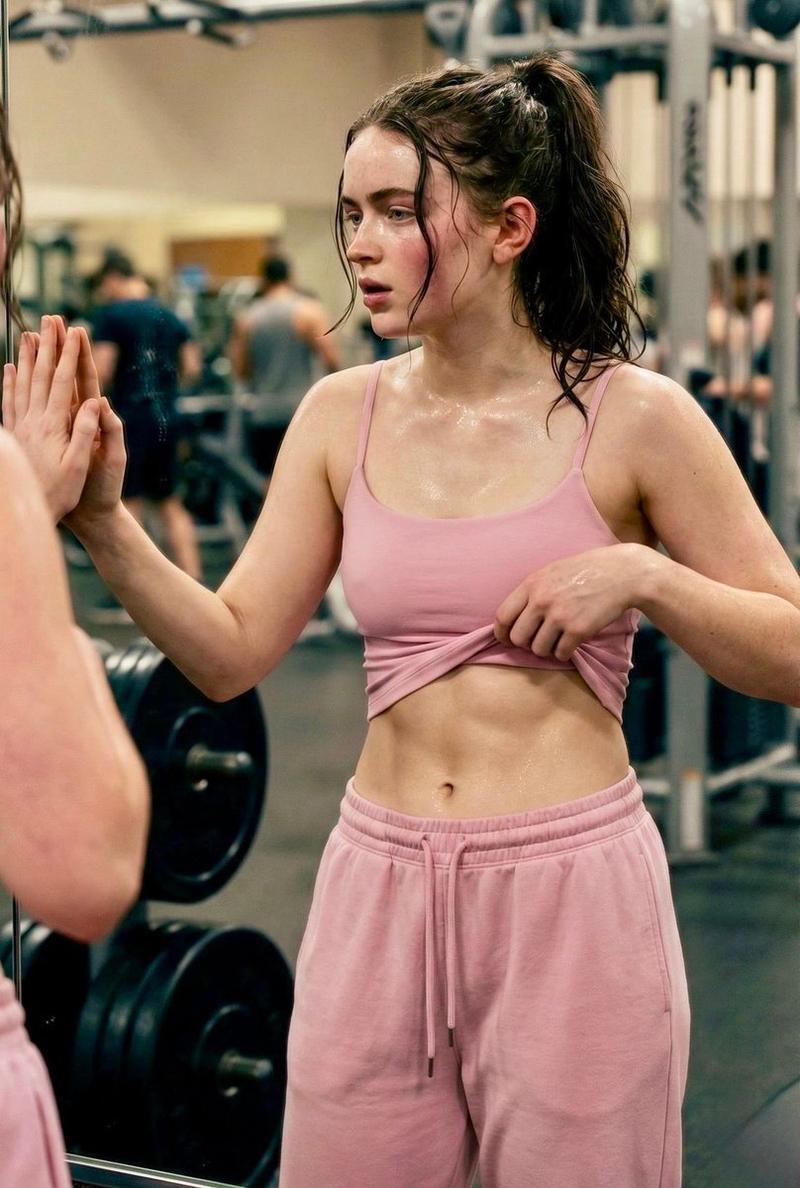
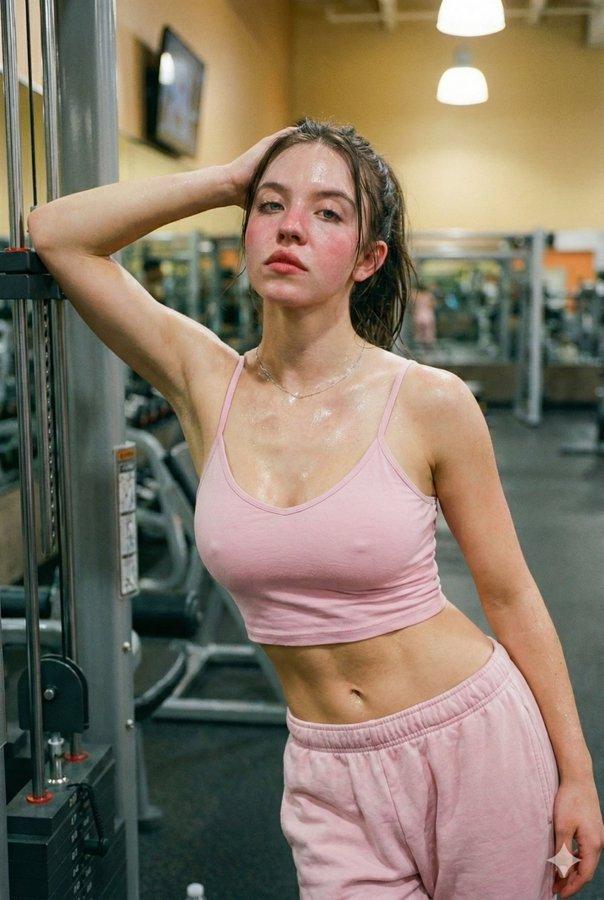
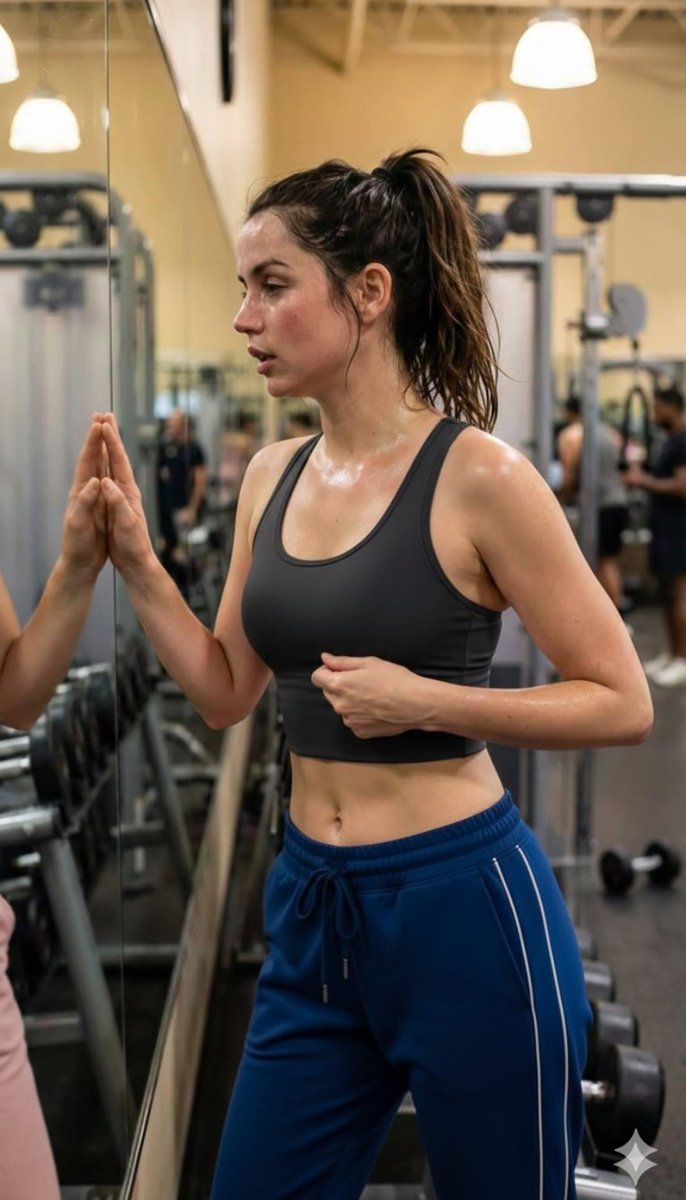
  "description": "A young athletic woman standing in a gym near a mirror after an intense workout. She is wearing a black sports bra and blue workout pants, with her hair tied in a ponytail. Sweat on her face and body shows she has been exercising. Gym equipment and lights are visible in the background, creating a realistic fitness environment.",
  "location": "gym",
  "activity": "post-workout rest",
  "outfit": {
    "top": "black sports bra",
    "bottom": "blue workout pants"
  },
  "appearance": {
    "hair": "brown ponytail",
    "expression": "tired and focused",
    "body_type": "athletic"
  },
  "environment": {
    "mirror": true,
    "gym_equipment": true,
    "lighting": "indoor warm lights"
  }
}
Category
创意图片
Model
Nano Banana Pro
Views5
Source ID
f4d83da3-05e2-4ac2-9c25-82585cfc03e1
Published
Mar 8, 2026

Guide

About "运动后健身房时刻 (JSON 格式)"

What is this prompt for?

"运动后健身房时刻 (JSON 格式)" AI image prompt for Nano Banana Pro (创意图片). 一个结构化的 JSON 提示词,用于生成一张年轻运动型女性在健身房剧烈锻炼后休息的图片。提示词中详细说明了她的着装(黑色运动内衣、蓝色裤子)、外貌(汗流浃淋、神情专注、扎着马尾)以及环境(…

The full copyable prompt and example visuals above are ready for AI image generation or one-click recreate in Picva.

How to use this prompt

  1. Step 1

    Open the prompt detail

    Review the example visuals, category, and full prompt text for "运动后健身房时刻 (JSON 格式)".

  2. Step 2

    Copy the prompt

    Copy the prompt body from this page, or load it directly in Studio.

  3. Step 3

    Pick a model (Nano Banana Pro)

    Prefer Nano Banana Pro. If you switch models, keep subject and composition and tweak style terms.

  4. Step 4

    Generate and export

    Recreate the look in Picva, or export into your workflow for editing and publishing.

FAQ

What is the "运动后健身房时刻 (JSON 格式)" prompt?
It is an AI image-generation prompt for Nano Banana Pro in the 创意图片 category. This page includes the full prompt text, example visuals, and a one-click recreate path in Picva.
How do I use this prompt to generate an image?
Copy the prompt from this page, or use Generate / Studio. Paste it into a compatible image model, or recreate the look in Picva with optional reference images.
Which model is this prompt for?
This page lists Nano Banana Pro. Most descriptive prompts also transfer to nearby image models such as GPT Image, Flux, or Midjourney with light style tweaks.
Can I use the result commercially?
You can usually copy the prompt for creation, but commercial use of the final image depends on the model terms, reference-image rights, and the generated content. Follow the source author and platform rules.