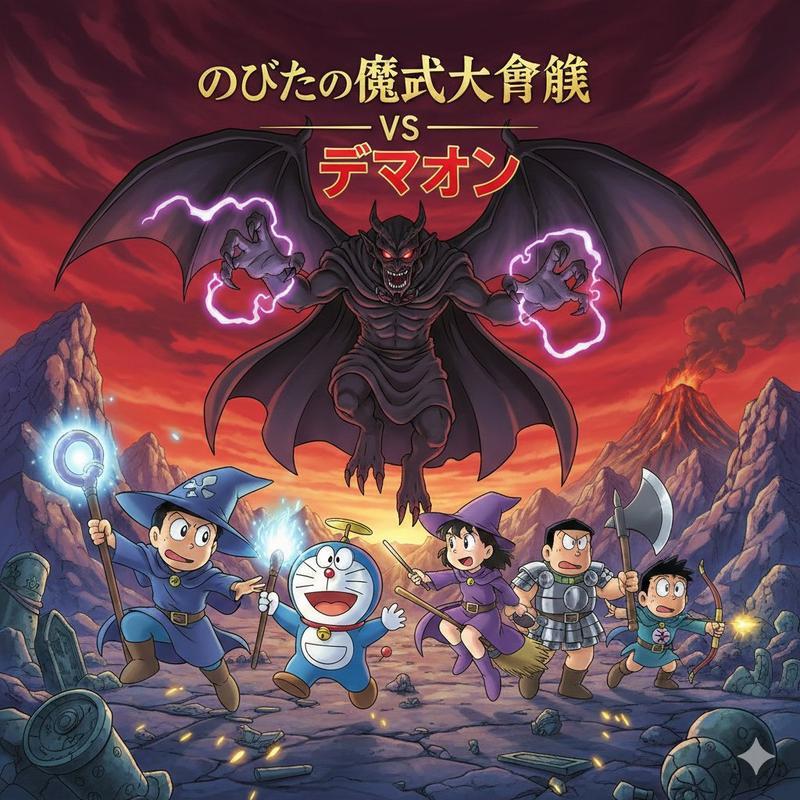
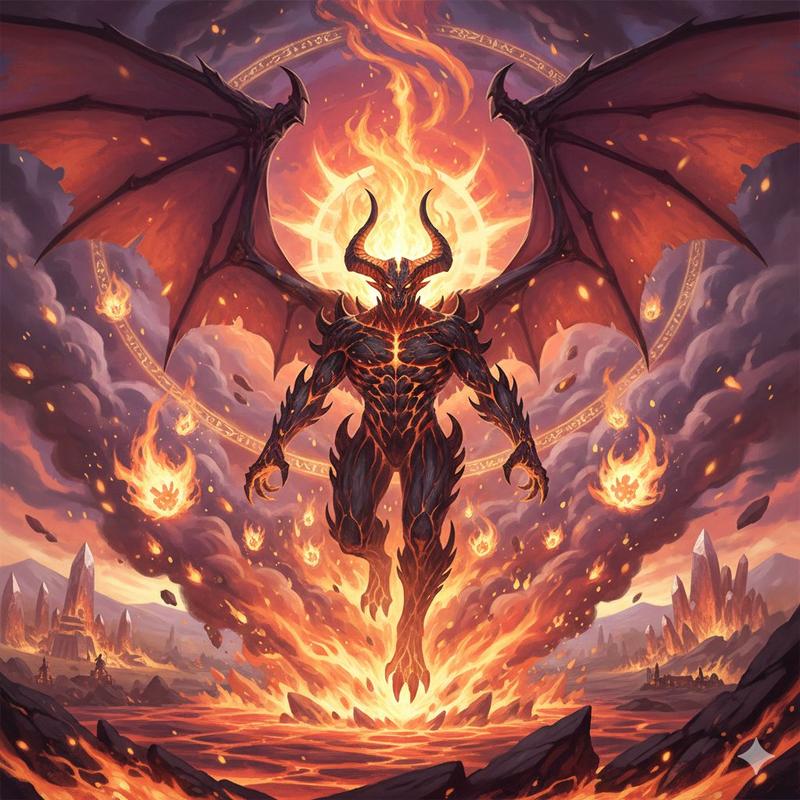
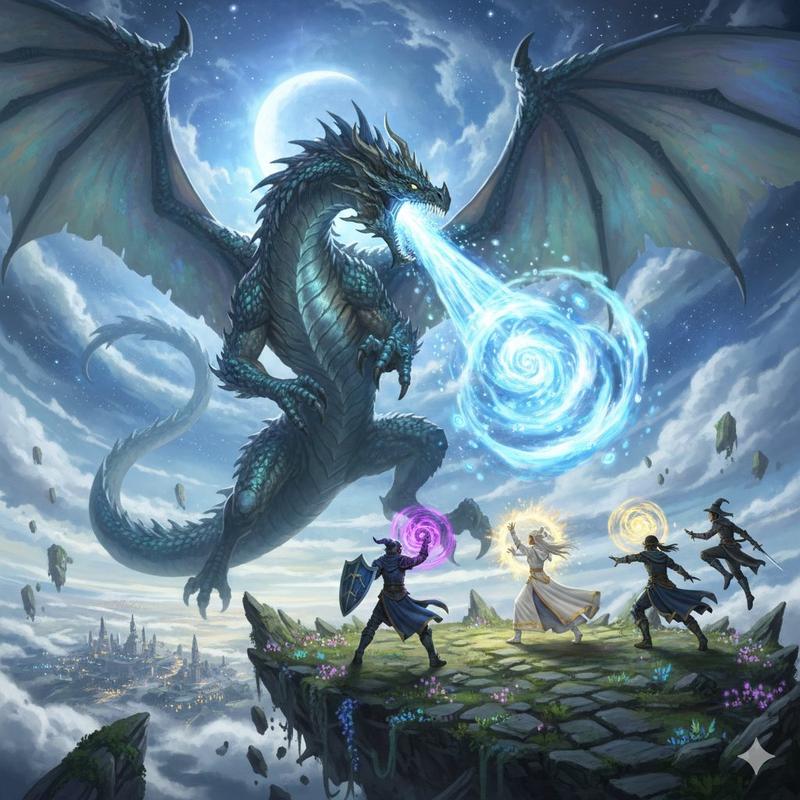
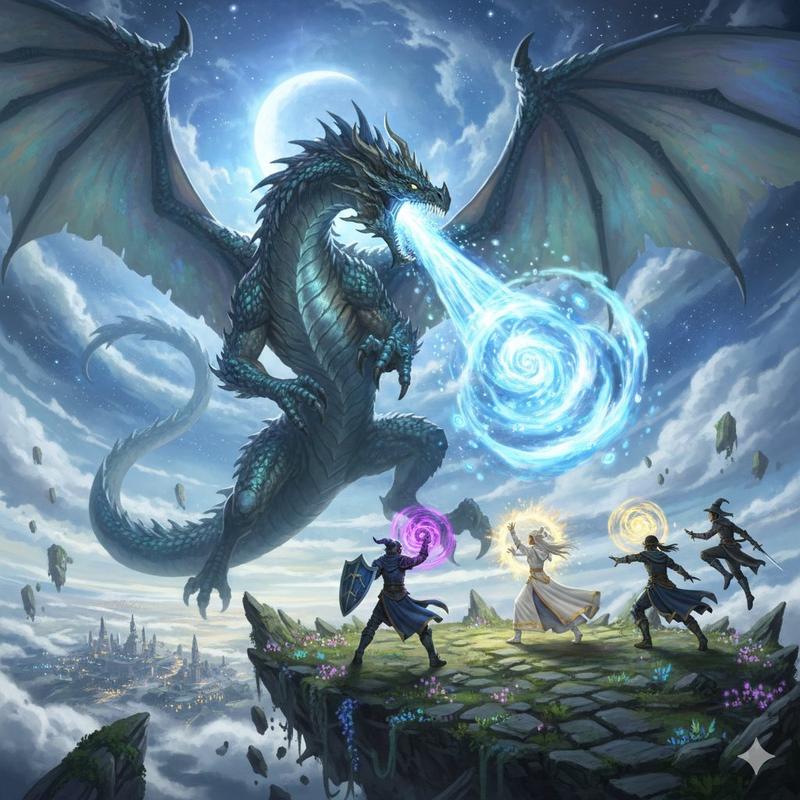
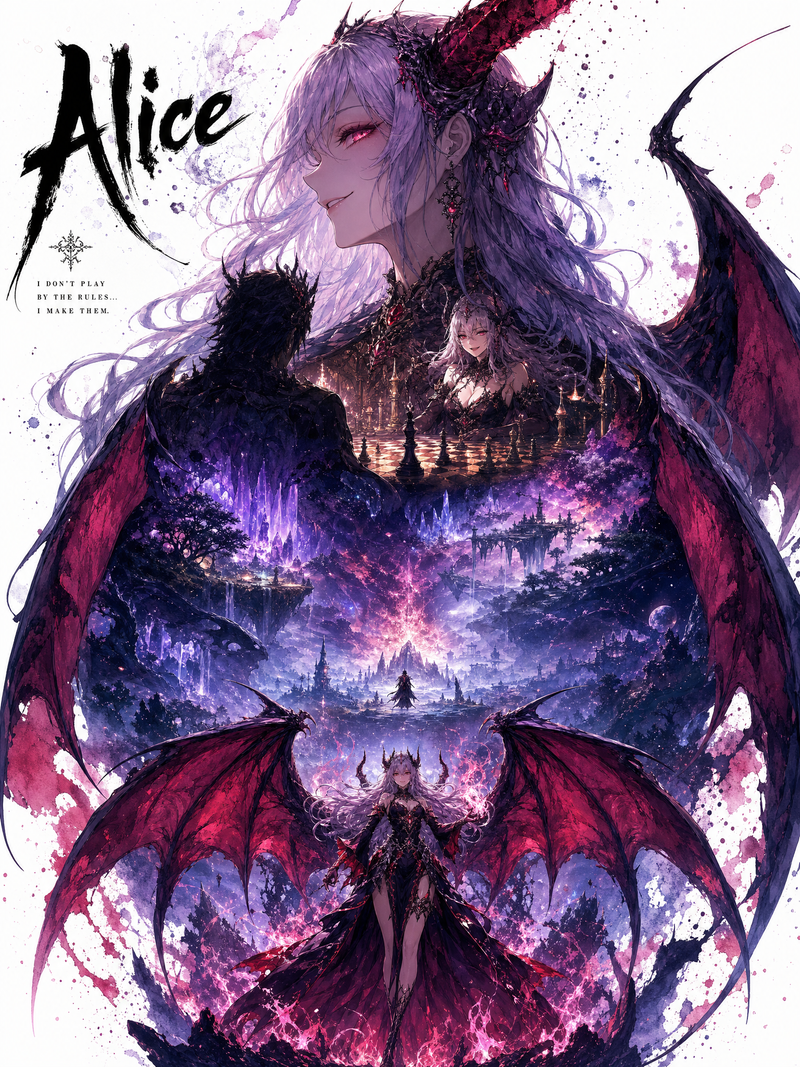
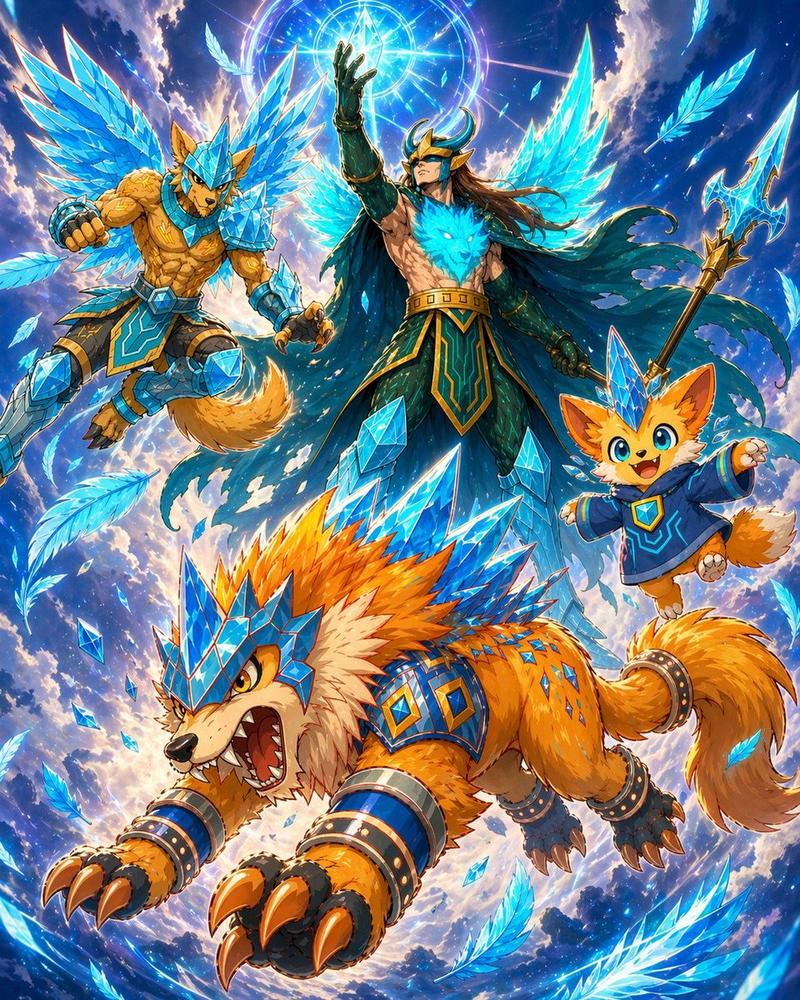
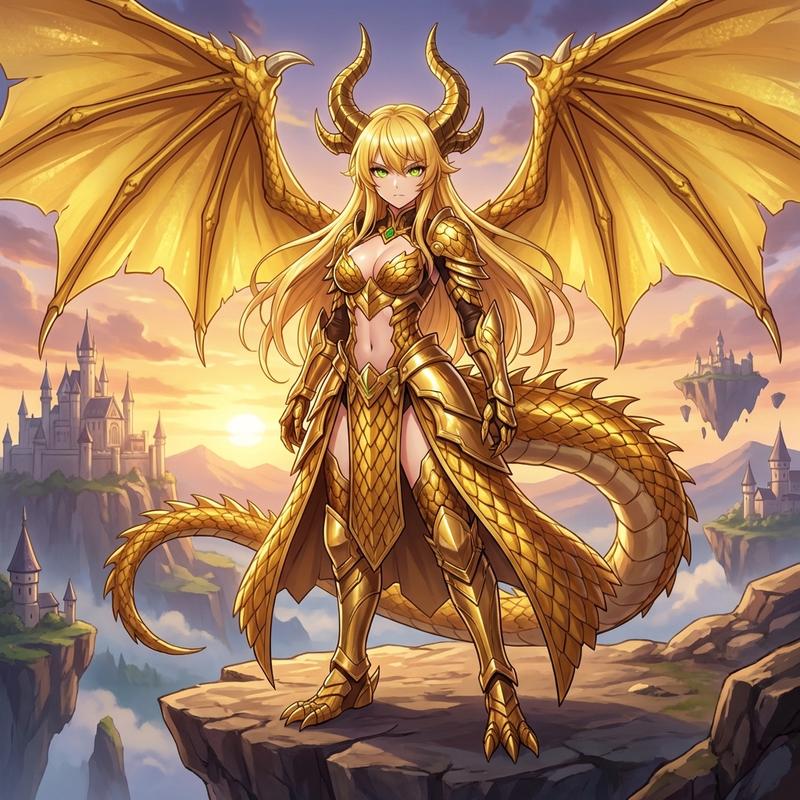
哆啦 A 梦电影场景生成
Prompt
のび太の魔界大冒険
VS{argument name="敵キャラクター" default="デマオン"}- Category
- 创意图片
- Model
- Nano Banana Pro
- Creator
- クラリネットクラリオンNOBU
- Source ID
- 9b01fc1a-7a61-4b4d-9ff6-56870b0ece9b
- Published
- Mar 8, 2026
Views0
19
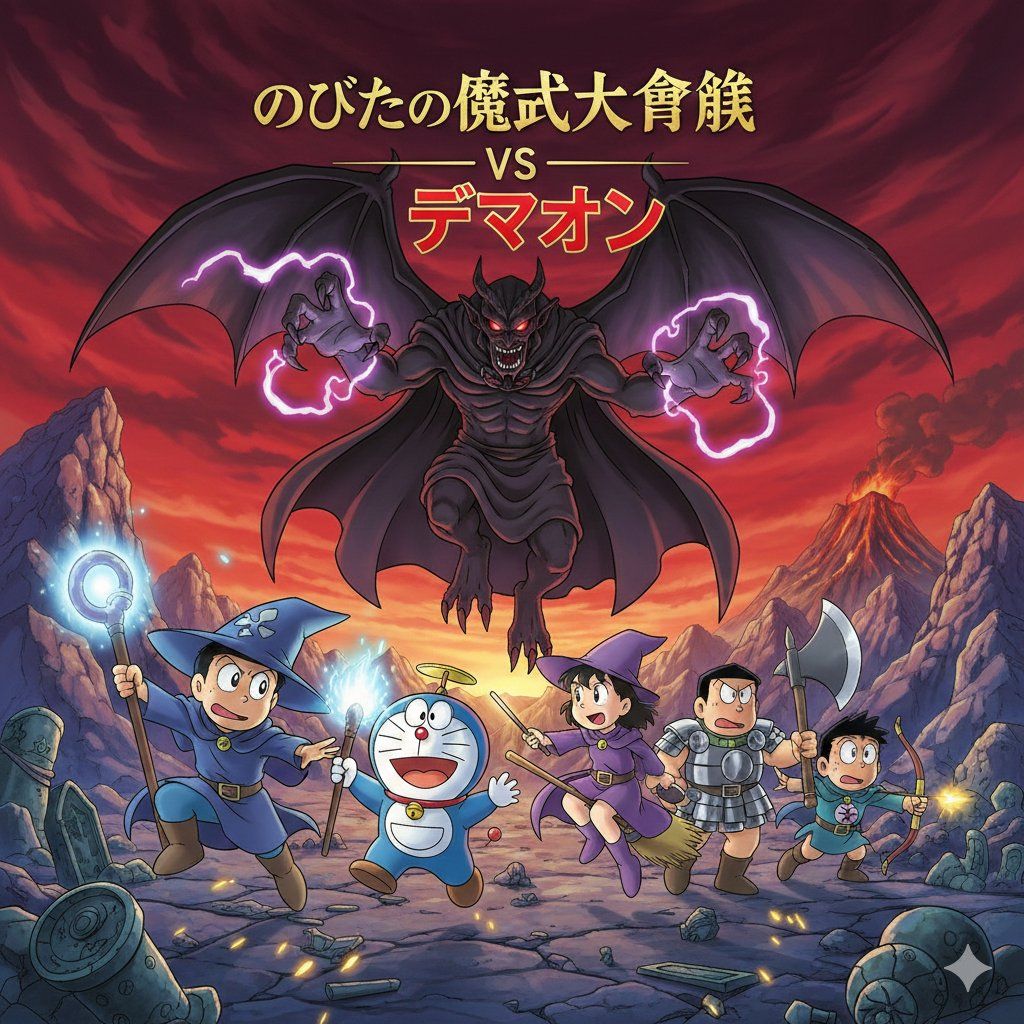
のび太の魔界大冒険
VS{argument name="敵キャラクター" default="デマオン"}Guide
"哆啦 A 梦电影场景生成" AI image prompt for Nano Banana Pro (创意图片). 一个基于哆啦 A 梦电影《大雄的魔界大冒险》的图像生成提示,特别描绘了与角色迪马翁的对峙。该提示使用了日文标题和名称。 --- 大雄的魔界大冒险 VS {argument name="enemy ch…
The full copyable prompt and example visuals above are ready for AI image generation or one-click recreate in Picva.
Step 1
Review the example visuals, category, and full prompt text for "哆啦 A 梦电影场景生成".
Step 2
Copy the prompt body from this page, or load it directly in Studio.
Step 3
Prefer Nano Banana Pro. If you switch models, keep subject and composition and tweak style terms.
Step 4
Recreate the look in Picva, or export into your workflow for editing and publishing.