18

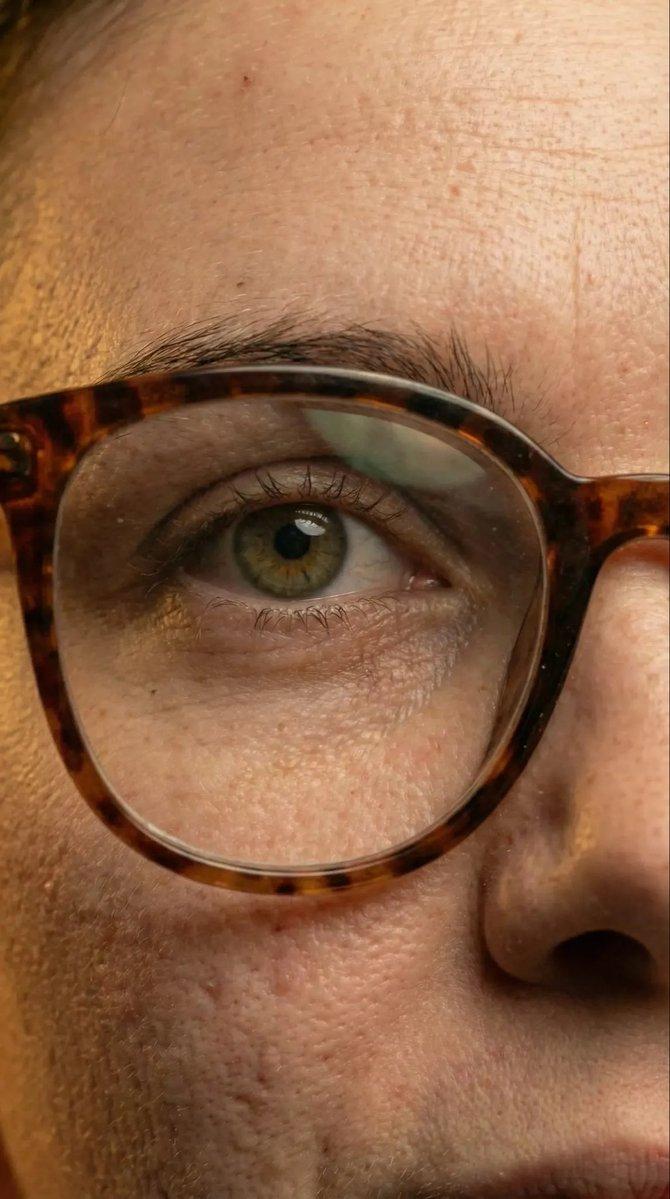
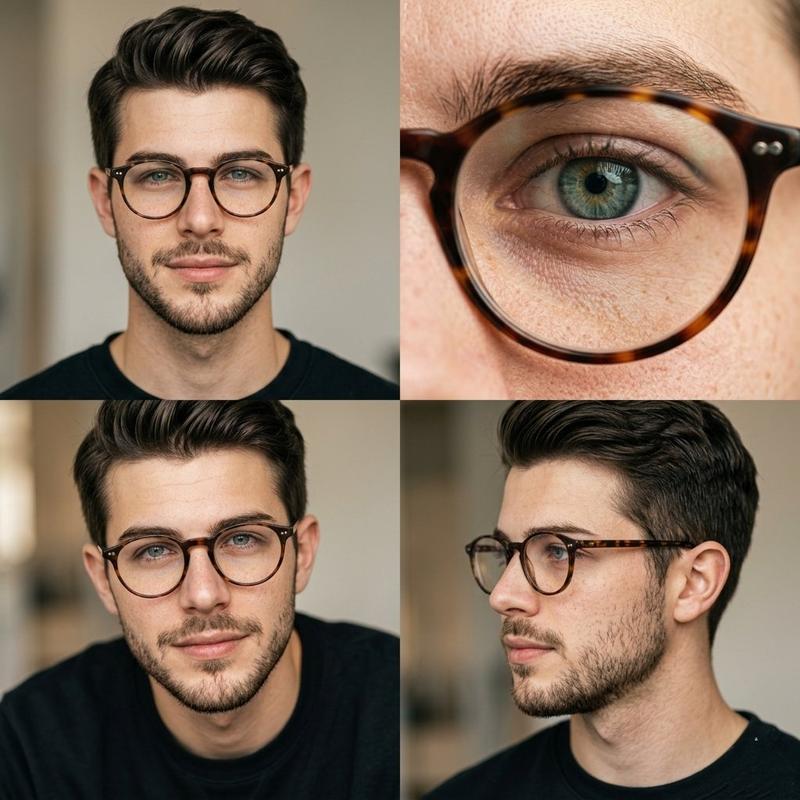
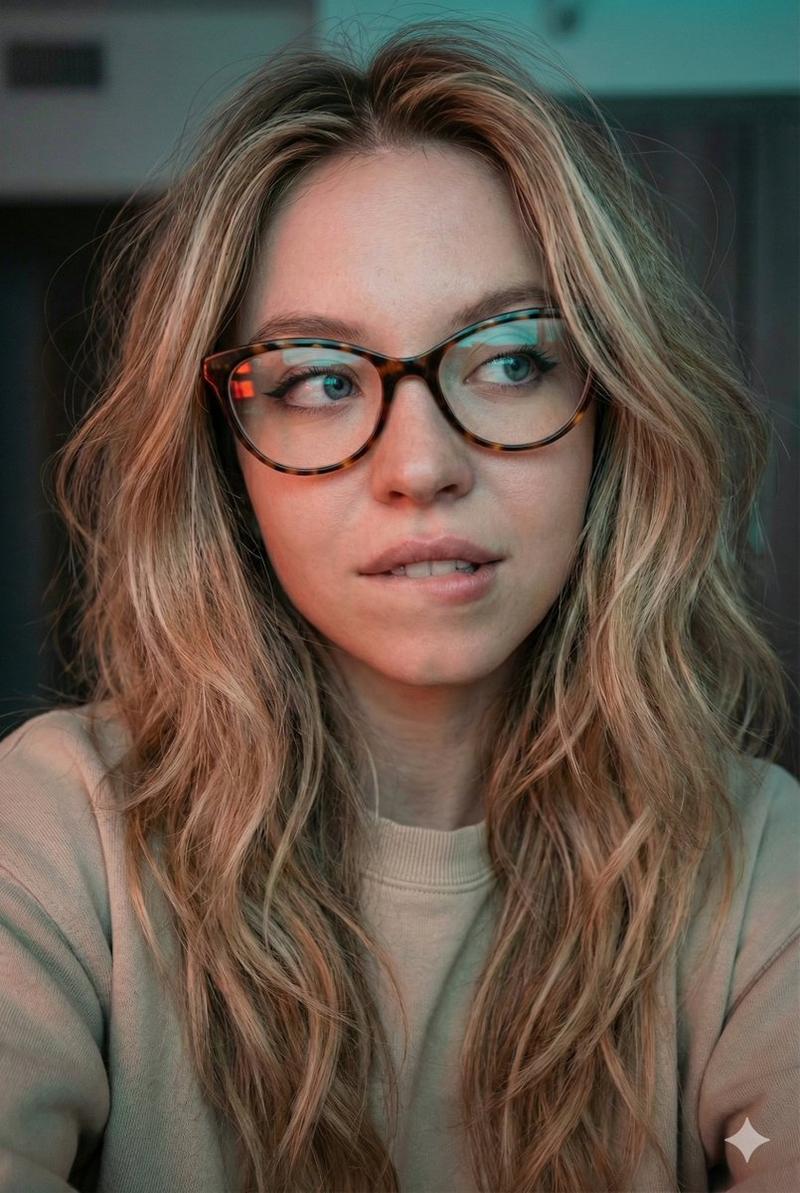
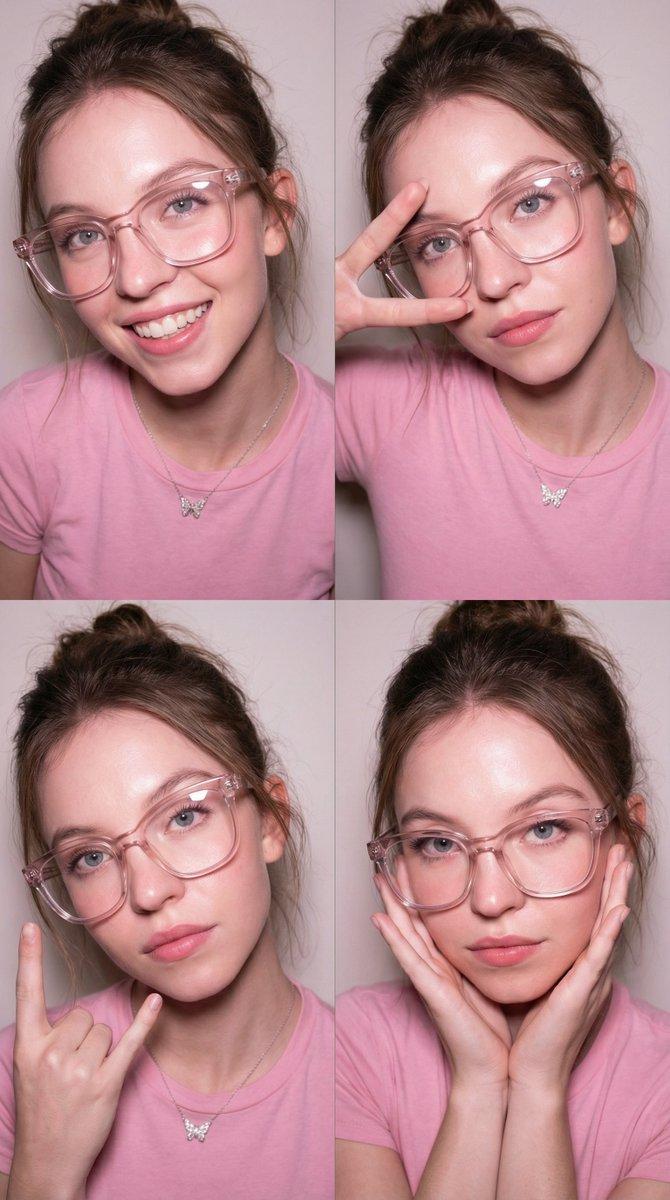
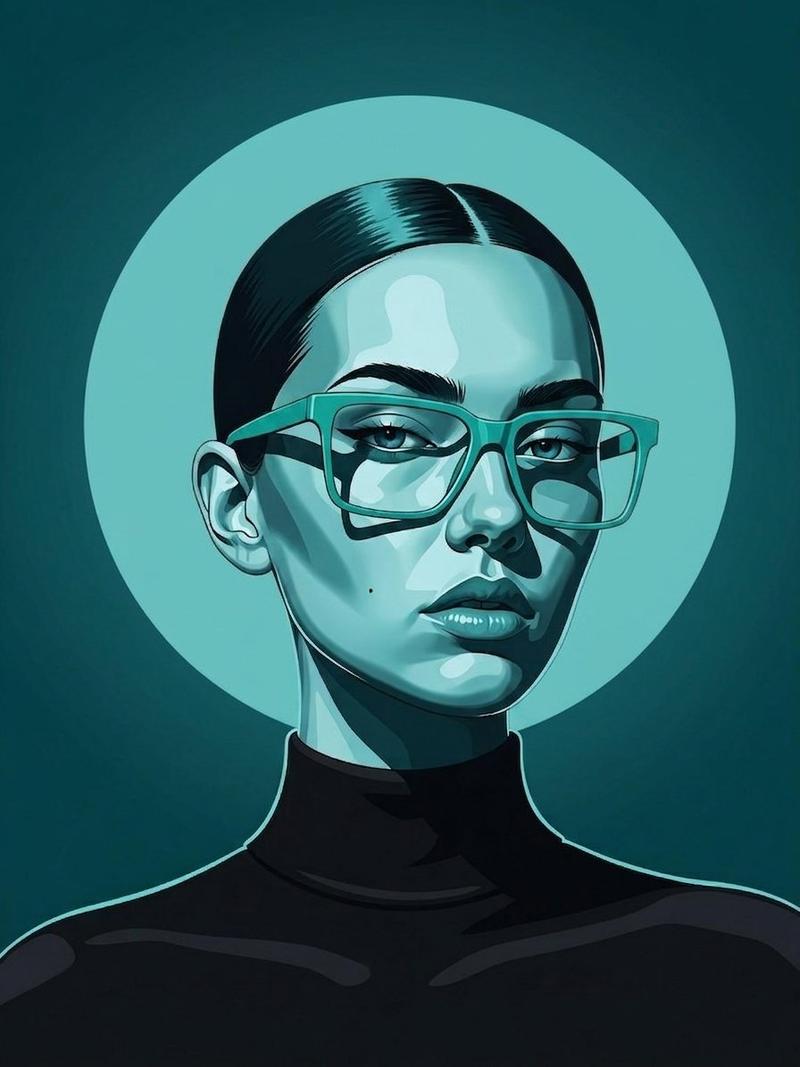
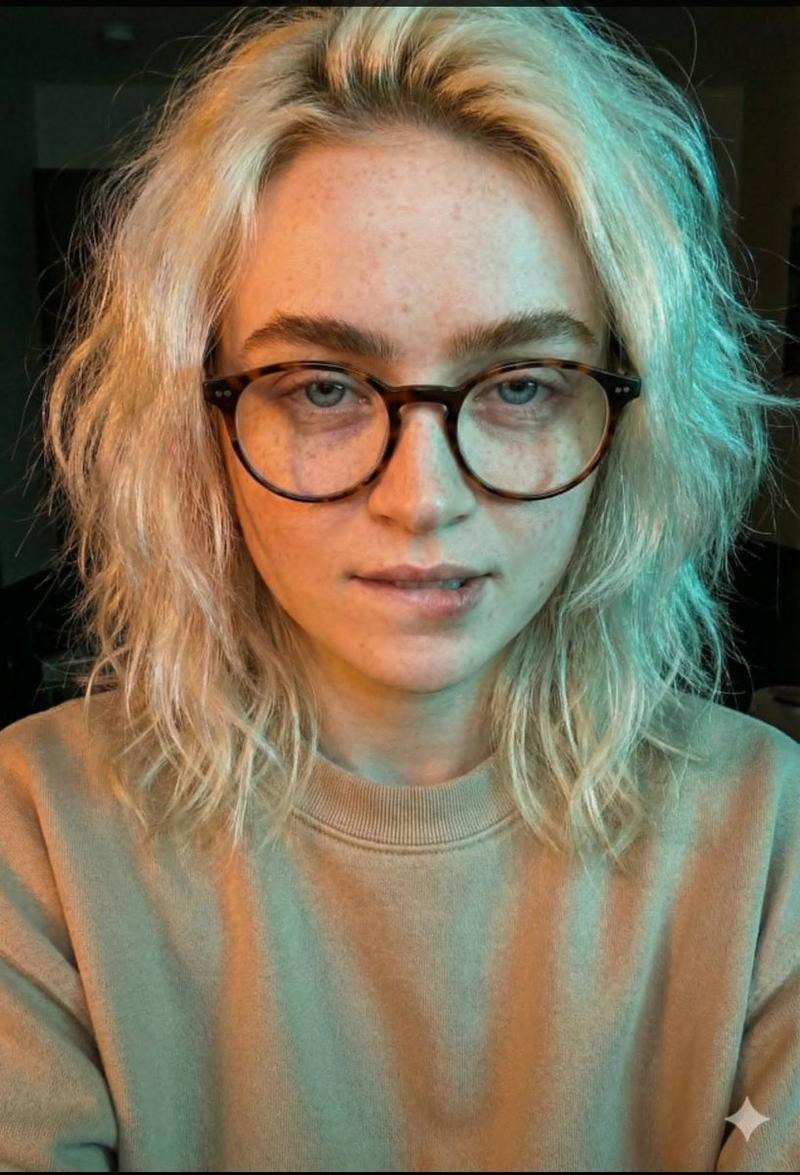
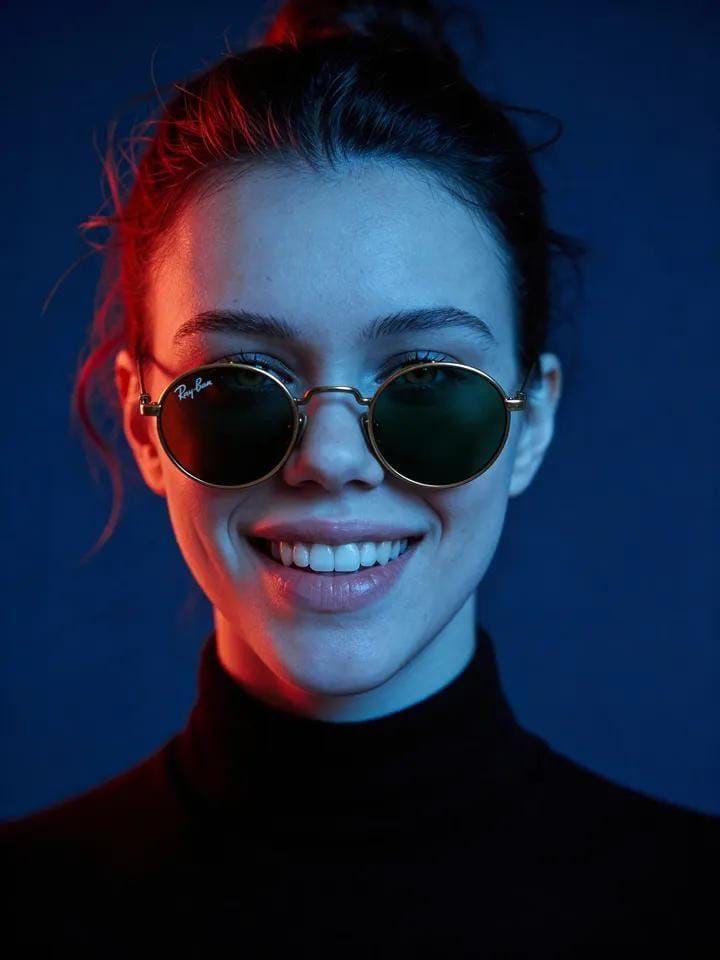
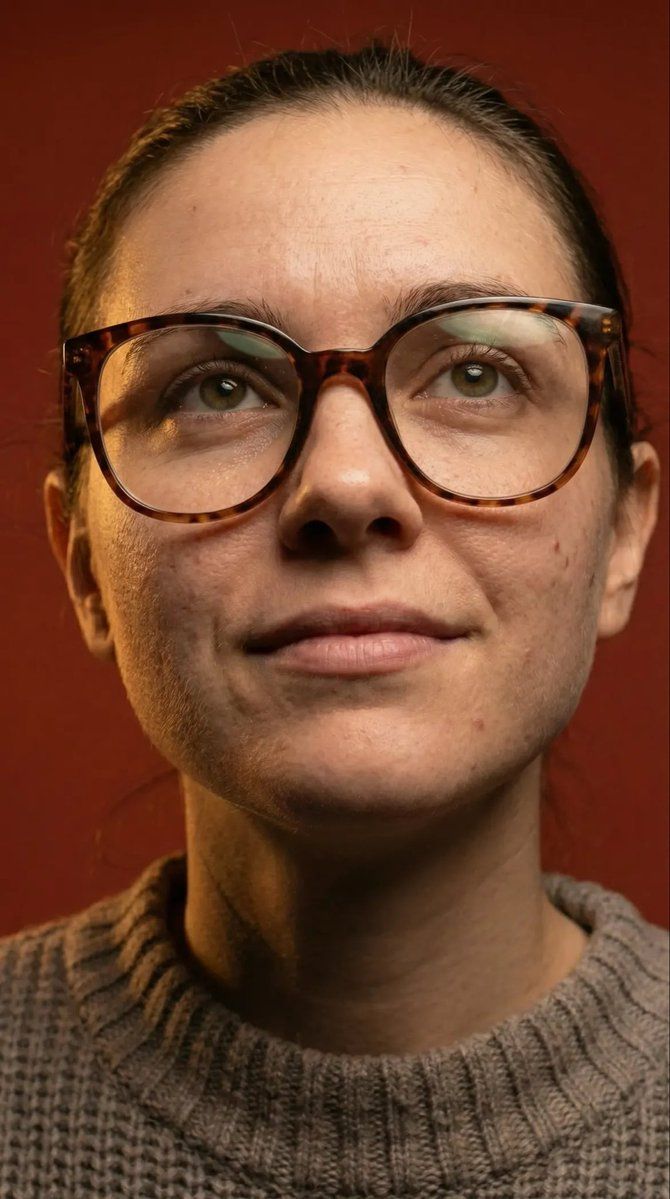
微距细节人像,带眼镜和皮肤纹理提示
Enlarge

微距细节人像,带眼镜和皮肤纹理提示

Prompt
A highly detailed, hyper-realistic close-up portrait of a young woman. She has natural, un-retouched skin texture with visible pores, slight freckles, and minor blemishes. She has striking hazel eyes and her dark hair is pulled back tightly. She is wearing oversized, round tortoiseshell glasses with distinct, soft rectangular light reflections on the lenses. She is dressed in a thick, textured, taupe-grey waffle-knit crewneck sweater. The lighting is warm and dramatic studio lighting, casting deep, defined shadows on one side of her face. The background is a solid, dark rust-red/terracotta color. Shot on an 85mm lens, macro detail, cinematic lighting, 8k resolution, photorealistic." If you want to recreate the specific angles, you can add these modifiers to the beginning of the prompt:
•For the first image: "A low-angle, front-facing portrait of a young woman looking slightly upwards..."
•For the second image: "An extreme macro close-up of a woman's eye and glasses frame, focusing heavily on skin texture..."
•For the third image: "A portrait of a young woman with her head slightly tilted, offering a gentle, subtle smile to the camera..."
Category
创意图片
Model
Nano Banana Pro
Creator
Kashberg
Views5
Source ID
346c599a-96be-46b2-a00b-af33f1c8c630
Published
Mar 8, 2026

Guide

About "微距细节人像,带眼镜和皮肤纹理提示"

What is this prompt for?

"微距细节人像,带眼镜和皮肤纹理提示" AI image prompt for Nano Banana Pro (创意图片). 一个高度详细的 Google Gemini Nano Banana Pro 提示词,用于生成一张超逼真的年轻女性特写肖像,她戴着玳瑁眼镜,强调未经修饰的皮肤纹理、戏剧性的影棚灯光和 8K 分…

The full copyable prompt and example visuals above are ready for AI image generation or one-click recreate in Picva.

How to use this prompt

  1. Step 1

    Open the prompt detail

    Review the example visuals, category, and full prompt text for "微距细节人像,带眼镜和皮肤纹理提示".

  2. Step 2

    Copy the prompt

    Copy the prompt body from this page, or load it directly in Studio.

  3. Step 3

    Pick a model (Nano Banana Pro)

    Prefer Nano Banana Pro. If you switch models, keep subject and composition and tweak style terms.

  4. Step 4

    Generate and export

    Recreate the look in Picva, or export into your workflow for editing and publishing.

FAQ

What is the "微距细节人像,带眼镜和皮肤纹理提示" prompt?
It is an AI image-generation prompt for Nano Banana Pro in the 创意图片 category. This page includes the full prompt text, example visuals, and a one-click recreate path in Picva.
How do I use this prompt to generate an image?
Copy the prompt from this page, or use Generate / Studio. Paste it into a compatible image model, or recreate the look in Picva with optional reference images.
Which model is this prompt for?
This page lists Nano Banana Pro. Most descriptive prompts also transfer to nearby image models such as GPT Image, Flux, or Midjourney with light style tweaks.
Can I use the result commercially?
You can usually copy the prompt for creation, but commercial use of the final image depends on the model terms, reference-image rights, and the generated content. Follow the source author and platform rules.