Red Confidence Studio 自拍的结构化提示
Prompt
{
  "id": "img_9021",
  "title": "Red Confidence Studio Selfie",
  "category": "Fitness Photography",
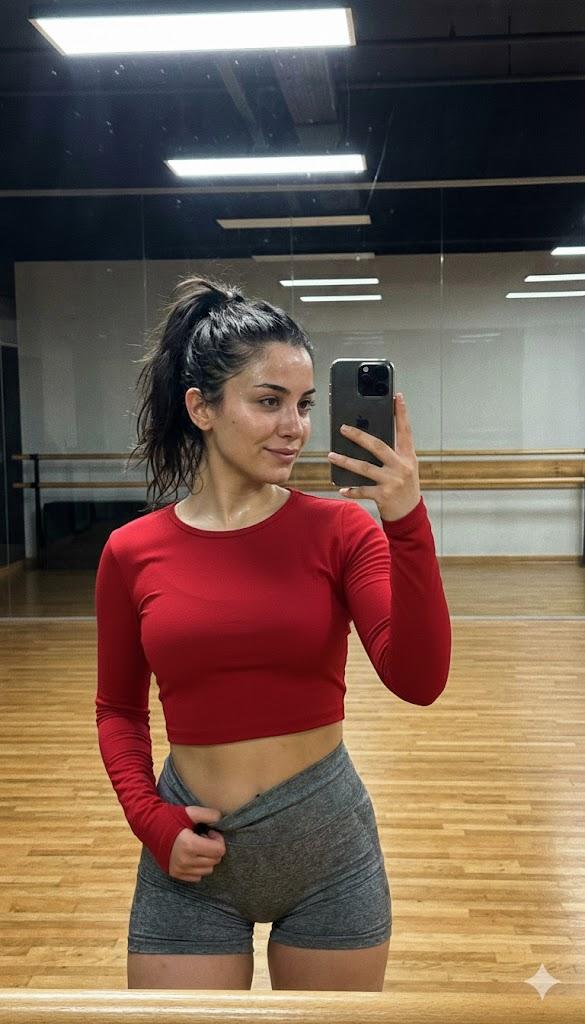
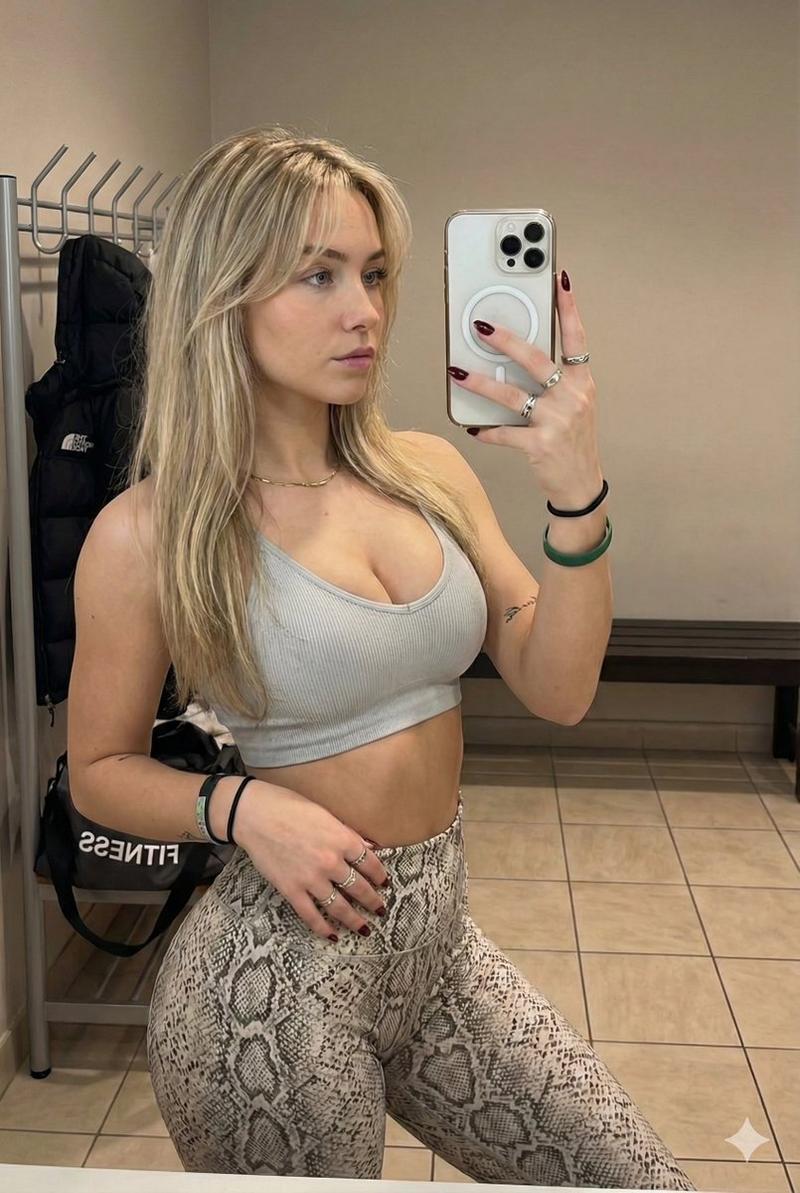
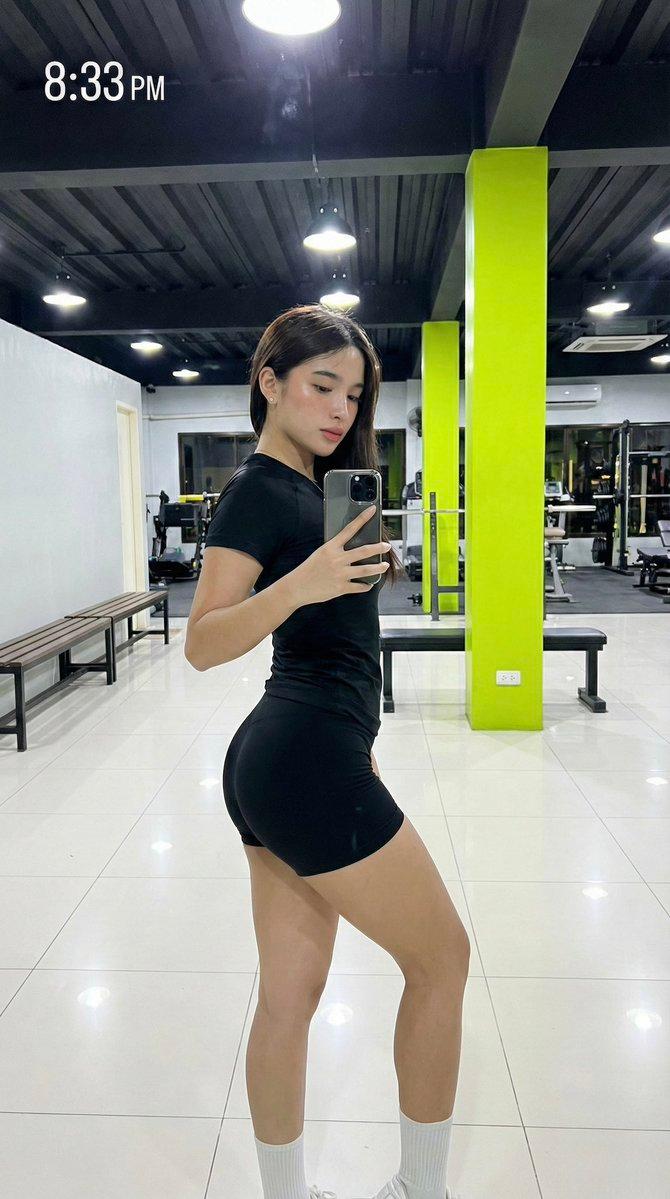
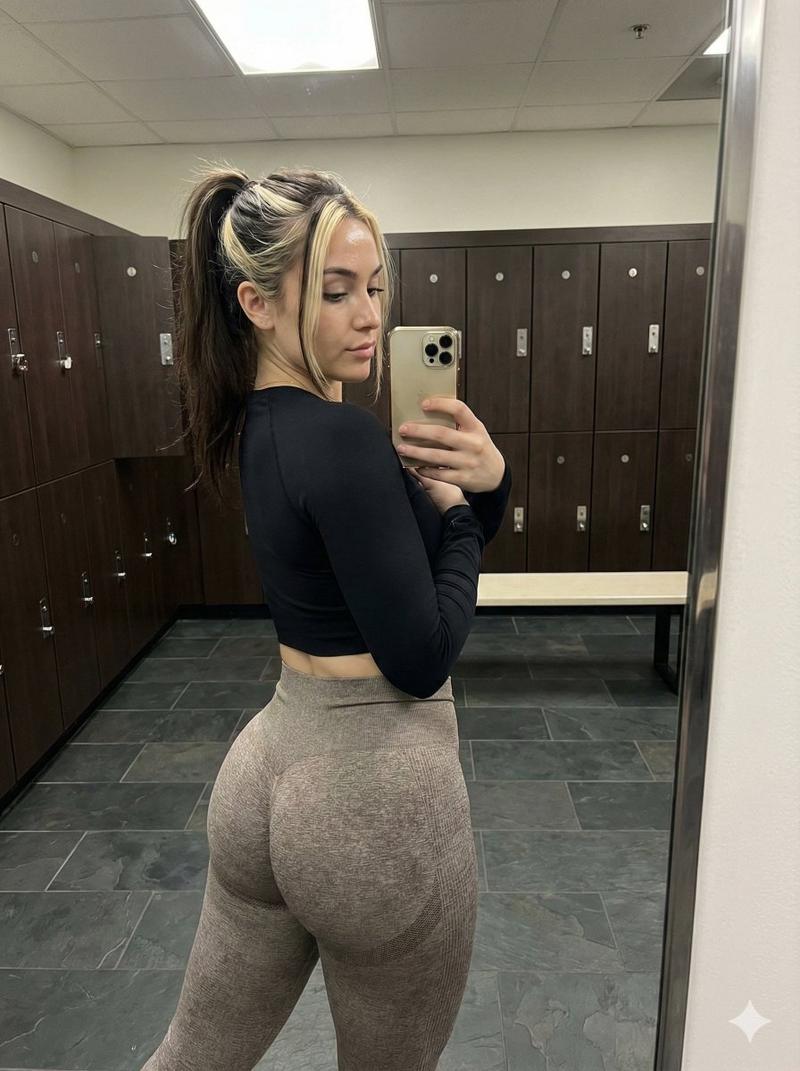
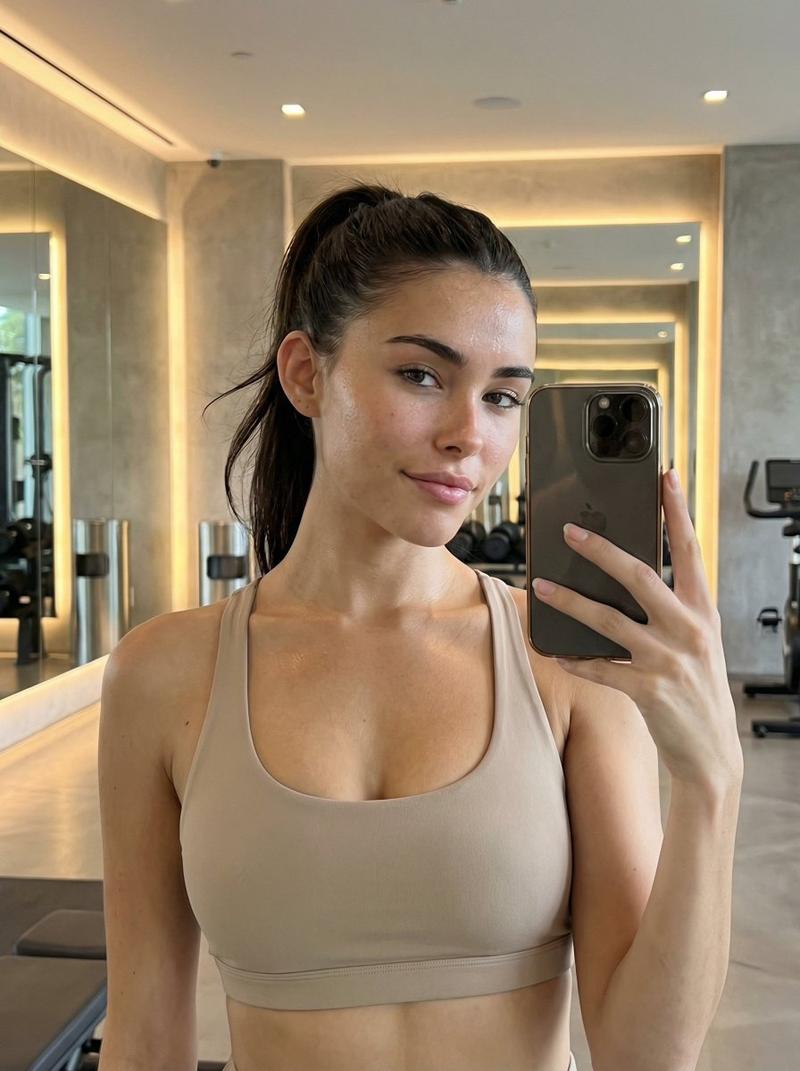
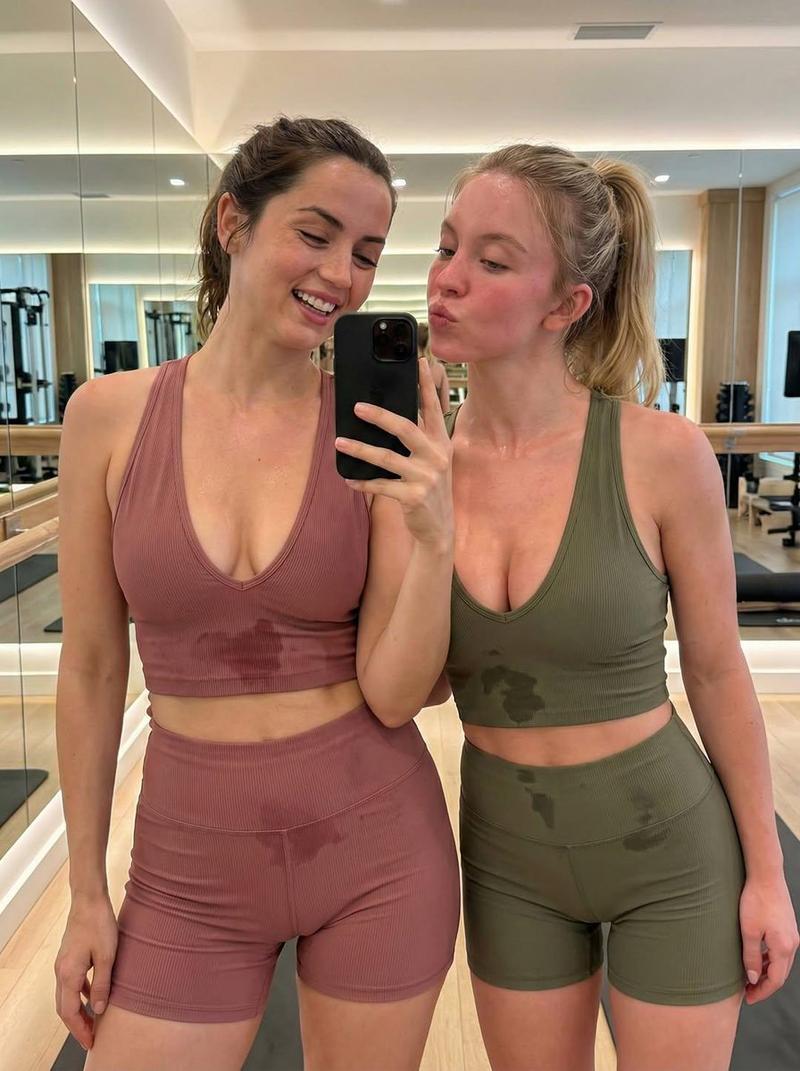
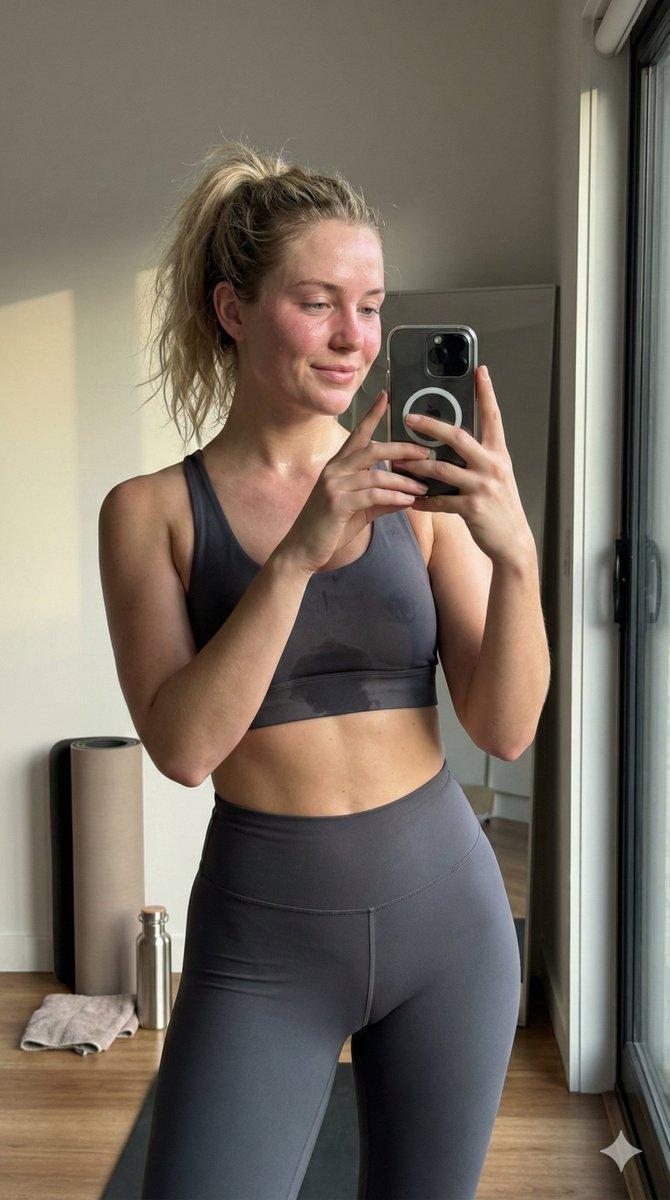
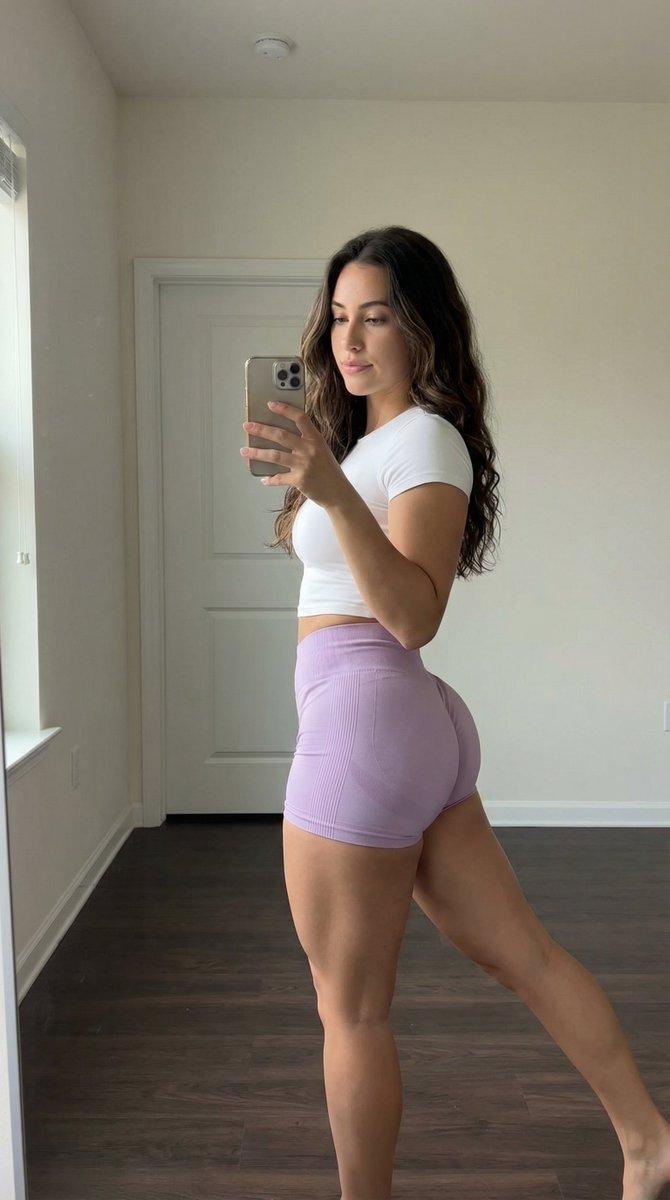
  "description": "A woman capturing a mirror selfie inside a modern fitness studio after a workout session. She is dressed in a fitted red long-sleeve crop top paired with gray athletic shorts. Her hair is styled in a high ponytail, and her skin has a natural post-workout glow. She is holding a smartphone in one hand while standing confidently in front of a large mirror.",
  "location": {
    "type": "Indoor",
    "place": "Fitness studio",
    "floor": "Polished wooden floor",
    "background_elements": [
      "Large wall mirrors",
      "Wooden ballet barre",
      "Bright rectangular ceiling lights"
    ]
  },
  "appearance": {
    "hair_style": "High ponytail",
    "expression": "Soft smile with confident look",
    "makeup": "Minimal and natural",
    "skin_tone": "Light to medium complexion"
  },
  "outfit": {
    "top": {
      "type": "Long-sleeve crop top",
      "color": "Red",
      "fit": "Fitted"
    },
    "bottom": {
      "type": "Athletic shorts",
      "color": "Gray",
      "fit": "Stretch fit"
    }
  },
  "pose": {
    "position": "Standing",
    "action": "Taking mirror selfie",
    "camera_device": "Smartphone",
    "body_language": "Confident and relaxed"
  },
  "lighting": {
    "source": "Ceiling panel lights",
    "intensity": "Bright and even",
    "effect": "Clear visibility with soft shadows"
  },
  "mood": "Energetic, confident, and post-workout freshness",
  "theme": "Fitness lifestyle and self-confidence"
}- Category
- 创意图片
- Model
- Nano Banana Pro
- Creator
- Zainab Fatima
- Source ID
- d81968cb-fc52-4f1b-b8a0-7a10bafb9147
- Published
- Mar 8, 2026
Views0