17

超风格化双色霓虹肖像提示
Enlarge

超风格化双色霓虹肖像提示

Prompt
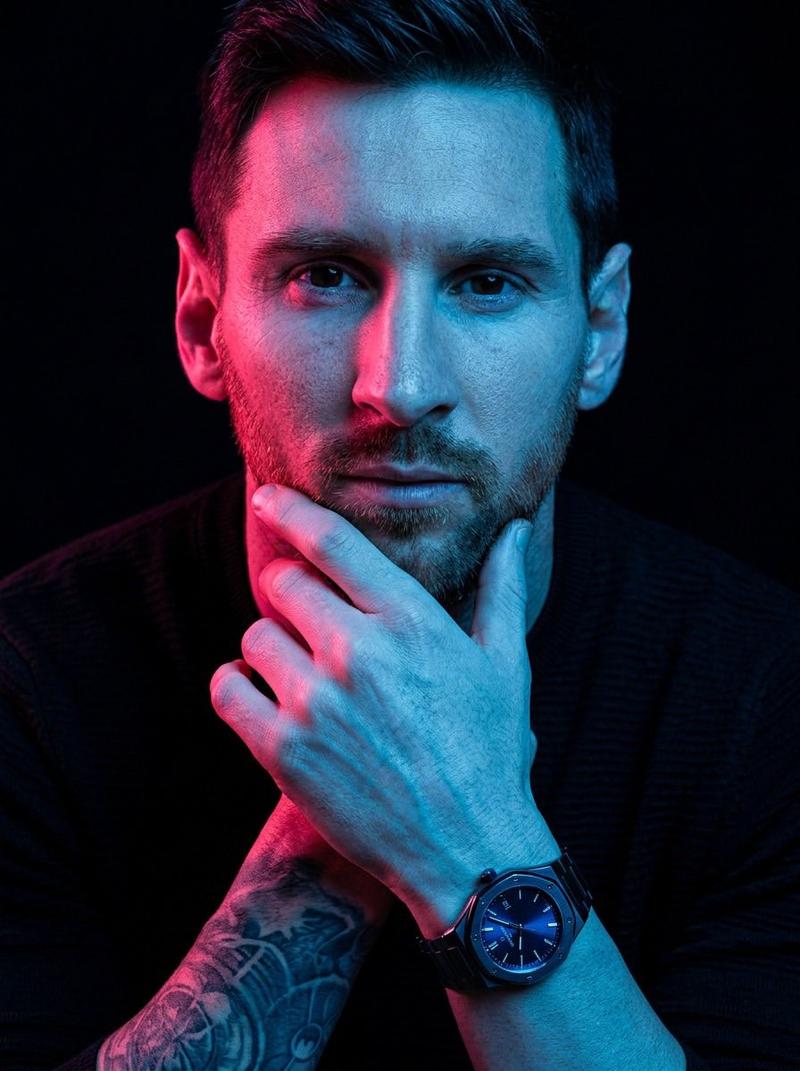
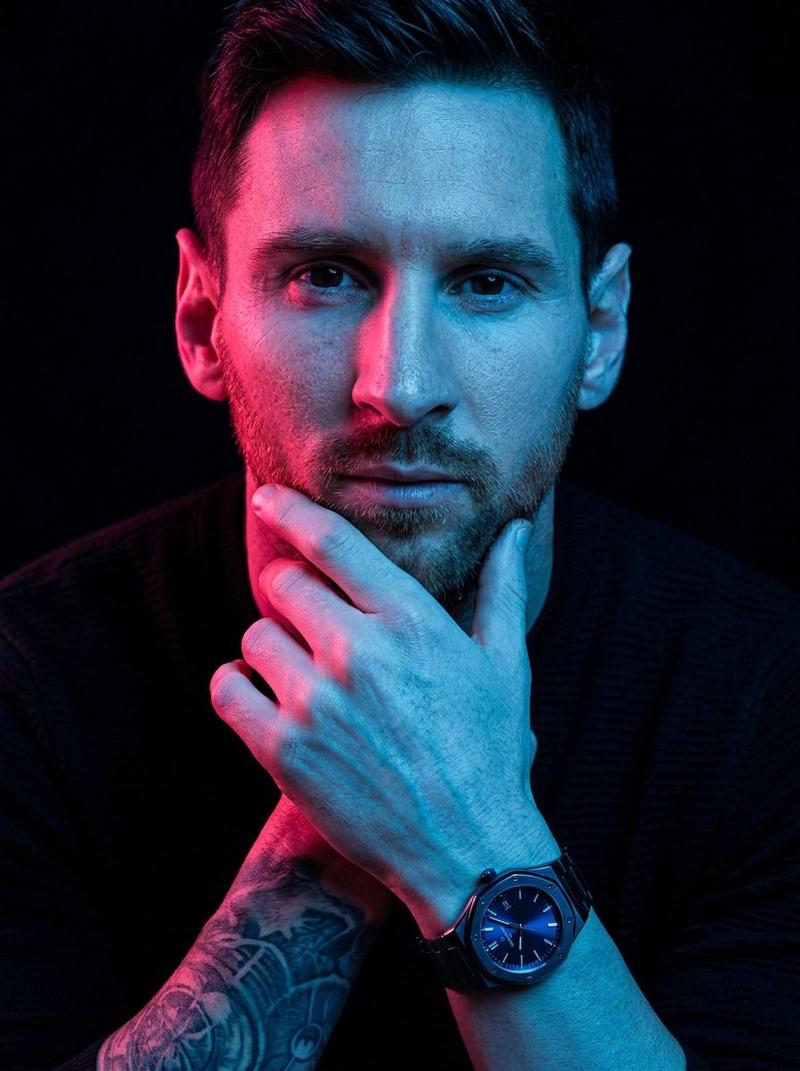
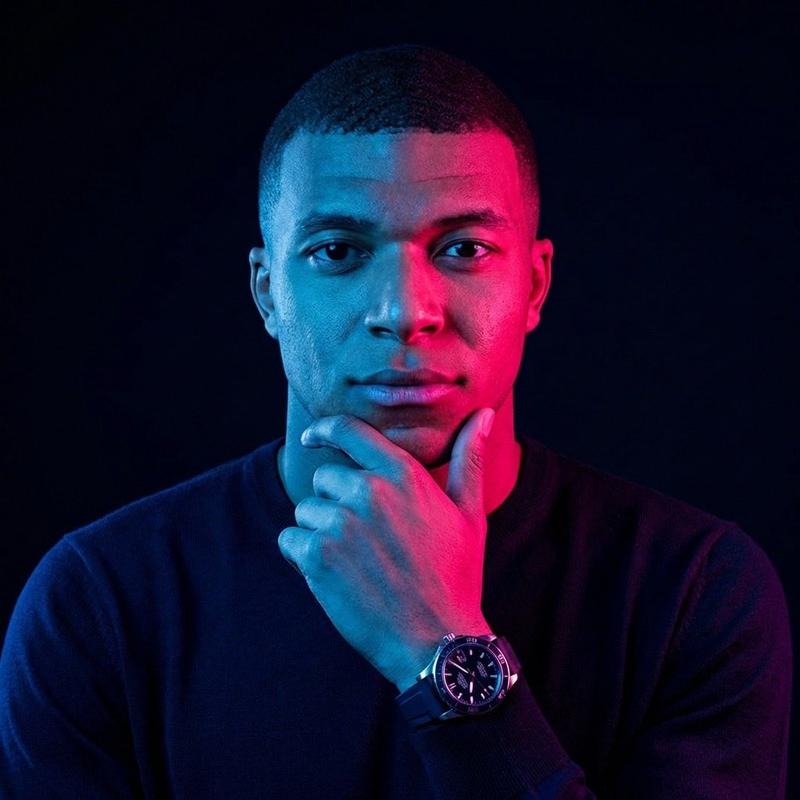
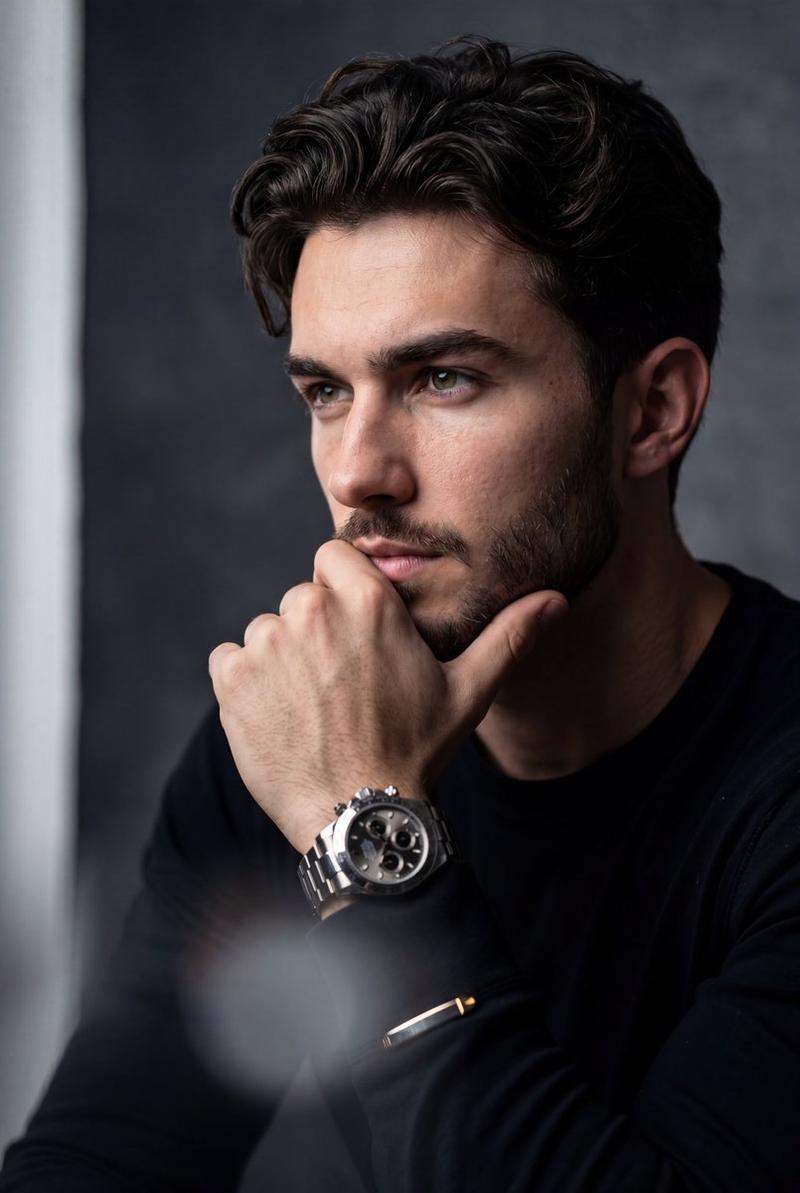
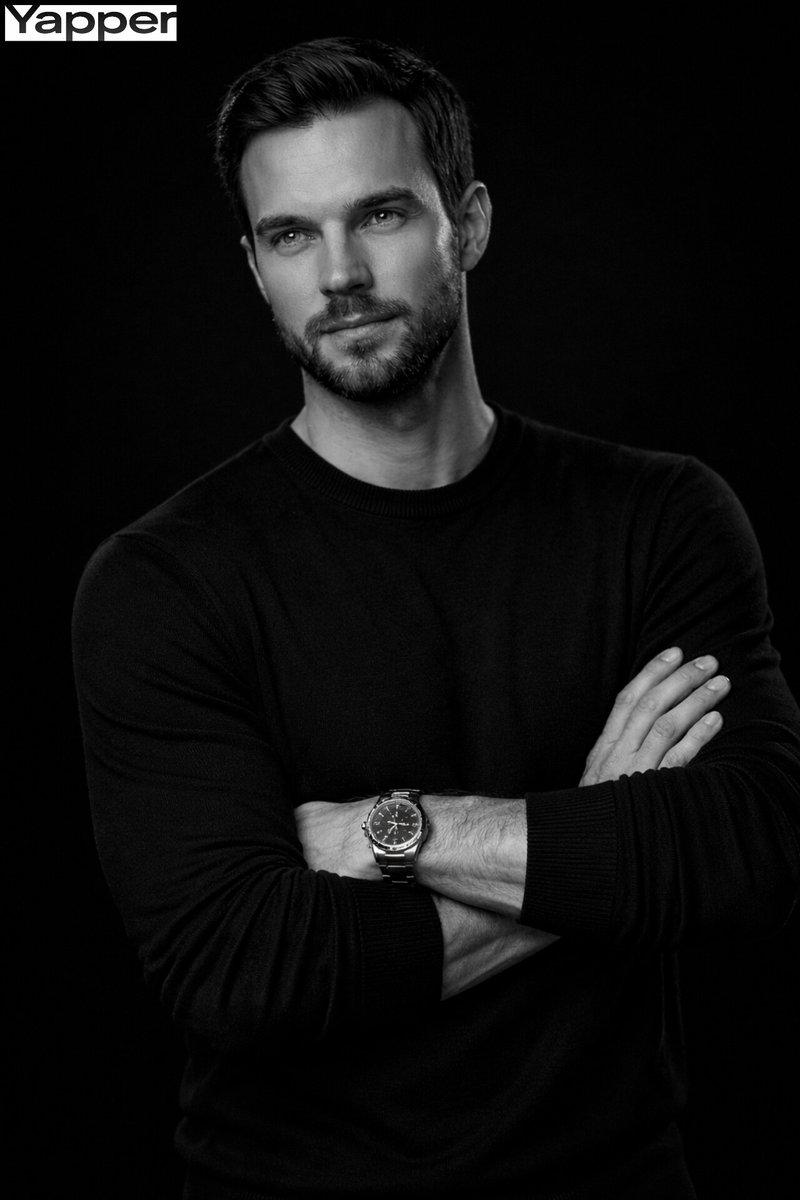
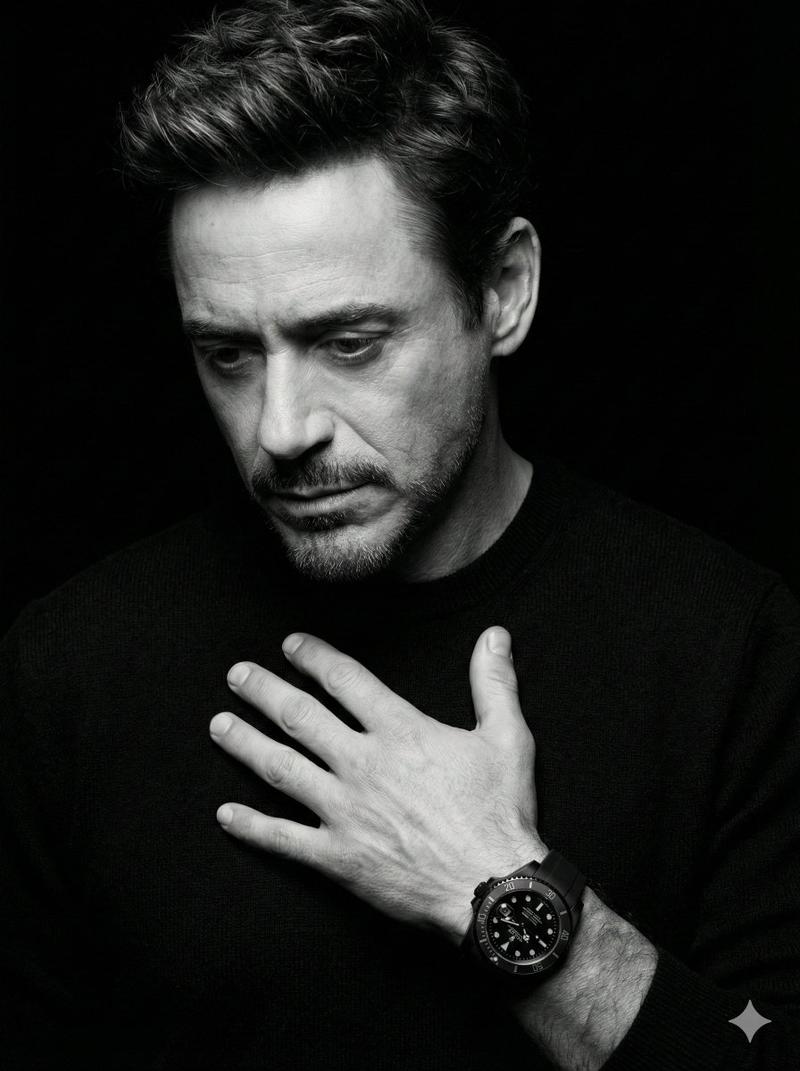
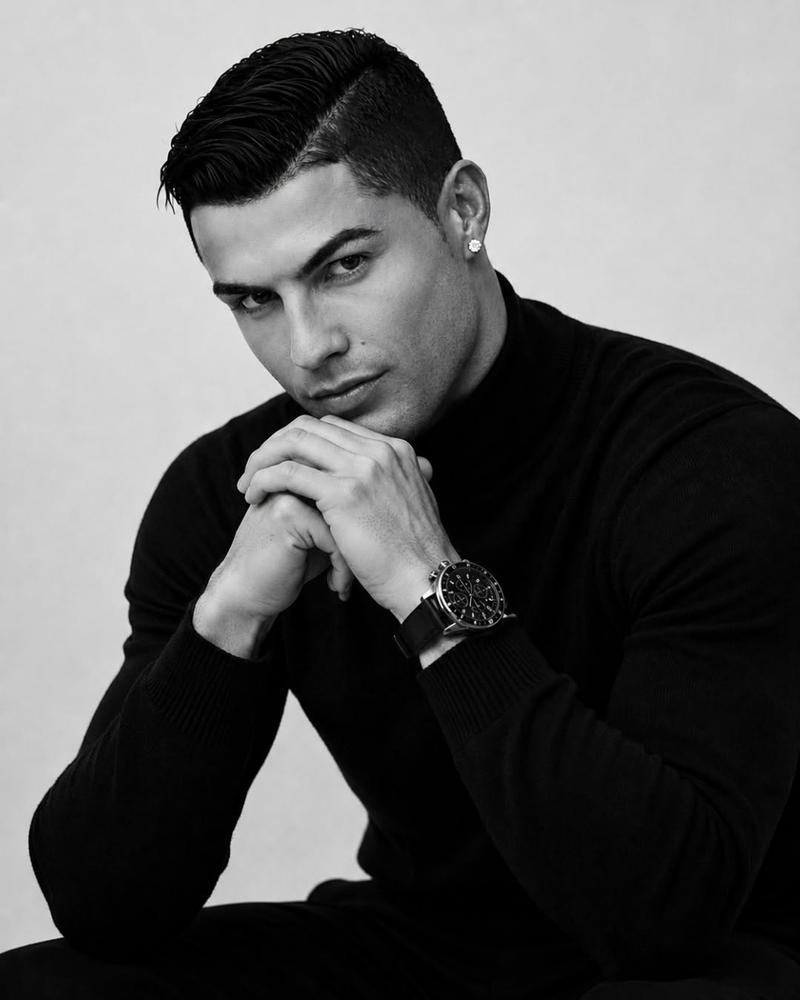
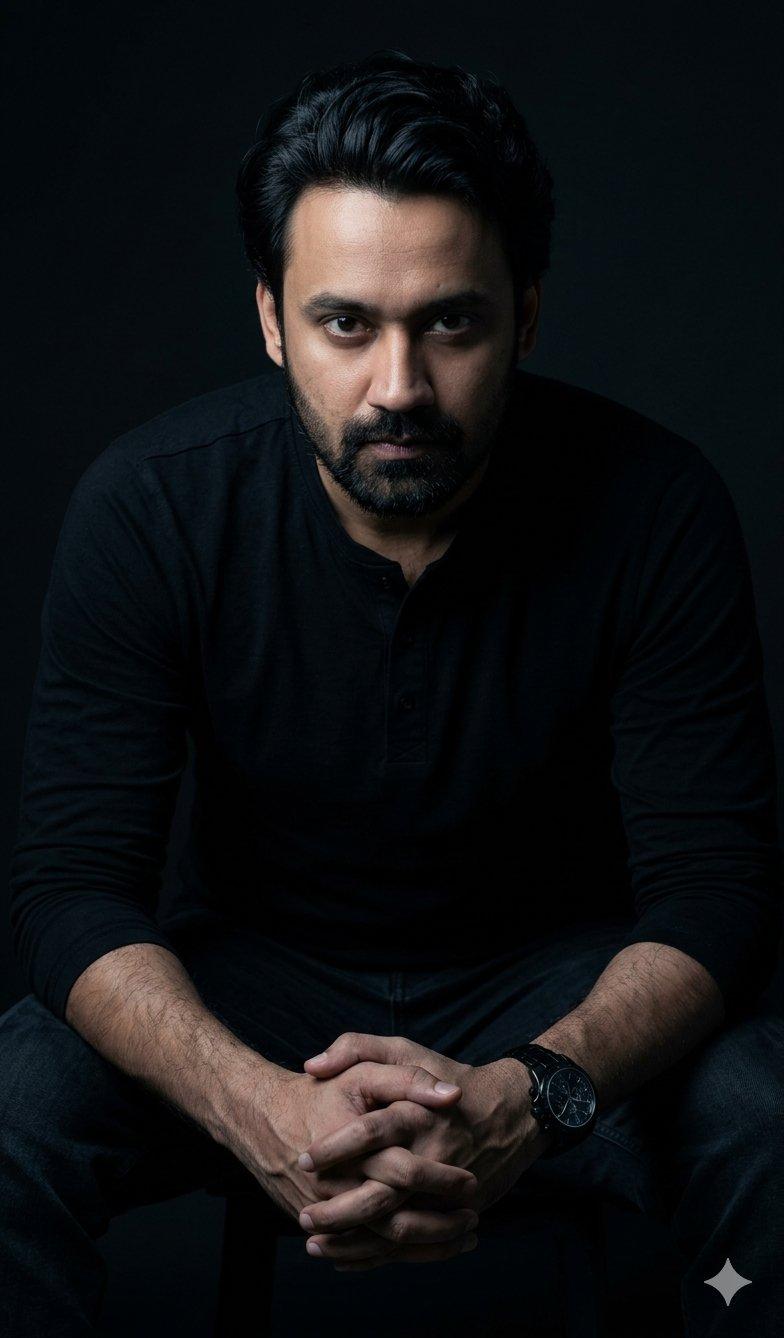
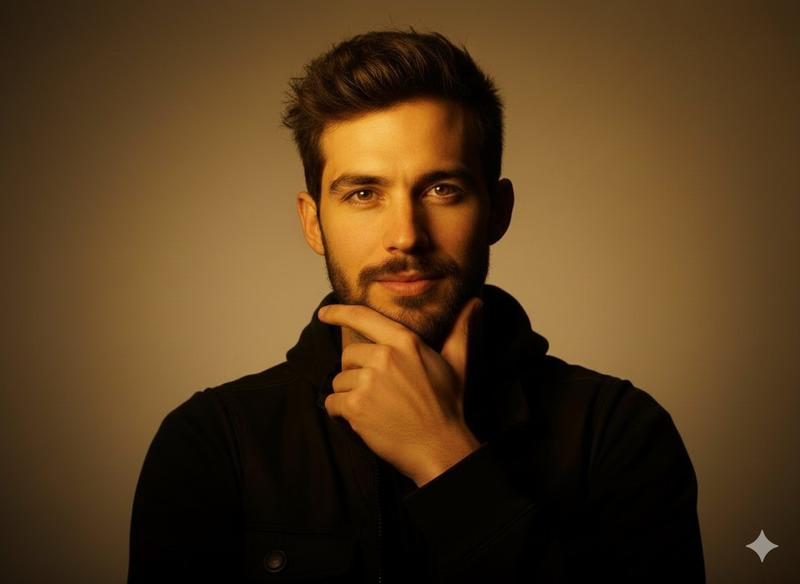
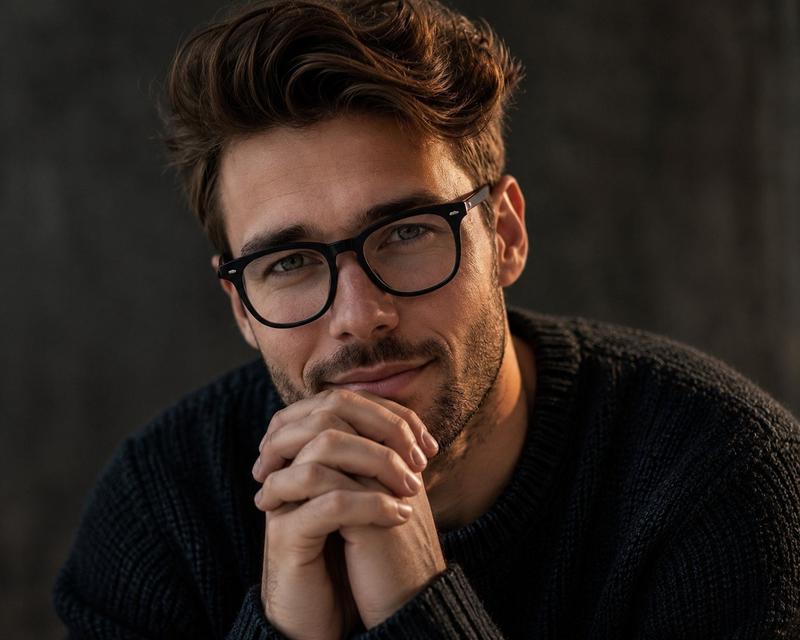
A hyper-stylized portrait of the same person, keeping their exact face and identity unchanged. They are captured in a thoughtful pose with one hand resting on their chin, illuminated by dramatic dual-tone lighting. One side of the face is lit with cool blue light, while the other side glows with vivid pink/red neon tones, creating a bold, high-contrast look.
They are wearing a dark top and a watch. The background remains dark and minimal, emphasizing the colorful illumination on the face and upper body. Cinematic, sharp, and highly detailed.
Category
创意图片
Model
Nano Banana Pro
Creator
K
Views0
Source ID
af94eae9-6726-4354-b18e-eedfb8bd228d
Published
Mar 8, 2026

Guide

About "超风格化双色霓虹肖像提示"

What is this prompt for?

"超风格化双色霓虹肖像提示" AI image prompt for Nano Banana Pro (创意图片). 一个用于生成高度风格化、电影感人像的提示,强调戏剧性的双色调照明。脸部一侧被冷蓝色光照亮,另一侧被鲜艳的粉色/红色霓虹灯照亮,营造出高对比度、大胆的外观,同时保持人物的精确身份。 --- 同一人物的超…

The full copyable prompt and example visuals above are ready for AI image generation or one-click recreate in Picva.

How to use this prompt

  1. Step 1

    Open the prompt detail

    Review the example visuals, category, and full prompt text for "超风格化双色霓虹肖像提示".

  2. Step 2

    Copy the prompt

    Copy the prompt body from this page, or load it directly in Studio.

  3. Step 3

    Pick a model (Nano Banana Pro)

    Prefer Nano Banana Pro. If you switch models, keep subject and composition and tweak style terms.

  4. Step 4

    Generate and export

    Recreate the look in Picva, or export into your workflow for editing and publishing.

FAQ

What is the "超风格化双色霓虹肖像提示" prompt?
It is an AI image-generation prompt for Nano Banana Pro in the 创意图片 category. This page includes the full prompt text, example visuals, and a one-click recreate path in Picva.
How do I use this prompt to generate an image?
Copy the prompt from this page, or use Generate / Studio. Paste it into a compatible image model, or recreate the look in Picva with optional reference images.
Which model is this prompt for?
This page lists Nano Banana Pro. Most descriptive prompts also transfer to nearby image models such as GPT Image, Flux, or Midjourney with light style tweaks.
Can I use the result commercially?
You can usually copy the prompt for creation, but commercial use of the final image depends on the model terms, reference-image rights, and the generated content. Follow the source author and platform rules.