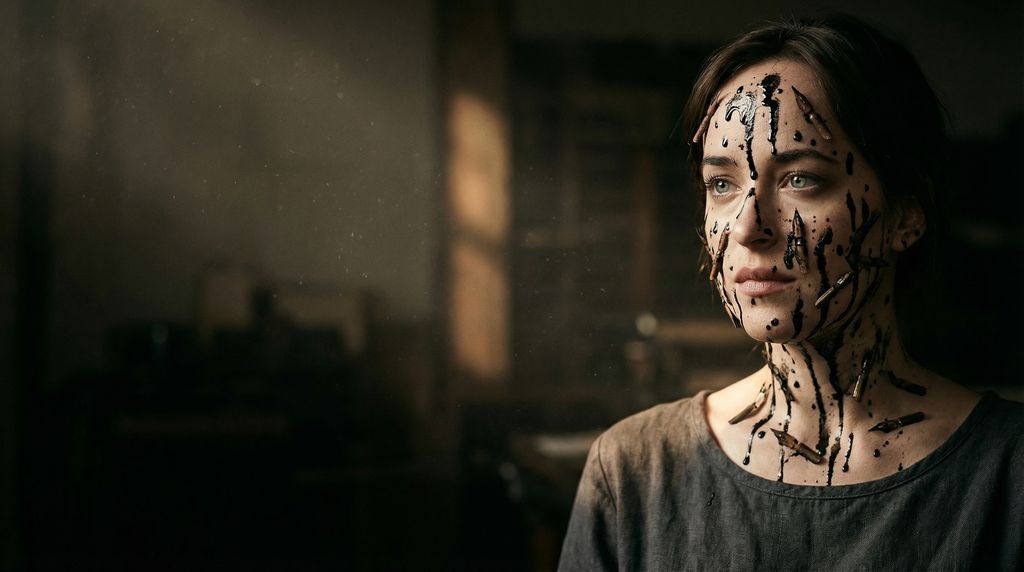
超现实主义编辑肖像:墨水挽歌
Prompt
{
  "vibe_title_en": "The Ink Lament",
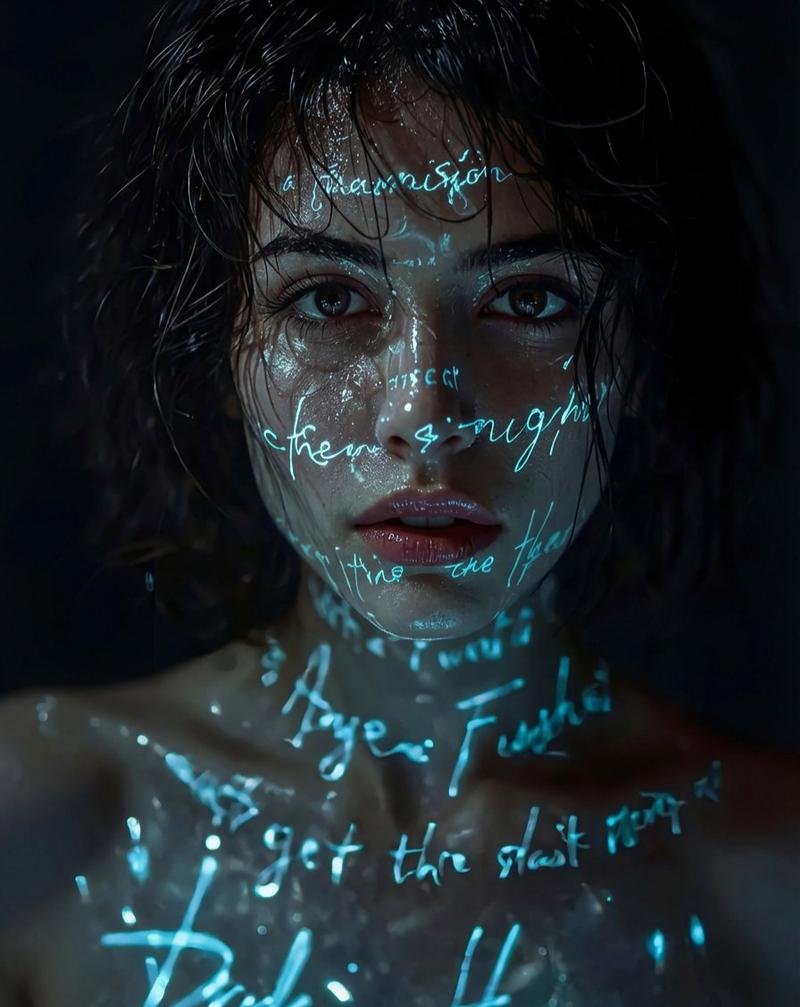
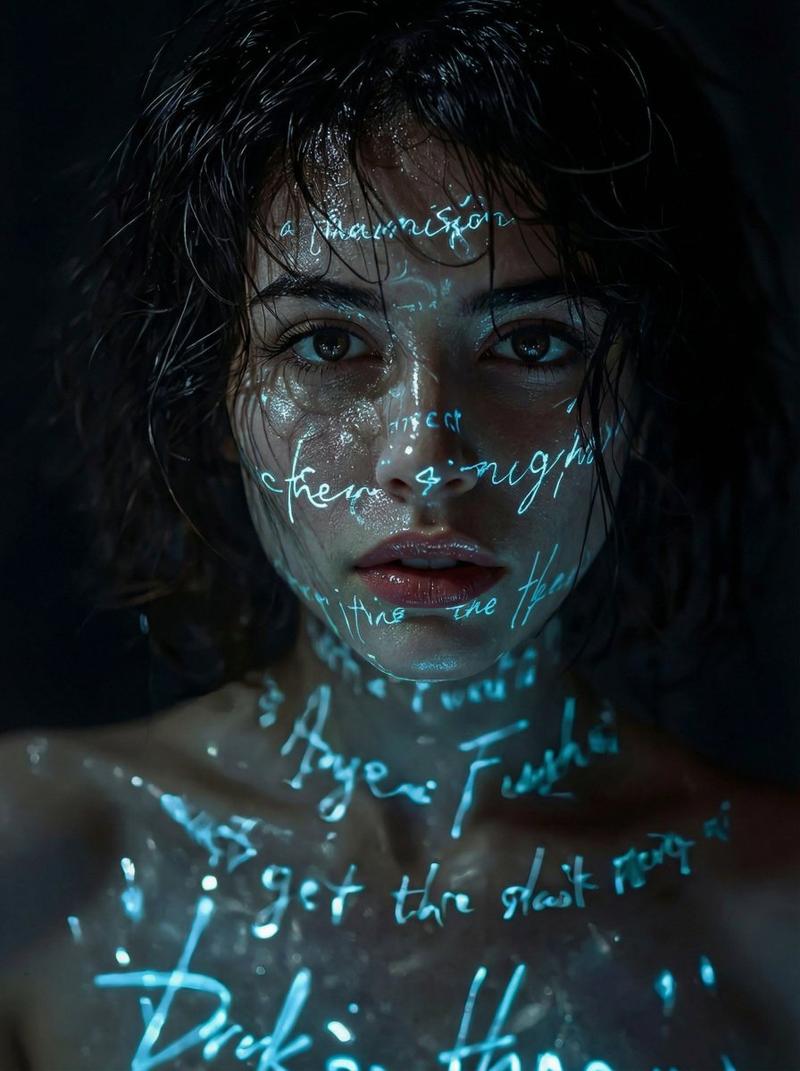
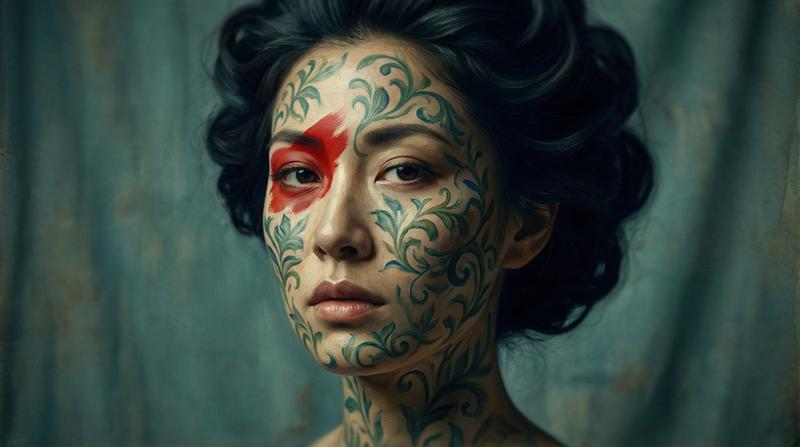
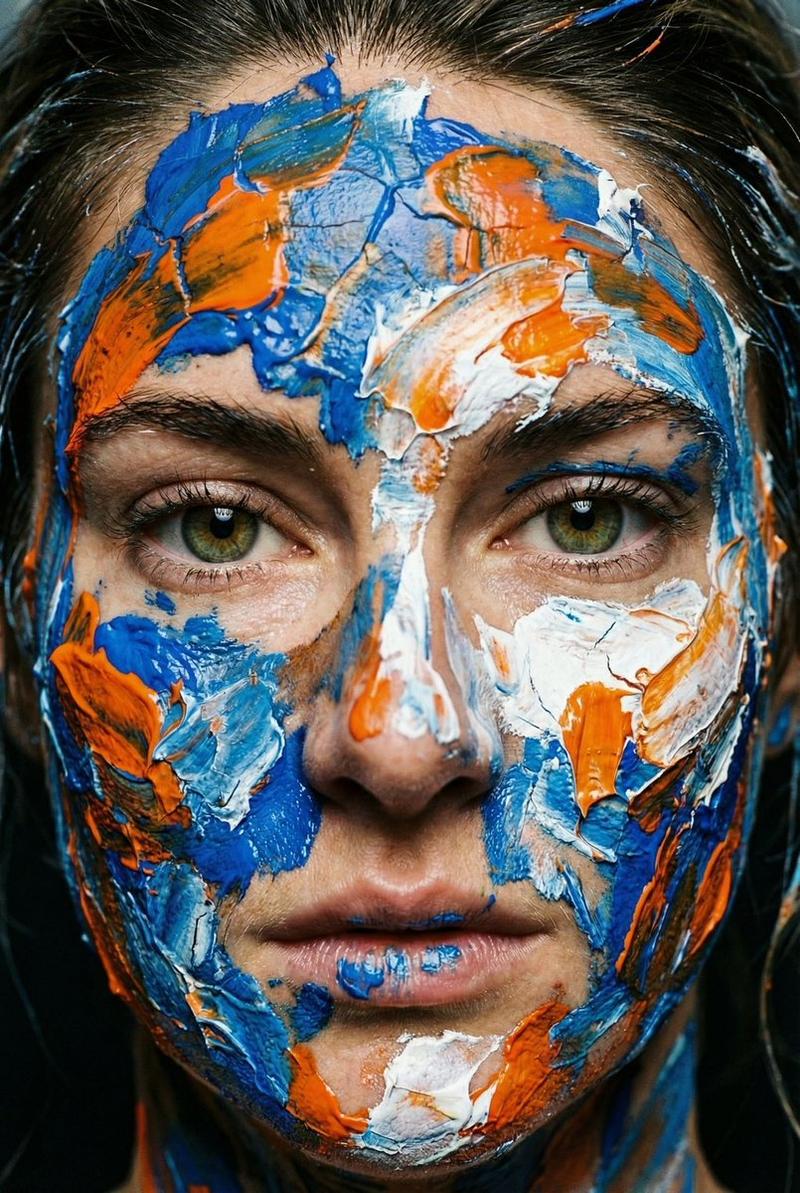
  "master_prompt": "A hyper-realistic, surreal editorial portrait of The Melancholic Prodigy, captured in a dimly lit, dust-filled antique letterpress workshop. The protagonist is framed strictly according to the Cinematic Rule of Thirds, positioned on the far right, leaving vast, moody negative space to the left. The subject exhibits a 'sorrowful focus,' staring past the lens. SURREAL VISUAL TRANSLATION: mirroring the dense, swarming geometry of the reference image, the subject's face and neck are not covered in spiders, but in viscous, anti-gravity droplets of black India ink and broken, antique calligraphy nibs that cling to the skin like organic parasites. These elements cast realistic, micro-shadows on the pores, treating the surrealism as a practical effect. The lighting is a high-contrast Chiaroscuro: a single, warm shaft of light cuts through the airborne dust particles, illuminating the glossy texture of the ink against the matte skin, while the rest falls into deep shadow. Shot on a Hasselblad H6D-100c with an HC 100mm f/2.2 lens to achieve a razor-thin depth of field, focusing intensely on the eyes and the tactile ink texture. Film simulation: Kodak Portra 800, rich grain, desaturated slightly to emphasize the melancholic atmosphere. No neon, no digital gloss.",
  "meta": {
    "intent": "Editorial Surrealism",
    "priorities": "Texture, Mood, Narrative Conflict",
    "device_profile": "Hasselblad H6D-100c"
  },
  "frame": {
    "aspect": "16:9",
    "composition": "Rule of Thirds",
    "layout": "Off-Center Negative Space",
    "camera_angle": "Eye Level",
    "tilt_roll_degrees": "0"
  },
  "subject": {
    "gender": "Female",
    "identity": "The Melancholic Prodigy",
    "demographics": "Adult, Ageless",
    "face": "Sorrowful, Intense Focus, Hyper-detailed Pores",
    "hair": "Pulled back or styled simply to focus on face texture",
    "body": "Shoulder-up Portrait",
    "expression": "Stoic Melancholy, Lost in thought",
    "pose": "Static but tense, head slightly turned to the negative space"
  },
  "wardrobe_accessories": {
    "garments": [
      {
        "item": "Vintage Work Smock",
        "material": "Linen",
        "color": "Faded Charcoal",
        "fit": "Loose, Textured"
      }
    ],
    "accessories": [
      {
        "item": "Surreal Ink Droplets",
        "color": "Obsidian Black",
        "material": "Liquid/Viscous",
        "brand_style": "Surreal Organic"
      },
      {
        "item": "Calligraphy Nibs",
        "color": "Rusted Steel",
        "material": "Metal",
        "brand_style": "Antique"
      }
    ]
  },
  "environment": {
    "setting": "Antique Letterpress Workshop",
    "surfaces": "Aged Wood, Dust Motes, Paper Stacks",
    "depth": "Deep shadowy background with bokeh highlights",
    "atmosphere": "Heavy, Dusty, Melancholic, Warm",
"lens_interaction": "Sharp focus on ink texture, r"- Category
- 创意图片
- Model
- Nano Banana Pro
- Creator
- timedoctor.eth
- Source ID
- 93e54d3e-4dc6-4825-bf5c-7d263698d9e6
- Published
- Mar 8, 2026
Views0