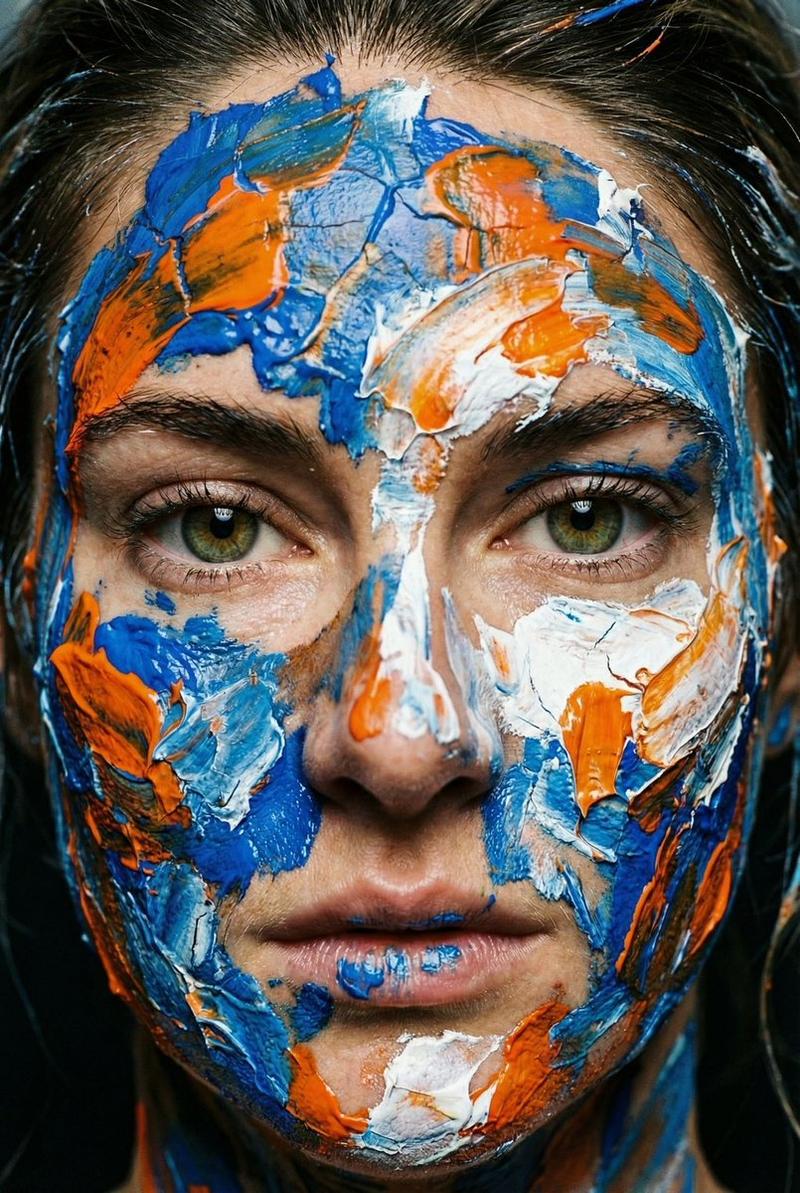
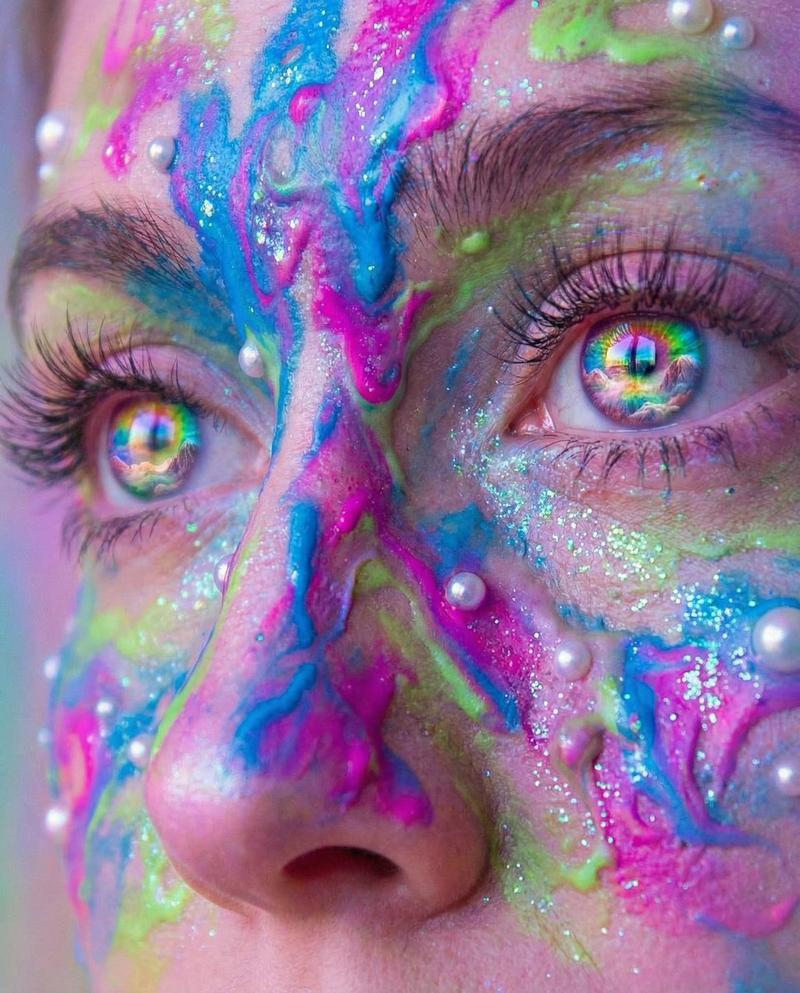
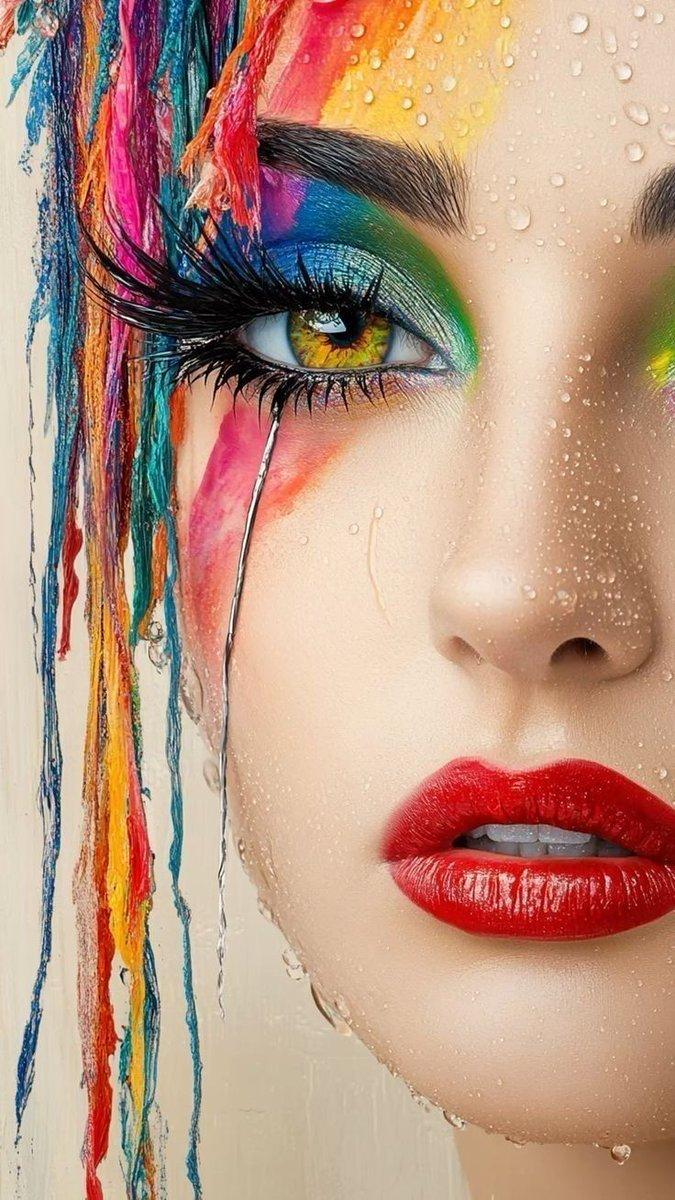
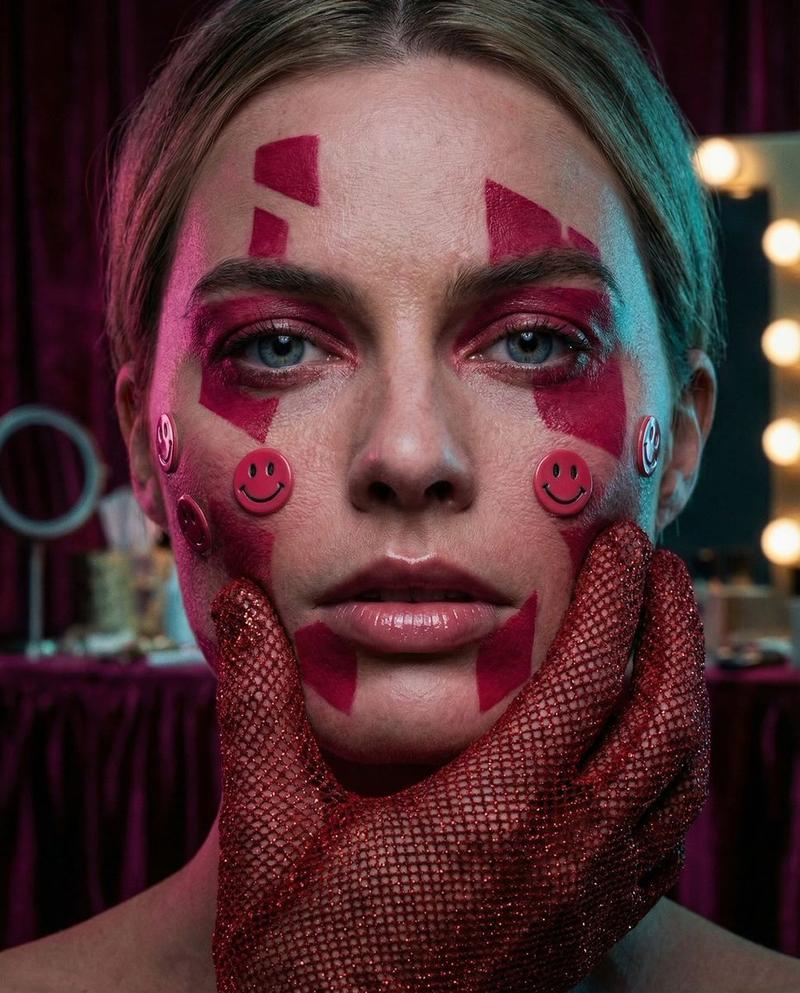
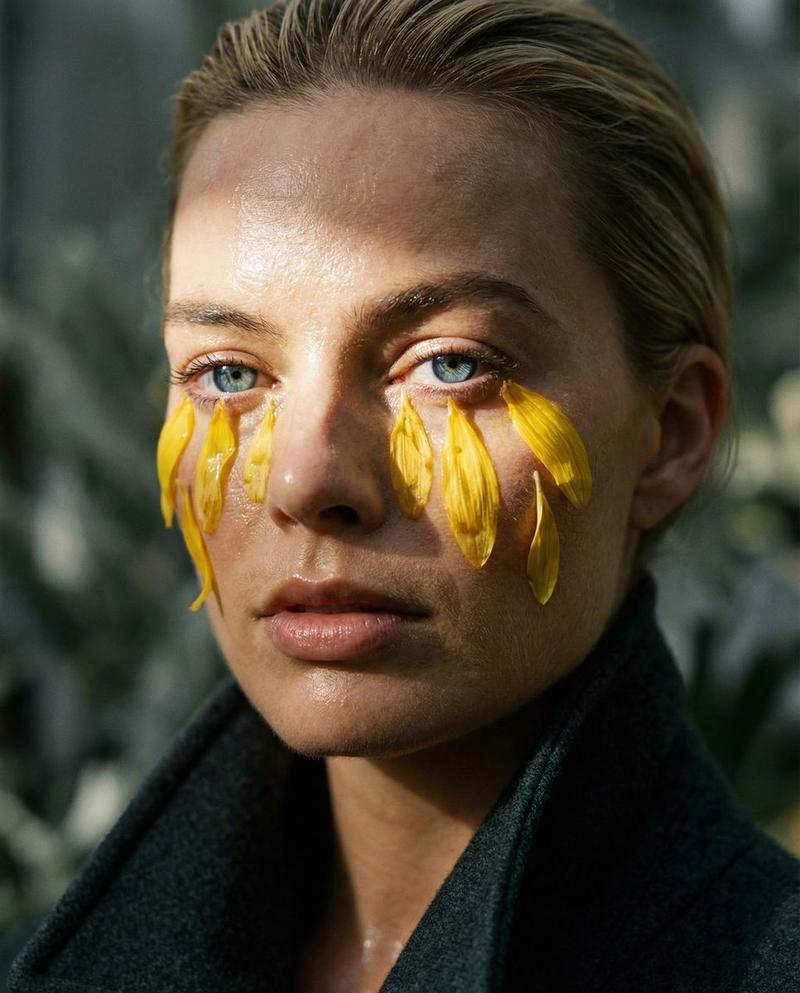
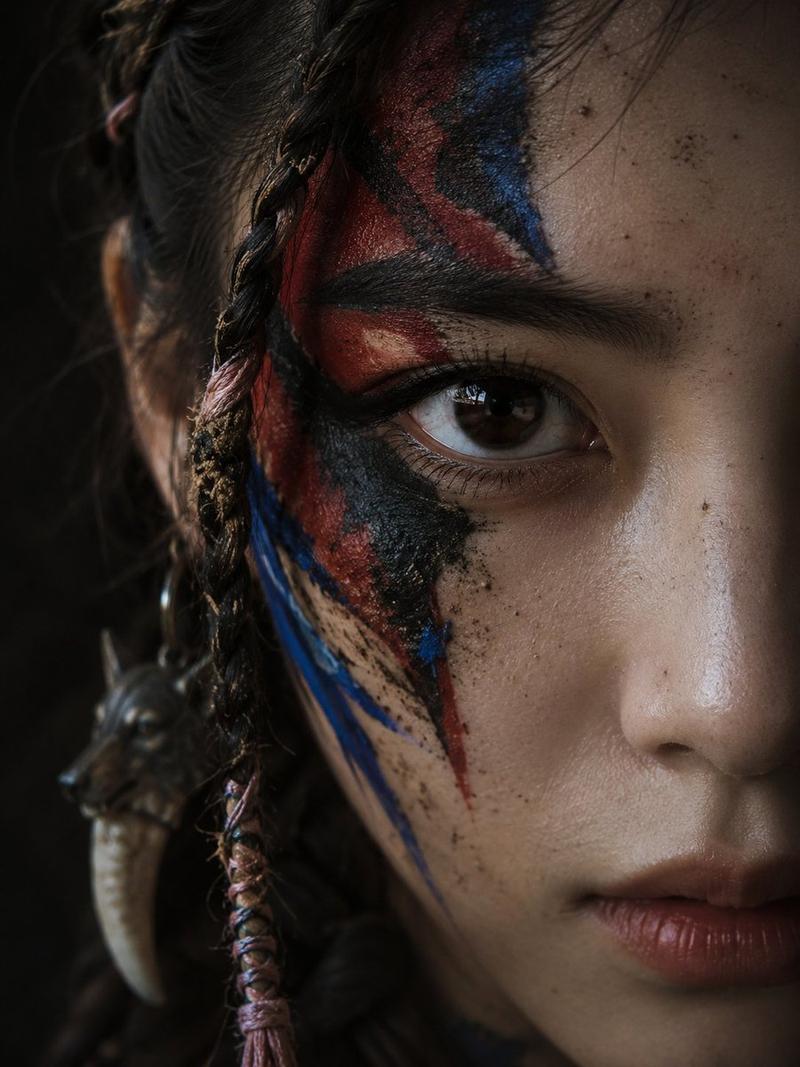
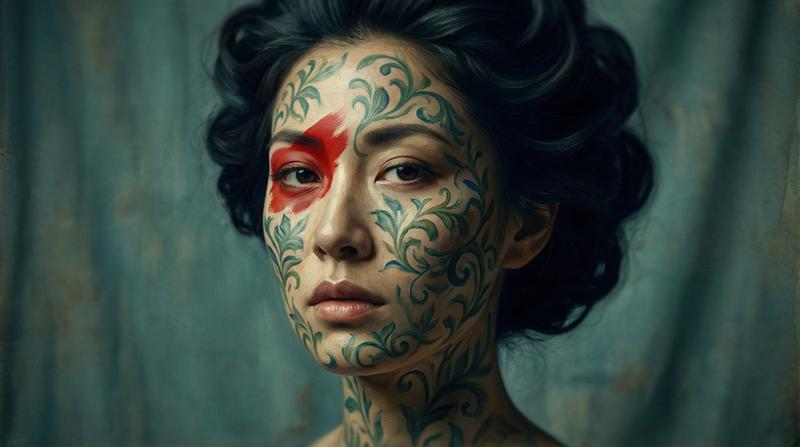
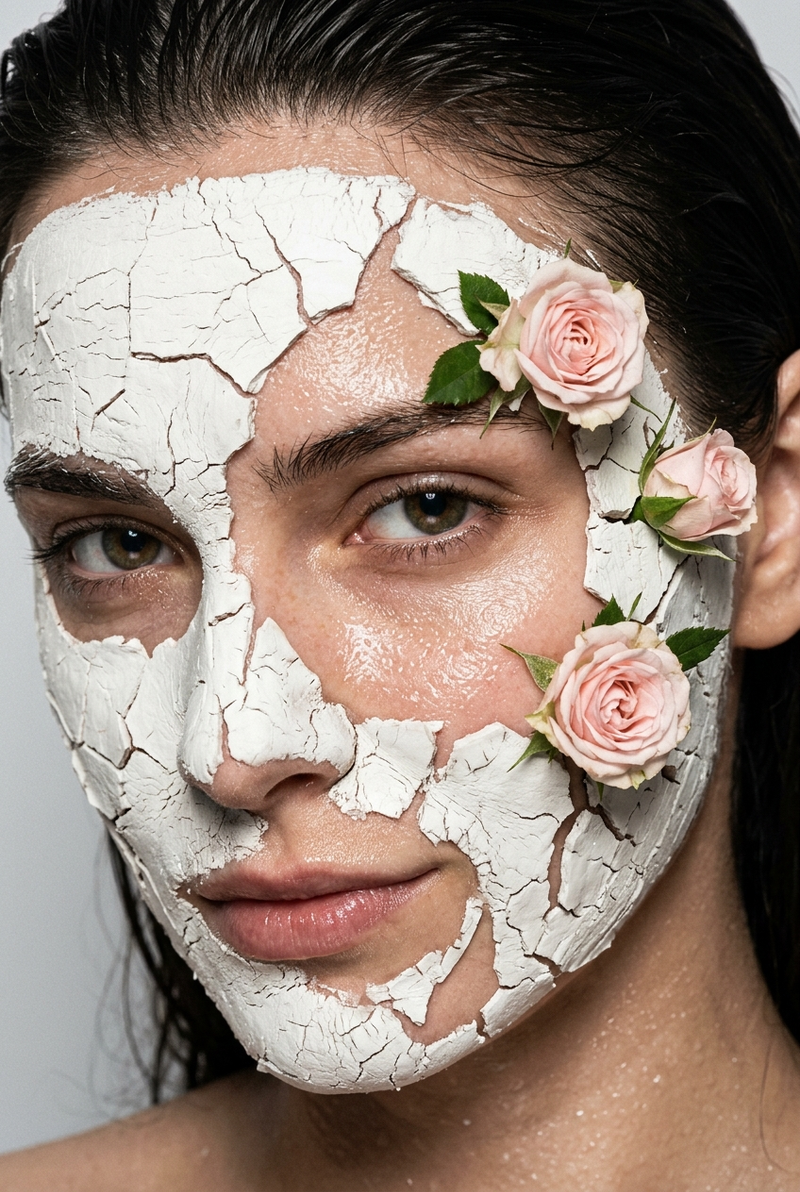
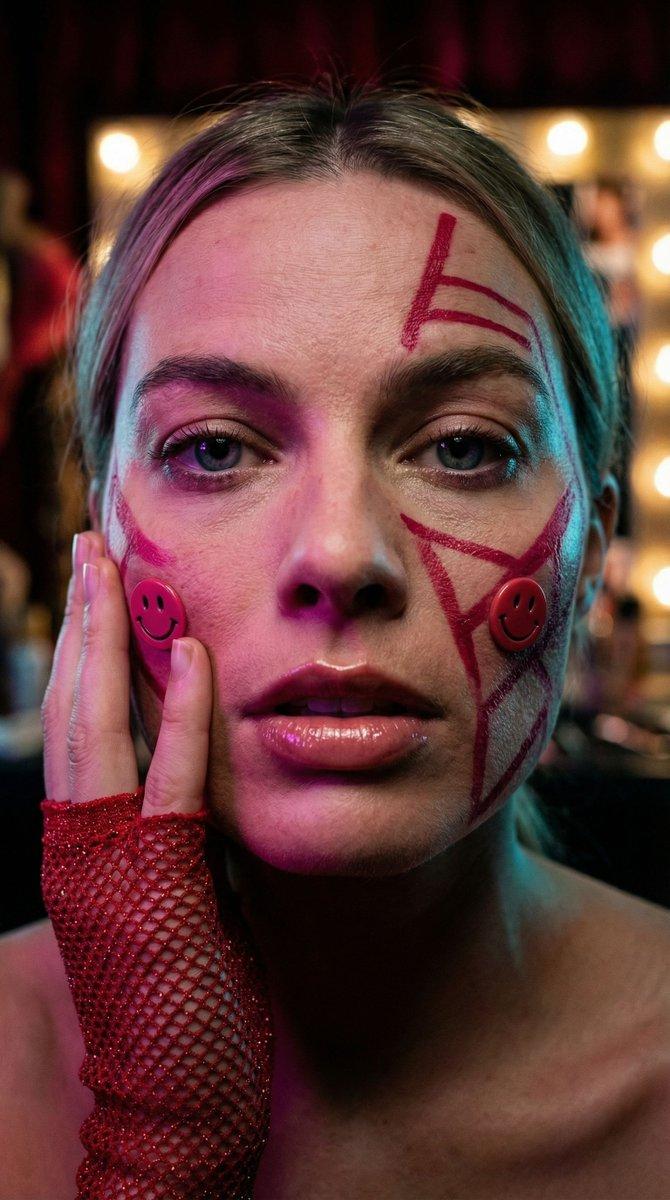
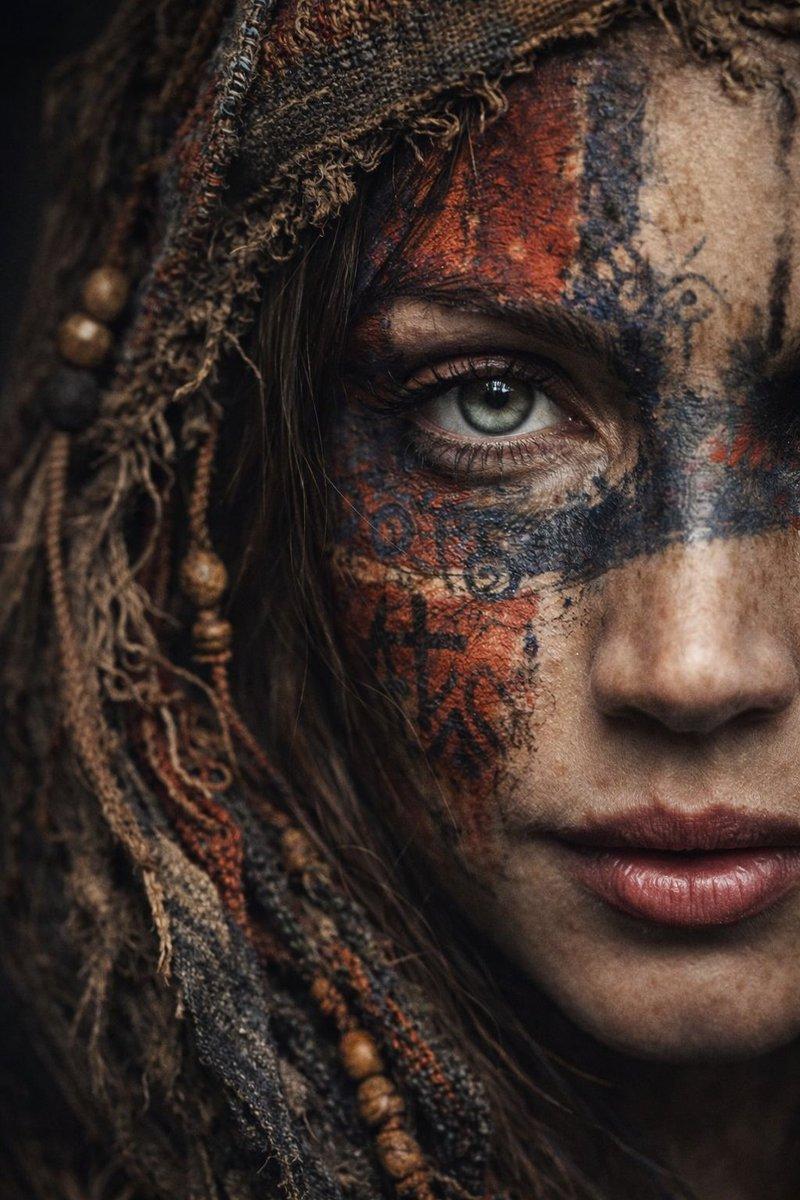
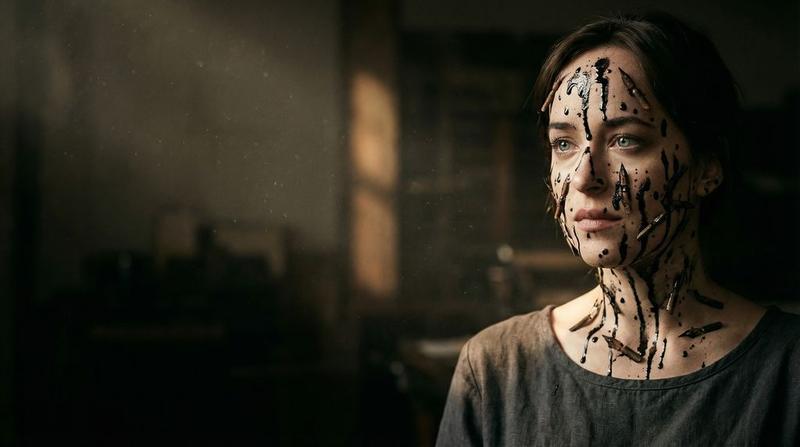
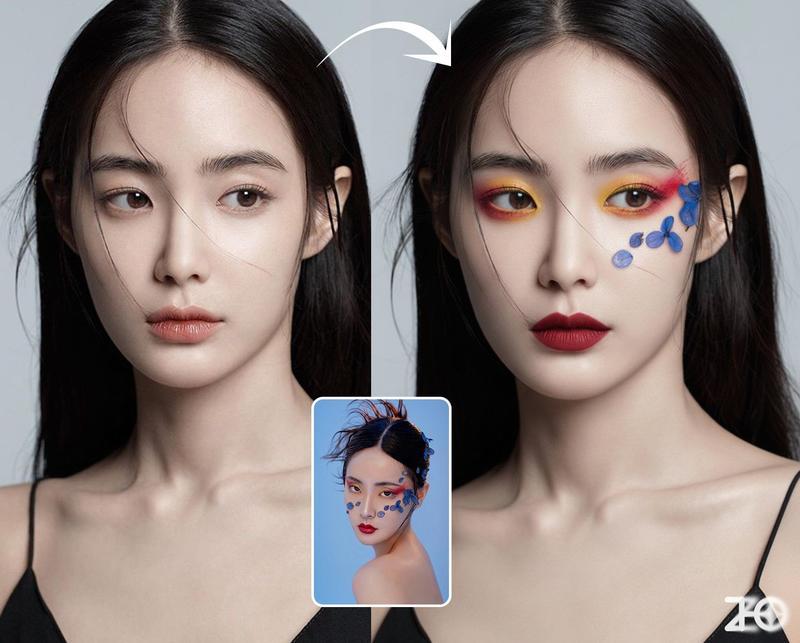
厚涂人体彩绘肖像,高调布光
Prompt
{
  "portrait_metadata": {
    "composition": "Medium Close-up (MCU), Tight Framing, Focus on Face and Upper Décolletage",
    "lighting": "High-Key Studio Setup; Primary: Soft, bright frontal Ring Light or Softbox fill. Secondary: Dramatic, hard, intense Rim Light defining the hair and shoulder contours.",
    "camera_settings": "Simulated Phase One XF, 105mm Portrait Lens, Aperture f/1.4, ISO 100, Shutter Speed 1/160s, Razor-sharp focus plane locked onto the eyes, Extreme Bokeh, Ultra Shallow Depth of Field."
  },
  "subject": {
    "demographics": "Young Woman, Early Twenties, Fair Skin Tone",
    "expression": "Intense, captivating, direct stare into the camera. Focused, controlled, and slightly aloof facial expression.",
    "skin_micro_details": "Hyper-photorealistic skin texture in unpainted areas: visible microscopic pores, faint micro-relief lines, subtle peach fuzz (vellus hair) catching the harsh rim light. Skin tone is cool and porcelain-like. Painted areas feature aggressive, thick, physical Impasto Body Paint ({argument name="paint colors" default="Magenta, Red, Orange, Violet"}) with clearly defined, pasty brushstrokes and a high-gloss, wet sheen. A highly saturated Magenta and Violet vertical color streak runs down the right cheek, resembling a stylized colored tear or purposeful paint drip.",
    "eyes_micro_details": {
      "iris": "Highly defined iris structure with visible crypts and furrows radiating outward from the pupil. Sharp, dark limbal ring providing contrast. Iris color assumed to be Hazel or Light Brown for maximal saturation contrast.",
      "sclera_and_lashes": "Pristine, intensely white sclera, minimizing visible capillaries. Individual, highly separated, thick black eyelashes (potentially stylized false lashes) casting minuscule, sharp shadows onto the lower water line.",
      "reflections": "Perfect, clear circular or octagonal reflection of the frontal soft light source (Ring Light/Softbox) centered on the corneal dome, demonstrating high refractive index and clarity."
    }
  },
  "environment_and_style": "Minimalist Studio Setting. Abstract background dissolved into an extreme vertical color gradient bokeh: Luminous Azure Blue fading into Intense Emerald Green. Extreme Chromatic Saturation, Cinematic Grading, Aggressive Textural Fidelity merging Photorealism with expressive, physical Impasto painting techniques. Overall atmosphere is vibrant and intensely artistic.",
  "image_quality_tokens": "16k UHD, raw photo, hyper-photorealism, highly detailed, extreme textural fidelity, masterwork, high-gloss finish, cinematic color grade, expressive digital art fusion, painterly elements, ultra shallow depth of field, high contrast lighting."
}- Category
- 创意图片
- Model
- Nano Banana Pro
- Creator
- Dominus the Prompter
- Source ID
- b02cb7a1-8038-4936-a5aa-9d32cb93534c
- Published
- Mar 8, 2026
Views0