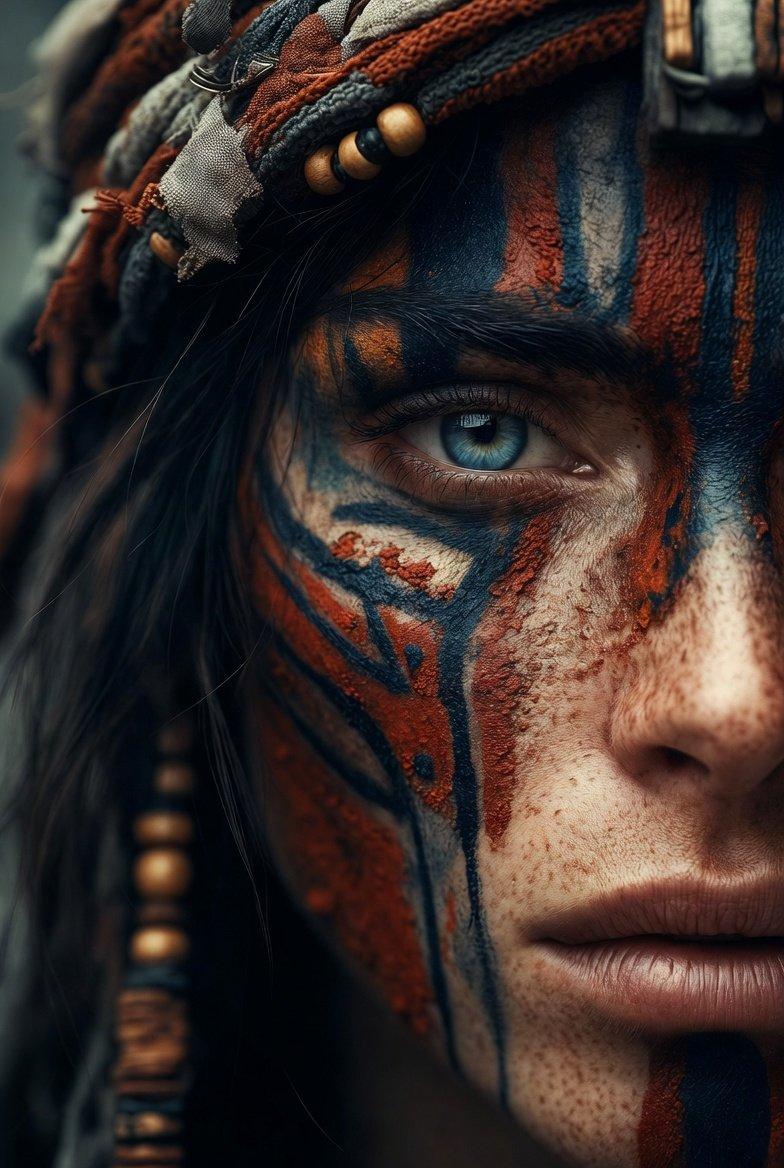
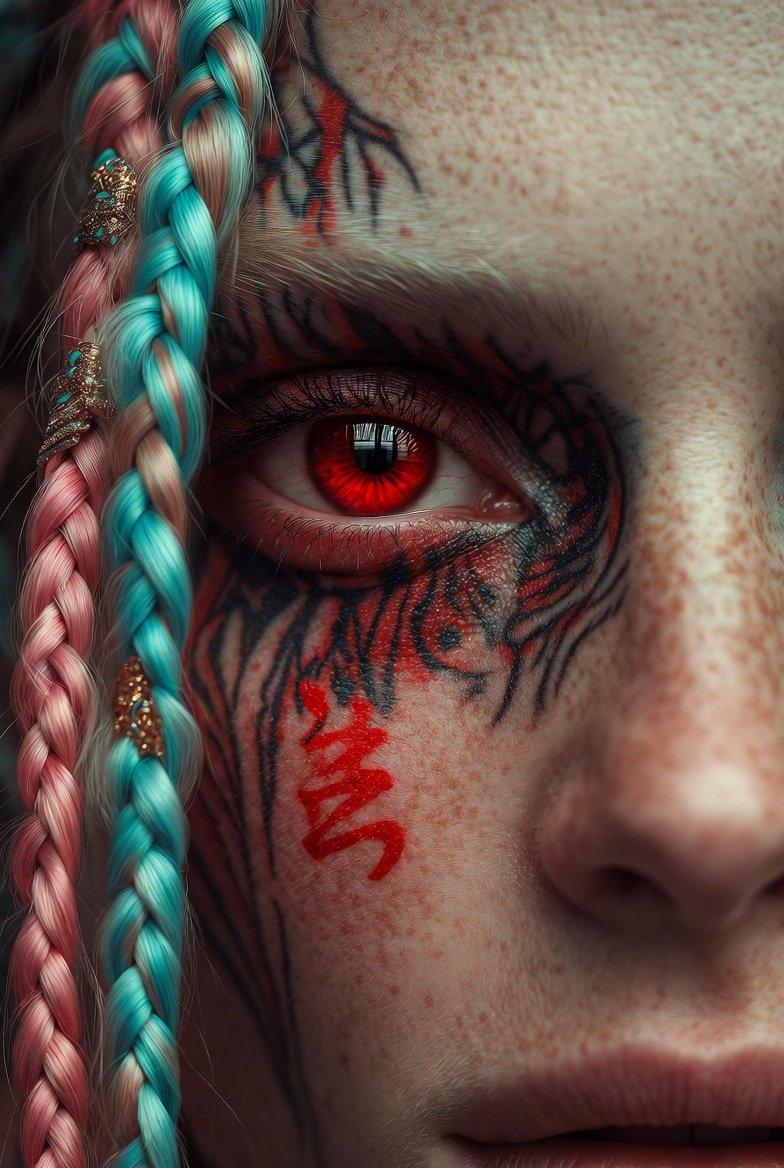
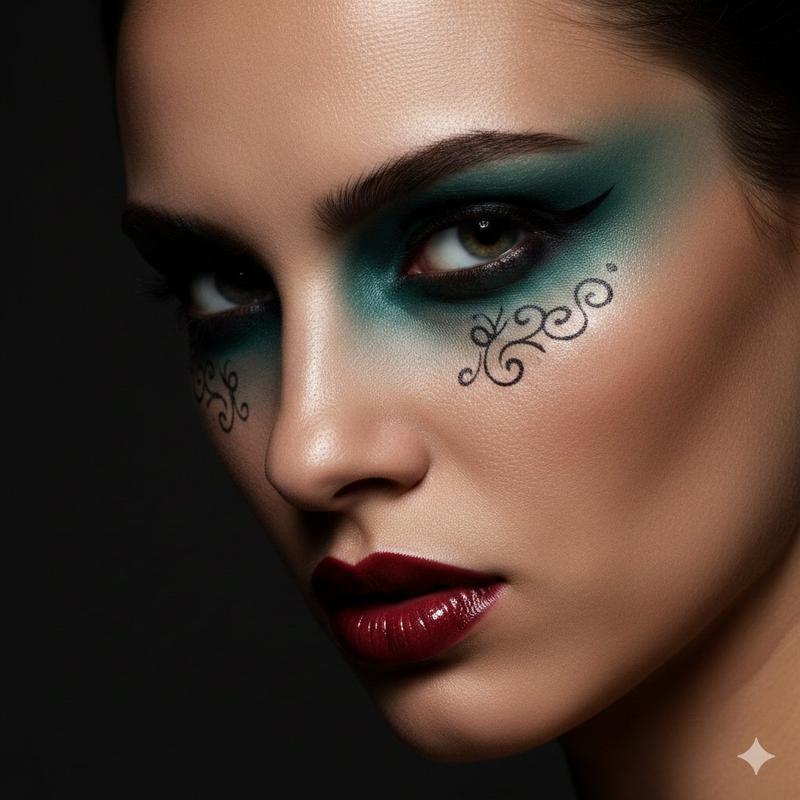
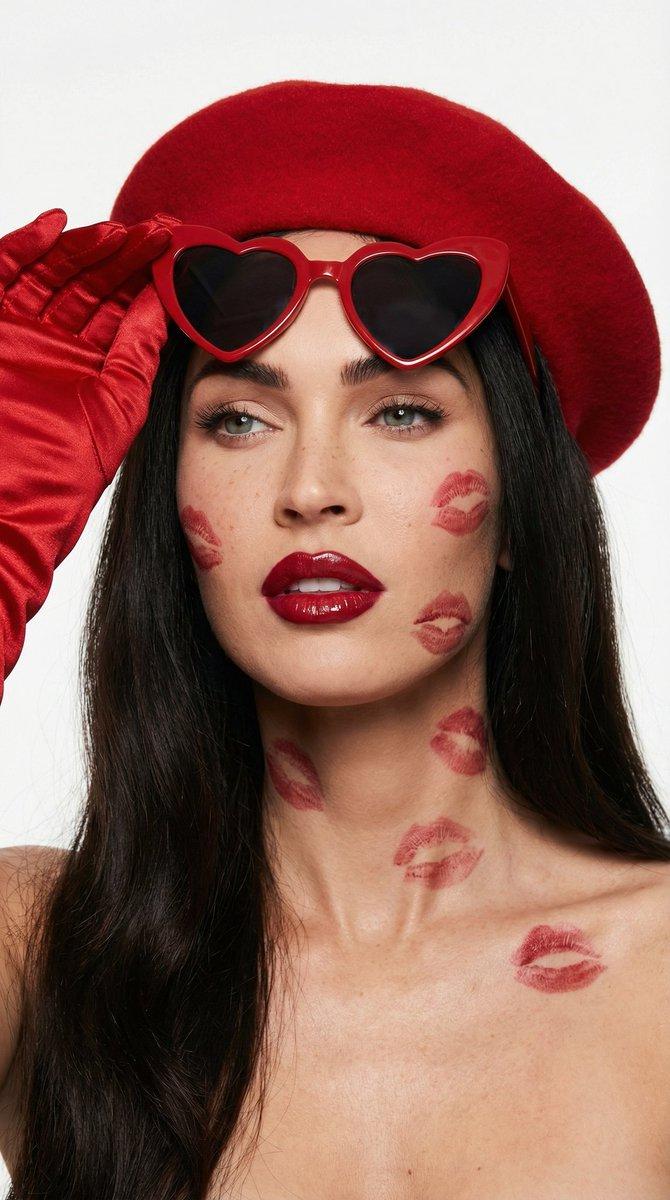
赛博朋克艺伎微距肖像
Prompt
{
  "vibe_title_en": "Synthetic Tradition Portrait",
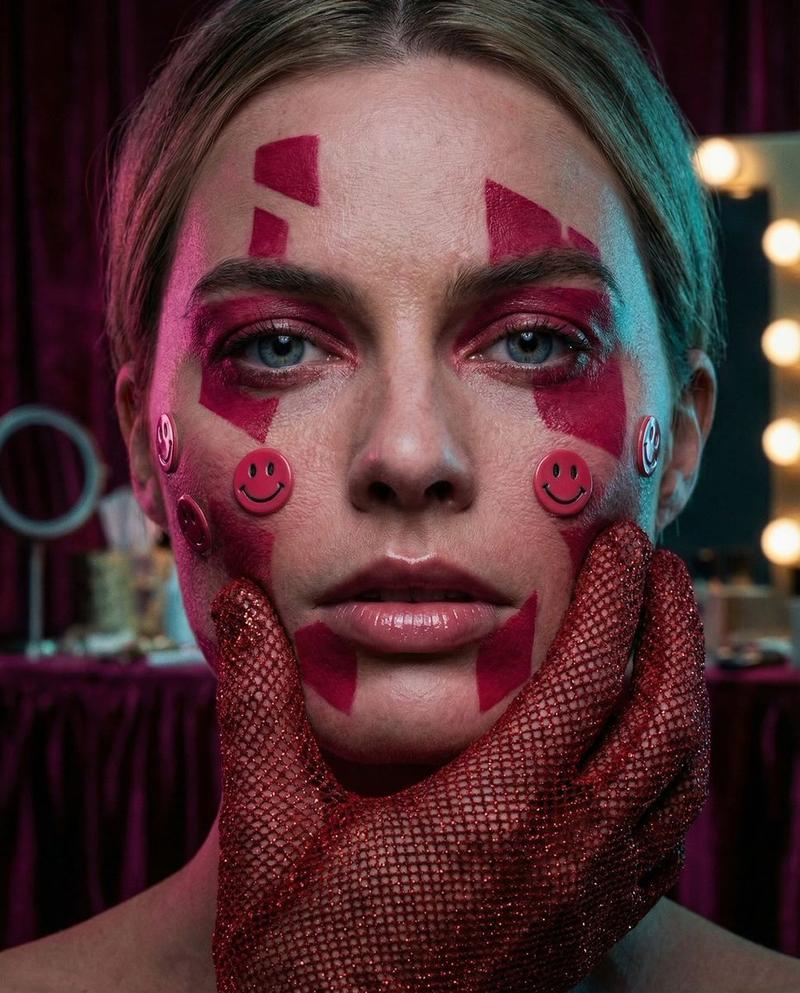
  "master_prompt": "A hyper-realistic extreme close-up portrait of The Protagonist situated in a chaotic backstage dressing alcove. The subject exhibits a 'deconstructed cyberpunk geisha' aesthetic: crimson geometric paint physically textured on the skin, interspersed with tactile, raised plastic smiley-face decals on the cheeks. A hand, encased in a textured red glitter-mesh glove, presses firmly against the subject's cheekbone, creating realistic skin displacement and tension. The lighting is moody and directional, utilizing a deep magenta gel key light and a cyan rim light to sculpt the face, emphasizing the glossy wetness of the lips and the natural irregularities of the skin pores. Shot on a Hasselblad H6D-100c with a 120mm macro lens to capture the individual fibers of the glove and the moisture in the eyes. The image quality mimics Cinestill 800T film stock with visible fine grain, avoiding plastic smoothness in favor of raw, analog fidelity. Background implies blurred velvet textures and tungsten vanity bulbs.",
  "meta": {
    "intent": "Editorial Fashion / Avant-Garde",
    "priorities": "Texture, Color Contrast, Emotional Intensity",
    "device_profile": "Cinema-Grade Monitor"
  },
  "frame": {
    "aspect": "4:5",
    "composition": "Extreme Close-Up (ECU), Centered Gaze",
    "layout": "Symmetrical facial framing interrupted by asymmetrical hand placement",
    "camera_angle": "Eye Level",
    "tilt_roll_degrees": "0"
  },
  "subject": {
    "gender": "Female",
    "identity": "The Protagonist",
    "demographics": "Universal/Ageless",
    "face": "Neutral but intense expression, glossy lips, crimson geometric face paint lines, plastic decal embellishments",
    "hair": "Dark, structured bangs with traditional tassel elements visible on periphery",
    "body": "Shoulders visible, hand touching face",
    "expression": "Piercing, unblinking gaze directly into the lens",
    "pose": "Headshot, hand pressing against cheek to frame the face"
  },
  "wardrobe_accessories": {
    "garments": [
      {
        "item": "Kimono-inspired collar",
        "material": "Silk brocade",
        "color": "Patterned Blue and Red",
        "fit": "Structured"
      }
    ],
    "accessories": [
      {
        "item": "Fingerless Glove",
        "color": "Metallic Red",
        "material": "Glitter Mesh / Sequin",
        "brand_style": "High-Fashion Punk"
      },
      {
        "item": "Tassel Headpiece",
        "color": "Red",
        "material": "Silk Thread",
        "brand_style": "Traditional"
      }
    ]
  },
  "environment": {
    "setting": "Backstage Dressing Alcove",
    "surfaces": "Mirrors, Velvet, Makeup Powder Dust",
    "depth": "Extremely Shallow (Bokeh Background)",
    "atmosphere": "Humid, Intimate, Hectic",
    "lens_interaction": "Macro details of skin texture and glitter particles"
  },
  "lighting": {
"key": "Soft Mage- Category
- 创意图片
- Model
- Nano Banana Pro
- Creator
- timedoctor.eth
- Source ID
- 60b5ea7f-6bb5-4ab9-8bfd-f36e1cc971e9
- Published
- Mar 8, 2026
Views0