19

优雅的平面设计生日拼贴
Enlarge

优雅的平面设计生日拼贴

Prompt
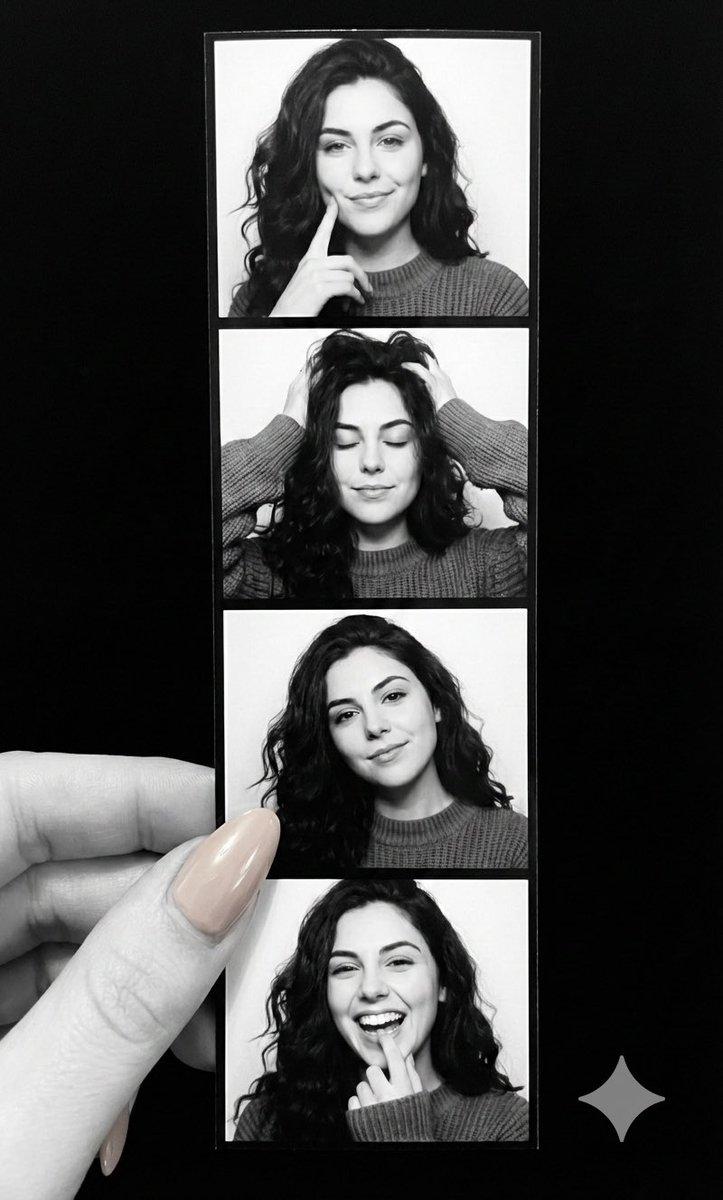
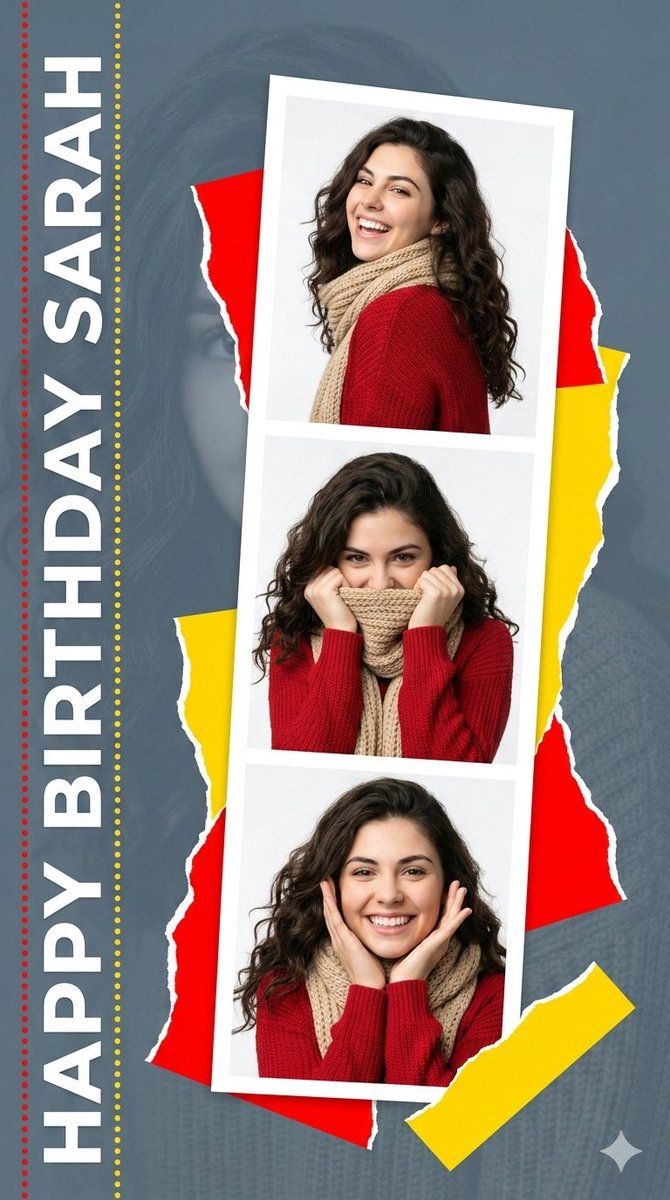
A high-resolution graphic design collage featuring a tilted, three-panel white photo strip of smiling young woman  [Use the uploaded image as reference], she wears a red sweater and thick beige knit scarf, shot with bright studio lighting. The strip features a young woman with dark curly hair in three different playful poses. The photo strip overlaps jagged red and yellow torn-paper graphics against a slate-gray background that features faint, oversized monochromatic portrait of the woman. Vertical white text reading "HAPPY BIRTHDAY {argument name="name" default="[NAME]"}" with dotted red and yellow lines borders the left edge. The mood is joyful and celebratory, seamlessly blending photorealistic photography with sharp vector graphic elements. Vertical portrait, 4k.
Category
创意图片
Model
Nano Banana Pro
Views0
Source ID
b1bd2c06-02b7-4dc4-b5f1-e9aaf8756225
Published
Mar 8, 2026

Guide

About "优雅的平面设计生日拼贴"

What is this prompt for?

"优雅的平面设计生日拼贴" AI image prompt for Nano Banana Pro (创意图片). 一个用于创建生日高分辨率平面设计拼贴的提示模板,其中包含一个年轻女性的三格照片条(需要参考图片),并与锯齿状的红色和黄色撕纸图形和自定义文本融为一体。 --- 一张高分辨率的平面设计拼贴画,其中包含一张…

The full copyable prompt and example visuals above are ready for AI image generation or one-click recreate in Picva.

How to use this prompt

  1. Step 1

    Open the prompt detail

    Review the example visuals, category, and full prompt text for "优雅的平面设计生日拼贴".

  2. Step 2

    Copy the prompt

    Copy the prompt body from this page, or load it directly in Studio.

  3. Step 3

    Pick a model (Nano Banana Pro)

    Prefer Nano Banana Pro. If you switch models, keep subject and composition and tweak style terms.

  4. Step 4

    Generate and export

    Recreate the look in Picva, or export into your workflow for editing and publishing.

FAQ

What is the "优雅的平面设计生日拼贴" prompt?
It is an AI image-generation prompt for Nano Banana Pro in the 创意图片 category. This page includes the full prompt text, example visuals, and a one-click recreate path in Picva.
How do I use this prompt to generate an image?
Copy the prompt from this page, or use Generate / Studio. Paste it into a compatible image model, or recreate the look in Picva with optional reference images.
Which model is this prompt for?
This page lists Nano Banana Pro. Most descriptive prompts also transfer to nearby image models such as GPT Image, Flux, or Midjourney with light style tweaks.
Can I use the result commercially?
You can usually copy the prompt for creation, but commercial use of the final image depends on the model terms, reference-image rights, and the generated content. Follow the source author and platform rules.