16

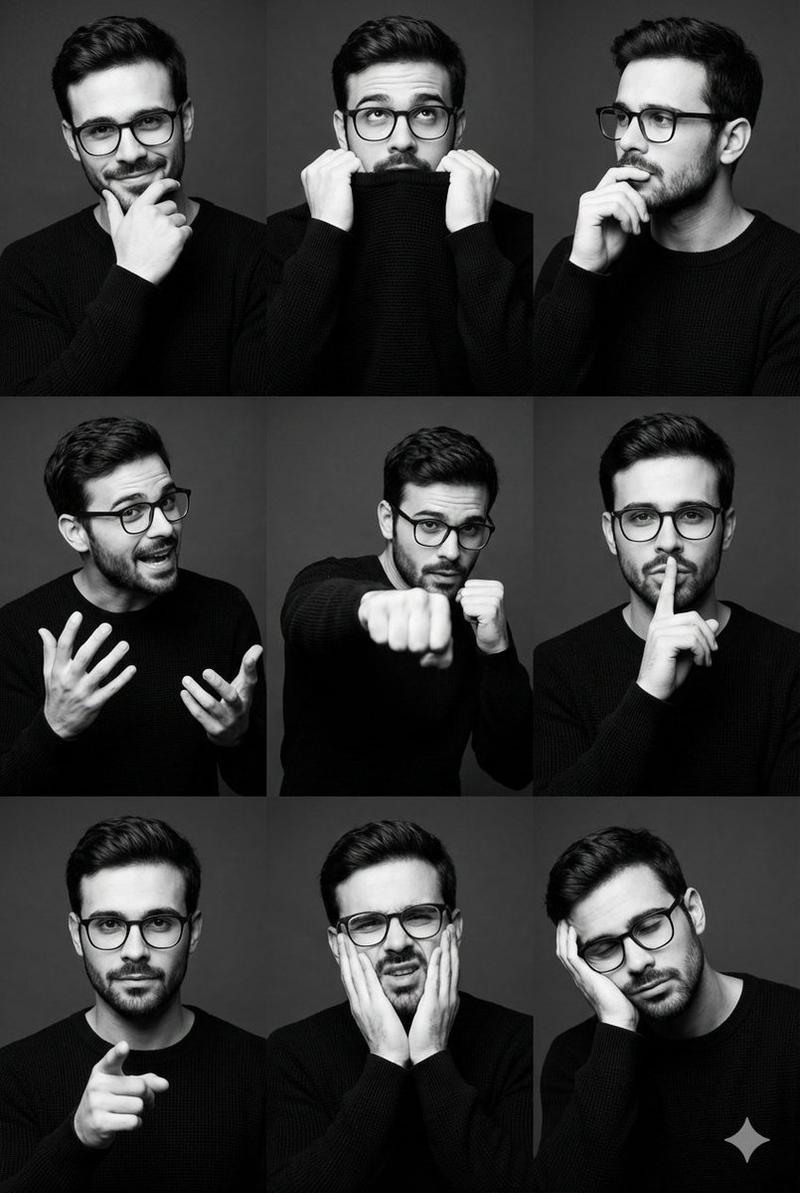
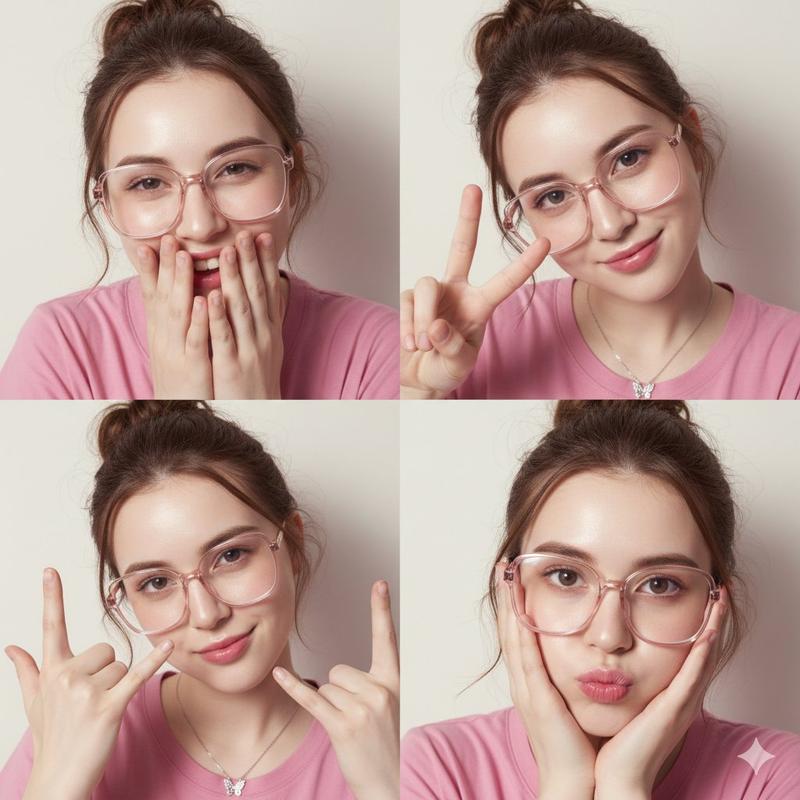
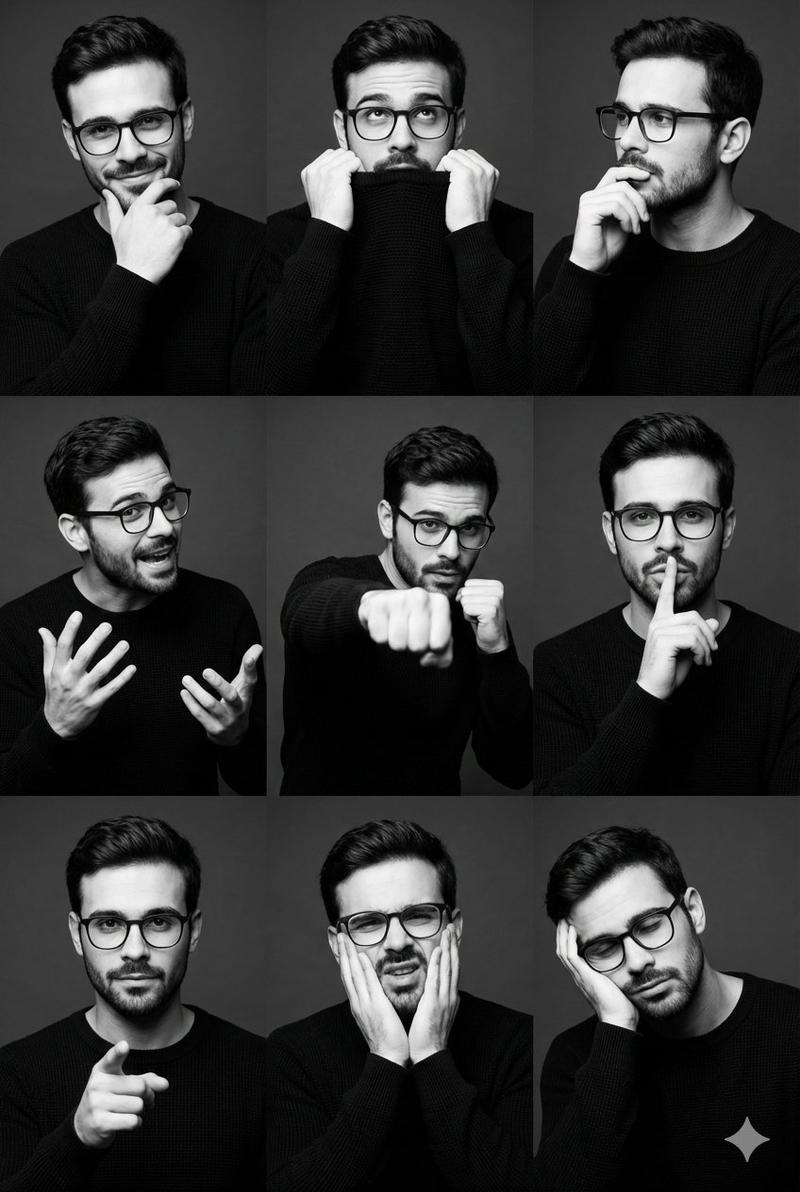
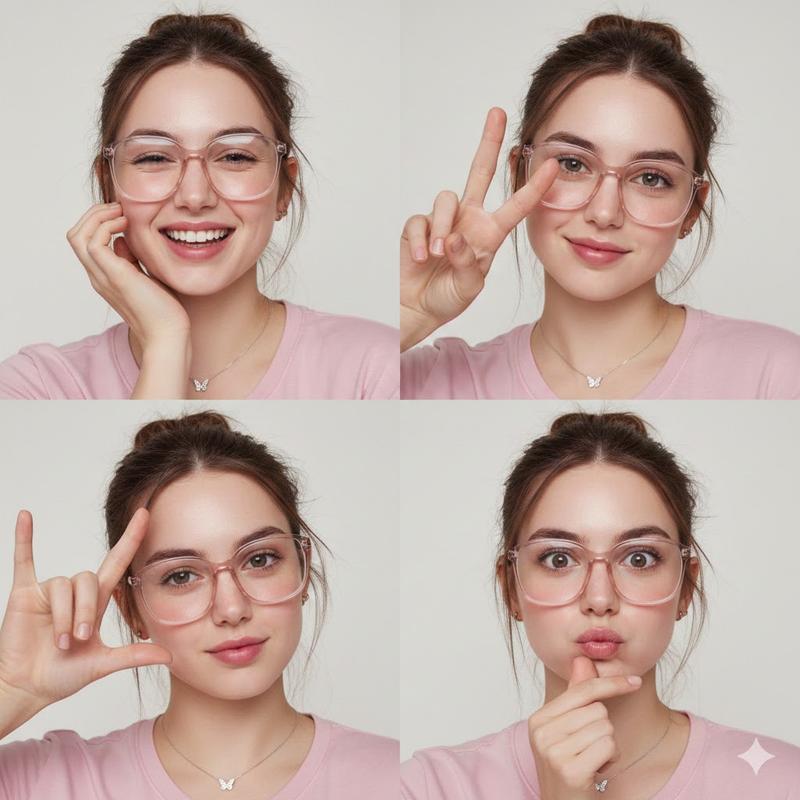
Nano Banana Pro 的亮粉色照片拼贴提示
Enlarge

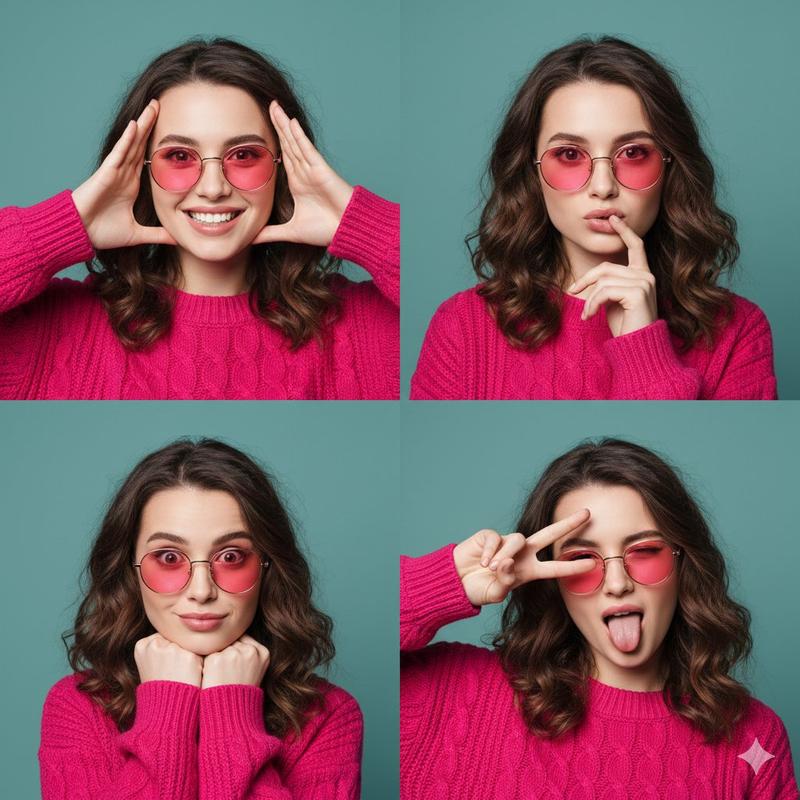
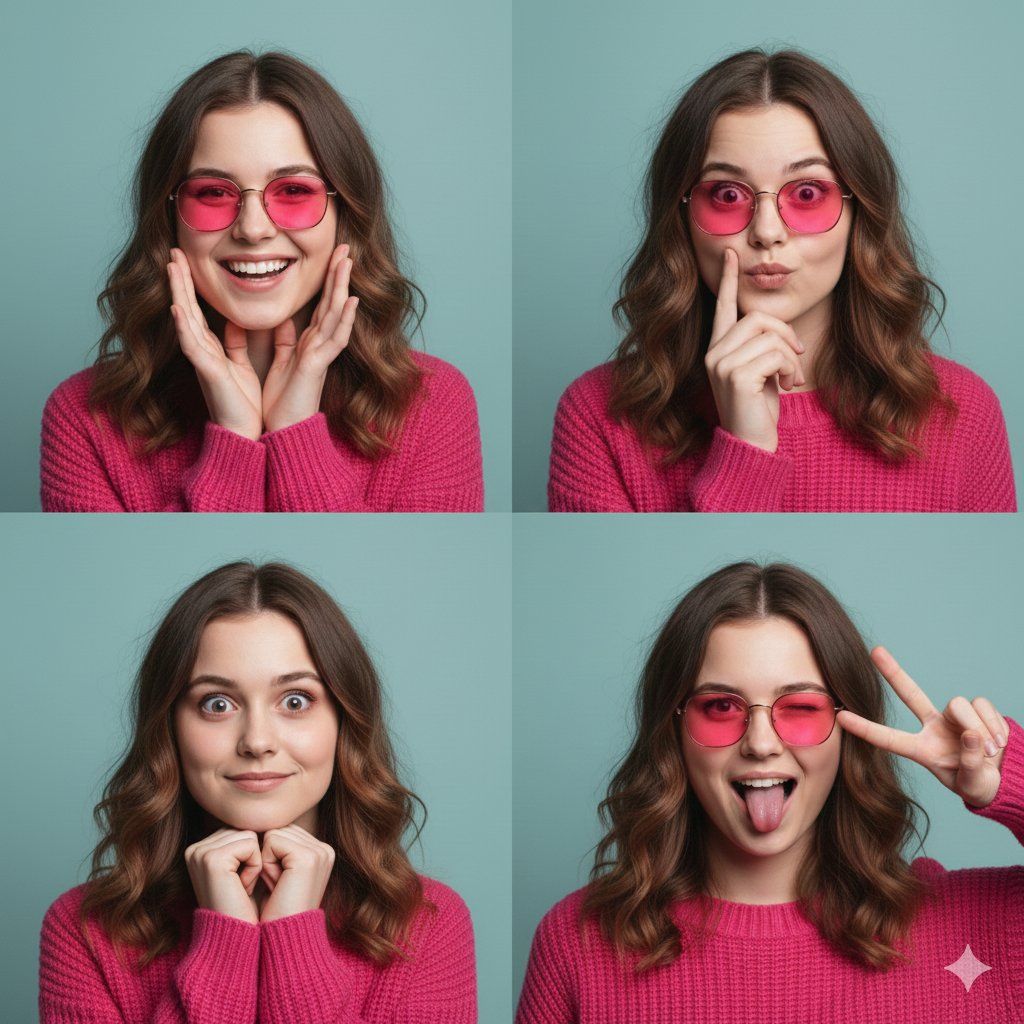
Nano Banana Pro 的亮粉色照片拼贴提示

Prompt
{
  "subject": {
    "identity": "Young woman with wavy brunette hair and fair skin",
    "features": "Heart-shaped face, soft facial structure, light brown eyes",
    "attire": "Hot pink chunky cable-knit sweater with ribbed crew neck",
    "accessories": "Thin gold-rimmed round sunglasses with vibrant pink tinted lenses"
  },
  "layout": {
    "type": "2x2 photo collage",
    "total_panels": 4,
    "panels": [
      {
        "panel_id": 1,
        "expression": "Wide joyful smile, teeth showing",
        "pose": "Hands framing the face, palms facing forward"
      },
      {
        "panel_id": 2,
        "expression": "Thinking or playful pouting expression",
        "pose": "One finger resting against the lip"
      },
      {
        "panel_id": 3,
        "expression": "Playful wide-eyed surprise, slight smirk",
        "pose": "Fists tucked under the chin"
      },
      {
        "panel_id": 4,
        "expression": "Silly, one eye winking with tongue sticking out",
        "pose": "Hand making a peace sign over one eye"
      }
    ]
  },
  "environment": {
    "background": "Solid teal or muted turquoise studio wall",
    "lighting": "Soft, even studio lighting with minimal shadows"
  },
  "aesthetic": {
    "style": "High-fashion editorial portrait, vibrant color blocking",
    "color_palette": ["Hot Pink", "Teal", "Gold"],
    "mood": "Playful, energetic, youthful"
  }
}
Category
创意图片
Model
Nano Banana Pro
Views0
Source ID
9066b4e3-df1e-49a5-8514-201ced5687df
Published
Mar 8, 2026

Guide

About "Nano Banana Pro 的亮粉色照片拼贴提示"

What is this prompt for?

"Nano Banana Pro 的亮粉色照片拼贴提示" AI image prompt for Nano Banana Pro (创意图片). 一个结构化的 JSON 提示词,用于生成一张 2x2 的照片拼贴画,画中是一位身穿亮粉色毛衣、戴着粉色墨镜的年轻女性。该提示词详细描述了每个面板的四种不同表情和姿势,旨在呈…

The full copyable prompt and example visuals above are ready for AI image generation or one-click recreate in Picva.

How to use this prompt

  1. Step 1

    Open the prompt detail

    Review the example visuals, category, and full prompt text for "Nano Banana Pro 的亮粉色照片拼贴提示".

  2. Step 2

    Copy the prompt

    Copy the prompt body from this page, or load it directly in Studio.

  3. Step 3

    Pick a model (Nano Banana Pro)

    Prefer Nano Banana Pro. If you switch models, keep subject and composition and tweak style terms.

  4. Step 4

    Generate and export

    Recreate the look in Picva, or export into your workflow for editing and publishing.

FAQ

What is the "Nano Banana Pro 的亮粉色照片拼贴提示" prompt?
It is an AI image-generation prompt for Nano Banana Pro in the 创意图片 category. This page includes the full prompt text, example visuals, and a one-click recreate path in Picva.
How do I use this prompt to generate an image?
Copy the prompt from this page, or use Generate / Studio. Paste it into a compatible image model, or recreate the look in Picva with optional reference images.
Which model is this prompt for?
This page lists Nano Banana Pro. Most descriptive prompts also transfer to nearby image models such as GPT Image, Flux, or Midjourney with light style tweaks.
Can I use the result commercially?
You can usually copy the prompt for creation, but commercial use of the final image depends on the model terms, reference-image rights, and the generated content. Follow the source author and platform rules.