复古蓝图时间轴信息图海报提示
Prompt
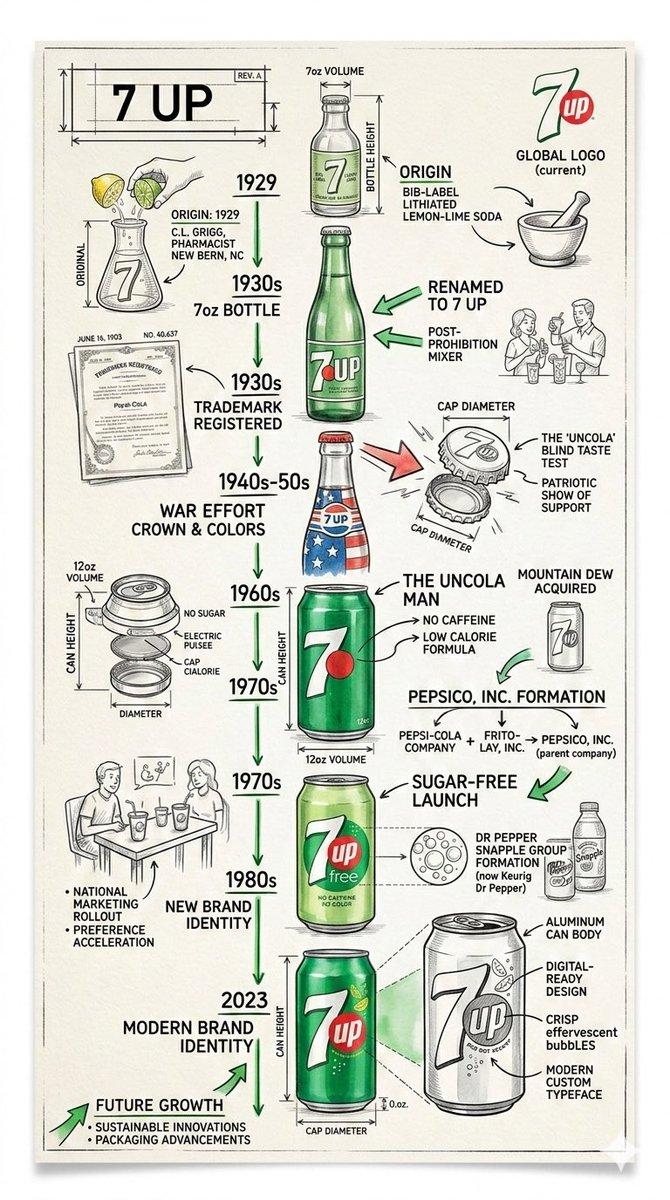
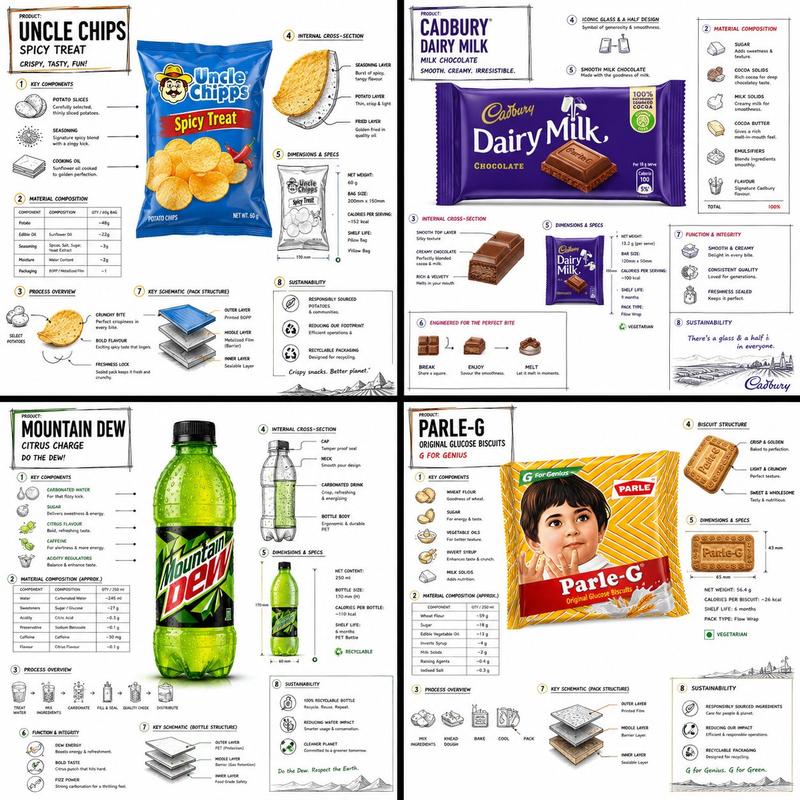
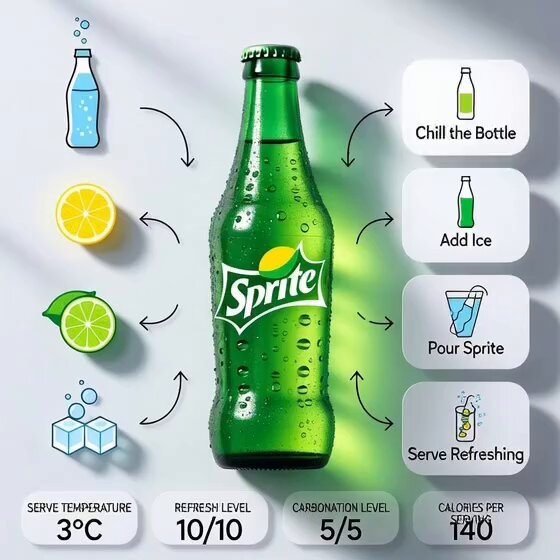
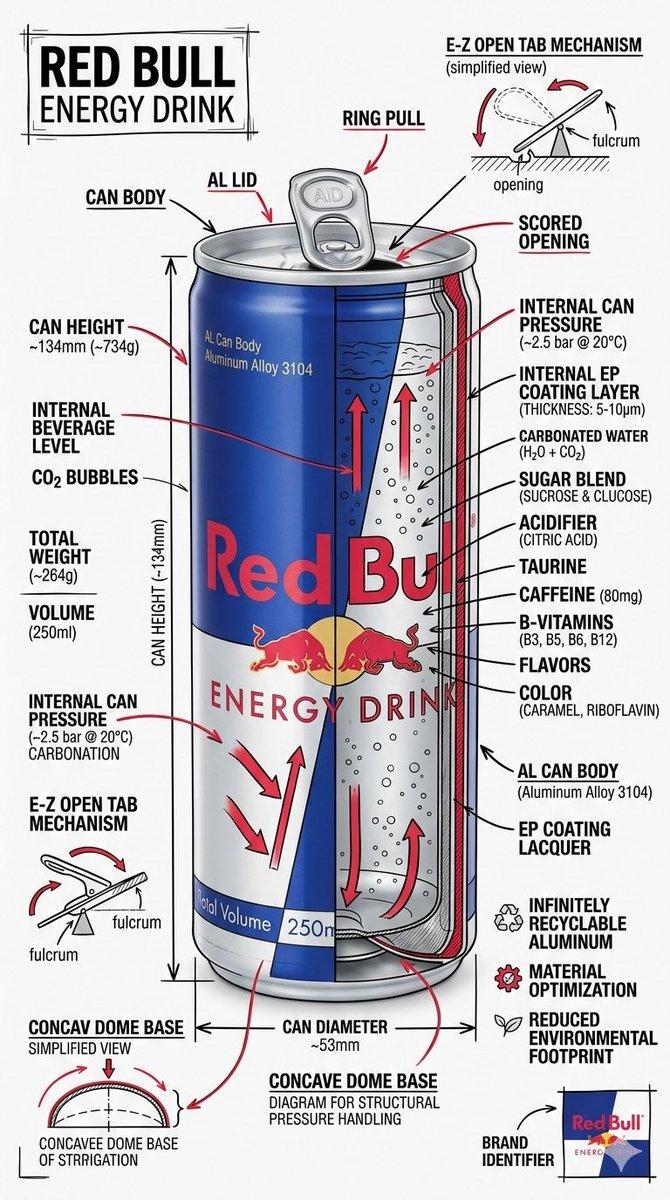
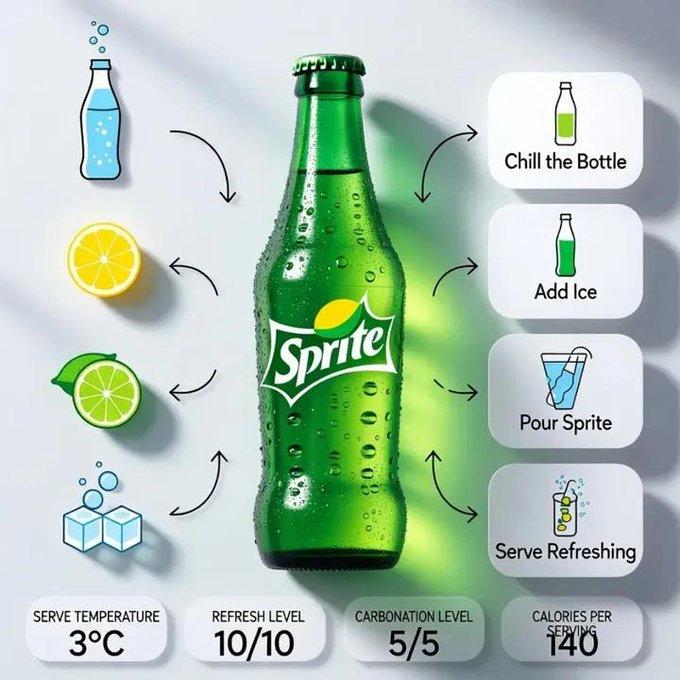
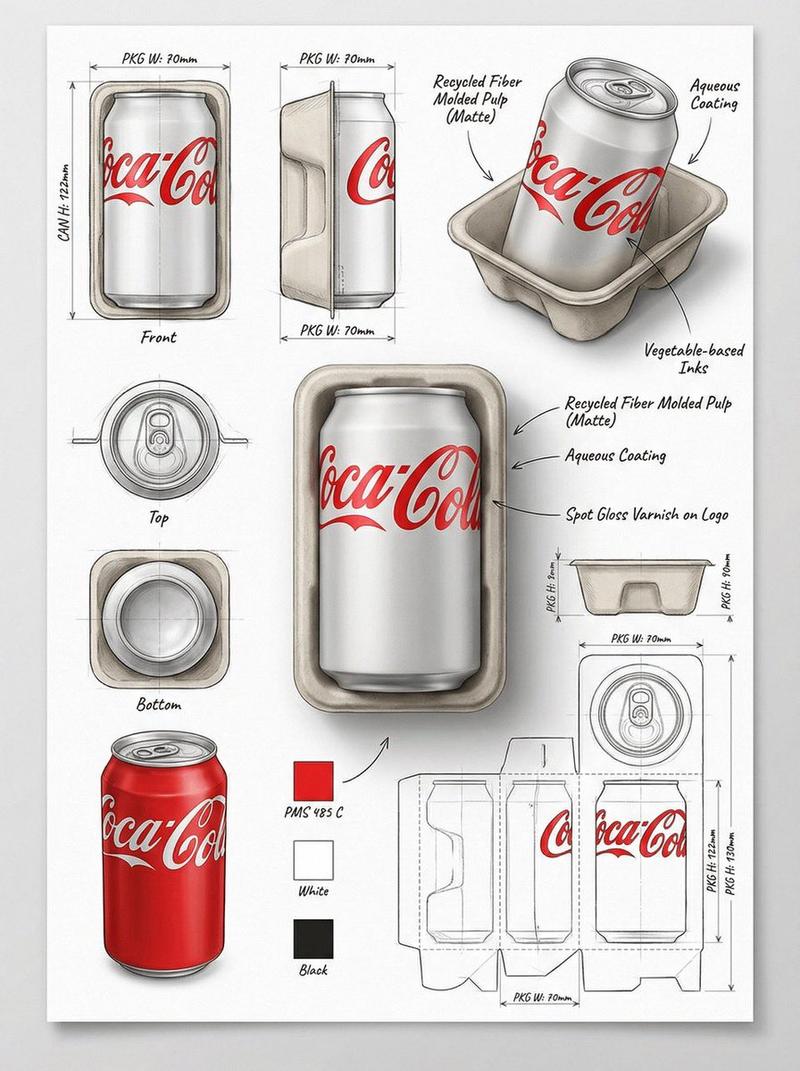
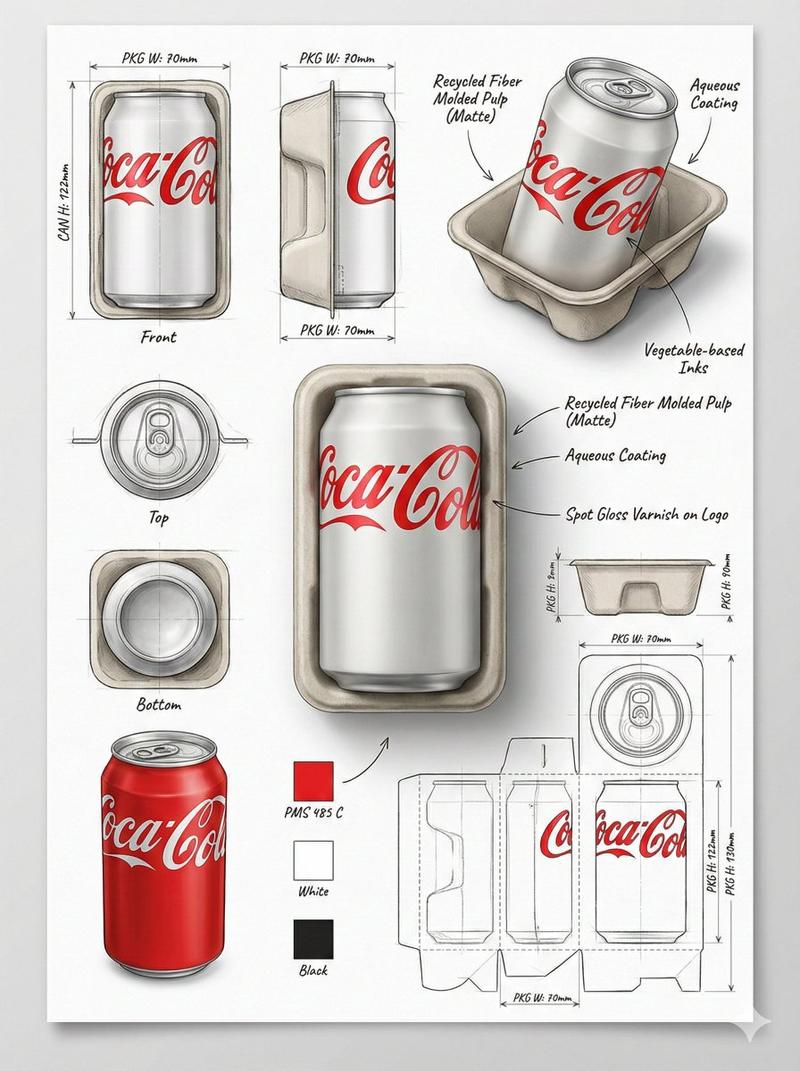
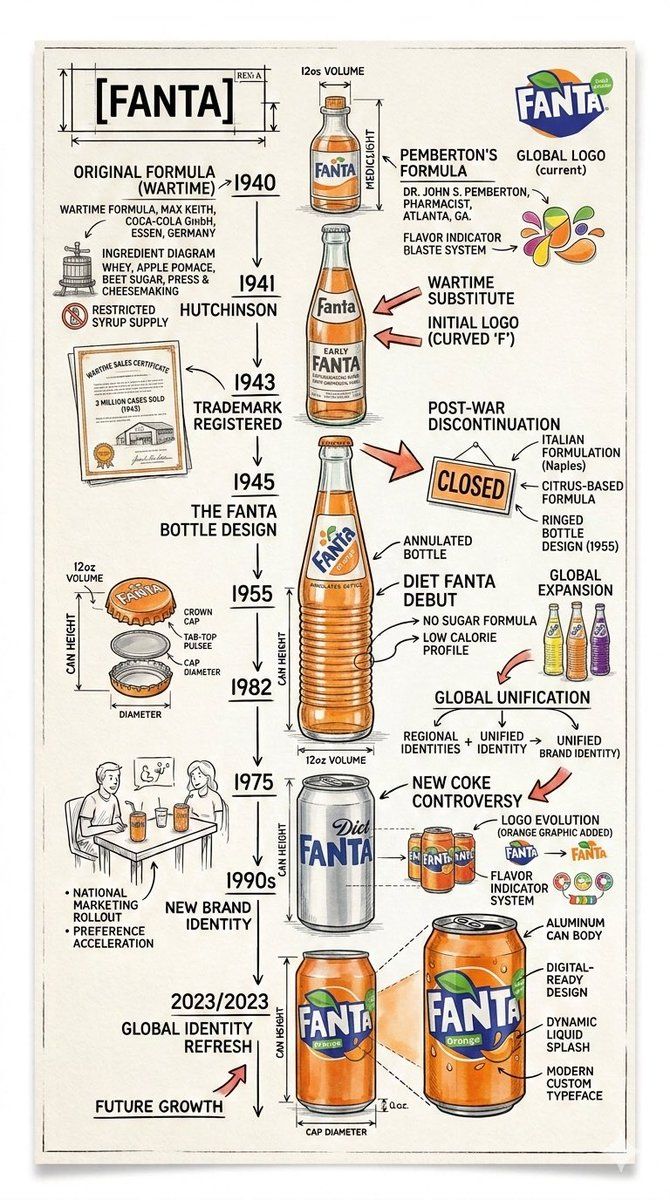
Create a technical infographic of  timeline poster of {argument name="product name" default="[PRODUCT NAME]"}. Use sharp ink lines and soft watercolor on textured paper.
Feature a central hero illustration with handwritten years, arrows, notes, and small sketches showing design evolution and key milestones. Keep it clean, lively, colourful and strong contrast. Highly detailed, vertical portrait.

Visual Concept
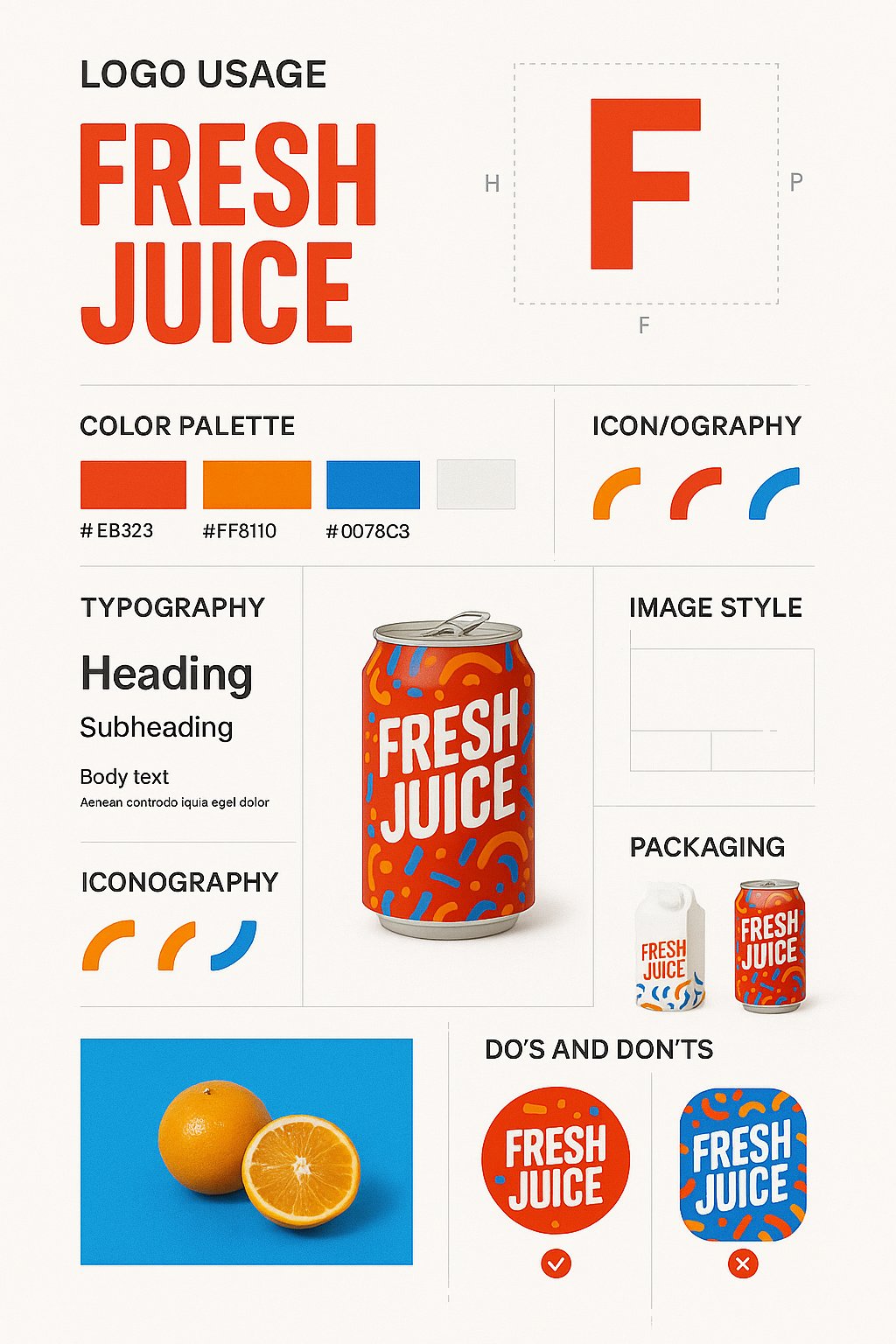
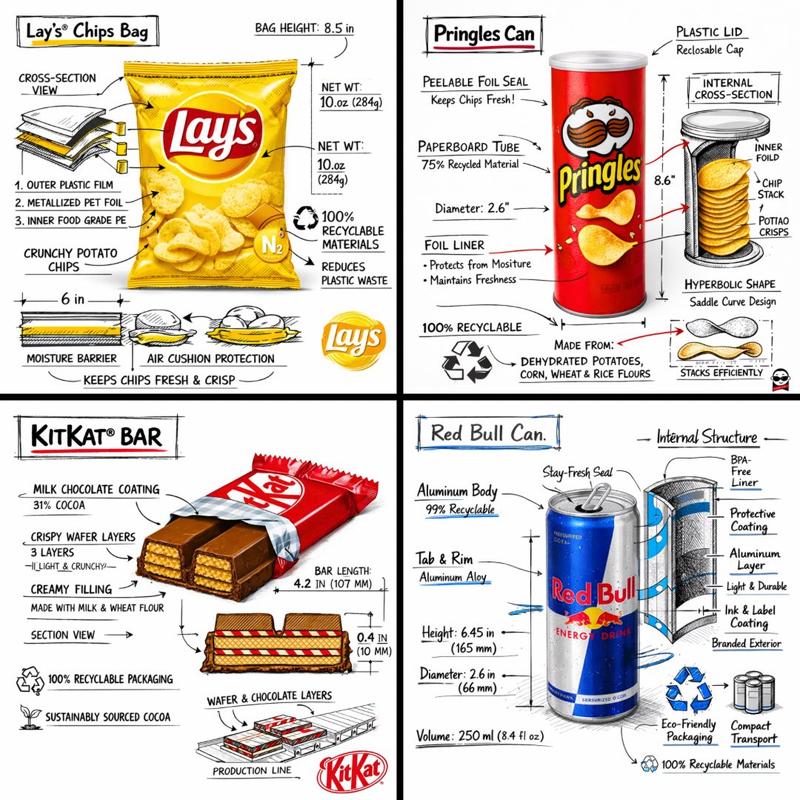
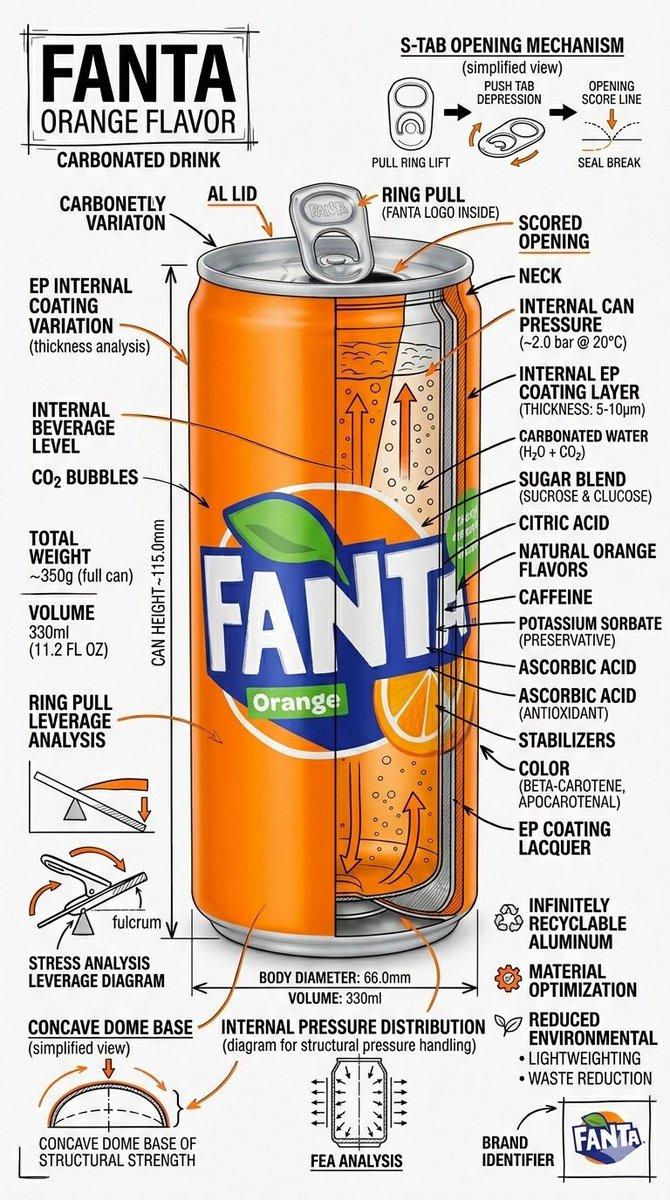
A realistic photograph or photorealistic render combined with dense technical annotation overlays, exactly like an engineering, Pure white studio background.

Title Placement
Product name in English , bold font, inside a hand-drawn technical annotation frame (as in engineering blueprints), positioned in the upper corner.

Style & Layout
• Very high information density • Annotations feel like an engineering / architectural sketch • Black lines — 70–80% of all graphics • Accent {argument name="brand color" default="[BRAND COLOR]"} — 20–30% (arrows, key zones, headings) • The realistic product remains fully readable • Educational, industrial-premium aesthetic • Small brand logo in the corner (in English)

Visual Style
Minimal technical illustration aesthetic: black linework over realistic imagery, precise, highly detailed, slightly hand-drawn, like professional technical manuals.
Color Palette
White background Black text and linework {argument name="brand color 2" default="[BRAND COLOR]"} used only for accents
Output
9:16 Vertical portrait, 8K, highly detailed, Ultra-crisp image Social-feed optimized No watermark- Category
- 创意图片
- Model
- Nano Banana Pro
- Creator
- Ai Prompts Lab
- Source ID
- eab499a0-79f6-459f-af1d-f7d3d183858f
- Published
- Mar 8, 2026
Views0