20

街头时尚大片:90 年代怀旧单品特辑
Enlarge

街头时尚大片:90 年代怀旧单品特辑

Prompt
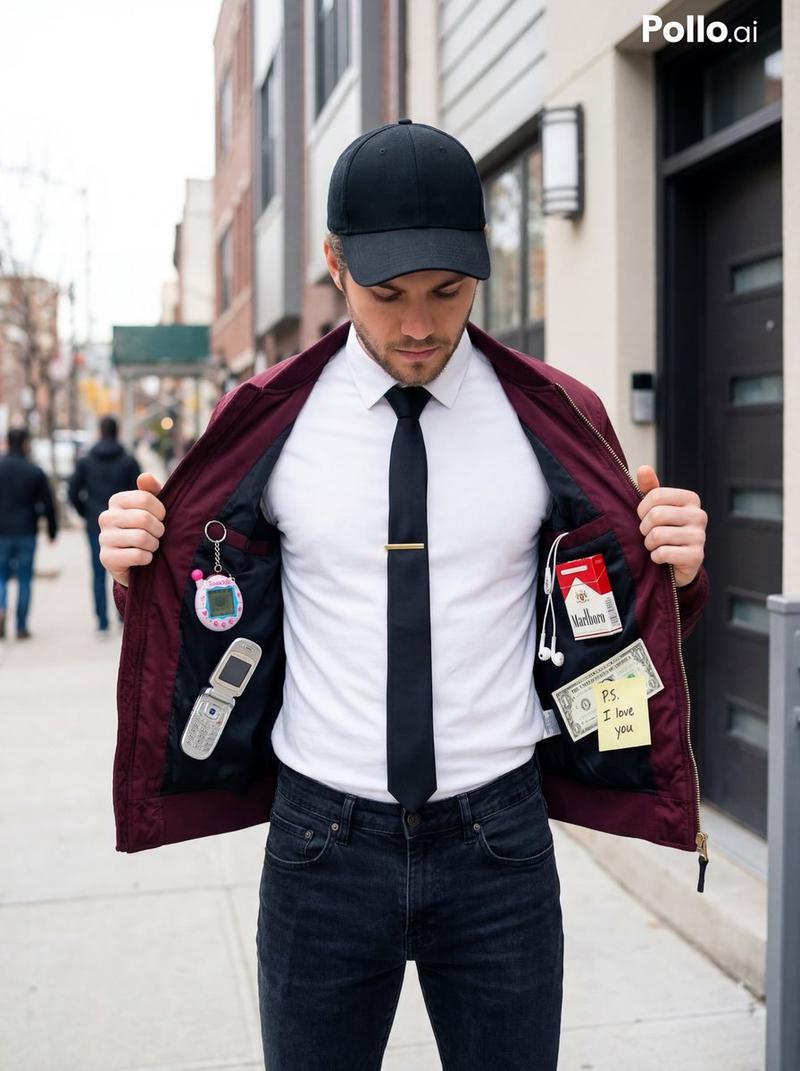
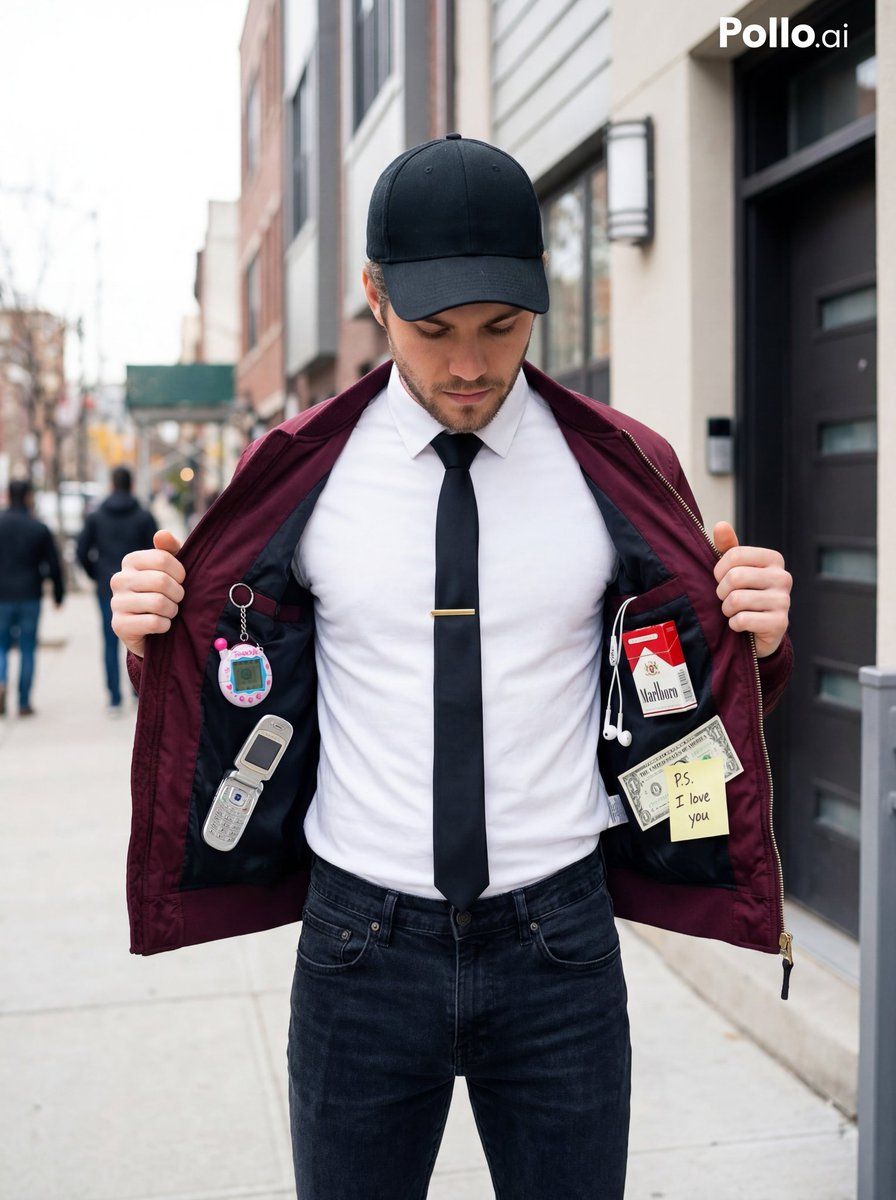
A stylish young man standing in front of a modern townhouse door, wearing a black baseball cap, white t-shirt, black tie with a gold tie clip, and a burgundy bomber jacket that he is holding open to reveal the inside lining. Inside the jacket are nostalgic 90s items attached: a Tamagotchi keychain, a silver flip phone, wired earphones, a vintage cigarette pack, a dollar bill, and a small sticky note saying “P.S. I love you”. The man is looking down toward the items inside the jacket. Street fashion aesthetic, casual but artistic composition, soft natural daylight, shallow depth of field, high detail, editorial fashion photography, symmetrical framing, urban background, 35mm lens, ultra realistic.
Category
创意图片
Model
Nano Banana Pro
Creator
Aijaz
Views3
Source ID
efe91f8f-20de-4a69-bb72-0bdfdb9b9d5f
Published
Mar 8, 2026

Guide

About "街头时尚大片:90 年代怀旧单品特辑"

What is this prompt for?

"街头时尚大片:90 年代怀旧单品特辑" AI image prompt for Nano Banana Pro (创意图片). 生成一张超现实的时尚编辑照片的提示词:一位时尚的年轻男子低头看着他飞行员夹克内附着的怀旧 90 年代物品,背景是城市景观,沐浴在柔和的自然日光中。 --- 一名时尚的年轻男子站在一扇现代联…

The full copyable prompt and example visuals above are ready for AI image generation or one-click recreate in Picva.

How to use this prompt

  1. Step 1

    Open the prompt detail

    Review the example visuals, category, and full prompt text for "街头时尚大片:90 年代怀旧单品特辑".

  2. Step 2

    Copy the prompt

    Copy the prompt body from this page, or load it directly in Studio.

  3. Step 3

    Pick a model (Nano Banana Pro)

    Prefer Nano Banana Pro. If you switch models, keep subject and composition and tweak style terms.

  4. Step 4

    Generate and export

    Recreate the look in Picva, or export into your workflow for editing and publishing.

FAQ

What is the "街头时尚大片:90 年代怀旧单品特辑" prompt?
It is an AI image-generation prompt for Nano Banana Pro in the 创意图片 category. This page includes the full prompt text, example visuals, and a one-click recreate path in Picva.
How do I use this prompt to generate an image?
Copy the prompt from this page, or use Generate / Studio. Paste it into a compatible image model, or recreate the look in Picva with optional reference images.
Which model is this prompt for?
This page lists Nano Banana Pro. Most descriptive prompts also transfer to nearby image models such as GPT Image, Flux, or Midjourney with light style tweaks.
Can I use the result commercially?
You can usually copy the prompt for creation, but commercial use of the final image depends on the model terms, reference-image rights, and the generated content. Follow the source author and platform rules.