20

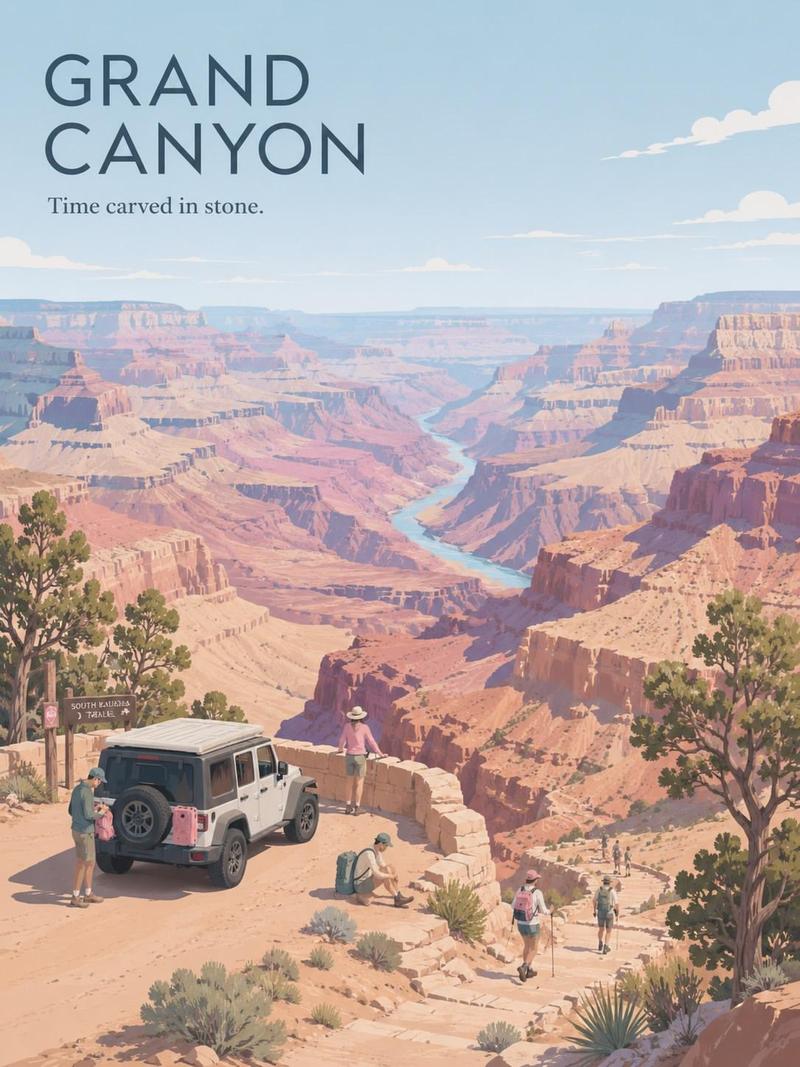
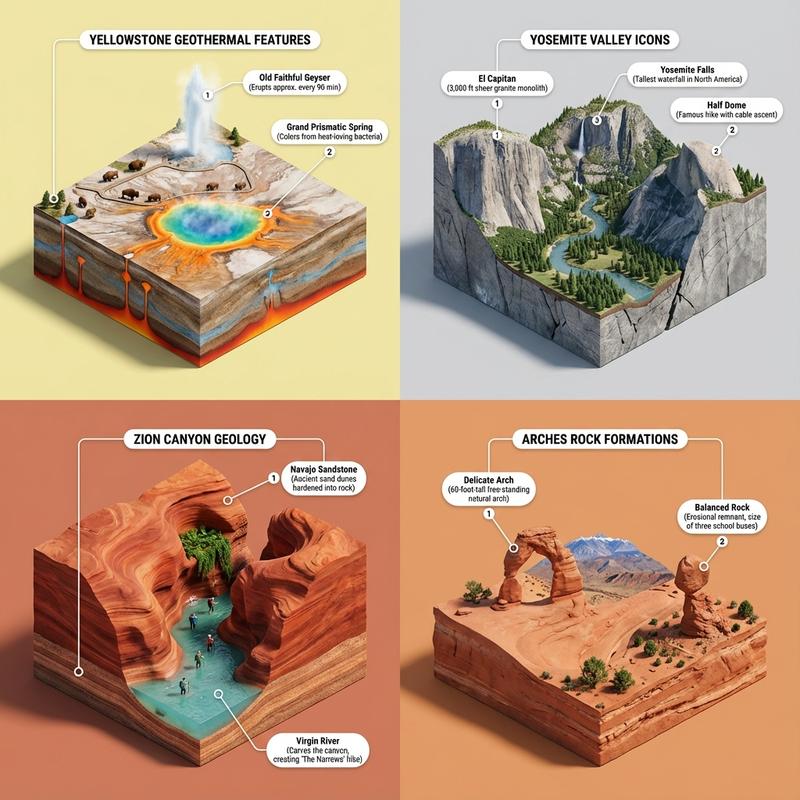
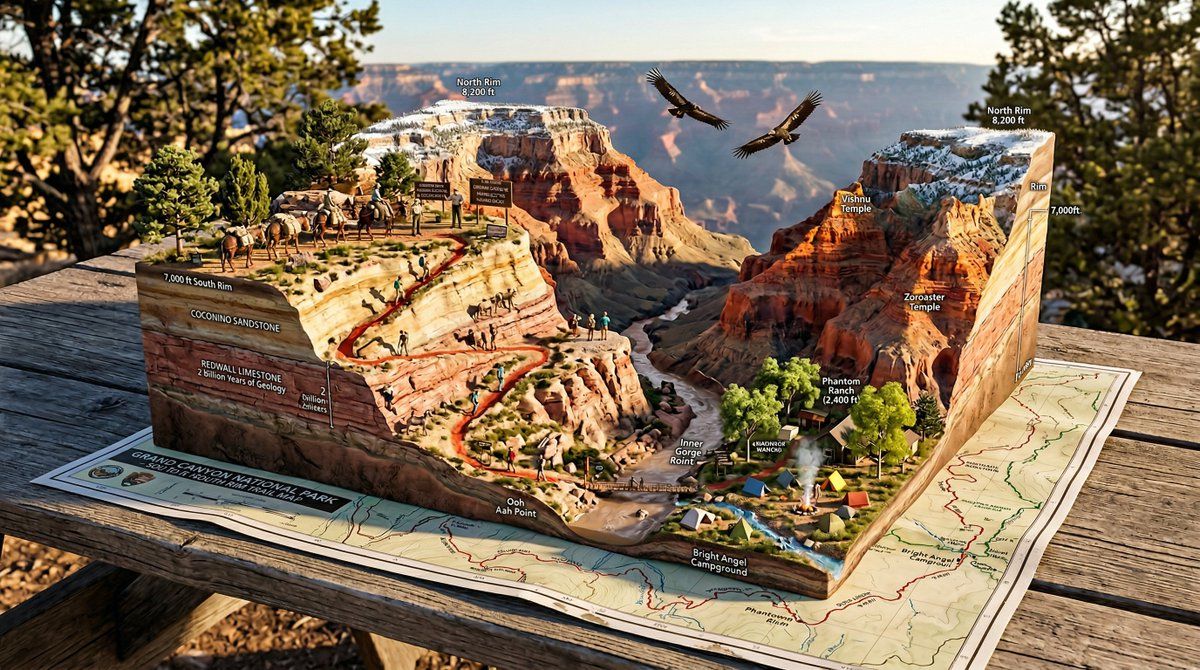
国家公园步道地图微缩生态系统立体模型
Enlarge

国家公园步道地图微缩生态系统立体模型

Prompt
A National Park trail map unfolded on a picnic table, with the wilderness rising into explorable miniature ecosystem. {TRAILHEAD} emerges with {VISITOR_ELEMENT}, the marked paths wind upward through {TERRAIN_1} featuring {WILDLIFE_1}, past {VIEWPOINT_1} with {SCENIC_ELEMENT}, toward {SUMMIT/DESTINATION} with {PAYOFF_VIEW}. {WATER_FEATURE} flows actual water down the topography. {FOREST_TYPE} trees stand at proper scale, {BIRD_SPECIES} perch in branches. Trail markers and signs are legible. Elevation changes create dramatic miniature mountains. {WEATHER_ELEMENT} affects one region while another stays clear. Camping symbols mark actual tiny tent sites with smoke rising. Day hikers frozen mid-stride, wildlife pausing mid-graze. Golden hour backcountry light, wilderness diorama perfection, 8K, the park as you imagined it from the map.
Category
创意图片
Model
Nano Banana Pro
Views4
Source ID
7e4b19c0-3fc4-40eb-985b-eb99395e27ae
Published
Mar 8, 2026

Guide

About "国家公园步道地图微缩生态系统立体模型"

What is this prompt for?

"国家公园步道地图微缩生态系统立体模型" AI image prompt for Nano Banana Pro (创意图片). 一个为 Firefly 中的 Nano Banana 2 设计的详细模板提示,旨在生成一张国家公园步道地图在野餐桌上展开的图像,并逐渐演变成一个可探索的微型生态系统立体模型。该提示使用占位…

The full copyable prompt and example visuals above are ready for AI image generation or one-click recreate in Picva.

How to use this prompt

  1. Step 1

    Open the prompt detail

    Review the example visuals, category, and full prompt text for "国家公园步道地图微缩生态系统立体模型".

  2. Step 2

    Copy the prompt

    Copy the prompt body from this page, or load it directly in Studio.

  3. Step 3

    Pick a model (Nano Banana Pro)

    Prefer Nano Banana Pro. If you switch models, keep subject and composition and tweak style terms.

  4. Step 4

    Generate and export

    Recreate the look in Picva, or export into your workflow for editing and publishing.

FAQ

What is the "国家公园步道地图微缩生态系统立体模型" prompt?
It is an AI image-generation prompt for Nano Banana Pro in the 创意图片 category. This page includes the full prompt text, example visuals, and a one-click recreate path in Picva.
How do I use this prompt to generate an image?
Copy the prompt from this page, or use Generate / Studio. Paste it into a compatible image model, or recreate the look in Picva with optional reference images.
Which model is this prompt for?
This page lists Nano Banana Pro. Most descriptive prompts also transfer to nearby image models such as GPT Image, Flux, or Midjourney with light style tweaks.
Can I use the result commercially?
You can usually copy the prompt for creation, but commercial use of the final image depends on the model terms, reference-image rights, and the generated content. Follow the source author and platform rules.