20

史诗级巨龙骑士战场

Prompt
A gigantic dragon-riding knight clad in black steel armor scarred by countless battles, crimson cape torn by war, face hidden beneath a horned helmet
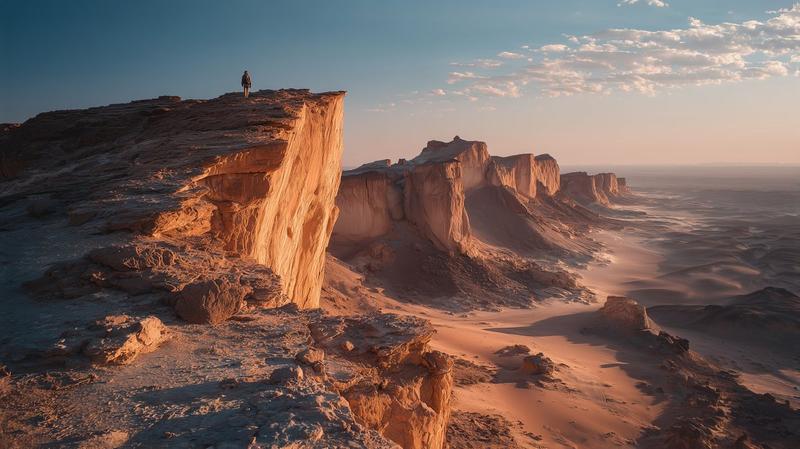
0–4s: rides an enormous dragon through a canyon as an enemy army marches below, camera flying alongside the dragon’s wings before diving toward the battlefield; 
4–10s: dragon unleashes torrents of fire across siege engines and infantry formations while the knight leaps from its back into the middle of enemy lines, cutting through soldiers with devastating two-handed strikes, sparks and blood flying through the air; 
10–15s: confronts the enemy king atop a burning siege tower, defeats him in a brutal duel, then the dragon crashes through the tower causing it to collapse entirely, ending with the knight standing atop the ruins as the enemy army breaks and flees + Hyper-realistic heroic fantasy, large-scale medieval battle, practical fire VFX, cinematic daylight destruction, brutal combat choreography.
Category
Photography & Realism
Model
seedance-2.0
Views0
Source ID
6259
Published
Jun 19, 2026

Guide

About "史诗级巨龙骑士战场"

What is this prompt for?

"史诗级巨龙骑士战场" AI image prompt for seedance-2.0 (Photography & Realism). 一个关于大型中世纪战场场景的详细电影级提示词,主角为一名身着黑甲的巨龙骑士。 Copy it on Picva and recreate the look in one clic…

The full copyable prompt and example visuals above are ready for AI image generation or one-click recreate in Picva.

How to use this prompt

  1. Step 1

    Open the prompt detail

    Review the example visuals, category, and full prompt text for "史诗级巨龙骑士战场".

  2. Step 2

    Copy the prompt

    Copy the prompt body from this page, or load it directly in Studio.

  3. Step 3

    Pick a model (seedance-2.0)

    Prefer seedance-2.0. If you switch models, keep subject and composition and tweak style terms.

  4. Step 4

    Generate and export

    Recreate the look in Picva, or export into your workflow for editing and publishing.

FAQ

What is the "史诗级巨龙骑士战场" prompt?
It is an AI image-generation prompt for seedance-2.0 in the Photography & Realism category. This page includes the full prompt text, example visuals, and a one-click recreate path in Picva.
How do I use this prompt to generate an image?
Copy the prompt from this page, or use Generate / Studio. Paste it into a compatible image model, or recreate the look in Picva with optional reference images.
Which model is this prompt for?
This page lists seedance-2.0. Most descriptive prompts also transfer to nearby image models such as GPT Image, Flux, or Midjourney with light style tweaks.
Can I use the result commercially?
You can usually copy the prompt for creation, but commercial use of the final image depends on the model terms, reference-image rights, and the generated content. Follow the source author and platform rules.