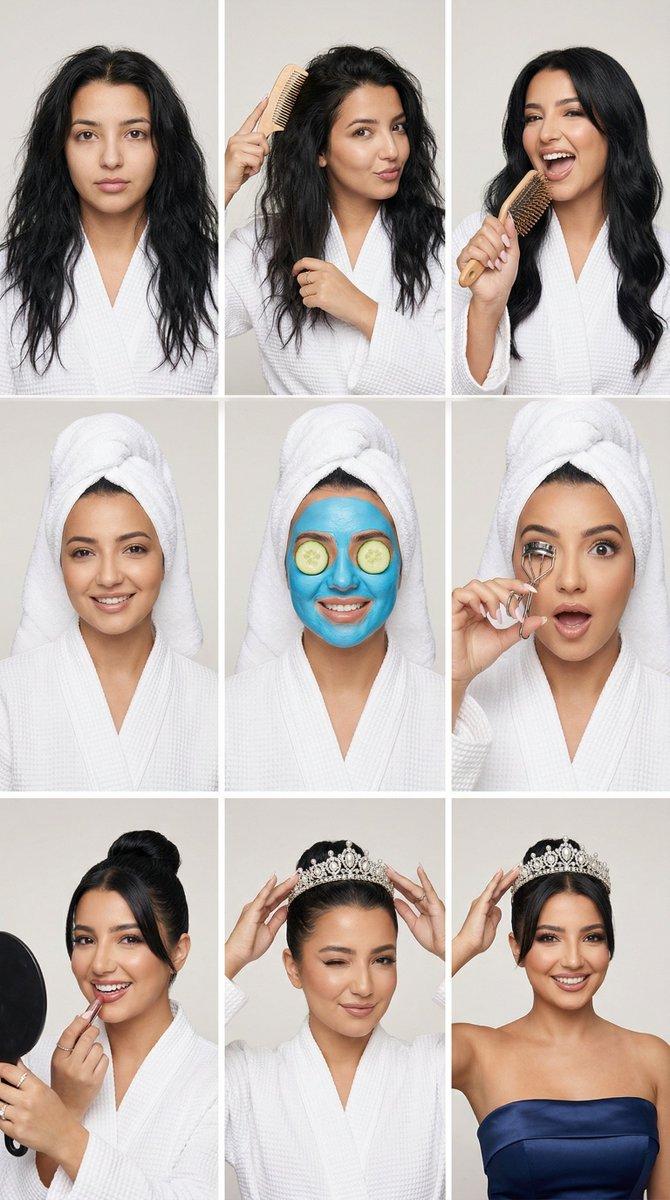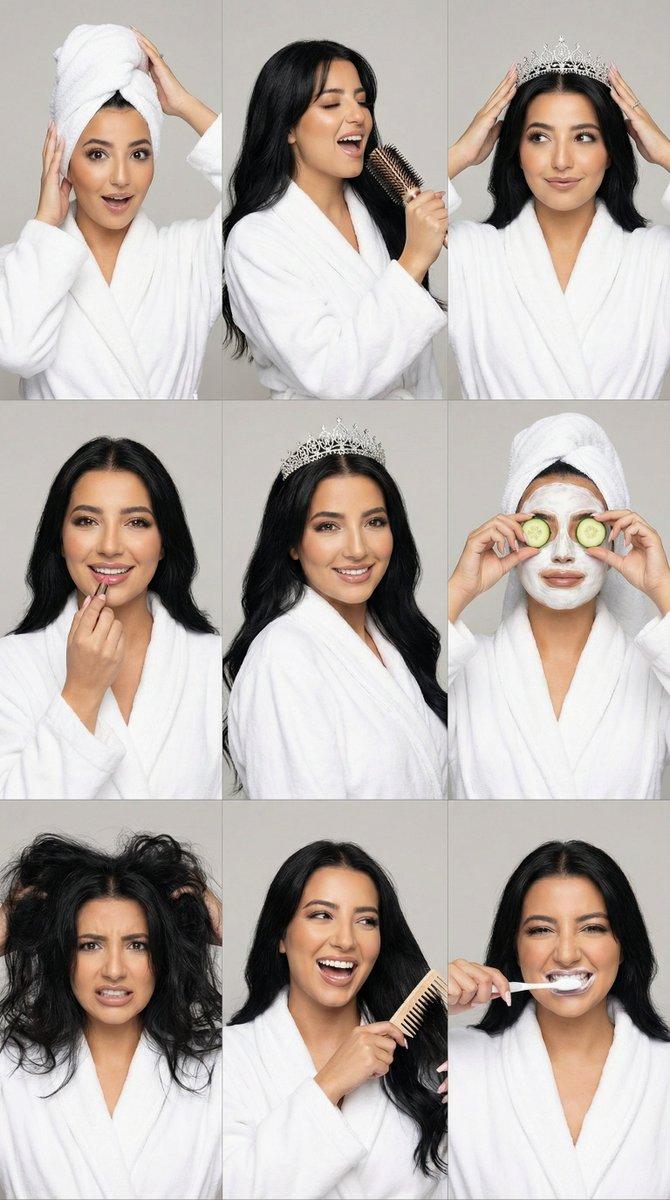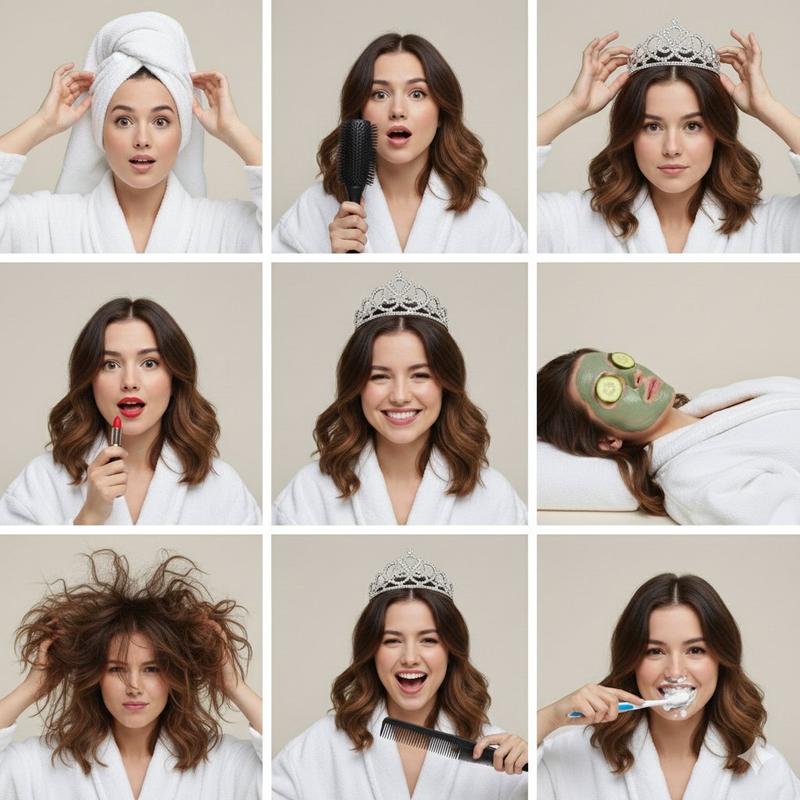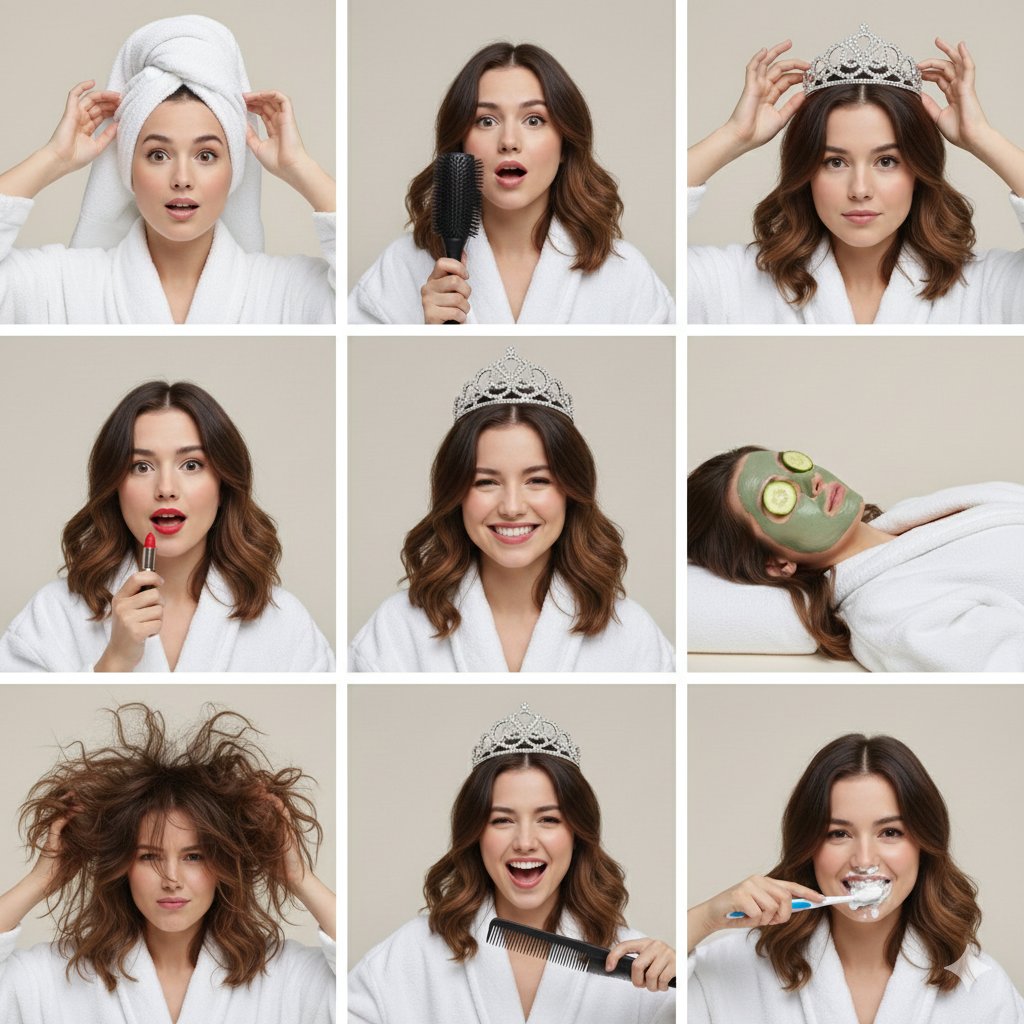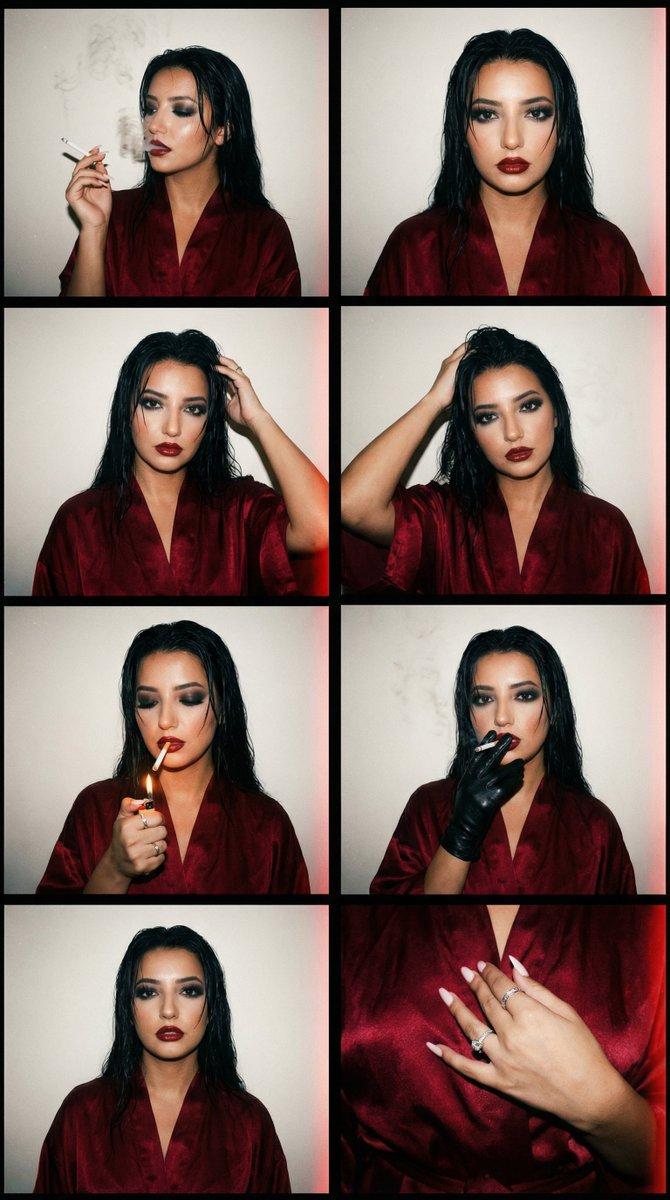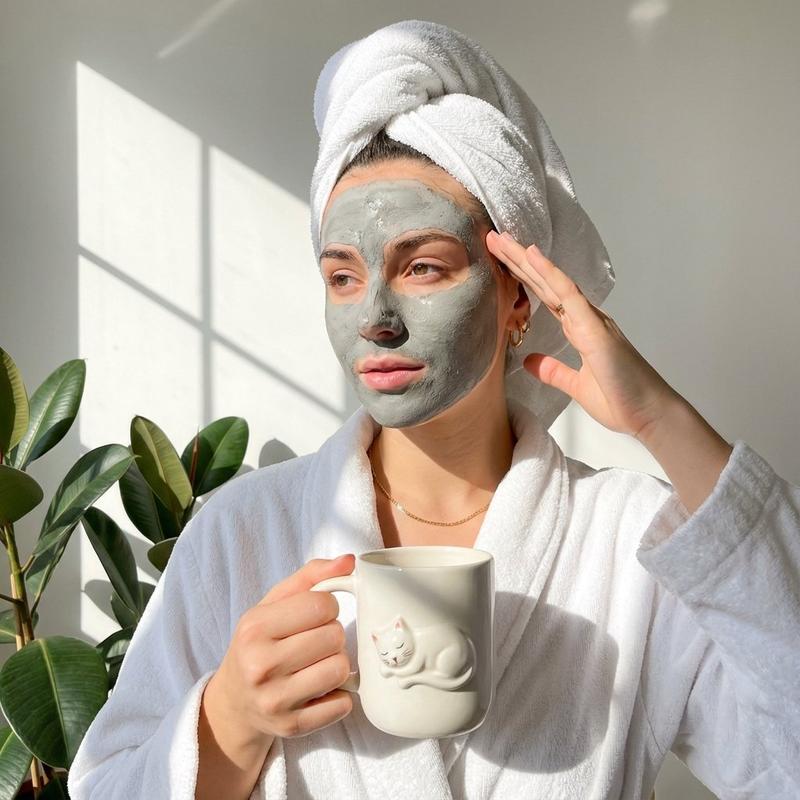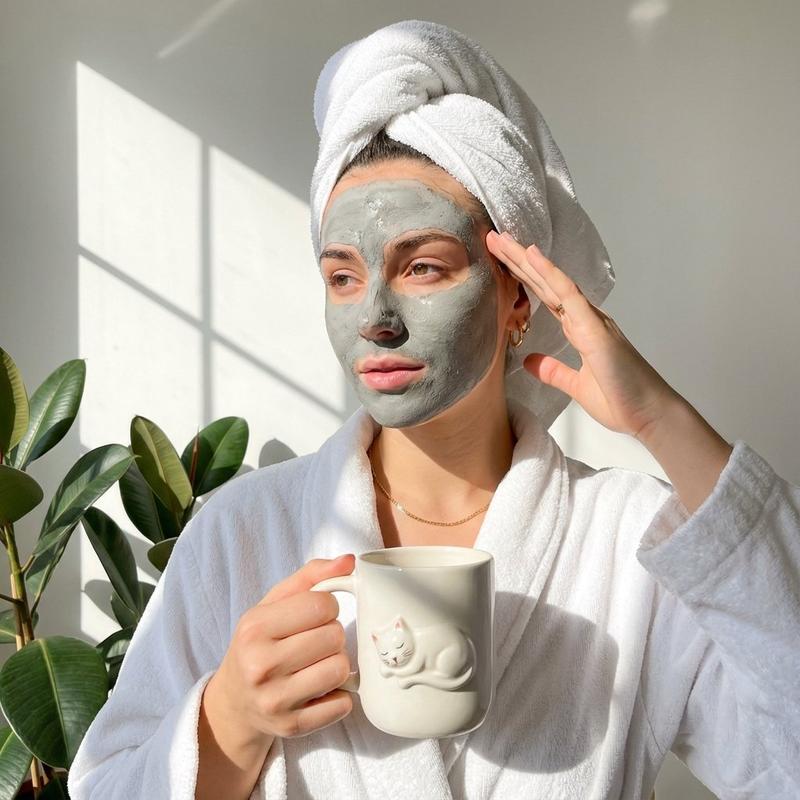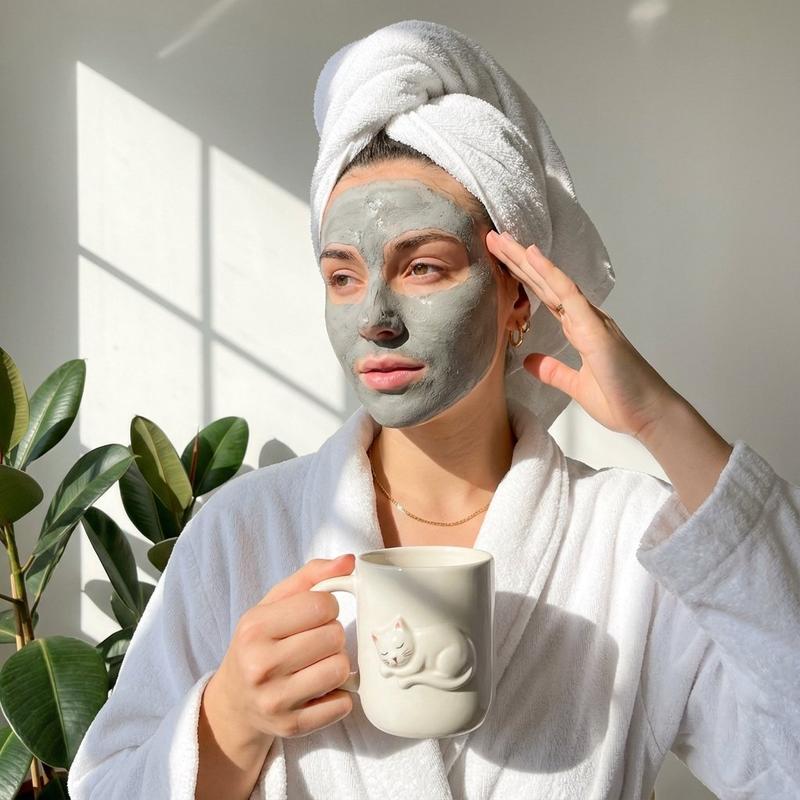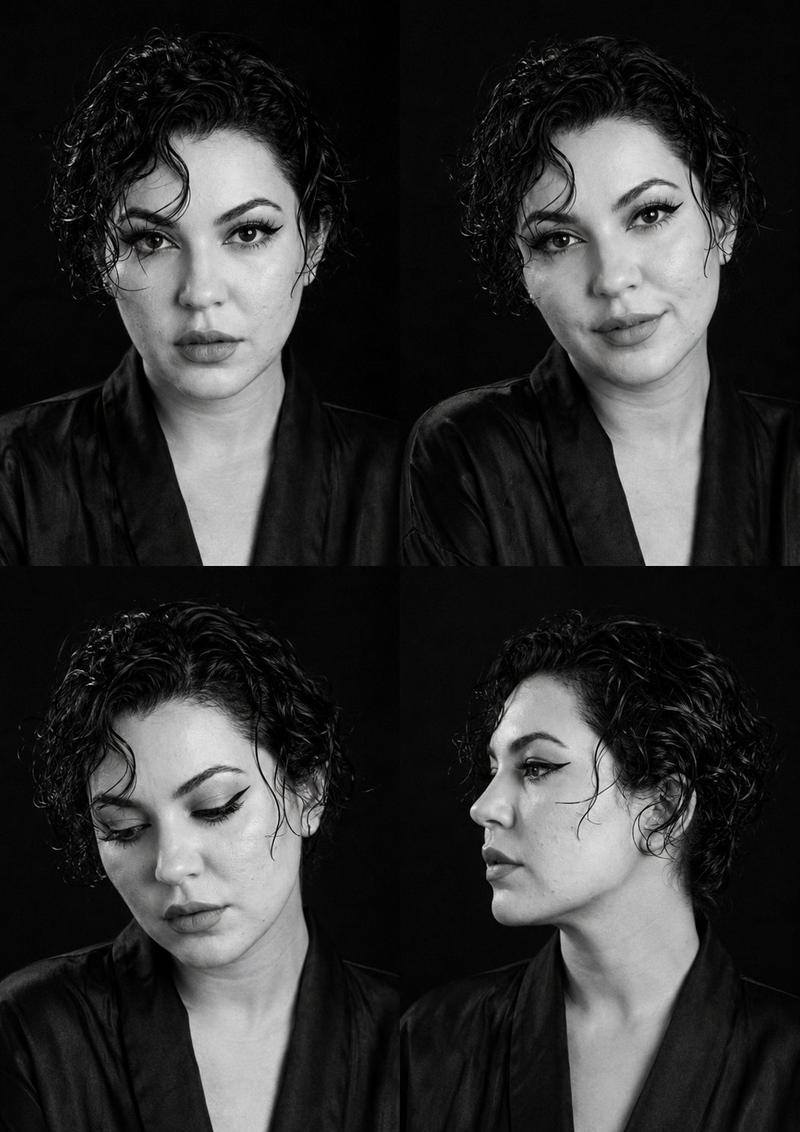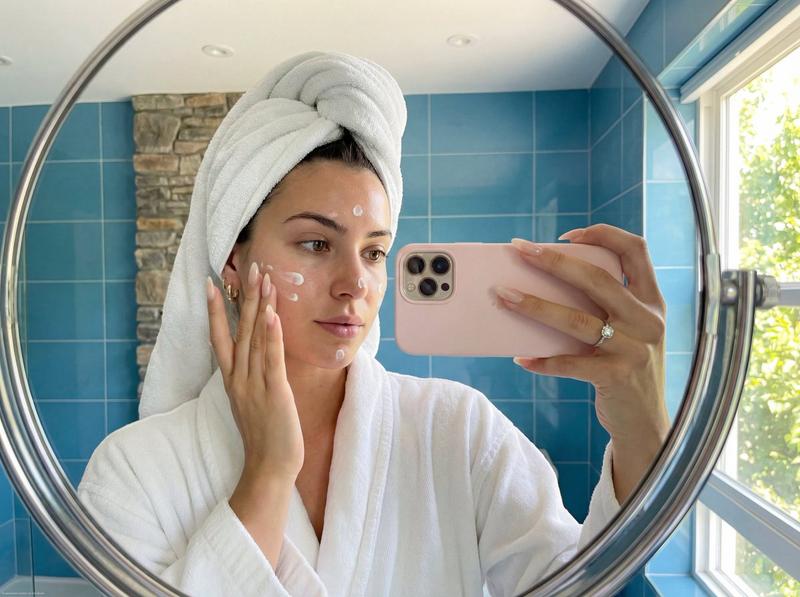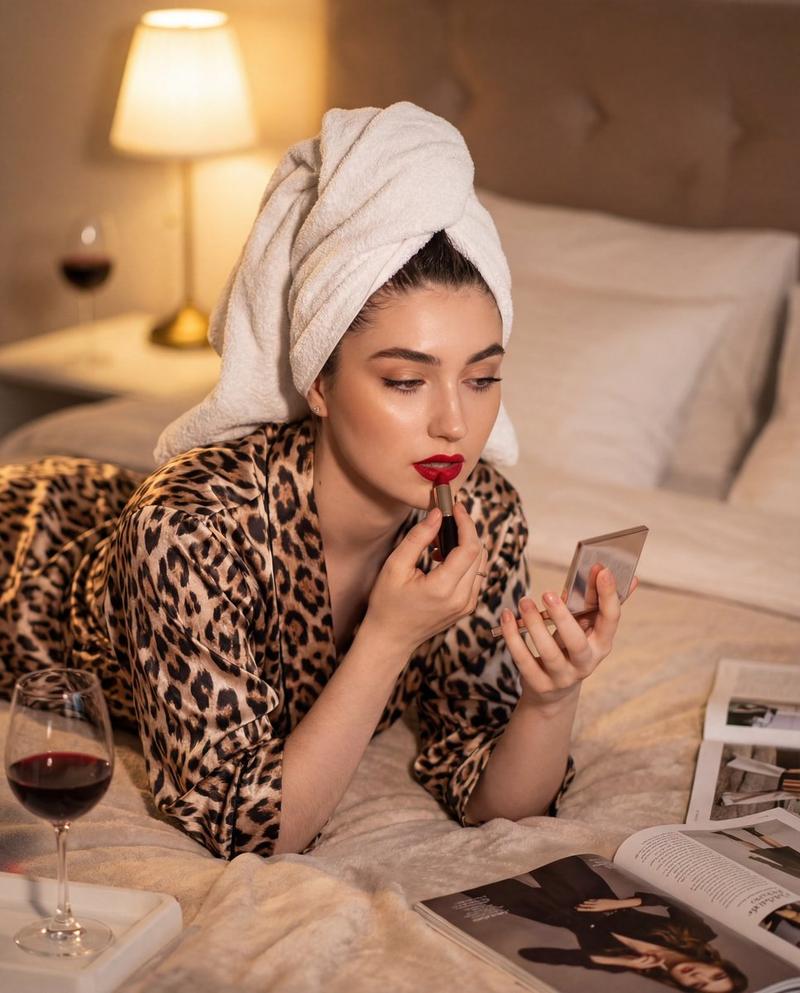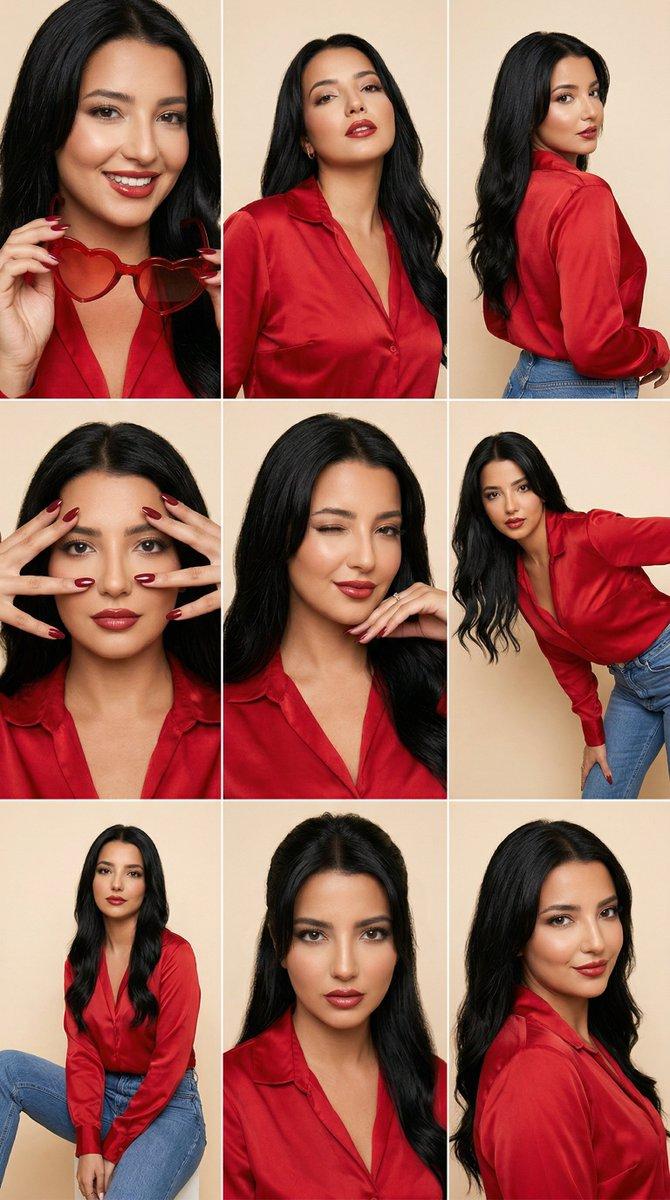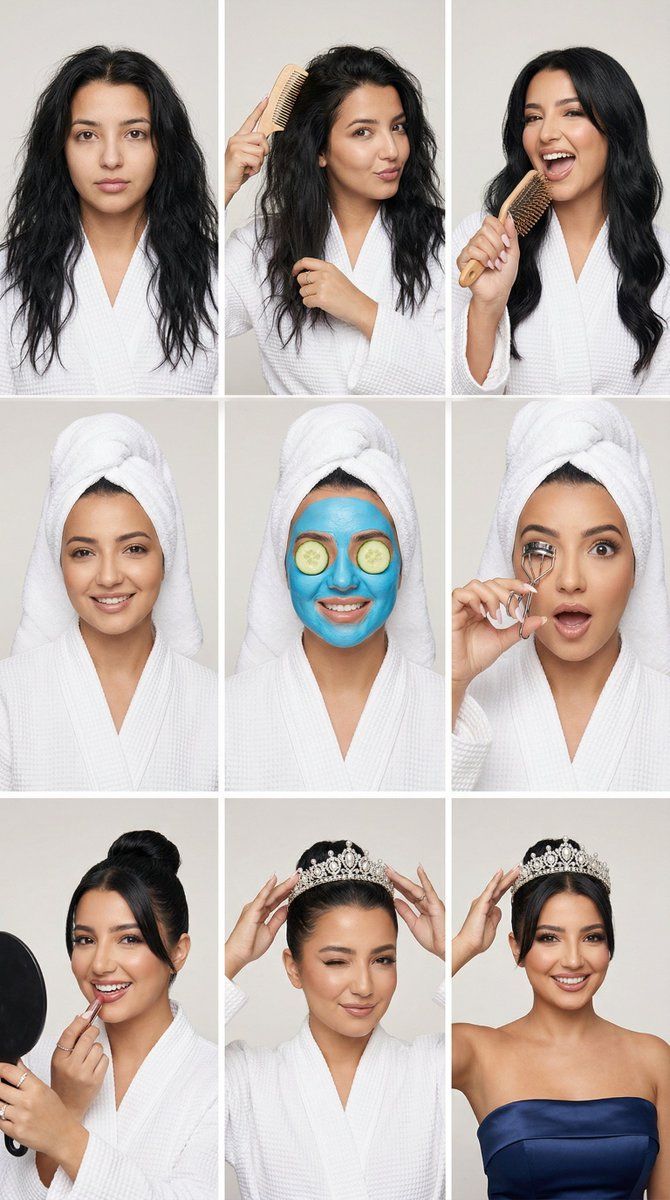
魅力水疗到皇冠故事网格 (3x3 身份锁定)
Prompt
{
  "generation_request": {
    "meta_data": {
      "tool": "NanoBanana Pro",
      "task_type": "glam_spa_to_tiara_story_grid_3x3_reference_locked",
      "language": "en",
      "priority": "highest",
      "version": "v3.0_SPA_TO_TIARA_3X3_ULTRA_FACELOCK"
    },

    "input": {
      "mode": "image_to_image",
      "reference_image_usage": "maximum",
      "reference_strength": 0.94,
      "preserve_identity": true,
      "preserve_facial_features": true,
      "preserve_hairline": true,
      "preserve_eyebrows": true,
      "notes": "Use the uploaded face reference as ABSOLUTE identity anchor. Keep the exact facial structure and proportions in all 9 panels (bone structure, jawline, cheekbones, eye spacing, eyebrow shape, lip shape). No beautification, no symmetry edits, no face morphing. Same person in every panel."
    },

    "identity_lock": {
      "face_priority": "absolute",
      "face_geometry_lock": true,
      "bone_structure_lock": true,
      "eye_spacing_lock": true,
      "nose_shape_lock": true,
      "lip_shape_lock": true,
      "jawline_lock": true,
      "eyebrow_shape_lock": true,
      "no_beautification": true,
      "no_symmetry_adjustment": true,
      "face_embedding_weight": 2.0,
      "structure_strength": 0.97,
      "distance_from_reference": "minimal"
    },

    "output_settings": {
      "aspect_ratio": "1:1",
      "resolution_target": "ultra_high_res",
      "num_images": 1,
      "layout": {
        "type": "grid",
        "rows": 3,
        "cols": 3,
        "gutter": "thin_white",
        "outer_border": "none",
        "panel_consistency": "maximum"
      },
      "render_style": "clean_magazine_studio_editorial",
      "sharpness": "editorial_crisp",
      "grain": "subtle_film"
    },

    "scene": {
      "environment": "clean studio backdrop, very light warm gray",
      "lighting": {
        "style": "classic studio beauty lighting",
        "key_light": "large softbox front",
        "fill": "soft balanced fill",
        "shadow": "minimal clean shadow",
        "avoid": "dramatic cinematic lighting, colored gels"
      },
      "camera": {
        "lens": "85mm",
        "framing": "head-and-shoulders to mid-torso, consistent across panels",
        "focus": "eyes razor sharp in every panel"
      }
    },

    "styling_rules": {
      "continuity": "same identity + same hair color + same skin tone + same facial proportions in all panels",
      "robe": "white spa robe (no logos) for panels 1-8",
      "hair_variations": "progression across panels only (messy -> towel wrap -> sleek bun)",
      "makeup_progression": "none -> minimal -> lipstick -> fully glam",
      "props": "only small spa/beauty props listed per panel",
      "background": "must remain identical in all 9 panels"
    },

    "panel_storyboard": {
      "panel_01": "messy natural hair down, no makeup, neutral expression, white robe, looking at camera",
"panel_02": "brushing hair with a c- Category
- 创意图片
- Model
- Nano Banana Pro
- Creator
- Özge Döner
- Source ID
- f8352733-0e6b-45eb-a917-729dea548330
- Published
- Mar 8, 2026
Views1