20

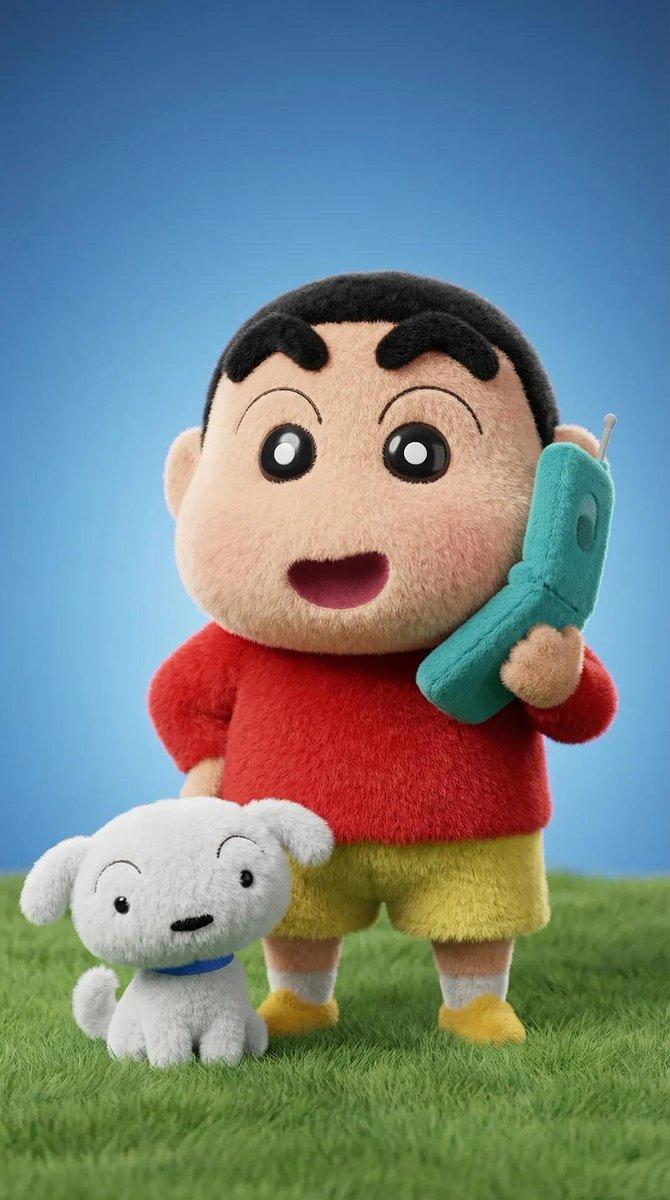
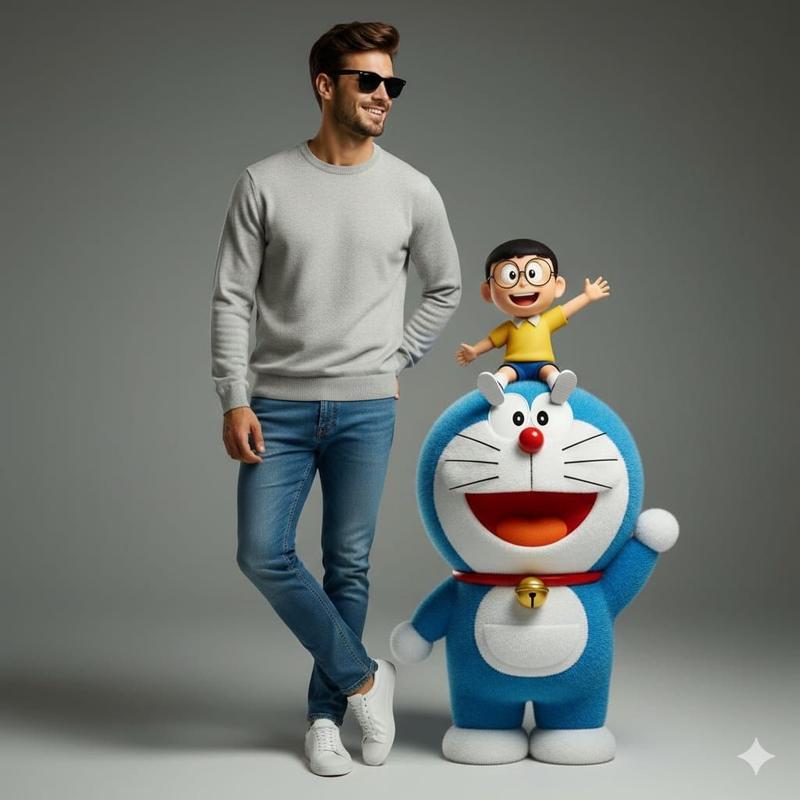
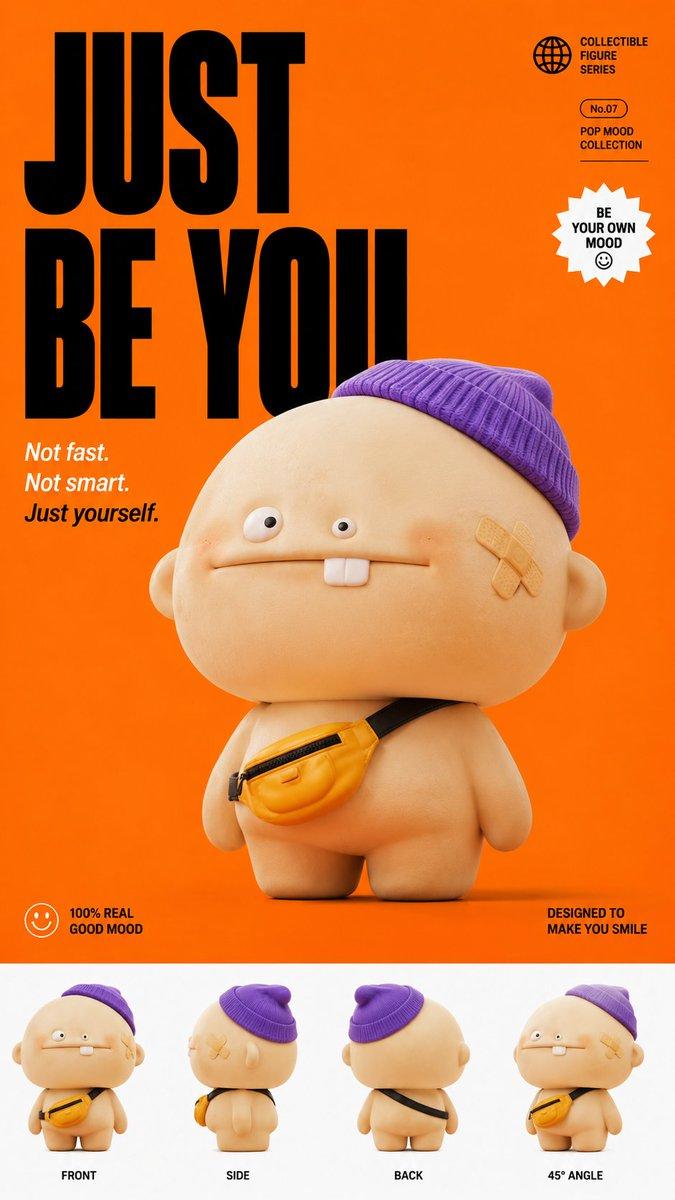
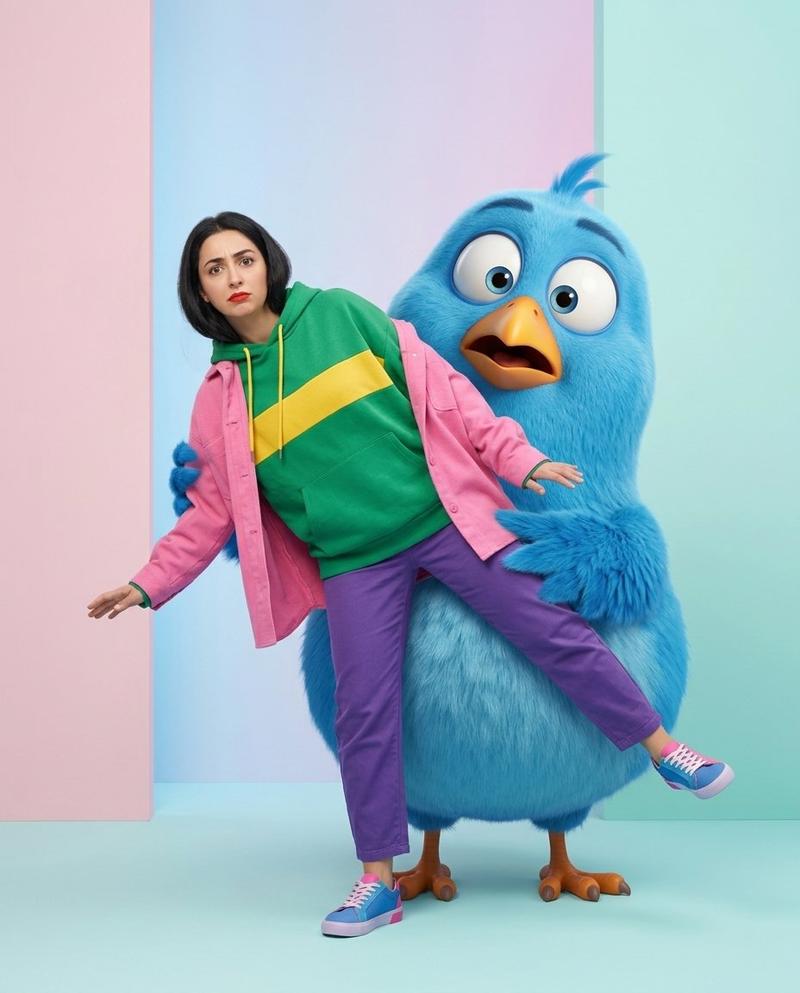
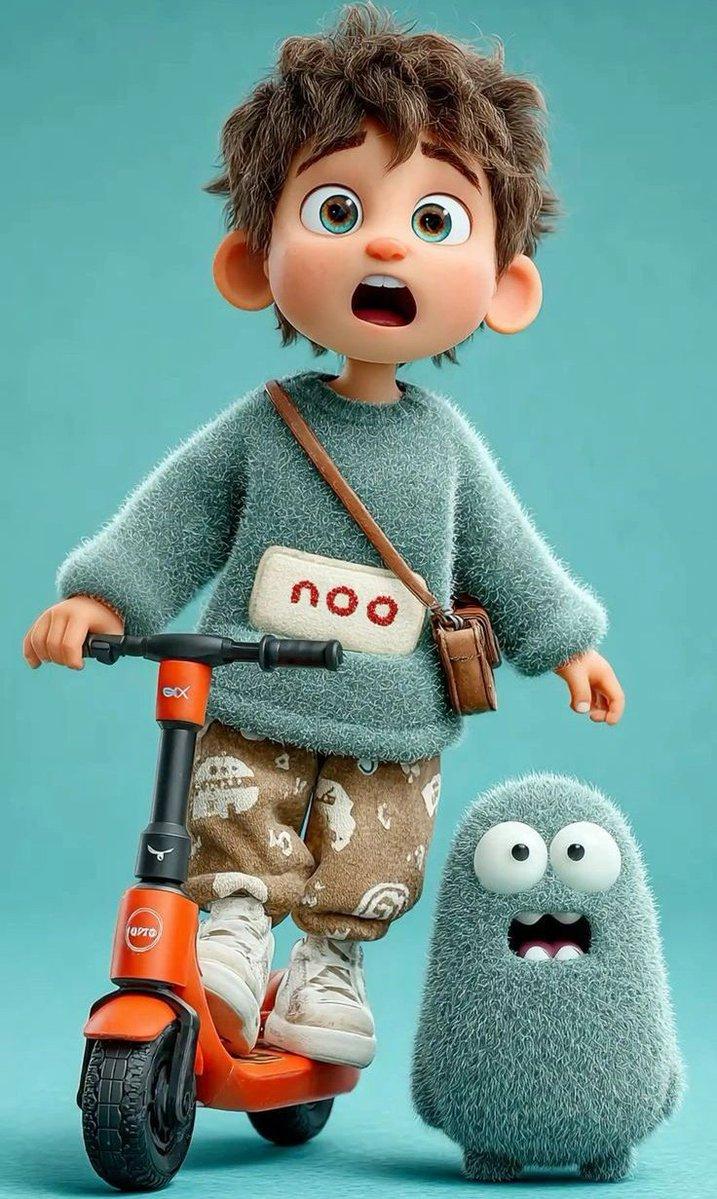
超精细 3D 毛绒卡通人物渲染
Enlarge

超精细 3D 毛绒卡通人物渲染

Prompt
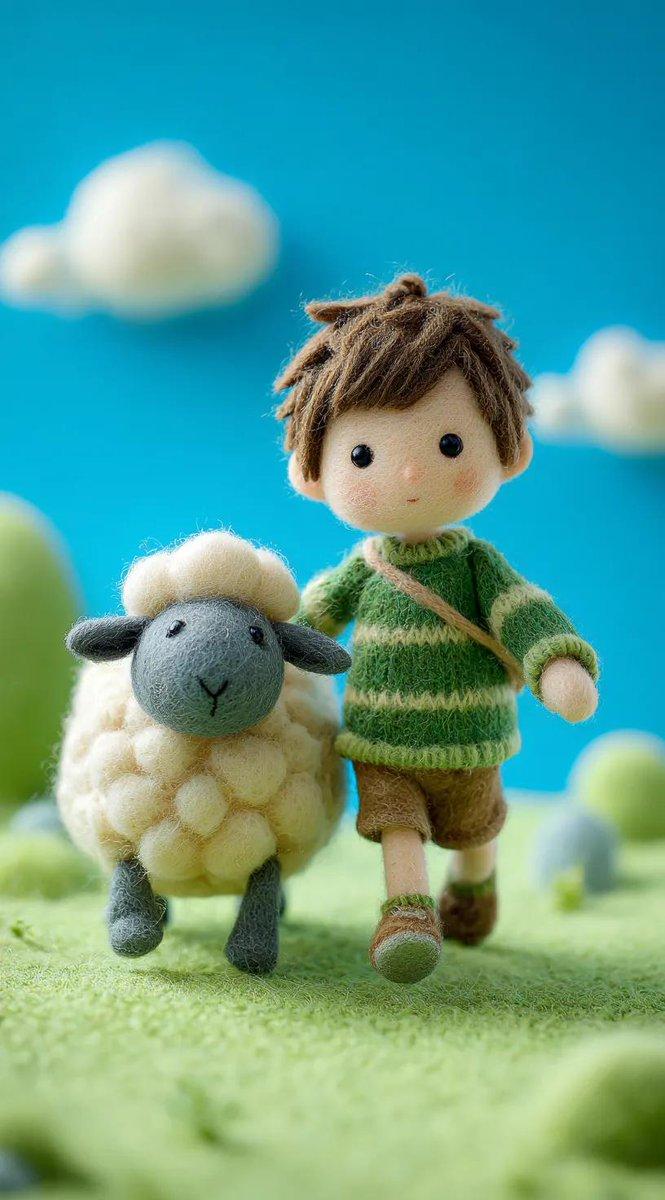
Ultra-detailed 3D plush cartoon character, inspired by classic animated TV style, standing in center frame, full body visible. Character designed as a soft toy with realistic fluffy fur texture, smooth rounded shapes, vibrant saturated colors, big expressive eyes, cute proportions, Use my uploaded photo as a reference to generate image with given prompt.

High-resolution Pixar-style 3D rendering, soft studio lighting, subtle rim light, clean gradient background ({argument name="background color" default="blue tone"}), cinematic lighting, depth of field, highly detailed fur strands, soft shadows under feet, glossy nose, toy-like material, ultra sharp 8K render.

Centered composition, minimal background, character facing camera, symmetrical pose, adorable expression.
Category
创意图片
Model
Nano Banana Pro
Creator
K
Views1
Source ID
85d95b5d-e6fa-4dbf-8076-2b7b6b8c64b4
Published
Mar 8, 2026

Guide

About "超精细 3D 毛绒卡通人物渲染"

What is this prompt for?

"超精细 3D 毛绒卡通人物渲染" AI image prompt for Nano Banana Pro (创意图片). 一个详细的提示,用于生成一个超精细的 3D 毛绒卡通角色,风格类似于经典动画电视节目,以高分辨率皮克斯风格的品质、柔和的影棚灯光和电影般的景深渲染。它需要上传一张照片参考图来设计角色。 ---…

The full copyable prompt and example visuals above are ready for AI image generation or one-click recreate in Picva.

How to use this prompt

  1. Step 1

    Open the prompt detail

    Review the example visuals, category, and full prompt text for "超精细 3D 毛绒卡通人物渲染".

  2. Step 2

    Copy the prompt

    Copy the prompt body from this page, or load it directly in Studio.

  3. Step 3

    Pick a model (Nano Banana Pro)

    Prefer Nano Banana Pro. If you switch models, keep subject and composition and tweak style terms.

  4. Step 4

    Generate and export

    Recreate the look in Picva, or export into your workflow for editing and publishing.

FAQ

What is the "超精细 3D 毛绒卡通人物渲染" prompt?
It is an AI image-generation prompt for Nano Banana Pro in the 创意图片 category. This page includes the full prompt text, example visuals, and a one-click recreate path in Picva.
How do I use this prompt to generate an image?
Copy the prompt from this page, or use Generate / Studio. Paste it into a compatible image model, or recreate the look in Picva with optional reference images.
Which model is this prompt for?
This page lists Nano Banana Pro. Most descriptive prompts also transfer to nearby image models such as GPT Image, Flux, or Midjourney with light style tweaks.
Can I use the result commercially?
You can usually copy the prompt for creation, but commercial use of the final image depends on the model terms, reference-image rights, and the generated content. Follow the source author and platform rules.