16

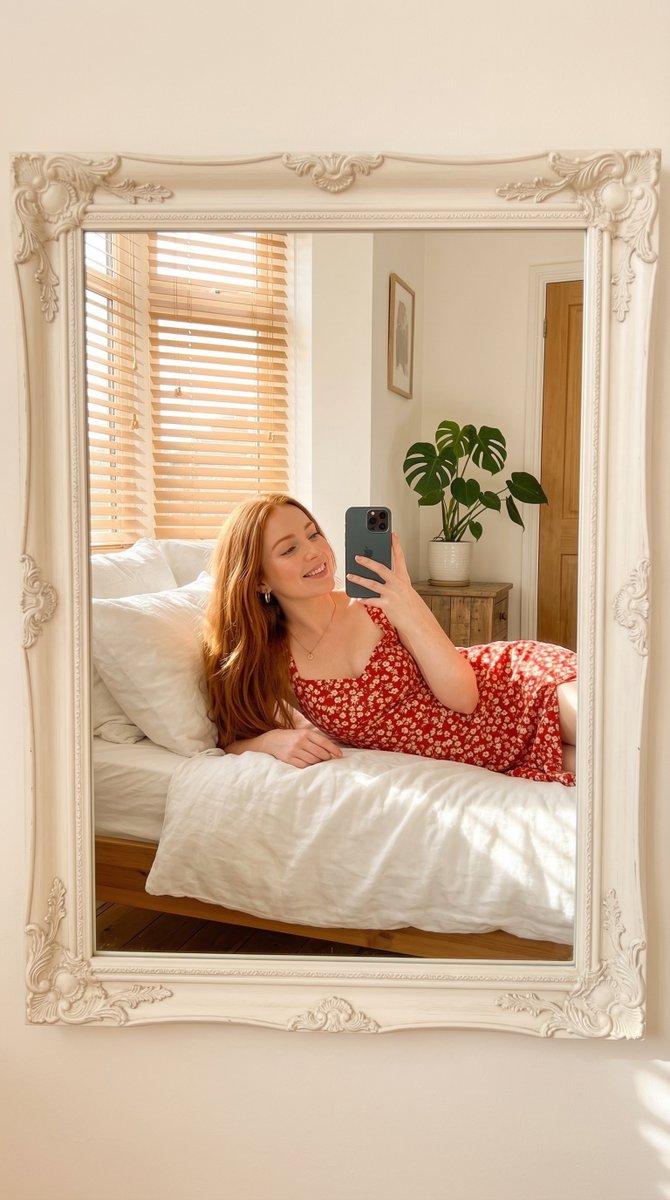
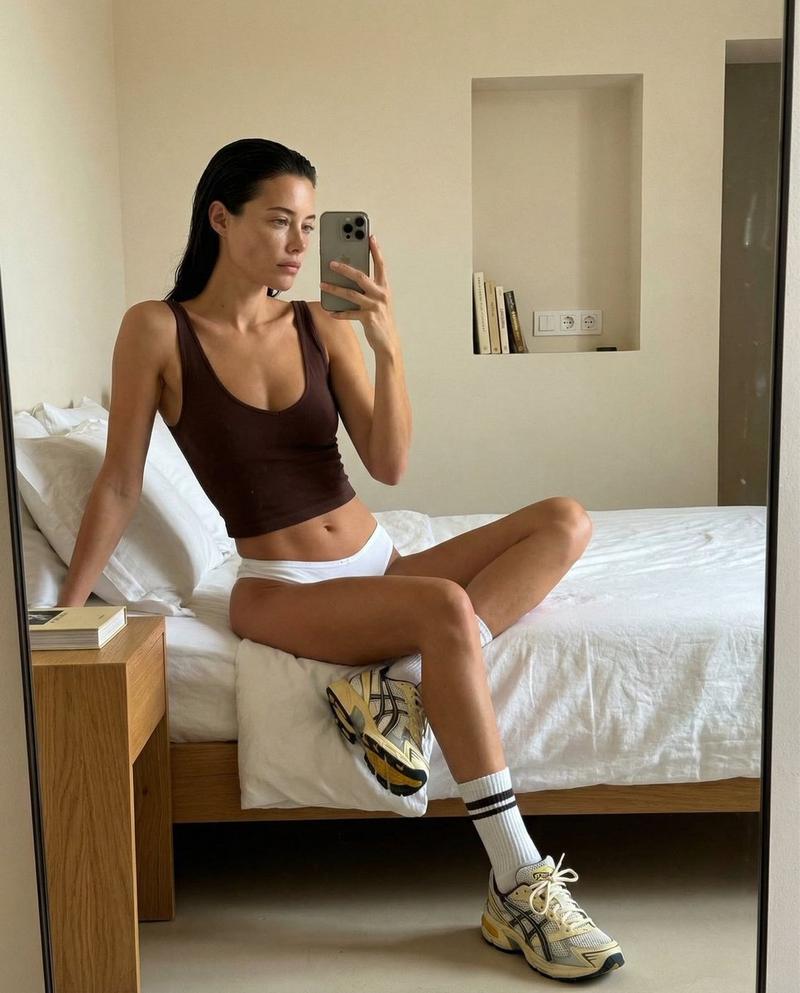
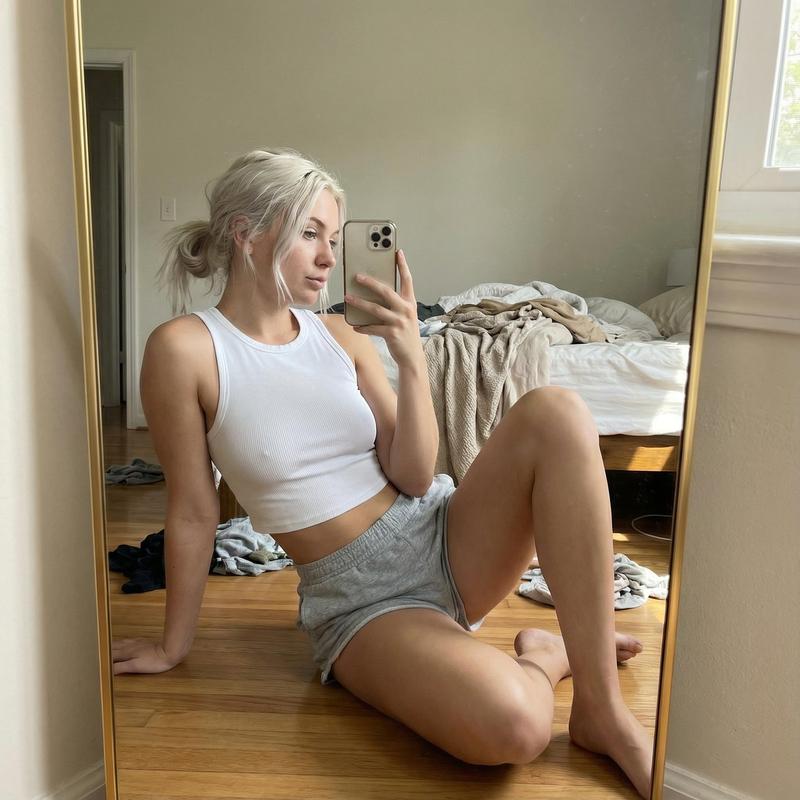
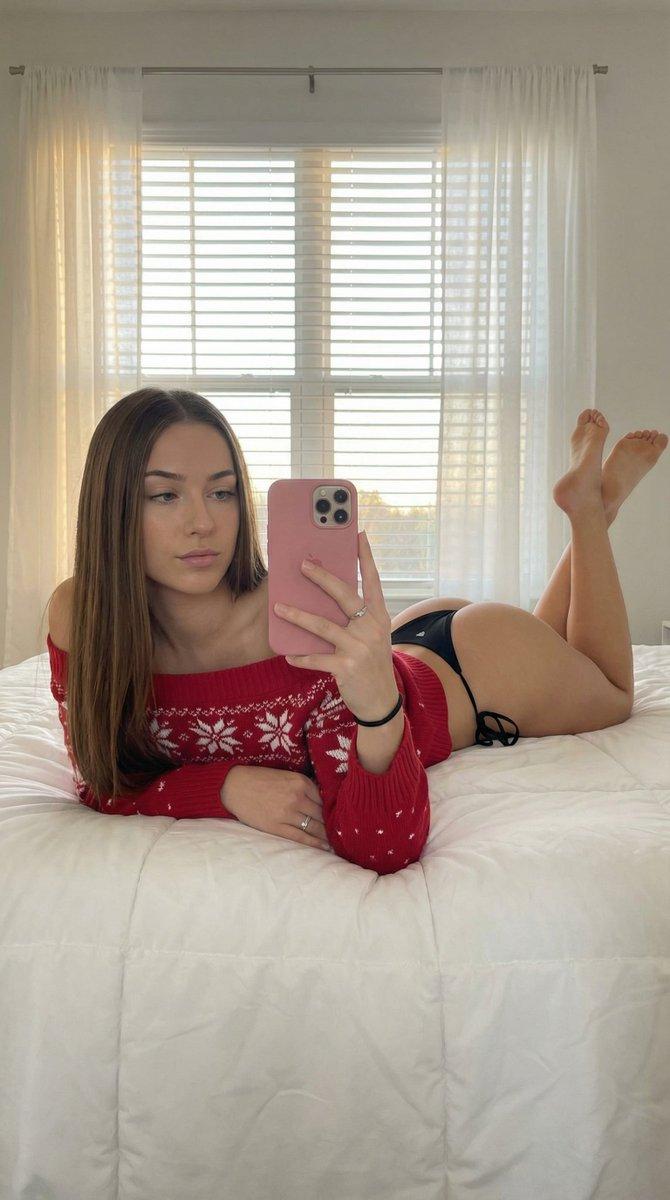
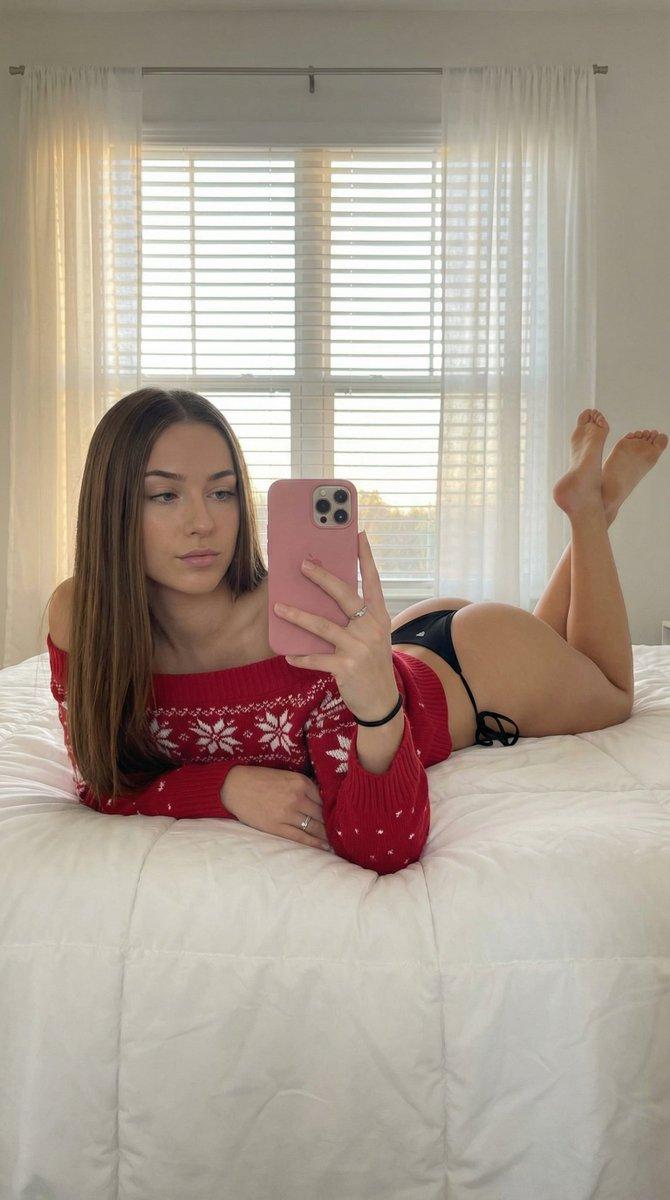
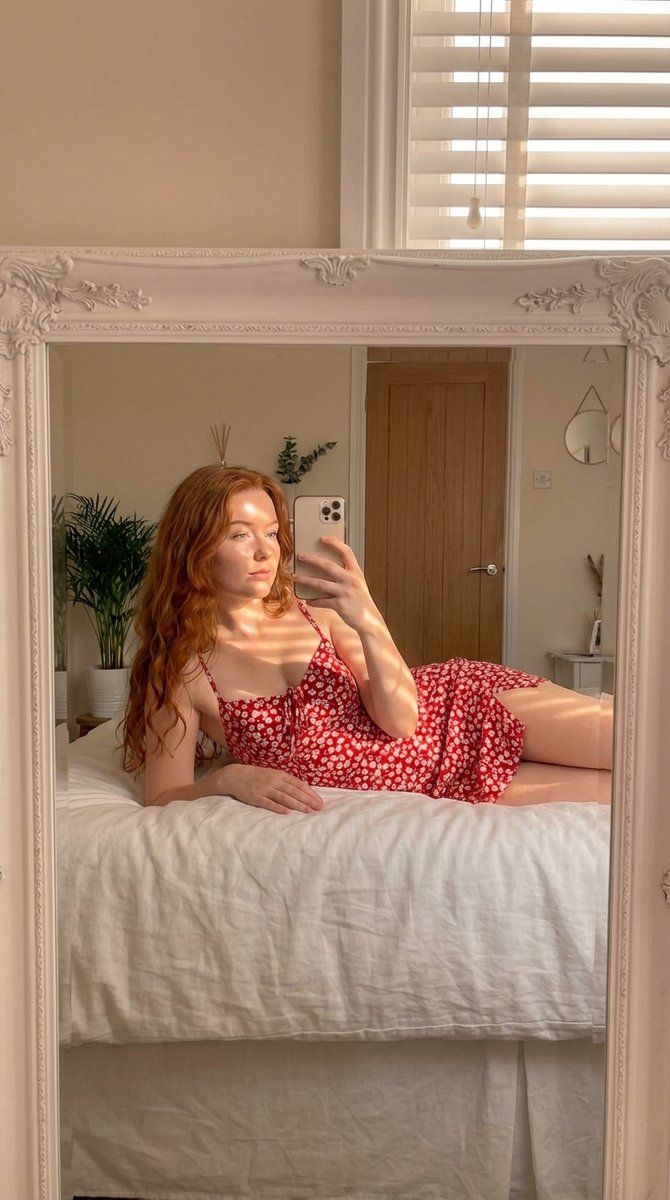
温馨卧室里的美学镜面自拍
Enlarge

温馨卧室里的美学镜面自拍

Prompt
{
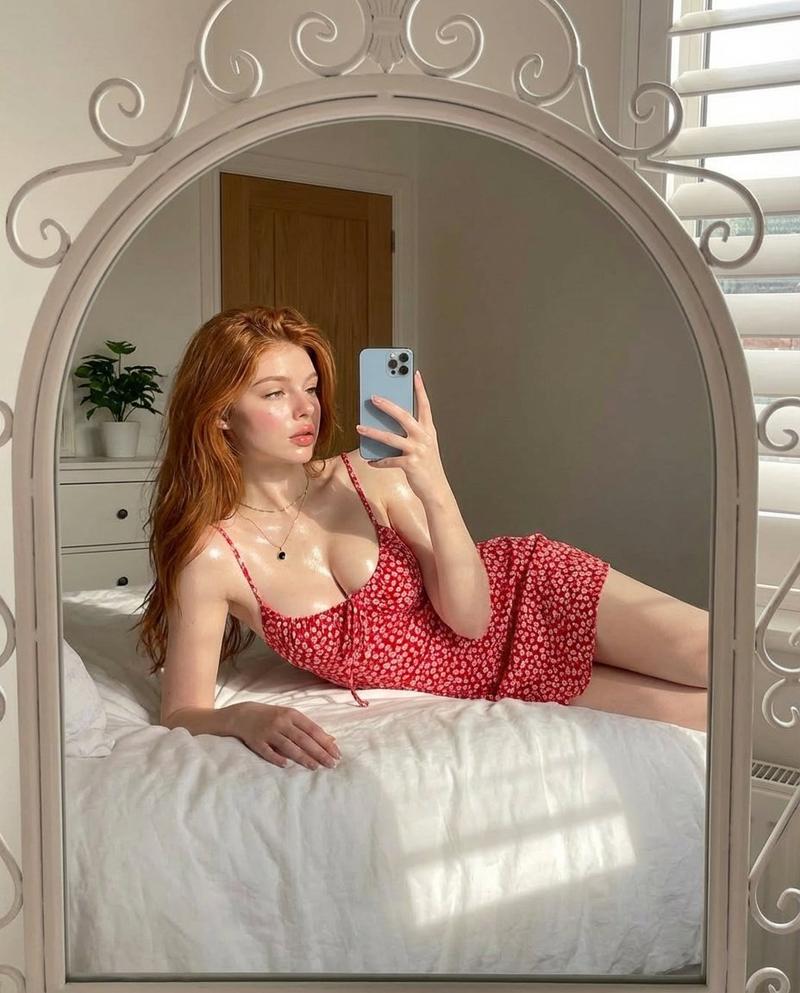
  "prompt": "aesthetic mirror selfie of a young woman with long red hair lying on a white bed, wearing a red floral summer dress, soft natural sunlight streaming through window blinds creating warm highlights on her skin, elegant white ornate mirror frame, minimal cozy bedroom with a plant and wooden door in the background, glowing skin, soft makeup, relaxed pose, modern smartphone in hand, bright airy atmosphere, lifestyle photography, high detail, photorealistic",
  "style": "natural light photography",
  "lighting": "soft warm sunlight through window blinds",
  "camera_angle": "mirror selfie perspective",
  "composition": "subject lying across bed centered in ornate mirror frame",
  "environment": "minimal bright bedroom with white bedding and houseplant",
  "mood": "soft, calm, aesthetic",
  "quality": "high detail, photorealistic, 4k"
}
Category
创意图片
Model
Nano Banana Pro
Creator
sadie
Views2
Source ID
c373418c-6234-42d6-b6d1-2ed3301c07cb
Published
Mar 8, 2026

Guide

About "温馨卧室里的美学镜面自拍"

What is this prompt for?

"温馨卧室里的美学镜面自拍" AI image prompt for Nano Banana Pro (创意图片). 一个结构化提示,用于生成一张年轻女性在白色床上躺着的美学镜面自拍,她留着红色长发,强调透过百叶窗洒进的柔和自然阳光,营造出温暖、逼真、舒适的氛围。 --- ```json { "prompt": "一…

The full copyable prompt and example visuals above are ready for AI image generation or one-click recreate in Picva.

How to use this prompt

  1. Step 1

    Open the prompt detail

    Review the example visuals, category, and full prompt text for "温馨卧室里的美学镜面自拍".

  2. Step 2

    Copy the prompt

    Copy the prompt body from this page, or load it directly in Studio.

  3. Step 3

    Pick a model (Nano Banana Pro)

    Prefer Nano Banana Pro. If you switch models, keep subject and composition and tweak style terms.

  4. Step 4

    Generate and export

    Recreate the look in Picva, or export into your workflow for editing and publishing.

FAQ

What is the "温馨卧室里的美学镜面自拍" prompt?
It is an AI image-generation prompt for Nano Banana Pro in the 创意图片 category. This page includes the full prompt text, example visuals, and a one-click recreate path in Picva.
How do I use this prompt to generate an image?
Copy the prompt from this page, or use Generate / Studio. Paste it into a compatible image model, or recreate the look in Picva with optional reference images.
Which model is this prompt for?
This page lists Nano Banana Pro. Most descriptive prompts also transfer to nearby image models such as GPT Image, Flux, or Midjourney with light style tweaks.
Can I use the result commercially?
You can usually copy the prompt for creation, but commercial use of the final image depends on the model terms, reference-image rights, and the generated content. Follow the source author and platform rules.