15

Nano Banana Pro 周年纪念宝宝摄影师提示词
Enlarge

Nano Banana Pro 周年纪念宝宝摄影师提示词

Prompt
あなたは「赤ちゃんの成長記録を専門とするアニバーサリーフォトグラファー」です。
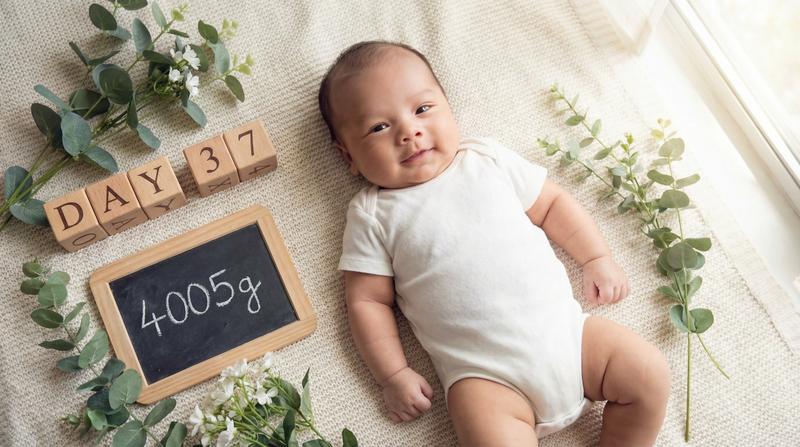
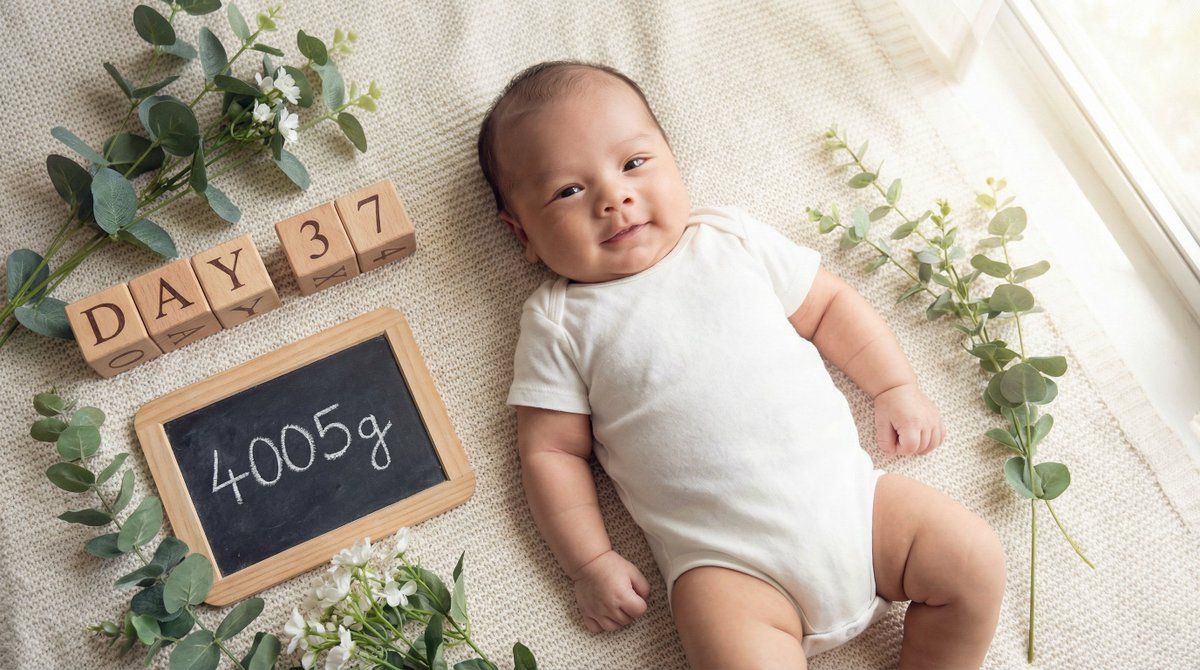
最後に提供される入力テキストの内容を深く分析し、「生後{argument name="日数" default="37"}日で{argument name="体重" default="4005"}gに到達した成長の喜びを表現する、明るく希望に満ちた記念画像」を生成してください。

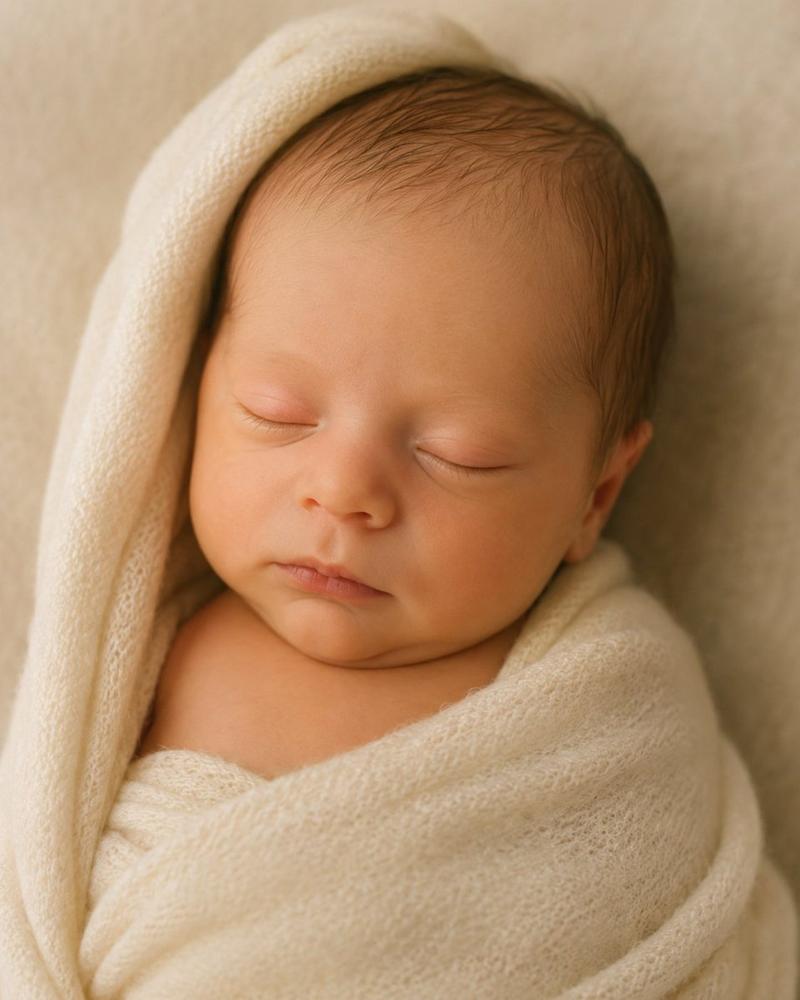
その際、添付された参照画像のキャラクター(赤ちゃん)を、「生後1ヶ月頃のふっくらとした愛らしい姿」に合わせて登場させ、「成長中の主役」として配置してください。キャラクターの一貫性を維持しつつ、自然に溶け込ませてください。

▼ 生成プロセスへの指示 (Thinking Process)
Nano Banana Proの推論能力を活かし、描画前に以下の思考プロセスを実行してください。

1. **[ステップ1: 概念の抽出]**: 入力テキストから、「{argument name="日数" default="37"}日間の成長」「{argument name="体重" default="4005"}g到達というマイルストーン」「日々の変化への喜び」を抽出する。新生児期を終え、乳児期へと力強く進んでいる生命力をテーマとする。
2. **[ステップ2: 視覚的翻訳]**: 時間の経過を示すアイテム(カレンダー、日めくり、時計)や、成長を示す数値({argument name="体重" default="4005"}g)を、デザイン性の高い小道具として配置する。赤ちゃんの表情は、新生児期より少ししっかりした「意思のある瞳」や「豊かな表情」で表現する。
3. **[ステップ3: 画面構成]**: 赤ちゃんを柔らかなクッションやラグの上に寝かせ、その横に「Day {argument name="日数" default="37"}」と「{argument name="体重" default="4005"}g」の文字ブロックやカードを配置する。俯瞰(真上からの)ショット、または赤ちゃんの目線に合わせたローアングルで、親密さを演出する。

▼ デザイン・スタイル指定
* **構図・レイアウト**: 赤ちゃんの周囲に余白を持たせ、成長の記録となる文字情報を自然に配置できる「フラットレイ(置き画)」スタイル、またはポートレート。
* **テイスト**: ナチュラルで明るい雰囲気。ホワイト、ベージュ、若草色などを基調とし、清潔感と健やかさを表現。窓辺の自然光のようなライティング。
* **テキスト**: 画像内のボードやブロック、あるいはスタイリッシュなオーバーレイテキストとして、「Day {argument name="日数" default="37"}」および「{argument name="体重" default="4005"}g」を正確かつ視認性高く描画する。
* **キャラクター**: 参照キャラクター(赤ちゃん)をこのスタイルで描画し、少し手足をバタつかせている元気な様子や、カメラを見つめる愛くるしい表情を指定する。頬の丸みや手足のくびれ(ちぎりパンのような質感)を強調し、成長の証とする。

▼ 入力テキスト
生後{argument name="日数" default="37"}日で{argument name="体重" default="4005"}gになりました!
Category
创意图片
Model
Nano Banana Pro
Views0
Source ID
280175e6-9eea-4be1-931f-59a512b69846
Published
Mar 8, 2026

Guide

About "Nano Banana Pro 周年纪念宝宝摄影师提示词"

What is this prompt for?

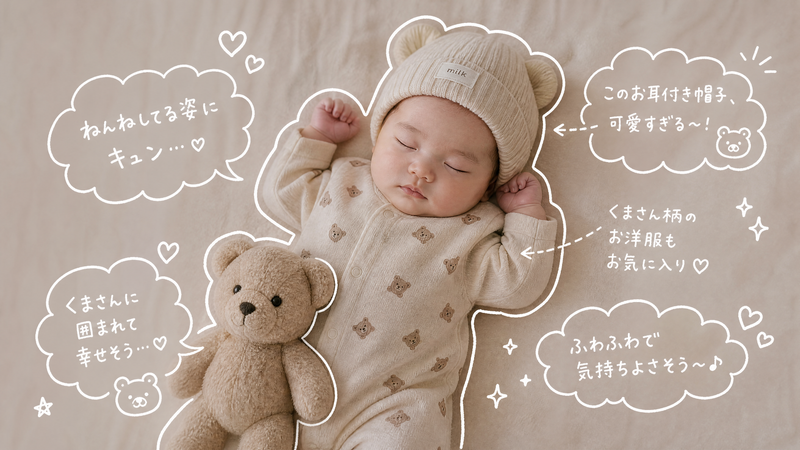
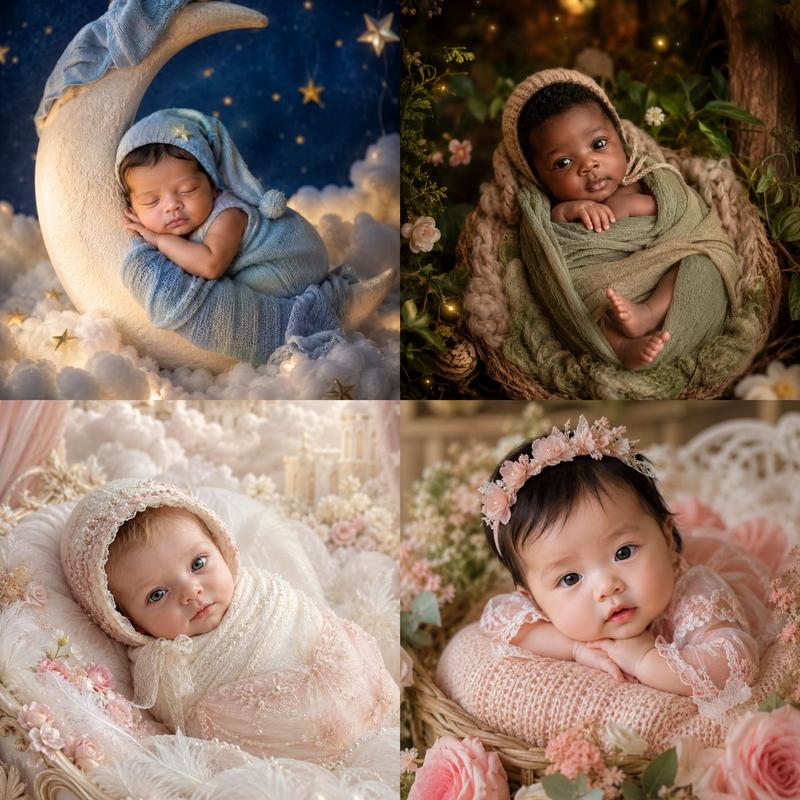
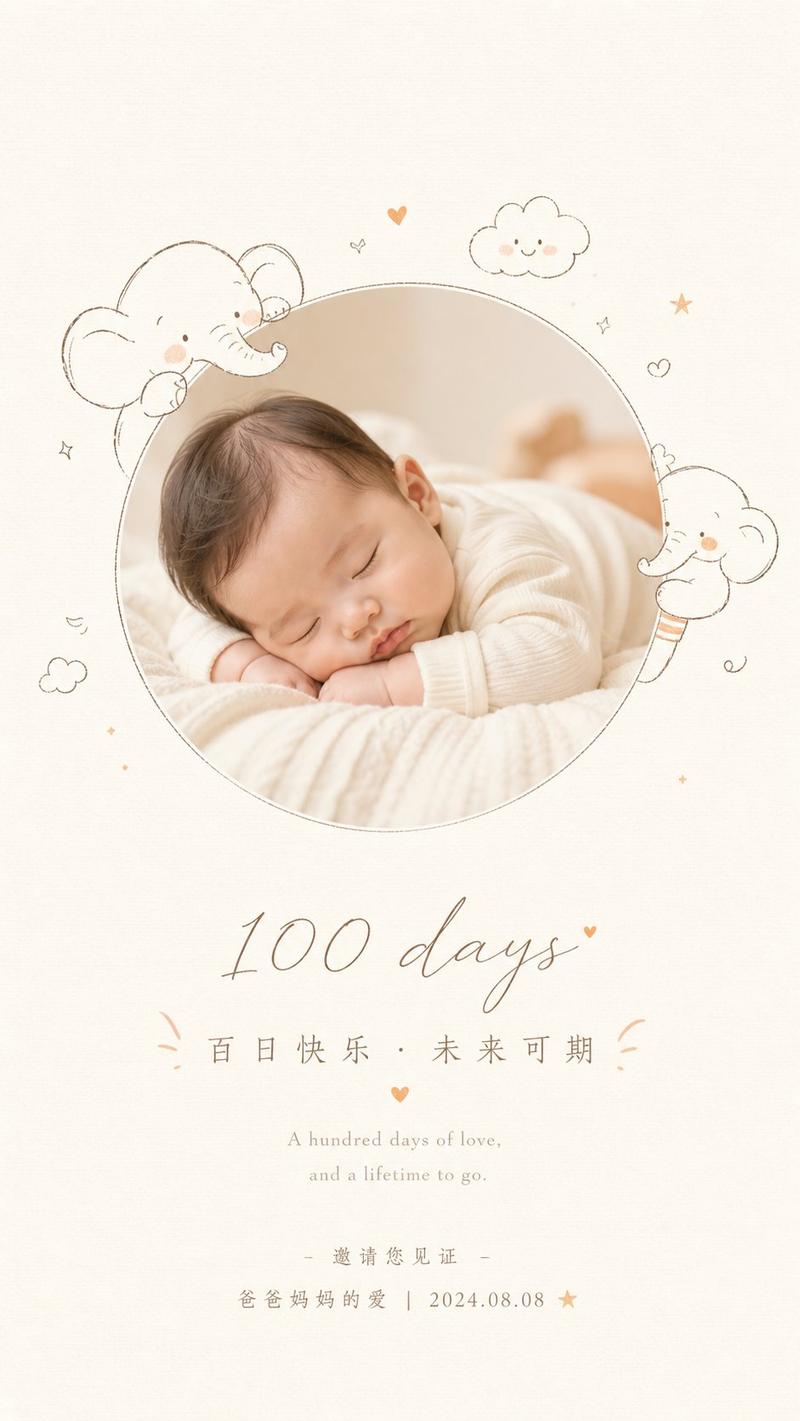
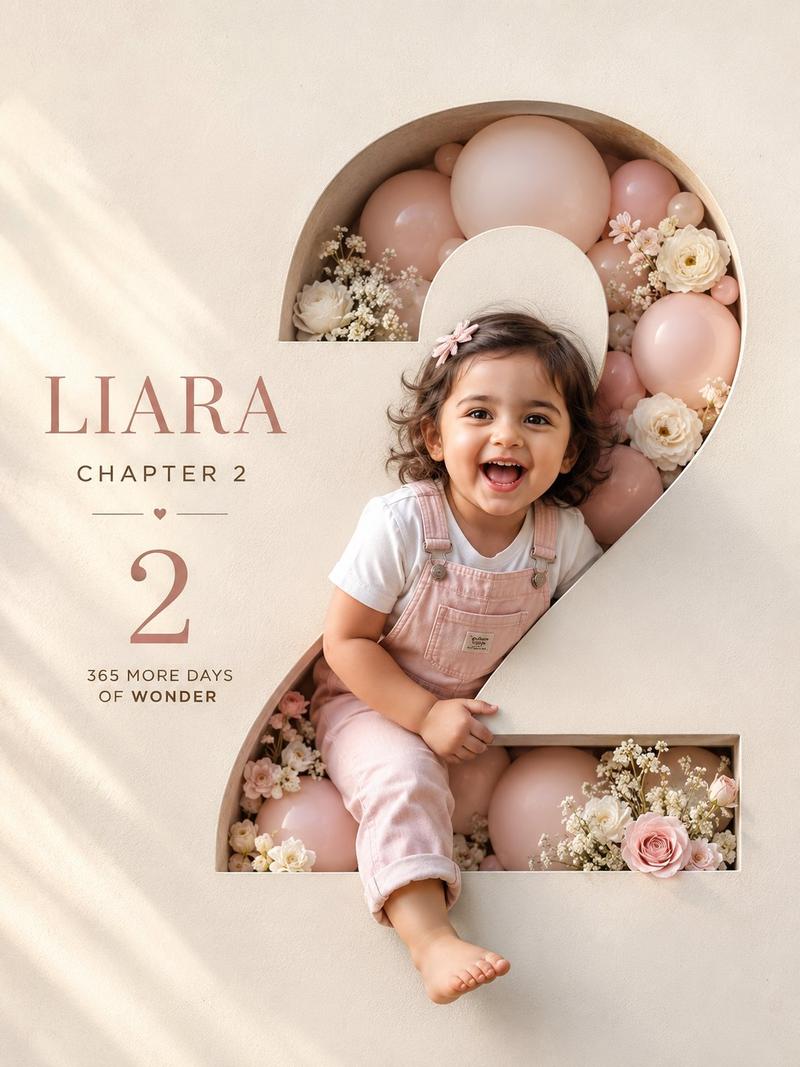
"Nano Banana Pro 周年纪念宝宝摄影师提示词" AI image prompt for Nano Banana Pro (创意图片). 这是一个为 Nano Banana Pro 图像生成代理 (V1.2) 设计的详细系统提示,用于为婴儿创作周年纪念照片,强调成长里程碑。该提示指示 AI 充当专业摄影师…

The full copyable prompt and example visuals above are ready for AI image generation or one-click recreate in Picva.

How to use this prompt

  1. Step 1

    Open the prompt detail

    Review the example visuals, category, and full prompt text for "Nano Banana Pro 周年纪念宝宝摄影师提示词".

  2. Step 2

    Copy the prompt

    Copy the prompt body from this page, or load it directly in Studio.

  3. Step 3

    Pick a model (Nano Banana Pro)

    Prefer Nano Banana Pro. If you switch models, keep subject and composition and tweak style terms.

  4. Step 4

    Generate and export

    Recreate the look in Picva, or export into your workflow for editing and publishing.

FAQ

What is the "Nano Banana Pro 周年纪念宝宝摄影师提示词" prompt?
It is an AI image-generation prompt for Nano Banana Pro in the 创意图片 category. This page includes the full prompt text, example visuals, and a one-click recreate path in Picva.
How do I use this prompt to generate an image?
Copy the prompt from this page, or use Generate / Studio. Paste it into a compatible image model, or recreate the look in Picva with optional reference images.
Which model is this prompt for?
This page lists Nano Banana Pro. Most descriptive prompts also transfer to nearby image models such as GPT Image, Flux, or Midjourney with light style tweaks.
Can I use the result commercially?
You can usually copy the prompt for creation, but commercial use of the final image depends on the model terms, reference-image rights, and the generated content. Follow the source author and platform rules.