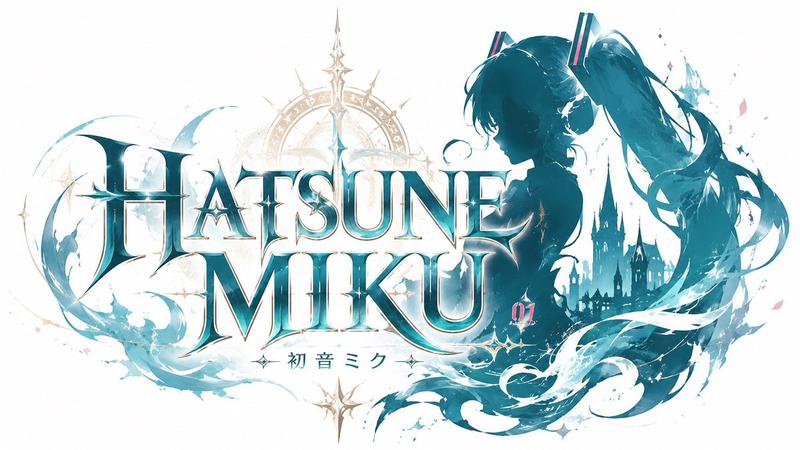
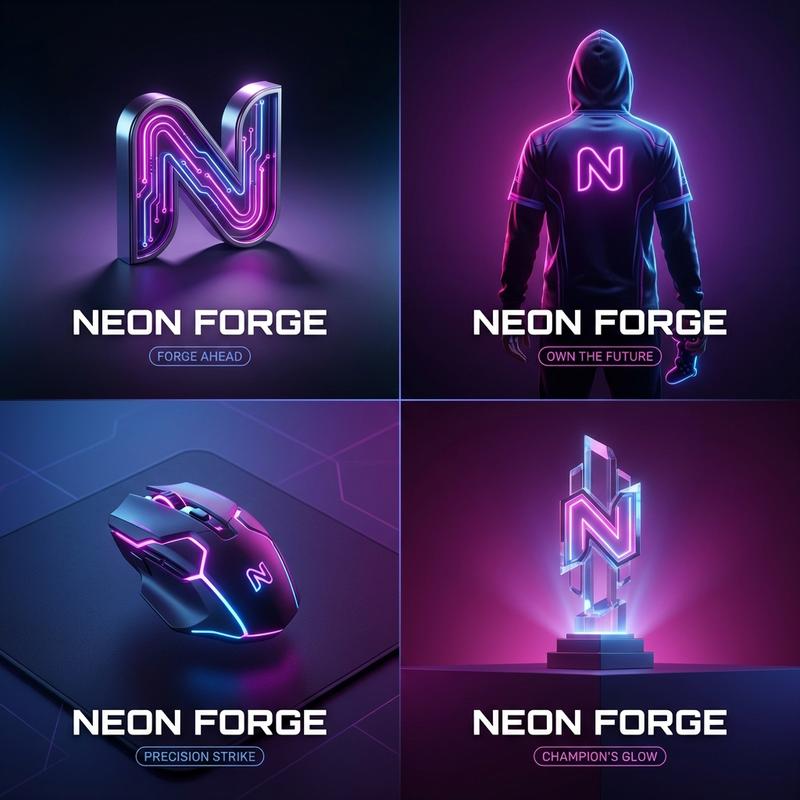
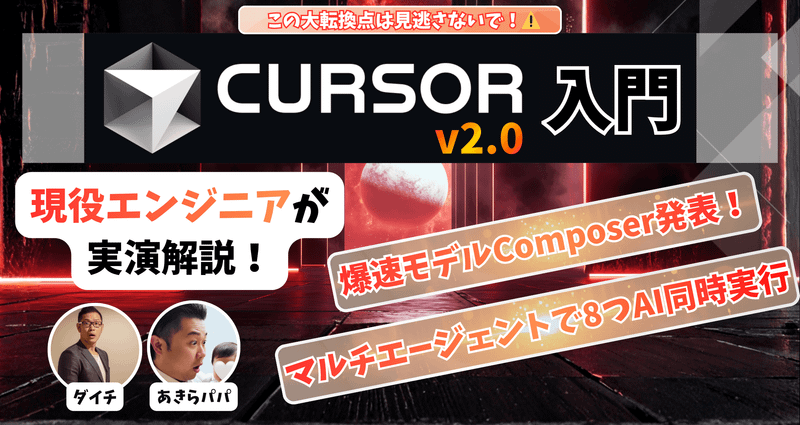
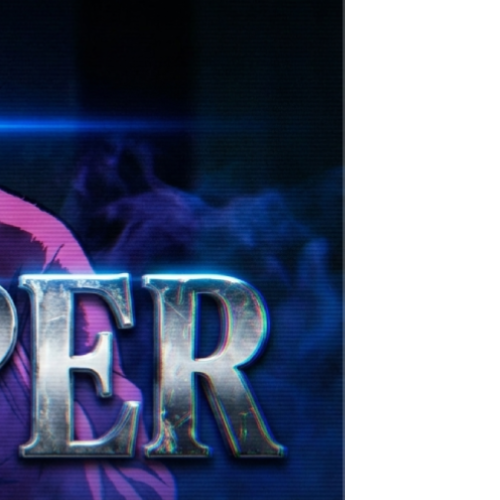
图像修复/填充缺失的空白区域
Prompt
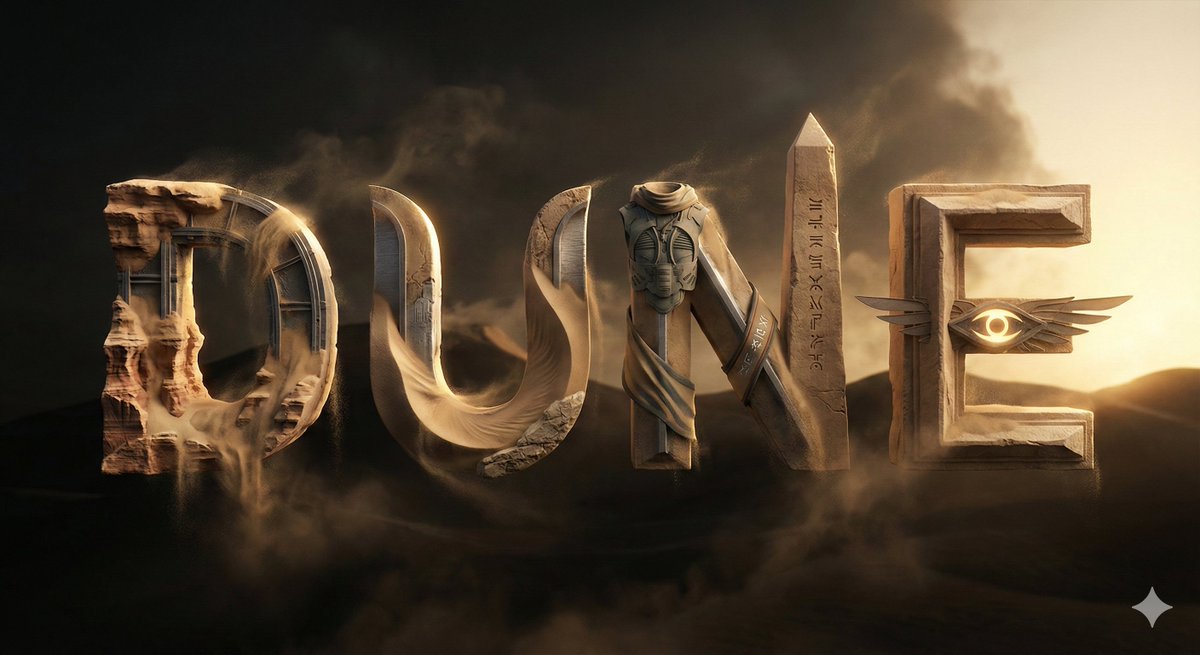
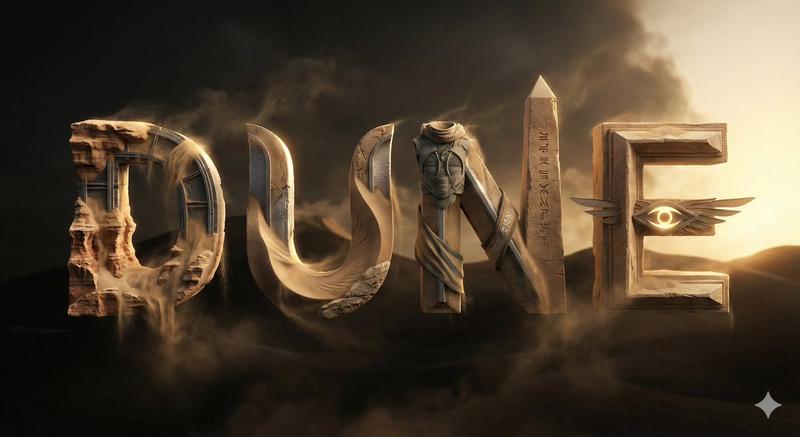
Fill in the missing white space on the side of {argument name="image name" default="image2"}- Category
- 创意图片
- Model
- Nano Banana Pro
- Creator
- A.I.Warper
- Source ID
- 30e1b4b1-e9c7-44a9-97c9-f174d0b2c2c9
- Published
- Mar 8, 2026
Views0
18
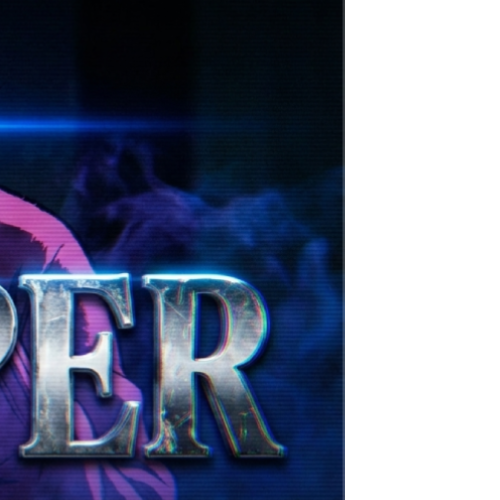
Fill in the missing white space on the side of {argument name="image name" default="image2"}Guide
"图像修复/填充缺失的空白区域" AI image prompt for Nano Banana Pro (创意图片). 一个简单的提示,专为图像编辑任务设计,具体指示 AI 填充现有图像(image2)一侧缺失的空白区域,这可能用于 Nano Banana PRO 中的图像扩展或内容感知填充。 --- 填充 {ar…
The full copyable prompt and example visuals above are ready for AI image generation or one-click recreate in Picva.
Step 1
Review the example visuals, category, and full prompt text for "图像修复/填充缺失的空白区域".
Step 2
Copy the prompt body from this page, or load it directly in Studio.
Step 3
Prefer Nano Banana Pro. If you switch models, keep subject and composition and tweak style terms.
Step 4
Recreate the look in Picva, or export into your workflow for editing and publishing.
![Based on the word “[PROMPTSREF],” design an original decorative cinematic title](https://whqgdndlpxjbwosvipip.supabase.co/storage/v1/render/image/public/prompt-source-media/promptsref/work-915/image-1-b39b55eb40233f18.png?width=800&quality=75&resize=contain)