18

Nano Banana Pro:YouTube萨姆内优化与AI Cursor v2.0入门
Enlarge

Nano Banana Pro:YouTube萨姆内优化与AI Cursor v2.0入门

Prompt
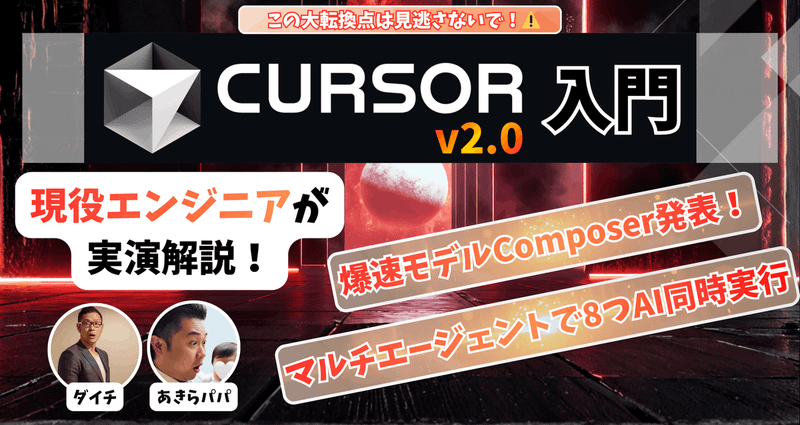
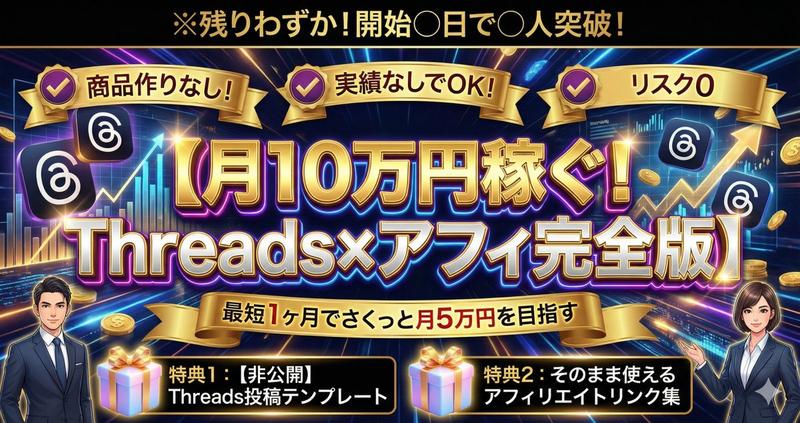
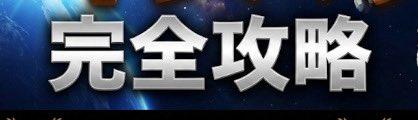
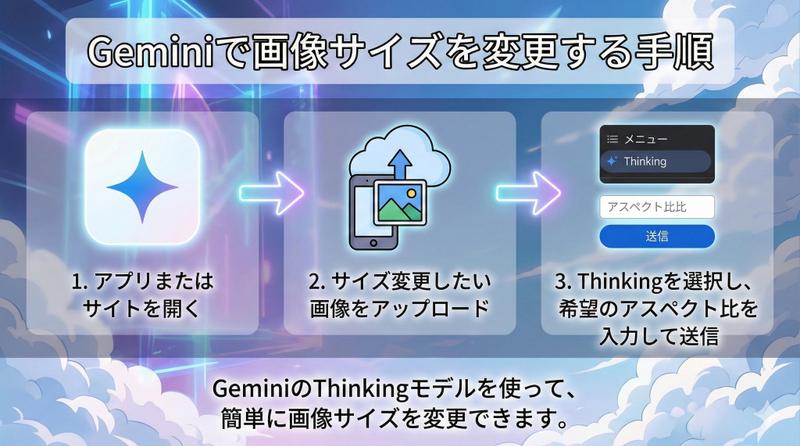
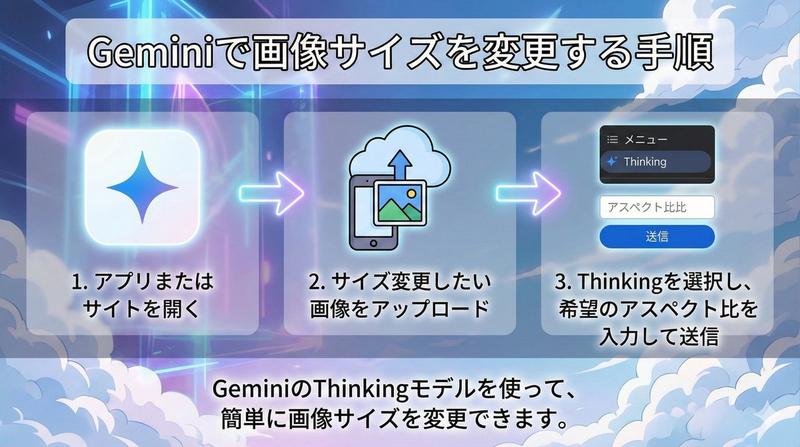
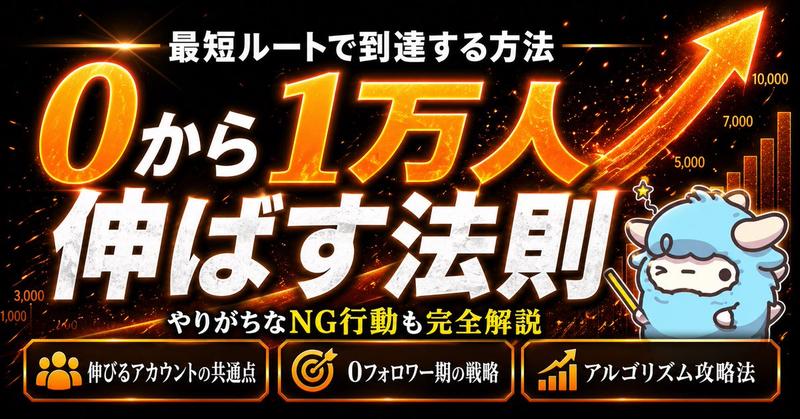
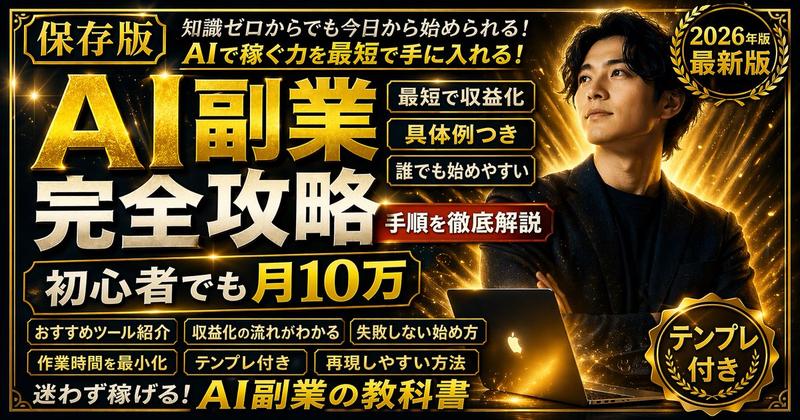
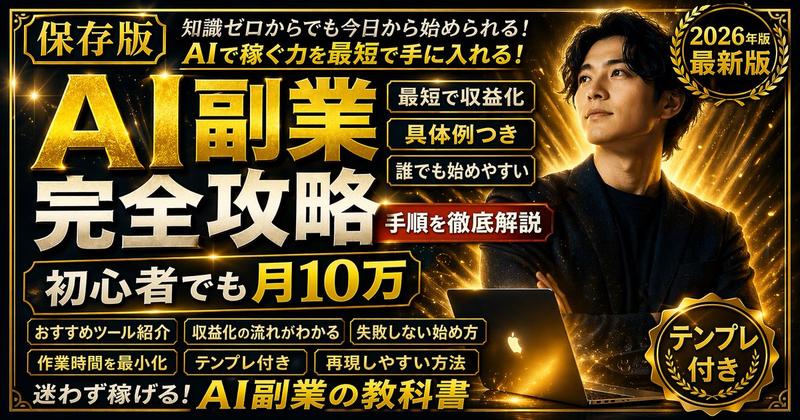
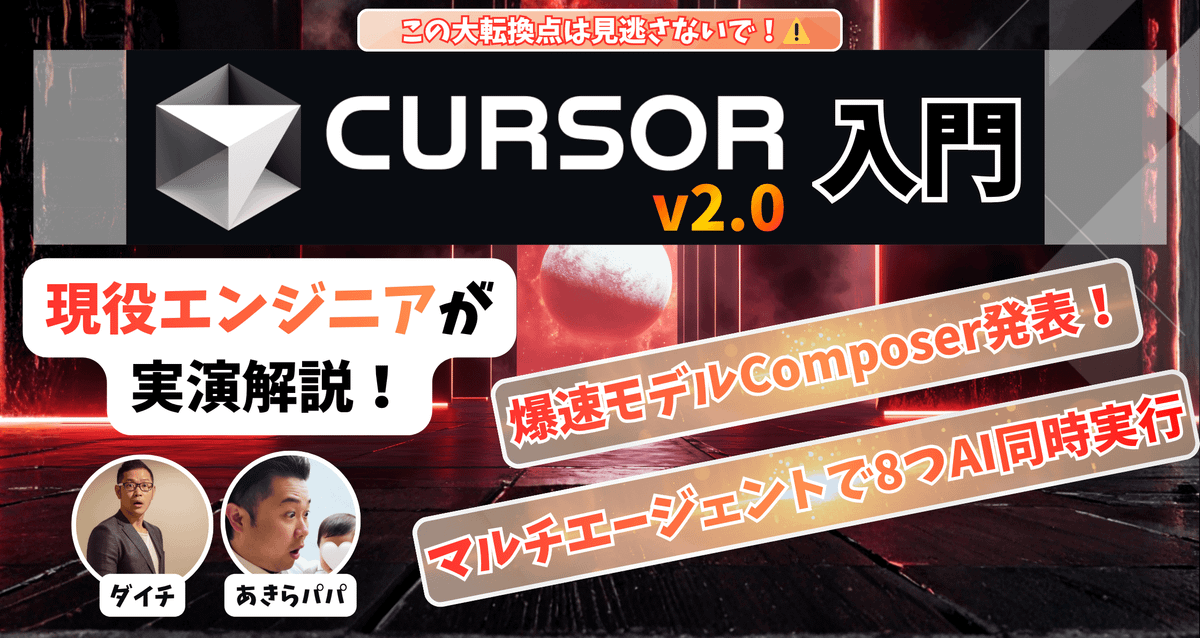
Nano Banana Proさん。Youutbeサムネも改善してくれる👀
・👈左:Canvaで手作業
・👉右:Nano Banana Proで一撃
プロンプト:「天才サムネデザイナー心理学者目線で構成から考えて最高に再生回数が上がるサムネイル画像生成して」
【開発AIの地殻変動発生⚠️|Cursor v2.0入門】爆速モデル"Composer"と8つのAIが同時に動く"マルチエージェント機能"の使い方を解説!- AI待ちからの解放と新たな開発次元へ突入- - YouTube
URL: https://t.co/aey8k4eHB9
#nanobanana_pro @LxGtUGtlRSh8yXW
Category
Creative Use Cases
Model
Nano Banana Pro
Views0
Source ID
nano-banana-pro-youtube-thumbnail-optimization-and-cursor-v2-0-introduction

Guide

About "Nano Banana Pro:YouTube萨姆内优化与AI Cursor v2.0入门"

What is this prompt for?

"Nano Banana Pro:YouTube萨姆内优化与AI Cursor v2.0入门" AI image prompt for Nano Banana Pro (Creative Use Cases). Nano Banana Proさん。Youutbeサムネも改善してくれる👀 ・👈左:Canvaで手作業…

The full copyable prompt and example visuals above are ready for AI image generation or one-click recreate in Picva.

How to use this prompt

  1. Step 1

    Open the prompt detail

    Review the example visuals, category, and full prompt text for "Nano Banana Pro:YouTube萨姆内优化与AI Cursor v2.0入门".

  2. Step 2

    Copy the prompt

    Copy the prompt body from this page, or load it directly in Studio.

  3. Step 3

    Pick a model (Nano Banana Pro)

    Prefer Nano Banana Pro. If you switch models, keep subject and composition and tweak style terms.

  4. Step 4

    Generate and export

    Recreate the look in Picva, or export into your workflow for editing and publishing.

FAQ

What is the "Nano Banana Pro:YouTube萨姆内优化与AI Cursor v2.0入门" prompt?
It is an AI image-generation prompt for Nano Banana Pro in the Creative Use Cases category. This page includes the full prompt text, example visuals, and a one-click recreate path in Picva.
How do I use this prompt to generate an image?
Copy the prompt from this page, or use Generate / Studio. Paste it into a compatible image model, or recreate the look in Picva with optional reference images.
Which model is this prompt for?
This page lists Nano Banana Pro. Most descriptive prompts also transfer to nearby image models such as GPT Image, Flux, or Midjourney with light style tweaks.
Can I use the result commercially?
You can usually copy the prompt for creation, but commercial use of the final image depends on the model terms, reference-image rights, and the generated content. Follow the source author and platform rules.